19

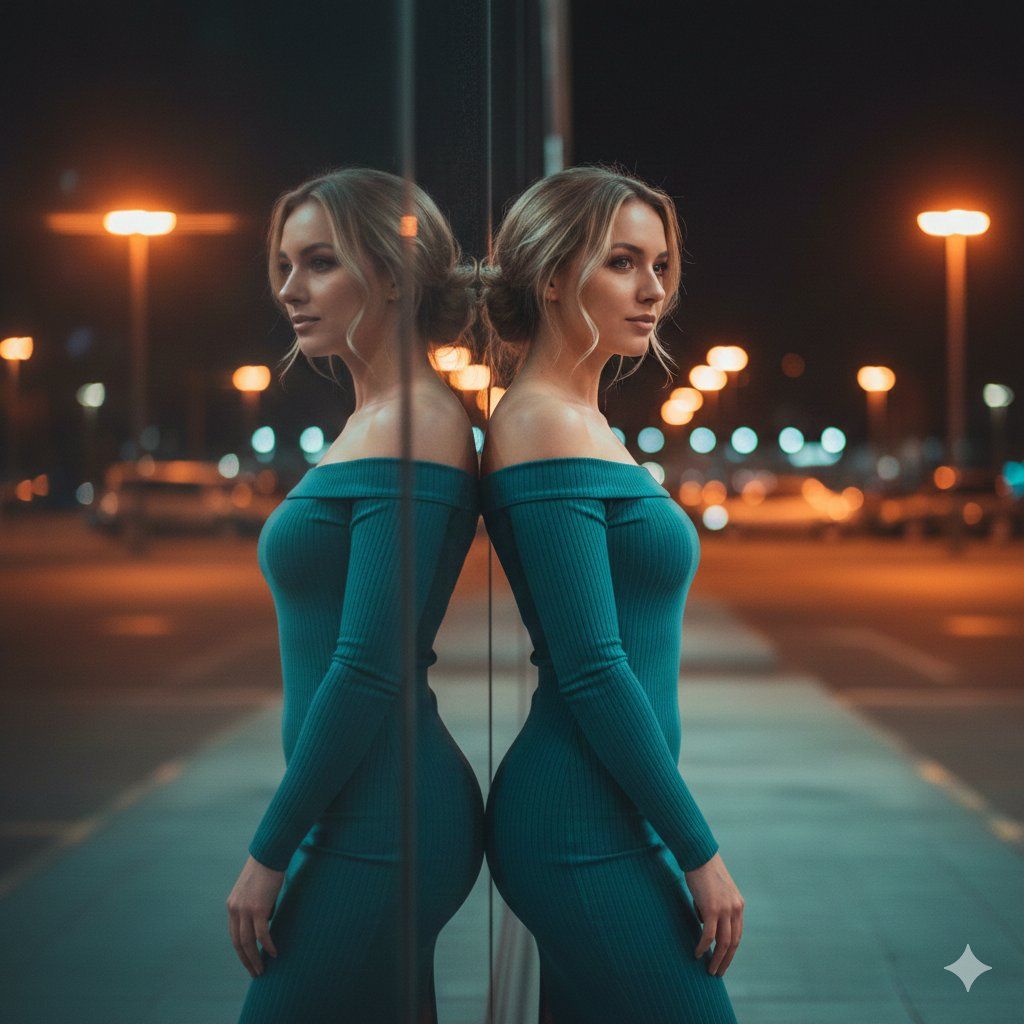
霓虹灯镜面反射肖像提示
Enlarge

霓虹灯镜面反射肖像提示

Prompt
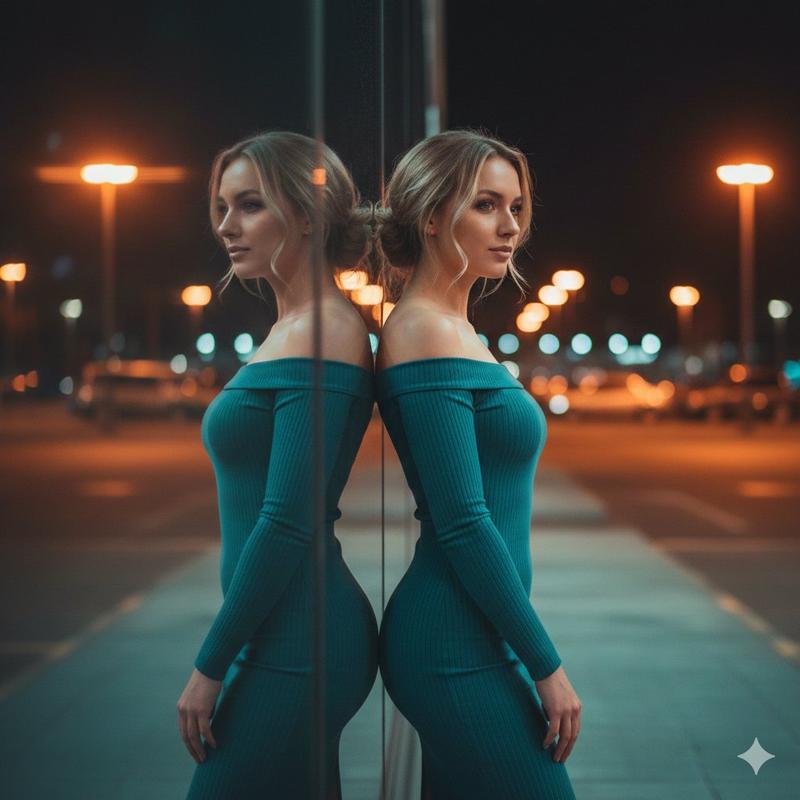
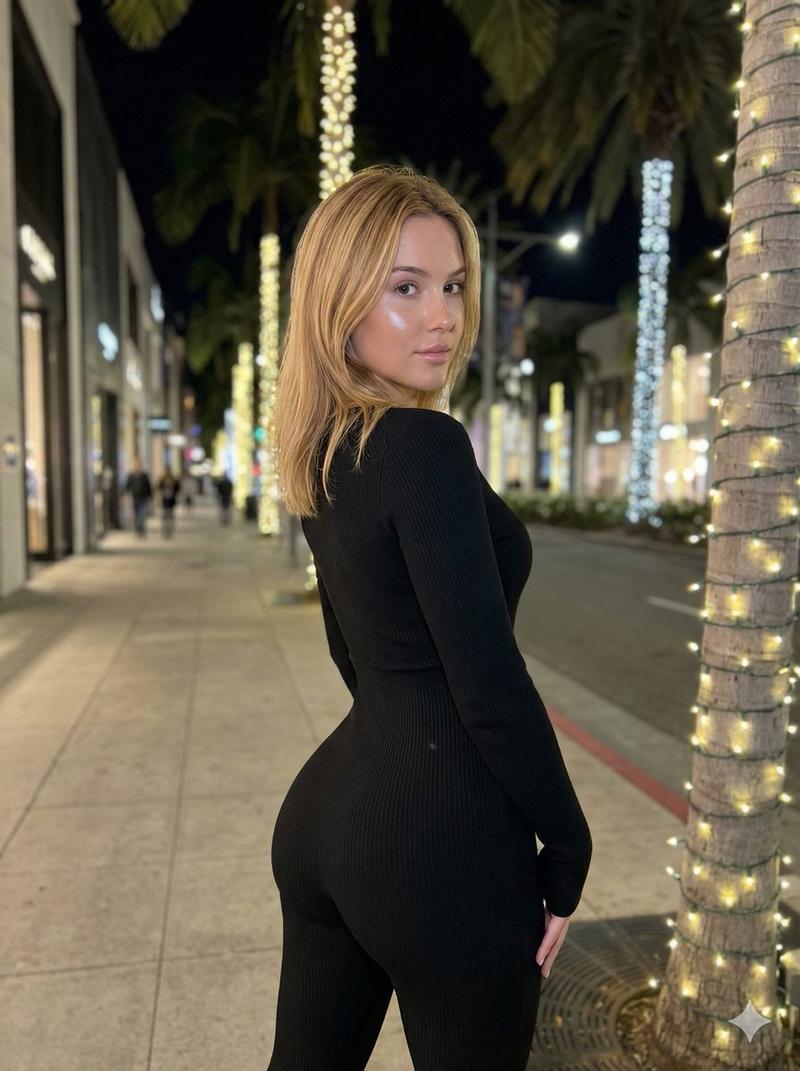
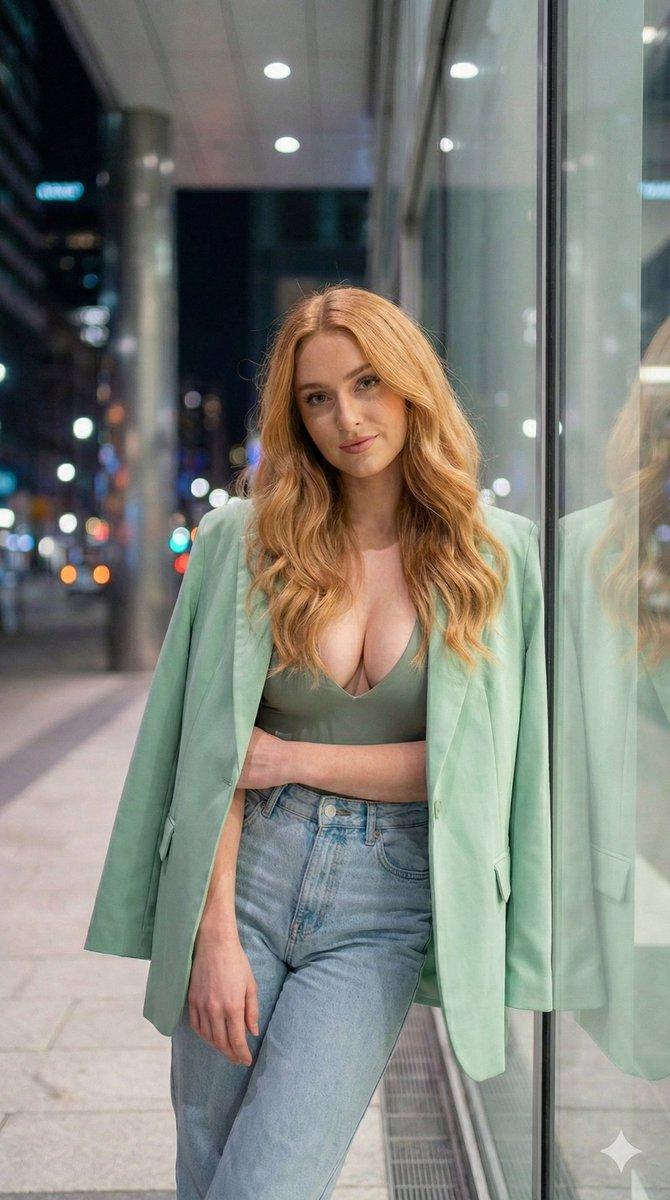
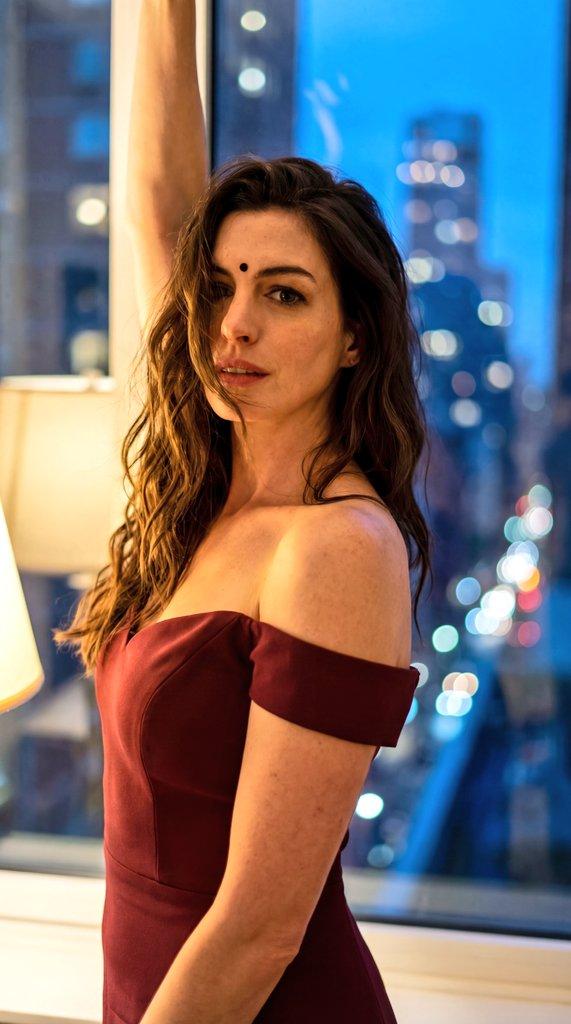
[1] SUBJECT:
beautiful young woman, standing sideways, facing right, soft expression,
wearing a tight teal off-shoulder ribbed dress, slim body shape,
loose blonde hair tied casually, soft strands falling near face

[2] SCENE & COMPOSITION:
full-body/three-quarter portrait,
standing next to a tall reflective glass wall,
perfect mirror reflection visible,
symmetrical reflection effect,
camera positioned at slight lower angle to create depth

[3] LIGHTING:
warm orange neon lights in the background,
cool teal light reflecting from below,
cinematic lighting blend (orange + teal),
soft rim light on shoulders and hair,
subtle glow, atmospheric depth

[4] BACKGROUND:
urban night scene, blurred parking lot lights,
horizontal glowing bokeh lines,
creamy bokeh, shallow depth of field,
smooth gradient colors (orange, yellow, teal)

[5] CAMERA & LENS:
shot on 85mm f/1.4,
shallow DOF,
DSLR full-frame look,
soft cinematic contrast, film-like texture,
high dynamic range, 8K clarity

[6] STYLE & QUALITY:
hyper-realistic skin texture,
smooth highlights,
professional portrait photography,
cinematic mood, warm & moody tones,
high detail, photorealistic rendering

[7] NEGATIVE PROMPT:
no distortion, no extra limbs, no blur on subject,
no artifacts, no overexposure,
no cartoon look, no low-resolution,
no incorrect reflection alignment
Category
创意图片
Model
Nano Banana Pro
Creator
Vivek HY
Views0
Source ID
070f456c-d200-448c-b57d-1a1a41335bf0
Published
Mar 8, 2026

Guide

About "霓虹灯镜面反射肖像提示"

What is this prompt for?

"霓虹灯镜面反射肖像提示" AI image prompt for Nano Banana Pro (创意图片). 一个高度详细的多段提示,用于生成一张超逼真、电影感的年轻女性肖像,利用镜面反射和对比鲜明的霓虹灯光(橙色和青色)。它详细说明了拍摄对象的样貌、姿势、场景构图、技术相机设置(85mm f/1.4,浅景深)…

The full copyable prompt and example visuals above are ready for AI image generation or one-click recreate in Picva.

How to use this prompt

  1. Step 1

    Open the prompt detail

    Review the example visuals, category, and full prompt text for "霓虹灯镜面反射肖像提示".

  2. Step 2

    Copy the prompt

    Copy the prompt body from this page, or load it directly in Studio.

  3. Step 3

    Pick a model (Nano Banana Pro)

    Prefer Nano Banana Pro. If you switch models, keep subject and composition and tweak style terms.

  4. Step 4

    Generate and export

    Recreate the look in Picva, or export into your workflow for editing and publishing.

FAQ

What is the "霓虹灯镜面反射肖像提示" prompt?
It is an AI image-generation prompt for Nano Banana Pro in the 创意图片 category. This page includes the full prompt text, example visuals, and a one-click recreate path in Picva.
How do I use this prompt to generate an image?
Copy the prompt from this page, or use Generate / Studio. Paste it into a compatible image model, or recreate the look in Picva with optional reference images.
Which model is this prompt for?
This page lists Nano Banana Pro. Most descriptive prompts also transfer to nearby image models such as GPT Image, Flux, or Midjourney with light style tweaks.
Can I use the result commercially?
You can usually copy the prompt for creation, but commercial use of the final image depends on the model terms, reference-image rights, and the generated content. Follow the source author and platform rules.