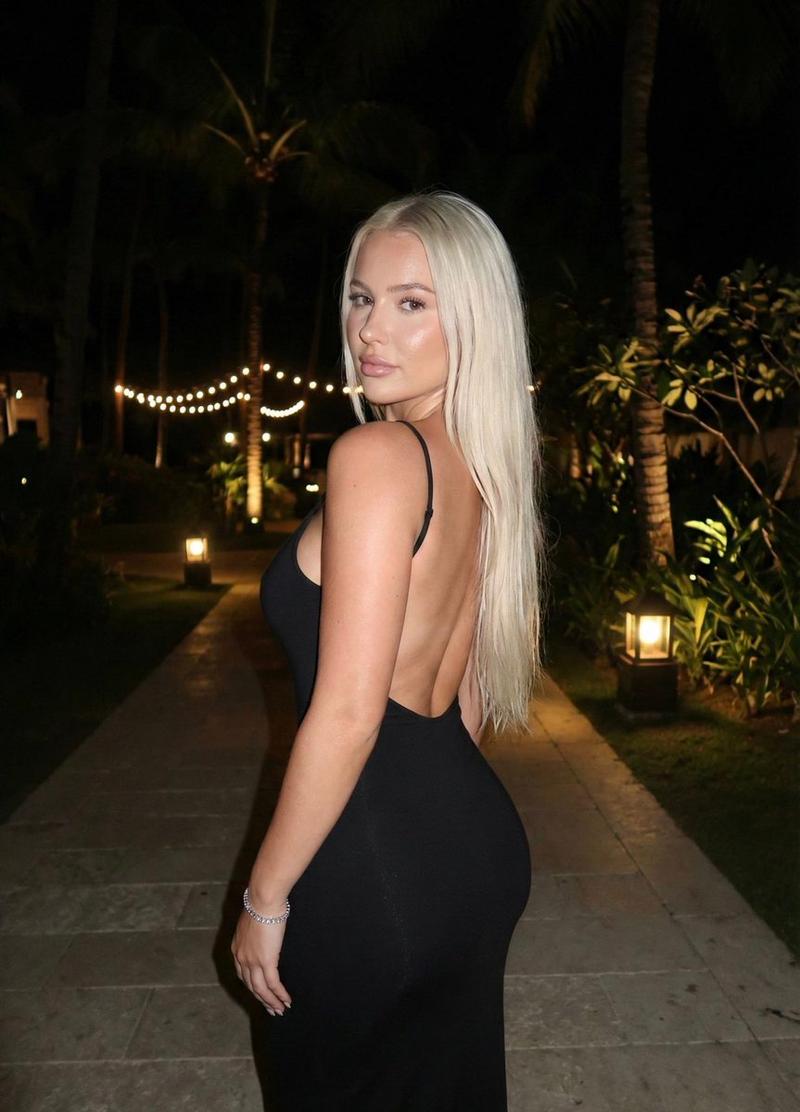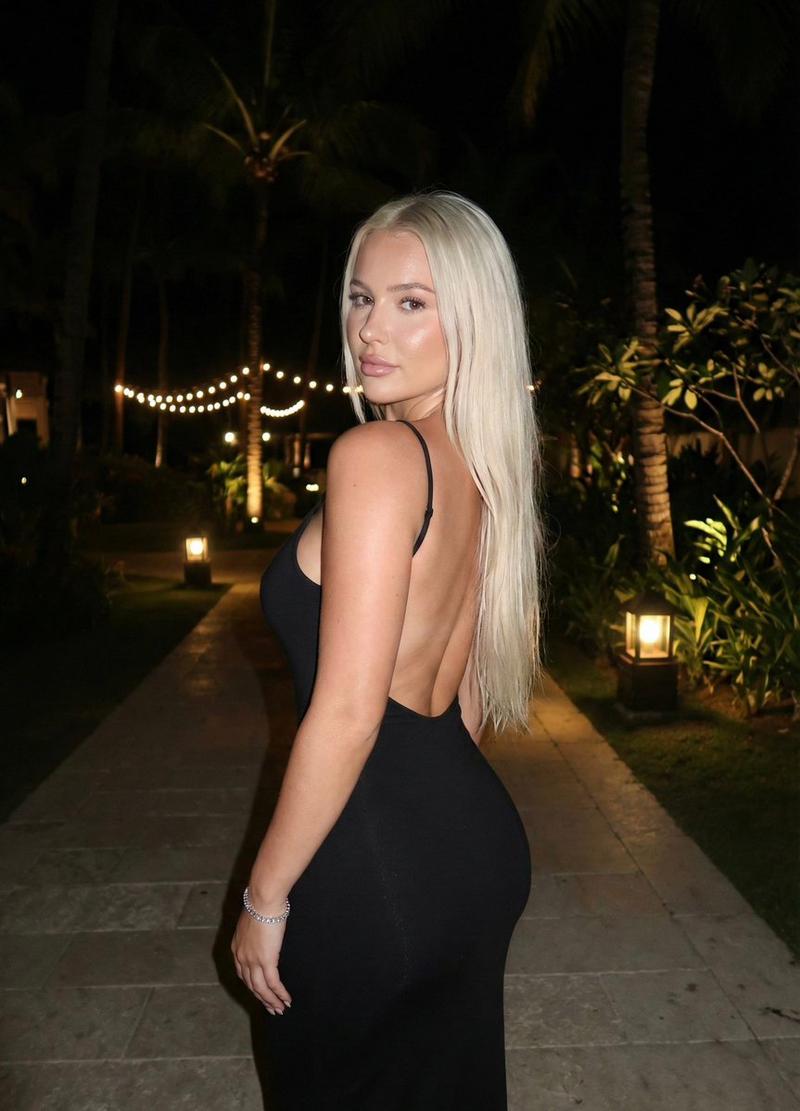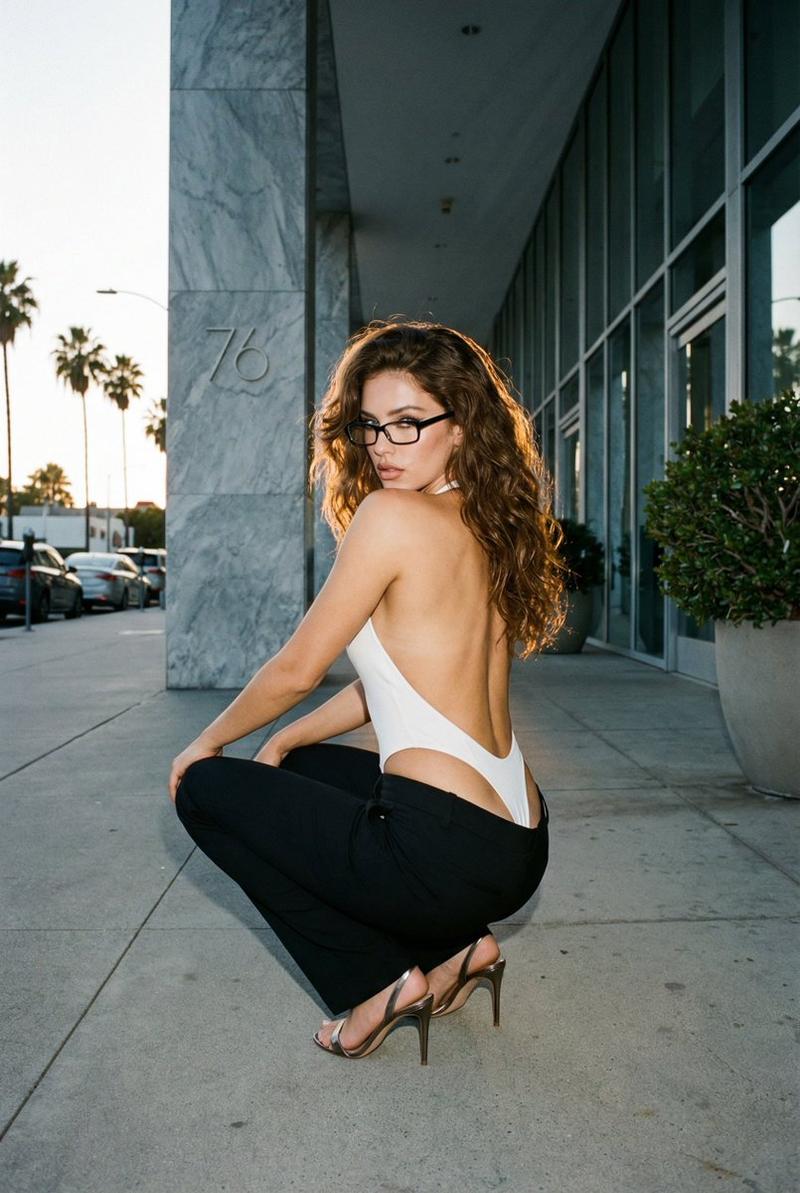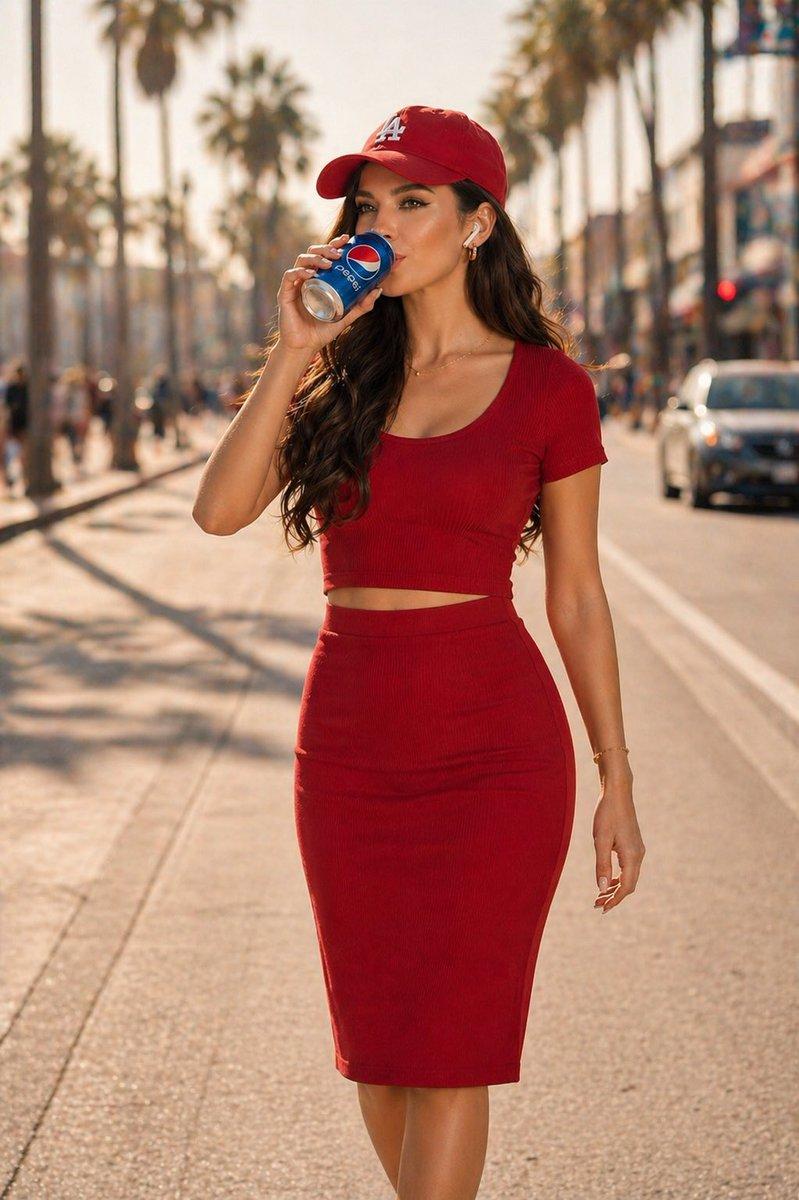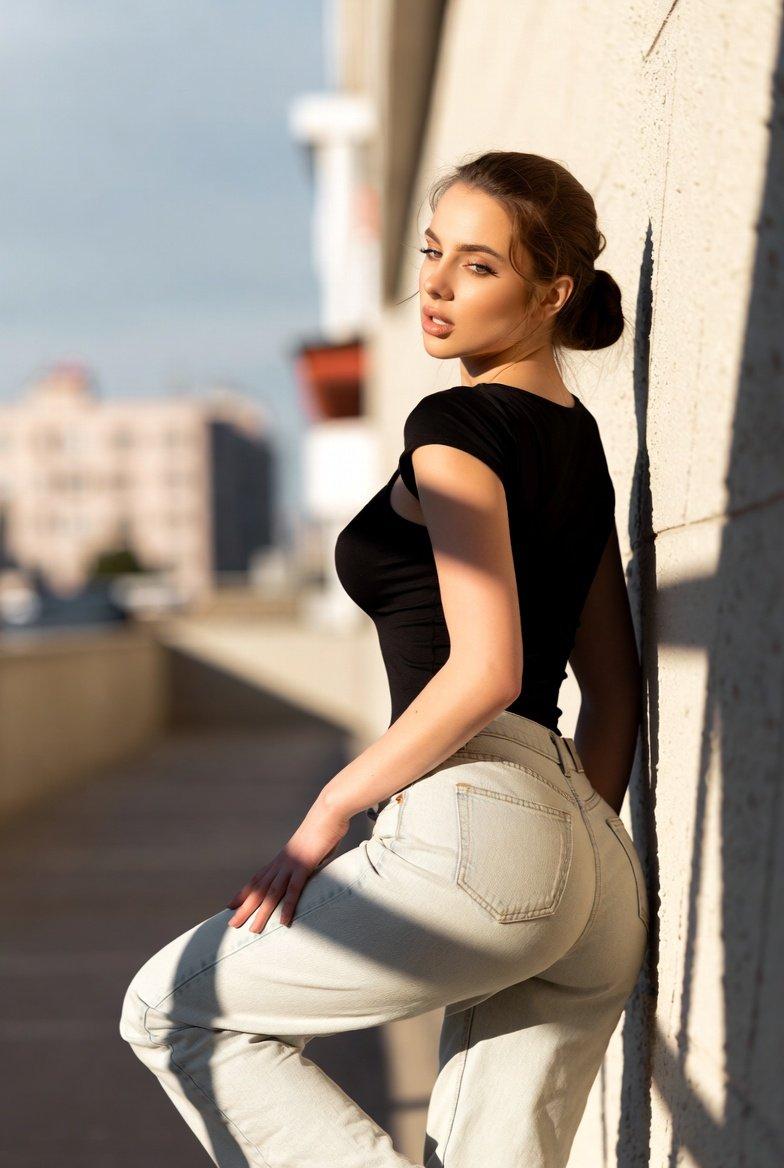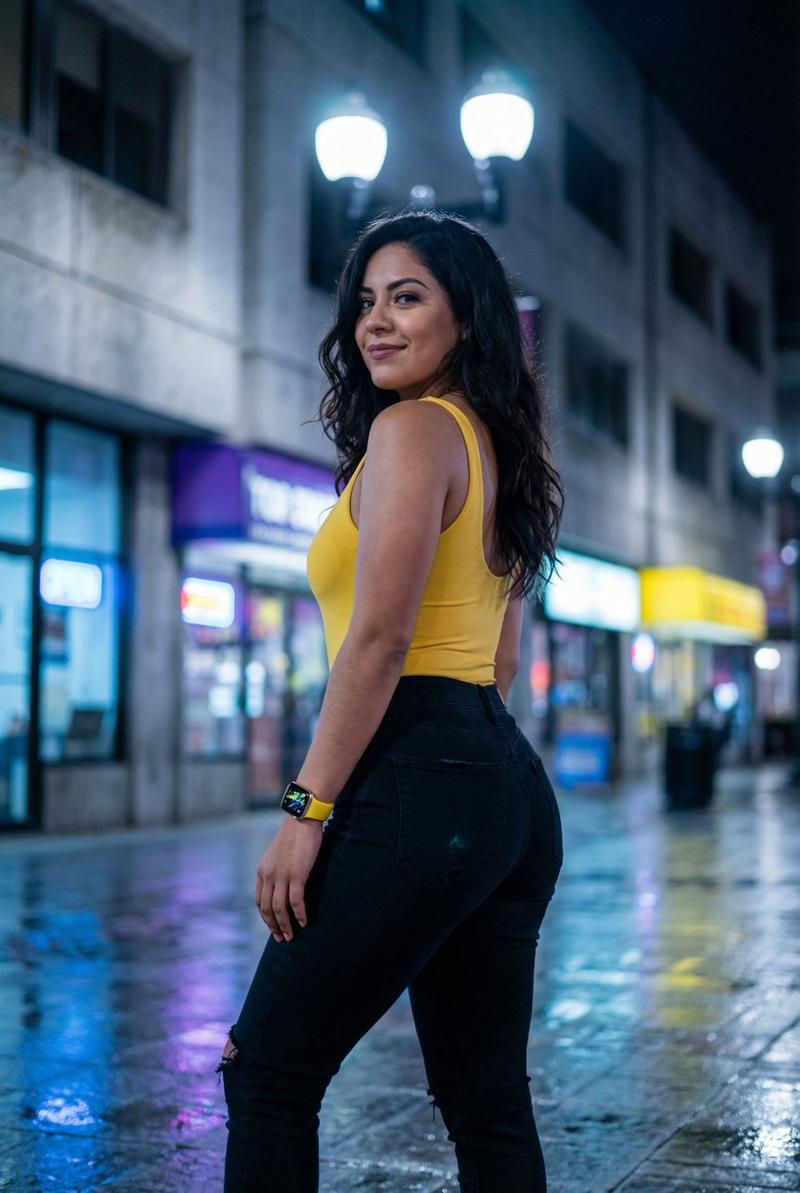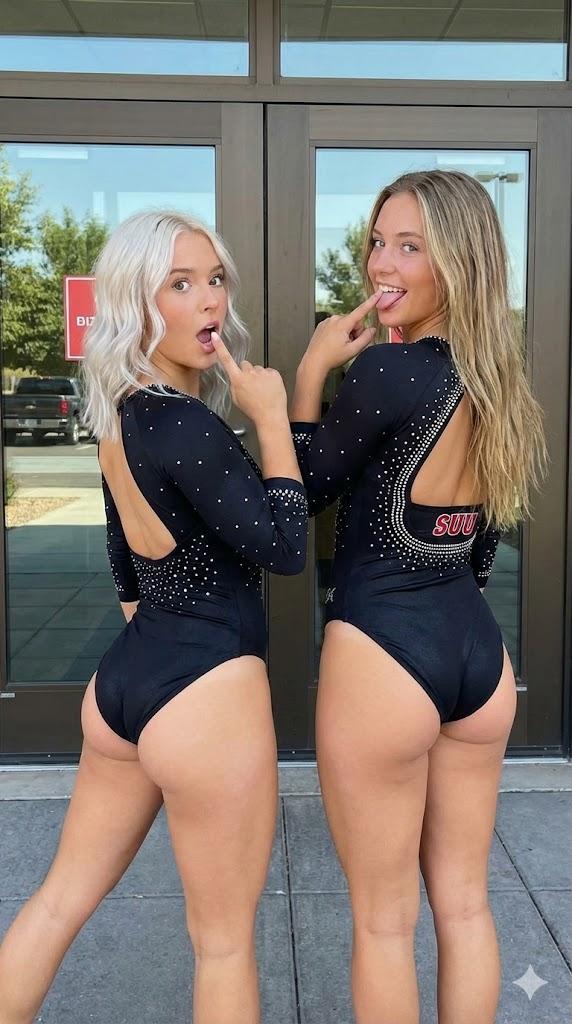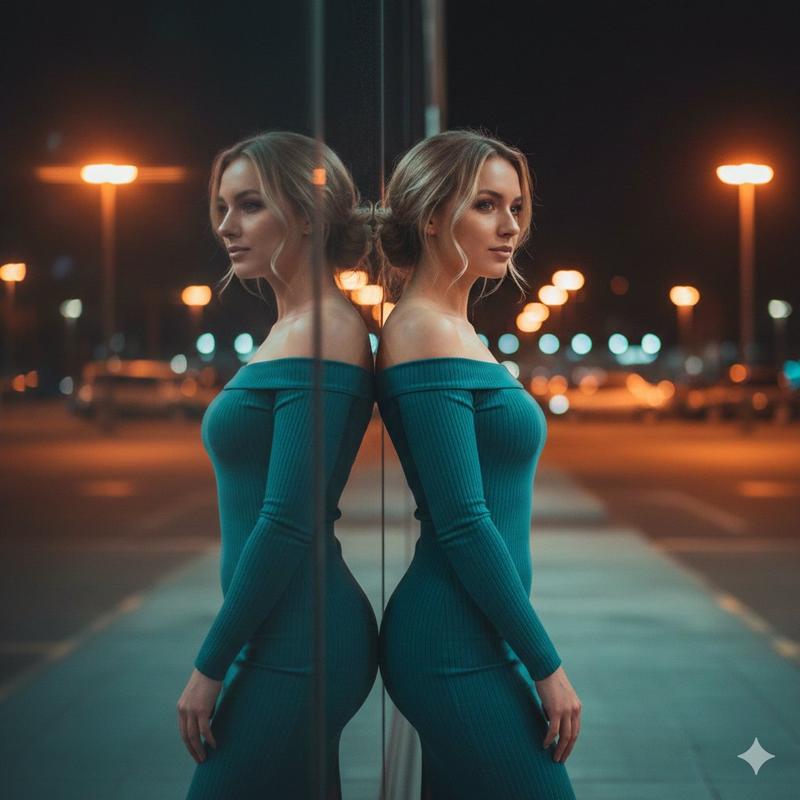
超逼真后斜姿势复制提示
Prompt
{
  "meta": {
    "task": "exact_visual_replication",
    "version": "v3_ultra_pose_lock",
    "aspect_ratio": "3:4",
    "strictness_level": "absolute_fidelity"
  },
  "subject_morphology": {
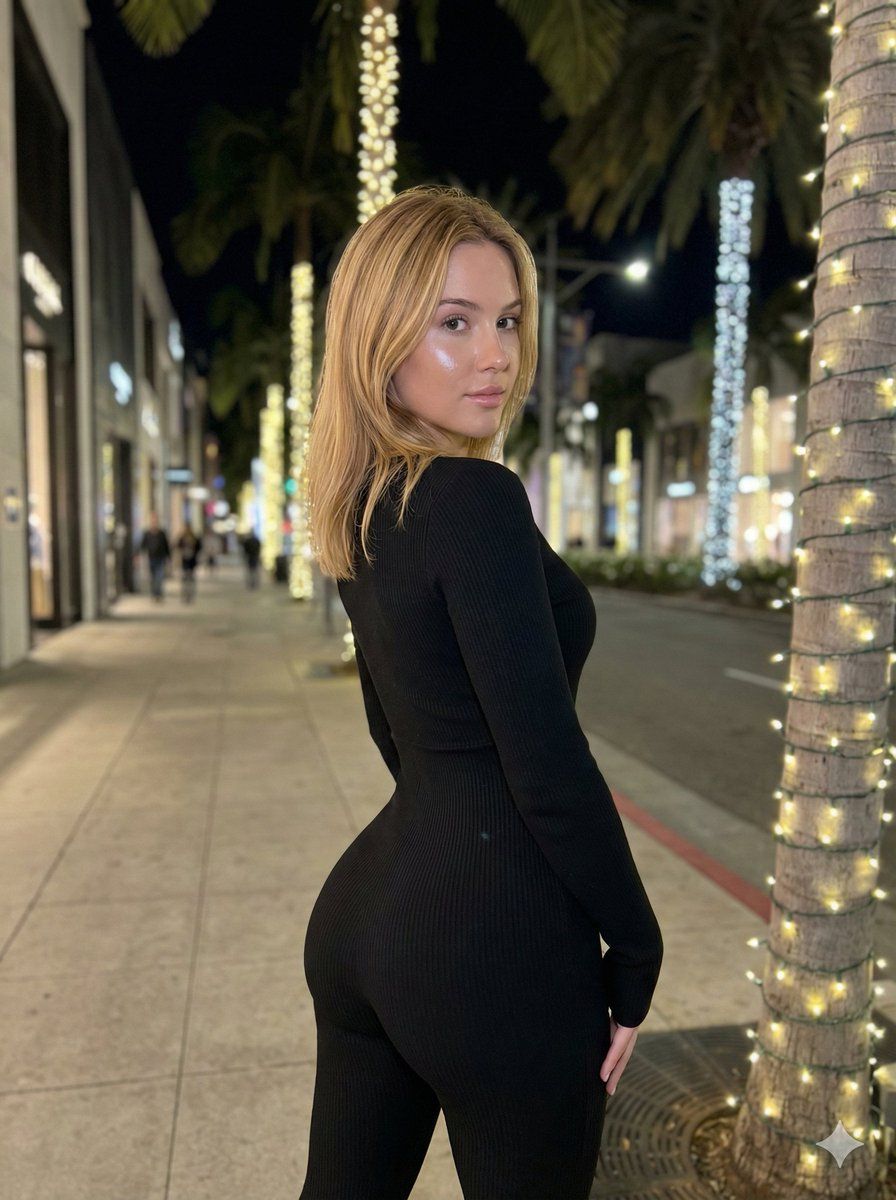
    "demographics": "Young female",
    "hair": {
      "color": "Warm blonde",
      "style": "Shoulder-length lob, straight with slight texture",
      "behavior": "Falling naturally, slight gravity pull on ends, illuminated by artificial light"
    },
    "skin": {
      "tone": "Fair/Pale",
      "texture": "Natural smoothness with slight flash washout on face",
      "lighting_reaction": "Reflective sheen on cheekbones and nose"
    }
  },
  "apparel_and_textiles": {
    "garment": "Full-body tight jumpsuit / unitard",
    "color": "Deep black",
    "material": "Ribbed knit fabric",
    "fit": "Hyper-compressive, skin-tight, confirming exactly to anatomical curves",
    "texture_visibility": "Vertical ribbing visible where light catches curvature (buttocks, waist, arm)"
  },
  "pose_geometry_and_physics": {
    "overall_orientation": "Standing, rear-oblique angle (facing away from camera, twisted back)",
    "spine_curvature": {
      "lumbar": "Extreme lordosis (deep lower back arch)",
      "thoracic": "Rotational twist to subject's left",
      "cervical": "Head rotated approx 80 degrees left to look over shoulder"
    },
    "pelvic_state": {
      "tilt": "Aggressive anterior pelvic tilt",
      "rotation": "Square to the rear-diagonal axis",
      "visual_dominance": "Gluteal region visually magnified by perspective and tilt"
    },
    "limb_placement": {
      "left_arm": "Hanging straight down side, slight elbow flexion, hand relaxed near thigh",
      "right_arm": "Obscured by torso rotation, shoulder drop visible",
      "legs": "Standing straight, weight slightly biased to right leg, knees soft-locked"
    },
    "weight_distribution": "Gravity-centered on heels, posture actively held against gravity to maintain curve"
  },
  "camera_and_framing": {
    "angle": "Eye-level relative to subject's torso",
    "focal_length": "Medium-wide (smartphone camera aesthetic)",
    "composition": {
      "framing": "Subject centered horizontally, cropped at mid-thigh/knee",
      "foreground": "Palm tree trunk with lights on immediate right edge",
      "depth": "Deep perspective of street receding to left"
    }
  },
  "lighting_and_atmosphere": {
    "environment": "Urban luxury street at night (sidewalk)",
    "primary_source": "Mixed artificial street lighting",
    "key_light": "Frontal flash or bright signage illuminating face and hair (cool/neutral temp)",
    "ambient_light": "Warm yellow glow from string lights wrapped around palm trees",
    "shadows": "Soft drop shadows on ground, deep occlusion shadows in clothing folds",
    "bokeh": "Distant street lights and storefronts slightly out of focus"
  },
  "environmental_details": {
    "location": "Upscale shopping district sidewalk"
  }
}- Category
- 创意图片
- Model
- Nano Banana Pro
- Creator
- brindley
- Source ID
- f7dd353d-f6df-42d6-90b0-a240544c1a46
- Published
- Mar 8, 2026
Views0