16

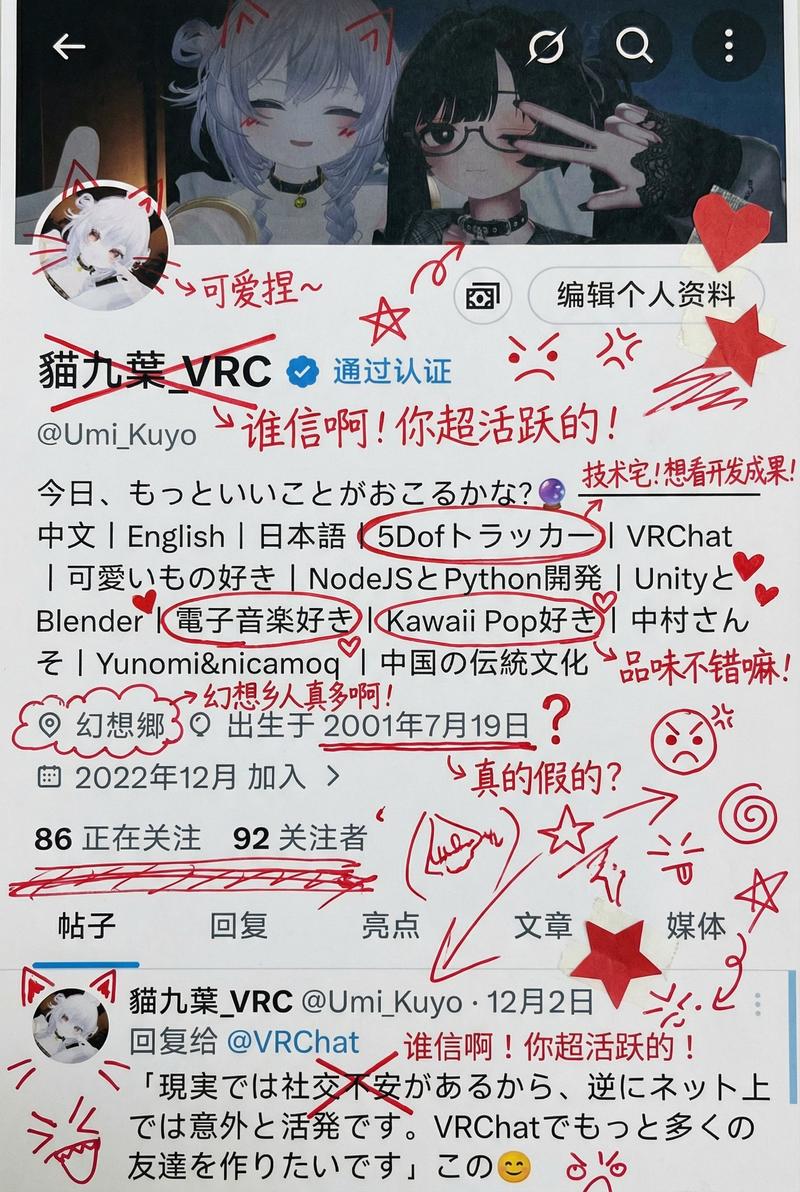
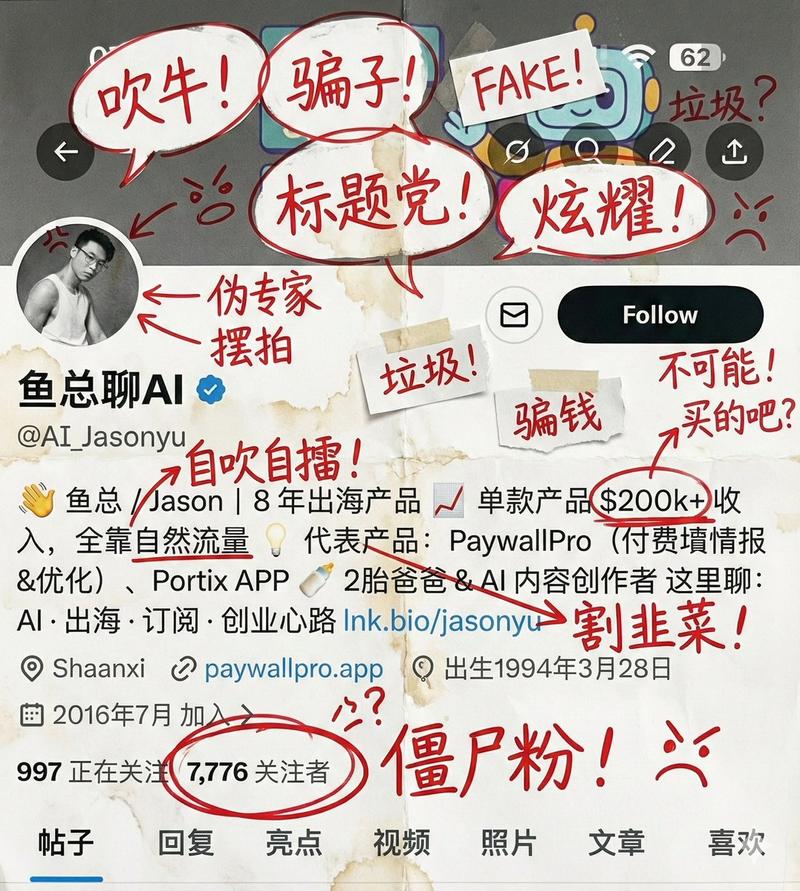
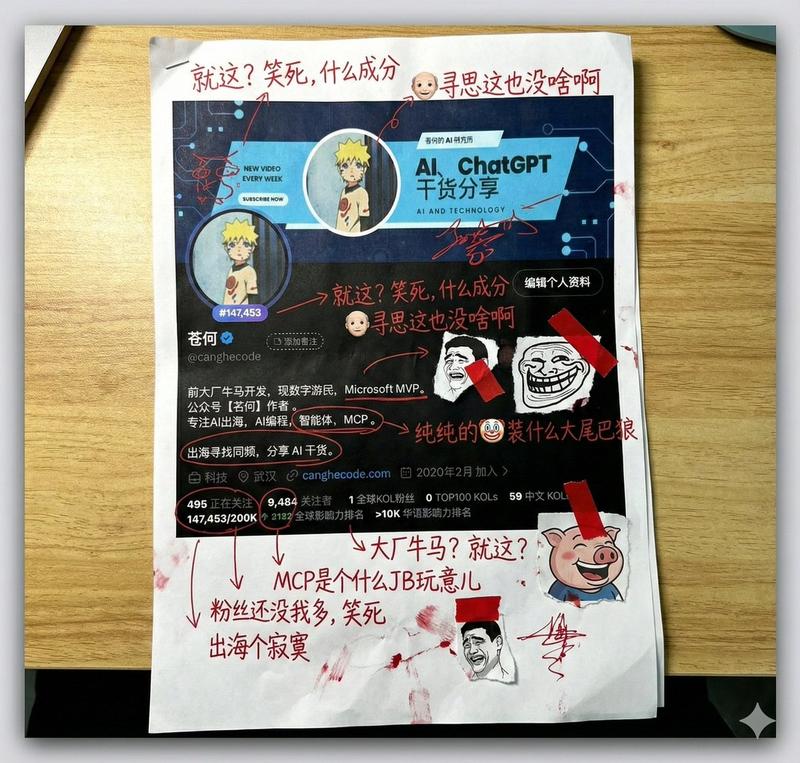
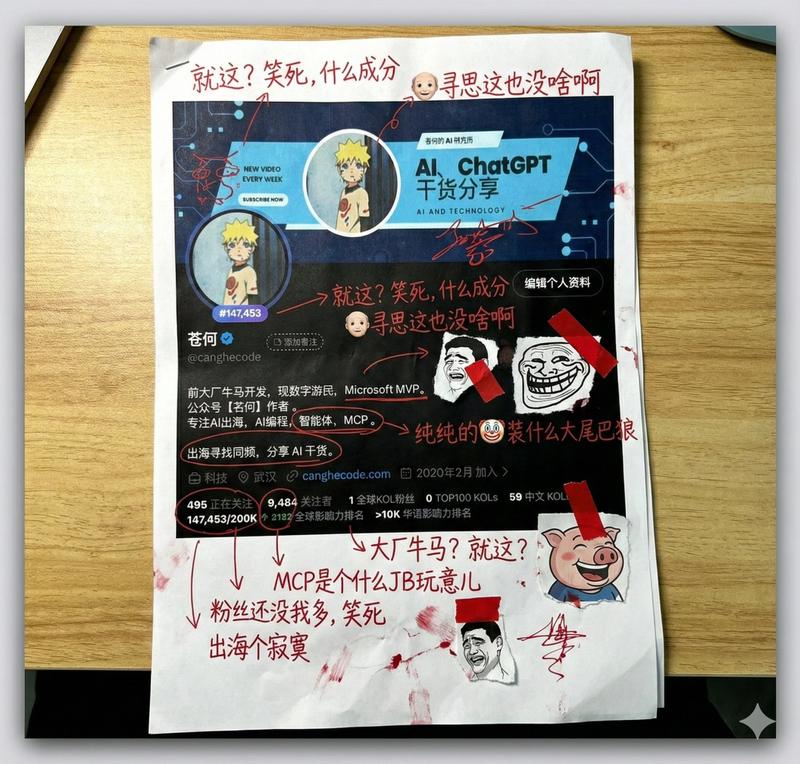
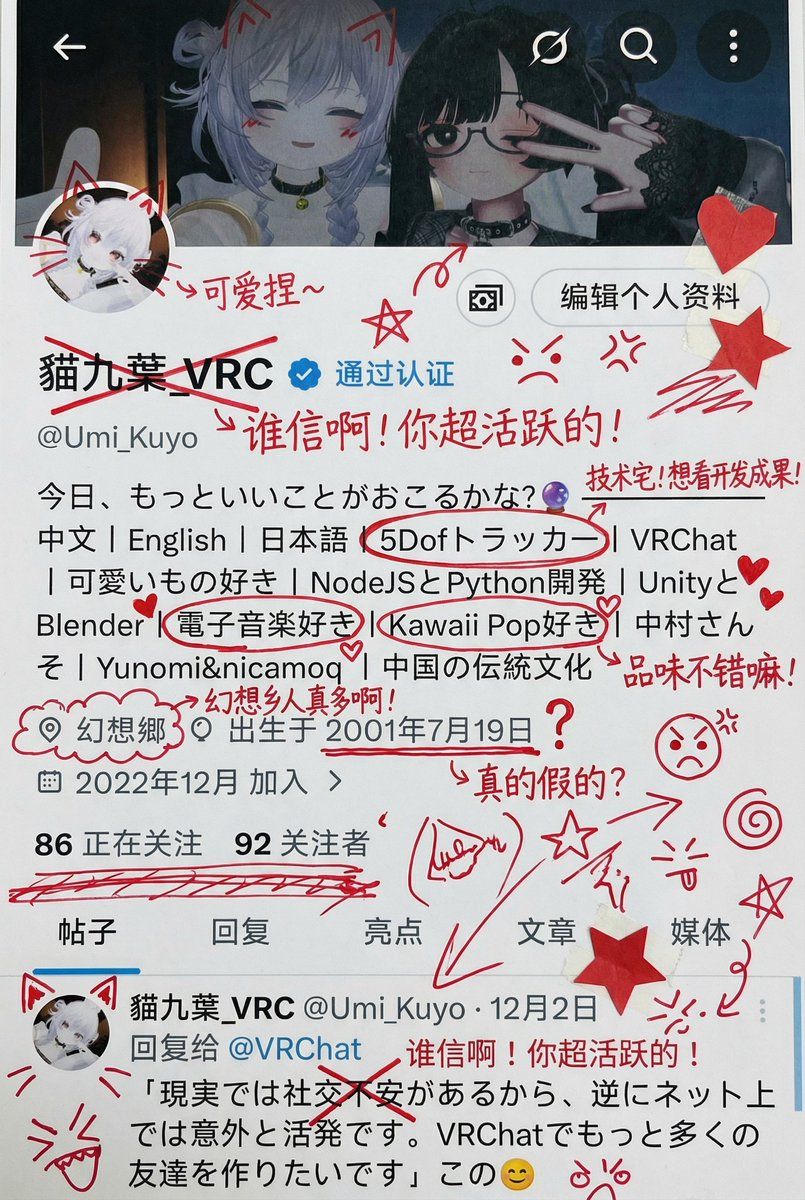
图像标注和污损
Enlarge

图像标注和污损

Prompt
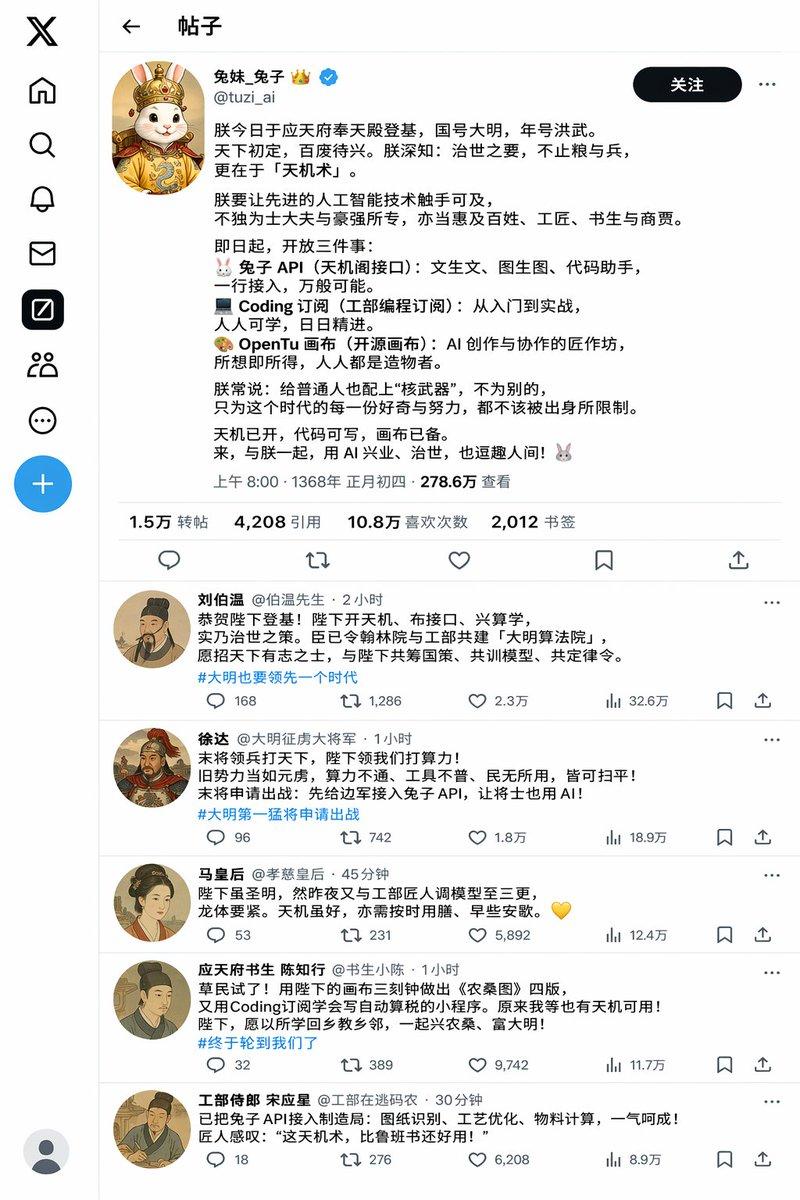
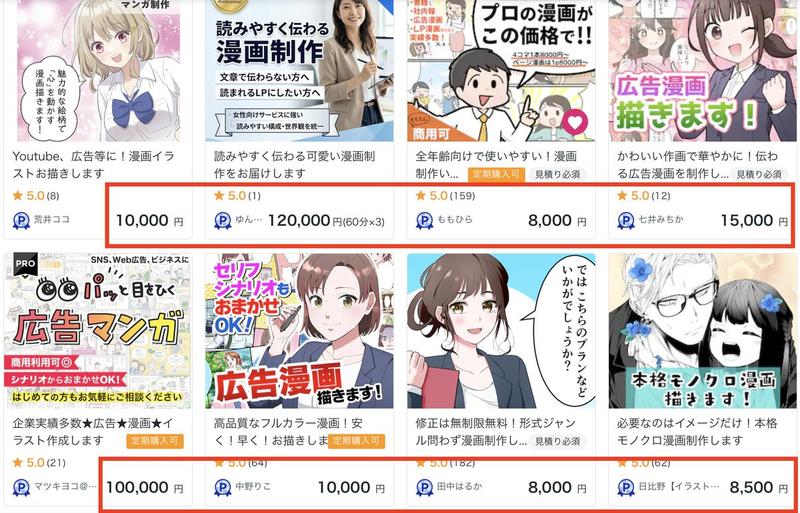
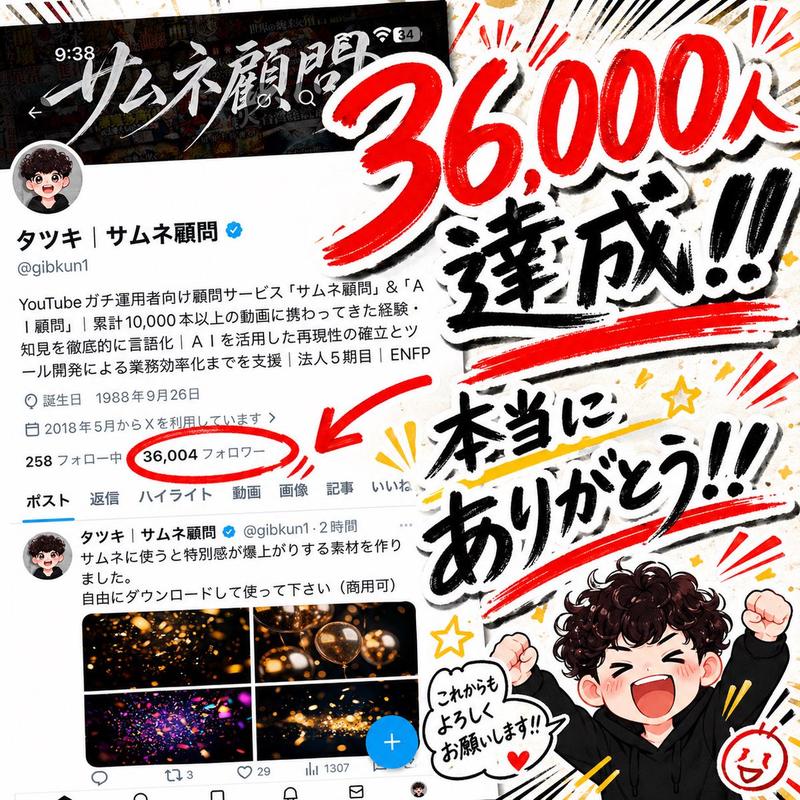
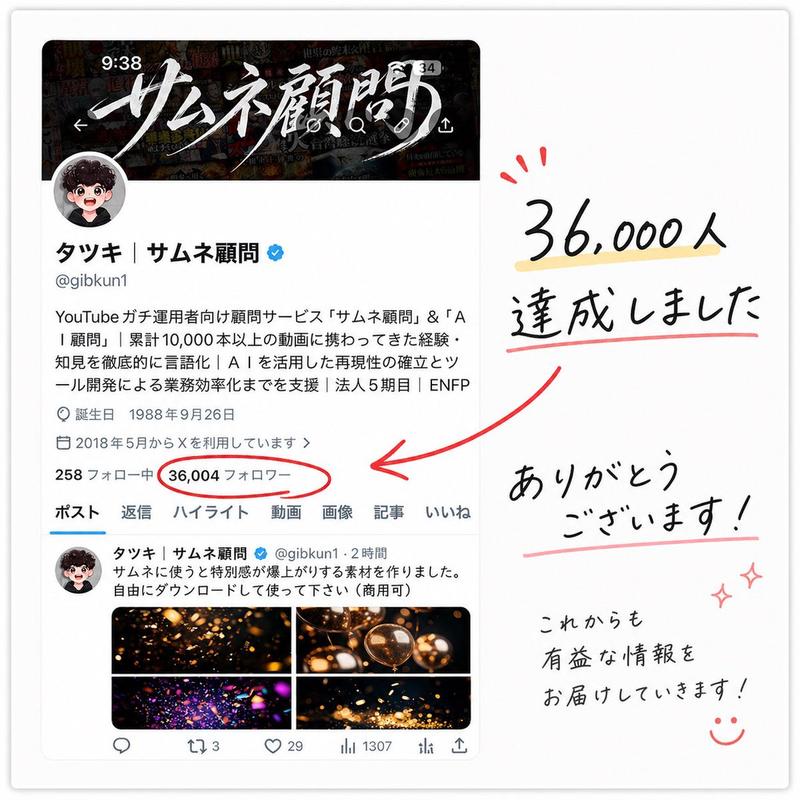
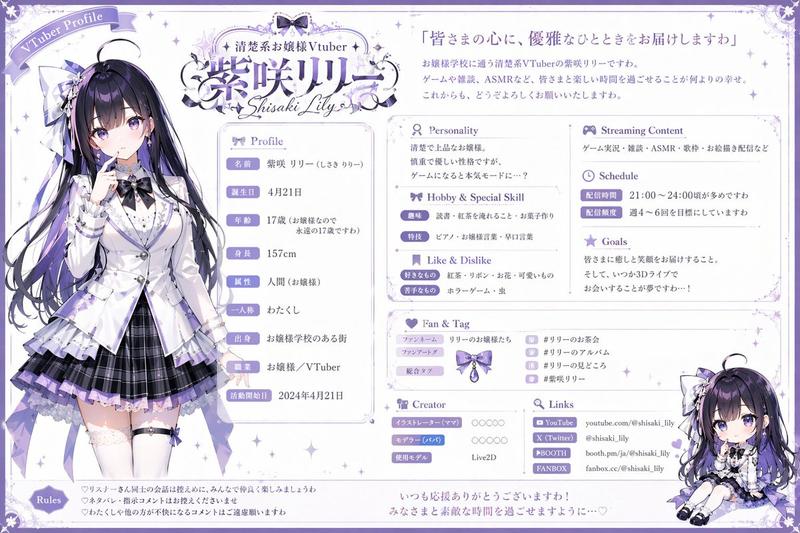
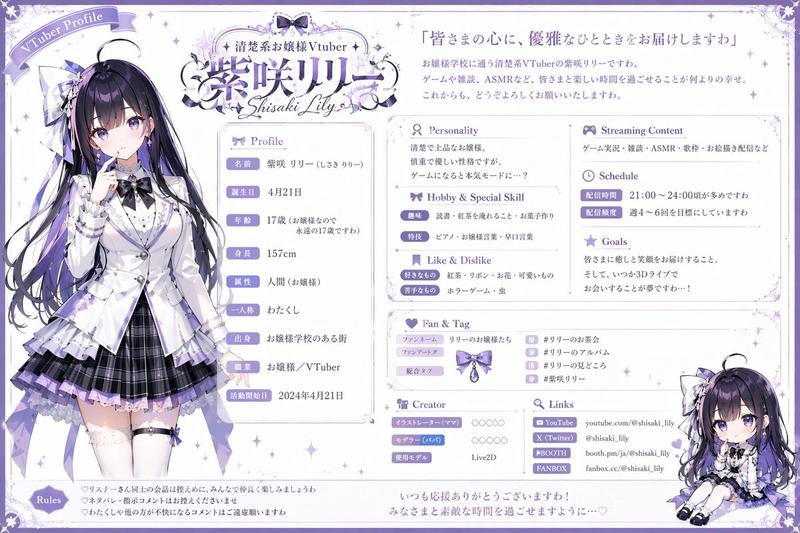
在不改变原图尺寸和背景的情况下生成图片,把它打印出来,然后用红墨水疯狂地加上手写中文批注、涂鸦、乱画,如果你想的话,检索这个账户({argument name="主页链接" default="你的主页链接"})的内容,涂鸦的内容主要为吐槽他,还可以加点小剪贴画
Category
创意图片
Model
Nano Banana Pro
Views0
Source ID
7491c054-d375-4db1-84d8-bb2ead4aa9a0
Published
Mar 8, 2026

Guide

About "图像标注和污损"

What is this prompt for?

"图像标注和污损" AI image prompt for Nano Banana Pro (创意图片). 一个给 Nano Banana Pro 的中文提示,指示 AI 接收一张现有图片,将其“打印”出来(概念上),然后用红墨水手写中文注释、涂鸦和乱画,对其进行“恶意”涂污,其中可能包含基于用户账户内容的个性化侮辱…

The full copyable prompt and example visuals above are ready for AI image generation or one-click recreate in Picva.

How to use this prompt

  1. Step 1

    Open the prompt detail

    Review the example visuals, category, and full prompt text for "图像标注和污损".

  2. Step 2

    Copy the prompt

    Copy the prompt body from this page, or load it directly in Studio.

  3. Step 3

    Pick a model (Nano Banana Pro)

    Prefer Nano Banana Pro. If you switch models, keep subject and composition and tweak style terms.

  4. Step 4

    Generate and export

    Recreate the look in Picva, or export into your workflow for editing and publishing.

FAQ

What is the "图像标注和污损" prompt?
It is an AI image-generation prompt for Nano Banana Pro in the 创意图片 category. This page includes the full prompt text, example visuals, and a one-click recreate path in Picva.
How do I use this prompt to generate an image?
Copy the prompt from this page, or use Generate / Studio. Paste it into a compatible image model, or recreate the look in Picva with optional reference images.
Which model is this prompt for?
This page lists Nano Banana Pro. Most descriptive prompts also transfer to nearby image models such as GPT Image, Flux, or Midjourney with light style tweaks.
Can I use the result commercially?
You can usually copy the prompt for creation, but commercial use of the final image depends on the model terms, reference-image rights, and the generated content. Follow the source author and platform rules.