SynClub Chat Sound Effects Guide
Prompt
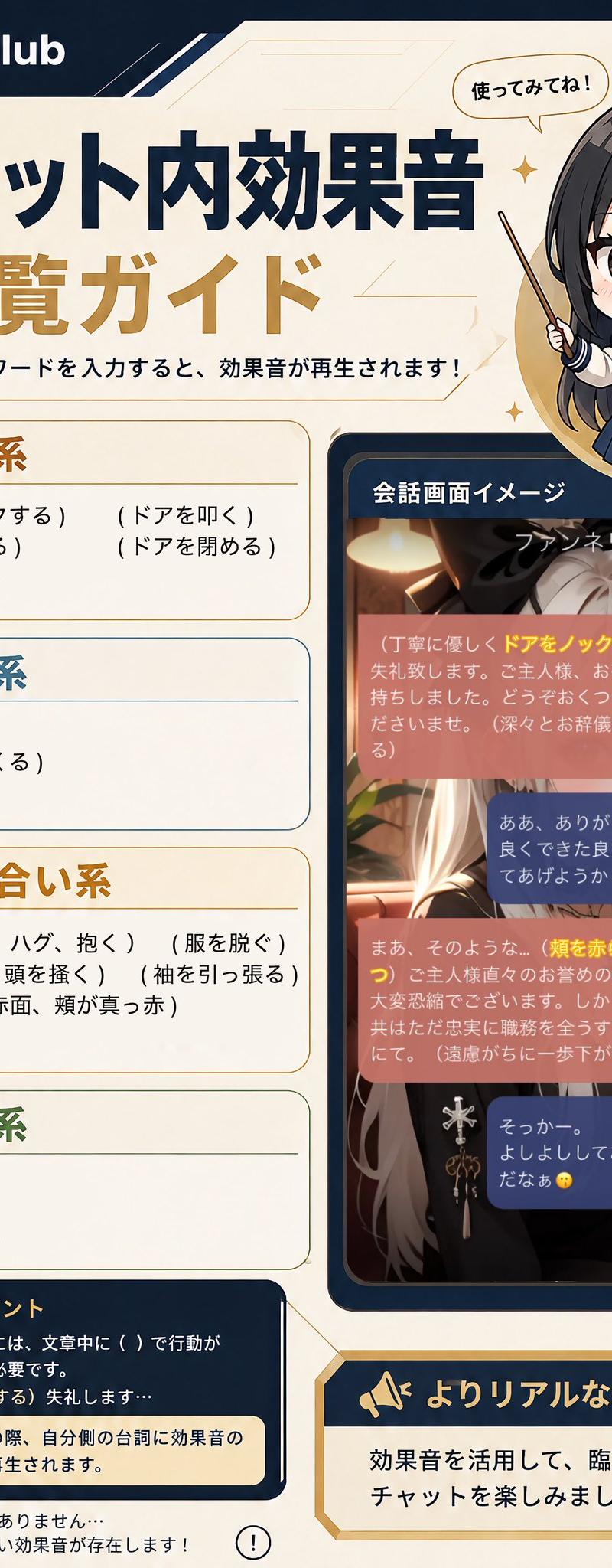
Goal: Create a vertical Japanese infographic guide for SynClub explaining in-chat sound effects triggered by typing words in parentheses. Use the headline {argument name="headline text" default="チャット内効果音 一覧ガイド"} and the brand name {argument name="brand name" default="SynClub"}.

Canvas: Portrait 2:3 layout, cream parchment background with navy and gold accents, thin geometric lines, small sparkle icons, rounded cards, clean app-guide styling. Top left has the SynClub logo icon and wordmark on a dark navy header strip. Main title is large, bold Japanese typography in dark navy and gold. Under the title, add the instruction: 「( )で囲んだワードを入力すると、効果音が再生されます!」.

Layout: Left two-thirds contains the main guide list in four stacked rounded category cards. Right side contains a chibi anime guide character at the top and a smartphone-like chat screen mockup below. Bottom left contains a navy usage-tip box, and bottom right contains a gold-bordered callout banner.

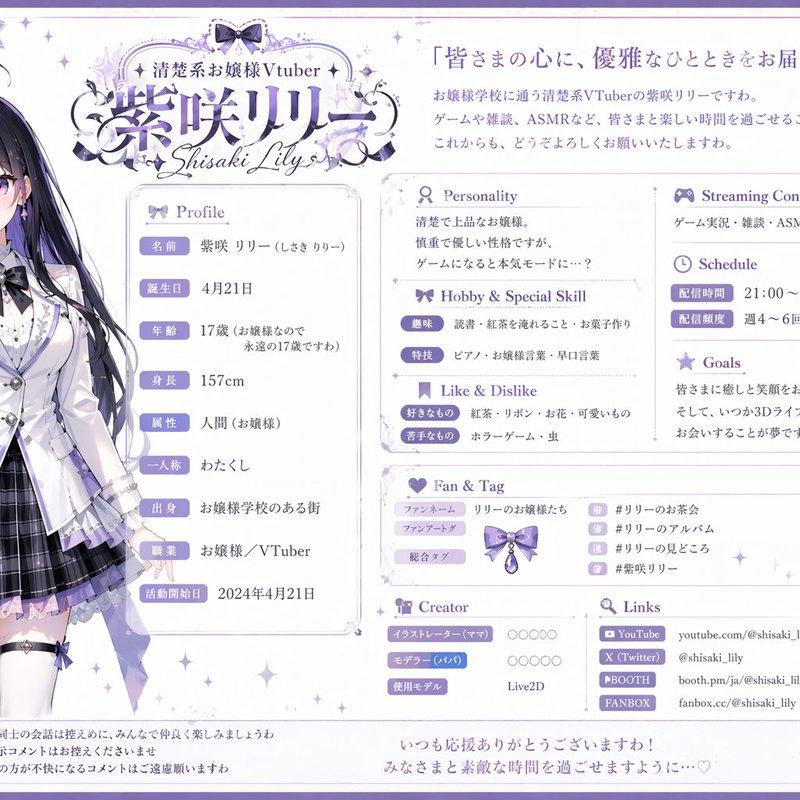
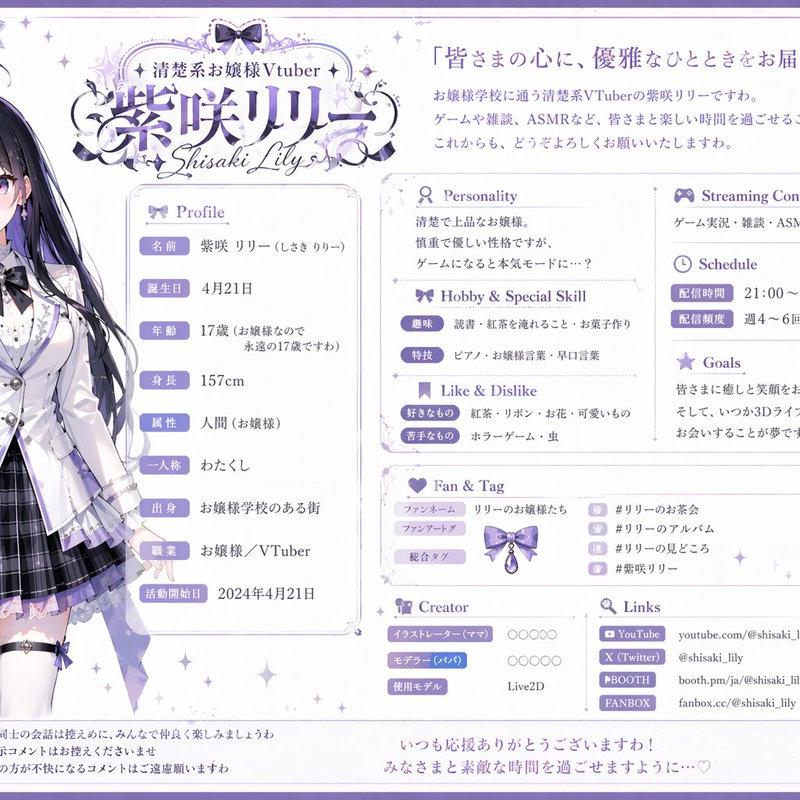
Subject details: At upper right, draw a cute chibi schoolgirl-style anime character with long dark hair, navy uniform, gold hairpins, and a pointing stick; include a speech bubble saying 「使ってみてね!」. Her face is covered by a centered soft gray square blur/censor block. Use {argument name="guide character style" default="chibi anime schoolgirl with long dark hair and navy uniform"} for the character styling.

Guide list: Show exactly 4 sound-effect categories, each with an icon, colored title, and visible trigger phrases in Japanese parentheses.
1. 「ドア系」 with a door icon, brown/gold header, 5 trigger phrases: 「(ドアをノックする)」「(ドアを叩く)」「(ドアを開ける)」「(ドアを閉める)」「(鍵をかける)」.
2. 「書籍系」 with an open-book icon, blue header, 3 trigger phrases: 「(本を開く)」「(ページをめくる)」「(本を閉じる)」.
3. 「触れ合い系」 with a handshake icon, gold header, 8 trigger phrases: 「(抱きしめる、ハグ、抱く)」「(服を脱ぐ)」「(撫でる)」「(頭を撫く)」「(袖を引っ張る)」「(ドキドキ、赤面、頬が真っ赤)」「(舐める)」 plus one line spacing/continuation style as in a compact list.
4. 「生活系」 with a house icon, green header, 3 trigger phrases: 「(靴を振る)」「(携帯が鳴る)」「(布団に入る)」.

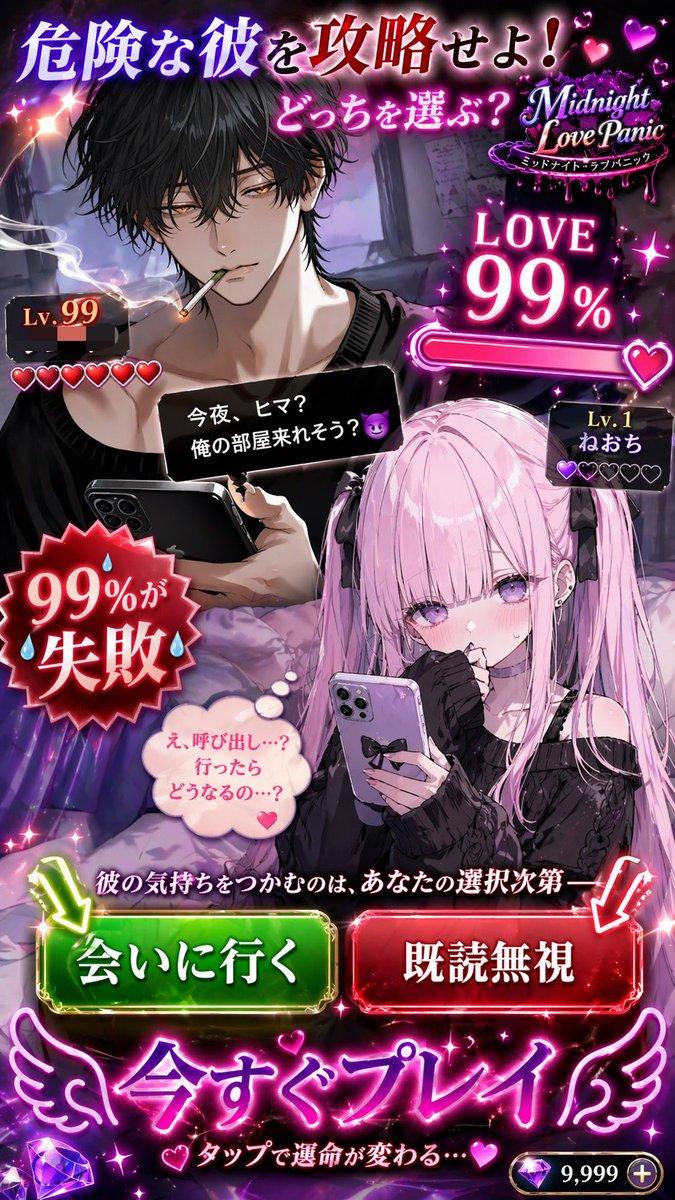
Chat mockup: Right middle shows a dark navy rounded phone frame labeled 「会話画面イメージ」. Inside is an anime chat scene with a silver-haired fantasy woman in warm café lighting. At the top of the chat image, show the name {argument name="chat character name" default="ファンネリア"}. Overlay exactly 4 rounded chat bubbles: two salmon/pink narrator bubbles and two navy user-response bubbles. Highlight some trigger words in yellow inside the pink bubbles, including 「ドアをノックする」 and 「頬を赤らめつつ」. Keep Japanese chat text small and atmospheric; it does not need to be fully legible, but must resemble a real roleplay chat screen.

Bottom text: Bottom left navy box titled 「使い方のポイント」 with a lightbulb icon. Include explanatory Japanese text saying sound effects trigger when actions are written in parentheses in the sentence, example 「(ドアをノックする)失礼します…」, and a highlighted note: 「『会話動画』生成の際、自分側の台詞に効果音の記述を挿入しても再生されます。」 Add a small disclaimer below: 「※上記はすべてではありません…まだ判明していない効果音が存在します!」 with a small exclamation icon. Bottom right gold callout with megaphone icon says 「よりリアルな会話体験を!」 and underneath 「効果音を活用して、臨場感あふれるチャットを楽しみましょう!」.

Visual style: Polished Japanese social-media infographic, high-resolution, crisp readable typography, warm cream background, dark navy borders, gold highlights, rounded rectangles, subtle star sparkles. Keep all Japanese text clean and correctly placed. No watermark beyond the SynClub brand mark.- Category
- Charts & Infographics
- Model
- GPT Image 2
- Creator
- レティシア・ノエル
- Source language
- en
- Source ID
- 24672
- Published
- Jun 7, 2026
Views357