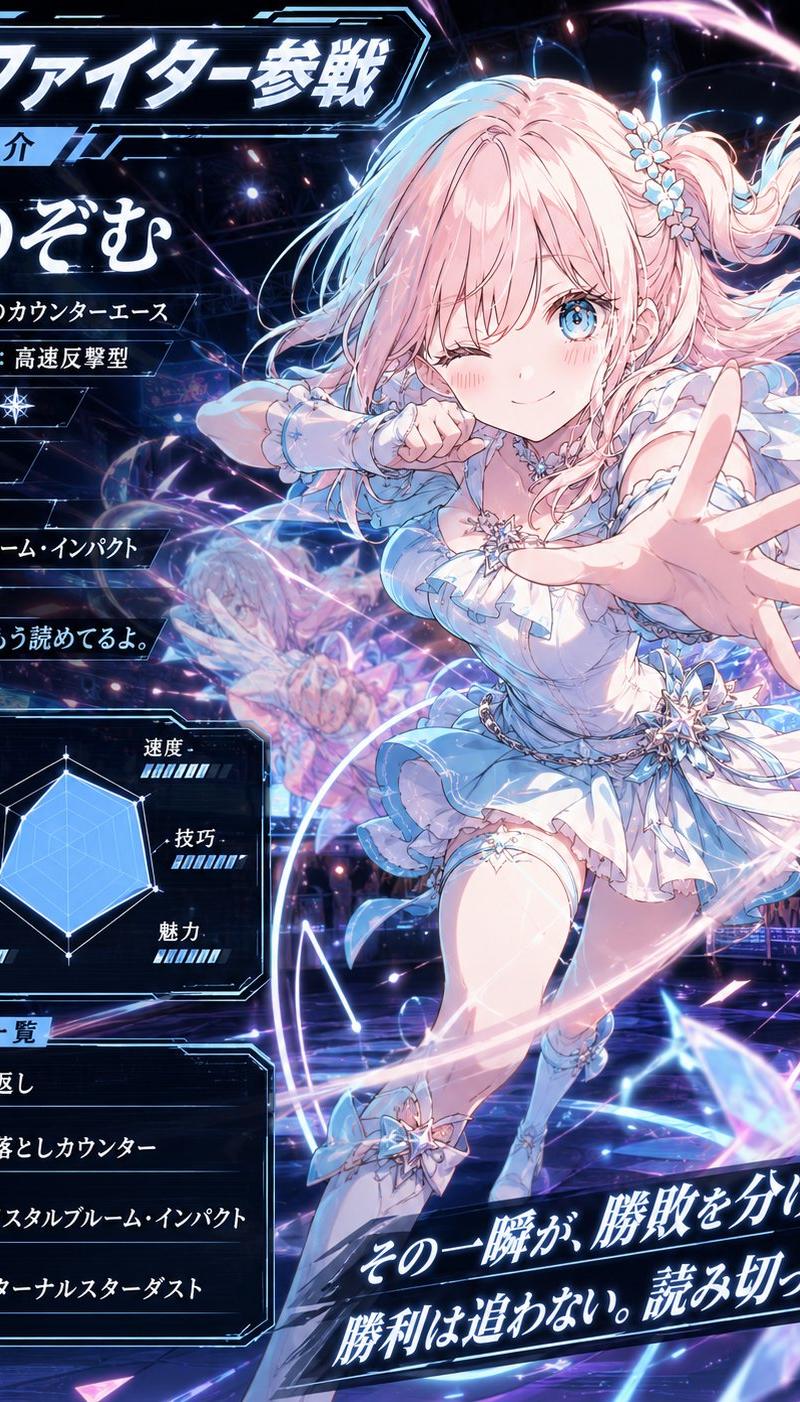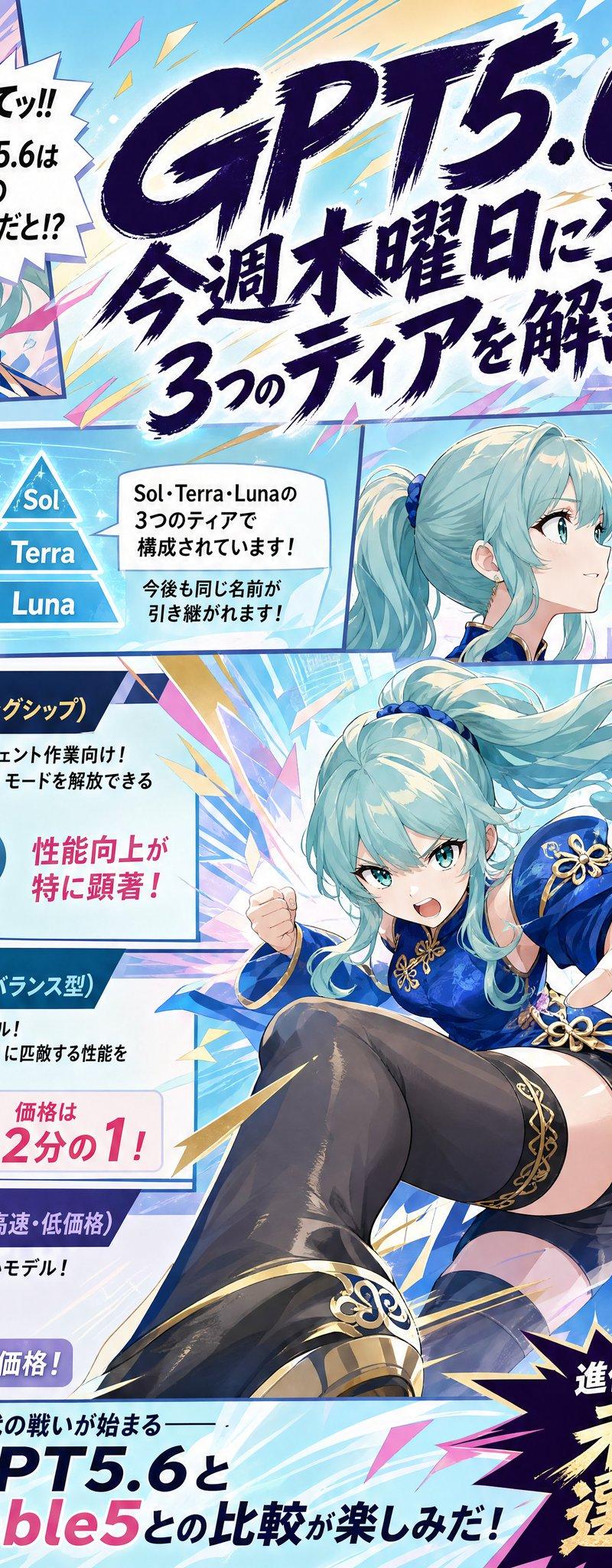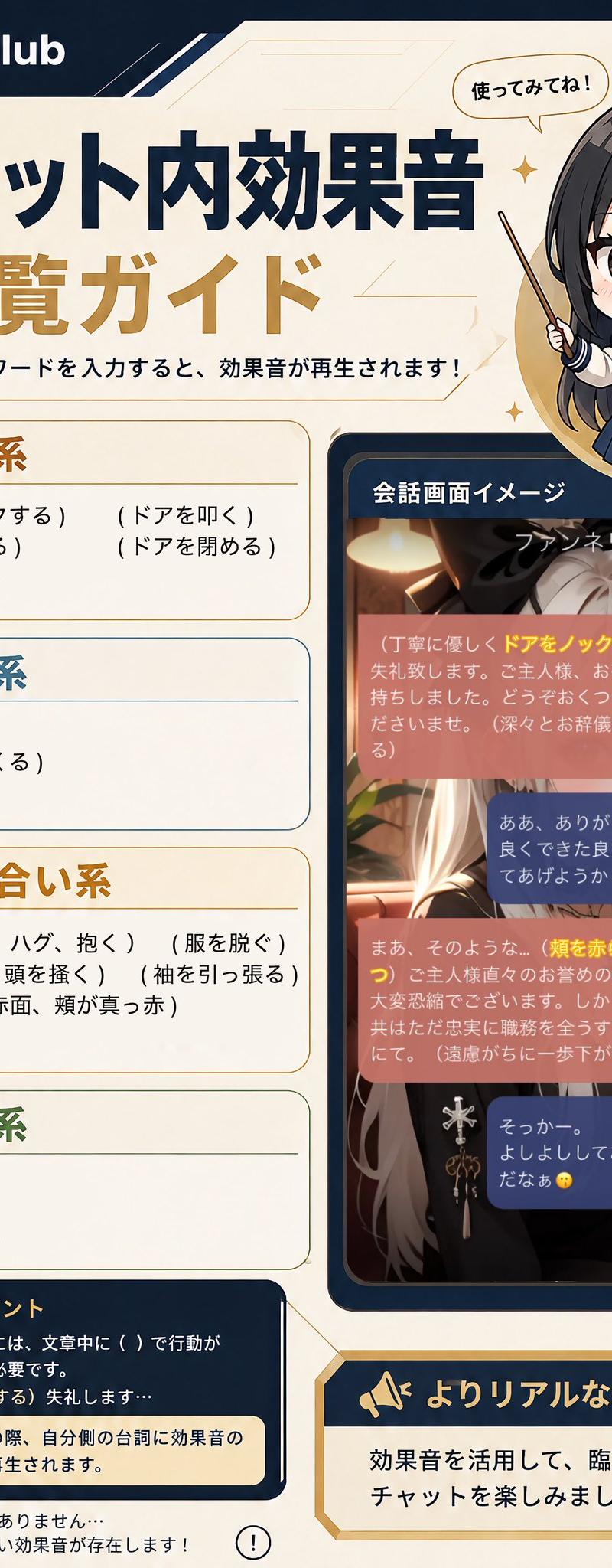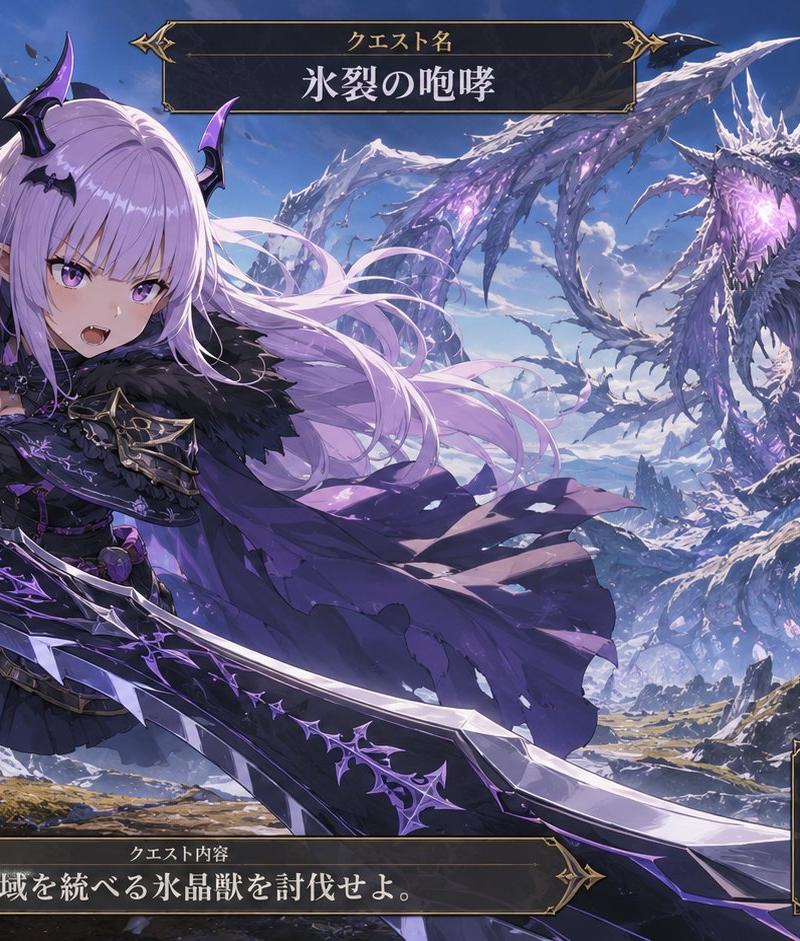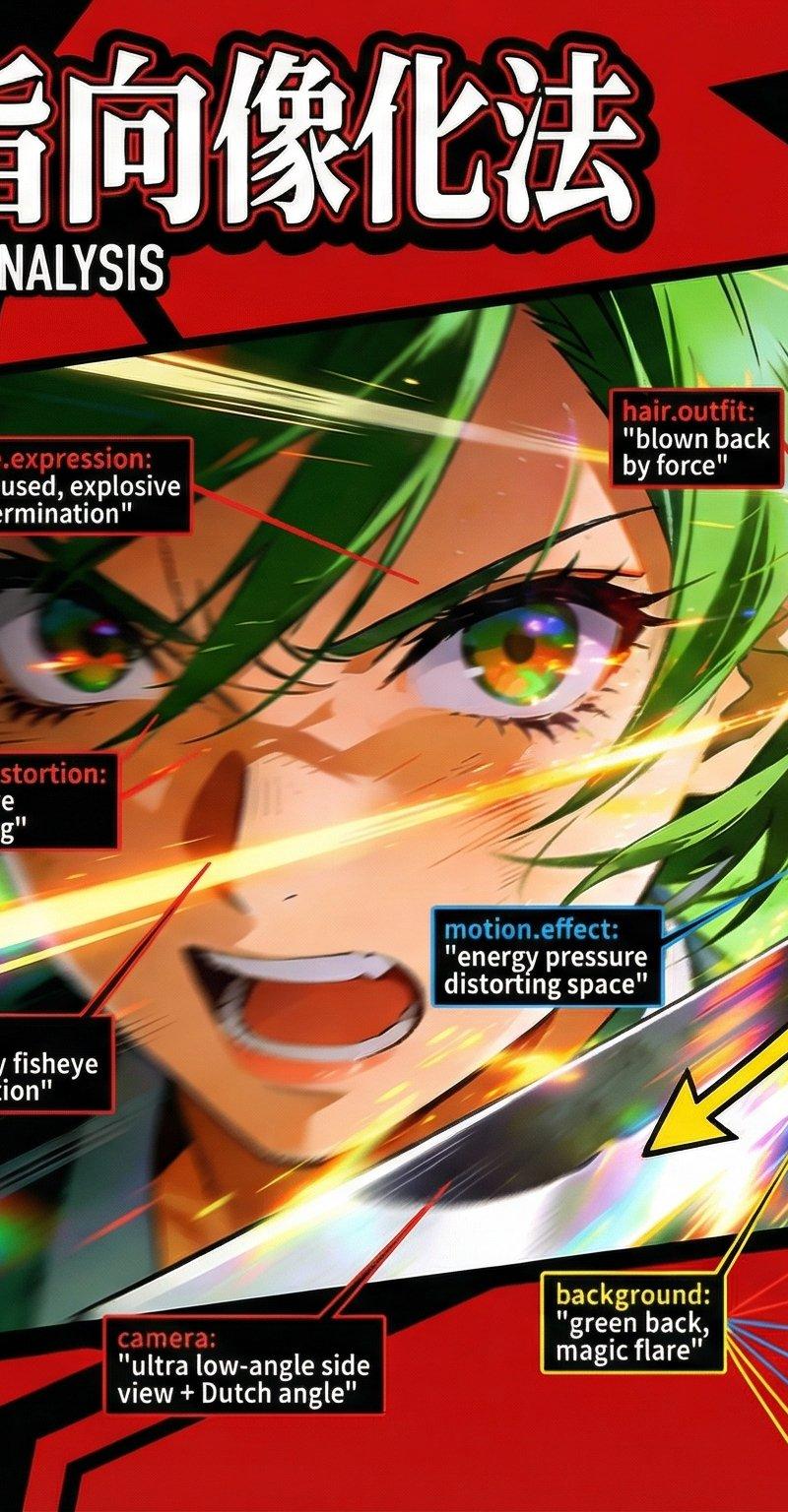
約束通り公開するよ!! 図解プロンプトの作成方法
Prompt
約束通り公開するよ!!
図解プロンプトの作らせ方。
他はnoteで有料にさせてね。
高い設定にはしないから安心してね!
nanobanana proで作ってます~!
コツは
・ @higgsfield_ai でやること。
・参照画像は忘れずに。
・ #プロンプト の部分に参照画像のプロンプトをいれること
・「この画像を完全に保持して」は大事
・「プロパティとメゾッドの違いを図解で分かりやすく解説。」までがオブジェクト指向の解説
・ベクトルは入れなくていいけど入れるとかっこよくなる(ベースのプロンプトにベクトルは影響しない)
・「UIは大胆に飛び出すような~」が今回の絵作りをするプロンプトになります。
プロンプト↓
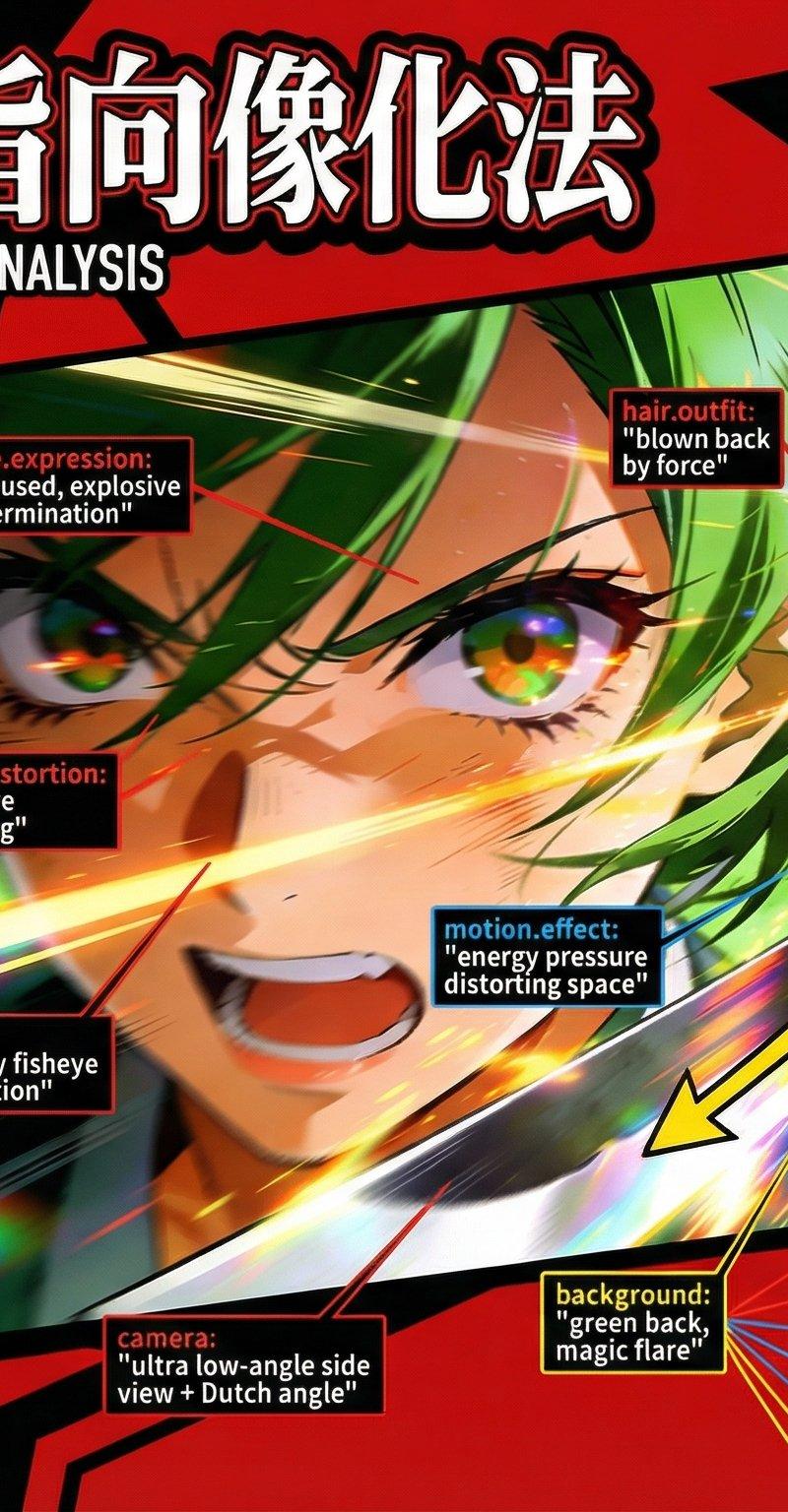
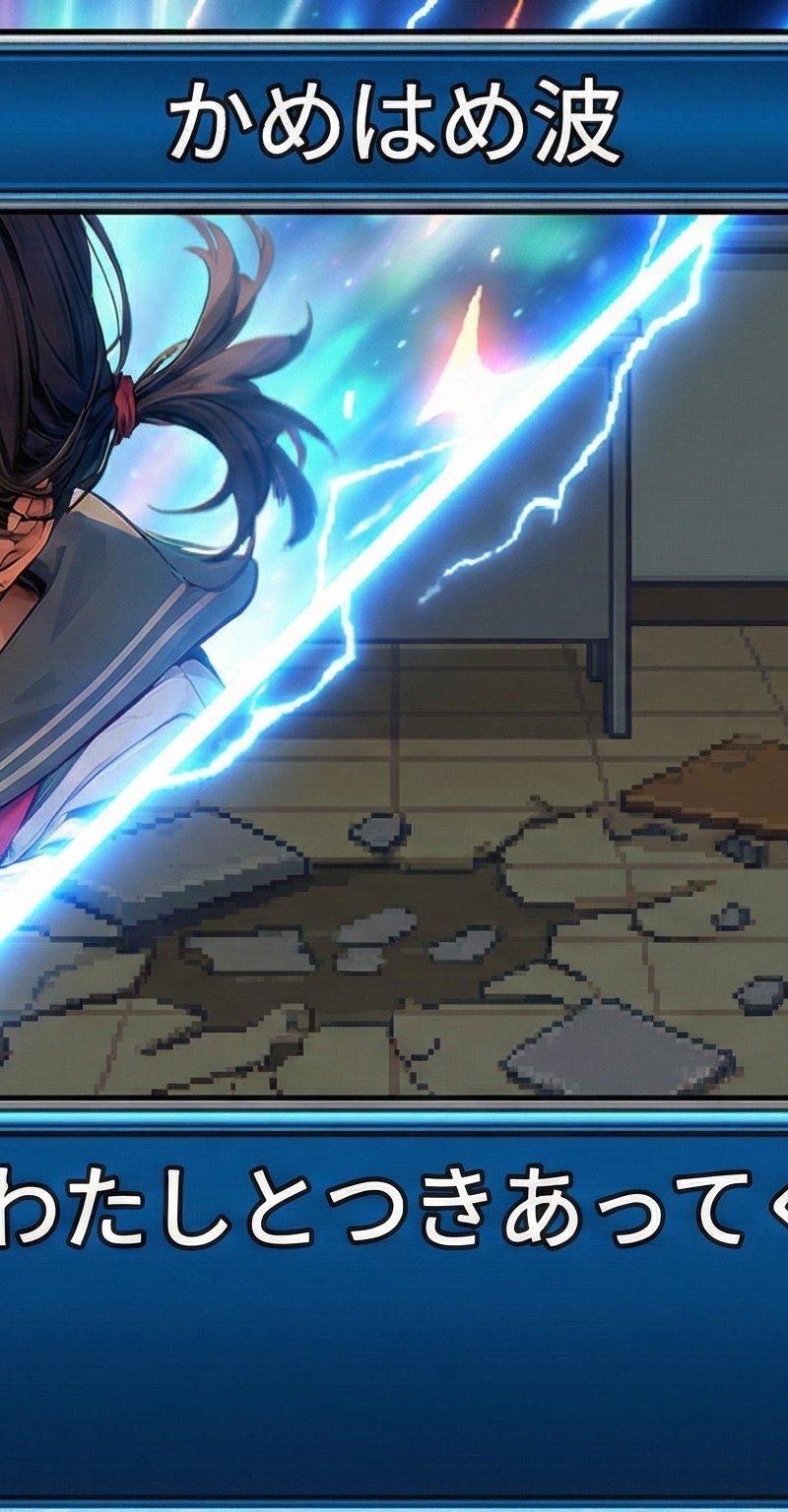
この画像を完全に保持して。参照は画像は以下のプロンプトで出力した。
#プロンプト:
Scene:
type: "battle action, cell-look"
camera: "ultra low-angle side view + Dutch angle"
lens: "heavy fisheye distortion + chromatic aberration"
aspect: "16:9"
Character:
appearance:
hair: "green medium hair, blown back by force"
outfit: "dress fluttering violently"
face:
scale: "largest element in frame"
distortion: "fisheye warping, exaggerated exaggeration intensity"
expression: "focused, explosive determination"
Pose_and_Action:
body: "leaning forward mid-dash, no hands touching the ground"
arms: "katana drawn back, about to unleash a high-speed technique"
motion:
- "energy pressure distorting space around her face"
Perspective:
foreground:
- "face dominating frame, warped by lens"
midground:
- "upper body twisting into the attack"
background:
- "green back, magic flare, effect lines stretching out of frame"
Effects:
action_effects:
- "motion blur trailing katana"
- "magic pressure waves"
- "long effect lines bursting outward"
style:
- "over-the-top kerentai dynamism"
#生成内容:
この画像を完全に保持して、画像をベースにオブジェクト指向でどこがプロパティ、メゾッドでプロパティとメゾッドはそれぞれ分解して細かく表示してほしい。
プロパティは赤、メゾッドは青。
プロンプトの連動要素を見てほしい。
英語のプロンプトも日本語で解説。プロンプトは原文のまま。文字は確実に読めるように!
人体の動きのベクトルを数字化し、身体の該当部分に対して黄色の矢印で表す。判例をつけて何がオブジェクト指向の解説とプロパティとメゾット、ベクトルの解説も入れる
オブジェクト指向の解説を丁寧に。プロパティとメゾッドの違いを図解で分かりやすく解説。
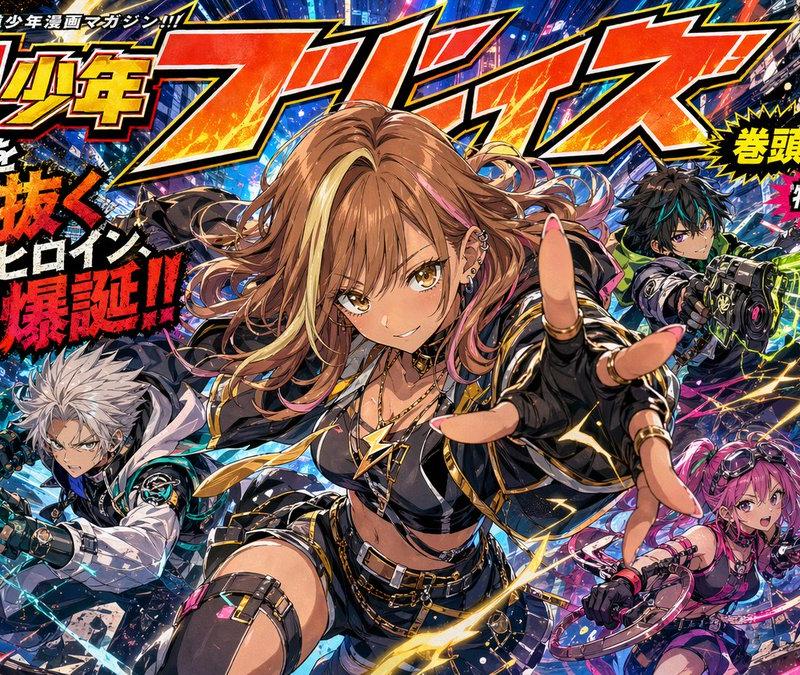
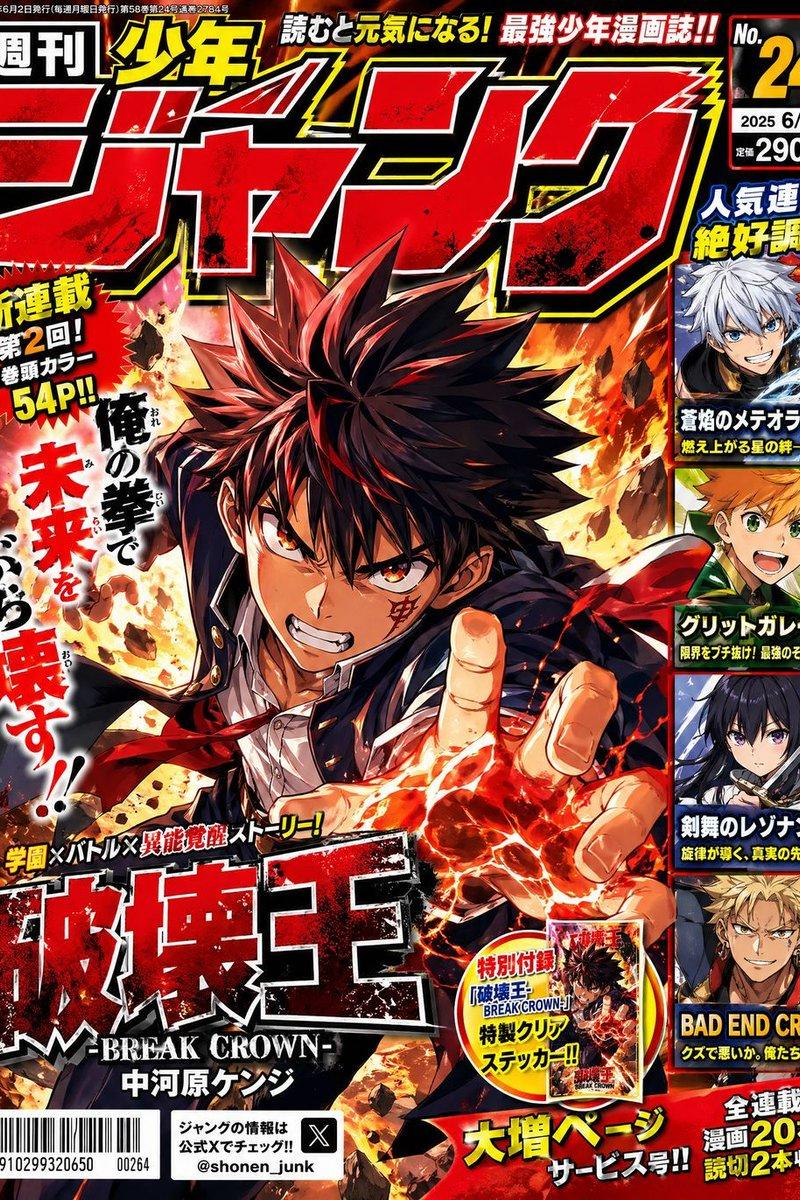
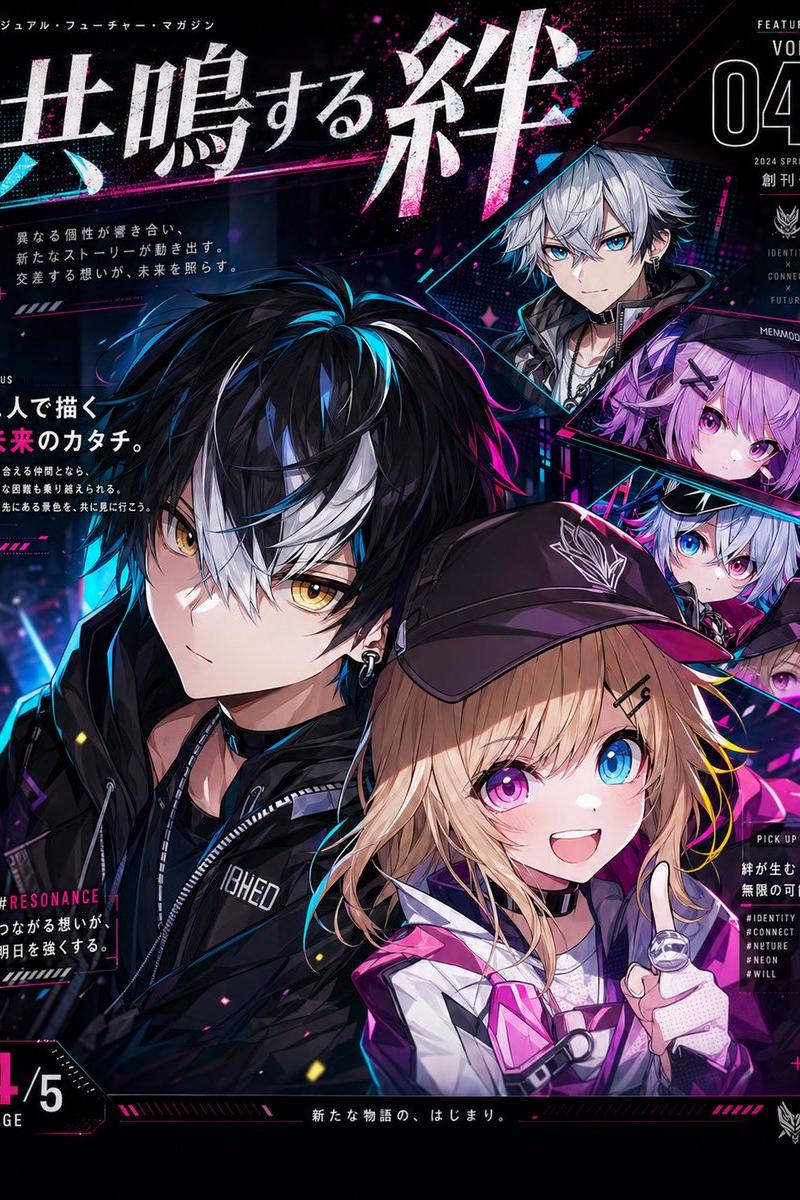
UIは大胆に飛び出すような描写とレイアウトでコマをぶち抜く、パンクかつコミック調、ピカレスク(悪漢)をテーマにしたUI。
大胆な配色: 赤(#D91419)、黒、白、そしてアクセントの黄色。
幾何学的な歪み: 四角形ではなく、斜めに歪んだり(Skew)、ギザギザに切り取られた形状(Clip-path)。
ダイナミックな動き: 静止画ではなく、常にアニメーションしているような躍動感。
タイポグラフィ: 太字でインパクトのあるサンセリフ体(ImpactやAntonなど)を、サイズや角度を変えて配置。
日本語フォントは大胆に大きさや角度を一文字ずつ必ず変える。装飾されたゴシック系フォント。
- Category
- Photography & Realism
- Model
- Unknown
- Creator
- Studio Veco|日本一ダサい画像を生成する人
- Source language
- zh-CN
- Source ID
- create-illustrative-prompts
Views0