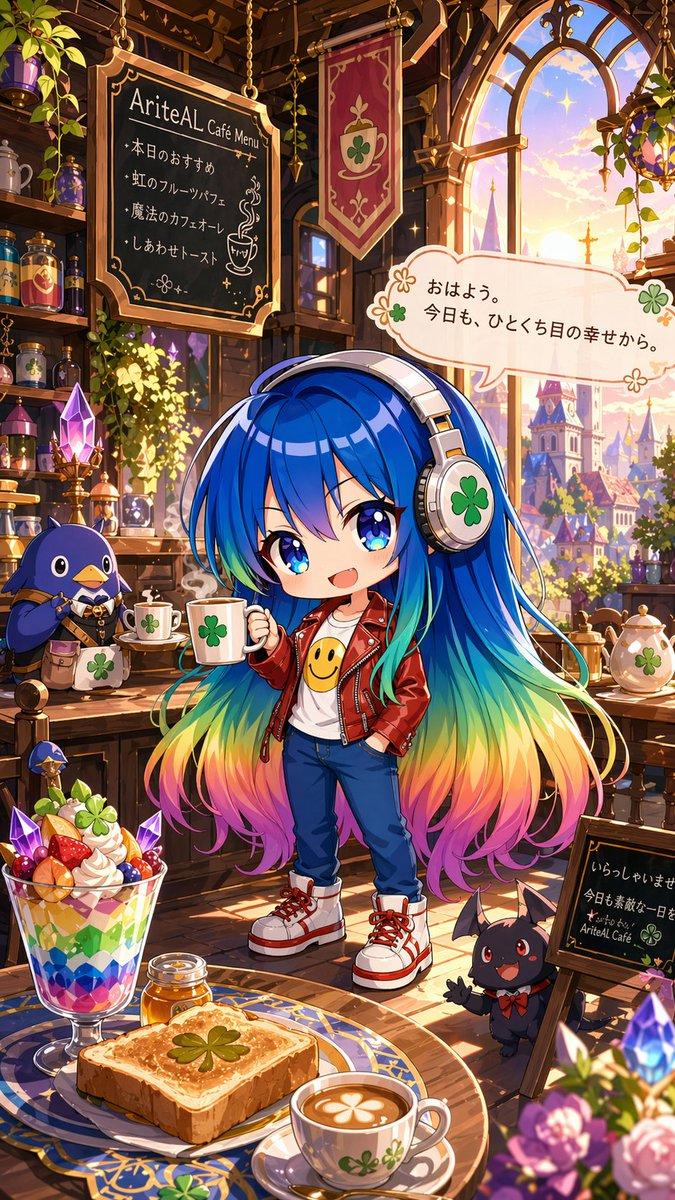
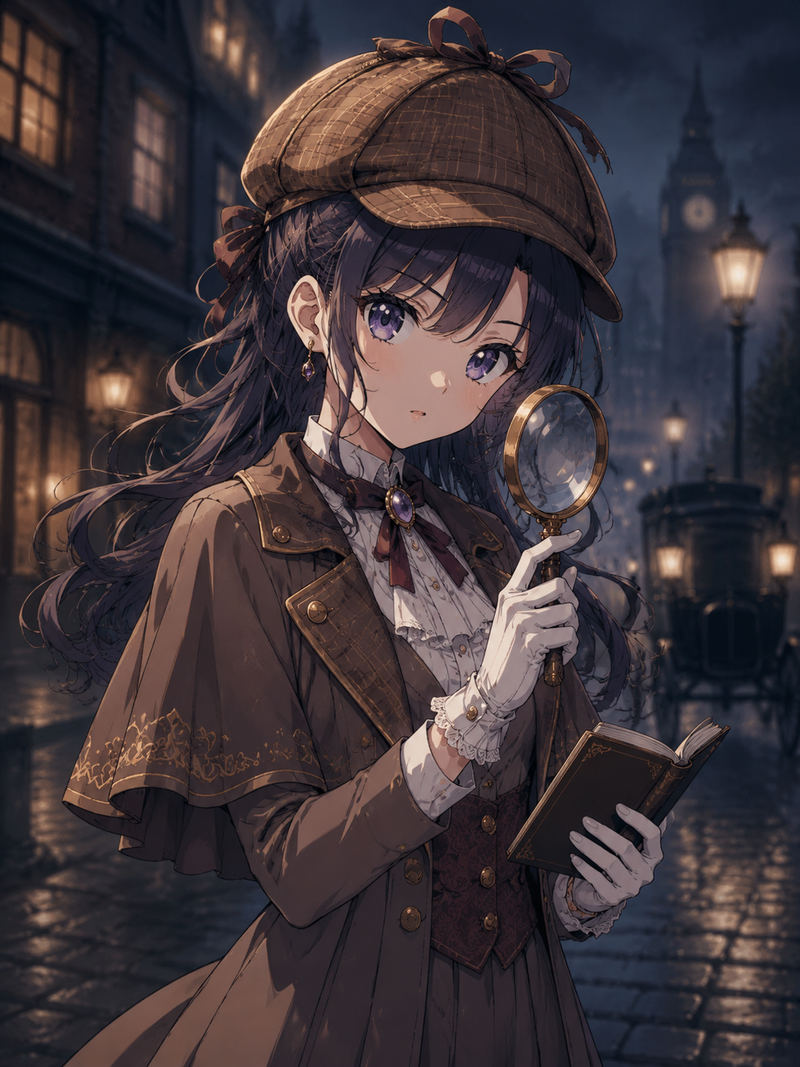
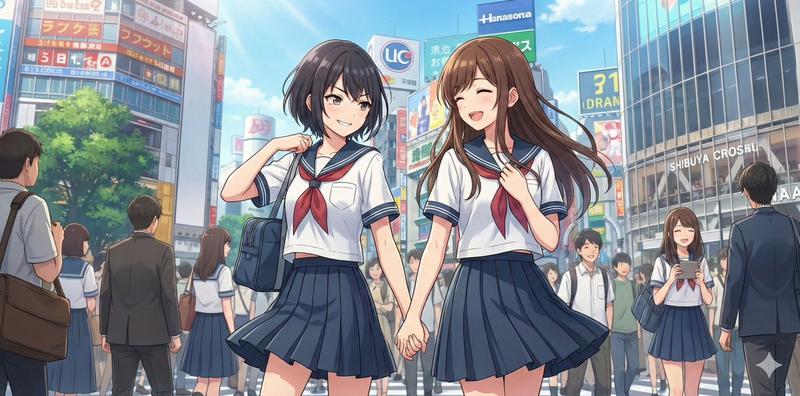
使用纯净日文文本生成角色场景
Prompt
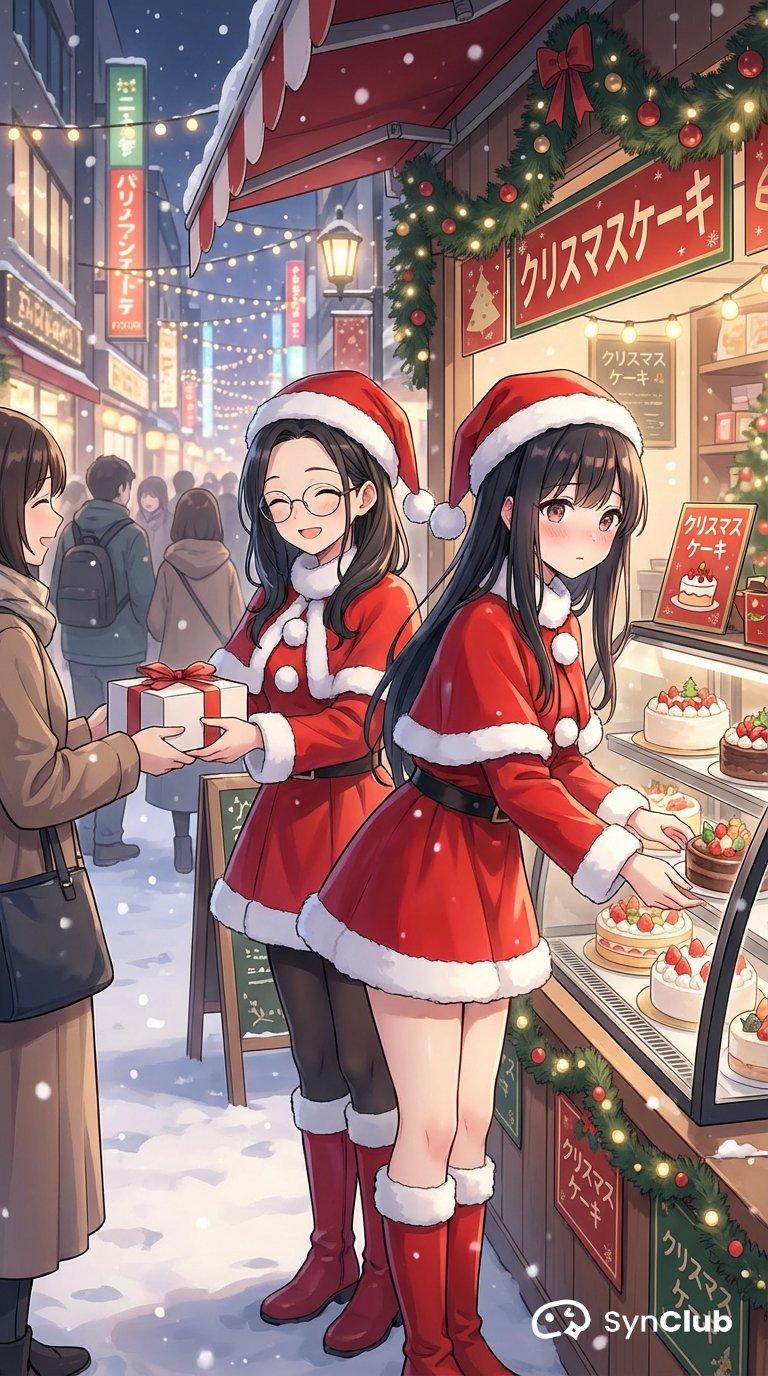
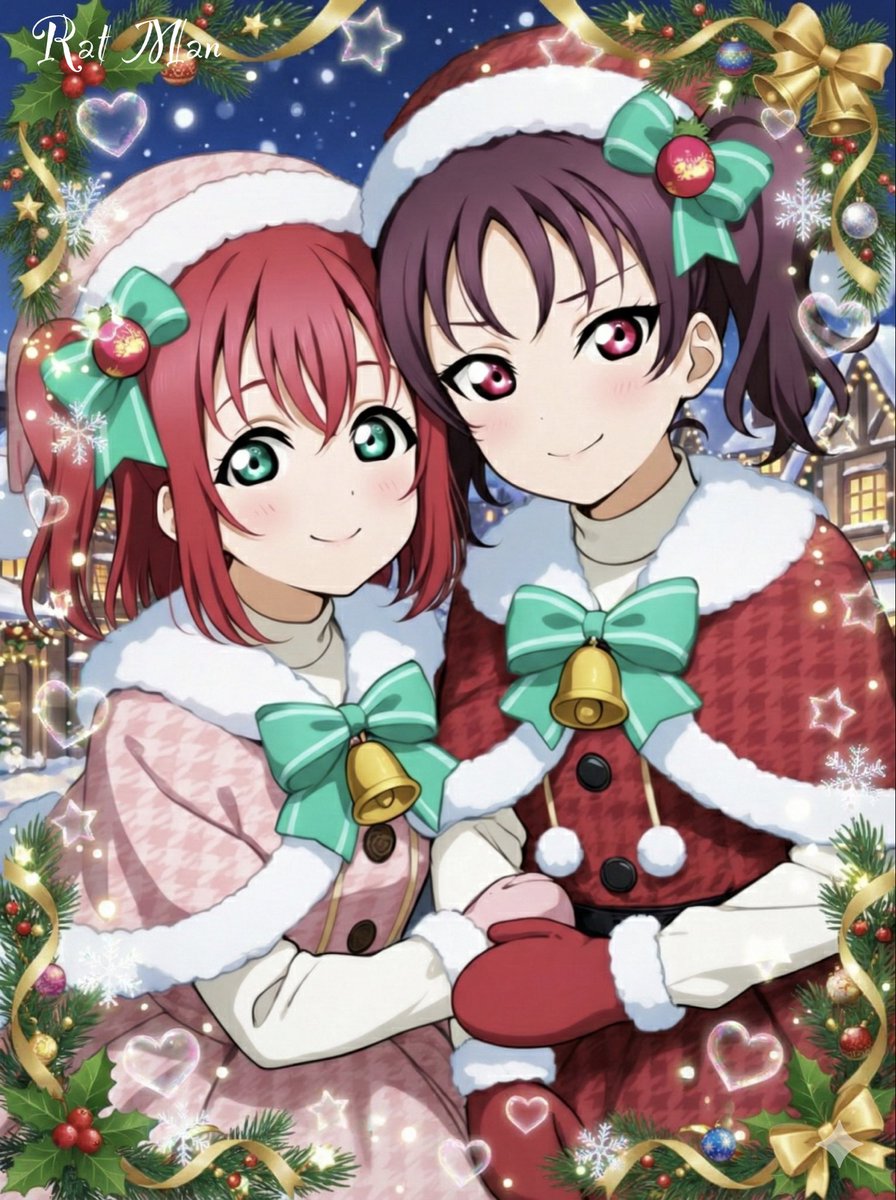
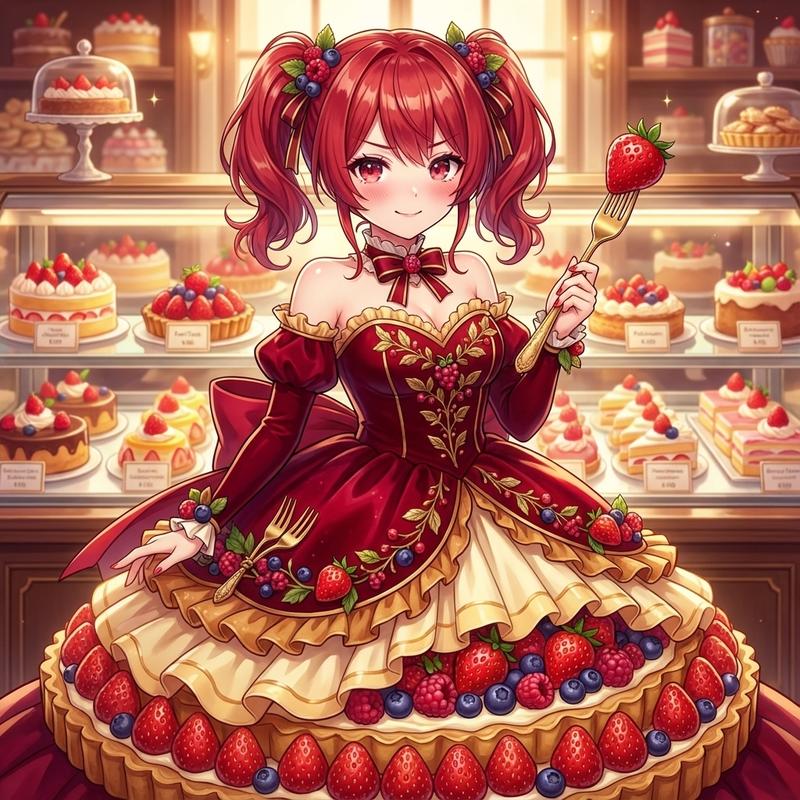
キャラ二人を選んで「街角でサンタのコスプレをしながらクリスマスケーキの売り子のアルバイトを二人でしている」
- Category
- 创意图片
- Model
- Nano Banana Pro
- Creator
- サトシ
- Source ID
- 89c53bd5-02e2-40b7-8290-5f20a7c4ab84
- Published
- Mar 8, 2026
Views0
19
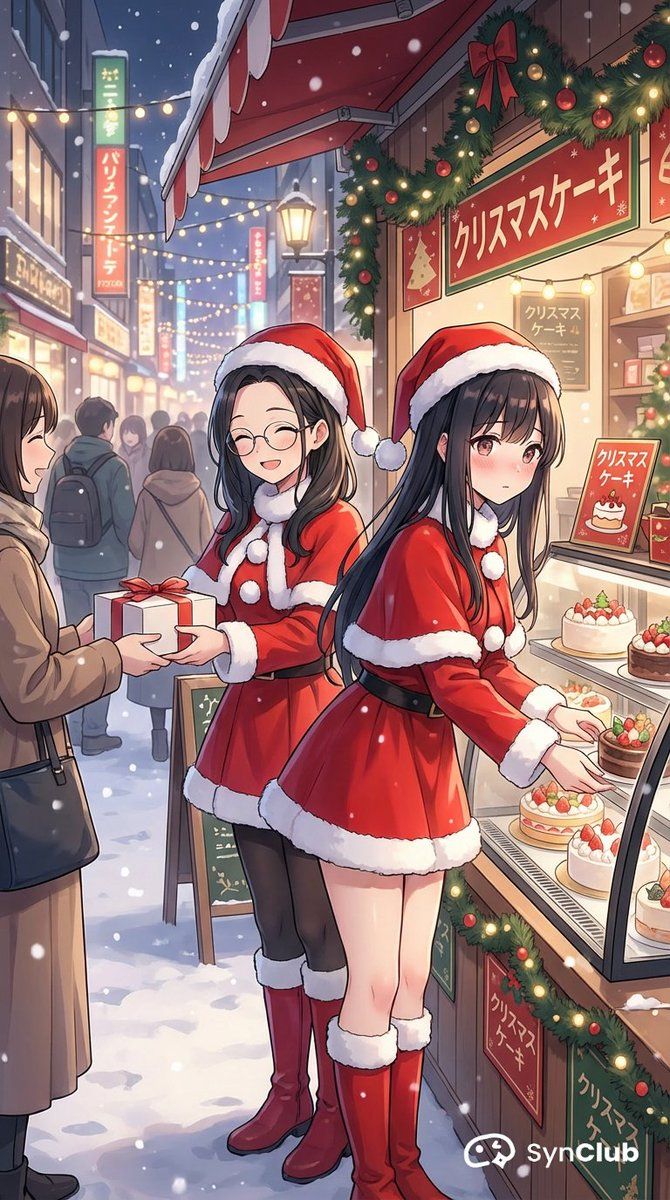
キャラ二人を選んで「街角でサンタのコスプレをしながらクリスマスケーキの売り子のアルバイトを二人でしている」
Guide
"使用纯净日文文本生成角色场景" AI image prompt for Nano Banana Pro (创意图片). 以下是 Nano Banana Pro 的一个简单场景提示,展示了它处理复杂场景的能力,这些场景涉及多个角色、特定服装和活动,同时还能在图像中呈现清晰、易读的日文文本。 --- 选择两个角色,生成…
The full copyable prompt and example visuals above are ready for AI image generation or one-click recreate in Picva.
Step 1
Review the example visuals, category, and full prompt text for "使用纯净日文文本生成角色场景".
Step 2
Copy the prompt body from this page, or load it directly in Studio.
Step 3
Prefer Nano Banana Pro. If you switch models, keep subject and composition and tweak style terms.
Step 4
Recreate the look in Picva, or export into your workflow for editing and publishing.