16

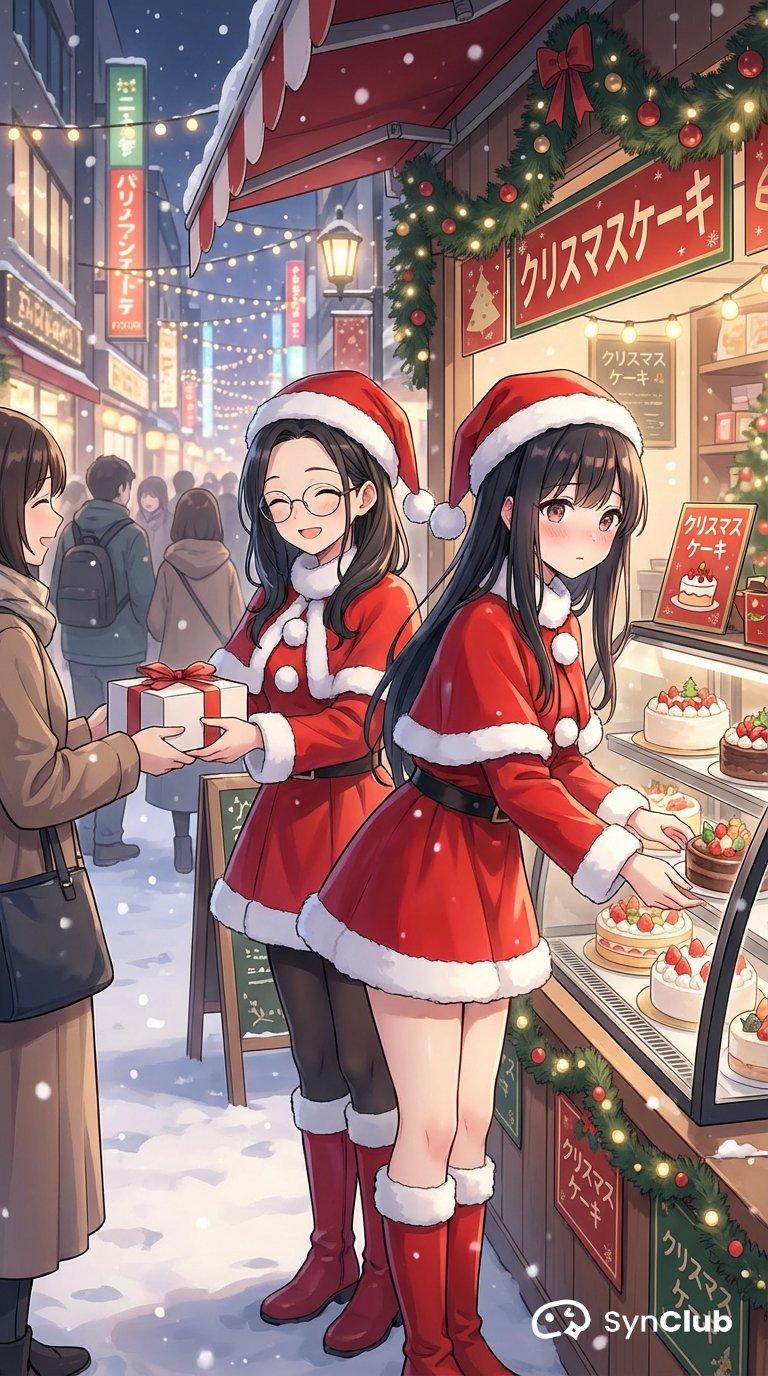
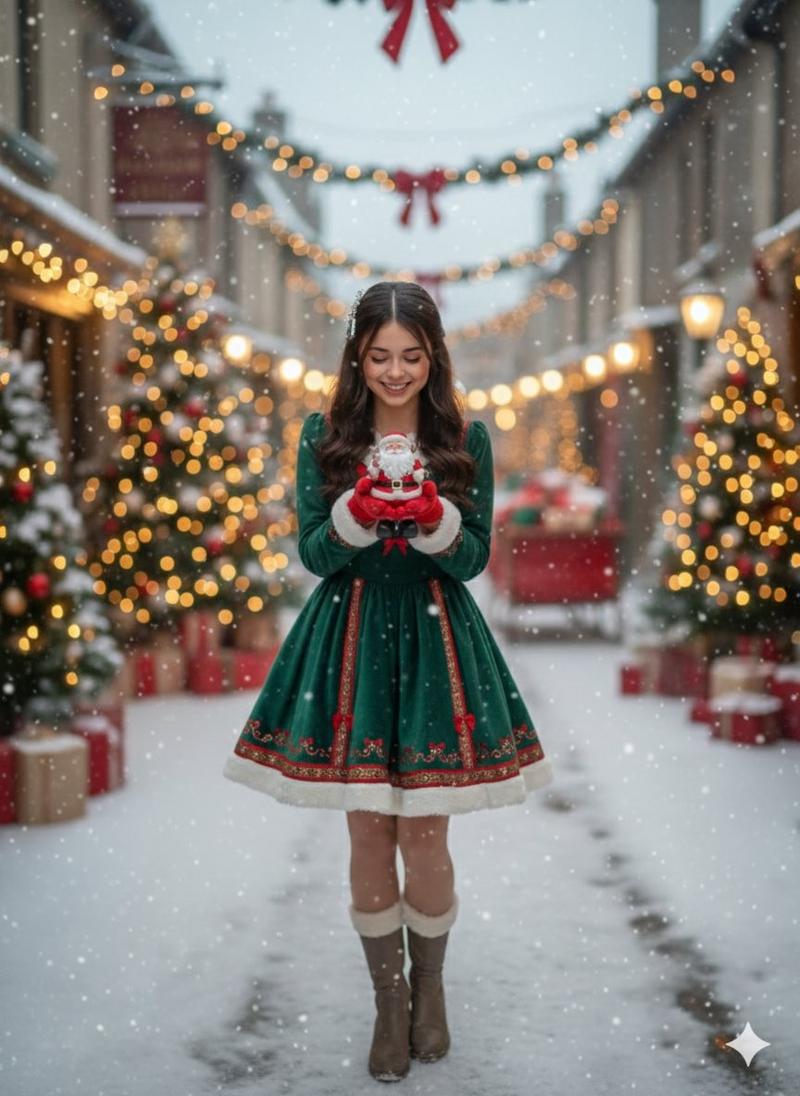
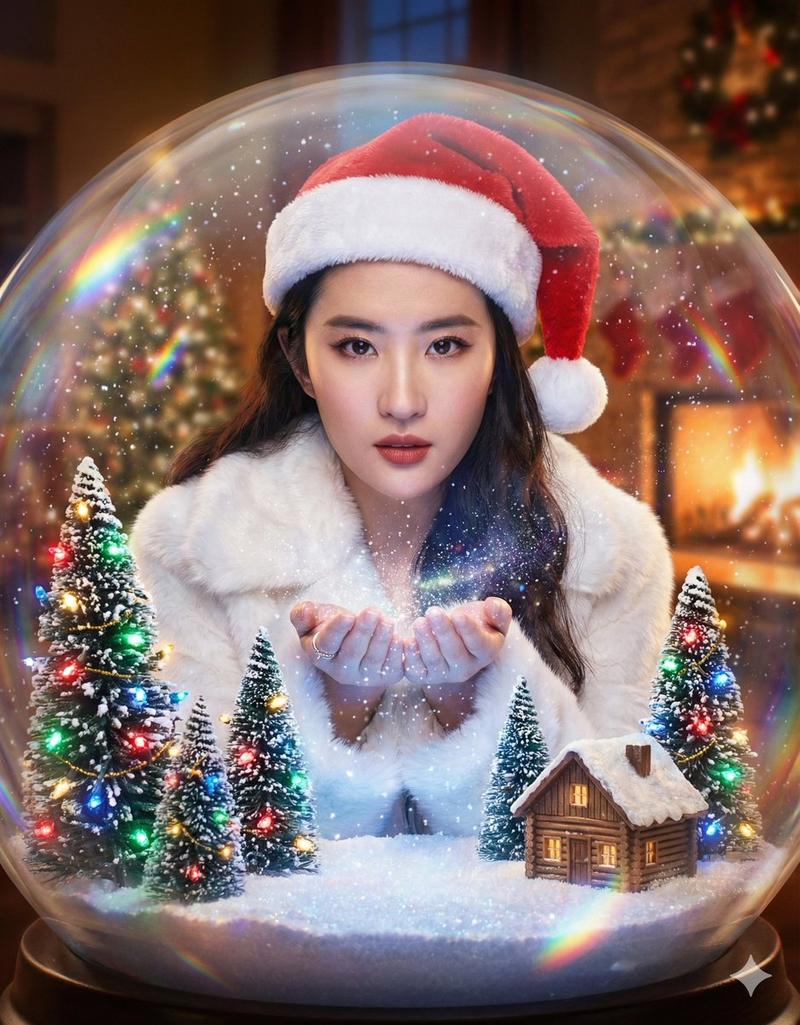
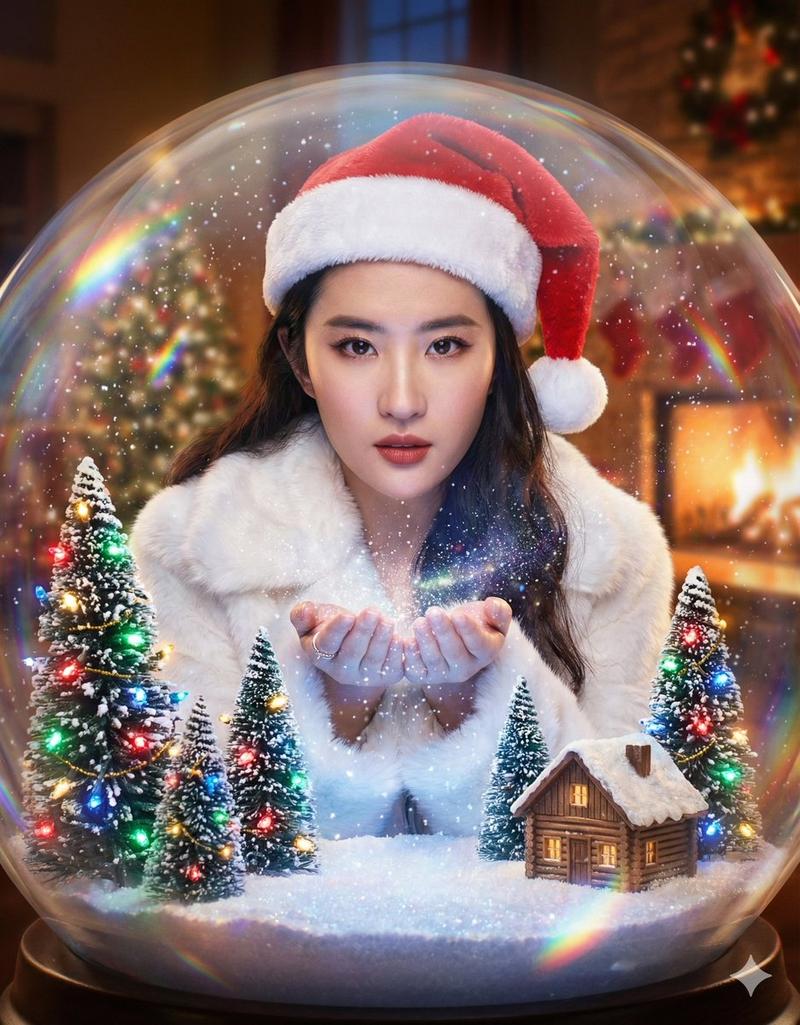
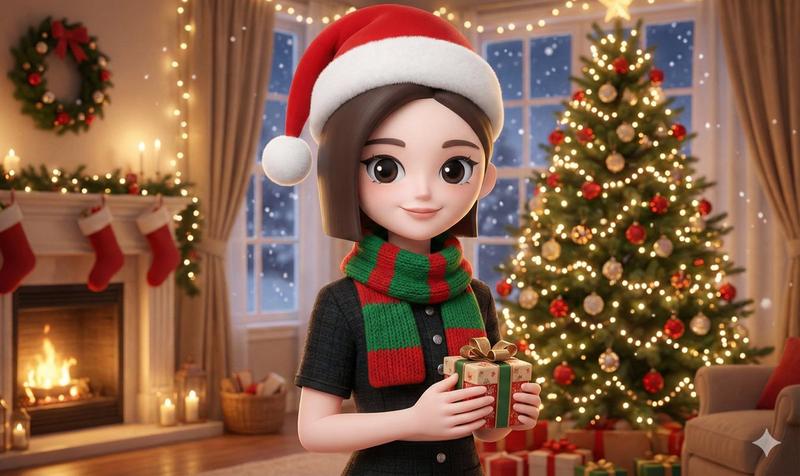
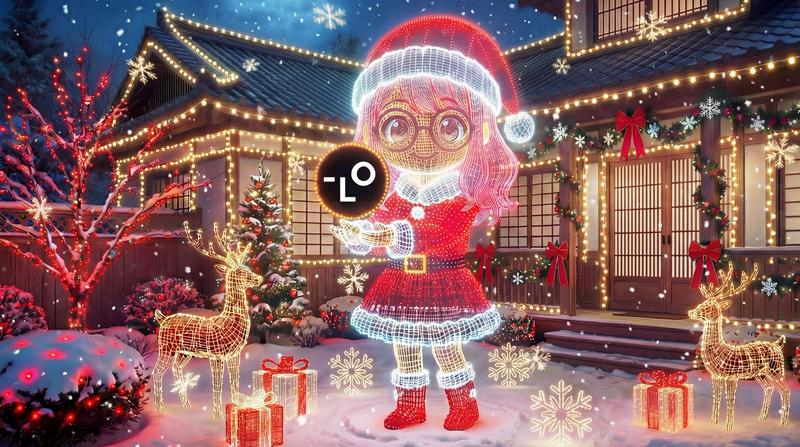
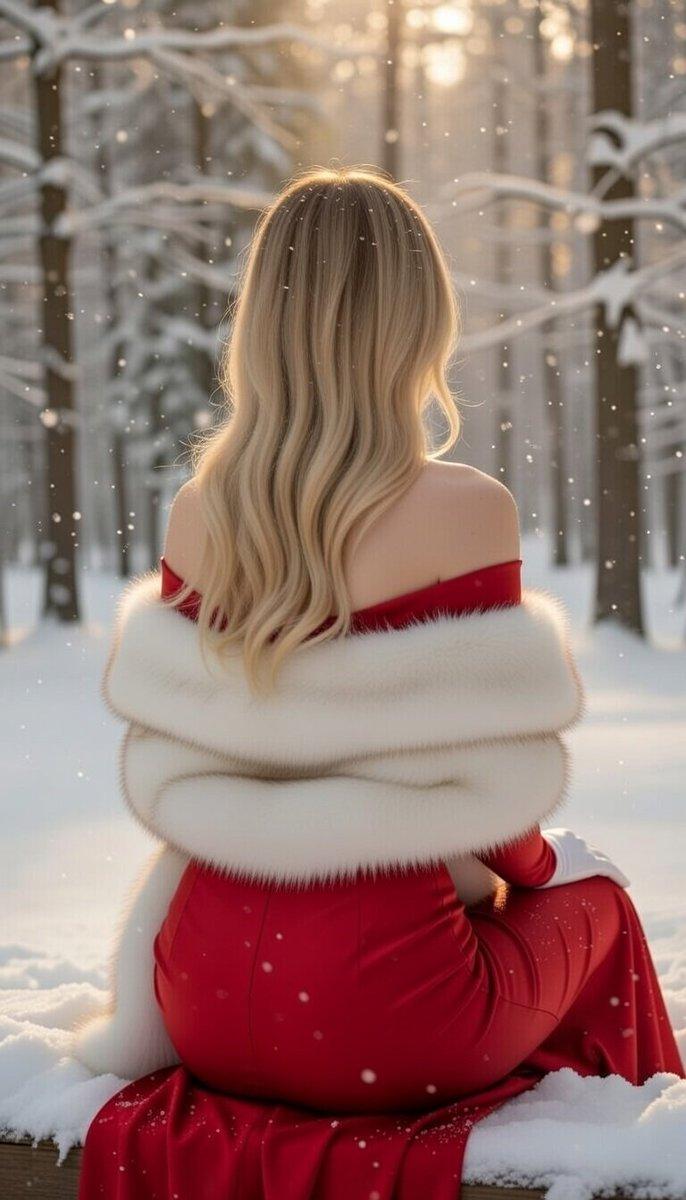
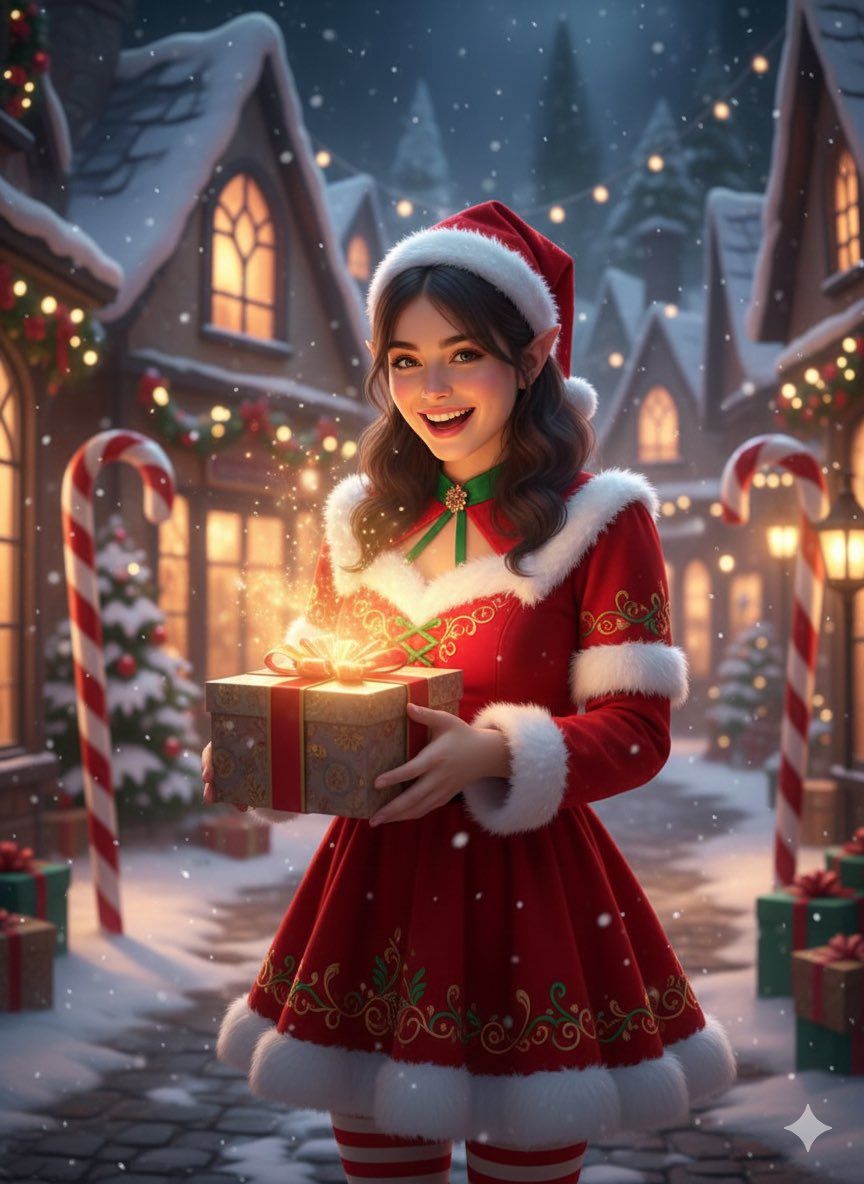
梦幻圣诞肖像,散发魔法光芒
Enlarge

梦幻圣诞肖像,散发魔法光芒

Prompt
{
  "render_goal": "Fantasy hyper-realistic Christmas portrait with magical vibe",
  "subject": {
    "gender": "female",
    "age_range": "mid-20s",
    "pose": "holding a gift with glowing light",
    "expression": "cheerful and playful"
  },
  "wardrobe": {
    "outfit": "{argument name="outfit color" default="red and white"} festive dress with elf-like details"
  },
  "environment": {
    "location": "snowy enchanted village",
    "background": {
      "decor": "twinkling lights, candy canes, snow-covered rooftops",
      "atmosphere": "magical winter glow"
    }
  },
  "lighting_and_color": {
    "lighting_style": "soft magical cinematic lighting",
    "color_palette": "reds, whites, soft warm glow"
  }
}
Category
创意图片
Model
Nano Banana Pro
Creator
Hoor
Views0
Source ID
ffb2bff3-2aed-44d7-8c15-ab4a33e4e8f3
Published
Mar 8, 2026

Guide

About "梦幻圣诞肖像,散发魔法光芒"

What is this prompt for?

"梦幻圣诞肖像,散发魔法光芒" AI image prompt for Nano Banana Pro (创意图片). 一个结构化的提示,用于生成一张奇幻、超现实的圣诞肖像,描绘一位身着精灵般节日盛装的女士,置身于白雪皑皑的魔法村庄中,光线柔和,充满电影般的魔幻感。 --- ```json { "render_goa…

The full copyable prompt and example visuals above are ready for AI image generation or one-click recreate in Picva.

How to use this prompt

  1. Step 1

    Open the prompt detail

    Review the example visuals, category, and full prompt text for "梦幻圣诞肖像,散发魔法光芒".

  2. Step 2

    Copy the prompt

    Copy the prompt body from this page, or load it directly in Studio.

  3. Step 3

    Pick a model (Nano Banana Pro)

    Prefer Nano Banana Pro. If you switch models, keep subject and composition and tweak style terms.

  4. Step 4

    Generate and export

    Recreate the look in Picva, or export into your workflow for editing and publishing.

FAQ

What is the "梦幻圣诞肖像,散发魔法光芒" prompt?
It is an AI image-generation prompt for Nano Banana Pro in the 创意图片 category. This page includes the full prompt text, example visuals, and a one-click recreate path in Picva.
How do I use this prompt to generate an image?
Copy the prompt from this page, or use Generate / Studio. Paste it into a compatible image model, or recreate the look in Picva with optional reference images.
Which model is this prompt for?
This page lists Nano Banana Pro. Most descriptive prompts also transfer to nearby image models such as GPT Image, Flux, or Midjourney with light style tweaks.
Can I use the result commercially?
You can usually copy the prompt for creation, but commercial use of the final image depends on the model terms, reference-image rights, and the generated content. Follow the source author and platform rules.