19

街市人像,都市散景
Enlarge

街市人像,都市散景

Prompt
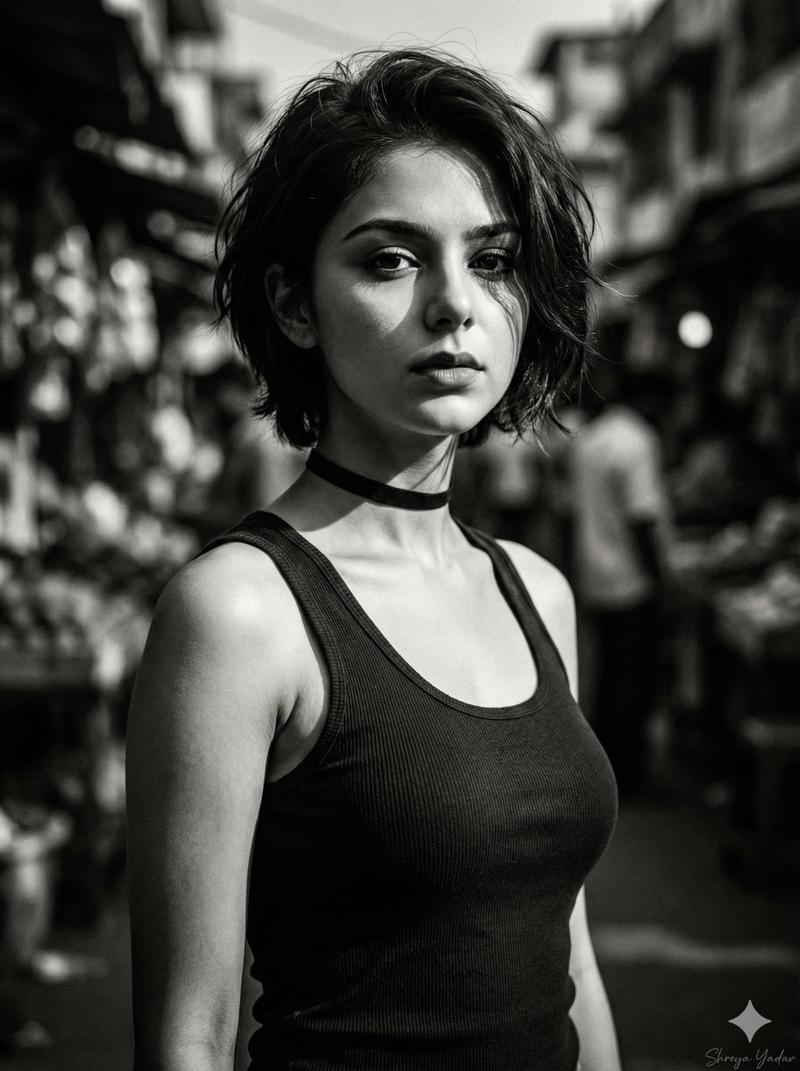
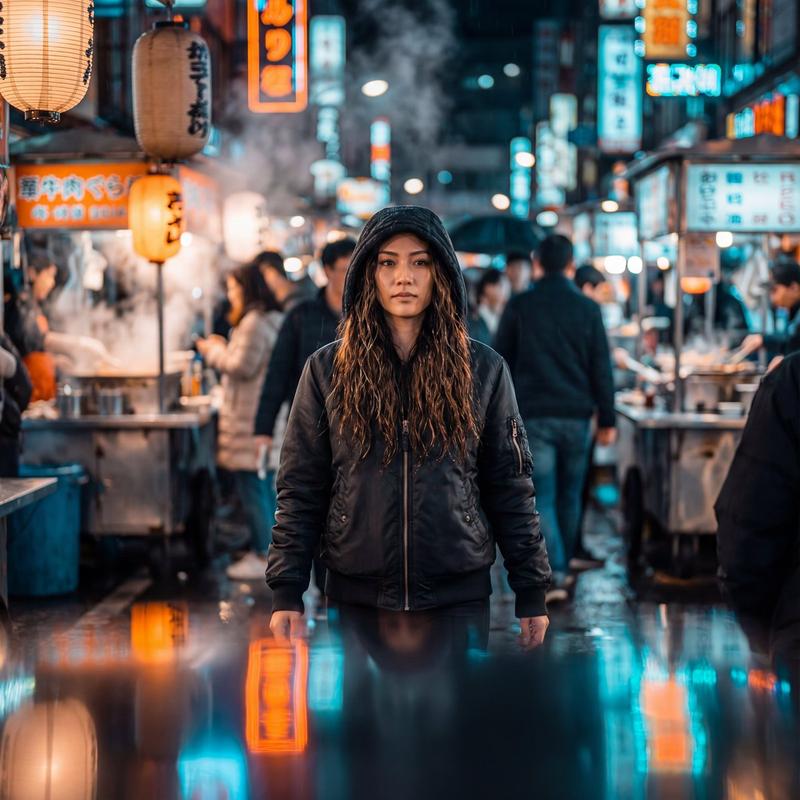
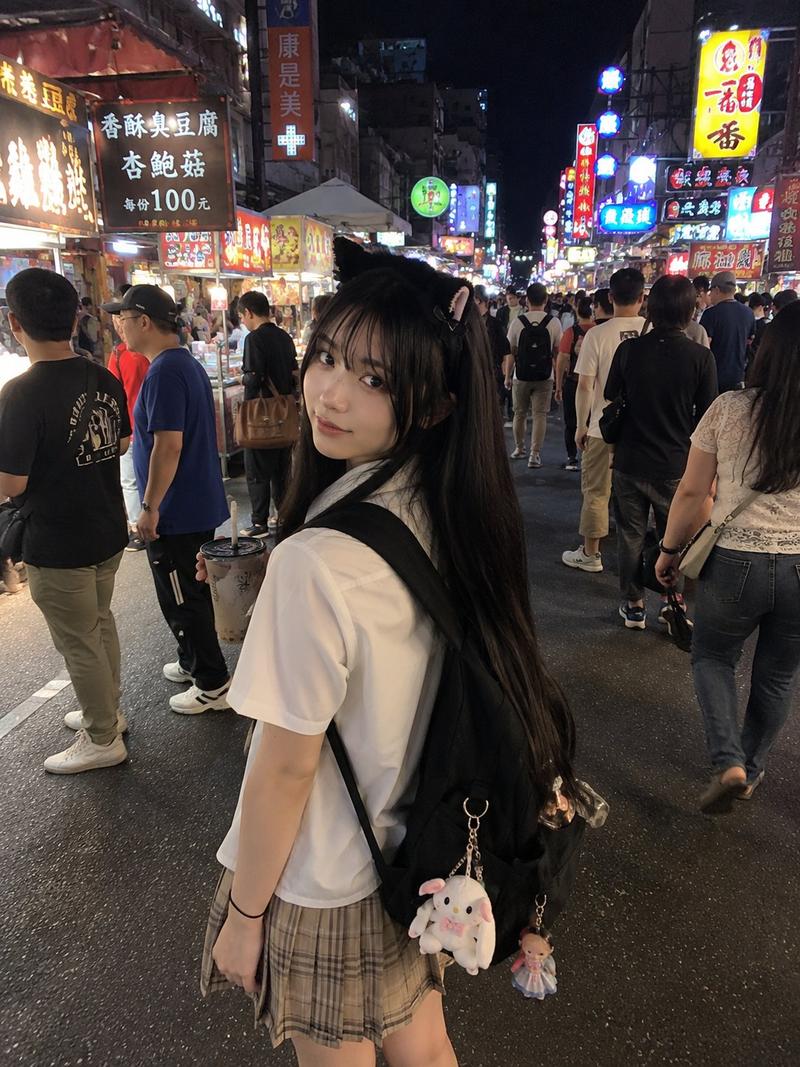
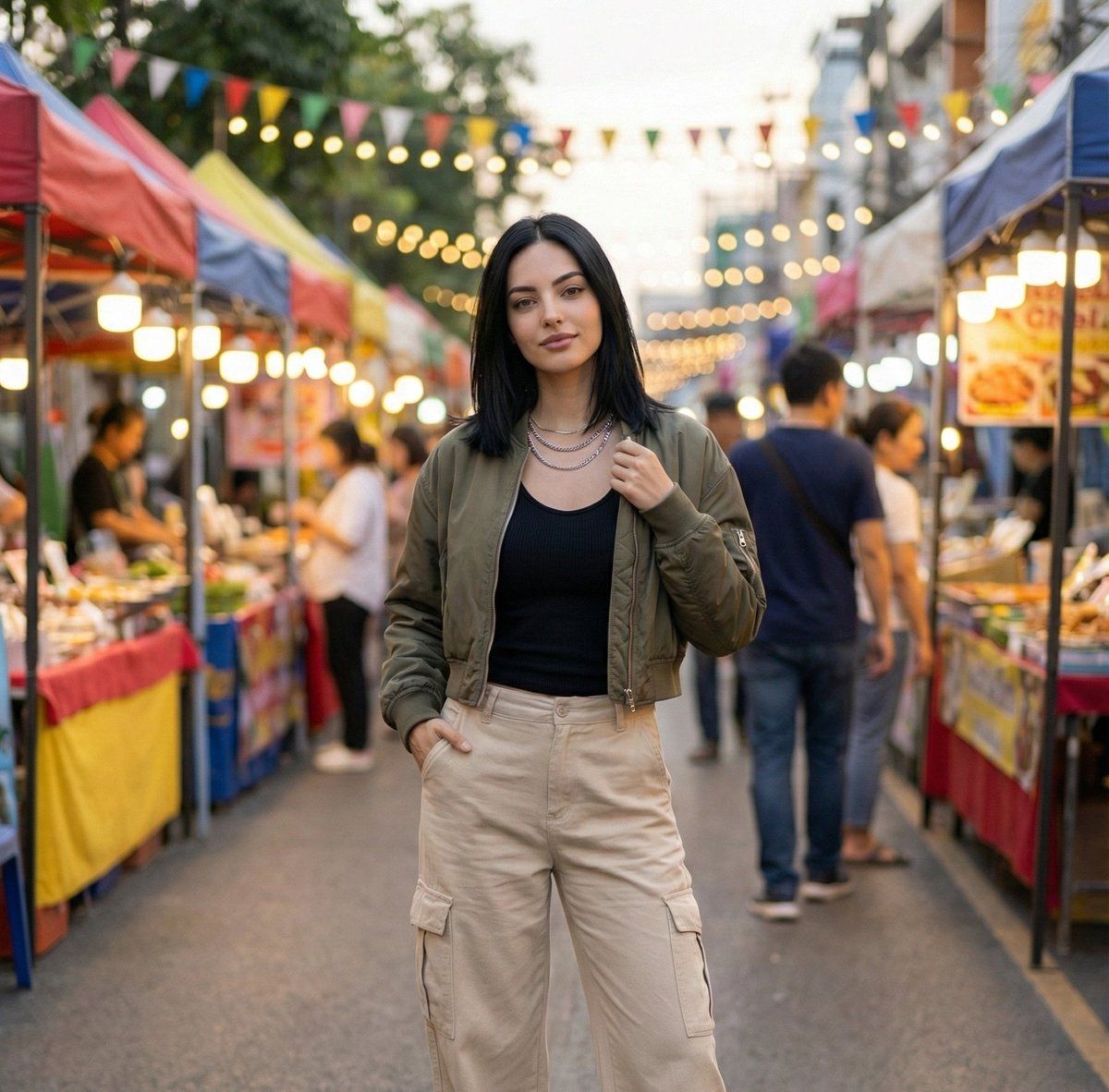
A woman in her mid-20s stands casually in the middle of a lively outdoor street market. She has shoulder-length black hair and wears a cropped bomber jacket layered over a ribbed black tank top, paired with wide-leg cargo pants. Chunky sneakers and stacked chain necklaces give her outfit a bold streetwear edge. She stands with one hand tucked in her pocket while the other adjusts her jacket, giving the camera a relaxed, candid look with effortless confidence.

Behind her, colorful market stalls glow under warm string lights, while blurred crowds move through the space, creating a sense of motion and energy. The scene is captured with a shallow depth of field, producing soft urban bokeh that blends the warm indirect lighting into a vibrant, atmospheric backdrop. The shot is framed as a medium portrait, focusing on her outfit, attitude, and the lively environment around her.
Category
创意图片
Model
Nano Banana Pro
Views0
Source ID
b98c2b56-5d13-4d85-8bab-7f9a0dcdd2b6
Published
Mar 8, 2026

Guide

About "街市人像,都市散景"

What is this prompt for?

"街市人像,都市散景" AI image prompt for Nano Banana Pro (创意图片). 为 Nano Banana Pro 生成一张详细的图像提示,内容是一名自信的女性身着街头服饰,置身于一个热闹的户外市场。该提示详细说明了服装、姿势和光线,并强调使用浅景深,以在背景中营造出充满活力的都市散景…

The full copyable prompt and example visuals above are ready for AI image generation or one-click recreate in Picva.

How to use this prompt

  1. Step 1

    Open the prompt detail

    Review the example visuals, category, and full prompt text for "街市人像,都市散景".

  2. Step 2

    Copy the prompt

    Copy the prompt body from this page, or load it directly in Studio.

  3. Step 3

    Pick a model (Nano Banana Pro)

    Prefer Nano Banana Pro. If you switch models, keep subject and composition and tweak style terms.

  4. Step 4

    Generate and export

    Recreate the look in Picva, or export into your workflow for editing and publishing.

FAQ

What is the "街市人像,都市散景" prompt?
It is an AI image-generation prompt for Nano Banana Pro in the 创意图片 category. This page includes the full prompt text, example visuals, and a one-click recreate path in Picva.
How do I use this prompt to generate an image?
Copy the prompt from this page, or use Generate / Studio. Paste it into a compatible image model, or recreate the look in Picva with optional reference images.
Which model is this prompt for?
This page lists Nano Banana Pro. Most descriptive prompts also transfer to nearby image models such as GPT Image, Flux, or Midjourney with light style tweaks.
Can I use the result commercially?
You can usually copy the prompt for creation, but commercial use of the final image depends on the model terms, reference-image rights, and the generated content. Follow the source author and platform rules.