19

街拍狗仔风
Enlarge

街拍狗仔风

Prompt
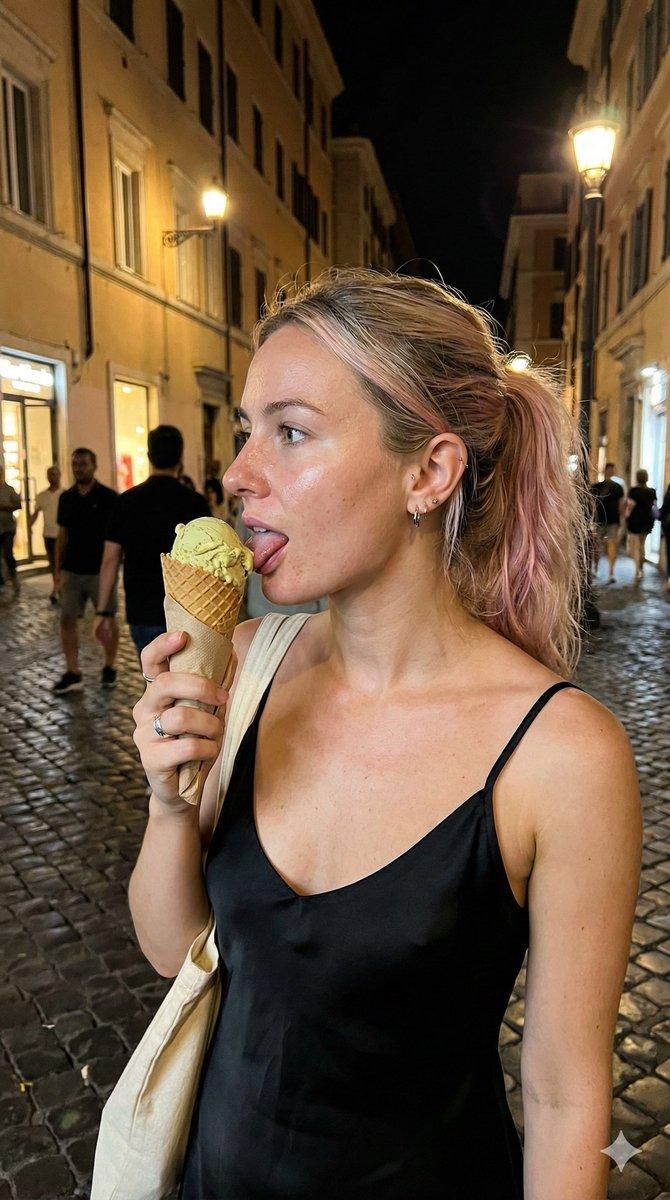
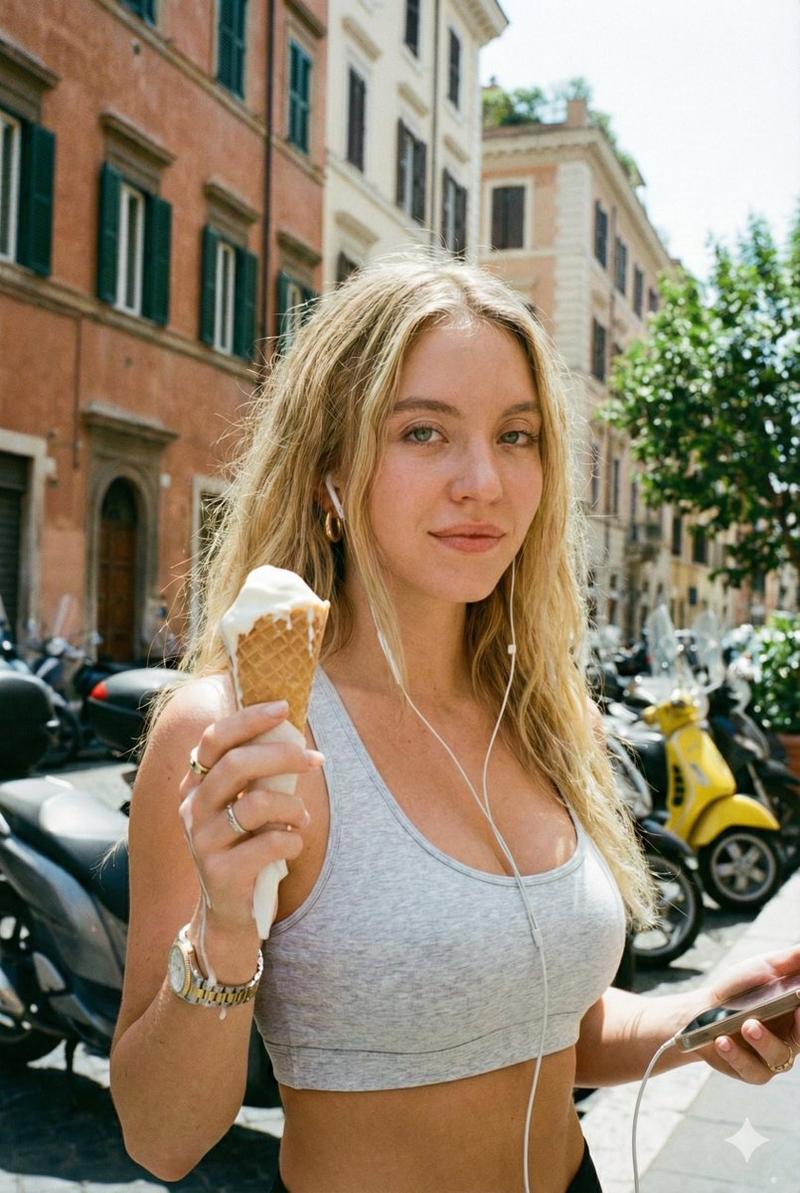
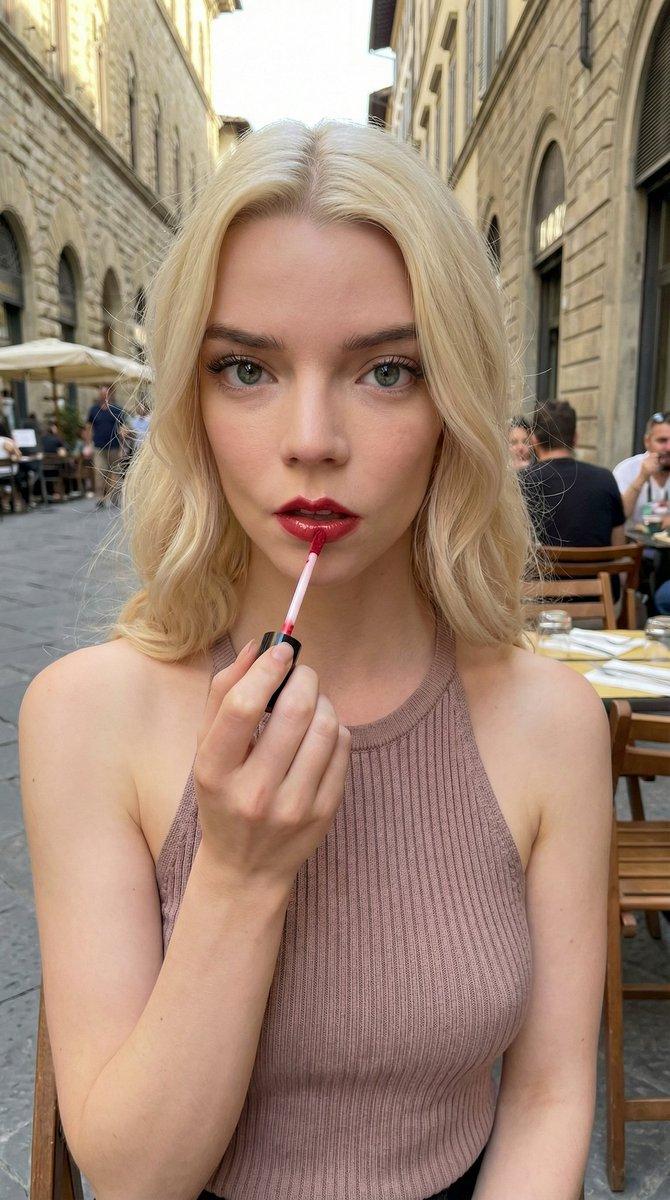
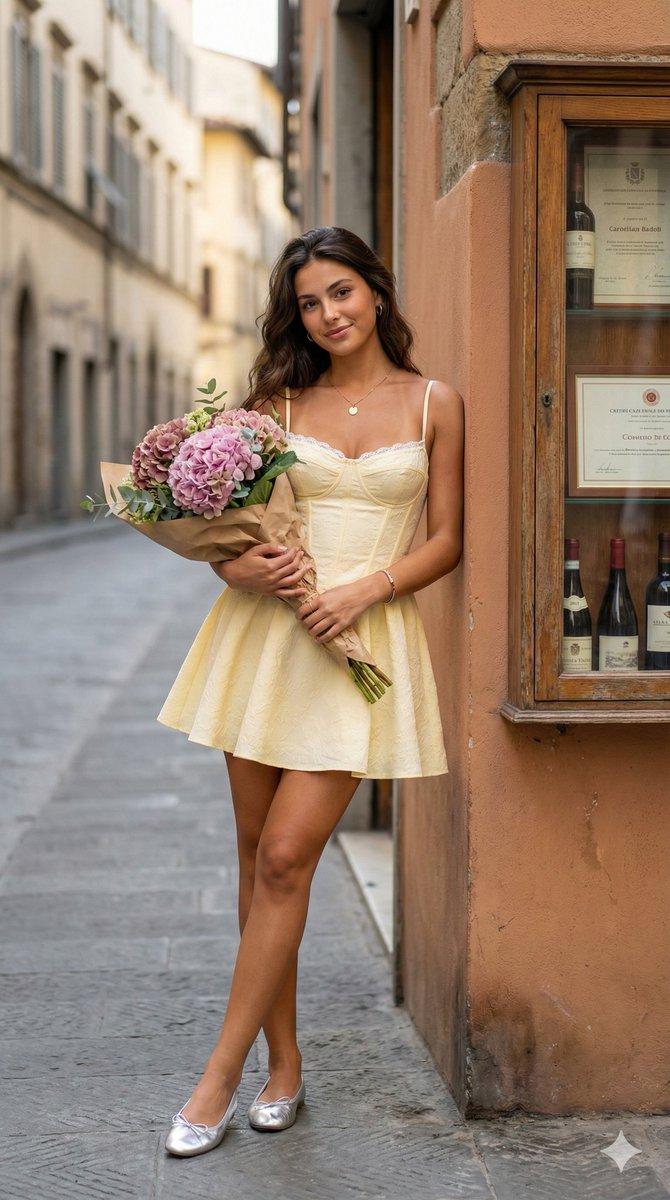
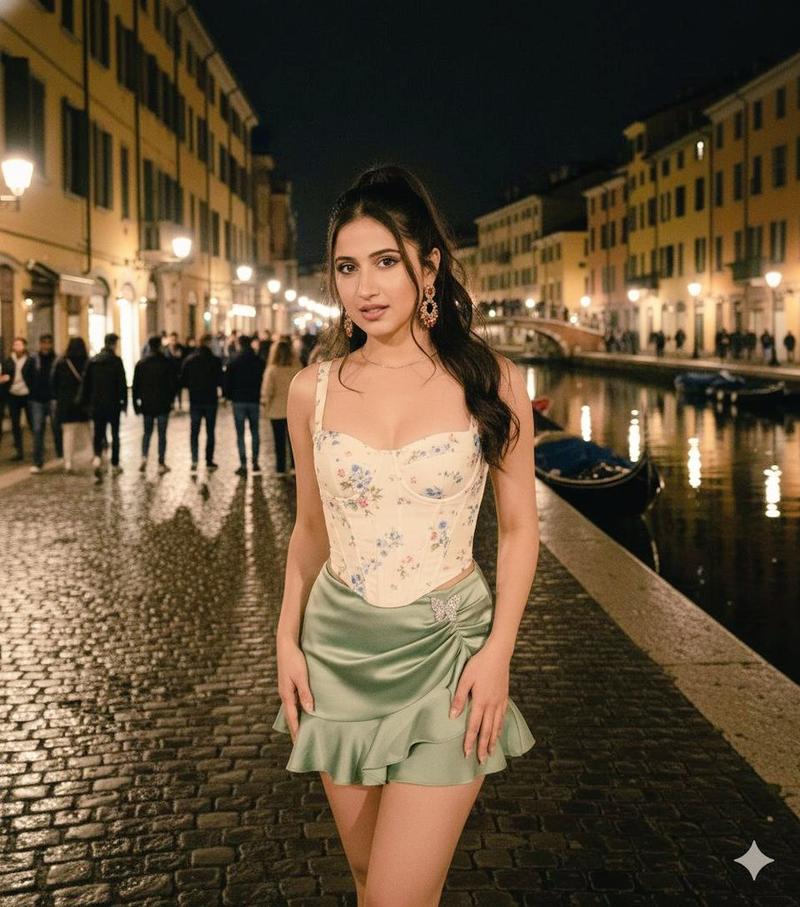
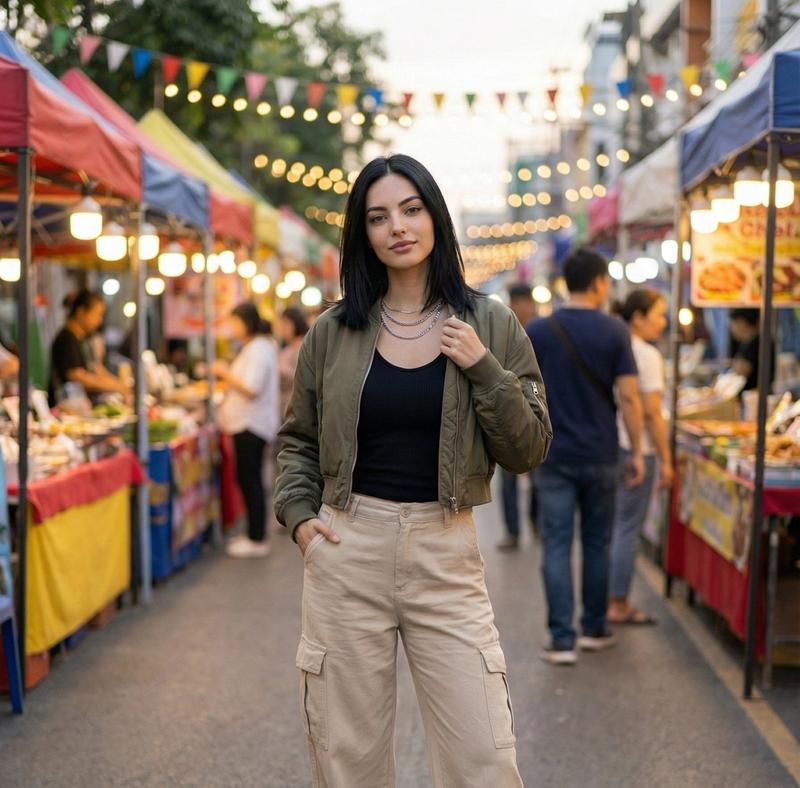
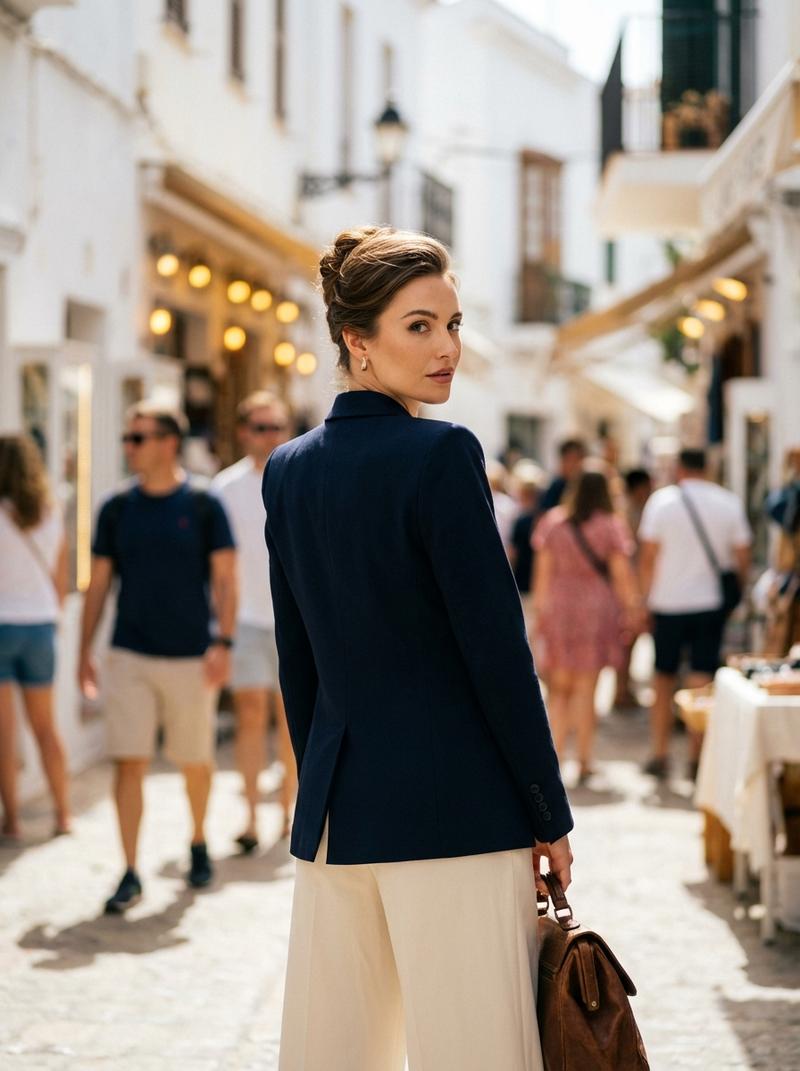
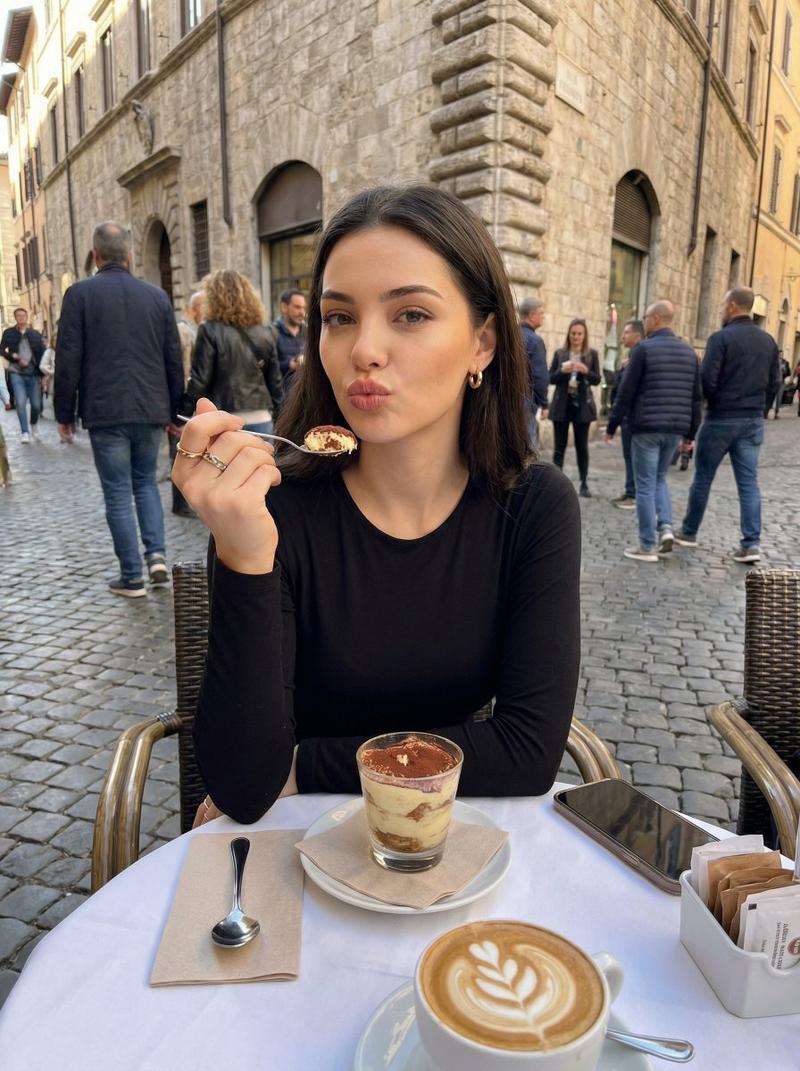
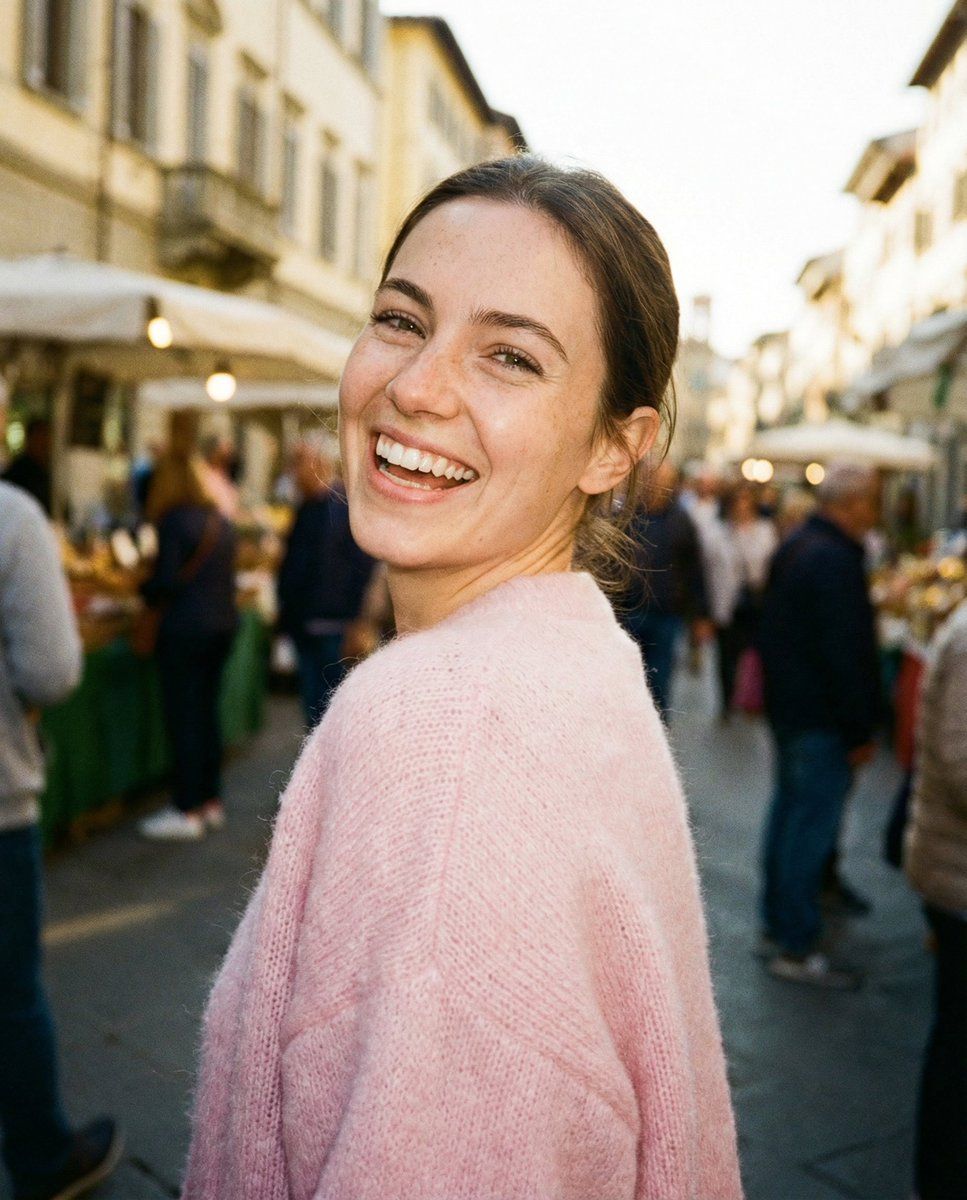
Paparazzi-style extreme close-up photo of a young woman with a cute, glowing aesthetic, caught mid-laugh while looking back over her shoulder. Shot from a low angle. Bright, crisp on-camera flash, light film grain, raw candid "street style" photography feel. Background is a sun-drenched, bustling European marketplace with soft motion blur and golden hour bokeh. No text, dates, or watermarks on the image. She is wearing a soft pastel pink fitted mohair sweater. Ultra-realistic, cinematic realism, high detail skin texture with soft freckles, slight wide-angle lens distortion.

Camera style: “35mm point-and-shoot, f/2.8, bright daylight flash”

Look: “Clean aesthetic street snap, high-end lifestyle blog feel”

Quality: “Sharp focus on the eyes, warm radiant atmosphere, zero graphic overlays”
Category
创意图片
Model
Nano Banana Pro
Views0
Source ID
e52a9e07-0111-42ba-90ad-4f66ae15eb7b
Published
Mar 8, 2026

Guide

About "街拍狗仔风"

What is this prompt for?

"街拍狗仔风" AI image prompt for Nano Banana Pro (创意图片). 一个旨在生成一张年轻女性在欧洲熙熙攘攘的市集黄金时段开怀大笑的原始、坦率、狗仔队风格特写照片的提示。它指定了技术细节,例如机顶闪光灯、胶片颗粒和 35 毫米傻瓜相机美学,以实现超现实的效果。 --- 狗仔队风格的特…

The full copyable prompt and example visuals above are ready for AI image generation or one-click recreate in Picva.

How to use this prompt

  1. Step 1

    Open the prompt detail

    Review the example visuals, category, and full prompt text for "街拍狗仔风".

  2. Step 2

    Copy the prompt

    Copy the prompt body from this page, or load it directly in Studio.

  3. Step 3

    Pick a model (Nano Banana Pro)

    Prefer Nano Banana Pro. If you switch models, keep subject and composition and tweak style terms.

  4. Step 4

    Generate and export

    Recreate the look in Picva, or export into your workflow for editing and publishing.

FAQ

What is the "街拍狗仔风" prompt?
It is an AI image-generation prompt for Nano Banana Pro in the 创意图片 category. This page includes the full prompt text, example visuals, and a one-click recreate path in Picva.
How do I use this prompt to generate an image?
Copy the prompt from this page, or use Generate / Studio. Paste it into a compatible image model, or recreate the look in Picva with optional reference images.
Which model is this prompt for?
This page lists Nano Banana Pro. Most descriptive prompts also transfer to nearby image models such as GPT Image, Flux, or Midjourney with light style tweaks.
Can I use the result commercially?
You can usually copy the prompt for creation, but commercial use of the final image depends on the model terms, reference-image rights, and the generated content. Follow the source author and platform rules.