20

A professional, high-resolution profile photo, maintaining the exact facial structure, identity, ...
Enlarge

Example images

A professional, high-resolution profile photo, maintaining the exact facial structure, identity, ...

Prompt
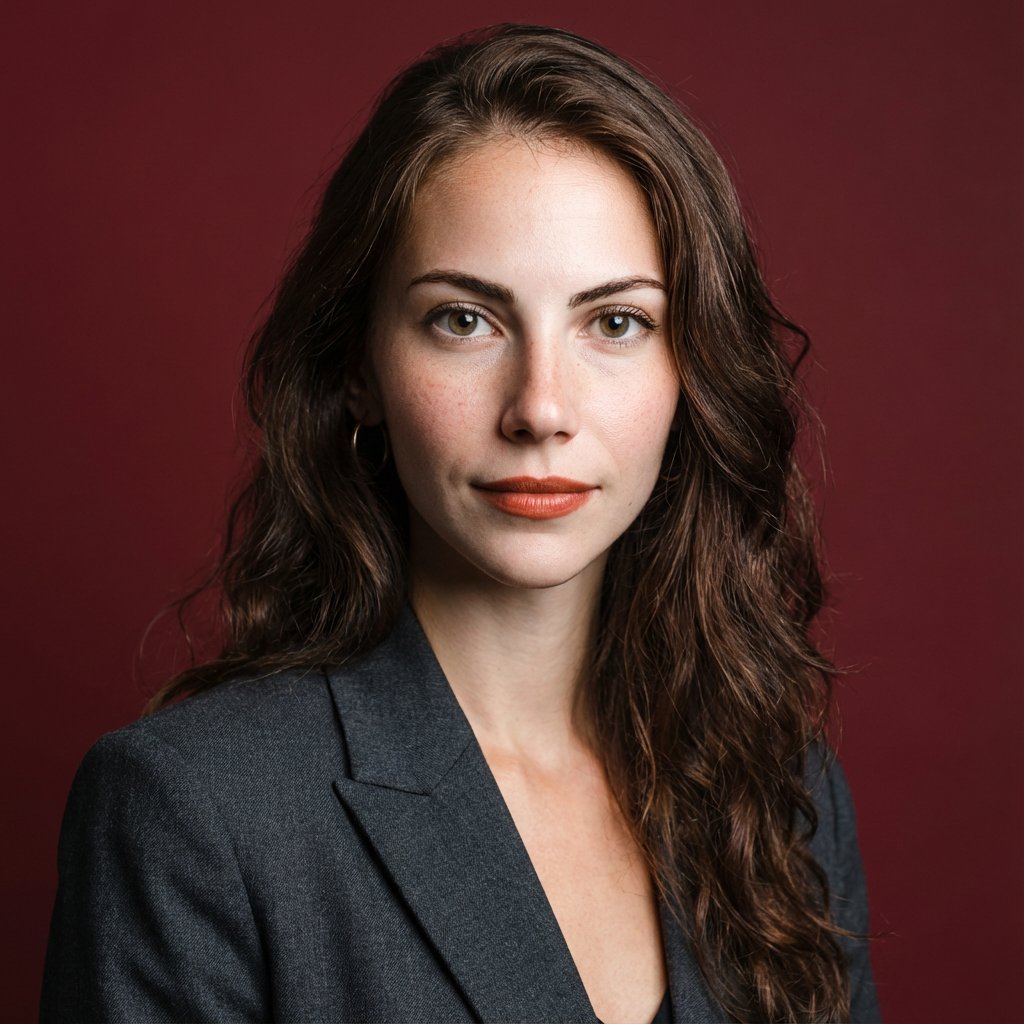
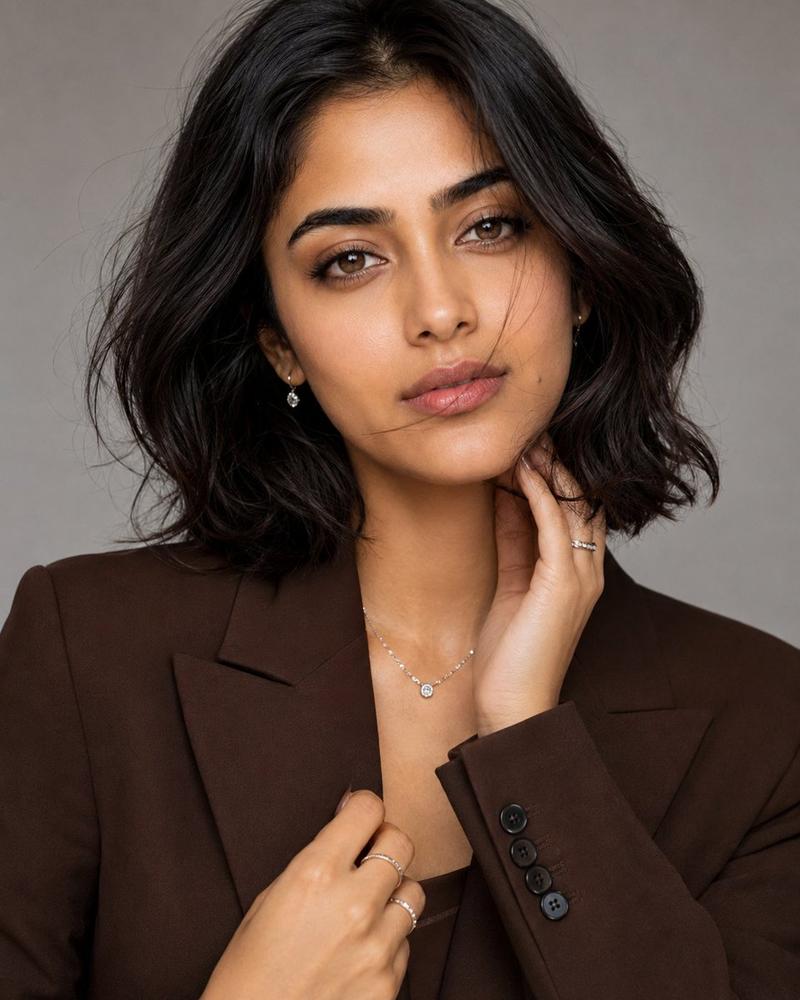
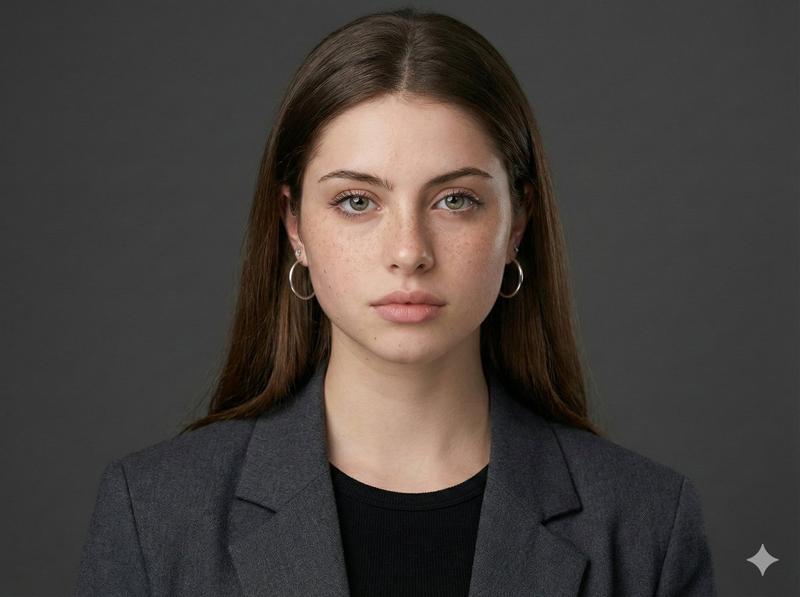
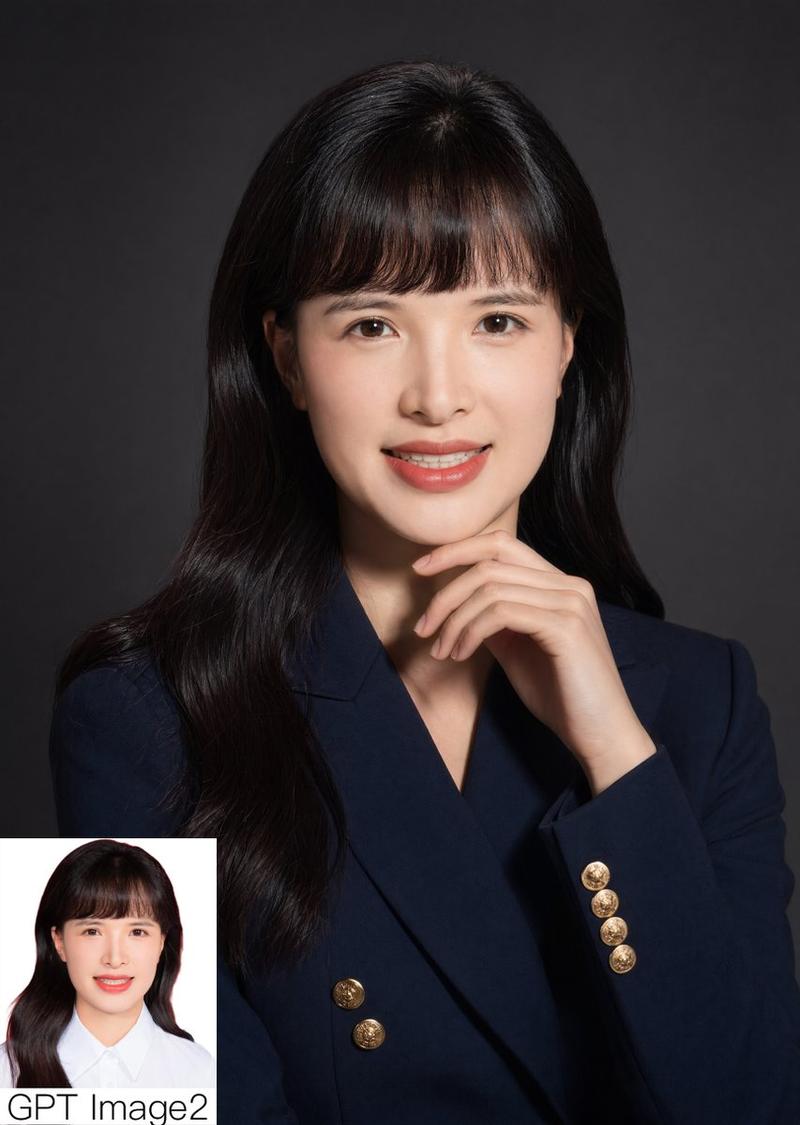
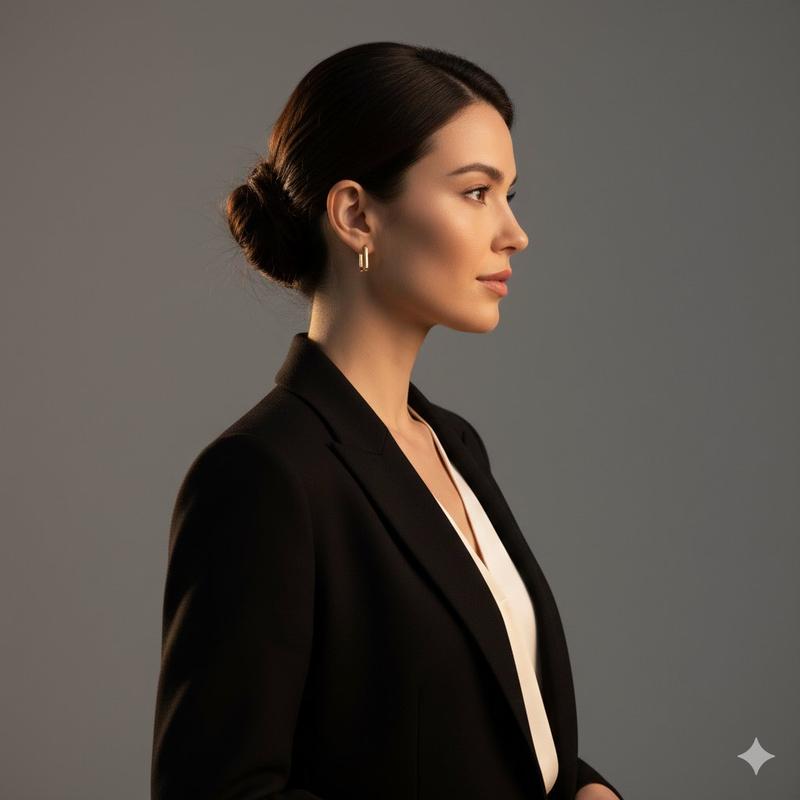
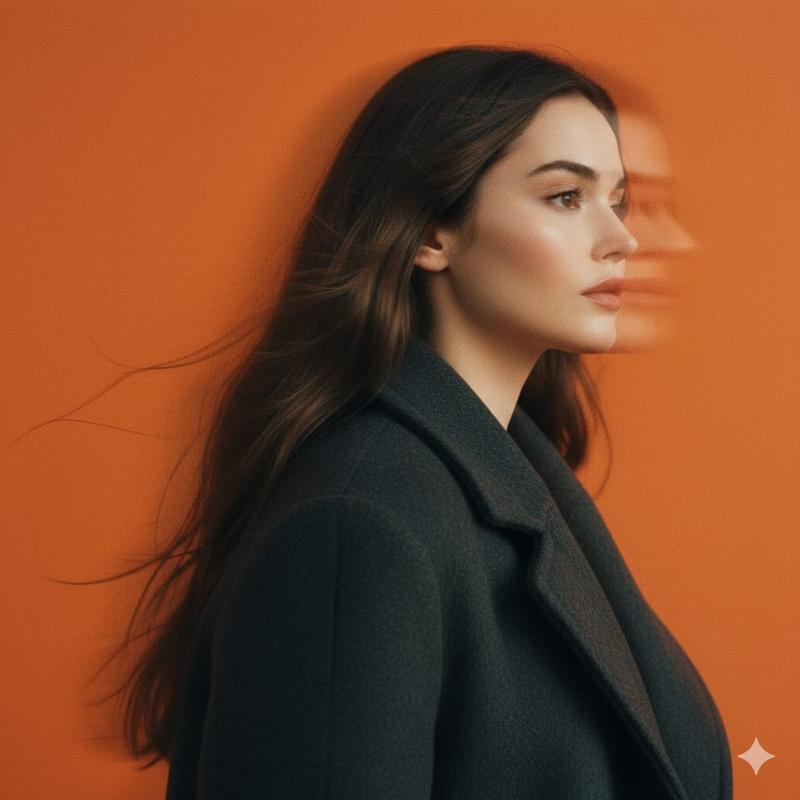
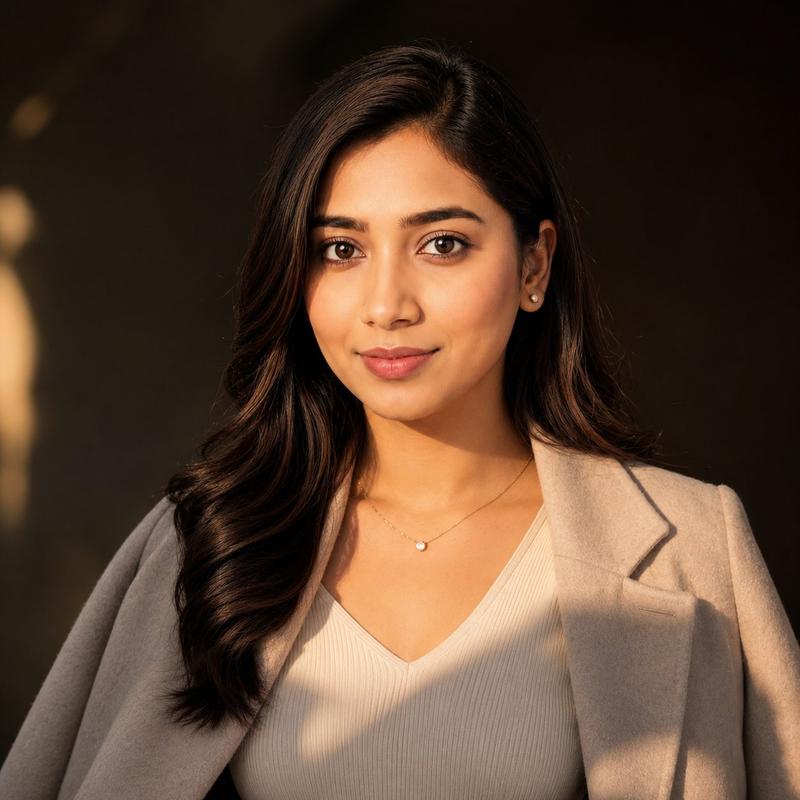
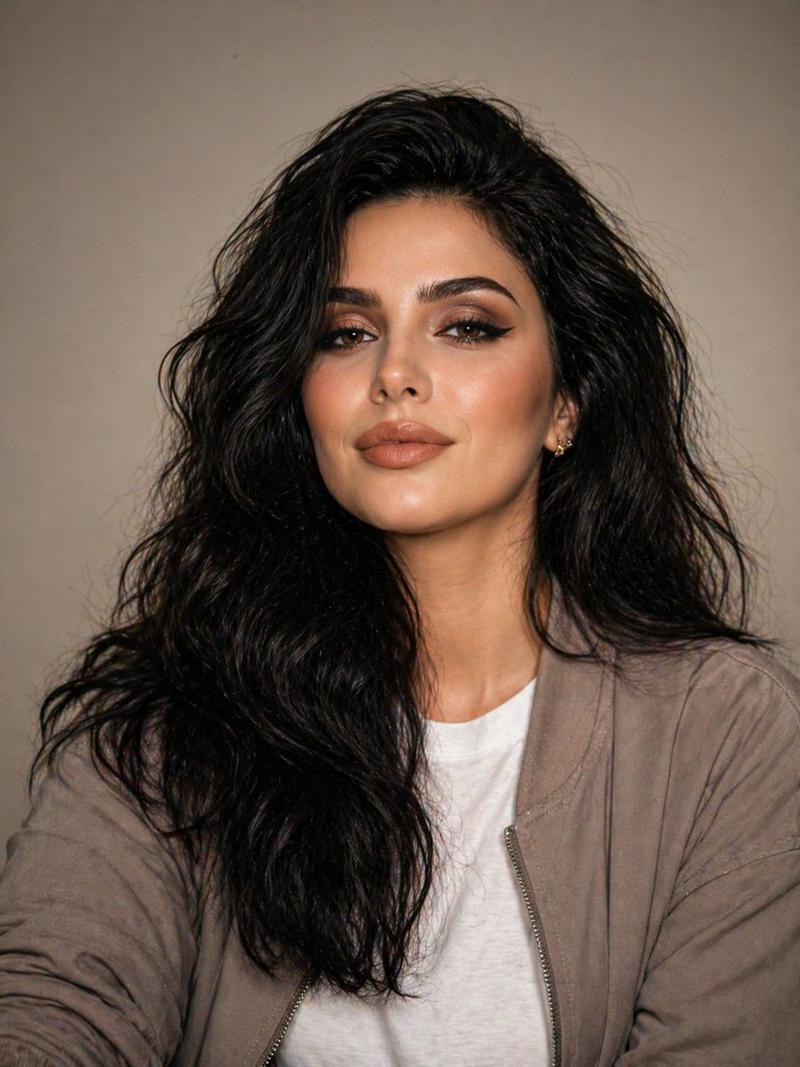
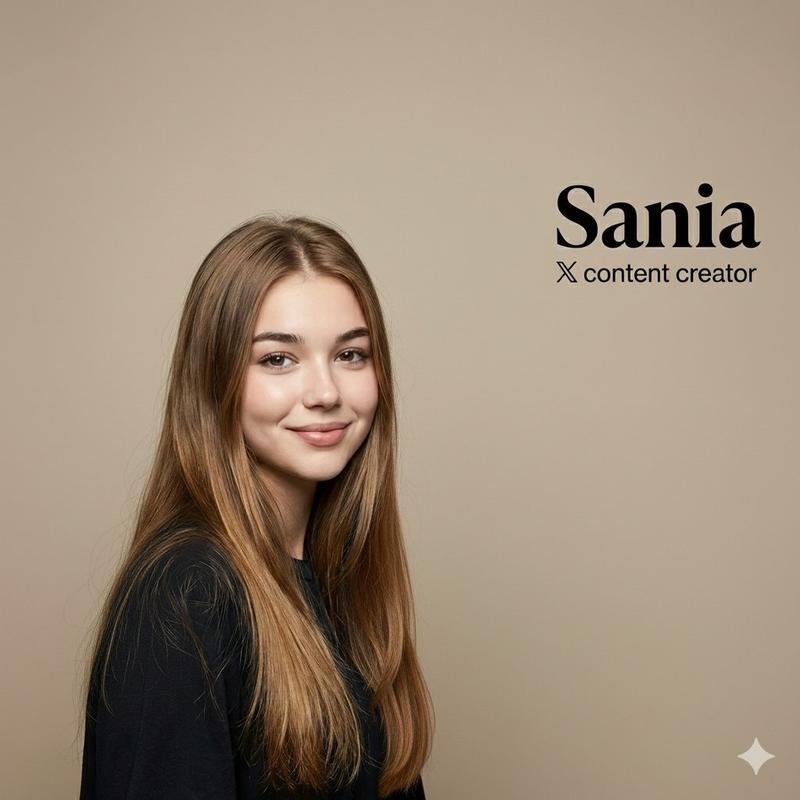
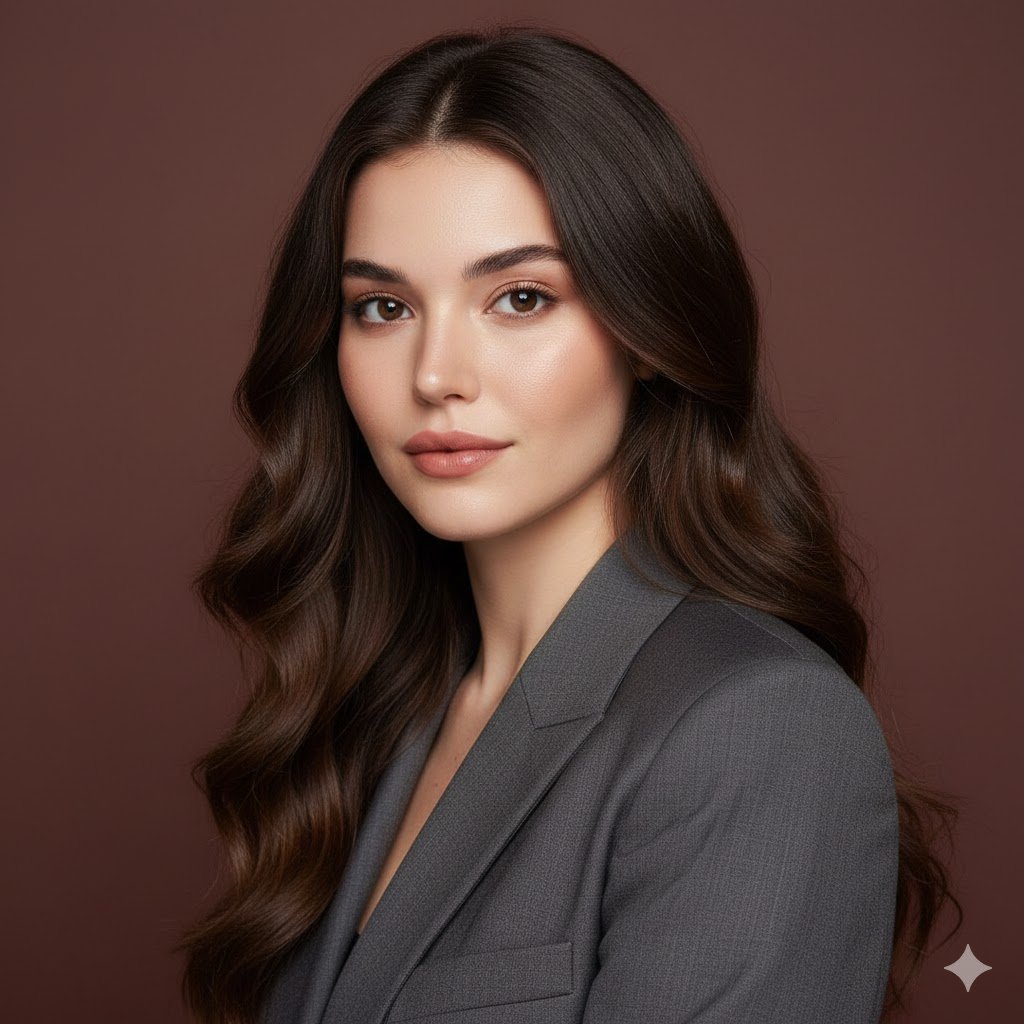
A professional, high-resolution profile photo, maintaining the exact facial structure, identity, and key features of the person in the input image. The subject is framed from the chest up, with ample headroom. The person looks directly at the camera. They are styled for a professional photo studio shoot, wearing a premium smart casual blazer in a subtle charcoal gray. The background is a solid '#562226' neutral studio color. Shot from a high angle with bright and airy soft, diffused studio lighting, gently illuminating the face and creating a subtle catchlight in the eyes, conveying a sense of clarity. Captured on an 85mm f/1.8 lens with a shallow depth of field, exquisite focus on the eyes, and beautiful, soft bokeh. Observe crisp detail on the fabric texture of the blazer, individual strands of hair, and natural, realistic skin texture. The atmosphere exudes confidence, professionalism, and approachability. Clean and bright cinematic color grading with subtle warmth and balanced tones, ensuring a polished and contemporary feel.
Category
portrait_photography
Model
Nano Banana Pro
Creator
Pixshop
Views0
Source ID
6131e057-ce3c-4f74-ad36-e3d7617552fa
Published
Jan 14, 2026

Guide

About "A professional, high-resolution profile photo, maintaining the exact facial structure, identity, ..."

What is this prompt for?

"A professional, high-resolution profile photo, maintaining the exact facial structure, identity, ..." AI image prompt for Nano Banana Pro (portrait_photograph…

The full copyable prompt and example visuals above are ready for AI image generation or one-click recreate in Picva.

How to use this prompt

  1. Step 1

    Open the prompt detail

    Review the example visuals, category, and full prompt text for "A professional, high-resolution profile photo, maintaining the exact facial structure, identity, ...".

  2. Step 2

    Copy the prompt

    Copy the prompt body from this page, or load it directly in Studio.

  3. Step 3

    Pick a model (Nano Banana Pro)

    Prefer Nano Banana Pro. If you switch models, keep subject and composition and tweak style terms.

  4. Step 4

    Generate and export

    Recreate the look in Picva, or export into your workflow for editing and publishing.

FAQ

What is the "A professional, high-resolution profile photo, maintaining the exact facial structure, identity, ..." prompt?
It is an AI image-generation prompt for Nano Banana Pro in the portrait_photography category. This page includes the full prompt text, example visuals, and a one-click recreate path in Picva.
How do I use this prompt to generate an image?
Copy the prompt from this page, or use Generate / Studio. Paste it into a compatible image model, or recreate the look in Picva with optional reference images.
Which model is this prompt for?
This page lists Nano Banana Pro. Most descriptive prompts also transfer to nearby image models such as GPT Image, Flux, or Midjourney with light style tweaks.
Can I use the result commercially?
You can usually copy the prompt for creation, but commercial use of the final image depends on the model terms, reference-image rights, and the generated content. Follow the source author and platform rules.