17

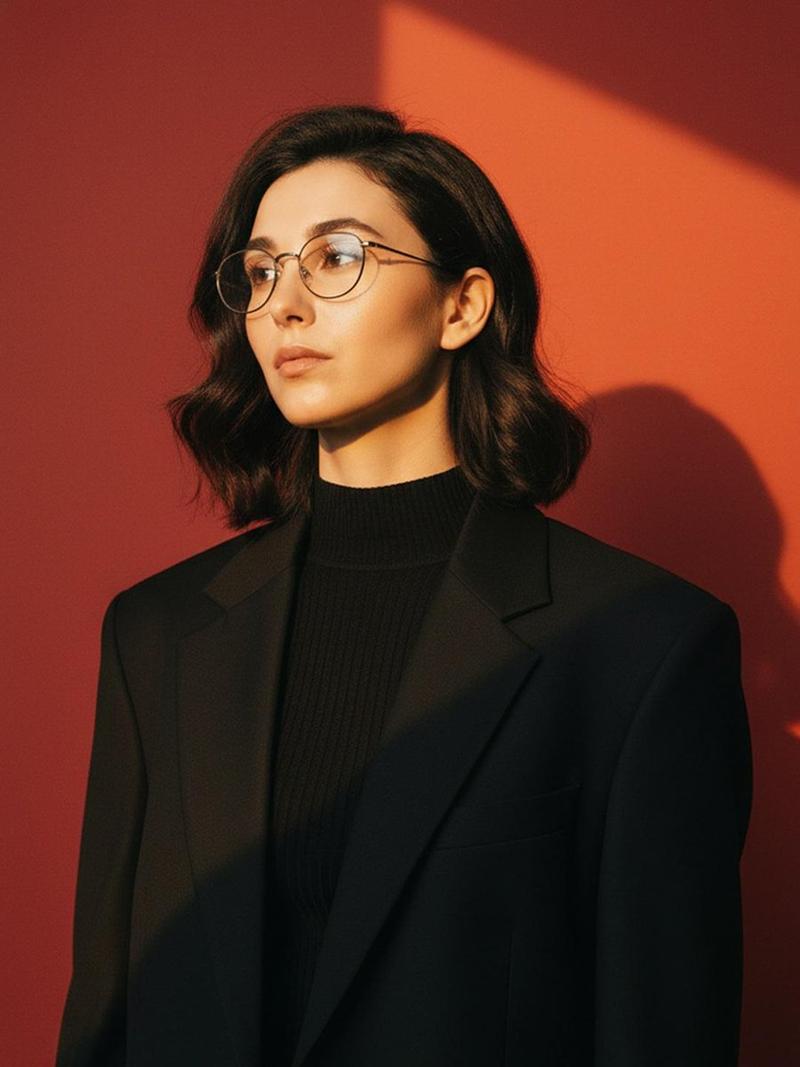
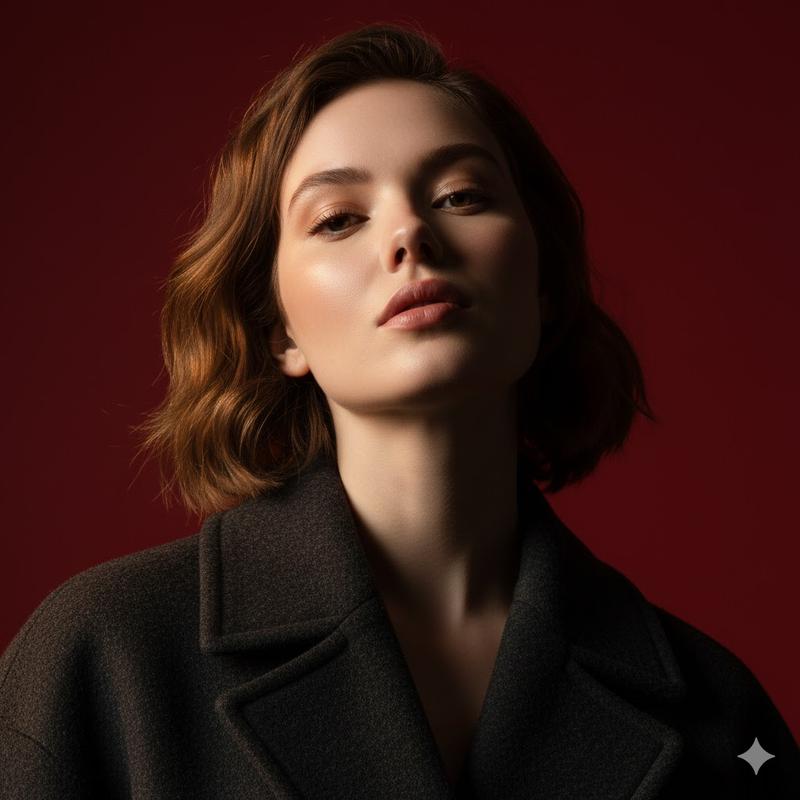
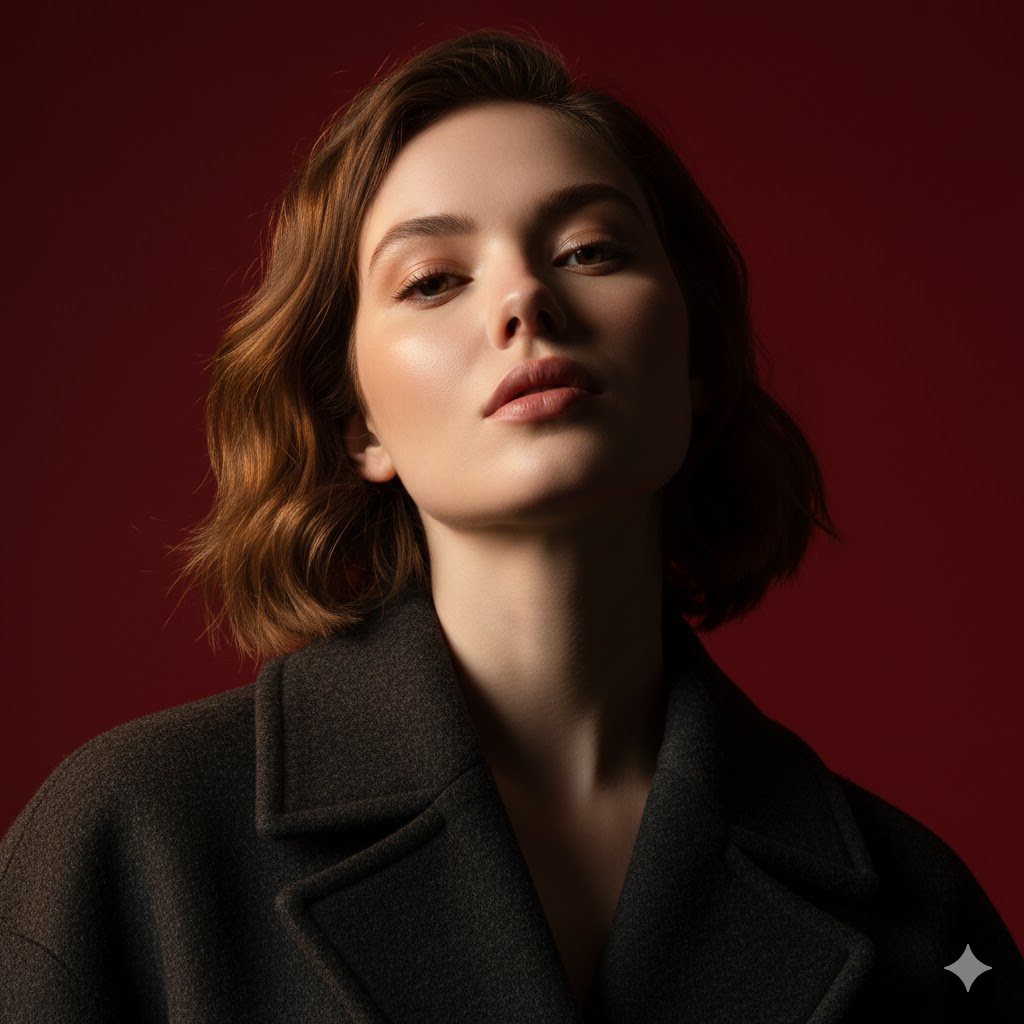
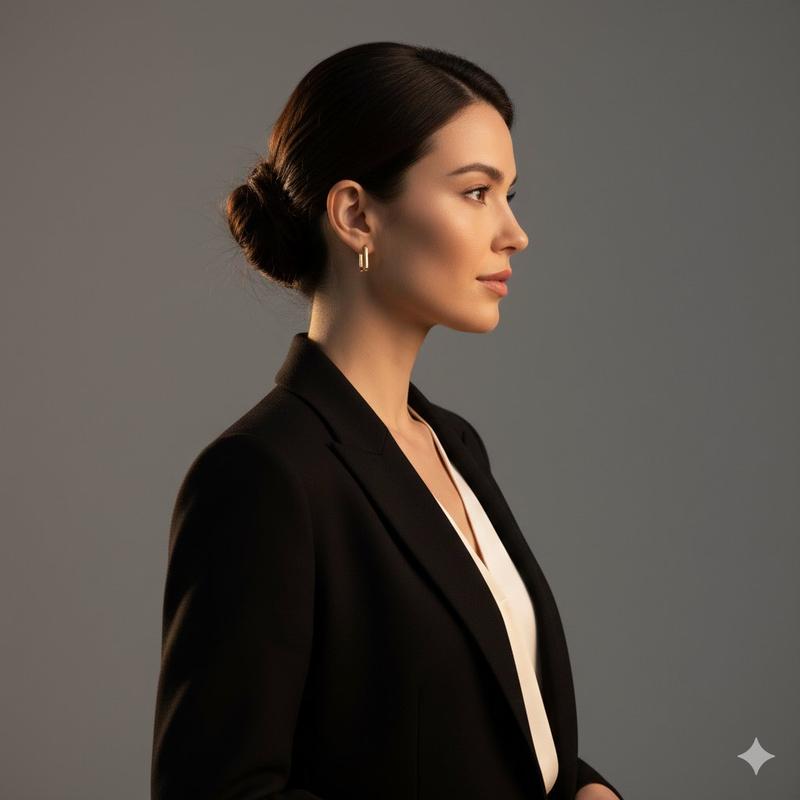
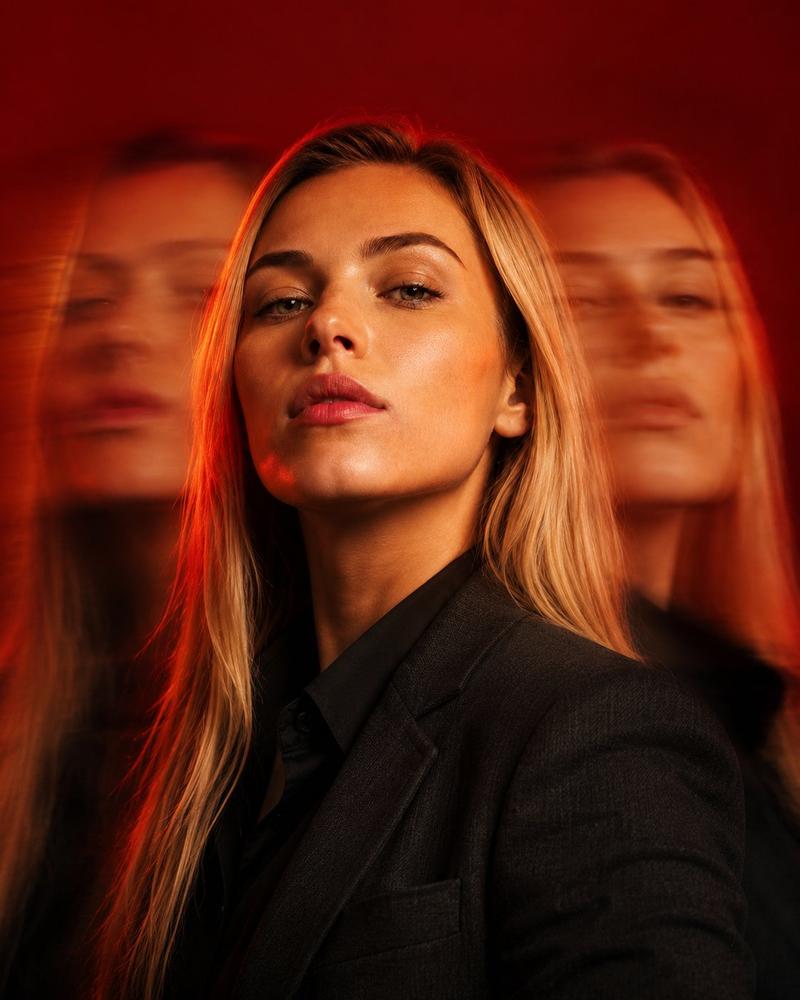
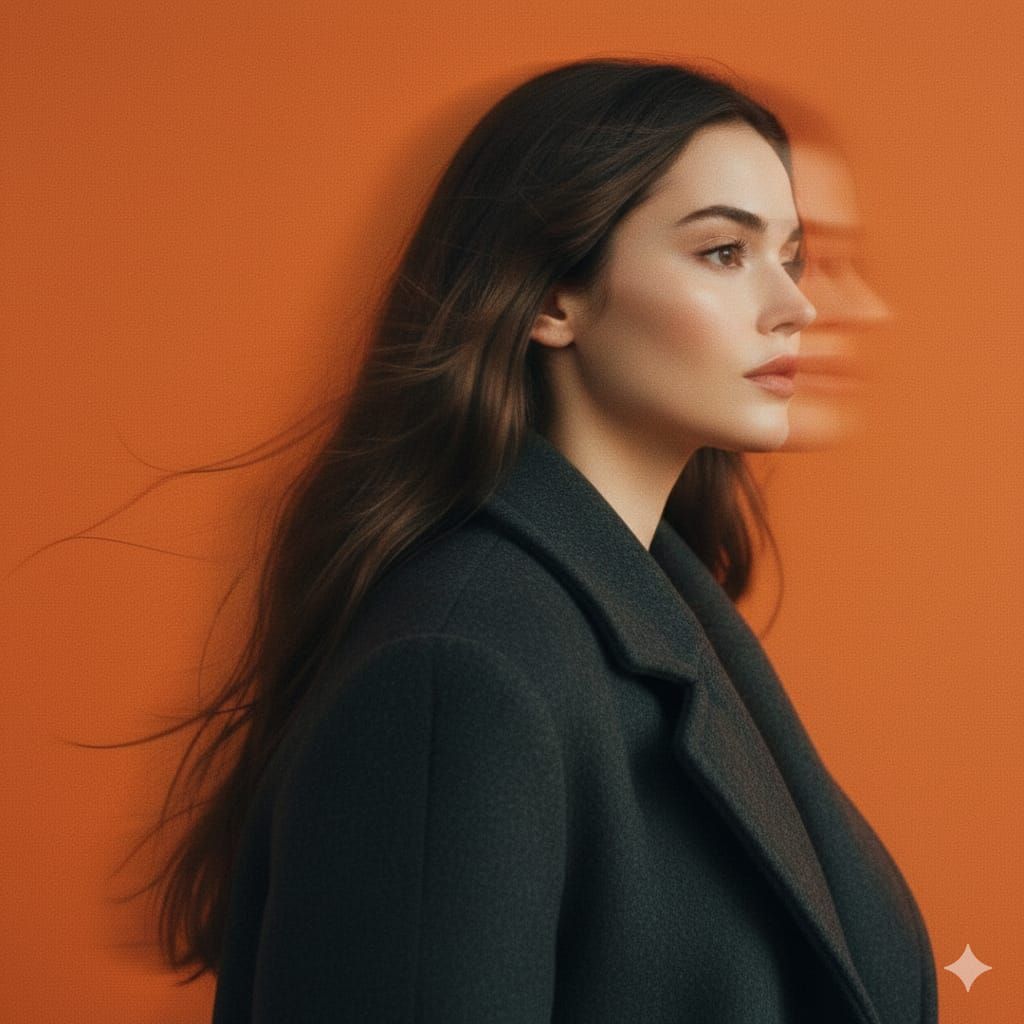
电影感摇摄影棚人像,带运动模糊
Enlarge

电影感摇摄影棚人像,带运动模糊

Prompt
A panning studio portrait of a mysterious female figure captured in side profile, her head subtly turned forward as motion blur streaks softly through her hair and jawline. She wears a matte charcoal wool coat with softened edges, standing against a solid Pantone 137 C orange background that fills the frame entirely. The image features intentional horizontal motion blur from a slow shutter pan, preserving facial structure while allowing peripheral smearing. Soft studio lighting with diffused highlights, low contrast, and lifted blacks creates a faded analog film look with fine grain and muted saturation. Shot on a full-frame camera using a 50mm lens at f/2.8, ISO 200, shutter speed 1/15s, vertical orientation, tight portrait framing, shallow depth of field. The mood is cinematic, introspective, and modern editorial visual language aligned with 032c and A24 aesthetics.
Category
创意图片
Model
Nano Banana Pro
Creator
simply
Views0
Source ID
b145c2d2-3fda-4203-b416-3e4edfa8993d
Published
Mar 8, 2026

Guide

About "电影感摇摄影棚人像,带运动模糊"

What is this prompt for?

"电影感摇摄影棚人像,带运动模糊" AI image prompt for Nano Banana Pro (创意图片). 给 Nano Banana Pro 的详细提示,要求拍摄一张神秘女性人物的电影感、编辑风格的影棚肖像。关键特点是通过慢速快门摇摄实现有意的水平运动模糊,背景为纯橙色,旨在营造一种褪色的模拟胶片效…

The full copyable prompt and example visuals above are ready for AI image generation or one-click recreate in Picva.

How to use this prompt

  1. Step 1

    Open the prompt detail

    Review the example visuals, category, and full prompt text for "电影感摇摄影棚人像,带运动模糊".

  2. Step 2

    Copy the prompt

    Copy the prompt body from this page, or load it directly in Studio.

  3. Step 3

    Pick a model (Nano Banana Pro)

    Prefer Nano Banana Pro. If you switch models, keep subject and composition and tweak style terms.

  4. Step 4

    Generate and export

    Recreate the look in Picva, or export into your workflow for editing and publishing.

FAQ

What is the "电影感摇摄影棚人像,带运动模糊" prompt?
It is an AI image-generation prompt for Nano Banana Pro in the 创意图片 category. This page includes the full prompt text, example visuals, and a one-click recreate path in Picva.
How do I use this prompt to generate an image?
Copy the prompt from this page, or use Generate / Studio. Paste it into a compatible image model, or recreate the look in Picva with optional reference images.
Which model is this prompt for?
This page lists Nano Banana Pro. Most descriptive prompts also transfer to nearby image models such as GPT Image, Flux, or Midjourney with light style tweaks.
Can I use the result commercially?
You can usually copy the prompt for creation, but commercial use of the final image depends on the model terms, reference-image rights, and the generated content. Follow the source author and platform rules.