{"intent":"Generate a photorealistic, high-fidelity smartphone photograph simulating a raw night-...
Prompt
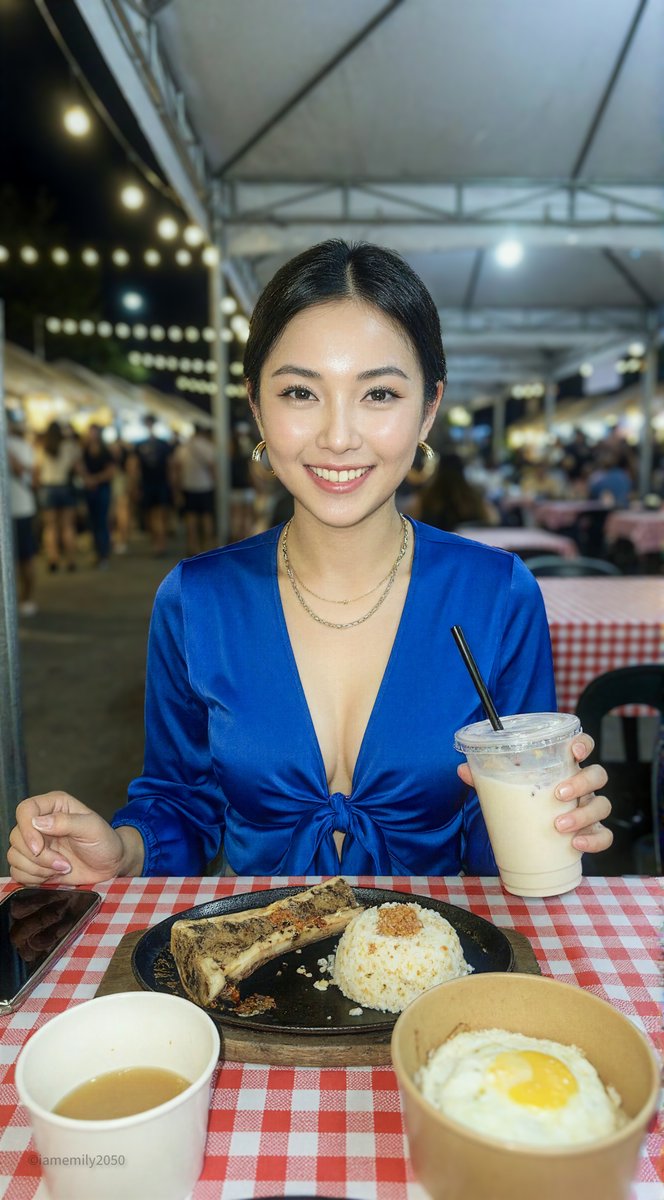
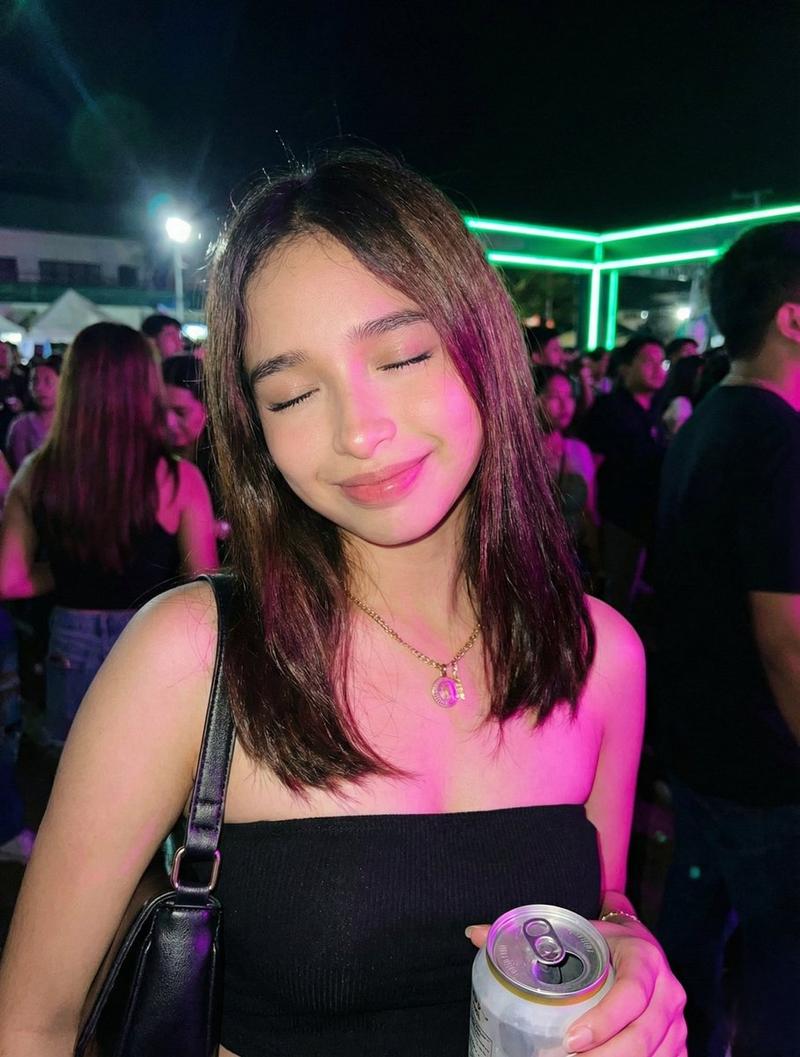
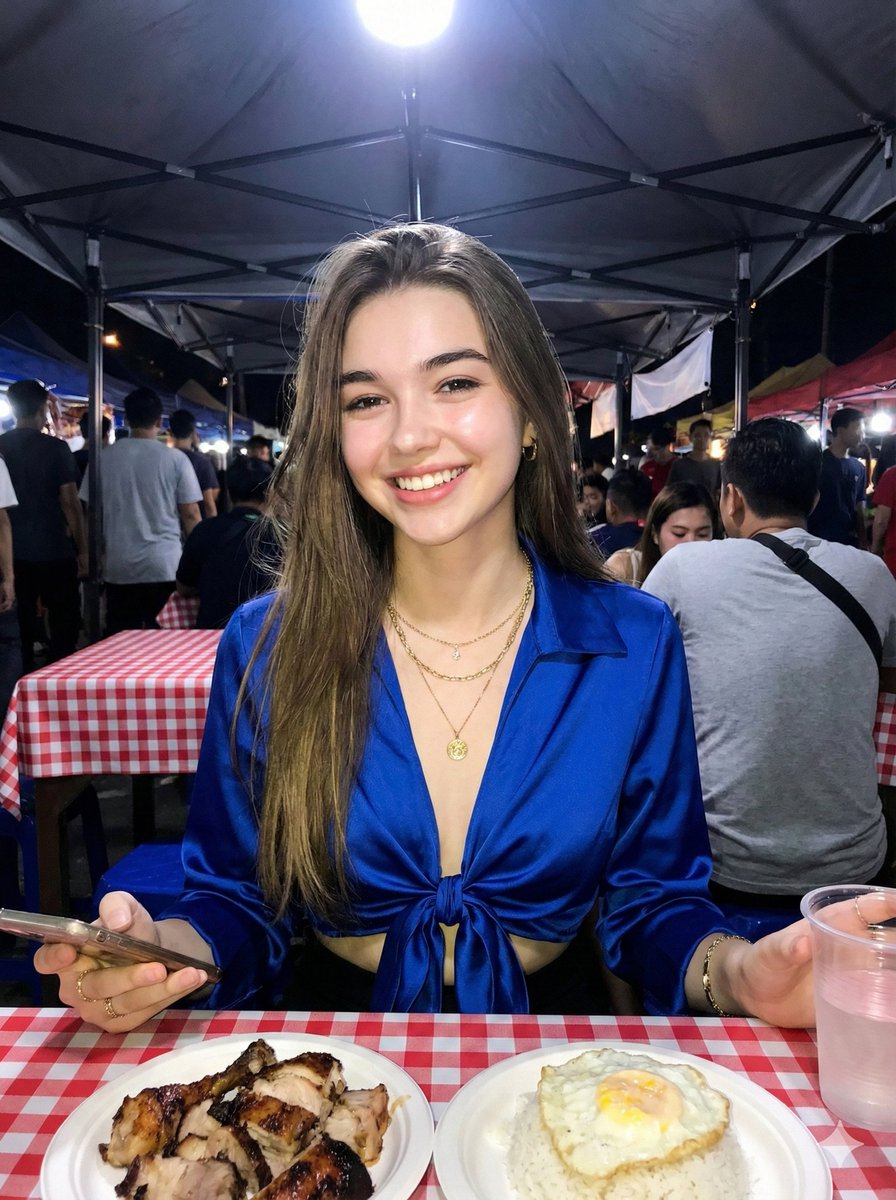
{"intent":"Generate a photorealistic, high-fidelity smartphone photograph simulating a raw night-time capture at a bustling Asian night market.","subject":{"demographics":"Young adult female, East Asian descent, distinct 'glass skin' complexion.","hair":"Long, voluminous, dark wavy hair styled with a center part and polished finish.","attire":"Vivid royal blue satin deep-V crop top with a front tie/knot detail. The fabric should show specular highlights typical of satin under flash.","accessories":"Thick gold hoop earrings, layered gold necklaces including a textured chain and a pendant necklace.","pose":"Seated at a table, facing the camera directly. Right hand holding a clear plastic cup with a drink, left hand resting on the table holding a smartphone.","expression":"Soft, confident smile with direct eye contact."},"environment":{"location":"Semi-outdoor night market dining tent.","background":"White canopy tent structure visible above. Background is dark with bokeh circles from warm string lights and blurred silhouettes of a crowd.","foreground_surface":"Table covered with a classic red and white checkered tablecloth."},"props":{"food_main":"Sizzling cast iron plate containing a large roasted bone marrow or rib, topped with crispy fried garlic and oil.","food_side":"Paper bowl containing white rice topped with a sunny-side-up fried egg and a calamansi lime.","drink":"Iced milk tea or shake in a clear plastic disposable cup with a lid and black straw."},"lighting":{"style":"Direct on-camera smartphone flash simulation.","characteristics":"High contrast with rapid falloff. The subject and foreground food are brightly illuminated with cool/neutral flash light, while the background drops off into darkness with warm ambient tungsten tones.","shadows":"Sharp, defined shadows behind the subject and objects, typical of a small, direct light source."},"camera":{"aesthetic":"Mobile photography, Apple iPhone 16 Pro Max simulation.","perspective":"Medium shot, eye-level.","lens_characteristics":"Wide aperture (f/1.8 equivalent) effect with sharp focus on the subject and foreground food, slight depth of field blurring the background.","processing":"High definition, sharp details, vibrant colors, slightly glossy finish."}}- Category
- creative_scene
- Model
- Nano Banana Pro
- Creator
- Pixshop
- Source ID
- dcf10e8b-bdcc-4e6c-abf4-55e0c3ab7849
- Published
- Jan 14, 2026
Views3