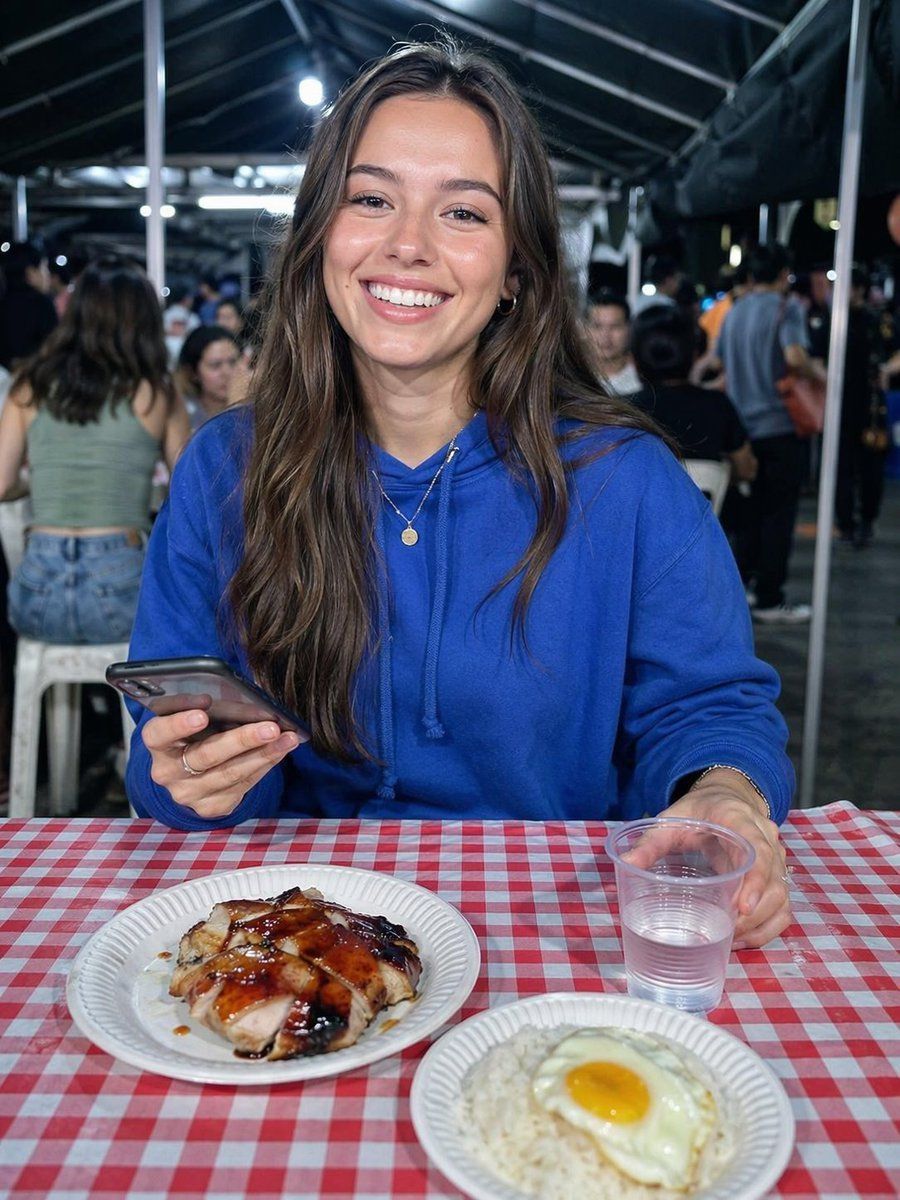
夜市晚餐肖像
Prompt
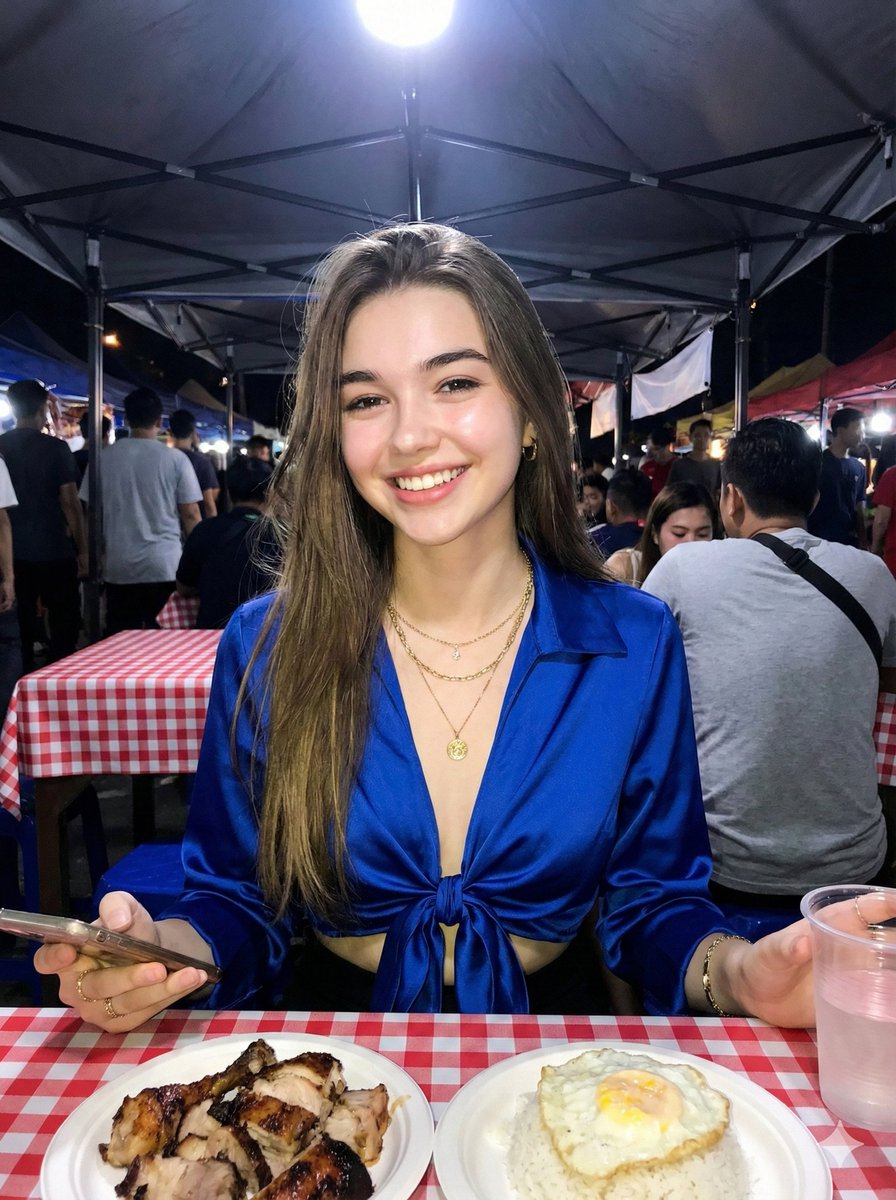
Create a realistic candid nighttime food-market photo of a young woman seated at a table under a dark tent canopy with metal poles and bright overhead lights, shallow depth of field and a busy blurred crowd behind her. She has long wavy brown hair and wears a vivid royal-blue hoodie, with her face intentionally anonymized by one large vertical opaque muted taupe rectangle centered over the face; also include two smaller blurred face blocks on background people. She is holding one smartphone in her left hand and one clear plastic cup of water in her right hand. In the foreground on a red-and-white checkered plastic tablecloth, show exactly two white disposable paper plates: the left plate contains sliced grilled glazed chicken with dark sauce, and the right plate contains white rice topped with one sunny-side-up egg with a bright yellow yolk. Include exactly one clear plastic cup near her right hand, one visible phone, two delicate necklaces with small round pendants, and casual market diners in the background. Use direct flash or bright market lighting, natural colors, documentary travel-photo realism, vertical 4:3 composition, eye-level framing, slight background bokeh, no added text, no watermark. Customizable details: {argument name="hoodie color" default="royal blue"}, {argument name="tablecloth pattern" default="red-and-white checkered"}, {argument name="main dish" default="sliced grilled glazed chicken"}, {argument name="side dish" default="white rice topped with one sunny-side-up egg"}, {argument name="face anonymization color" default="muted taupe"}.- Category
- Charts & Infographics
- Model
- GPT Image 2
- Creator
- Harshith
- Source ID
- 26711
- Published
- Jun 24, 2026
Views0