17

{"style":"realistic outdoor portrait photography, soft natural daylight, warm autumn tones, sligh...
Enlarge

Example images

{"style":"realistic outdoor portrait photography, soft natural daylight, warm autumn tones, sligh...

Prompt
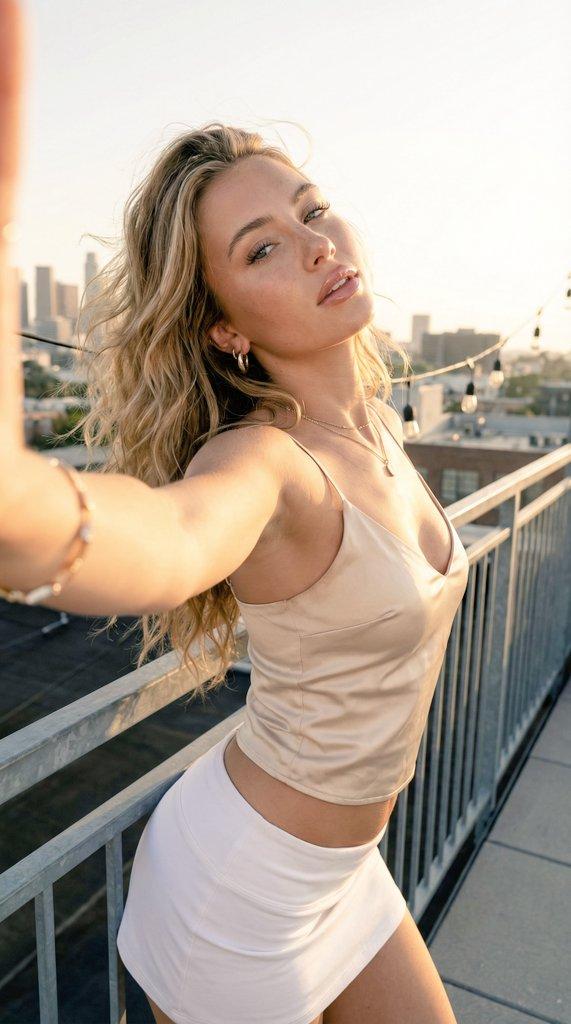
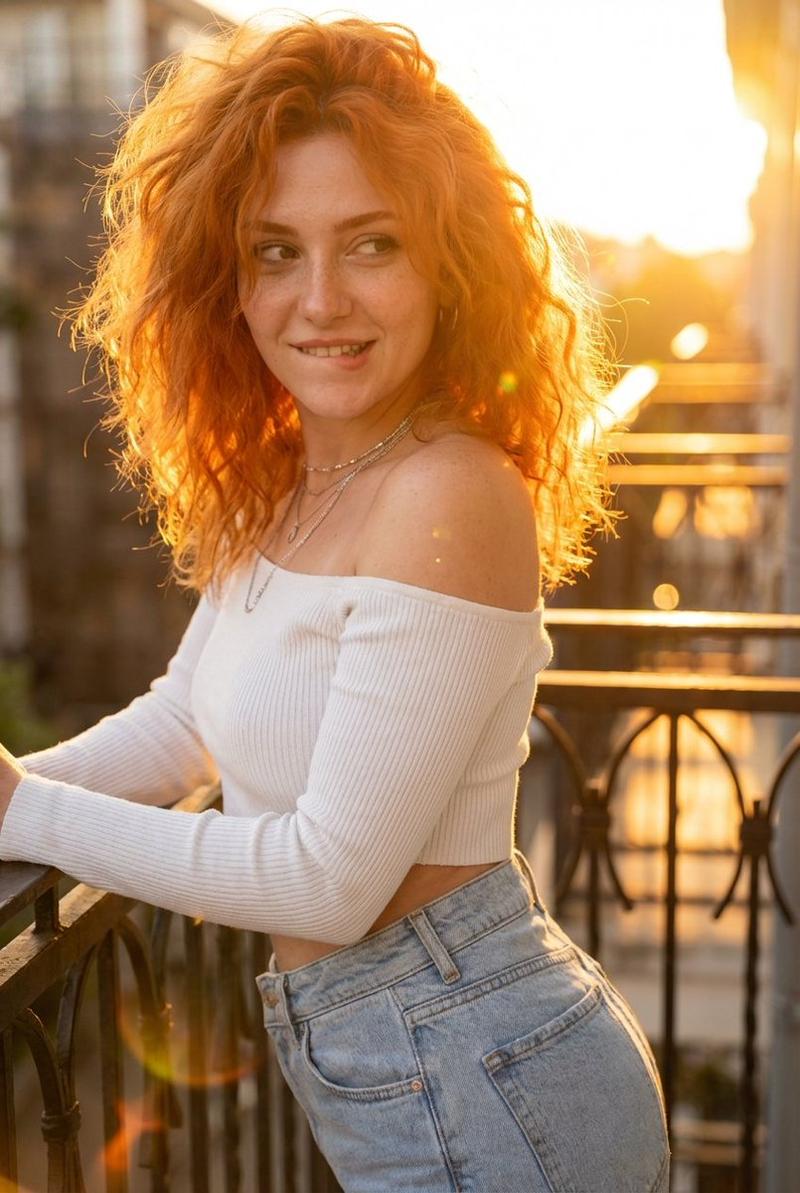
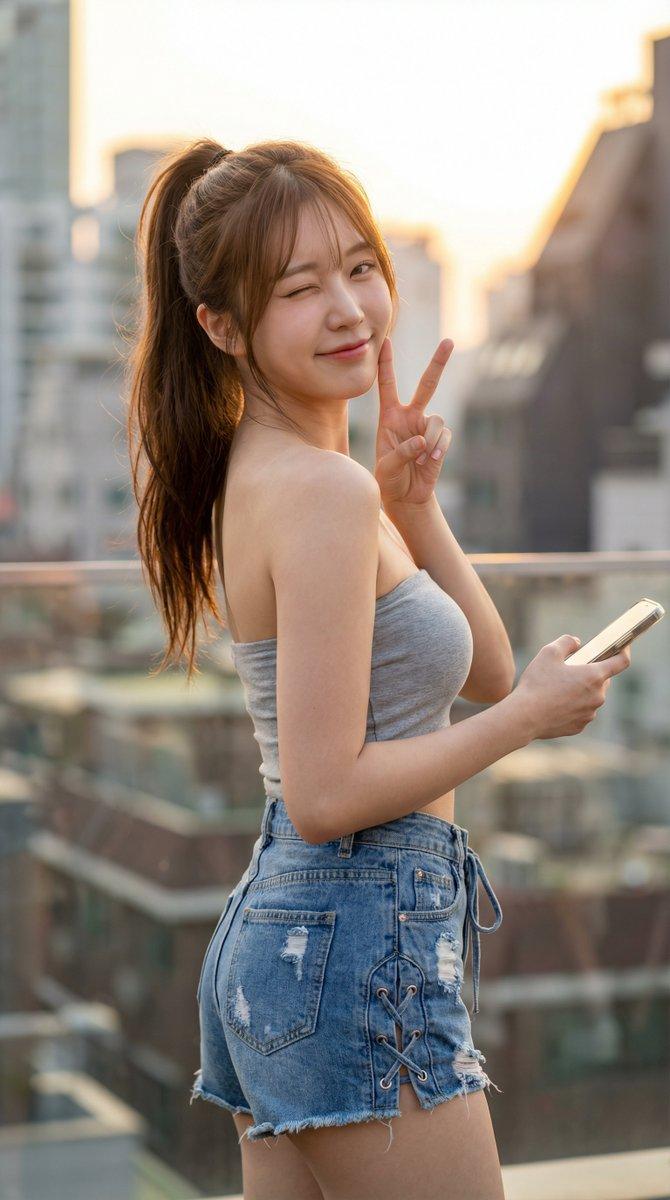
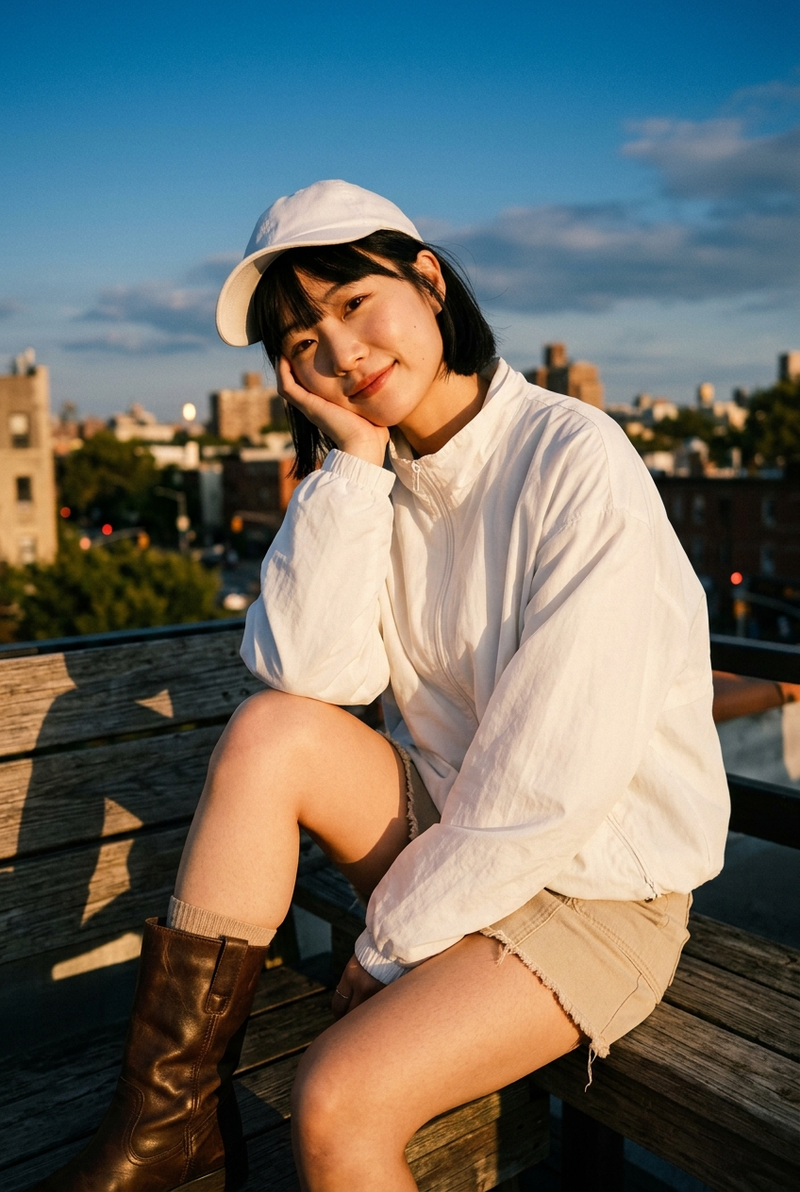
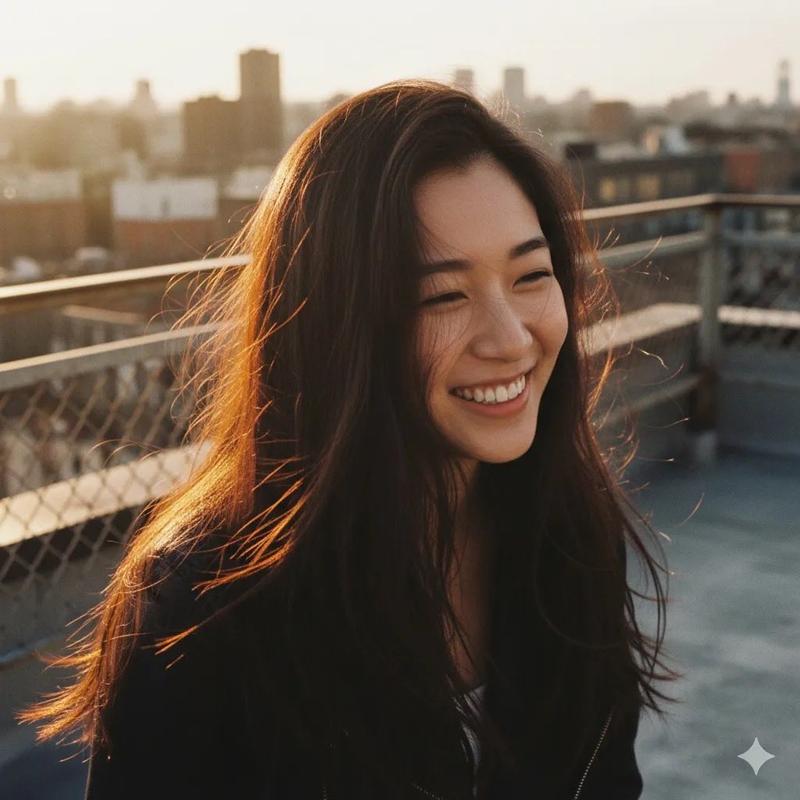
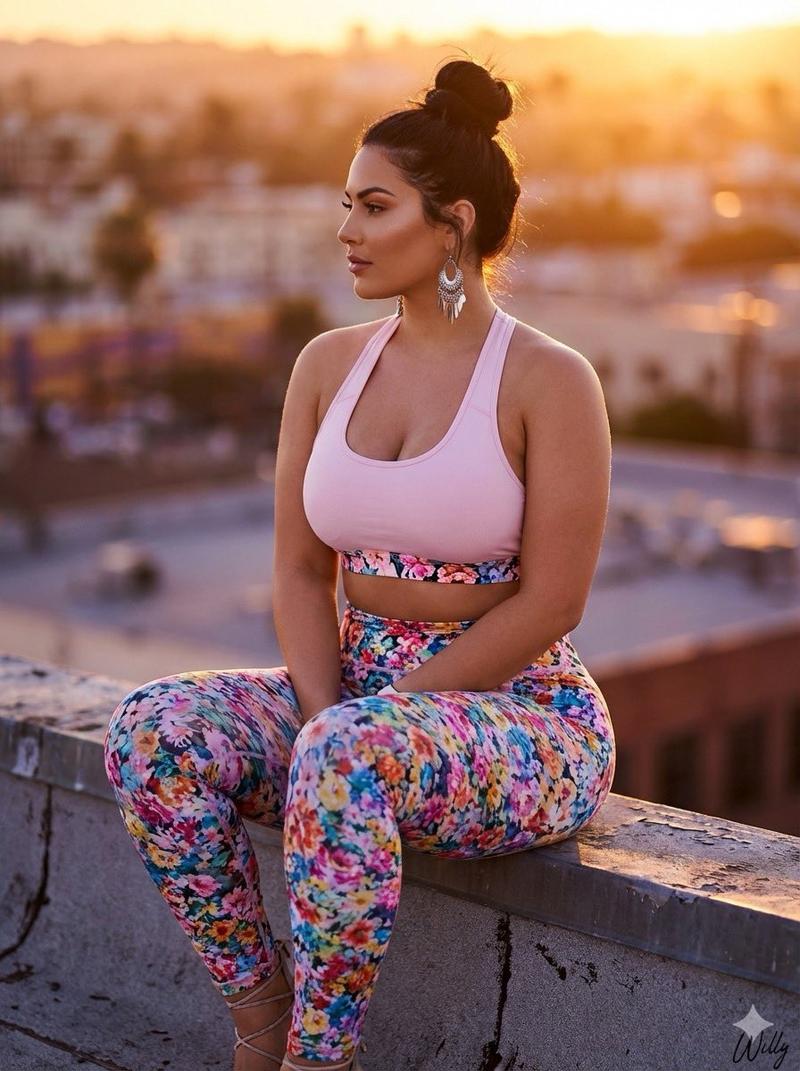
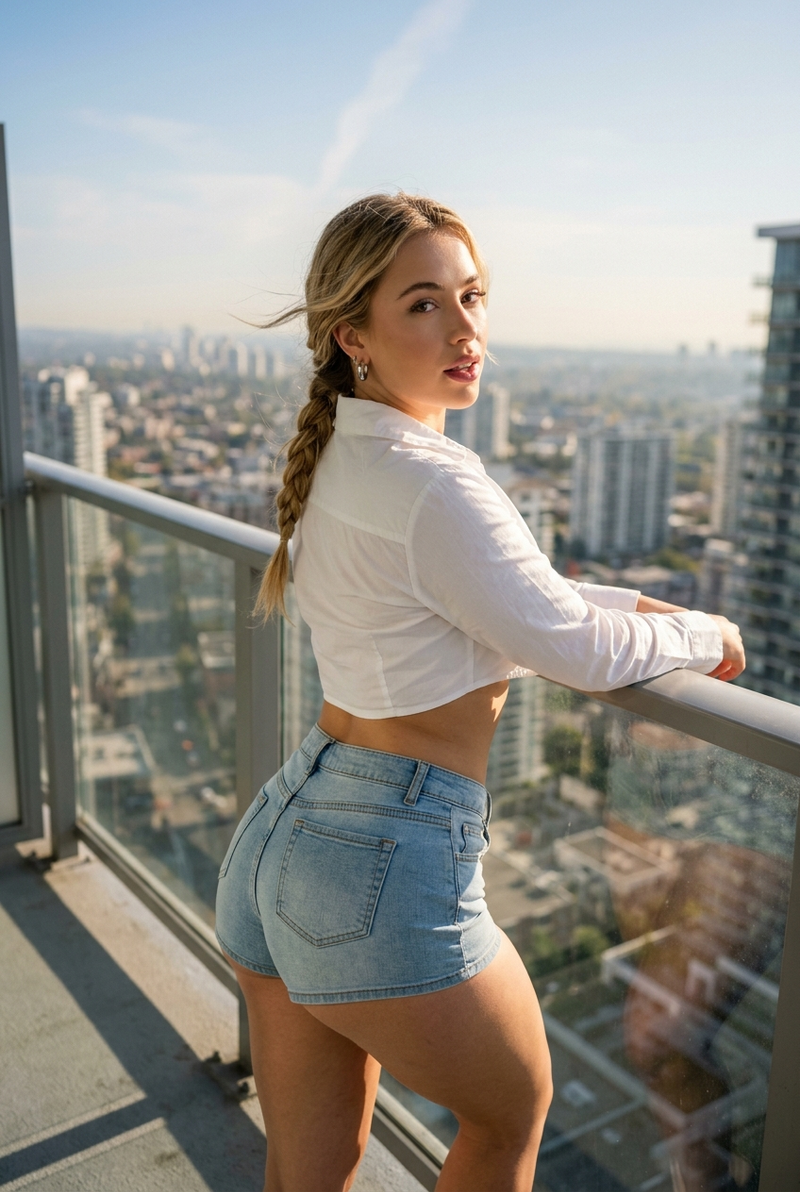
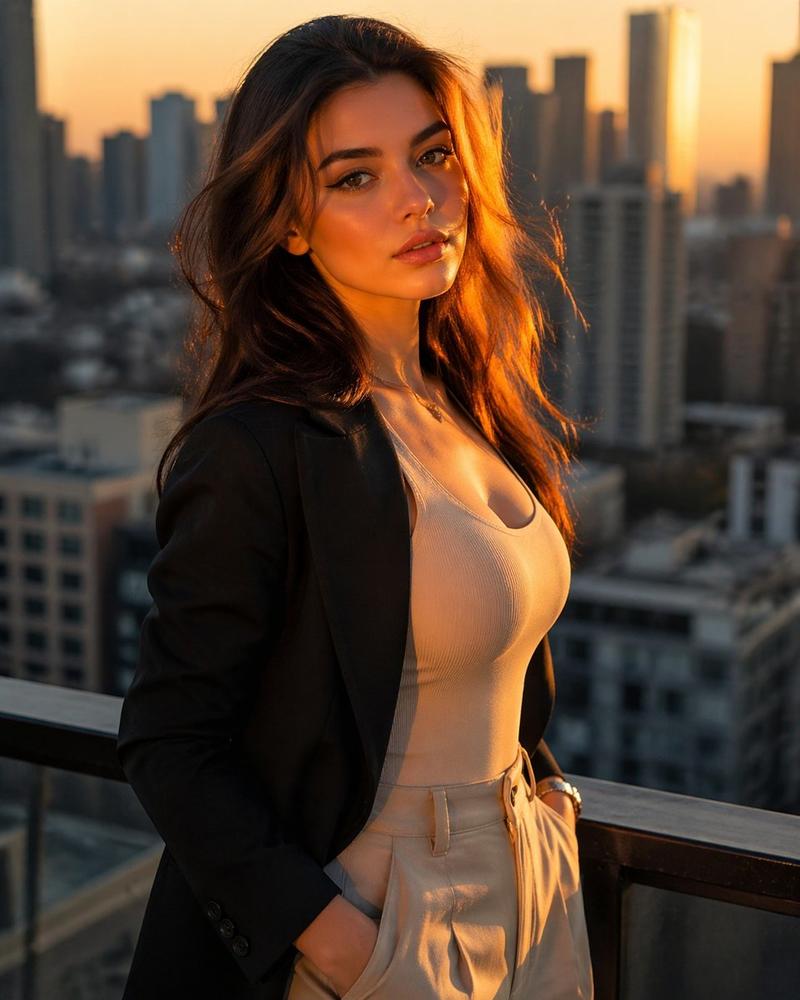
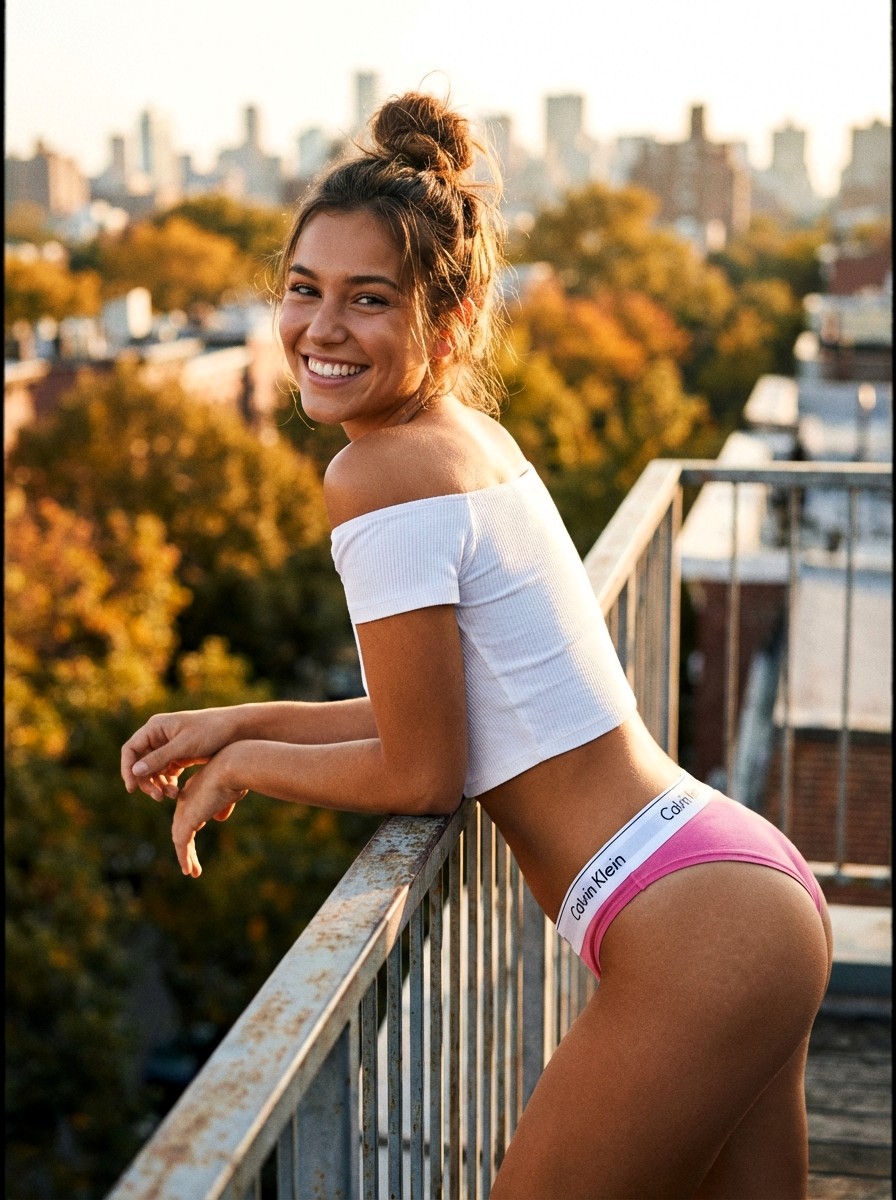
{"style":"realistic outdoor portrait photography, soft natural daylight, warm autumn tones, slight film grain, high detail skin texture","subject":"beautiful young woman with light brown hair in loose messy bun, bright genuine smile, tanned skin, fit athletic body","outfit":"tight white ribbed off-shoulder crop top, pink Calvin Klein underwear with thick white logo waistband pulled high on hips, no pants","pose":"leaning forward on a metal railing, arms resting on rail, torso slightly twisted, looking back over shoulder, joyful expression","setting":"rooftop or balcony with autumn orange foliage and blurred city buildings in background","lighting":"soft golden hour sunlight from side-back, warm highlights on skin and hair","mood":"playful, confident, carefree, sexy yet natural, autumn rooftop vibe"}
Category
创意图片
Model
Nano Banana Pro
Creator
Pixshop
Views3
Source ID
6e2b3bce-4cdc-4124-a7ac-ae47a8edf17d
Published
Jan 14, 2026

Guide

About "{"style":"realistic outdoor portrait photography, soft natural daylight, warm autumn tones, sligh..."

What is this prompt for?

"{"style":"realistic outdoor portrait photography, soft natural daylight, warm autumn tones, sligh..." AI image prompt for Nano Banana Pro (创意图片). 创意图片 Copy it…

The full copyable prompt and example visuals above are ready for AI image generation or one-click recreate in Picva.

How to use this prompt

  1. Step 1

    Open the prompt detail

    Review the example visuals, category, and full prompt text for "{"style":"realistic outdoor portrait photography, soft natural daylight, warm autumn tones, sligh...".

  2. Step 2

    Copy the prompt

    Copy the prompt body from this page, or load it directly in Studio.

  3. Step 3

    Pick a model (Nano Banana Pro)

    Prefer Nano Banana Pro. If you switch models, keep subject and composition and tweak style terms.

  4. Step 4

    Generate and export

    Recreate the look in Picva, or export into your workflow for editing and publishing.

FAQ

What is the "{"style":"realistic outdoor portrait photography, soft natural daylight, warm autumn tones, sligh..." prompt?
It is an AI image-generation prompt for Nano Banana Pro in the 创意图片 category. This page includes the full prompt text, example visuals, and a one-click recreate path in Picva.
How do I use this prompt to generate an image?
Copy the prompt from this page, or use Generate / Studio. Paste it into a compatible image model, or recreate the look in Picva with optional reference images.
Which model is this prompt for?
This page lists Nano Banana Pro. Most descriptive prompts also transfer to nearby image models such as GPT Image, Flux, or Midjourney with light style tweaks.
Can I use the result commercially?
You can usually copy the prompt for creation, but commercial use of the final image depends on the model terms, reference-image rights, and the generated content. Follow the source author and platform rules.