15

科幻书籍自动机微距产品摄影提示
Enlarge

科幻书籍自动机微距产品摄影提示

Prompt
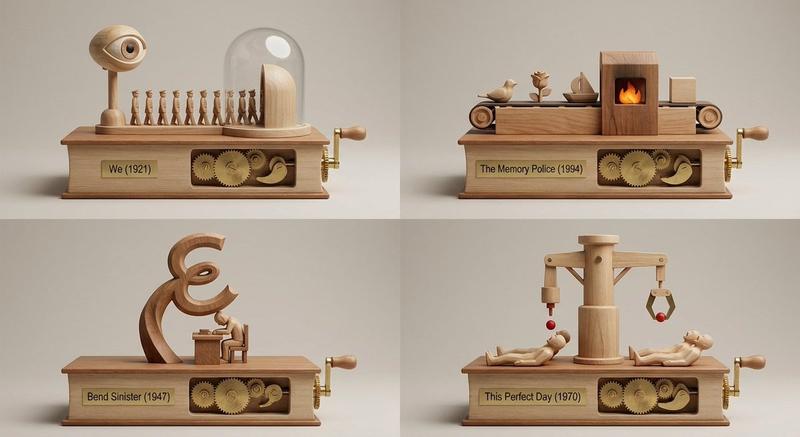
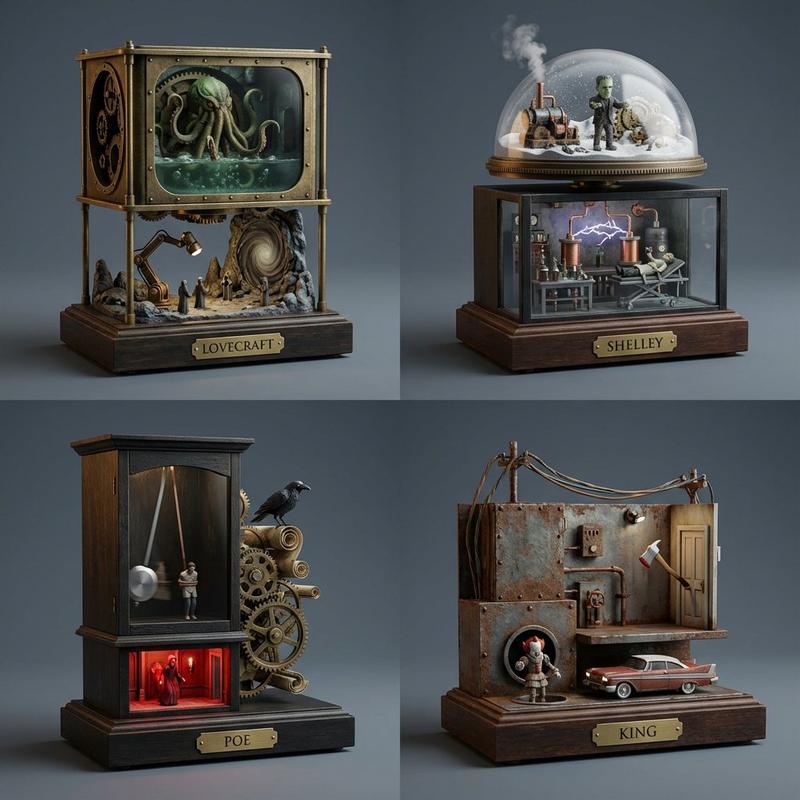
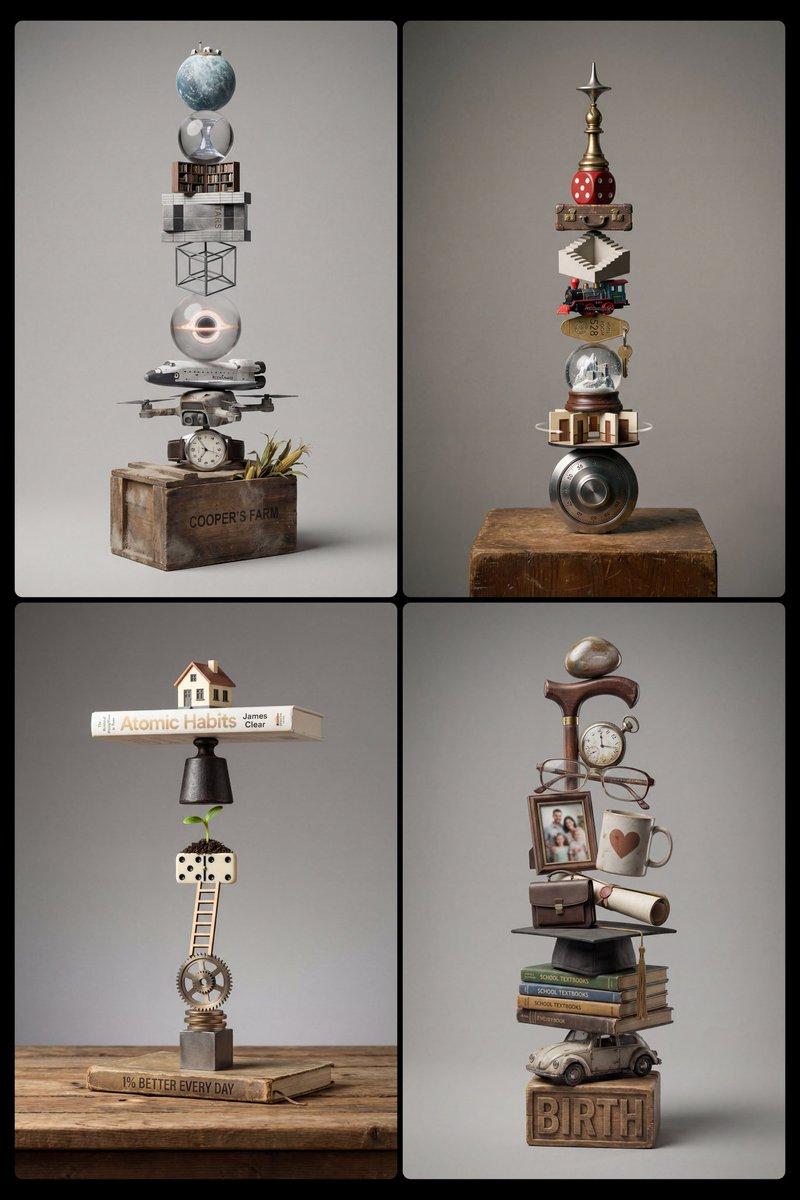
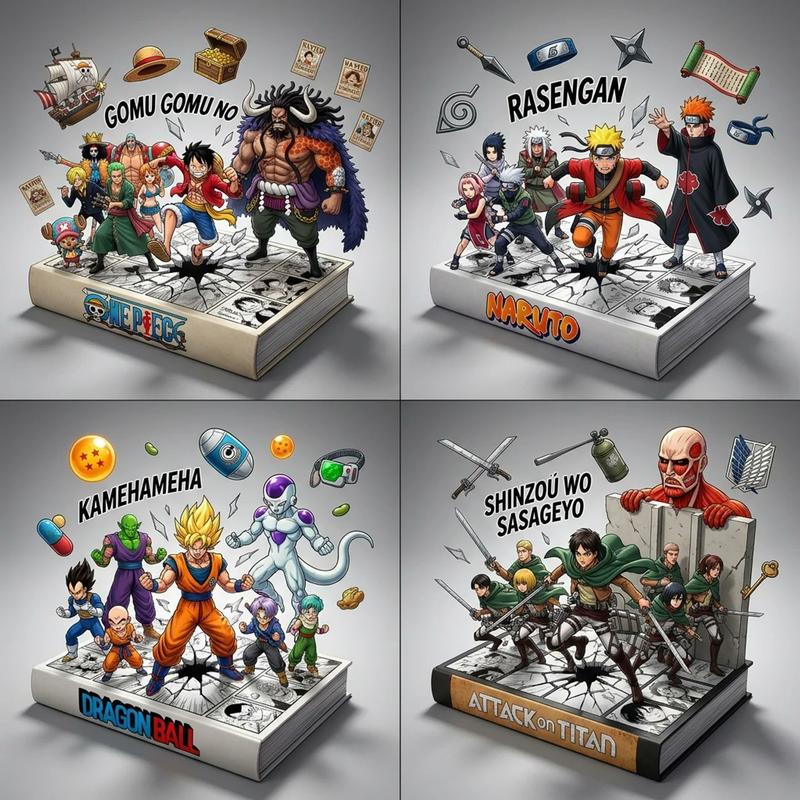
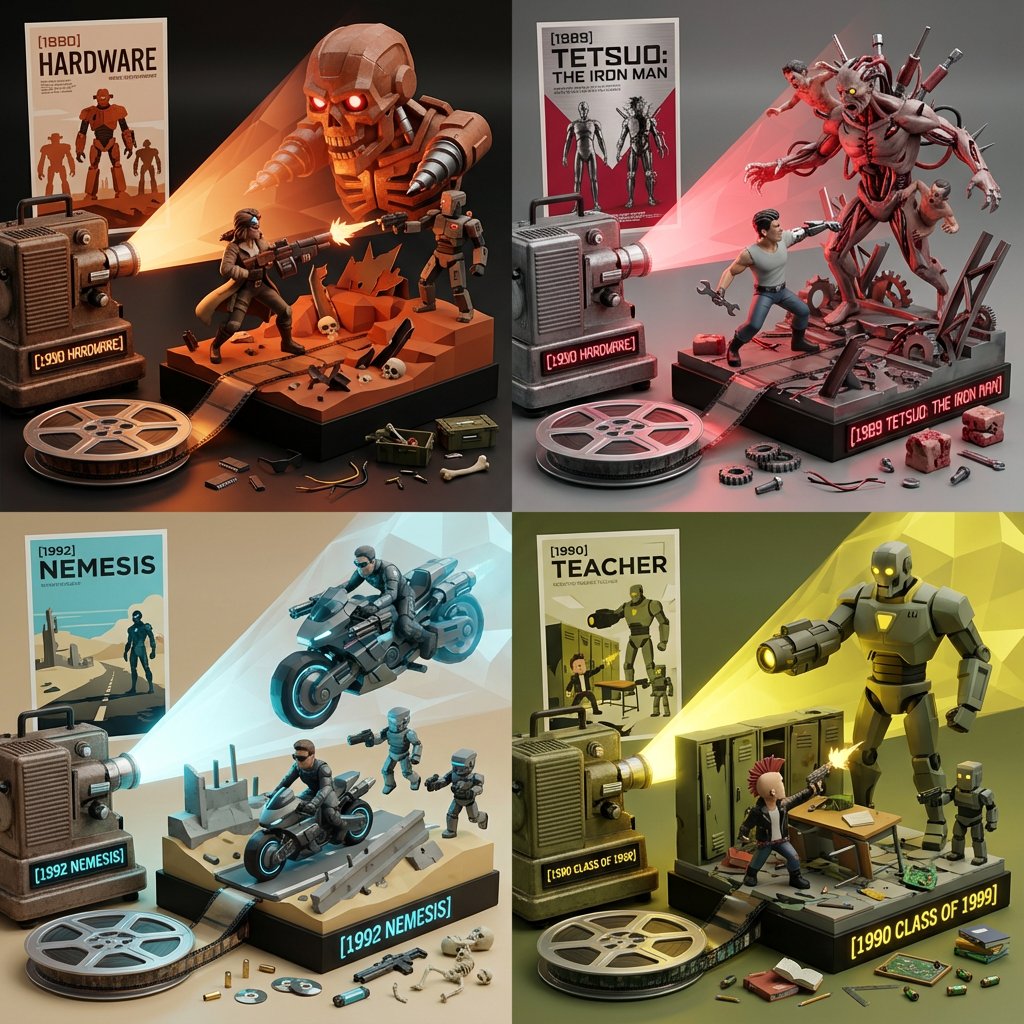
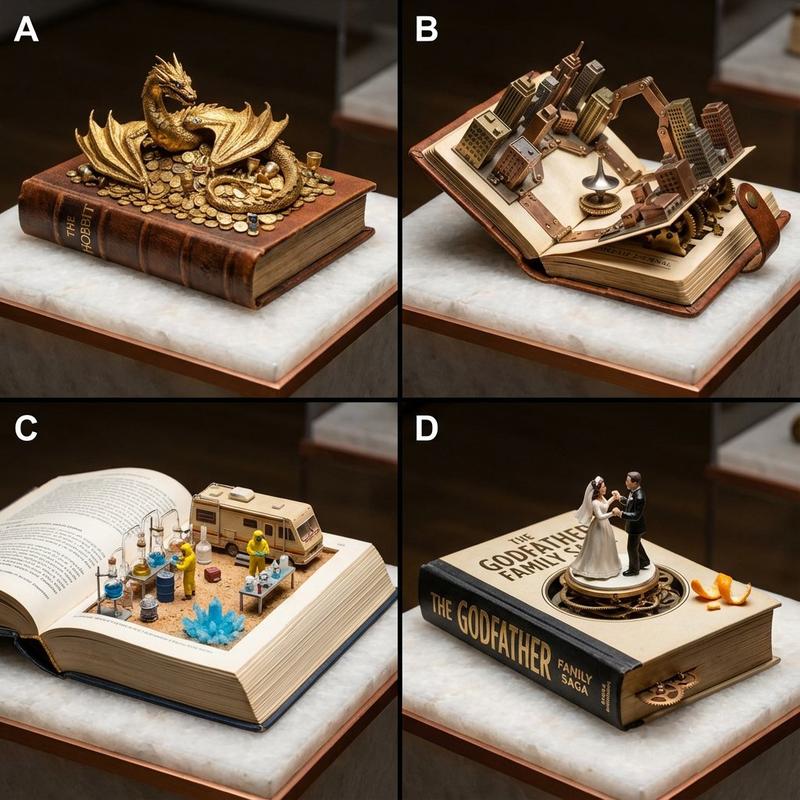
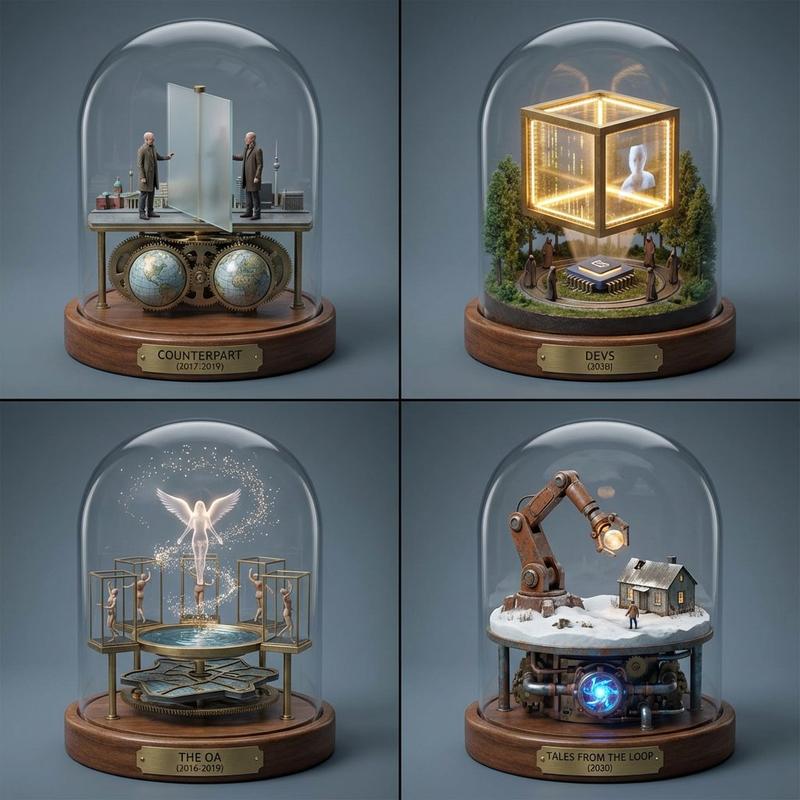
2x2 grid; each panel is a whittled wooden tabletop automaton mounted on a book-shaped base, with characters and elements from {argument name="number of books" default="4"} random sci-fi books driven by a side crank with exposed cams and linkages. Style: Premium studio macro product photography, crisp micro-scratches on brass pins, clean wood joinery, neutral softbox lighting, medium shallow depth of field, 50mm perspective, seamless background in warm light gray.
Category
创意图片
Model
Nano Banana Pro
Creator
Gadgetify
Views0
Source ID
8df8a5c9-3f12-43e7-b045-d609a181a7a3
Published
Mar 8, 2026

Guide

About "科幻书籍自动机微距产品摄影提示"

What is this prompt for?

"科幻书籍自动机微距产品摄影提示" AI image prompt for Nano Banana Pro (创意图片). 为 Nano Banana Pro 生成一个 2x2 网格图像的提示,图像内容为雕刻木制桌面自动机。每个自动机都安装在一个书形底座上,代表四本随机科幻书籍中的角色/元素,由外露的机械连杆驱动。风…

The full copyable prompt and example visuals above are ready for AI image generation or one-click recreate in Picva.

How to use this prompt

  1. Step 1

    Open the prompt detail

    Review the example visuals, category, and full prompt text for "科幻书籍自动机微距产品摄影提示".

  2. Step 2

    Copy the prompt

    Copy the prompt body from this page, or load it directly in Studio.

  3. Step 3

    Pick a model (Nano Banana Pro)

    Prefer Nano Banana Pro. If you switch models, keep subject and composition and tweak style terms.

  4. Step 4

    Generate and export

    Recreate the look in Picva, or export into your workflow for editing and publishing.

FAQ

What is the "科幻书籍自动机微距产品摄影提示" prompt?
It is an AI image-generation prompt for Nano Banana Pro in the 创意图片 category. This page includes the full prompt text, example visuals, and a one-click recreate path in Picva.
How do I use this prompt to generate an image?
Copy the prompt from this page, or use Generate / Studio. Paste it into a compatible image model, or recreate the look in Picva with optional reference images.
Which model is this prompt for?
This page lists Nano Banana Pro. Most descriptive prompts also transfer to nearby image models such as GPT Image, Flux, or Midjourney with light style tweaks.
Can I use the result commercially?
You can usually copy the prompt for creation, but commercial use of the final image depends on the model terms, reference-image rights, and the generated content. Follow the source author and platform rules.