14

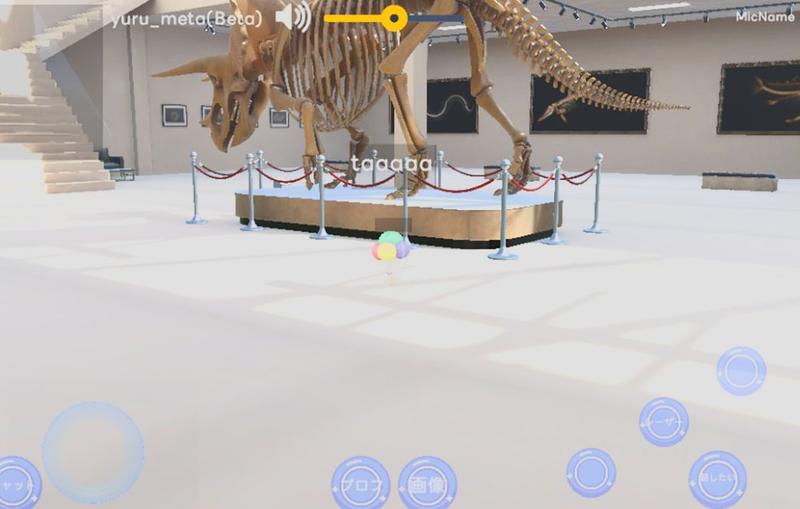
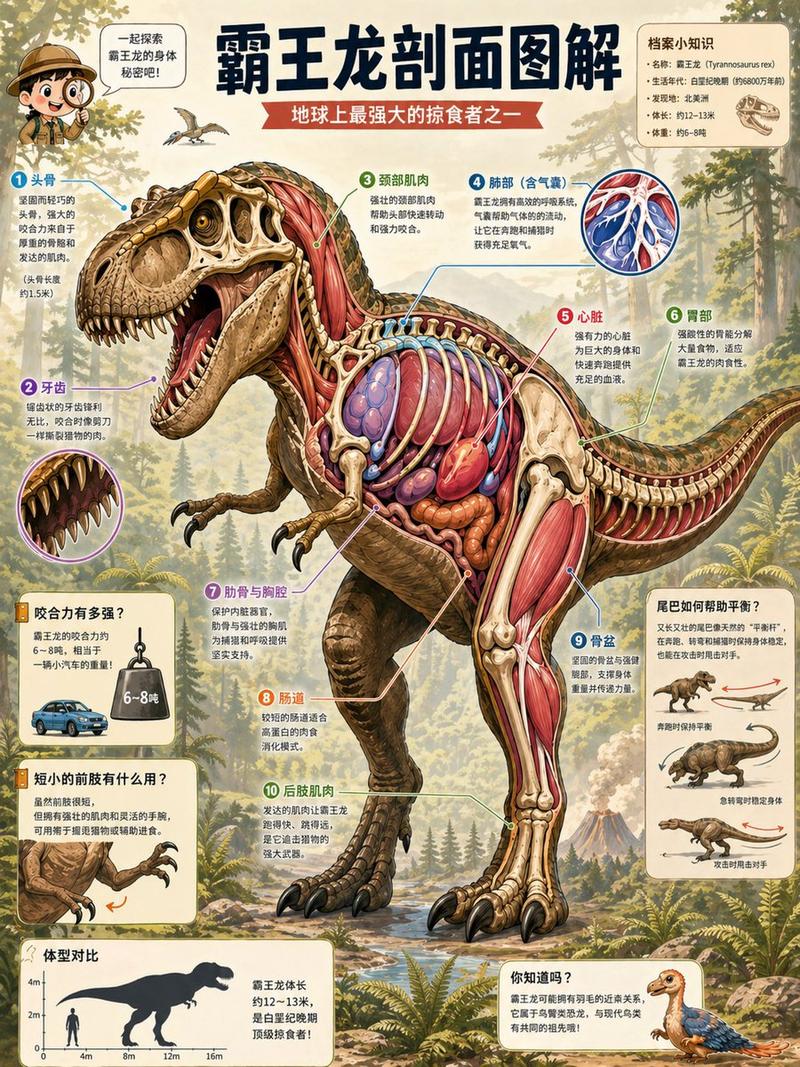
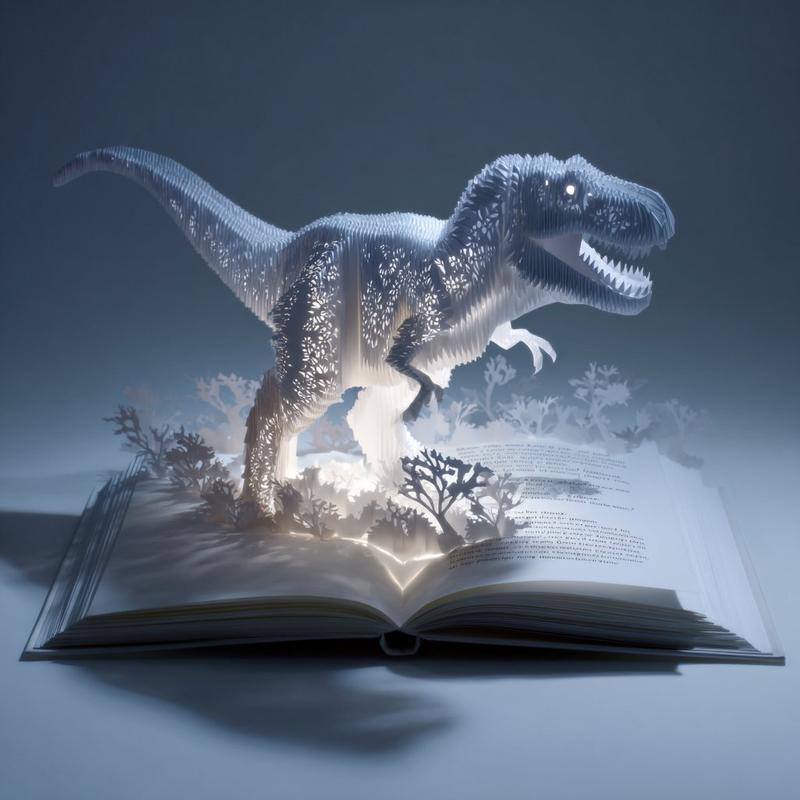
重新构图恐龙场景,以倾斜视角展示全身
Enlarge

重新构图恐龙场景,以倾斜视角展示全身

Prompt
少し煽り気味にして奥の恐竜が全身入るようにしたい

この画像を煽り気味にし、奥の恐竜の全身が入るようにしてください。そしてそれを{argument name="アスペクト比" default="6:19"}のスマホ用の縦長画面にしてください
Category
创意图片
Model
Nano Banana Pro
Views0
Source ID
ab28e9f2-bb5a-4a54-8b88-a72586feb4c6
Published
Mar 8, 2026

Guide

About "重新构图恐龙场景,以倾斜视角展示全身"

What is this prompt for?

"重新构图恐龙场景,以倾斜视角展示全身" AI image prompt for Nano Banana Pro (创意图片). 用于编辑现有恐龙图像的提示,首先是较短的提示,然后是更明确的日语指令,要求倾斜相机,并以高大的智能手机纵横比包含远处恐龙的全身。 --- 我希望它以略低的视角拍摄,这样远处的恐龙全身都能被…

The full copyable prompt and example visuals above are ready for AI image generation or one-click recreate in Picva.

How to use this prompt

  1. Step 1

    Open the prompt detail

    Review the example visuals, category, and full prompt text for "重新构图恐龙场景,以倾斜视角展示全身".

  2. Step 2

    Copy the prompt

    Copy the prompt body from this page, or load it directly in Studio.

  3. Step 3

    Pick a model (Nano Banana Pro)

    Prefer Nano Banana Pro. If you switch models, keep subject and composition and tweak style terms.

  4. Step 4

    Generate and export

    Recreate the look in Picva, or export into your workflow for editing and publishing.

FAQ

What is the "重新构图恐龙场景,以倾斜视角展示全身" prompt?
It is an AI image-generation prompt for Nano Banana Pro in the 创意图片 category. This page includes the full prompt text, example visuals, and a one-click recreate path in Picva.
How do I use this prompt to generate an image?
Copy the prompt from this page, or use Generate / Studio. Paste it into a compatible image model, or recreate the look in Picva with optional reference images.
Which model is this prompt for?
This page lists Nano Banana Pro. Most descriptive prompts also transfer to nearby image models such as GPT Image, Flux, or Midjourney with light style tweaks.
Can I use the result commercially?
You can usually copy the prompt for creation, but commercial use of the final image depends on the model terms, reference-image rights, and the generated content. Follow the source author and platform rules.