18

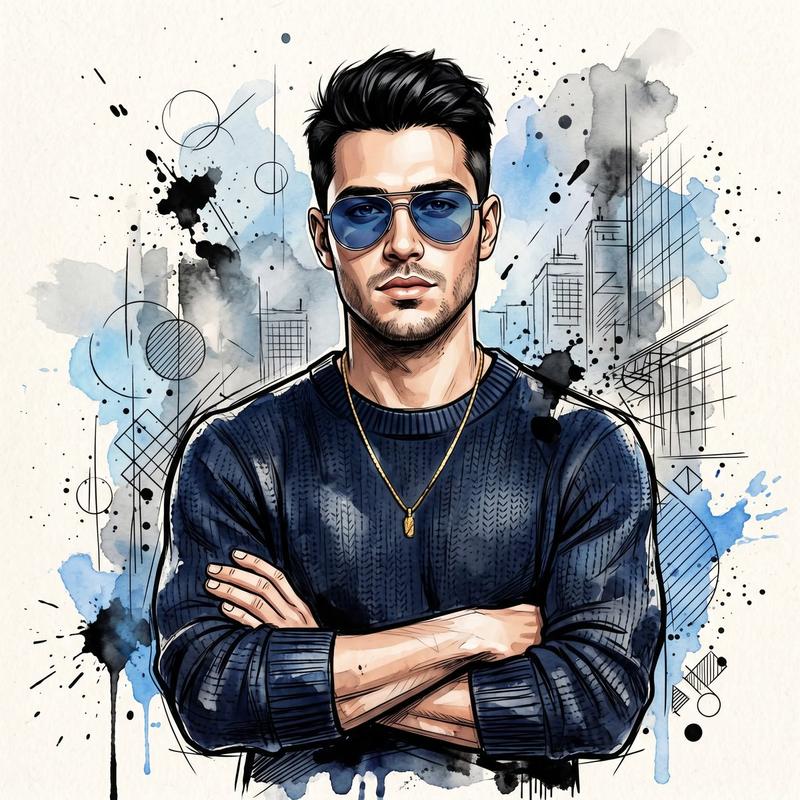
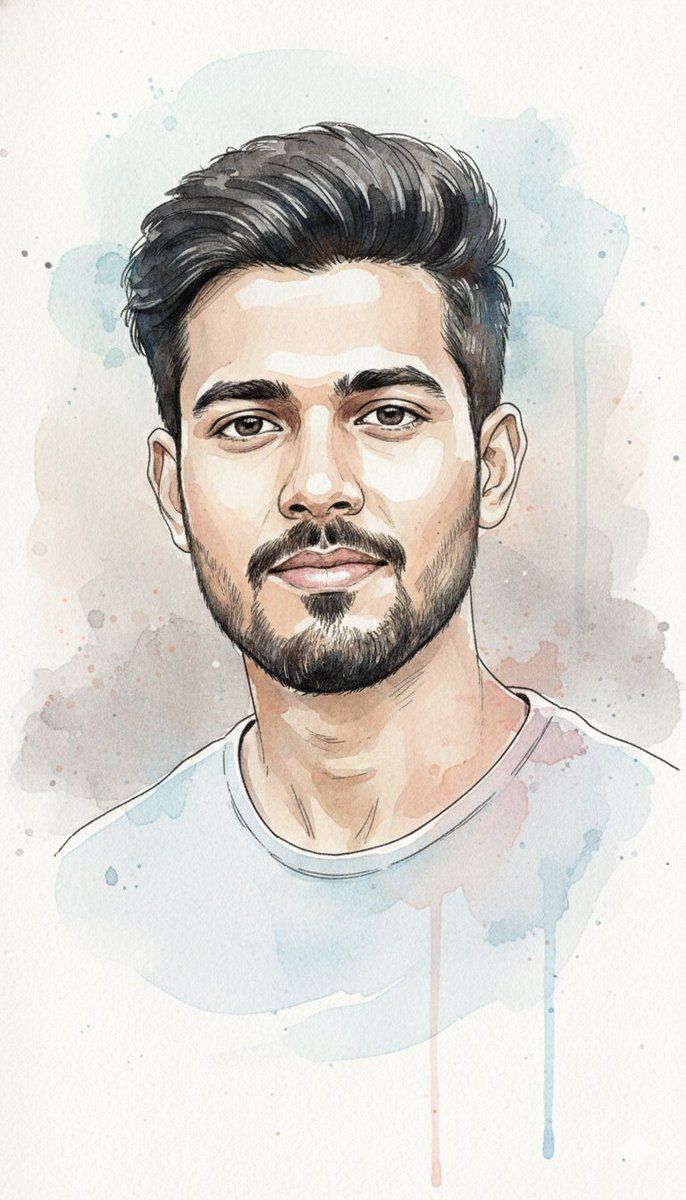
水彩与水墨肖像,带身份锁
Enlarge

水彩与水墨肖像,带身份锁

Prompt
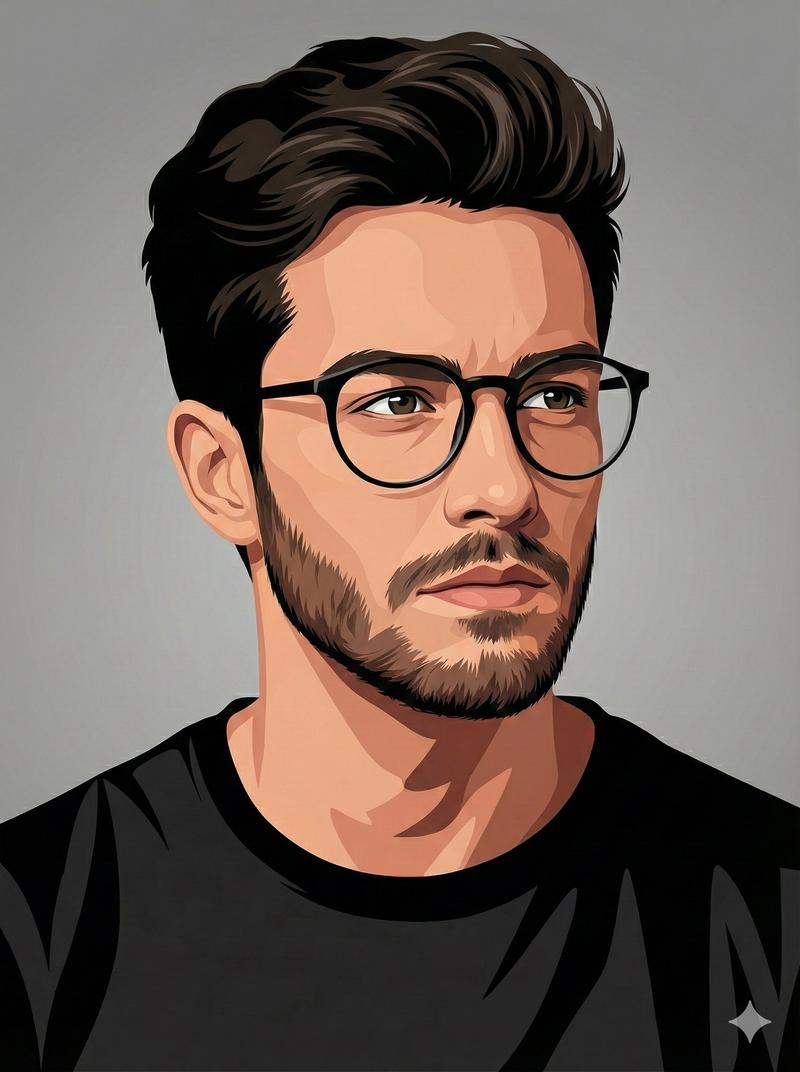
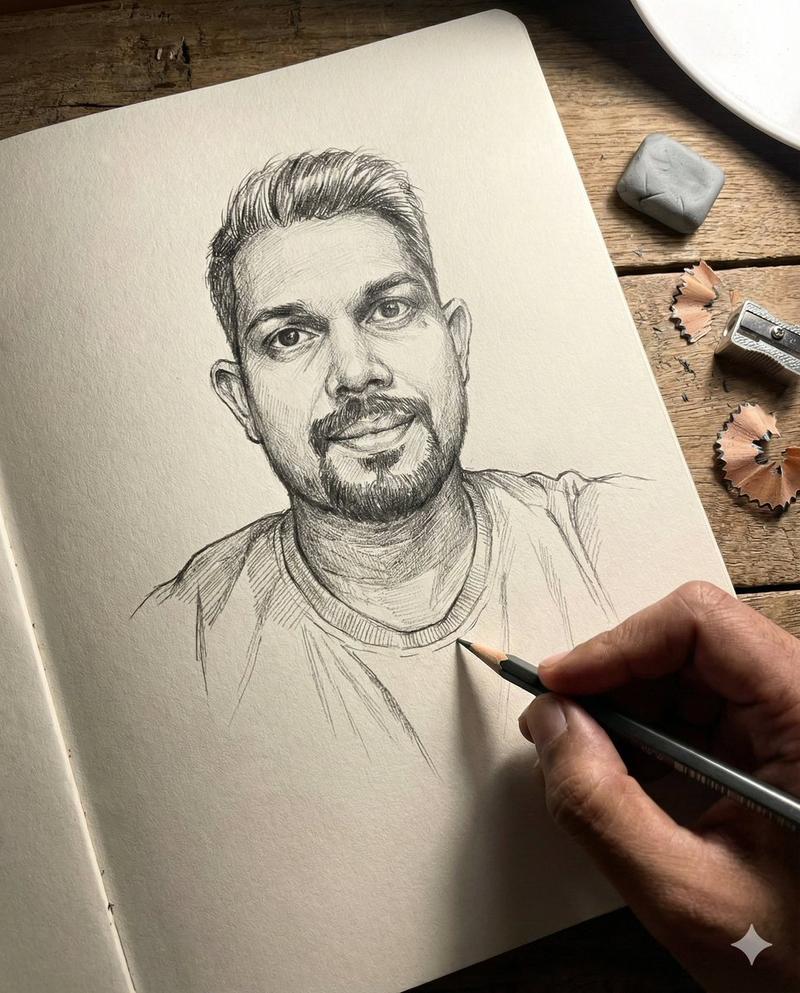
"Create a high-detail watercolor and ink portrait of the exact same face (100% match). Preserve the facial features precisely. The artwork should blend soft flowing watercolor washes in pastel blues and warm pinks with expressive black ink linework defining contours and hair strands. The colors should bleed naturally into each other with visible paper texture and delicate brush splatter. Use light transparency layers to convey emotion, depth, and a sense of calm movement. Place the subject in front of a textured wall (e.g., brick, stucco, or painted surface) instead of a plain background, keeping the wall subtle so it complements the portrait without distracting. Maintain a soft, artistic feel with the wall integrated naturally behind the figure."
Category
创意图片
Model
Nano Banana Pro
Views0
Source ID
6b2b2687-bd4b-441d-b291-4942de5bca29
Published
Mar 8, 2026

Guide

About "水彩与水墨肖像,带身份锁"

What is this prompt for?

"水彩与水墨肖像,带身份锁" AI image prompt for Nano Banana Pro (创意图片). 一个旨在创作高细节水彩和水墨肖像的提示,该肖像能精确匹配现有面孔,将柔和的粉彩水彩晕染与富有表现力的黑色水墨线条和可见的纸张纹理融为一体。 --- 创作一幅高度精细的水彩和水墨肖像画,描绘同一张脸(1…

The full copyable prompt and example visuals above are ready for AI image generation or one-click recreate in Picva.

How to use this prompt

  1. Step 1

    Open the prompt detail

    Review the example visuals, category, and full prompt text for "水彩与水墨肖像,带身份锁".

  2. Step 2

    Copy the prompt

    Copy the prompt body from this page, or load it directly in Studio.

  3. Step 3

    Pick a model (Nano Banana Pro)

    Prefer Nano Banana Pro. If you switch models, keep subject and composition and tweak style terms.

  4. Step 4

    Generate and export

    Recreate the look in Picva, or export into your workflow for editing and publishing.

FAQ

What is the "水彩与水墨肖像,带身份锁" prompt?
It is an AI image-generation prompt for Nano Banana Pro in the 创意图片 category. This page includes the full prompt text, example visuals, and a one-click recreate path in Picva.
How do I use this prompt to generate an image?
Copy the prompt from this page, or use Generate / Studio. Paste it into a compatible image model, or recreate the look in Picva with optional reference images.
Which model is this prompt for?
This page lists Nano Banana Pro. Most descriptive prompts also transfer to nearby image models such as GPT Image, Flux, or Midjourney with light style tweaks.
Can I use the result commercially?
You can usually copy the prompt for creation, but commercial use of the final image depends on the model terms, reference-image rights, and the generated content. Follow the source author and platform rules.