18

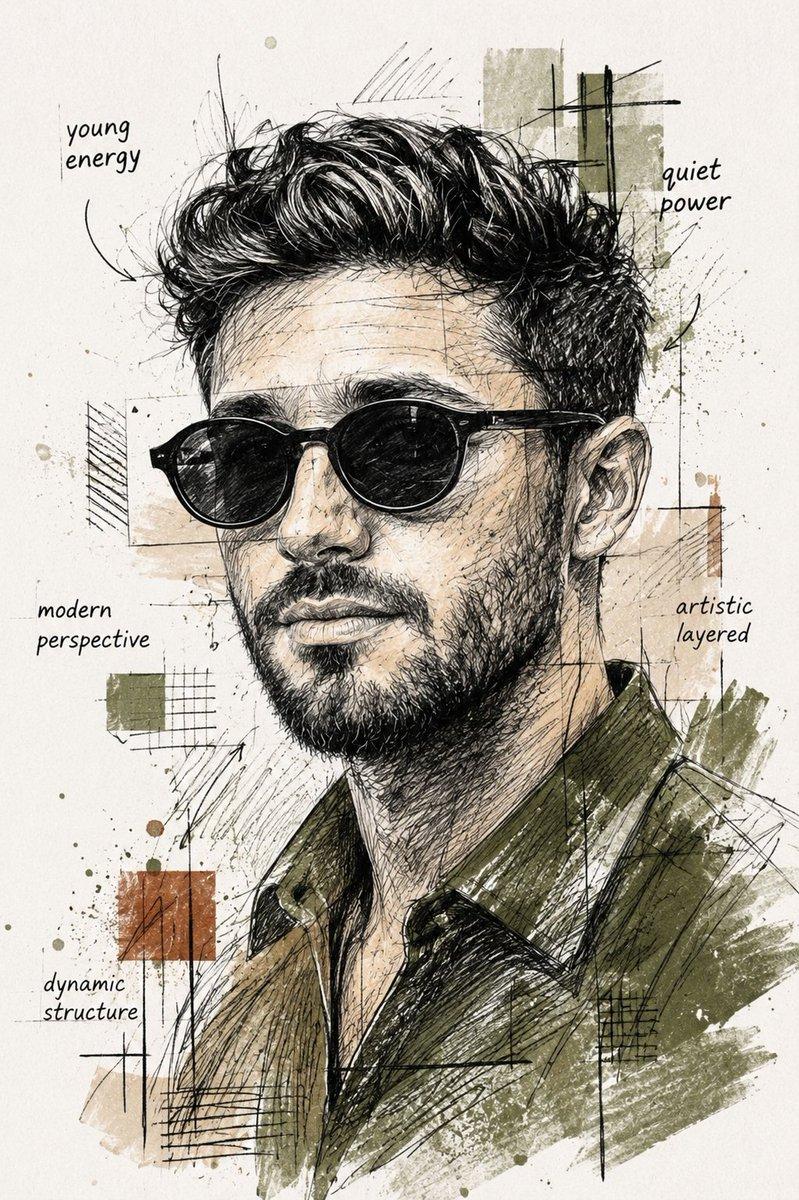
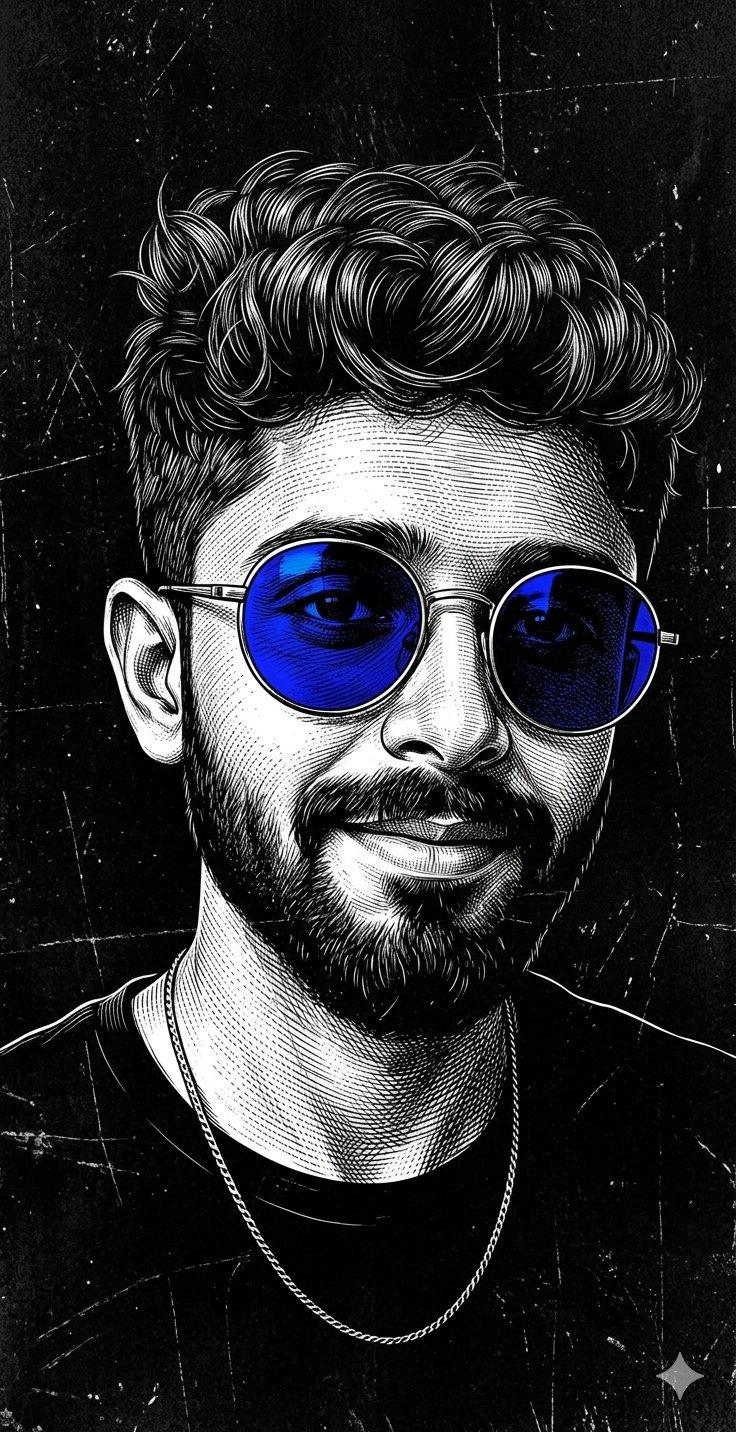
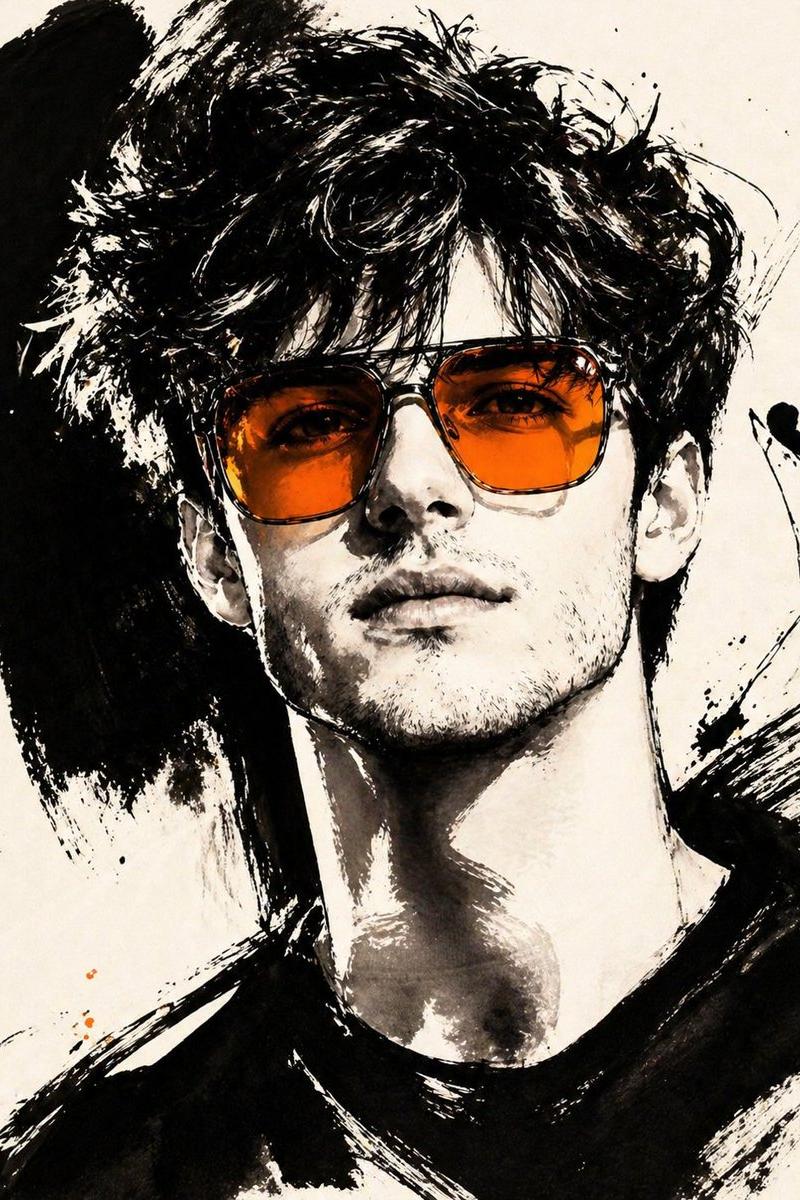
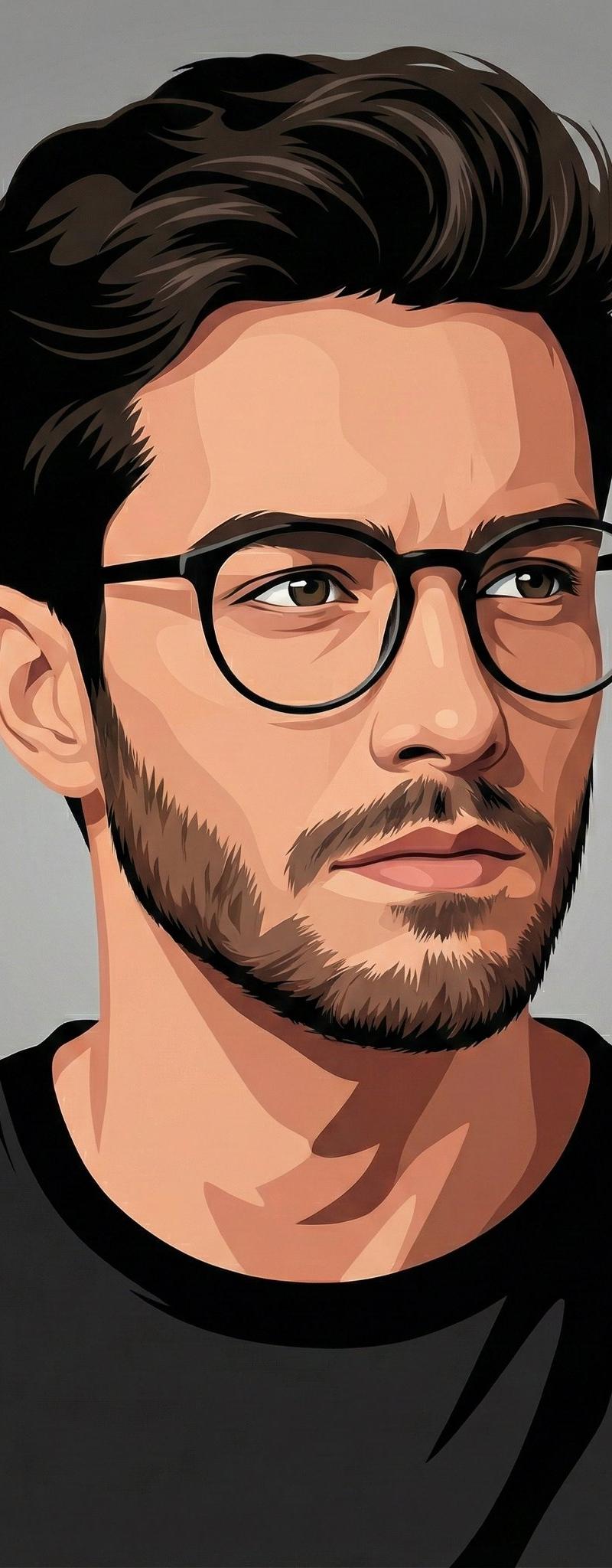
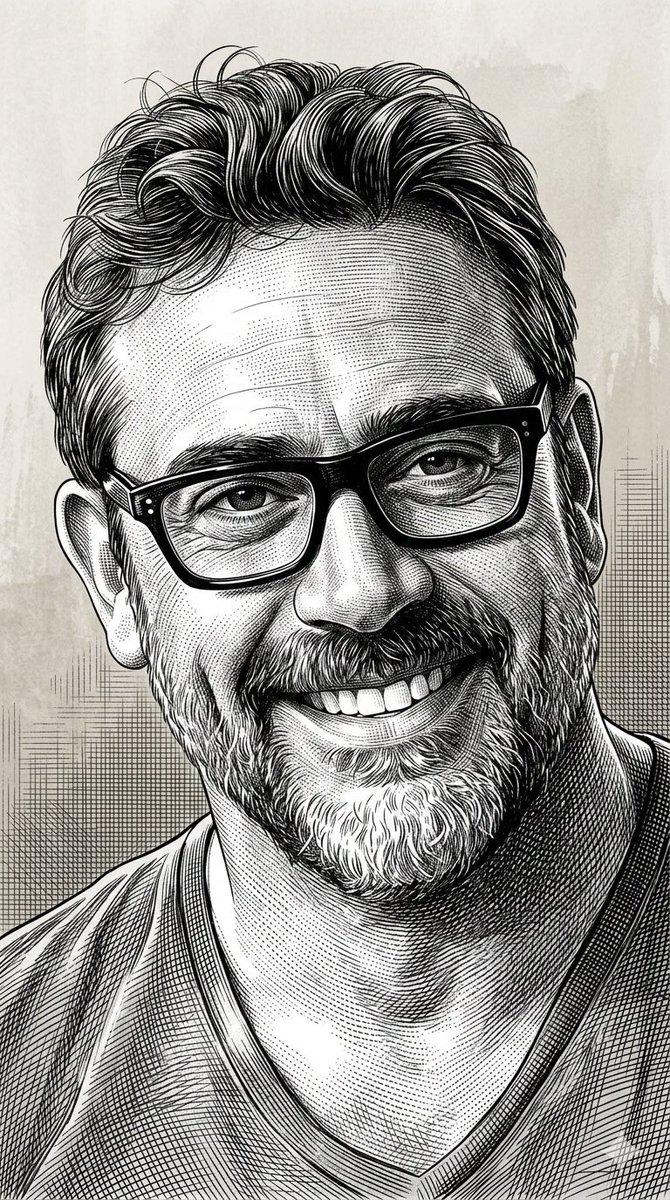
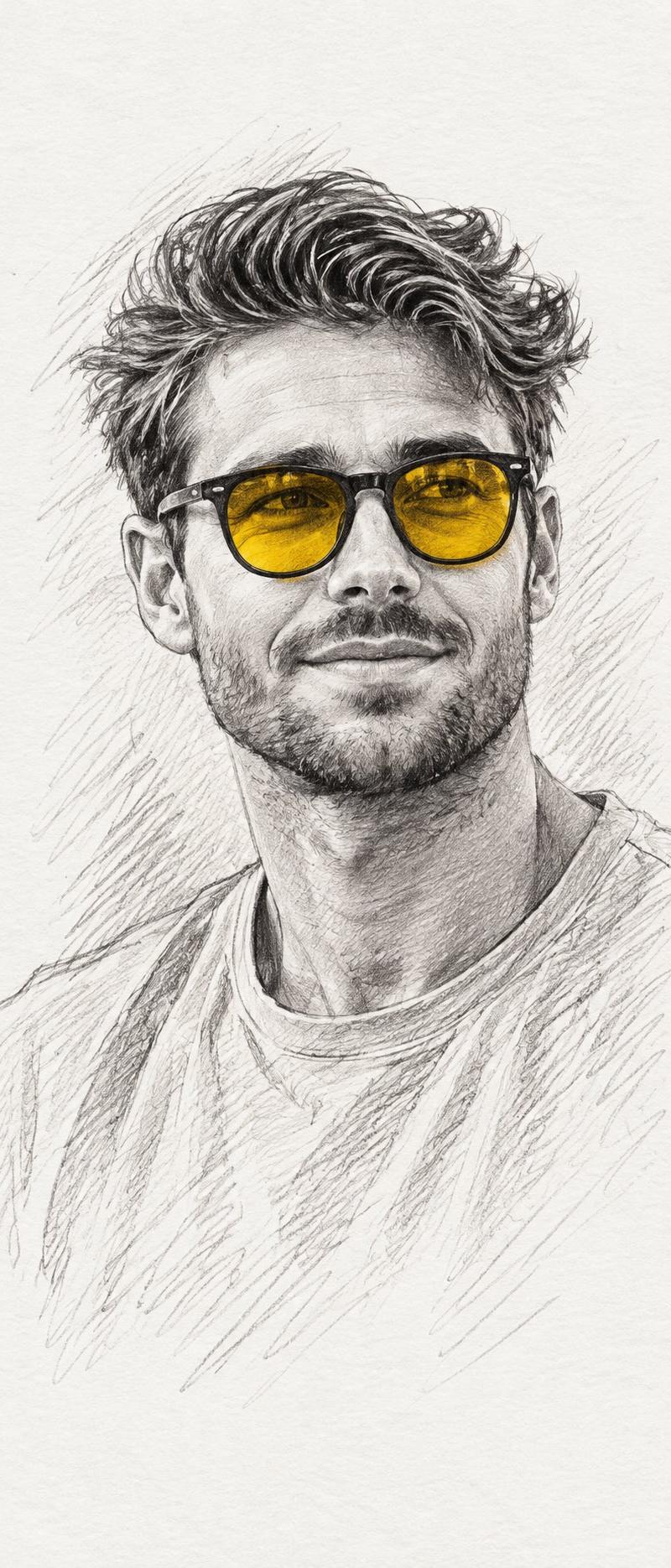
创建一幅详细的黑白铅笔素描肖像,仅将墨镜镜片涂成大胆的黄色/琥珀色调——与参考相同的选择性着色风格。一位头发凌乱卷曲的花白头发男子,戴着圆形黑框...
Enlarge

Example images

创建一幅详细的黑白铅笔素描肖像,仅将墨镜镜片涂成大胆的黄色/琥珀色调——与参考相同的选择性着色风格。一位头发凌乱卷曲的花白头发男子,戴着圆形黑框...

Prompt
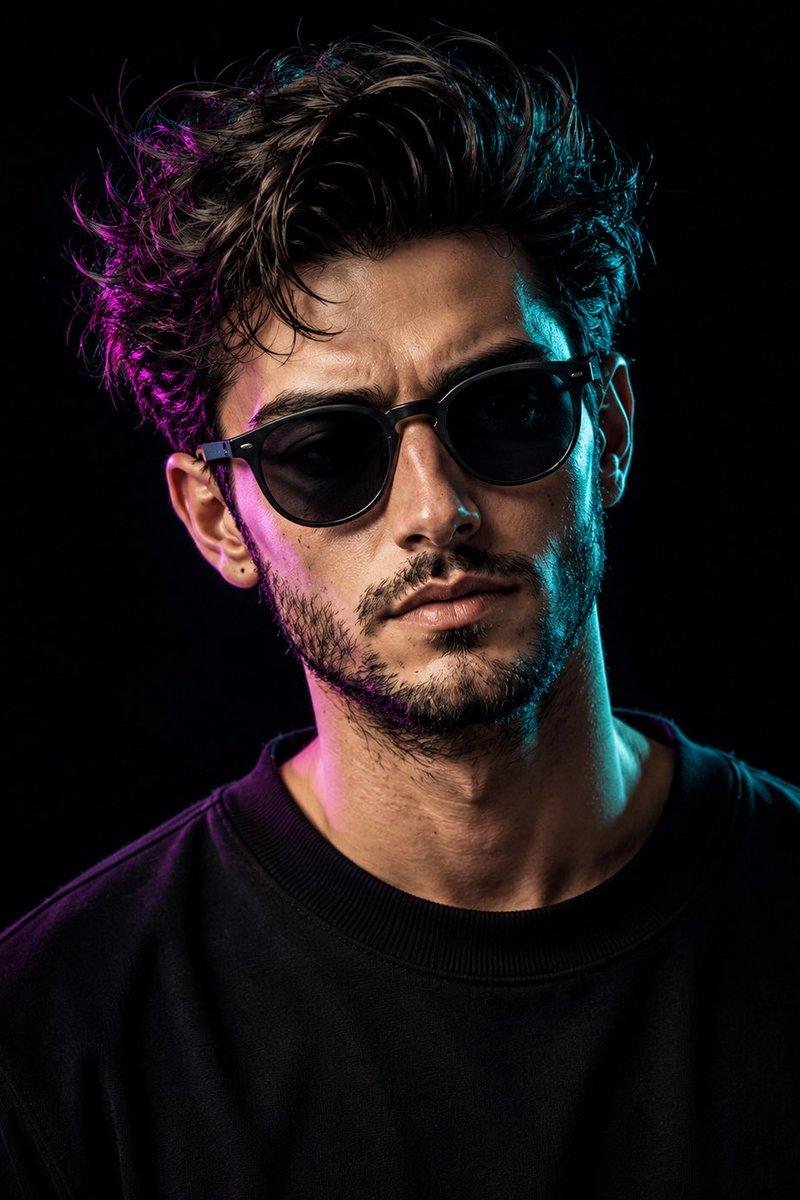
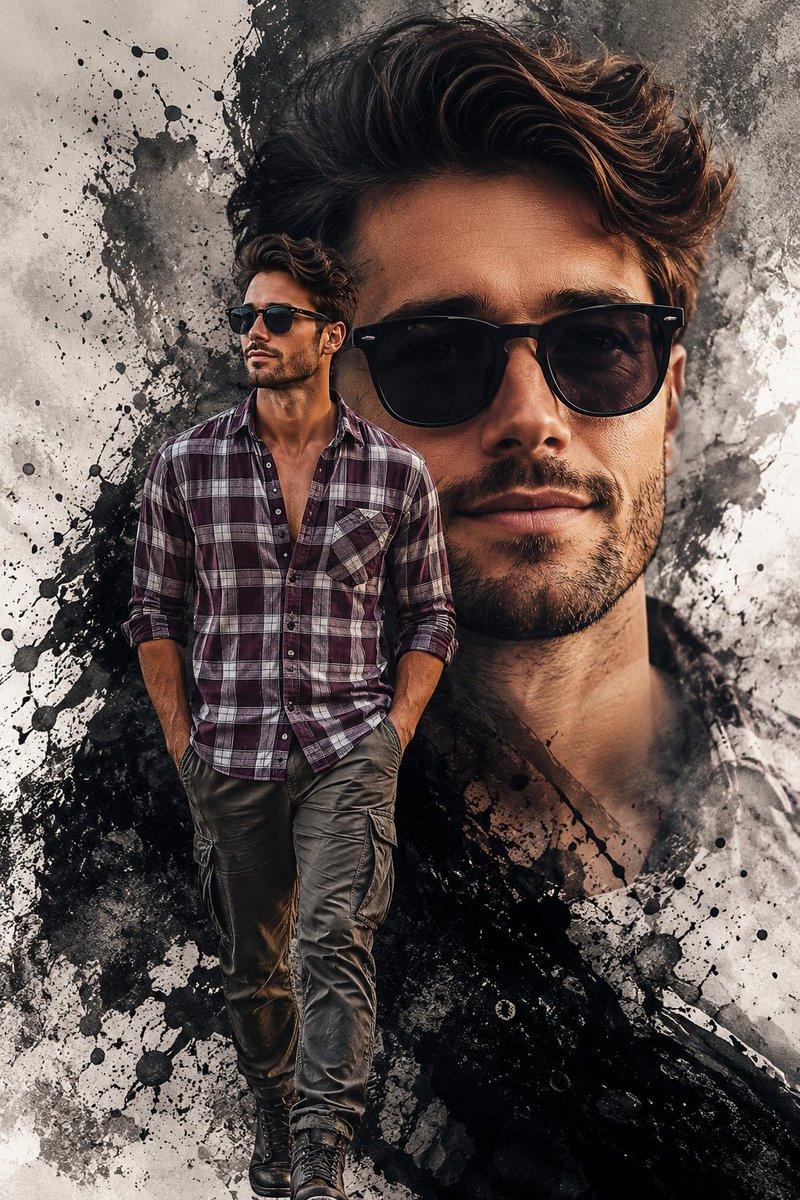
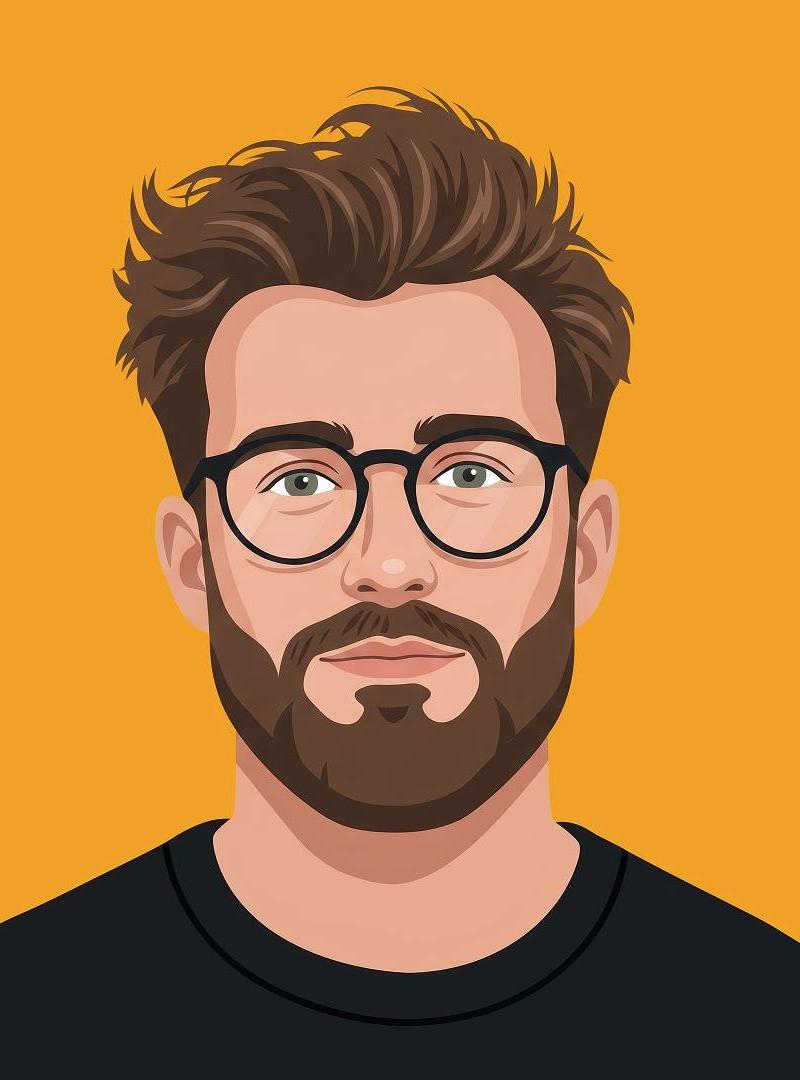
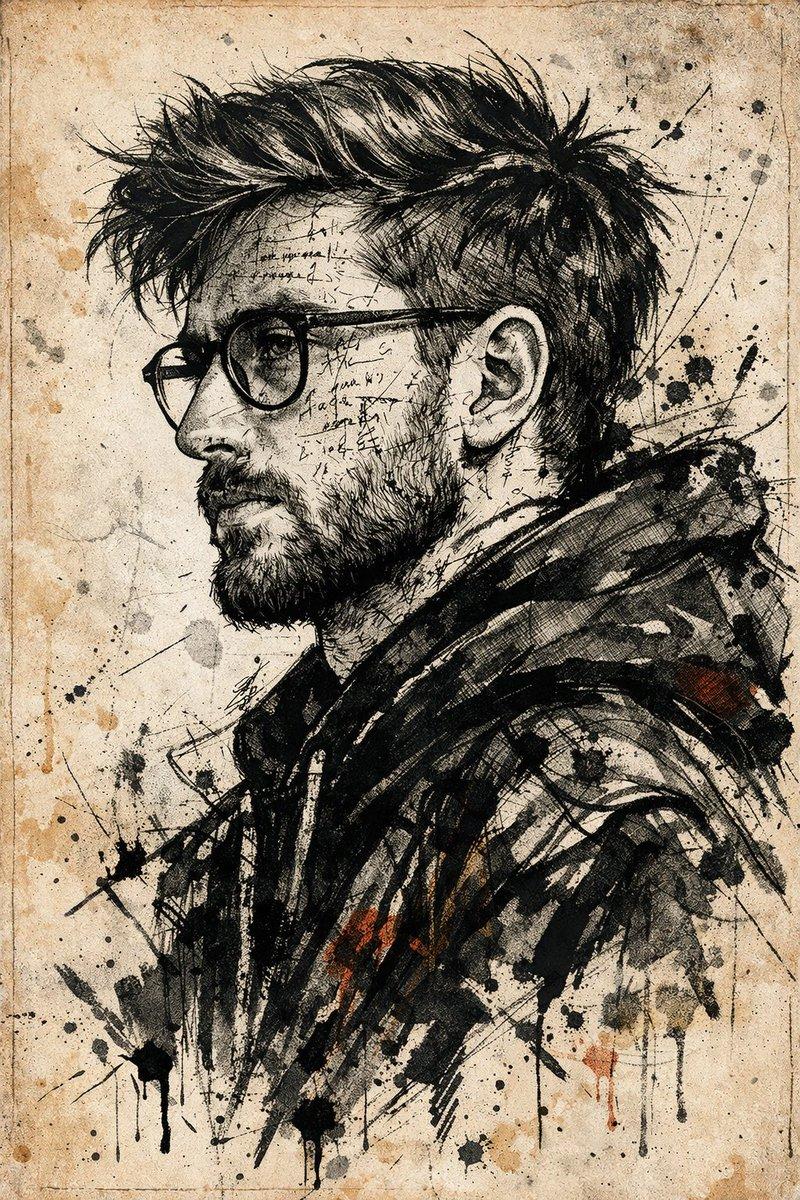
创建一幅详细的黑白铅笔素描肖像,仅将墨镜镜片涂成大胆的黄色/琥珀色调——与参考相同的选择性着色风格。一位头发凌乱卷曲的花白头发男子,戴着圆形黑框墨镜,镜片带有黄色色调,神情平静中性,目光略微转向一侧。穿着朴素的圆领T恤。采用相同的精细交叉阴影铅笔着色,肩部和背景周围的松散草图线条,干净的白色纸张背景,与参考相同的艺术构图和风格。9:20
Category
创意图片
Model
GPT Image 2
Creator
@de_mon010
Source language
zh-CN
Views1
Source ID
2083400611974791374
Published
Aug 1, 2026
Studio

Guide

About "创建一幅详细的黑白铅笔素描肖像,仅将墨镜镜片涂成大胆的黄色/琥珀色调——与参考相同的选择性着色风格。一位头发凌乱卷曲的花白头发男子,戴着圆形黑框..."

What is this prompt for?

"创建一幅详细的黑白铅笔素描肖像,仅将墨镜镜片涂成大胆的黄色/琥珀色调——与参考相同的选择性着色风格。一位头发凌乱卷曲的花白头发男子,戴着圆形黑框..." AI image prompt for GPT Image 2 (创意图片). Saved from X post by @de_mon010. 在 gpt2 中…

The full copyable prompt and example visuals above are ready for AI image generation or one-click recreate in Picva.

How to use this prompt

  1. Step 1

    Open the prompt detail

    Review the example visuals, category, and full prompt text for "创建一幅详细的黑白铅笔素描肖像,仅将墨镜镜片涂成大胆的黄色/琥珀色调——与参考相同的选择性着色风格。一位头发凌乱卷曲的花白头发男子,戴着圆形黑框...".

  2. Step 2

    Copy the prompt

    Copy the prompt body from this page, or load it directly in Studio.

  3. Step 3

    Pick a model (GPT Image 2)

    Prefer GPT Image 2. If you switch models, keep subject and composition and tweak style terms.

  4. Step 4

    Generate and export

    Recreate the look in Picva, or export into your workflow for editing and publishing.

FAQ

What is the "创建一幅详细的黑白铅笔素描肖像,仅将墨镜镜片涂成大胆的黄色/琥珀色调——与参考相同的选择性着色风格。一位头发凌乱卷曲的花白头发男子,戴着圆形黑框..." prompt?
It is an AI image-generation prompt for GPT Image 2 in the 创意图片 category. This page includes the full prompt text, example visuals, and a one-click recreate path in Picva.
How do I use this prompt to generate an image?
Copy the prompt from this page, or use Generate / Studio. Paste it into a compatible image model, or recreate the look in Picva with optional reference images.
Which model is this prompt for?
This page lists GPT Image 2. Most descriptive prompts also transfer to nearby image models such as GPT Image, Flux, or Midjourney with light style tweaks.
Can I use the result commercially?
You can usually copy the prompt for creation, but commercial use of the final image depends on the model terms, reference-image rights, and the generated content. Follow the source author and platform rules.