18

电影教父肖像提示词
Enlarge

电影教父肖像提示词

Prompt
Use the uploaded face as the primary identity reference.
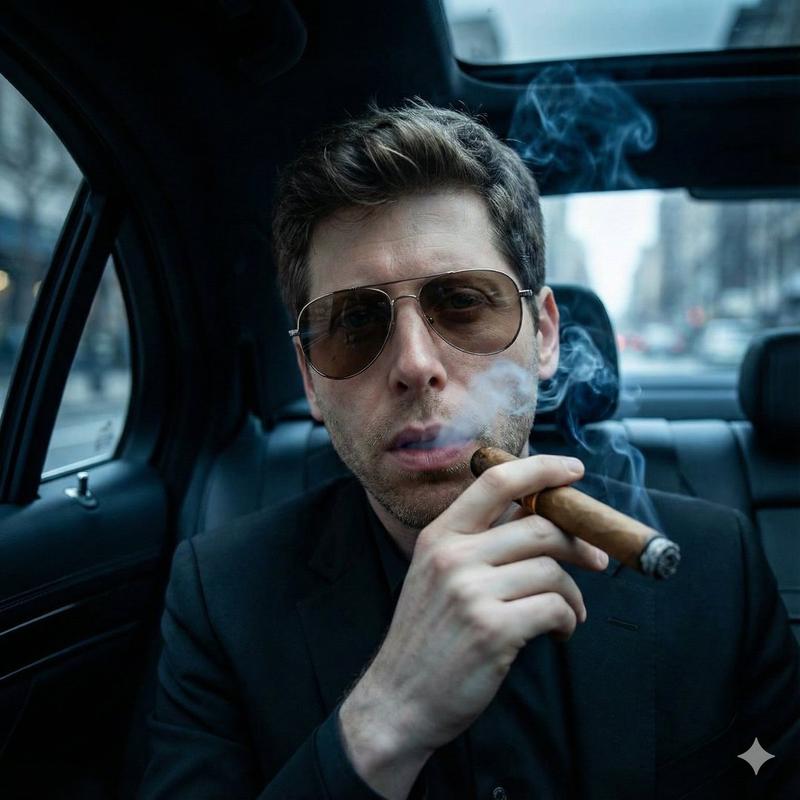
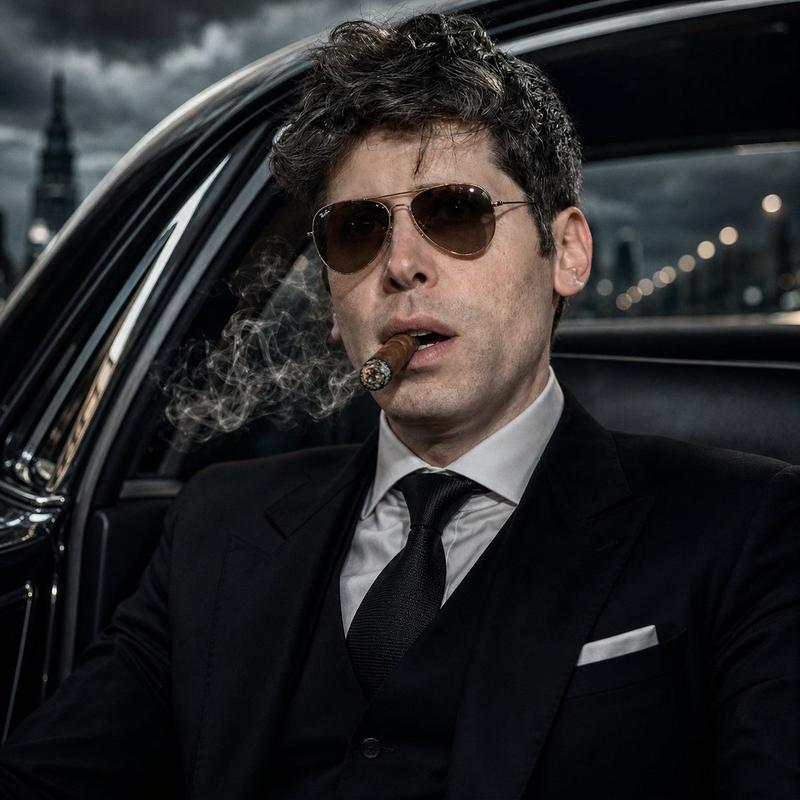
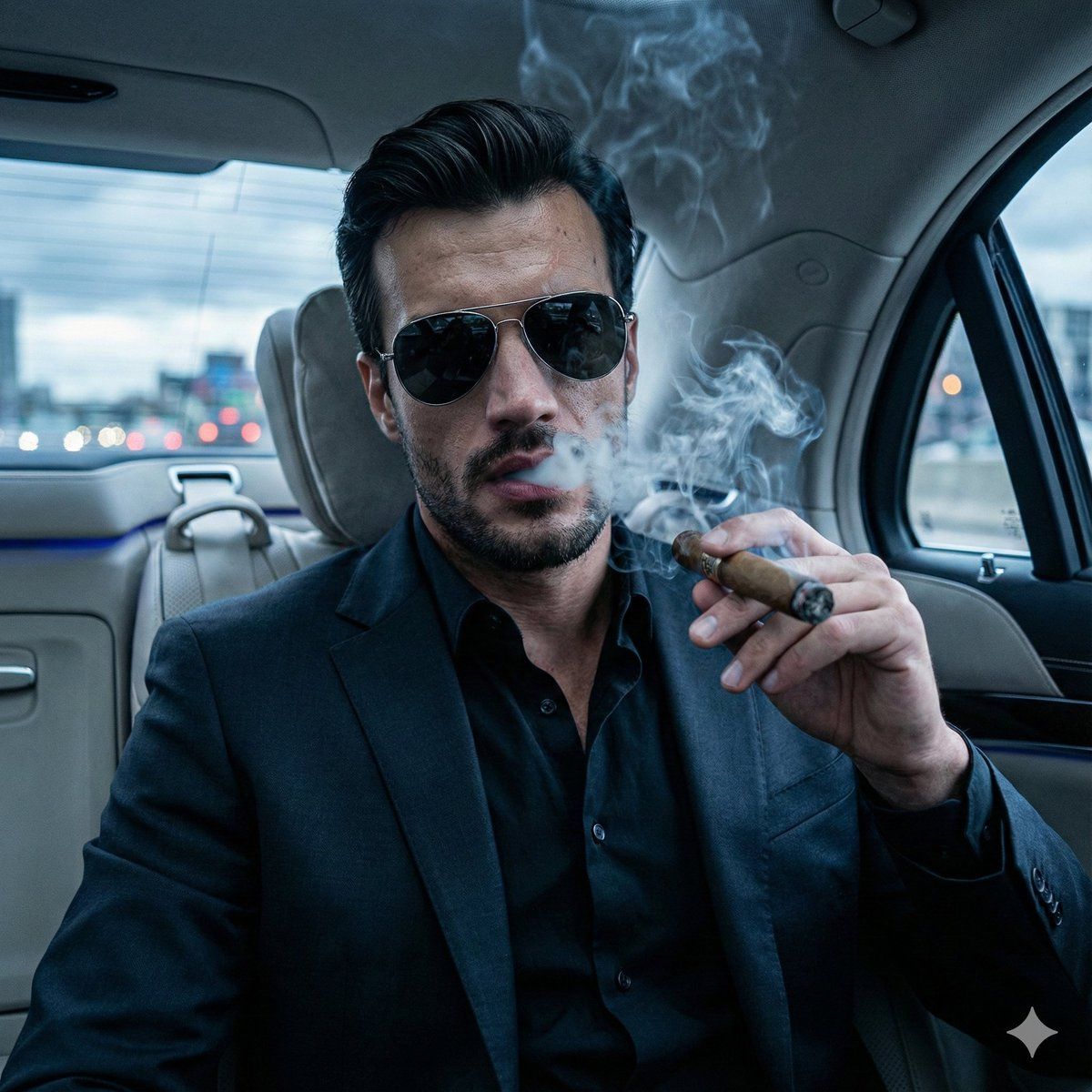
Create a hyper-realistic, cinematic portrait of the subject as a modern mafia boss.

Scene & Composition:
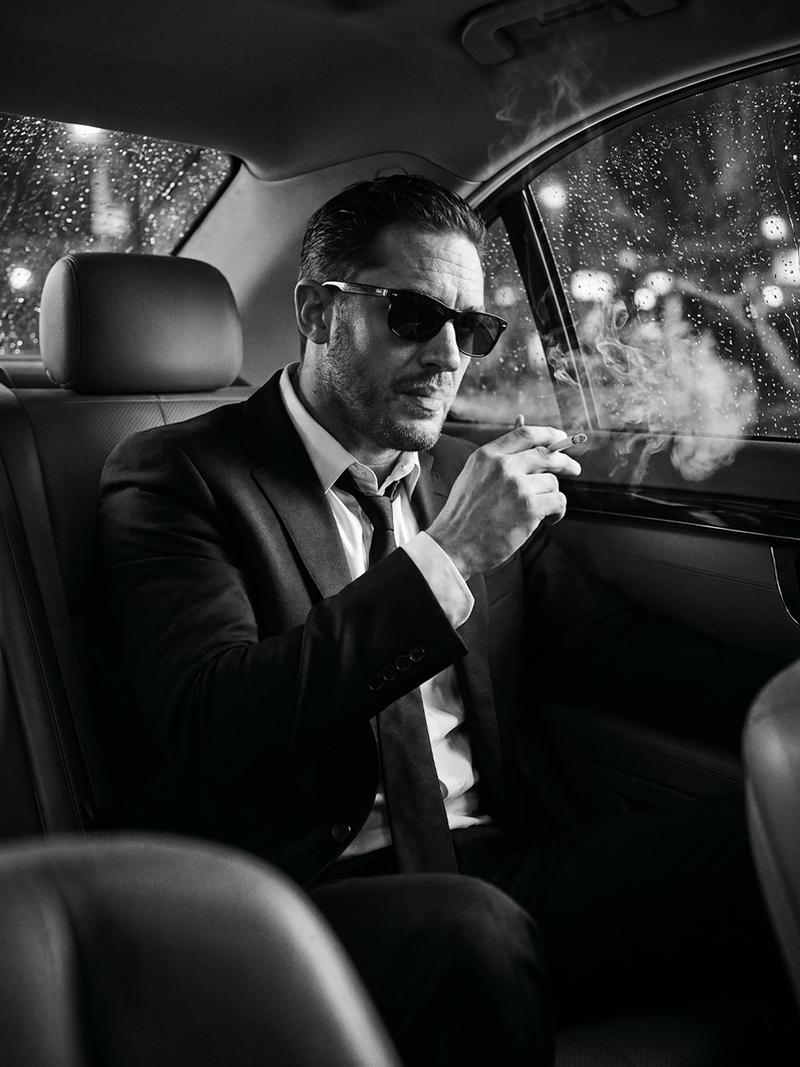
– Subject seated inside a luxury black car (rear seat), window slightly open
– Wearing a tailored black suit, black shirt, no tie
– Tinted aviator sunglasses
– Smoking a thick cigar, dense smoke curling upward
– Cold, fearless, dominant expression
– Confident, intimidating posture

Lighting & Mood:
– Cool color tones (blue/steel)
– High contrast cinematic lighting
– Sharp rim light on face and cigar smoke
– Noir atmosphere

Background:
– Moody overcast sky
– Blurred city street / urban lights outside the car
– Strong bokeh and motion blur for depth
– Dark, cinematic ambience

Camera & Style:
Ultra-detailed facial realism
Sharp focus on face and smoke
Shallow depth of field
1:1 aspect ratio
Movie-poster composition
8K resolution look
Hyper-realistic, photoreal, cinematic grading
Category
创意图片
Model
Nano Banana Pro
Creator
Johnn
Views0
Source ID
bbc9f01e-d1c0-406e-a9bd-fab1227bafcc
Published
Mar 8, 2026

Guide

About "电影教父肖像提示词"

What is this prompt for?

"电影教父肖像提示词" AI image prompt for Nano Banana Pro (创意图片). 这是一个为 Gemini Nano Banana Pro 设计的提示,要求使用上传的面部参考来生成一张超现实、电影感的肖像。主题被描绘成一位现代黑手党老大,坐在一辆豪华黑色轿车的后座上,抽着雪茄,画面具有高…

The full copyable prompt and example visuals above are ready for AI image generation or one-click recreate in Picva.

How to use this prompt

  1. Step 1

    Open the prompt detail

    Review the example visuals, category, and full prompt text for "电影教父肖像提示词".

  2. Step 2

    Copy the prompt

    Copy the prompt body from this page, or load it directly in Studio.

  3. Step 3

    Pick a model (Nano Banana Pro)

    Prefer Nano Banana Pro. If you switch models, keep subject and composition and tweak style terms.

  4. Step 4

    Generate and export

    Recreate the look in Picva, or export into your workflow for editing and publishing.

FAQ

What is the "电影教父肖像提示词" prompt?
It is an AI image-generation prompt for Nano Banana Pro in the 创意图片 category. This page includes the full prompt text, example visuals, and a one-click recreate path in Picva.
How do I use this prompt to generate an image?
Copy the prompt from this page, or use Generate / Studio. Paste it into a compatible image model, or recreate the look in Picva with optional reference images.
Which model is this prompt for?
This page lists Nano Banana Pro. Most descriptive prompts also transfer to nearby image models such as GPT Image, Flux, or Midjourney with light style tweaks.
Can I use the result commercially?
You can usually copy the prompt for creation, but commercial use of the final image depends on the model terms, reference-image rights, and the generated content. Follow the source author and platform rules.