16

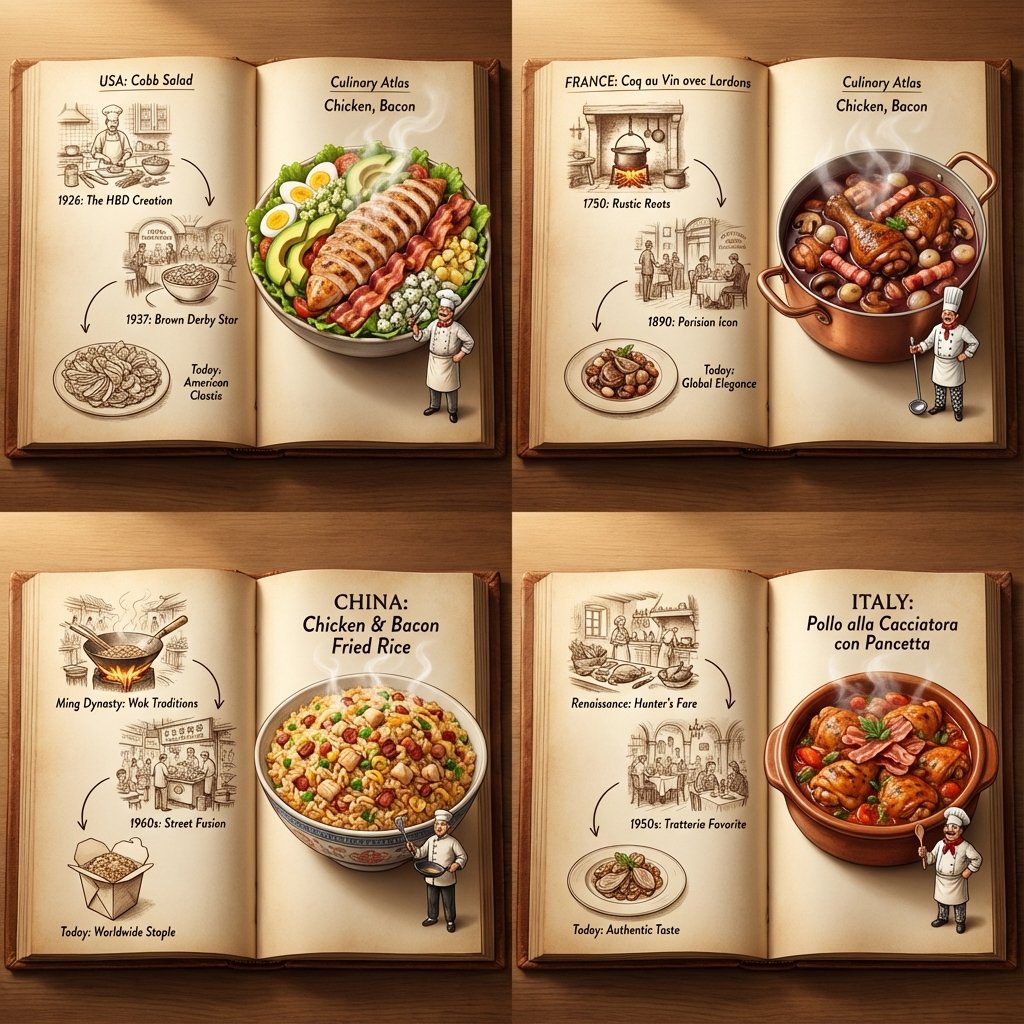
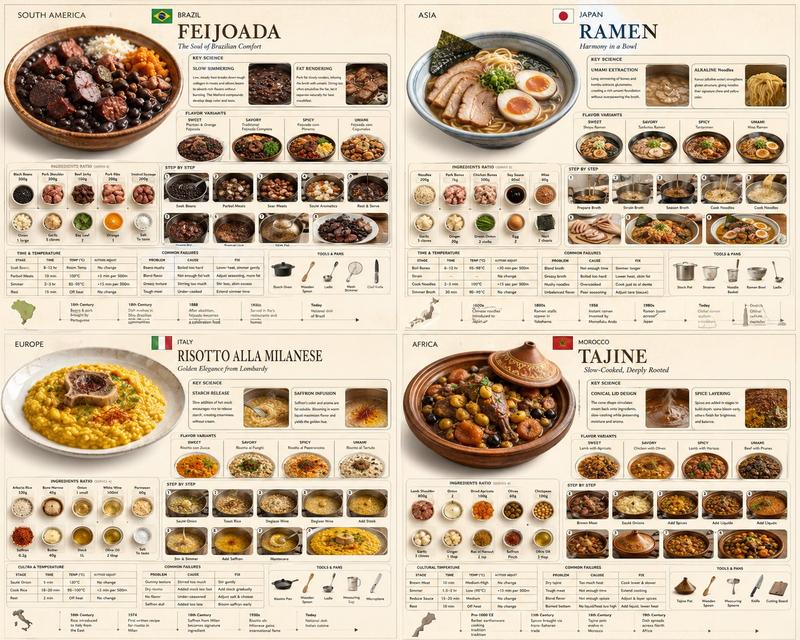
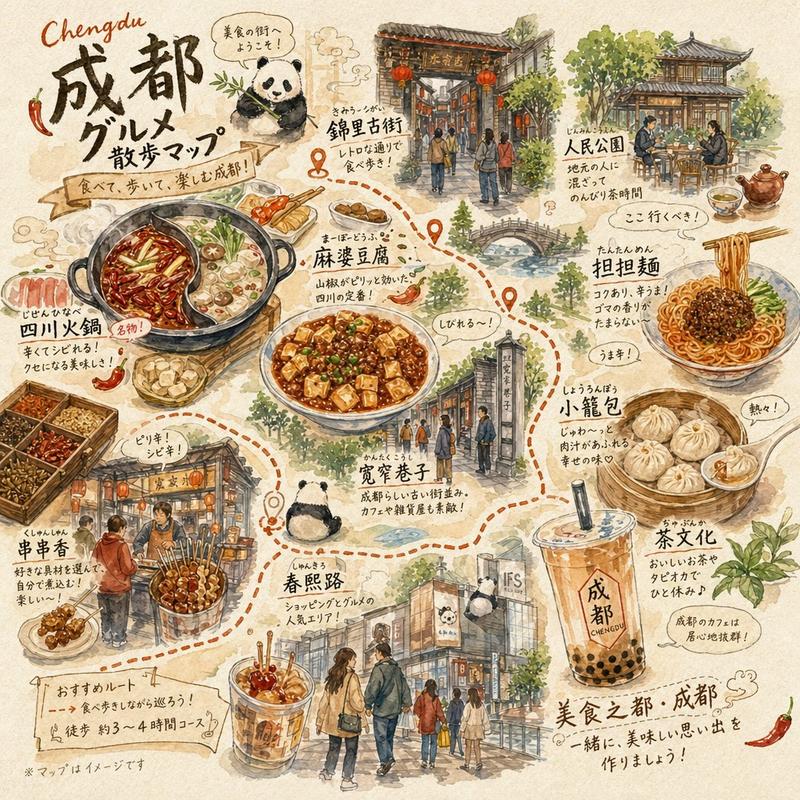
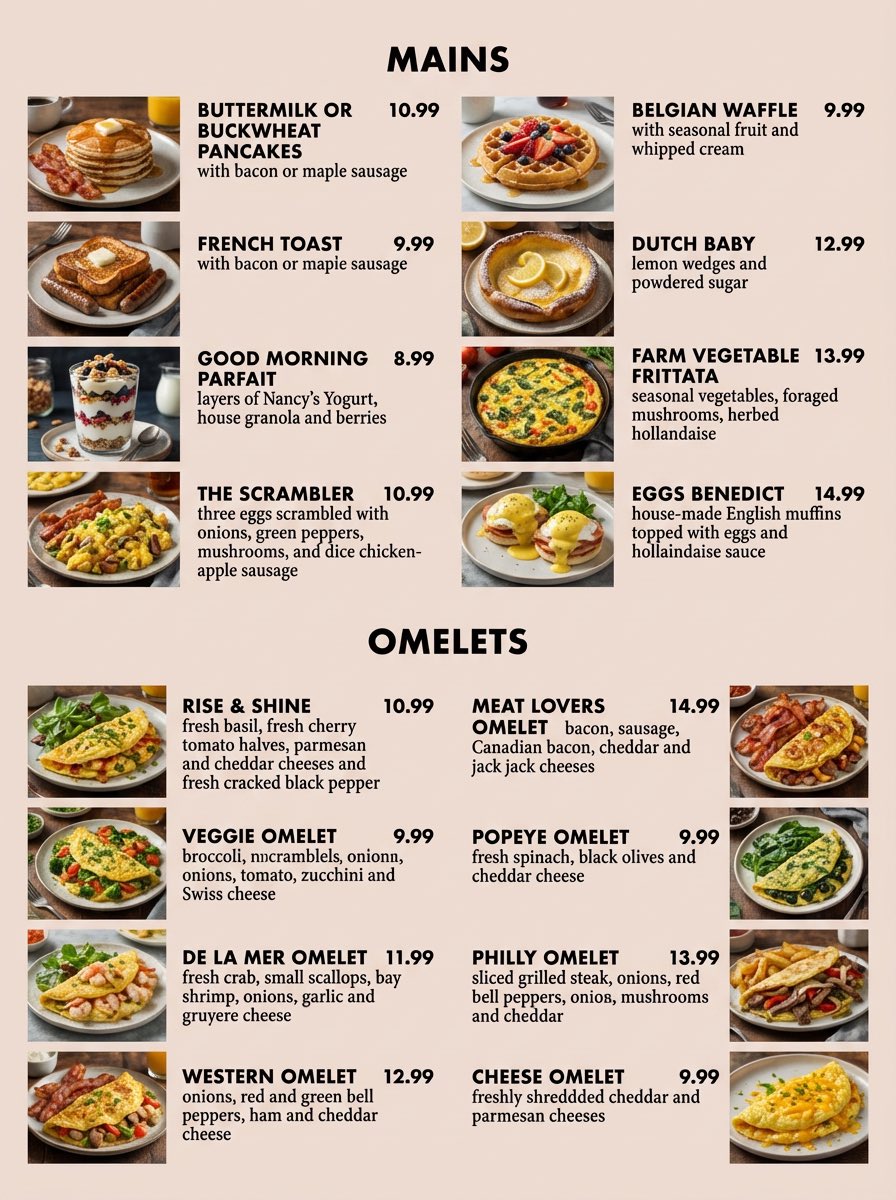
美食地图网格:3D 弹出式食谱立体模型
Enlarge

美食地图网格:3D 弹出式食谱立体模型

Prompt
<instruction>
Inputs: Ingredients = [{argument name="ingredient 1" default="Chicken"}, {argument name="ingredient 2" default="Bacon"}]

Step 1: Global Analysis
Analyze the ingredients.
Select 4 Distinct Countries with a famous dish using these ingredients

Goal: A "Culinary Atlas" Grid showing 4 different cultural variations of the ingredients.

Layout Rule:
Output Format: A 2x2 Grid.
Content per Panel: Each of the 4 panels must show a Single Open Book Spread for that specific country.

Inside Each Panel (The Book Spread Rule):
Left Page (The History): 2D Vintage Sepia Sketches. A visual timeline or illustrated recipe of the dish (e.g., "1850 -> 1920 -> Today"). Flat, ink-drawn style.
Right Page (The Reality): 3D Pop-up Diorama. The finished, steaming meal emerges physically from the page. A tiny miniature chef from that country is standing on the page next to the massive food.
Consistency: All 4 books should look like part of the same series, but with different cultural contents.

Lighting: Cinematic top-down lighting, highlighting the depth difference between the flat left page and the 3D right page.
Output: 2x2 Grid, High Definition, Macro Detail.
</instruction>
Category
创意图片
Model
Nano Banana Pro
Creator
Gadgetify
Views0
Source ID
a1c46092-a2db-4713-92a5-c9145f050f2f
Published
Mar 8, 2026

Guide

About "美食地图网格:3D 弹出式食谱立体模型"

What is this prompt for?

"美食地图网格:3D 弹出式食谱立体模型" AI image prompt for Nano Banana Pro (创意图片). 一个复杂的指令提示,用于生成一个 2x2 网格图像,该图像作为“烹饪地图集”的功能。根据用户提供的食材,AI 必须选择四个国家,并为每个国家展示一本打开的书。左页显示 2D 复古素描,右…

The full copyable prompt and example visuals above are ready for AI image generation or one-click recreate in Picva.

How to use this prompt

  1. Step 1

    Open the prompt detail

    Review the example visuals, category, and full prompt text for "美食地图网格:3D 弹出式食谱立体模型".

  2. Step 2

    Copy the prompt

    Copy the prompt body from this page, or load it directly in Studio.

  3. Step 3

    Pick a model (Nano Banana Pro)

    Prefer Nano Banana Pro. If you switch models, keep subject and composition and tweak style terms.

  4. Step 4

    Generate and export

    Recreate the look in Picva, or export into your workflow for editing and publishing.

FAQ

What is the "美食地图网格:3D 弹出式食谱立体模型" prompt?
It is an AI image-generation prompt for Nano Banana Pro in the 创意图片 category. This page includes the full prompt text, example visuals, and a one-click recreate path in Picva.
How do I use this prompt to generate an image?
Copy the prompt from this page, or use Generate / Studio. Paste it into a compatible image model, or recreate the look in Picva with optional reference images.
Which model is this prompt for?
This page lists Nano Banana Pro. Most descriptive prompts also transfer to nearby image models such as GPT Image, Flux, or Midjourney with light style tweaks.
Can I use the result commercially?
You can usually copy the prompt for creation, but commercial use of the final image depends on the model terms, reference-image rights, and the generated content. Follow the source author and platform rules.