17

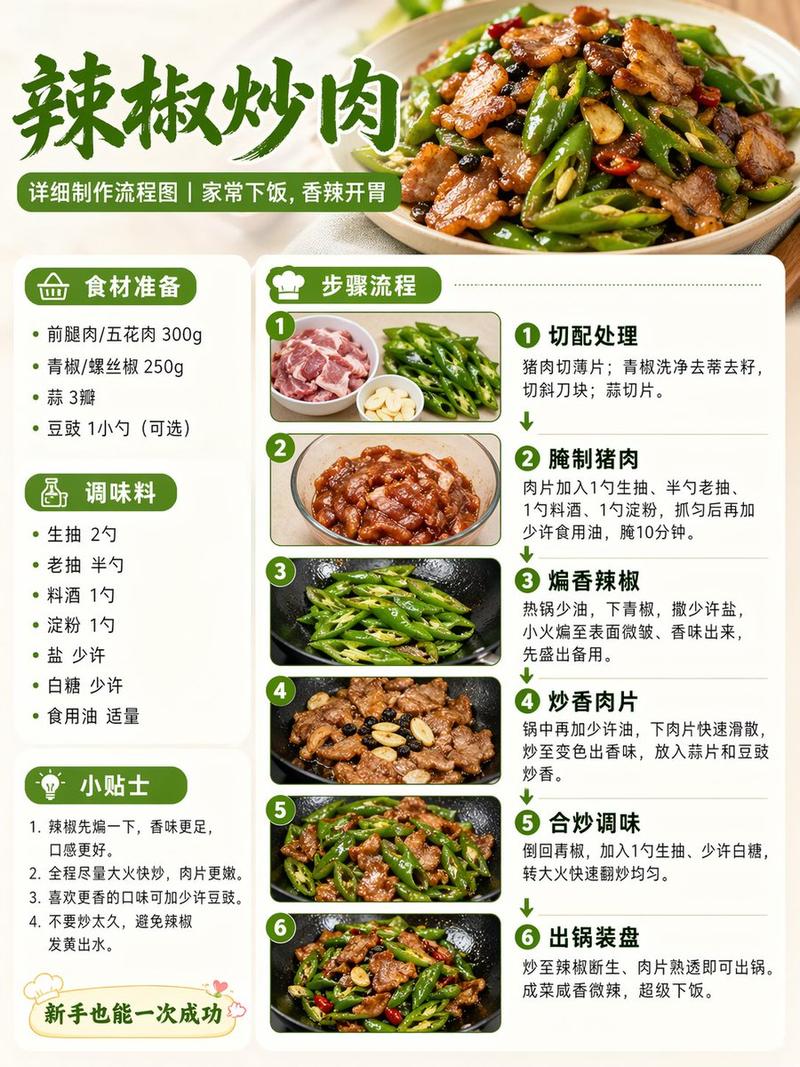
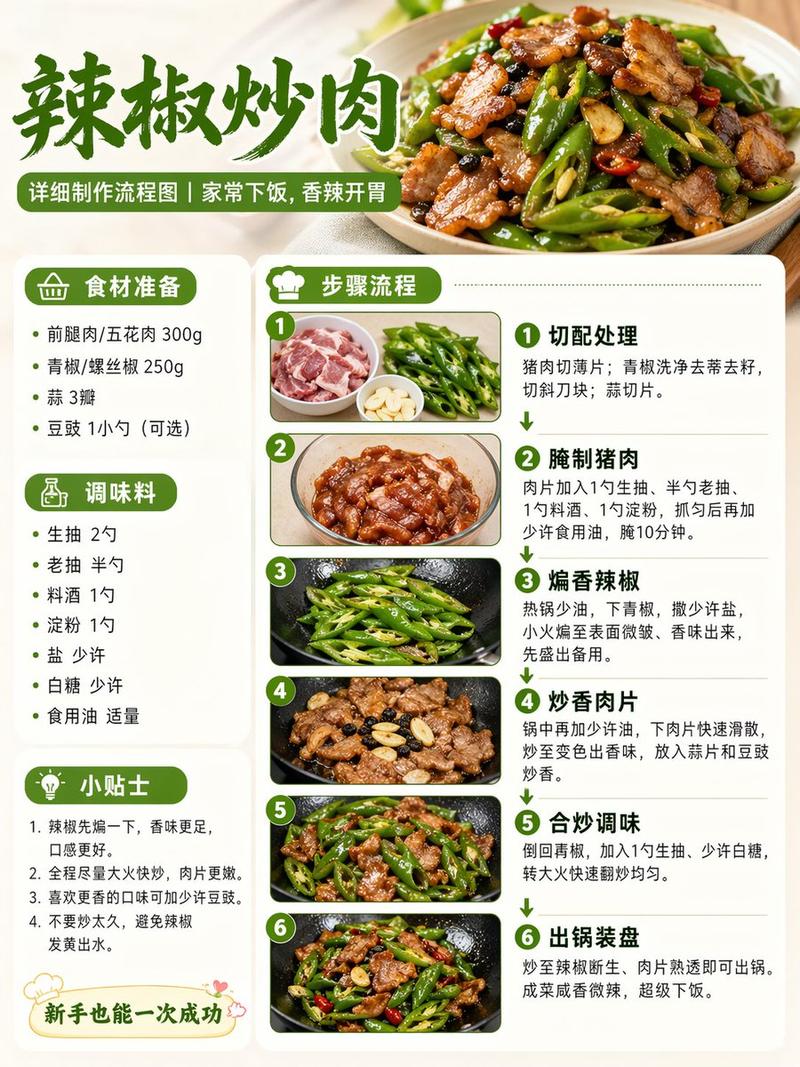
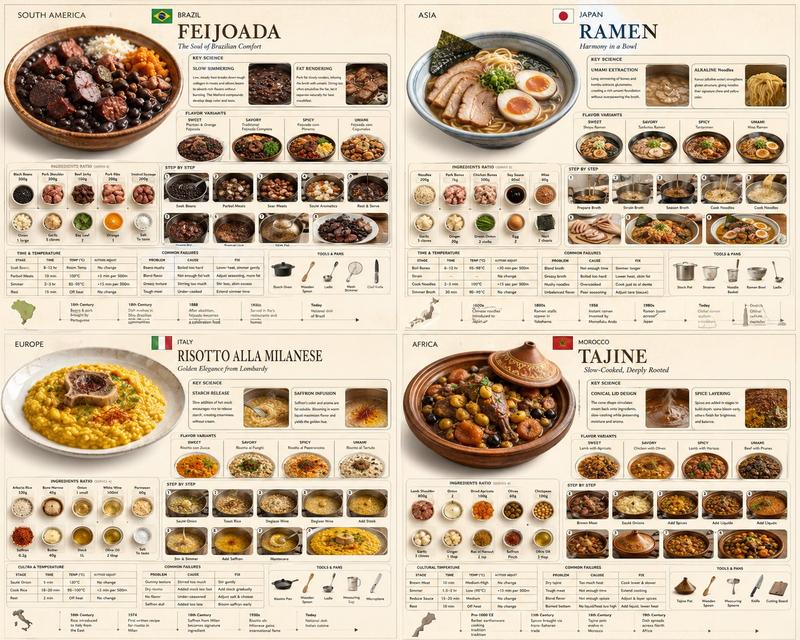
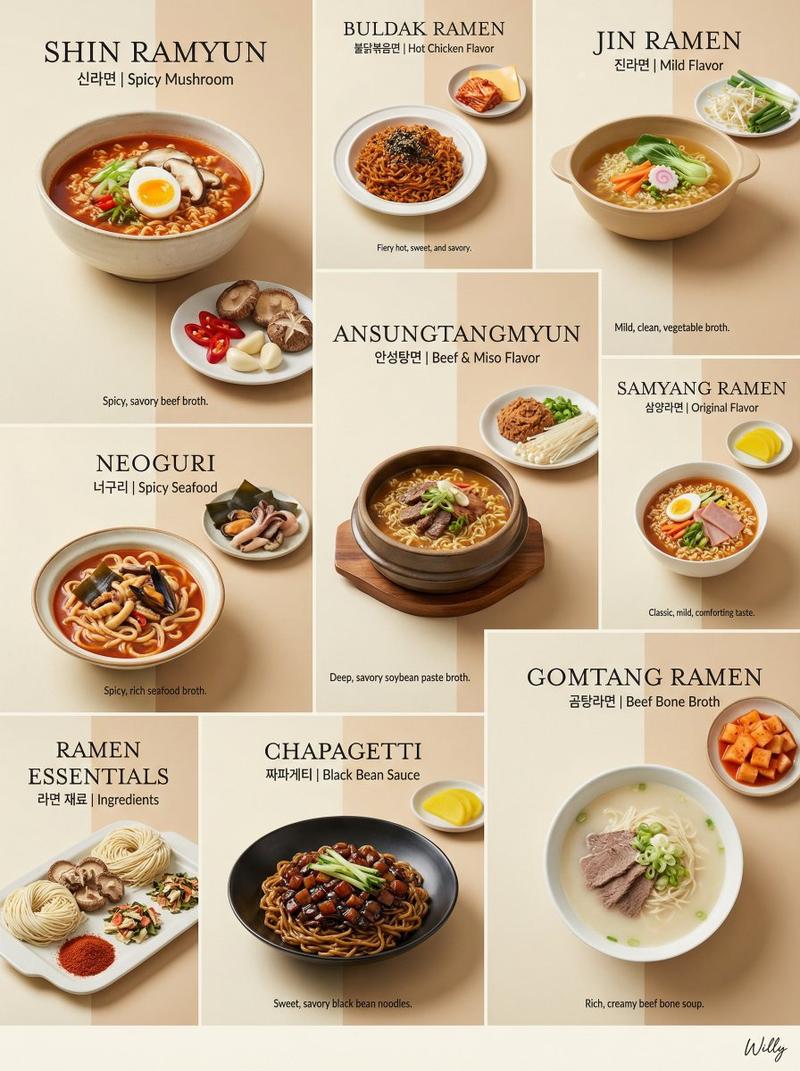
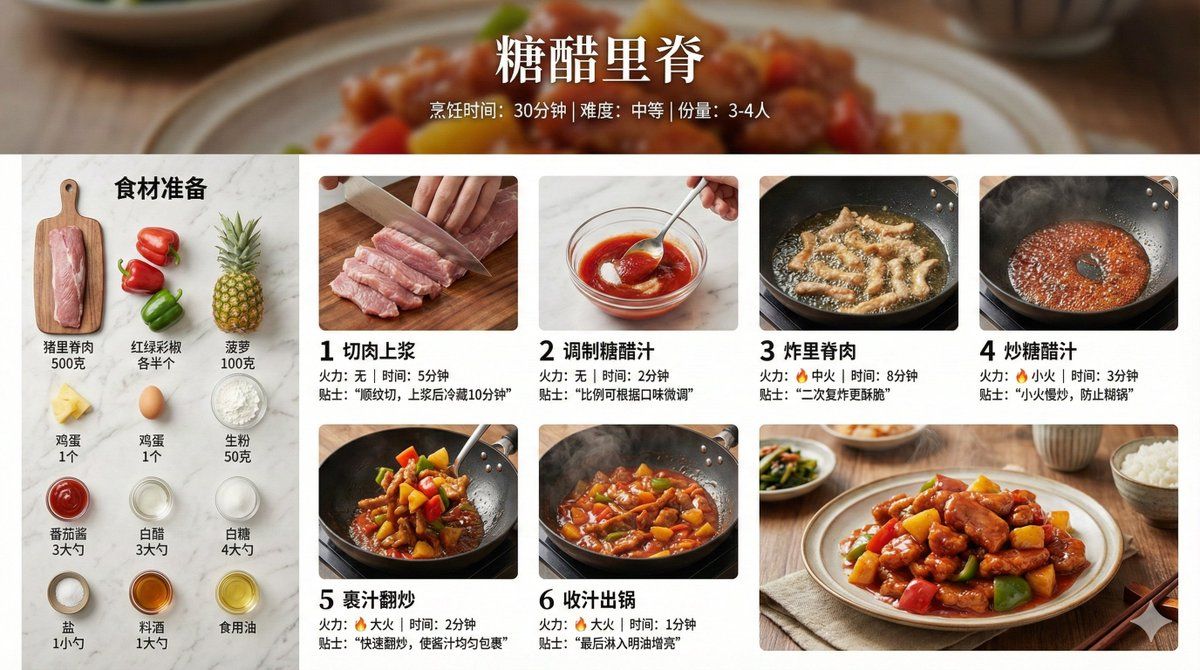
Infographic Prompt for Sweet and Sour Pork Recipe
Enlarge

Infographic Prompt for Sweet and Sour Pork Recipe

Prompt
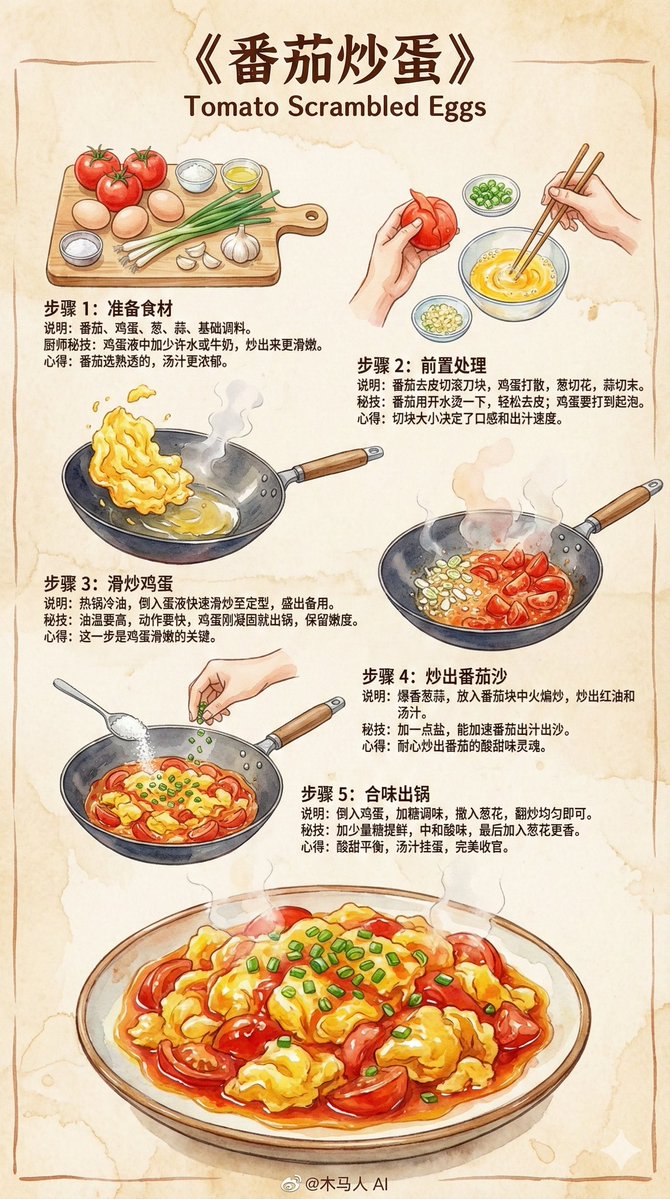
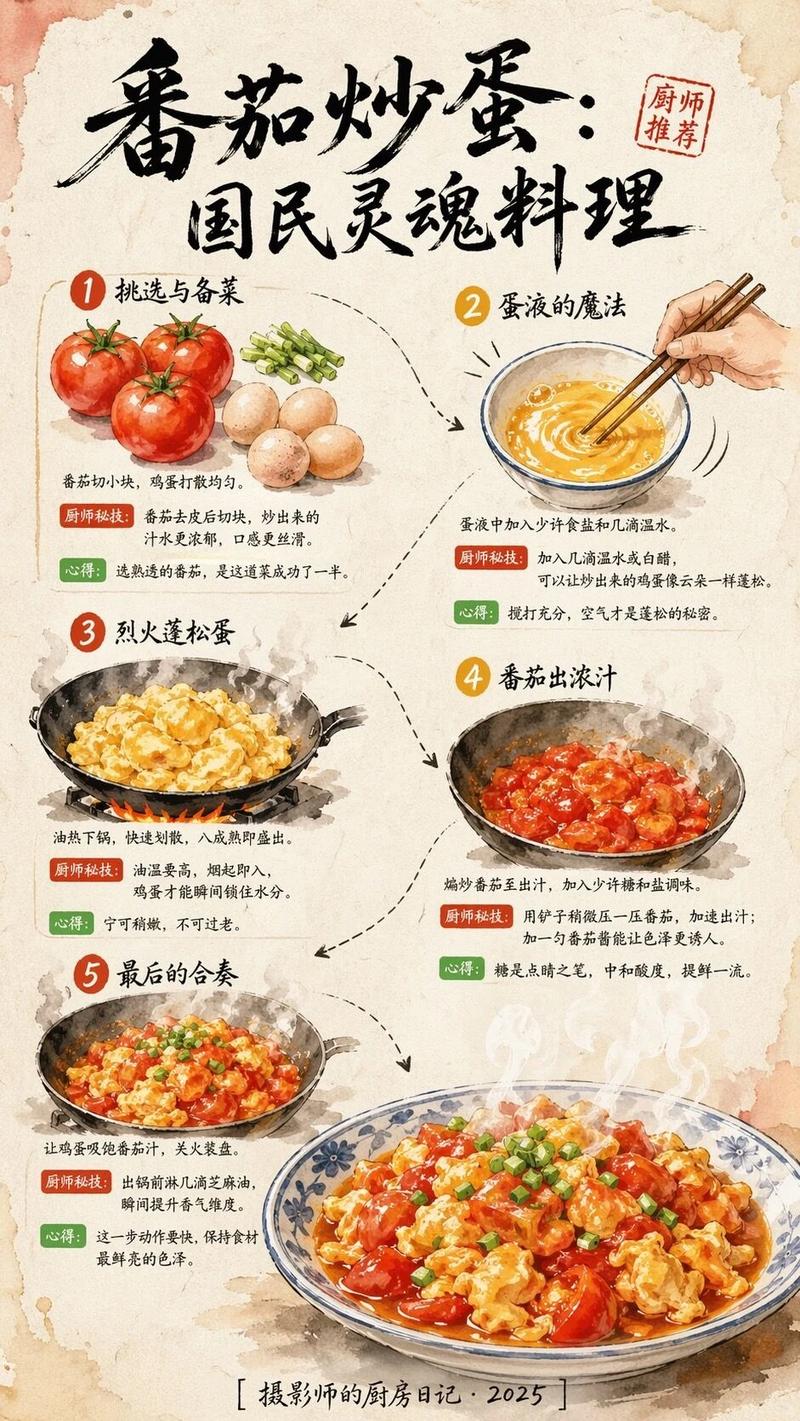
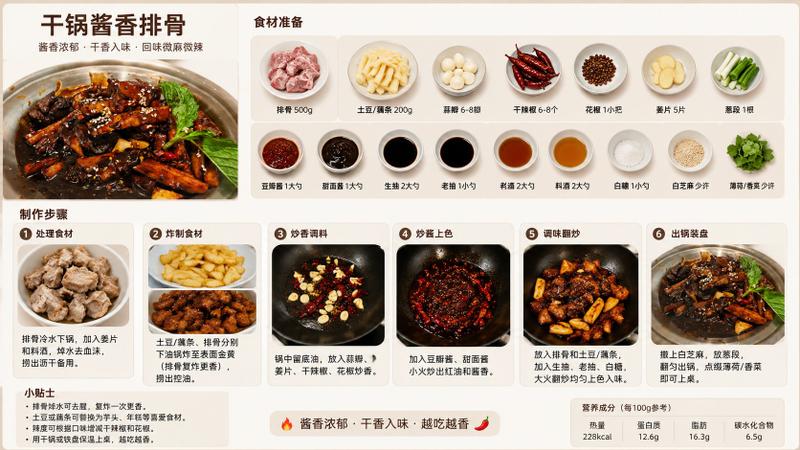
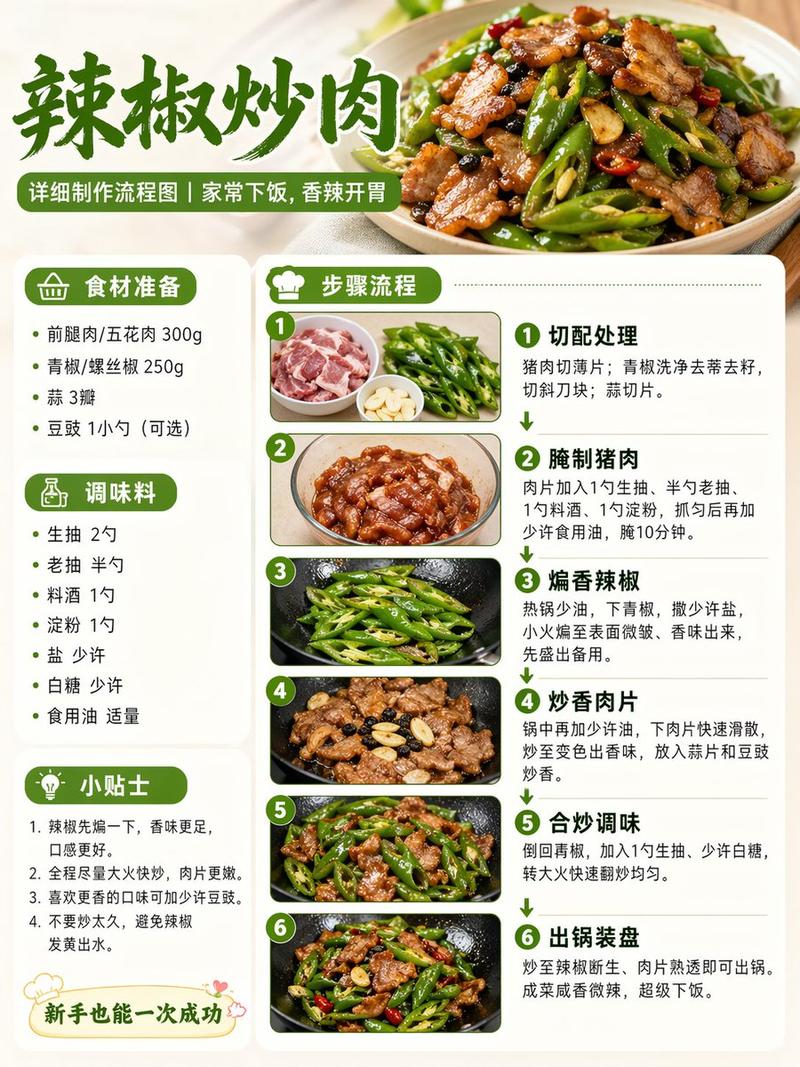
创建一张【{argument name="菜名" default="糖醋里脊"}】的家常菜烹饪步骤信息图。

【整体风格】
- 风格:8K超高清真实摄影风格,美食杂志级专业质感
- 画质:8K分辨率,锐利细节,专业美食摄影光线
- 背景:真实厨房场景/大理石台面/木质砧板,浅景深虚化
- 配色:自然真实色彩,食材本色,暖色调打光
- 布局:横向16:9

【顶部标题区】
- 菜名大标题(优雅中文字体)
- 副标题:烹饪时间 / 难度等级 / 份量
- 背景可用成品菜的虚化特写

【左侧或顶部 - 食材清单区】
- 标题:"食材准备"
- 所有食材真实摆拍,俯视角度整齐排列
- 每种食材标注名称和用量
- 风格:ins风食材flat lay摄影

【主体 - 烹饪步骤区】
- 6-8个步骤,网格或时间轴排列
- 每个步骤包含:
  * 步骤编号(简洁数字标识)
  * 真实烹饪过程特写照片:
    - 切肉:刀工细节、肉的纹理
    - 焯水:沸腾的水、浮沫
    - 炒糖色:焦糖色泽、油光
    - 翻炒:锅中动态、火焰
    - 炖煮:汤汁冒泡、蒸汽升腾
    - 收汁:浓稠酱汁、光泽肉块
  * 简短说明文字(1-2句)
  * 火力/时间标注

【底部 - 成品展示区】
- 8K高清成品照片
- 专业摆盘,精美餐具
- 45度角或俯视角拍摄
- 可见食物质感:酱汁光泽、肉质纤维、热气蒸腾
- 背景:餐桌场景、筷子、小碗配菜点缀

【摄影规范】
- 光线:侧逆光/自然窗光,营造食欲感
- 景深:主体清晰,背景自然虚化
- 质感:可见食材纹理、油脂光泽、汤汁反光
- 蒸汽:热菜步骤可见真实热气
- 色温:暖色调(5500-6000K),增强食欲

【辅助元素】
- 小贴士标注:关键技巧(如"冷水下锅去腥"、"小火慢炖40分钟")
- 火力图标:🔥 标注每步火力大小
- 计时标注:关键步骤时长
- 所有食材用量、步骤细节、时间火候根据菜品自动生成准确信息
Category
创意图片
Model
Nano Banana Pro
Views0
Source ID
41ab5046-5b33-48ab-be9e-7adc02cc5ab7
Published
Mar 8, 2026

Guide

About "Infographic Prompt for Sweet and Sour Pork Recipe"

What is this prompt for?

"Infographic Prompt for Sweet and Sour Pork Recipe" AI image prompt for Nano Banana Pro (创意图片). A highly detailed, multi-section prompt designed to generate a…

The full copyable prompt and example visuals above are ready for AI image generation or one-click recreate in Picva.

How to use this prompt

  1. Step 1

    Open the prompt detail

    Review the example visuals, category, and full prompt text for "Infographic Prompt for Sweet and Sour Pork Recipe".

  2. Step 2

    Copy the prompt

    Copy the prompt body from this page, or load it directly in Studio.

  3. Step 3

    Pick a model (Nano Banana Pro)

    Prefer Nano Banana Pro. If you switch models, keep subject and composition and tweak style terms.

  4. Step 4

    Generate and export

    Recreate the look in Picva, or export into your workflow for editing and publishing.

FAQ

What is the "Infographic Prompt for Sweet and Sour Pork Recipe" prompt?
It is an AI image-generation prompt for Nano Banana Pro in the 创意图片 category. This page includes the full prompt text, example visuals, and a one-click recreate path in Picva.
How do I use this prompt to generate an image?
Copy the prompt from this page, or use Generate / Studio. Paste it into a compatible image model, or recreate the look in Picva with optional reference images.
Which model is this prompt for?
This page lists Nano Banana Pro. Most descriptive prompts also transfer to nearby image models such as GPT Image, Flux, or Midjourney with light style tweaks.
Can I use the result commercially?
You can usually copy the prompt for creation, but commercial use of the final image depends on the model terms, reference-image rights, and the generated content. Follow the source author and platform rules.