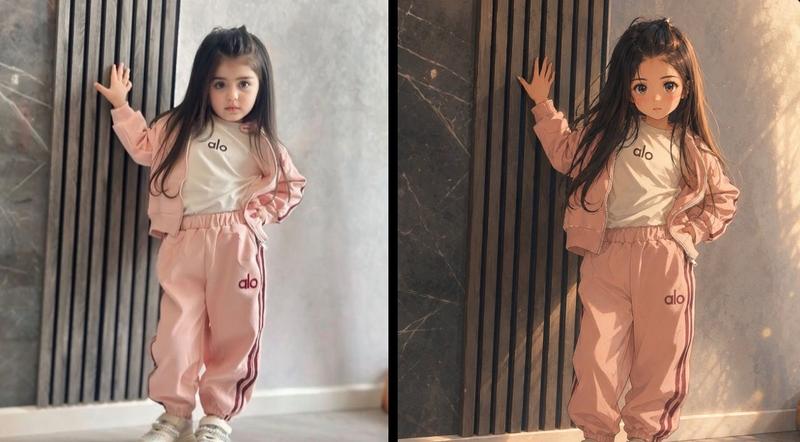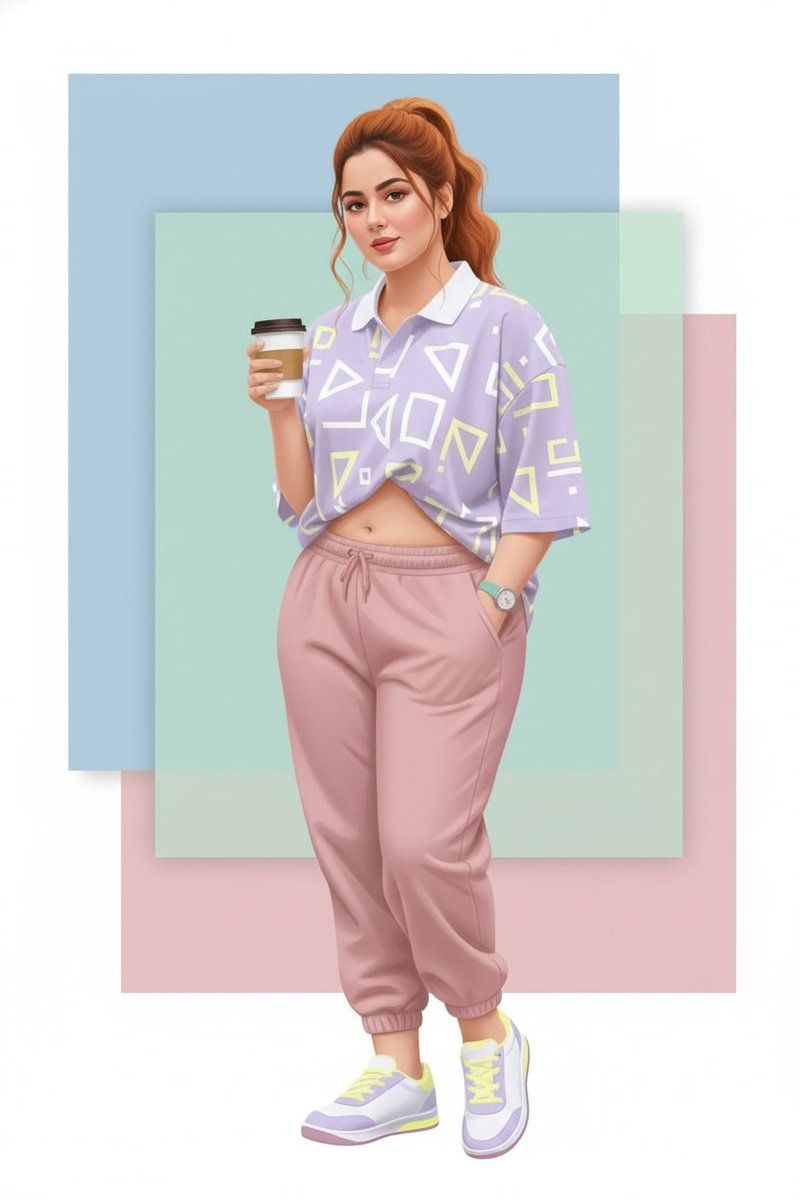
矢量图艺术风格转换提示词
Prompt
{
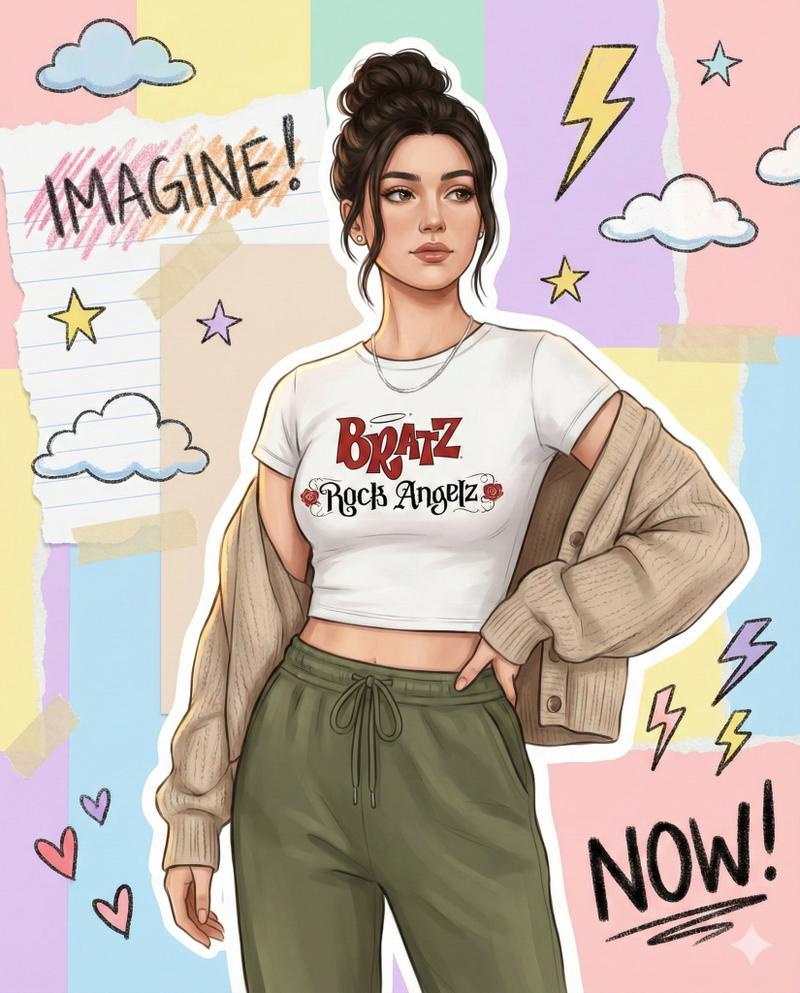
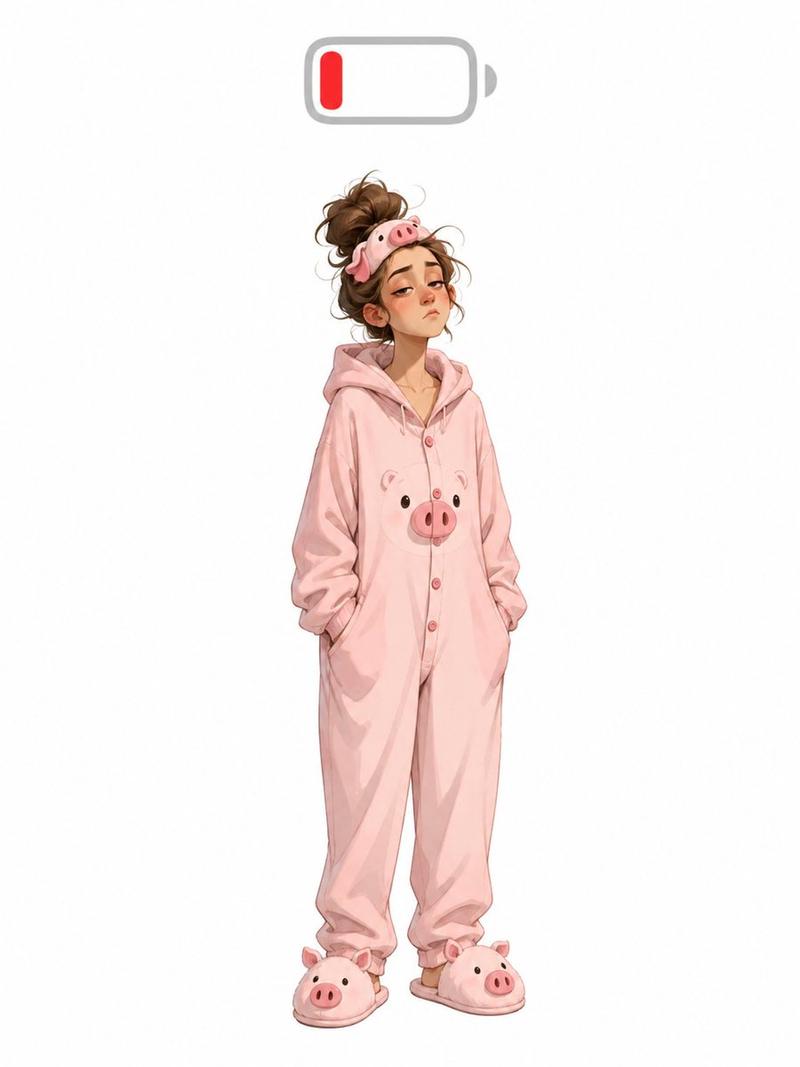
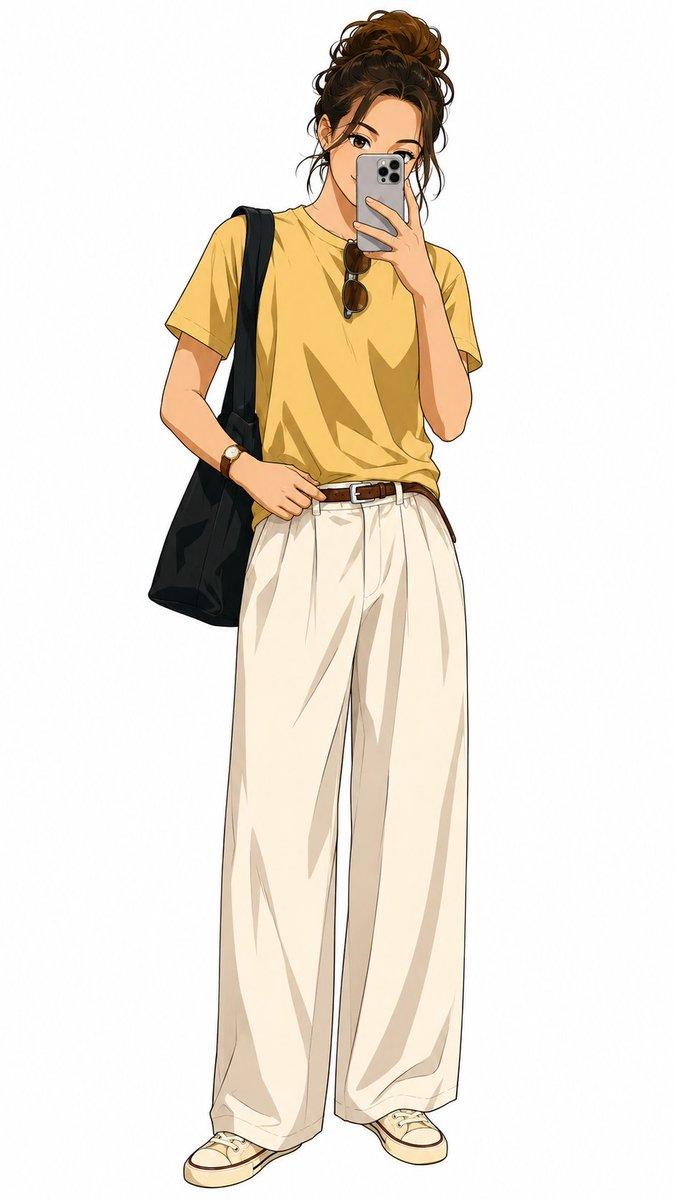
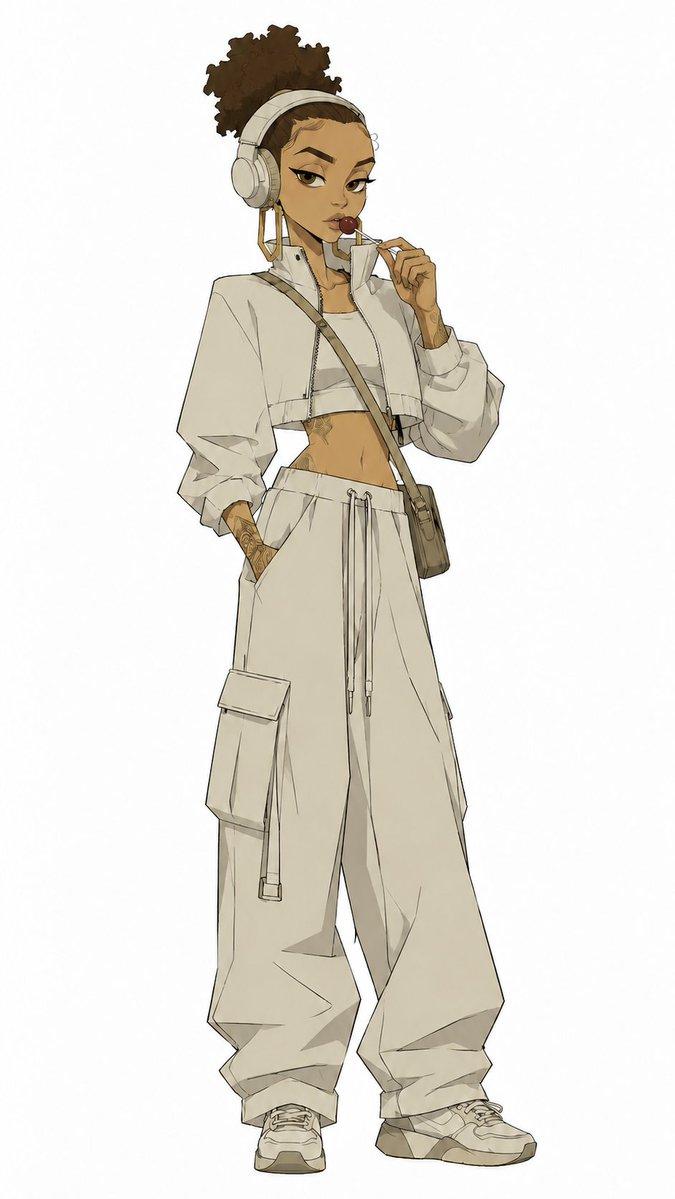
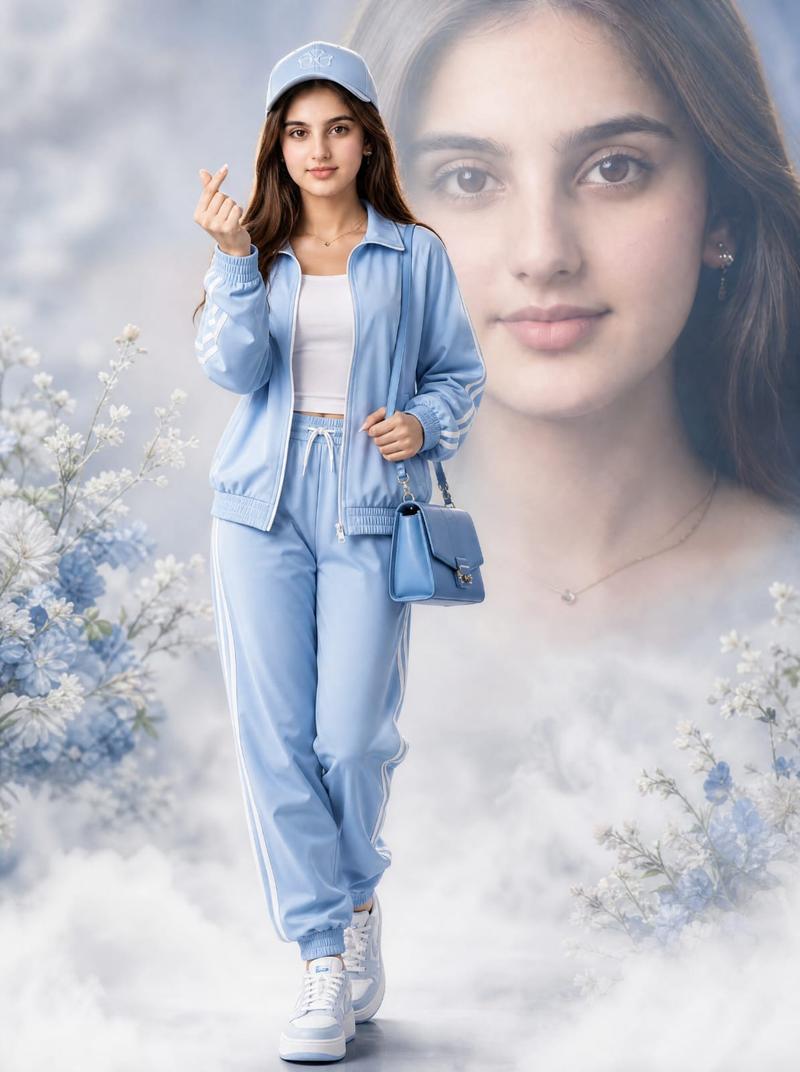
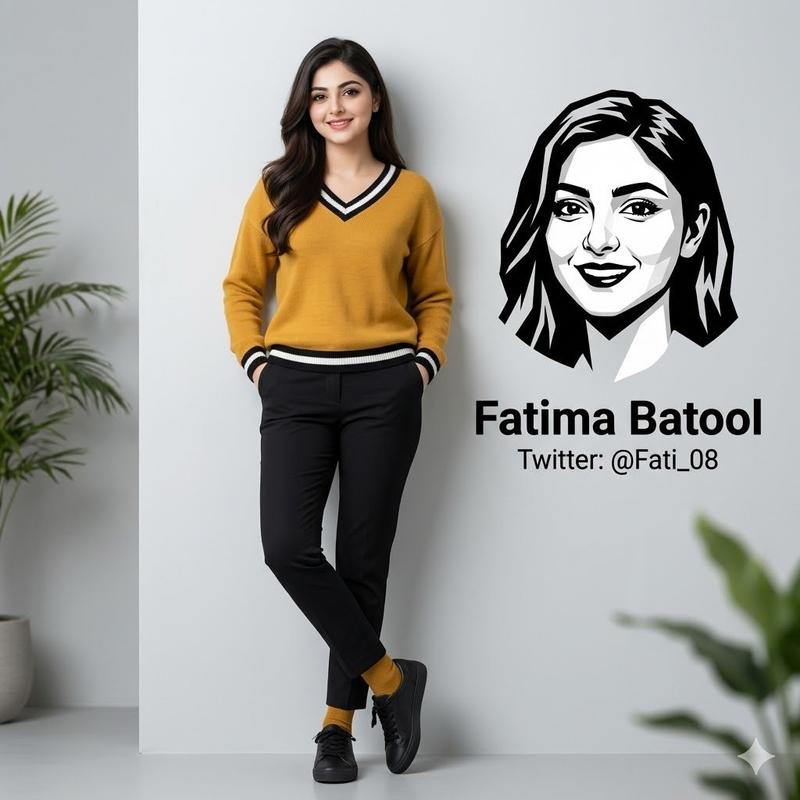
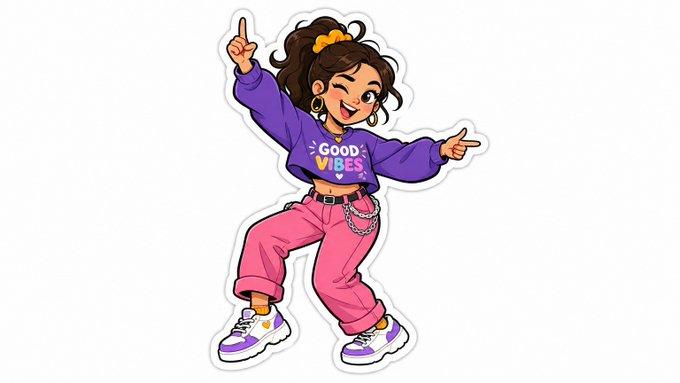
  "prompt": "Use the uploaded image as a strict identity reference only. Preserve 100% exact face match, facial structure, expressions, skin tone, hairstyle, and identity of every person visible in the reference image. Do not add or remove any person. While keeping identity intact, change the pose to a new natural and visually appealing pose suitable for illustration (for example: slight body turn, relaxed stance, different hand placement, or subtle interaction between people). Update the color palette to a fresh, modern scheme with harmonious tones, such as pastel gradients, warm–cool contrast, or bold contemporary colors, while keeping skin tones realistic and consistent. Convert the scene into a high-quality illustration blended with clean vector art style. Use crisp outlines, smooth curves, flat-to-semi-flat color fills, and soft gradient accents. Clothing design should remain similar in type but recolored to match the new palette, with clean vector shapes and refined edges. Lighting should be soft and even, optimized for illustration and vector clarity. Background should be redesigned into a minimal, stylish vector backdrop using gradients or abstract shapes that complement the new pose and colors. Render in ultra high resolution with sharp edges, clean layers, and a professional illustration + vector finish.",

  "negative_prompt": "face mismatch, identity change, extra person, missing person, wrong facial features, wrong skin tone, bad anatomy, extra fingers, extra limbs, distorted hands, photorealism, rough textures, painterly brush strokes, dull colors, low quality, blur, noise, grain, watermark, logo, text",

  "style": "illustration + vector art",
  "mood": "modern, fresh, stylish",
  "lighting": "soft even lighting",
  "background": "minimal vector background with abstract shapes or gradients",
  "detail_level": "high but clean",
  "render_quality": "ultra high resolution, crisp vector clarity",
  "composition": "same persons, new pose, updated colors",
  "reference_strength": 0.85
}- Category
- 创意图片
- Model
- Nano Banana Pro
- Creator
- Gagan Singh
- Source ID
- 58a728a4-bfef-4692-8519-06c7e7012c87
- Published
- Mar 8, 2026
Views0