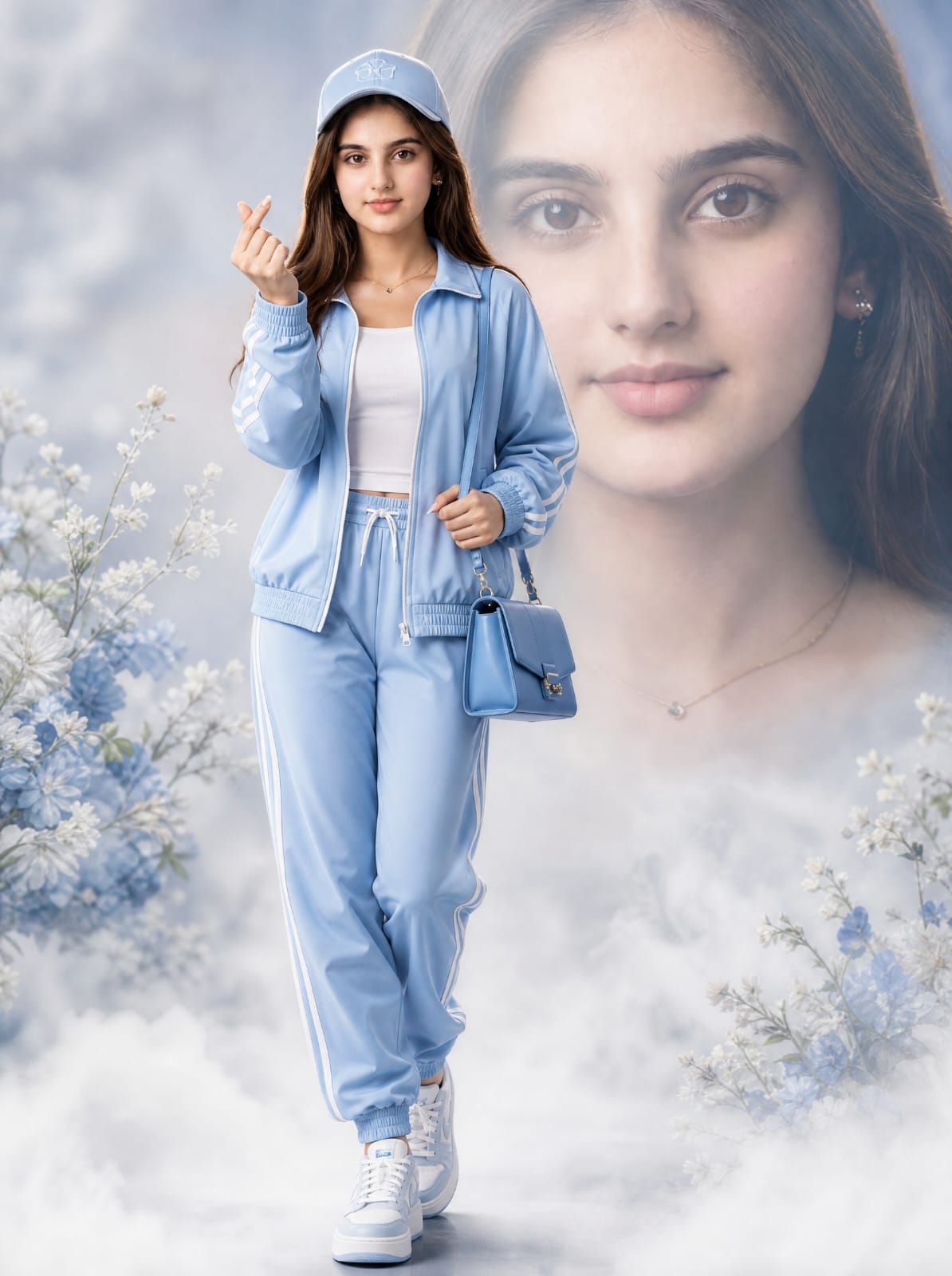
Light Blue Tracksuit Fashion Portrait
Prompt
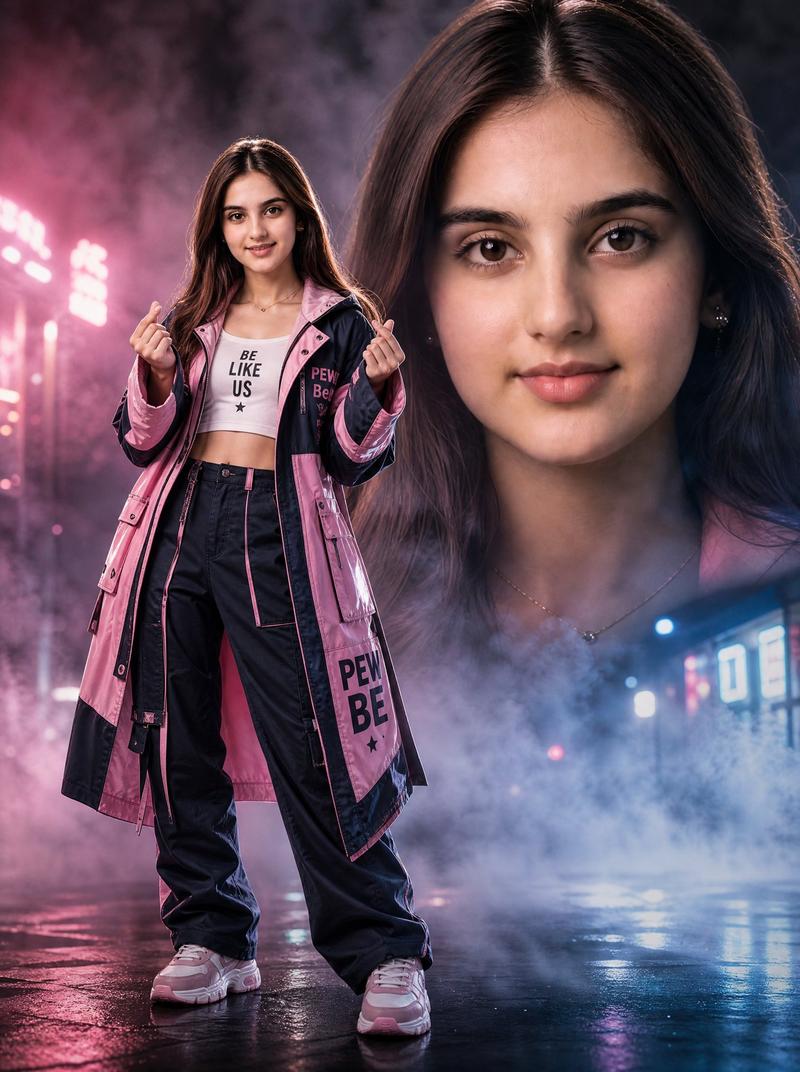
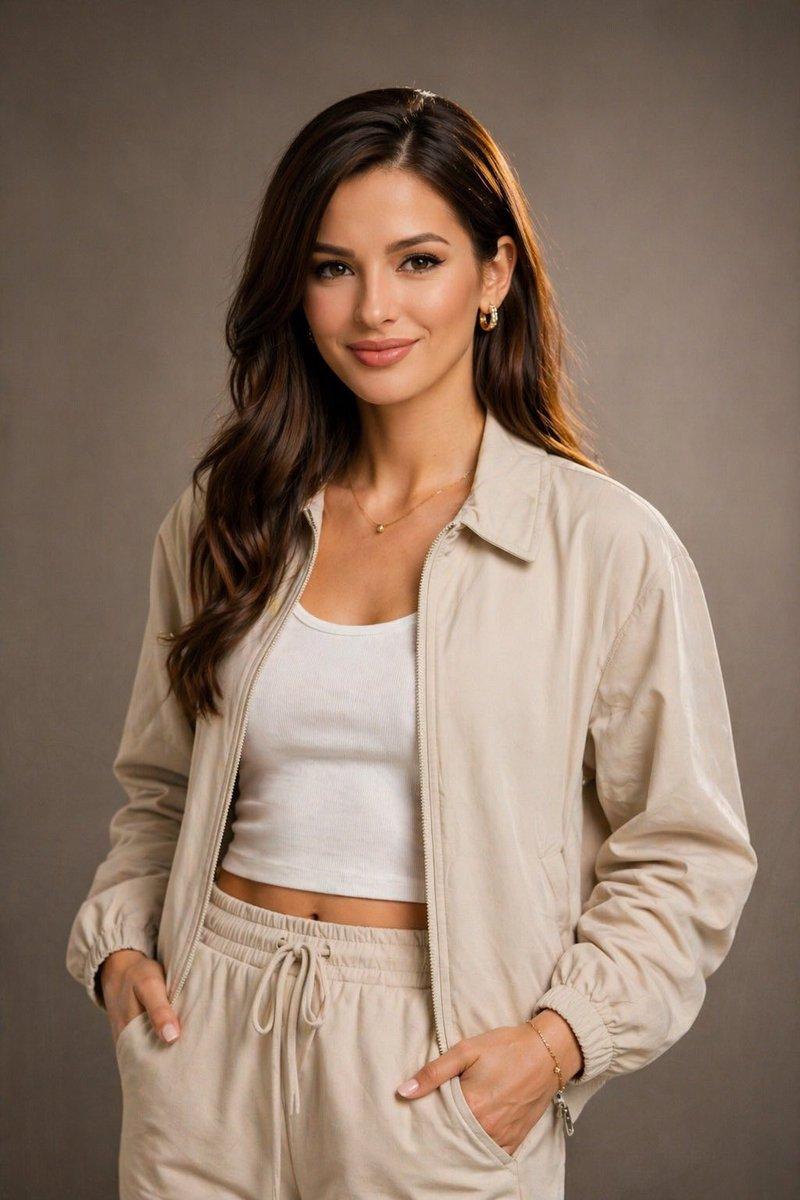
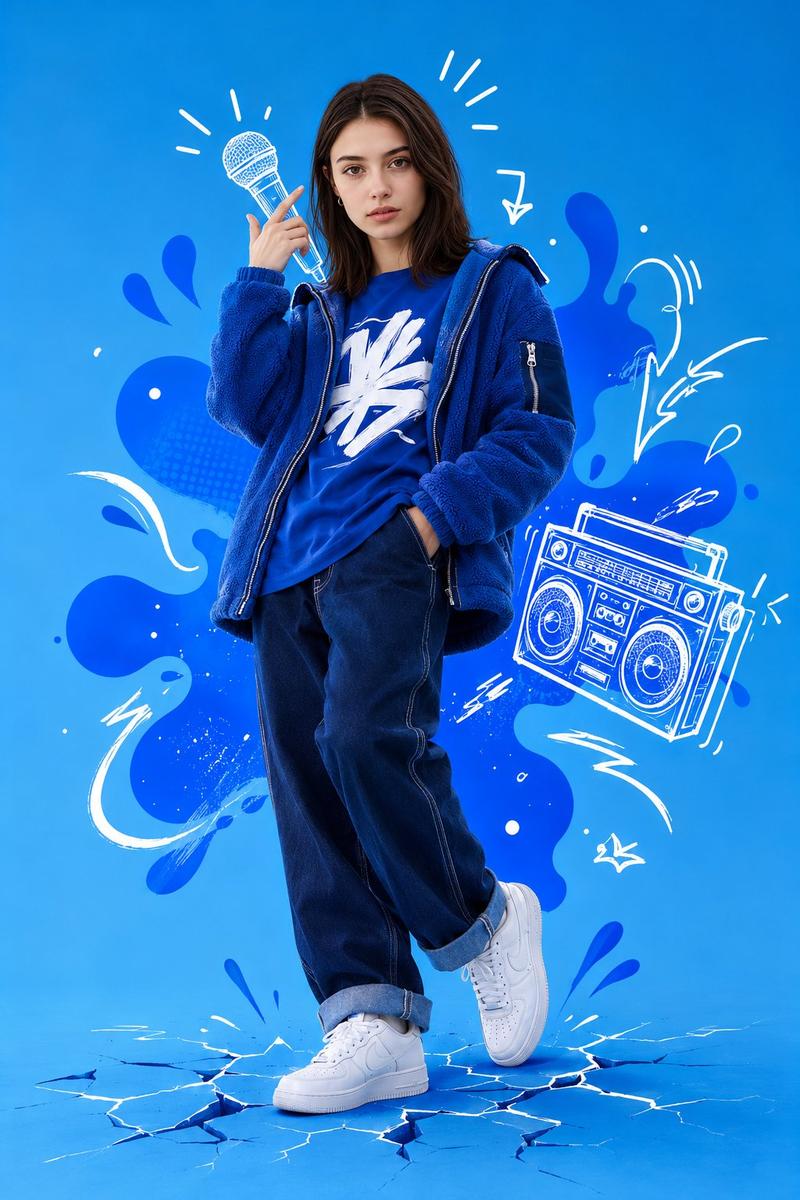
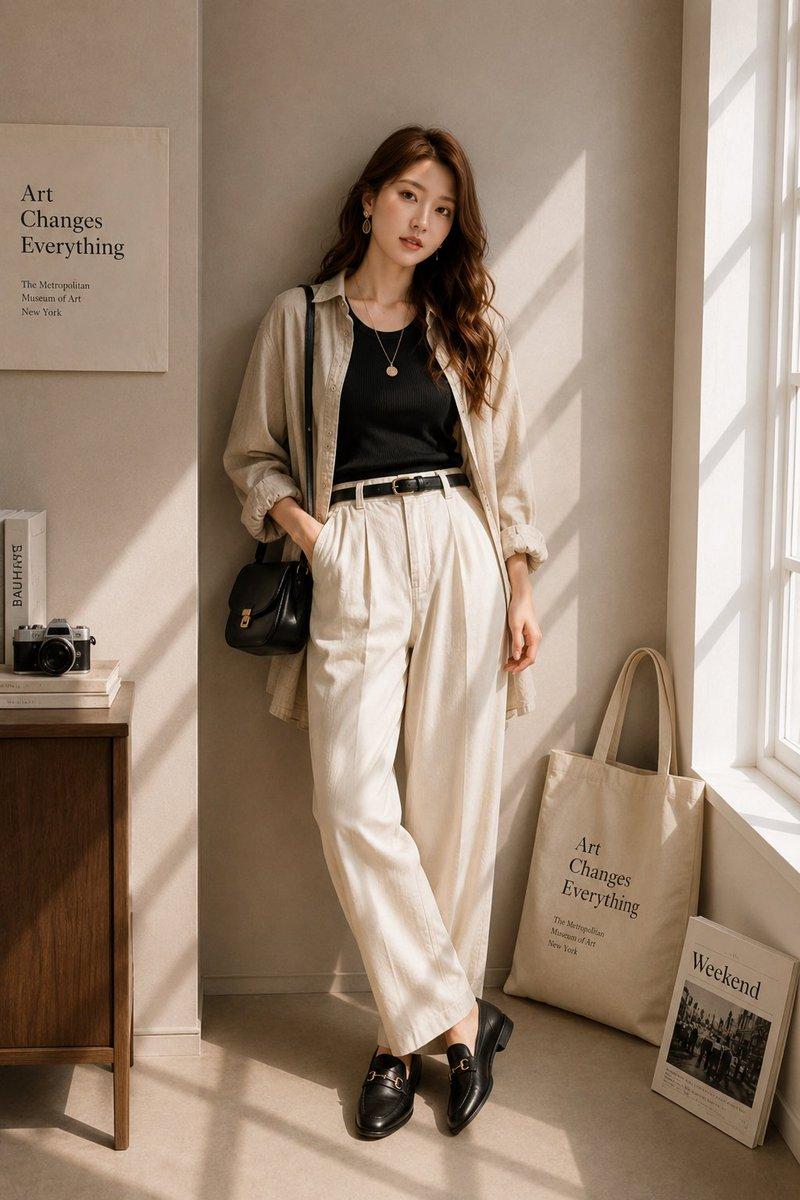
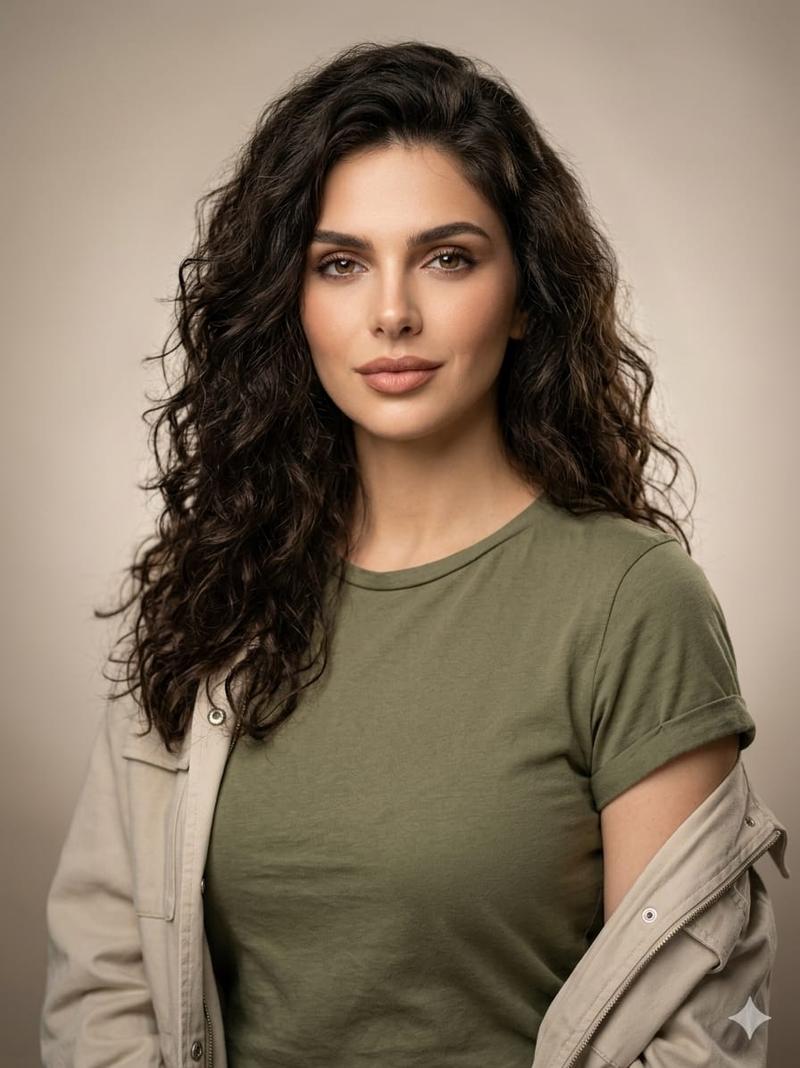
Create a pristine high-fashion full-body portrait of {argument name="character name" default="a young woman"} walking forward in a dreamy studio setting. She wears a coordinated {argument name="tracksuit color" default="light blue"} sporty tracksuit: zip-up jacket with white sleeve stripes and ribbed cuffs, matching jogger pants with white side stripes and drawstring waist, a fitted white cropped tank top, a matching baseball cap with subtle embroidered detail, and clean white-and-light-blue sneakers. She carries a small structured {argument name="handbag color" default="blue"} handbag with a short top handle and chain strap in one hand, while the other hand is raised near her face making a Korean finger-heart gesture. Long soft brown hair falls from under the cap, natural glam styling, delicate necklace visible. Compose her full body slightly left of center, legs crossed naturally as if stepping forward, elegant confident pose. The background should feature a large softly blurred close-up portrait of the same woman’s face filling the right side, blended into misty pale blue-gray tones, with a clean editorial look. Add white ground fog around her shoes, airy haze, and subtle floral accents: exactly four visible flower clusters, one large pale blue-and-white cluster at lower left, one small white sprig at mid-left, one pale blue-and-white cluster at lower right, and one small white sprig at mid-right. Use soft diffused lighting, pastel blue palette, shallow depth of field, glossy fashion-magazine finish, realistic fabric texture, crisp full-body subject against dreamy blurred background. Keep the face area suitable for a user-provided face reference and avoid text, logos, watermark, extra people, or clutter.- Category
- Charts & Infographics
- Model
- GPT Image 2
- Creator
- Arina Ai
- Source ID
- 24315
- Published
- Jun 5, 2026
Views4.6K