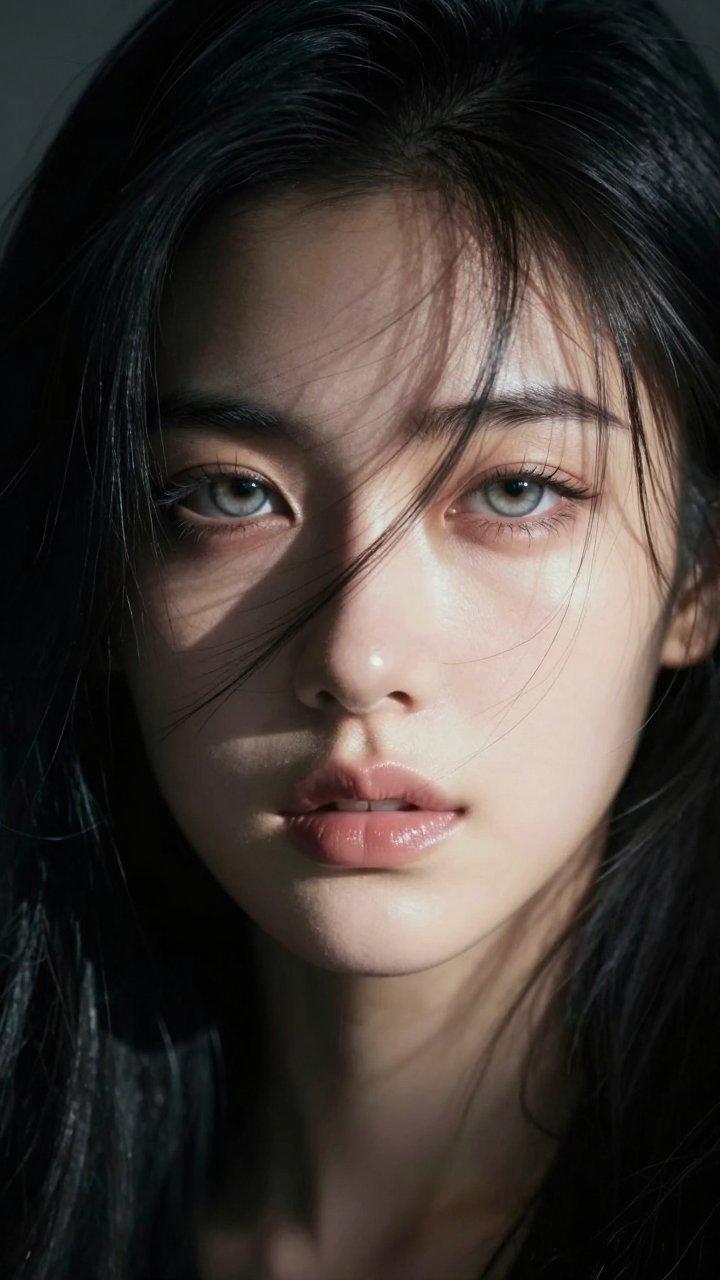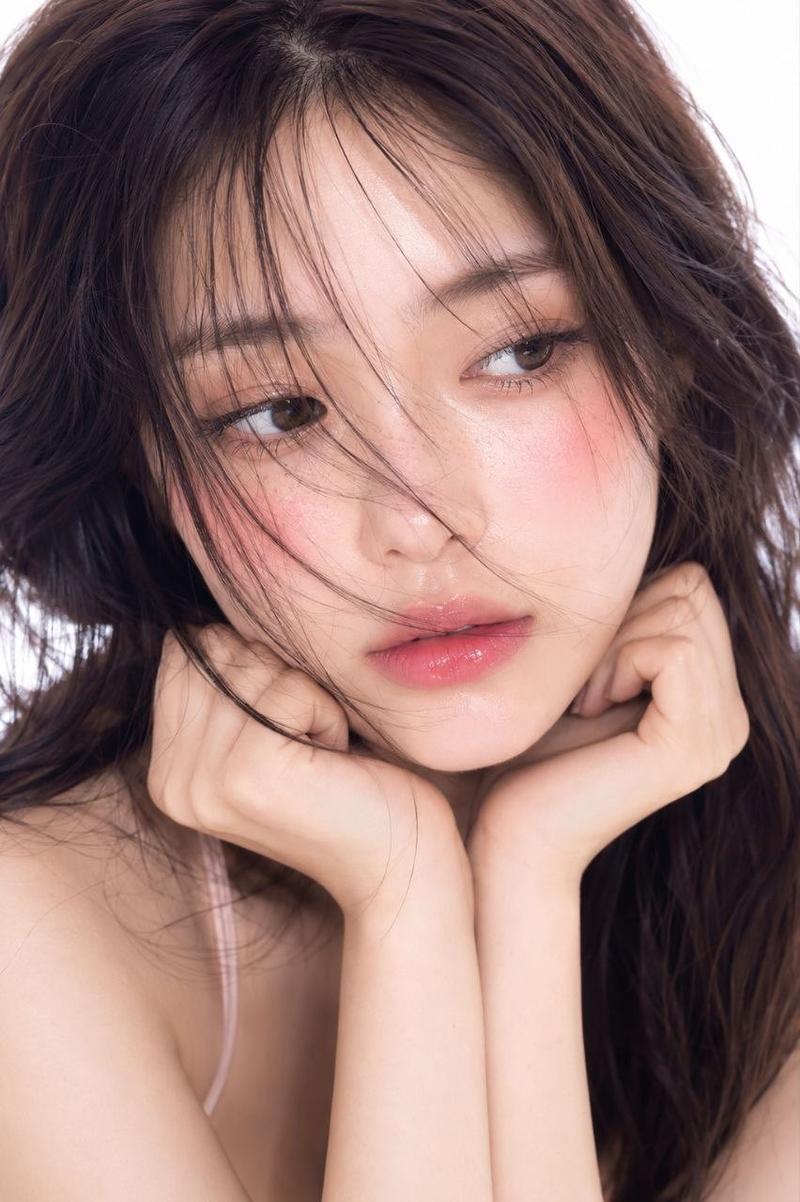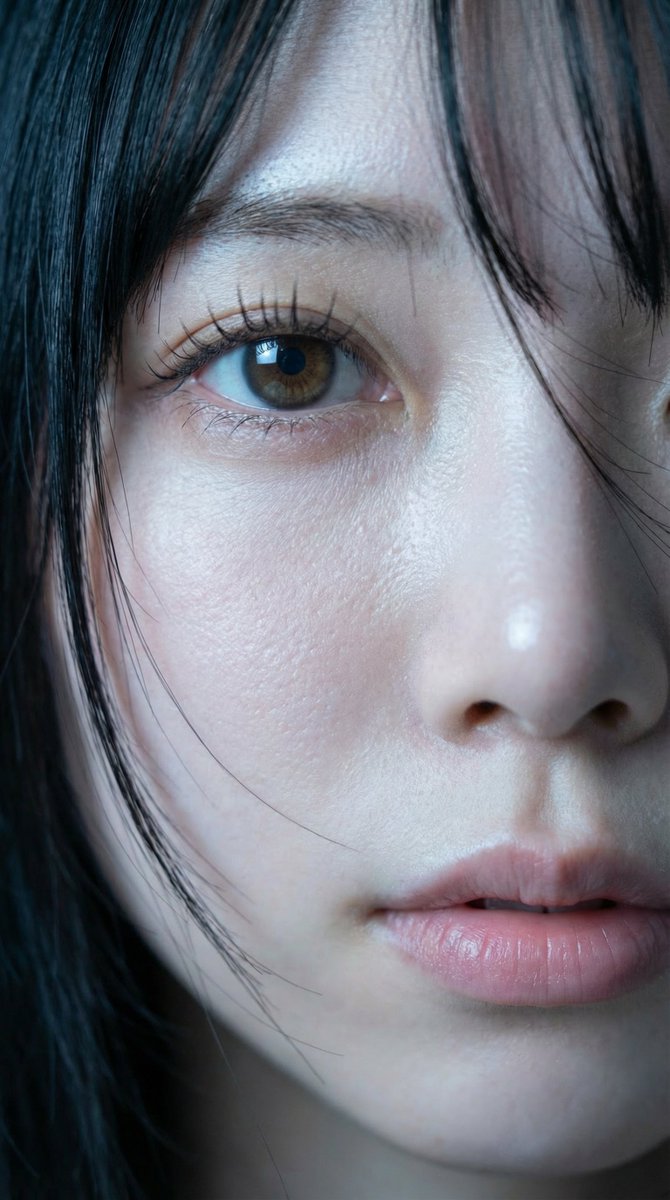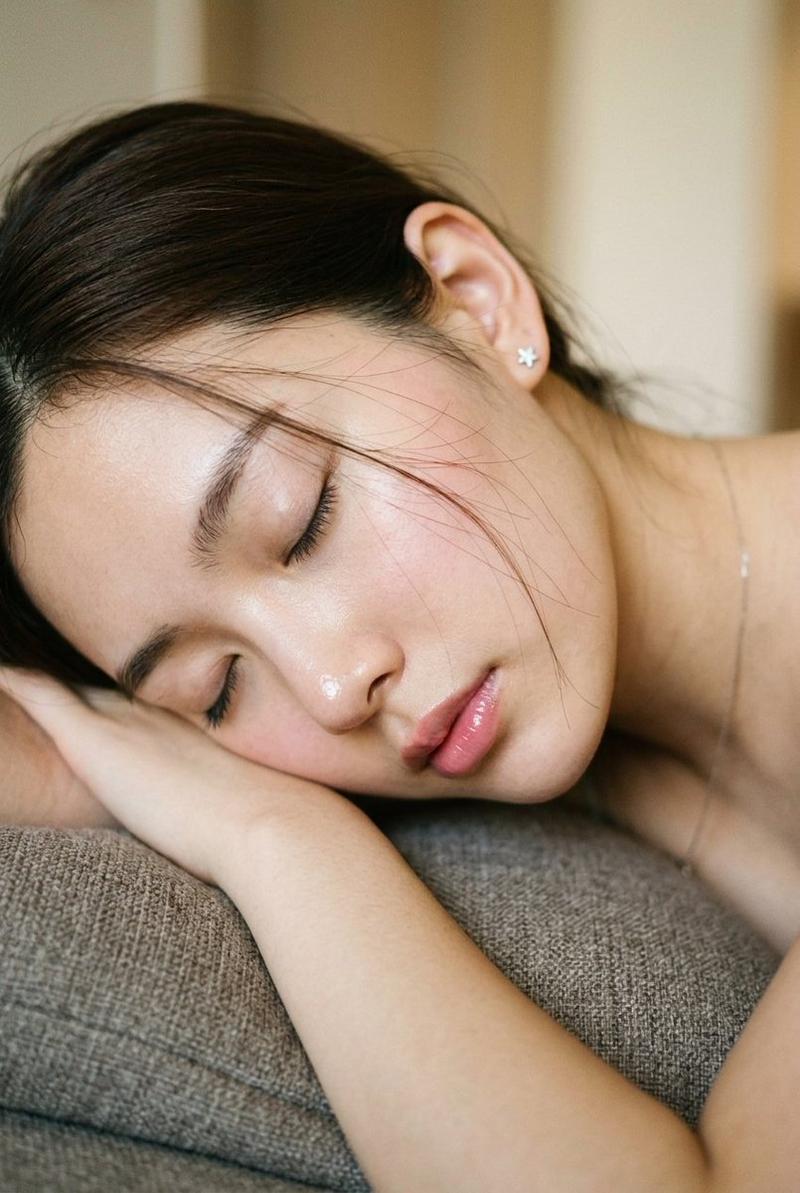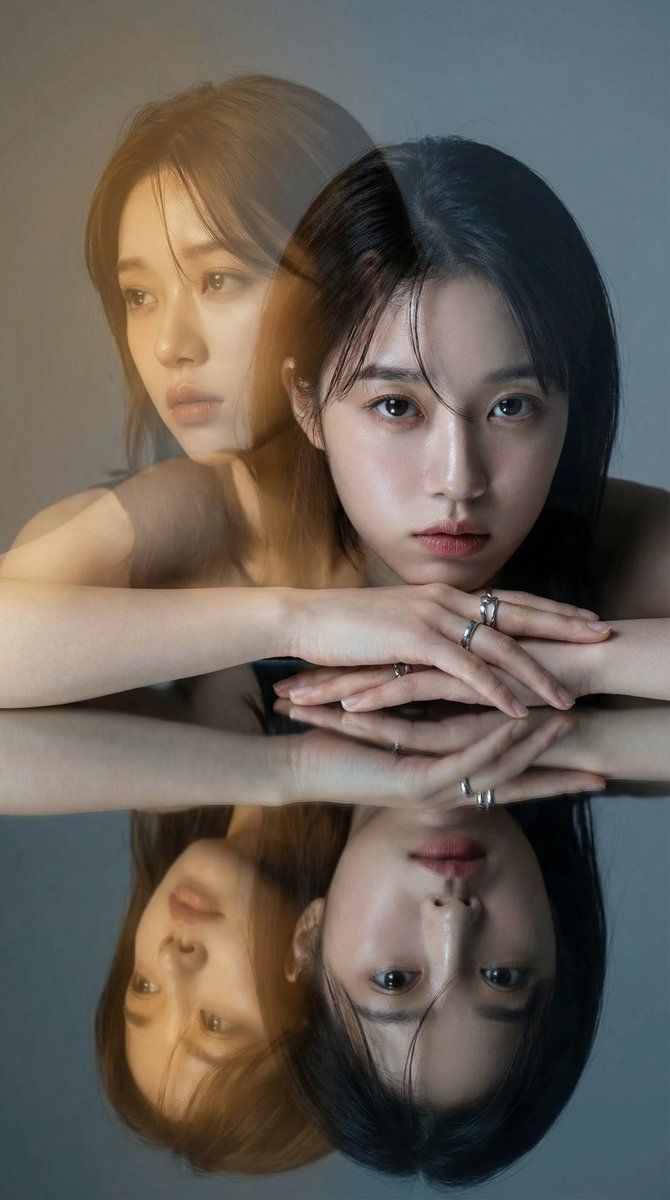
时尚双重曝光反射肖像
Prompt
{
  "version": "1.1",
  "description": "Create a high-fashion editorial double exposure portrait. The image should feature two distinct expressions creating a narrative contrast, bathed in a specific warm golden light flare against a cool background, with a mirrored reflection below.",
  "variables": {
    "PRIMARY_EXPRESSION": {
      "type": "string",
      "value": "Intense, direct, unyielding gaze into the camera",
      "description": "The grounded, sharp expression of the subject in the immediate foreground."
    },
    "SECONDARY_EXPRESSION": {
      "type": "string",
      "value": "A distant, melancholic look towards the left, as if lost in a fading memory or dream",
      "description": "The narrative-driven, emotive expression for the translucent, overlaid image that suggests inner thought or past versus present."
    }
  },
  "steps": [
    {
      "name": "NARRATIVE_DOUBLE_EXPOSURE",
      "goal": "Layer two images to create an emotional story, using a specific color palette for contrast.",
      "instructions": "Use the subject from the input image to create a cinematic double exposure.\n\n1.  **Primary Layer (The Present):** A sharp, high-definition portrait. The subject has the {argument name="primary expression" default="Intense, direct, unyielding gaze into the camera"}. The lighting is neutral to cool studio light, highlighting skin texture and silver accessories cleanly.\n2.  **Secondary Layer (The Inner World/Memory):** A translucent overlay, slightly offset. The subject has the {argument name="secondary expression" default="A distant, melancholic look towards the left, as if lost in a fading memory or dream"}. This layer must be heavily influenced by a **Warm Golden-Amber Editorial Light Leak** (like the golden hour filter in image_1). This warm tone should wash over the face and hair, creating a dreamlike, almost sepia-toned contrast against the cooler primary layer."
    },
    {
      "name": "MIRRORED_COMPOSITION",
      "goal": "Replicate the specific posing and reflective surface from the reference.",
      "instructions": "The subject is posed leaning forward with hands crossed over a highly polished, dark reflective surface. The primary layer (cool tones, direct gaze) must be perfectly mirrored below, adding symmetry and grounding the ethereal double exposure above."
    },
    {
      "name": "EDITORIAL_ATMOSPHERE",
      "goal": "Finalize the lighting and mood to match a high-end magazine aesthetic.",
      "instructions": "The background should be a smooth, muted cool grey/blue gradient studio wall, providing a clean backdrop that makes the warm golden flare pop. The overall feel should be moody, cinematic, and luxurious, capturing a frozen moment of introspection."
    }
  ],
  "final_goal": "Produce a single, high-fashion photographic still using double exposure. It must feature the subject with a sharp, direct gaze contrasted with a translucent, story-filled golden-amber memory overlay, all reflected in a polished surface beneath."
}- Category
- 创意图片
- Model
- Nano Banana Pro
- Creator
- NodeMancer
- Source ID
- cff5ad14-5296-4ae6-a7bc-3b1317ff13ca
- Published
- Mar 8, 2026
Views0