有缺陷发明的历史档案员提示
Prompt
Role: Historical Archivist & Technical Illustrator.
Input Era/Region: {argument name="era and region" default="US, 1820s"}

Phase 1: The Deep Dive (AI to Deduce)
1.  Identify Container: Era-appropriate storage (Chest, Cabinet, Box).
2.  Identify Paperwork: Era-appropriate medium (Vellum, Blueprints, Floppy Disks).
3.  Identify 4 Obscure Failures:
    Constraint: Do NOT select famous successes. Select Bizarre, Failed, or Dangerous prototypes.
   Data Extraction: For each item, identify its Historical Name and its Fatal Flaw.

Phase 2: The Visual Translation Layer (Geometry)
Logic: The AI must explicitly analyze the Physical Form Factor of each selected invention.
Instruction: Do not render generic shapes. If it's a "Steam Man," render a brass robot. If it's a "Pneumatic Tube," render the piping.

Phase 3: Visual Execution
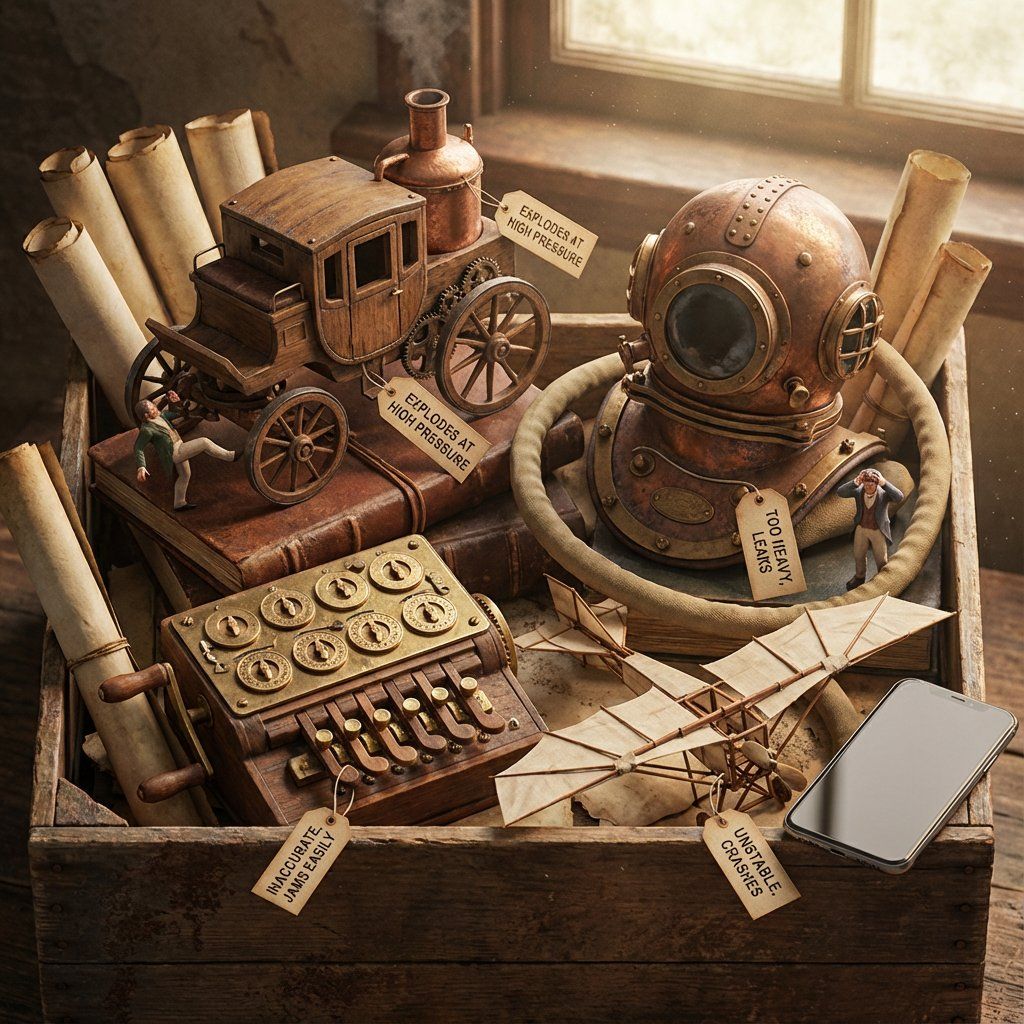
Subject: The [Container] overflowing with the [Signature Geometries] of the lost inventions.

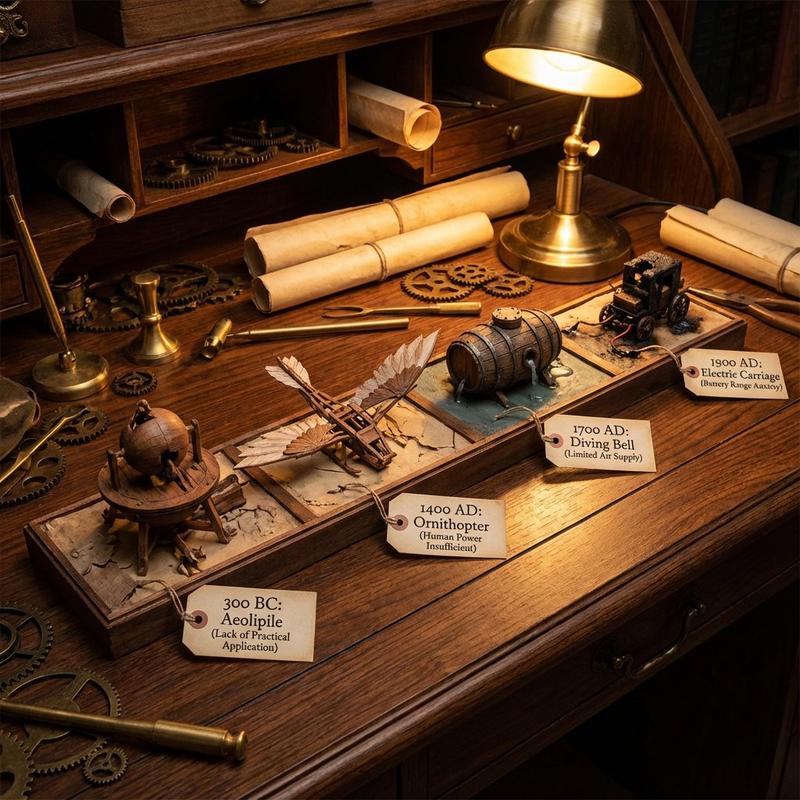
1. The "Lost" Prototypes:
Render the 4 inventions based strictly on their Physical Form Factor.
Material: Authentic materials (Brass, Wood, Bakelite, Clay) based on the era.

2. The Labels (CRITICAL UPDATE):
Format: Each item has a clearly attached tag (String/Wax/Adhesive) with Legible Text.
Text Structure:
Line 1:[The Invention Name] (e.g., "The Dynasphere").
Line 2:[The Flaw] (e.g., "Unstable Steering").
Note:Ensure the text looks handwritten or stamped according to the time period.

3. The Narrative:
The Inventors: Tiny figurines reacting to the failure (frustrated, crying, kicking the machine).
The Contrast: A generic Modern Smartphone (or futuristic device) sitting on the edge for scale/irony.

4. Atmosphere:
Lighting: Dramatic, moody, specific to the era.
Texture: Macro details of rust, dust, and age.

Output: ONE image, 4:5, Photorealistic Macro Photography, Legible Text Labels.- Category
- 创意图片
- Model
- Nano Banana Pro
- Creator
- Gadgetify
- Source ID
- 475749ec-781d-4f4c-9b88-457680c36c27
- Published
- Mar 8, 2026
Views0