14

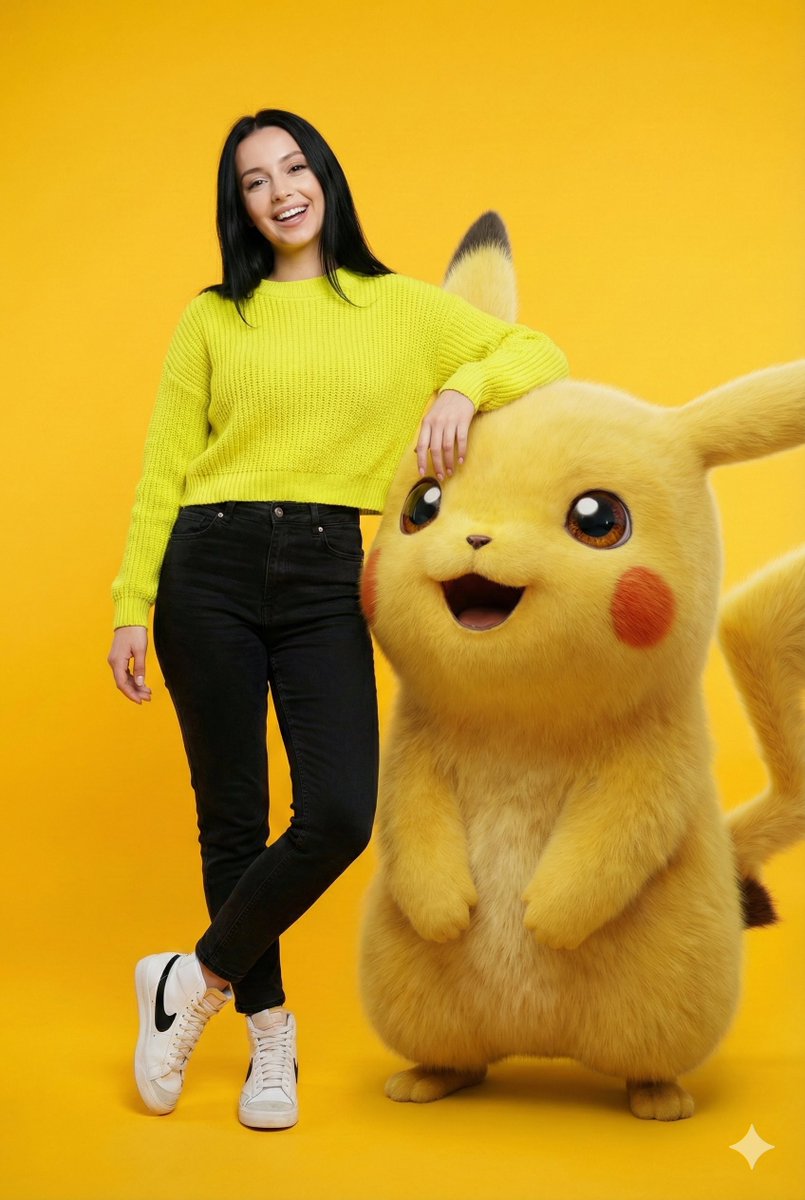
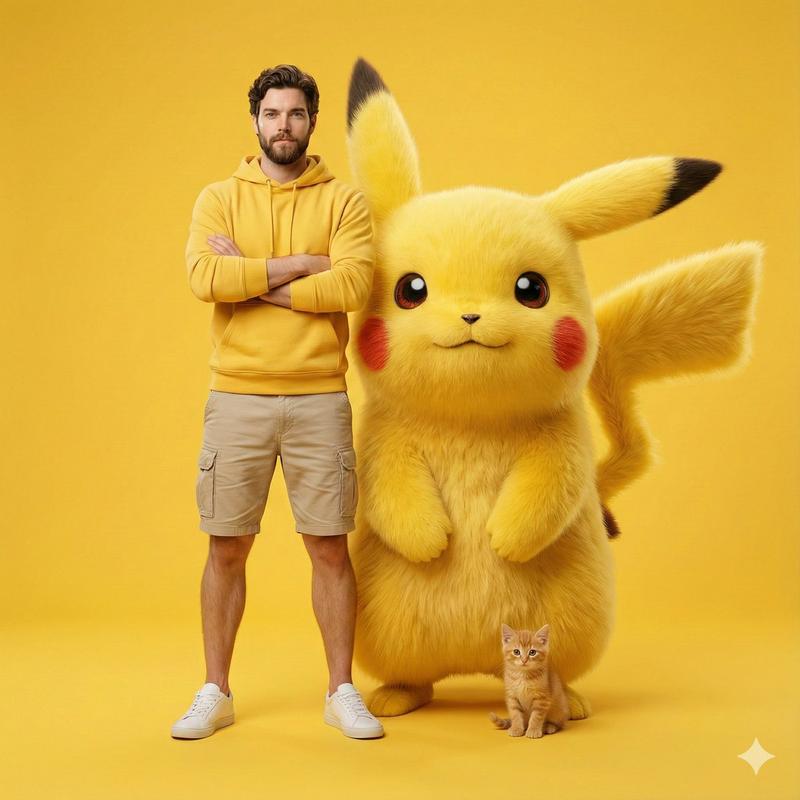
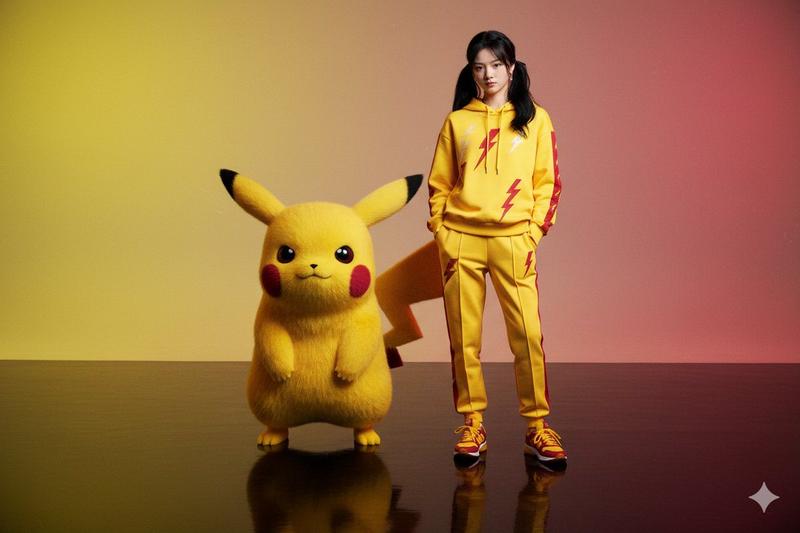
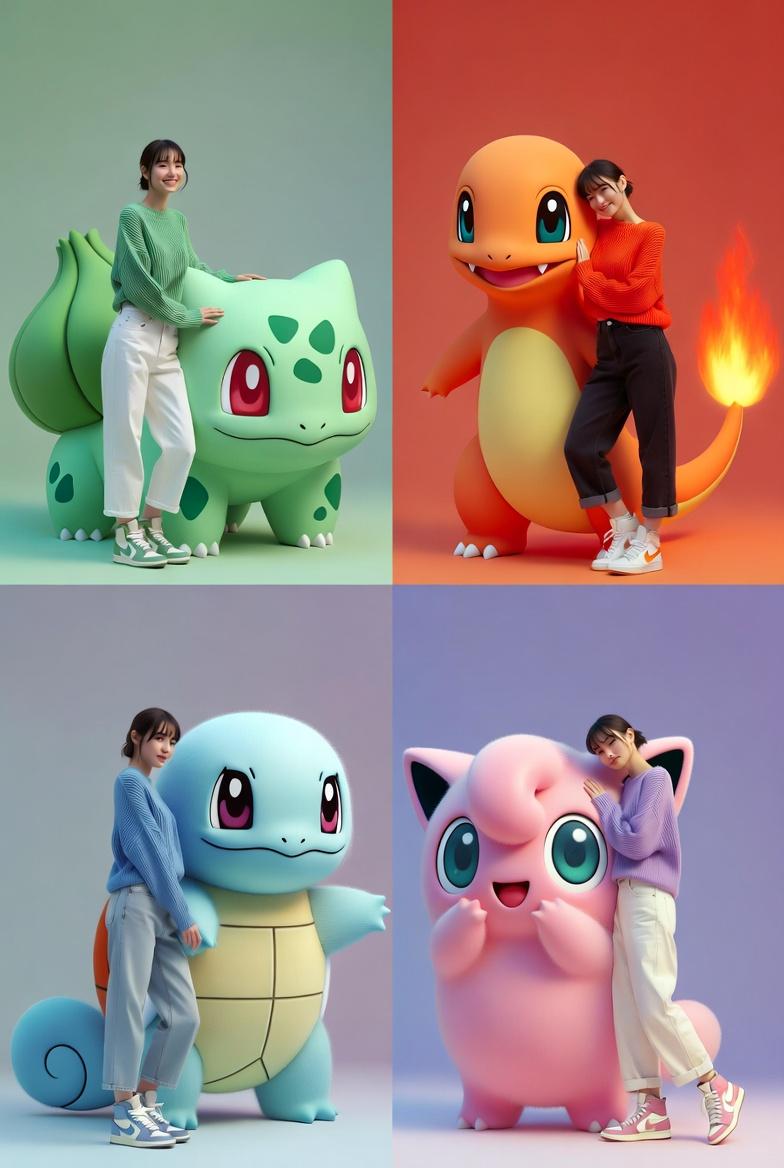
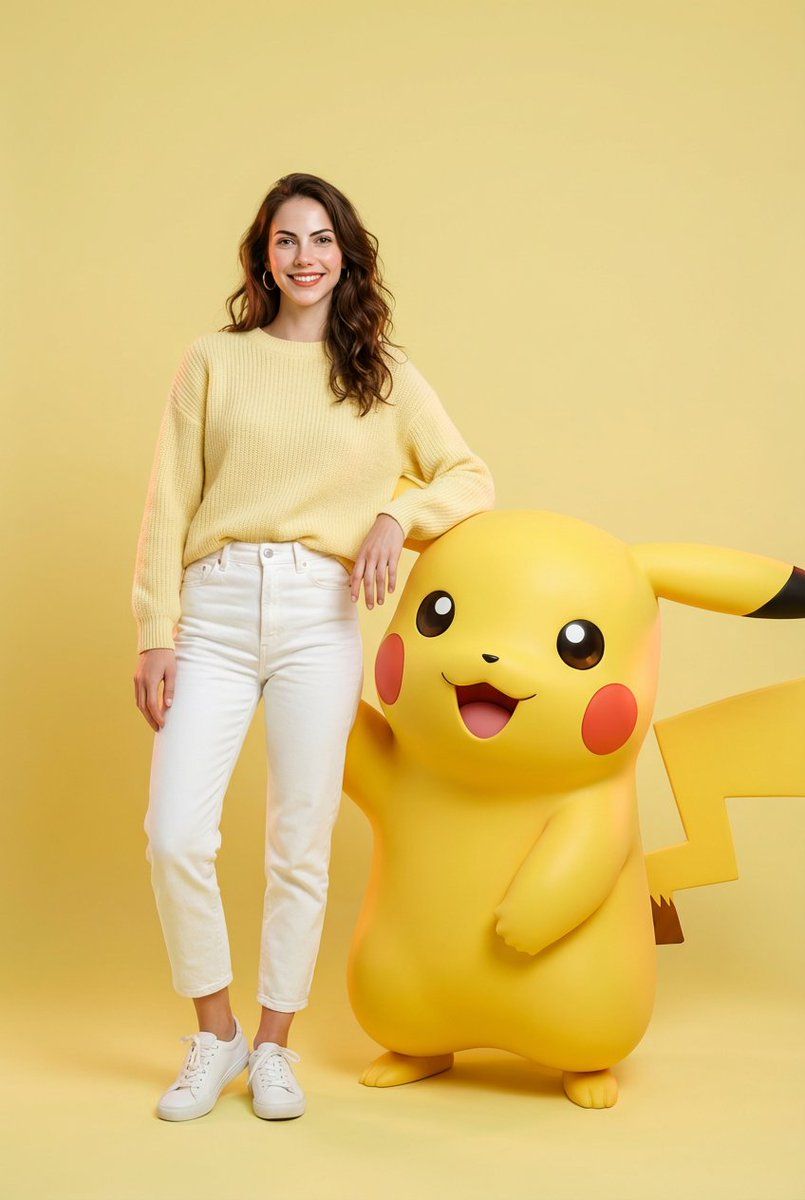
与巨型兔八哥的趣味时尚大片
Enlarge

与巨型兔八哥的趣味时尚大片

Prompt
{
  "image_generation": {
    "quality": "hyper-realistic, professional fashion photoshoot",
    "face": { "preserve_original": true },
    "subject": {
      "clothing": "soft lavender knitted sweater, white high-waisted jeans, white sneakers",
      "pose": "standing casually with arm resting on tall 3D Bugs Bunny",
      "expression": "playful, confident",
      "character_element": {
        "name": "Bugs Bunny",
        "type": "giant 3D photorealistic render with cartoon accuracy",
        "interaction": "Bugs Bunny smiling mischievously, relaxed pose"
      }
    },
    "environment": {
      "background": "{argument name="background color" default="pastel lavender"} backdrop",
      "lighting": "soft studio lighting",
      "mood": "luxury playful fashion shoot"
    }
  }
}
Category
创意图片
Model
Nano Banana Pro
Creator
Melis✨
Views0
Source ID
d6d507b4-4e94-45ed-b5c4-cbc8e7502418
Published
Mar 8, 2026

Guide

About "与巨型兔八哥的趣味时尚大片"

What is this prompt for?

"与巨型兔八哥的趣味时尚大片" AI image prompt for Nano Banana Pro (创意图片). 一个超现实时尚摄影的图像生成提示:主体(面部保持不变)穿着柔软的淡紫色毛衣和白色牛仔裤,与一个巨大的 3D 写实渲染的兔八哥随意摆姿势,背景是柔和的淡紫色。 --- ```json { "image…

The full copyable prompt and example visuals above are ready for AI image generation or one-click recreate in Picva.

How to use this prompt

  1. Step 1

    Open the prompt detail

    Review the example visuals, category, and full prompt text for "与巨型兔八哥的趣味时尚大片".

  2. Step 2

    Copy the prompt

    Copy the prompt body from this page, or load it directly in Studio.

  3. Step 3

    Pick a model (Nano Banana Pro)

    Prefer Nano Banana Pro. If you switch models, keep subject and composition and tweak style terms.

  4. Step 4

    Generate and export

    Recreate the look in Picva, or export into your workflow for editing and publishing.

FAQ

What is the "与巨型兔八哥的趣味时尚大片" prompt?
It is an AI image-generation prompt for Nano Banana Pro in the 创意图片 category. This page includes the full prompt text, example visuals, and a one-click recreate path in Picva.
How do I use this prompt to generate an image?
Copy the prompt from this page, or use Generate / Studio. Paste it into a compatible image model, or recreate the look in Picva with optional reference images.
Which model is this prompt for?
This page lists Nano Banana Pro. Most descriptive prompts also transfer to nearby image models such as GPT Image, Flux, or Midjourney with light style tweaks.
Can I use the result commercially?
You can usually copy the prompt for creation, but commercial use of the final image depends on the model terms, reference-image rights, and the generated content. Follow the source author and platform rules.