15

巨型皮卡丘工作室肖像身份锁定提示
Enlarge

巨型皮卡丘工作室肖像身份锁定提示

Prompt
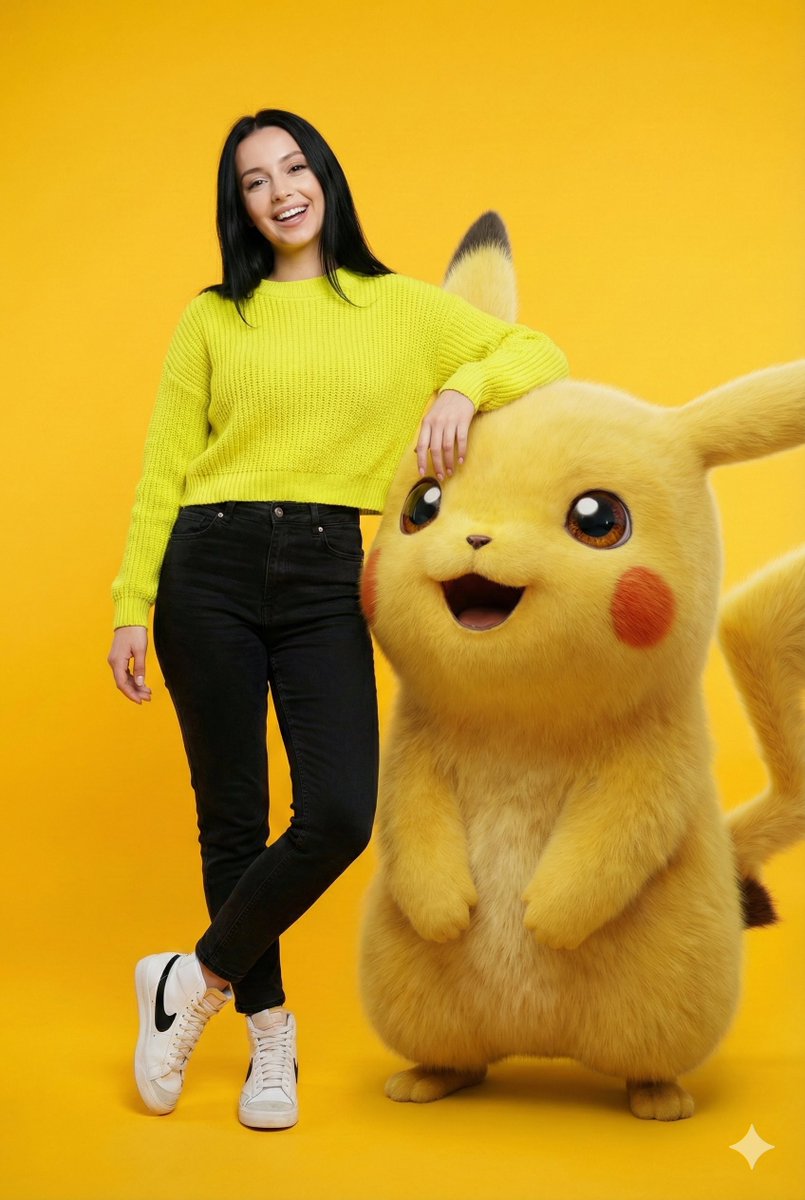
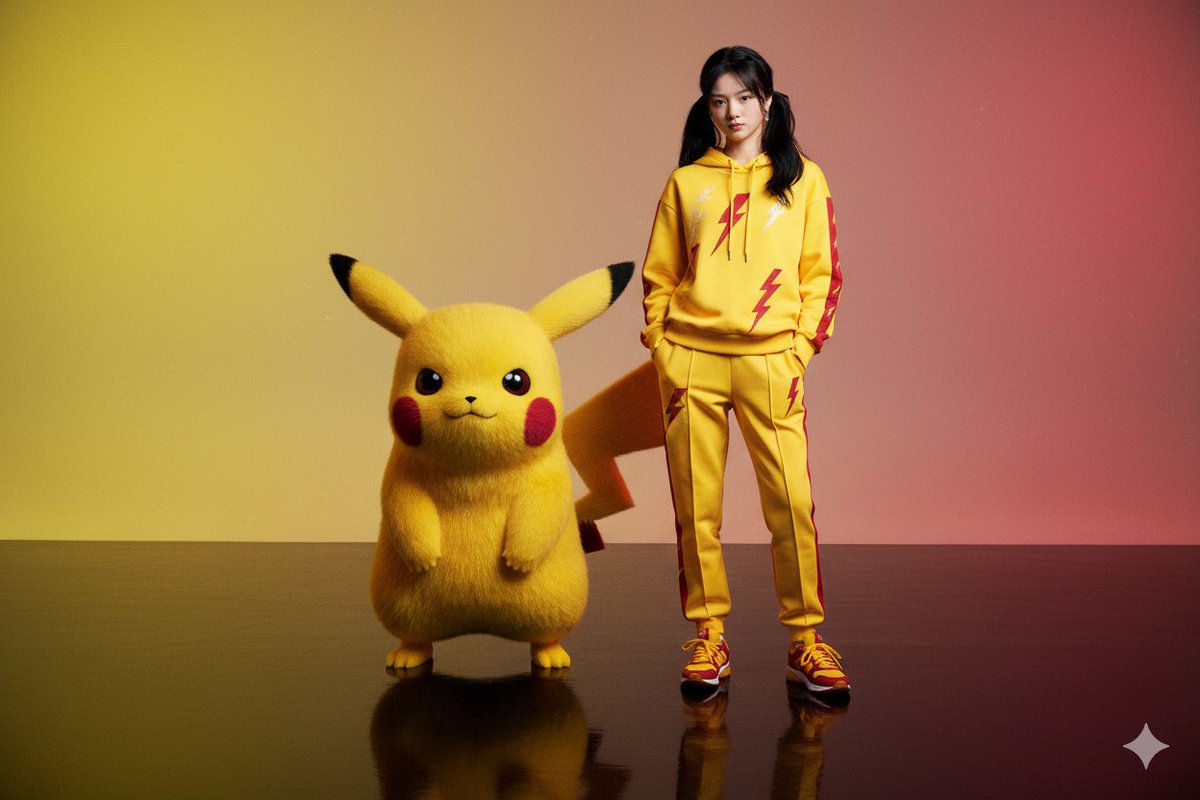
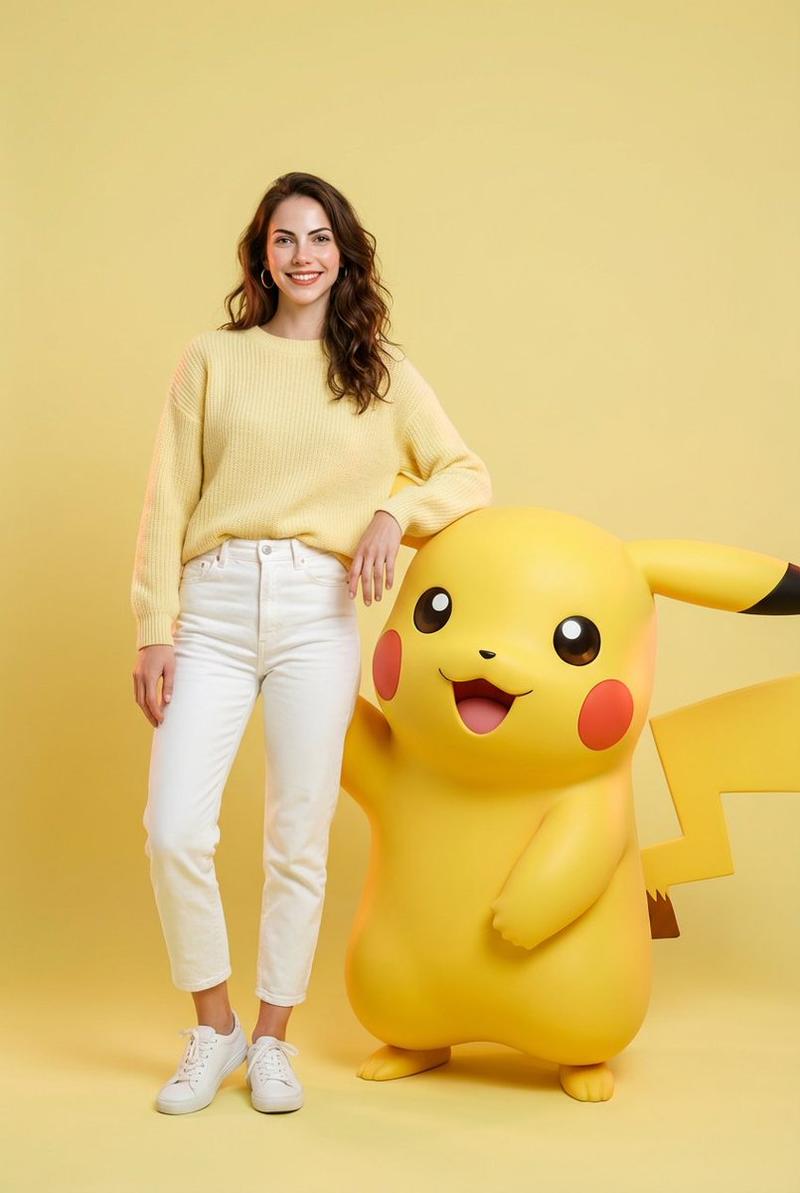
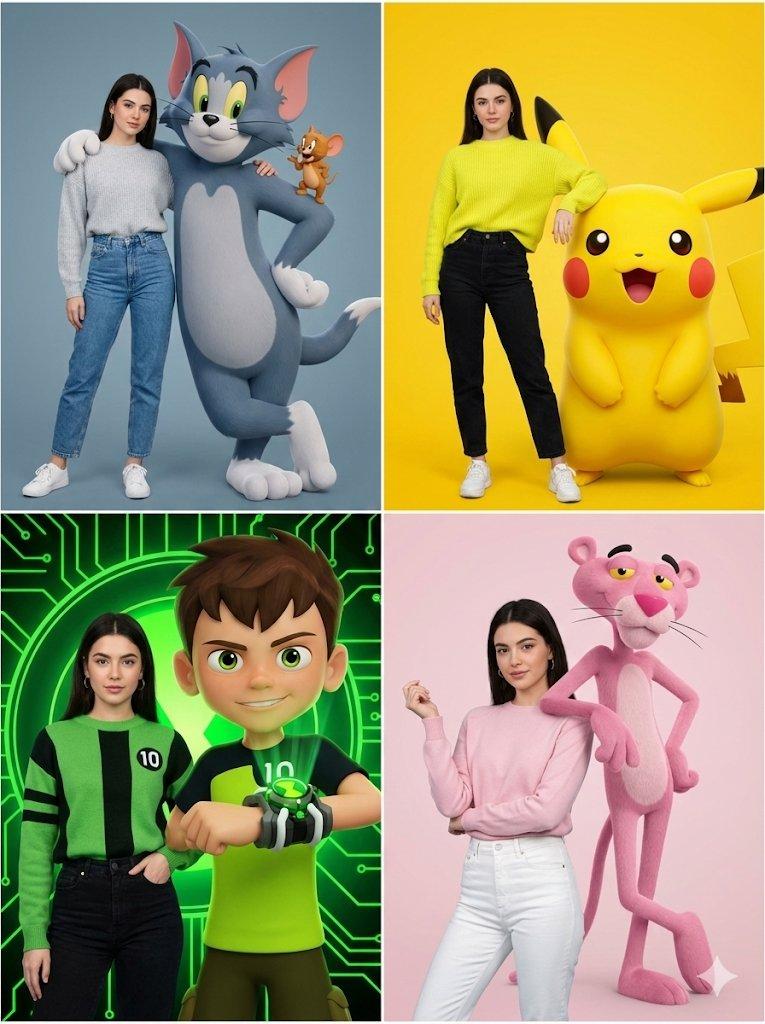
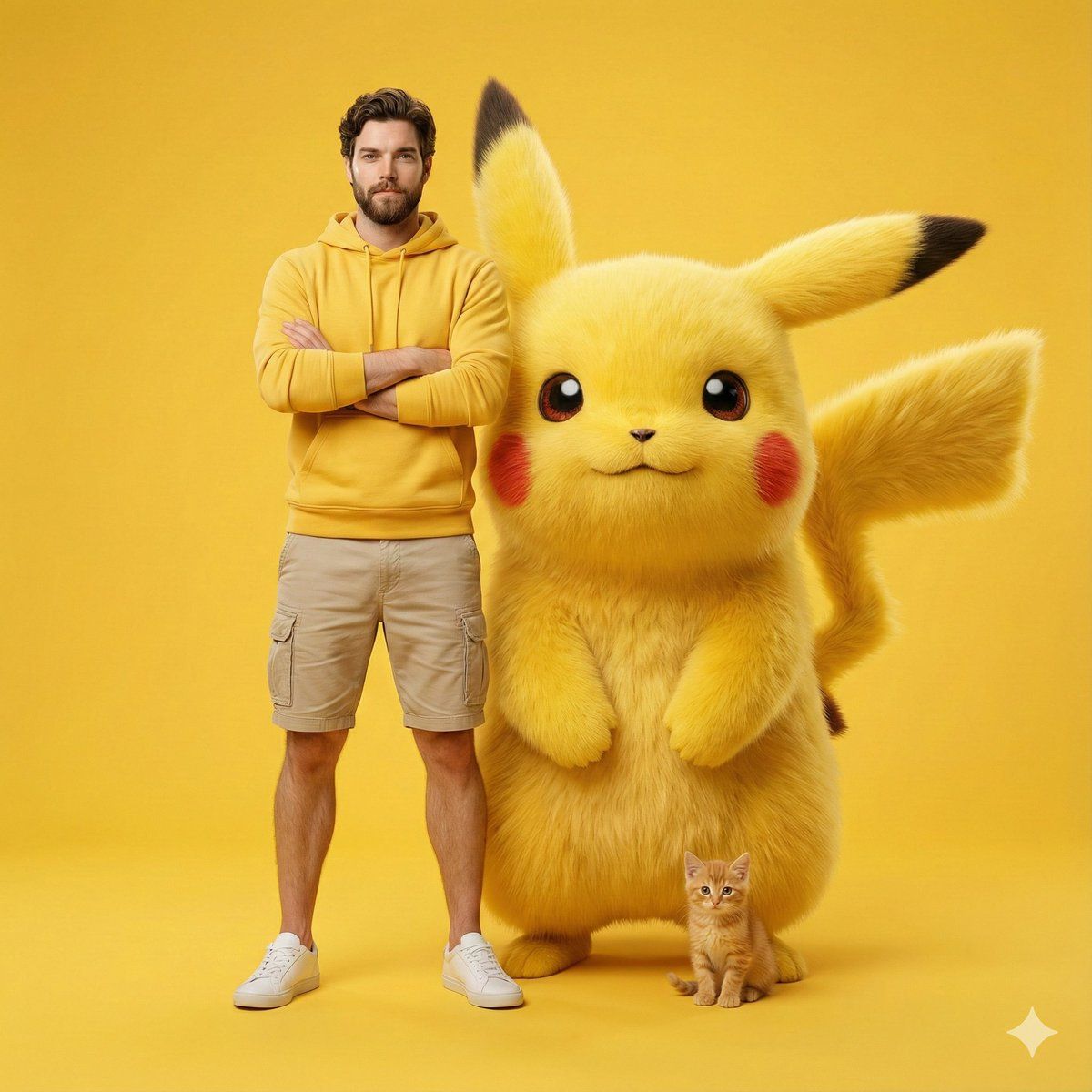
A stylish young man (1000% same person) standing confidently beside a giant, fluffy Pikachu in a bright monochromatic yellow studio setup. He wears a yellow hoodie, beige cargo shorts, white sneakers, and minimal accessories, creating a clean, coordinated aesthetic. A small orange kitten sits adorably at Pikachu’s feet, adding cuteness to the scene. Smooth soft lighting, high-end studio photography, {argument name="lens focal length" default="85mm"} lens, shallow depth of field,  look. ultra-realistic textures, vibrant colors, clean background, professionally composed hero-shot poster style. Crisp details, warm atmosphere, polished commercial.
Category
创意图片
Model
Nano Banana Pro
Creator
𝐌
Views0
Source ID
4fc2b68a-4e06-423b-97df-8729d8de3617
Published
Mar 8, 2026

Guide

About "巨型皮卡丘工作室肖像身份锁定提示"

What is this prompt for?

"巨型皮卡丘工作室肖像身份锁定提示" AI image prompt for Nano Banana Pro (创意图片). 生成一张高端影棚照片的提示词,照片中一位时尚的年轻男士(严格保留其身份特征)自信地站立在一只巨大、毛茸茸的皮卡丘旁边。场景采用单色黄色调,使用 85mm 镜头,景深较浅,并加入一只小橘猫以增加…

The full copyable prompt and example visuals above are ready for AI image generation or one-click recreate in Picva.

How to use this prompt

  1. Step 1

    Open the prompt detail

    Review the example visuals, category, and full prompt text for "巨型皮卡丘工作室肖像身份锁定提示".

  2. Step 2

    Copy the prompt

    Copy the prompt body from this page, or load it directly in Studio.

  3. Step 3

    Pick a model (Nano Banana Pro)

    Prefer Nano Banana Pro. If you switch models, keep subject and composition and tweak style terms.

  4. Step 4

    Generate and export

    Recreate the look in Picva, or export into your workflow for editing and publishing.

FAQ

What is the "巨型皮卡丘工作室肖像身份锁定提示" prompt?
It is an AI image-generation prompt for Nano Banana Pro in the 创意图片 category. This page includes the full prompt text, example visuals, and a one-click recreate path in Picva.
How do I use this prompt to generate an image?
Copy the prompt from this page, or use Generate / Studio. Paste it into a compatible image model, or recreate the look in Picva with optional reference images.
Which model is this prompt for?
This page lists Nano Banana Pro. Most descriptive prompts also transfer to nearby image models such as GPT Image, Flux, or Midjourney with light style tweaks.
Can I use the result commercially?
You can usually copy the prompt for creation, but commercial use of the final image depends on the model terms, reference-image rights, and the generated content. Follow the source author and platform rules.