详细的电影级自拍提示
Prompt
{
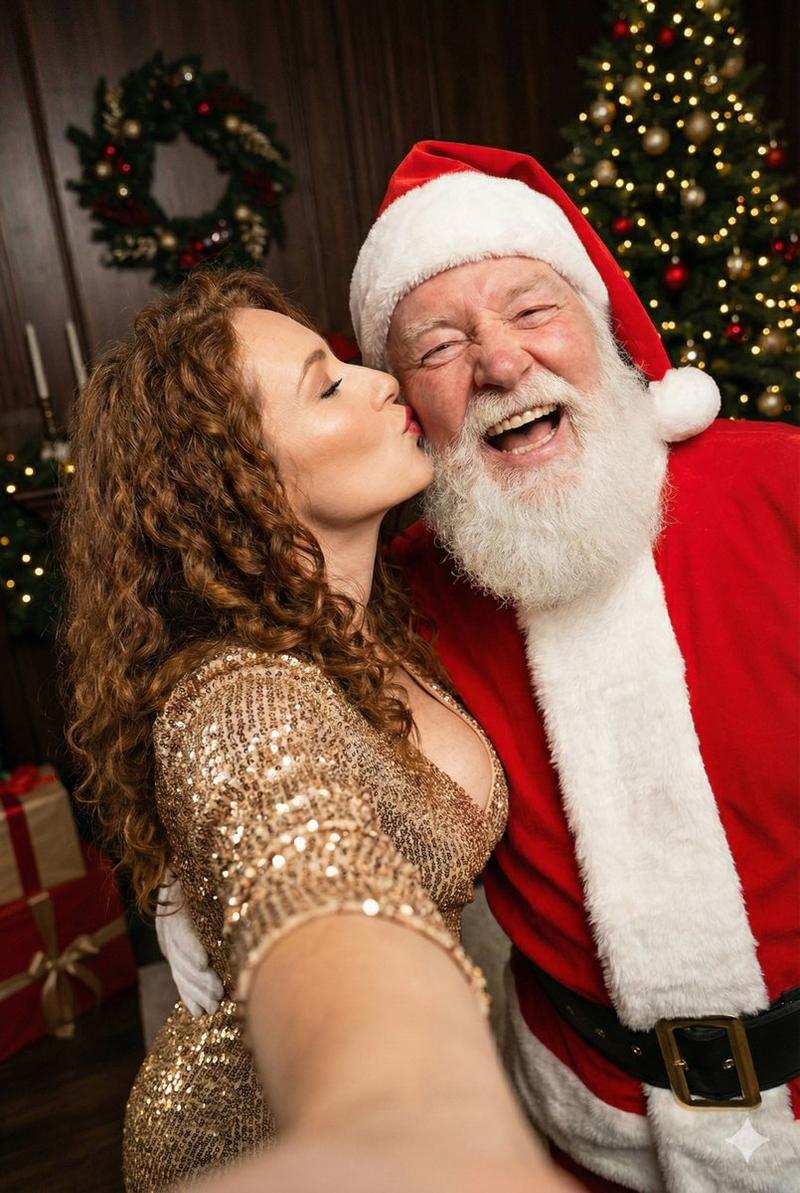
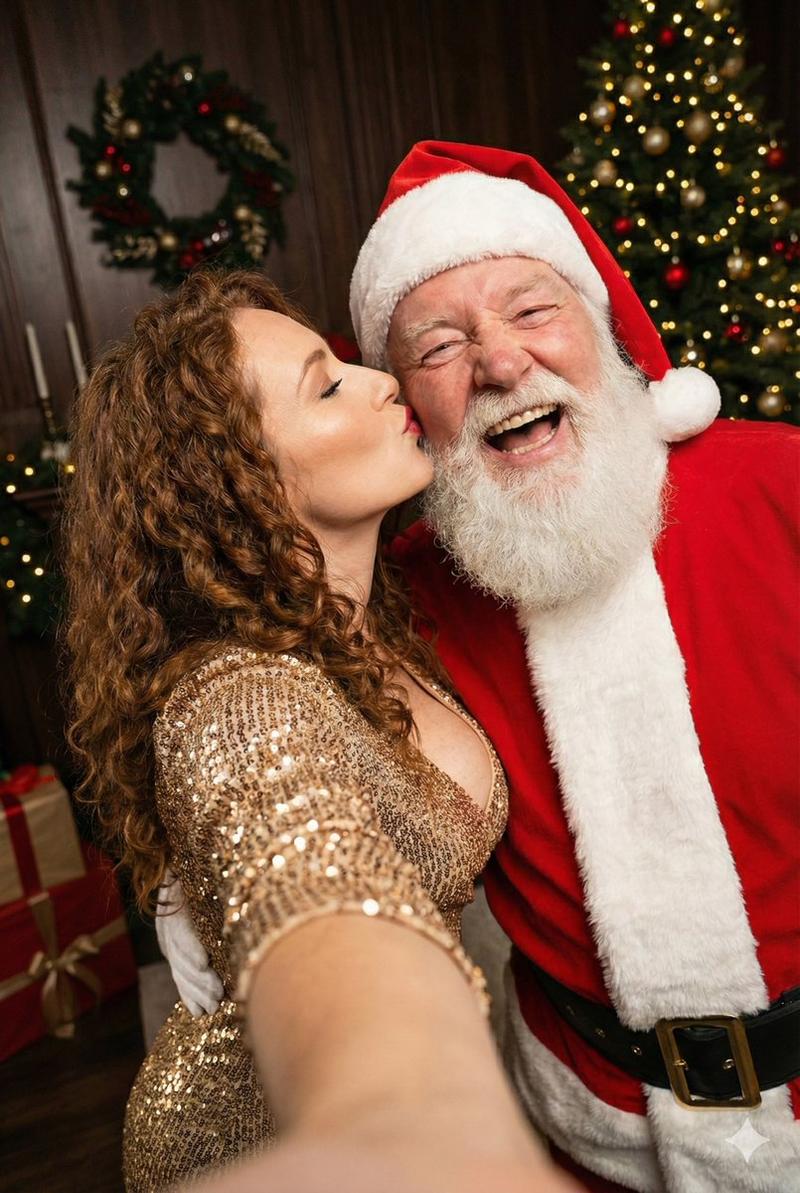
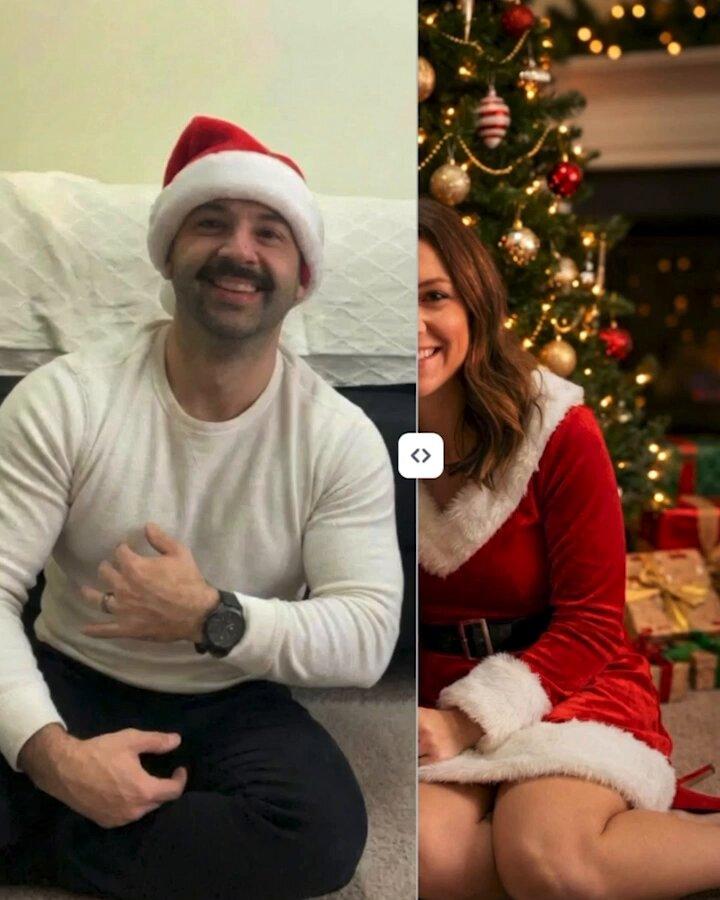
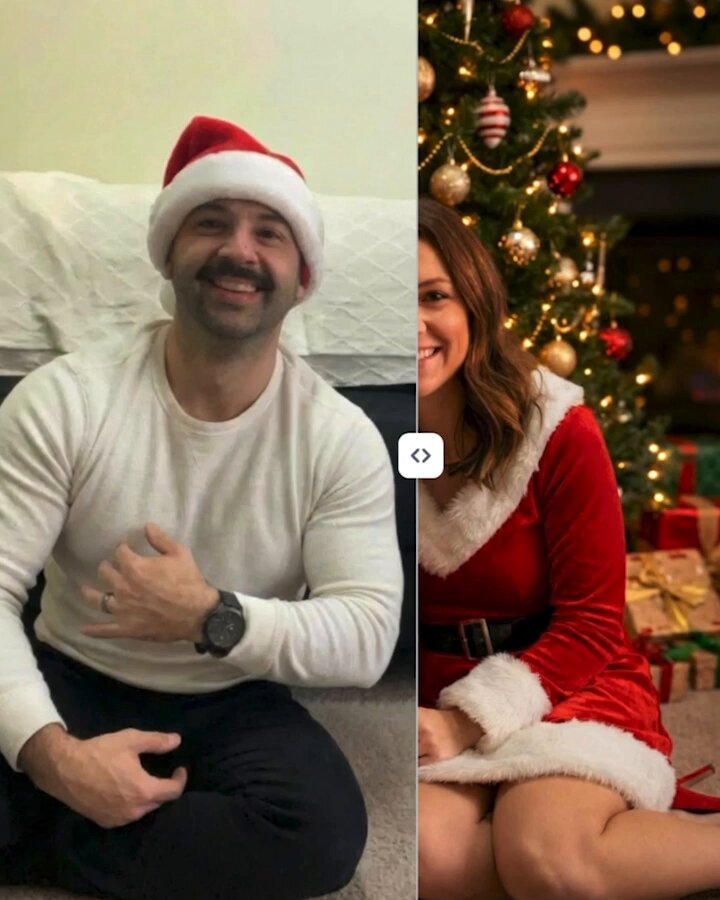
  "type": "photographic_reproduction",
  "style": "candid_indoor_selfie",
  "aspect_ratio": "3:4",
  "subject_anchor": {
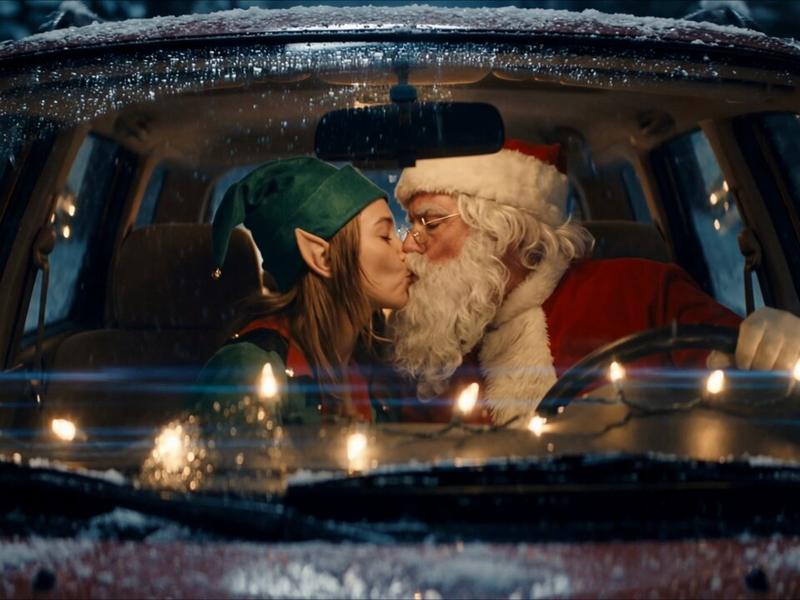
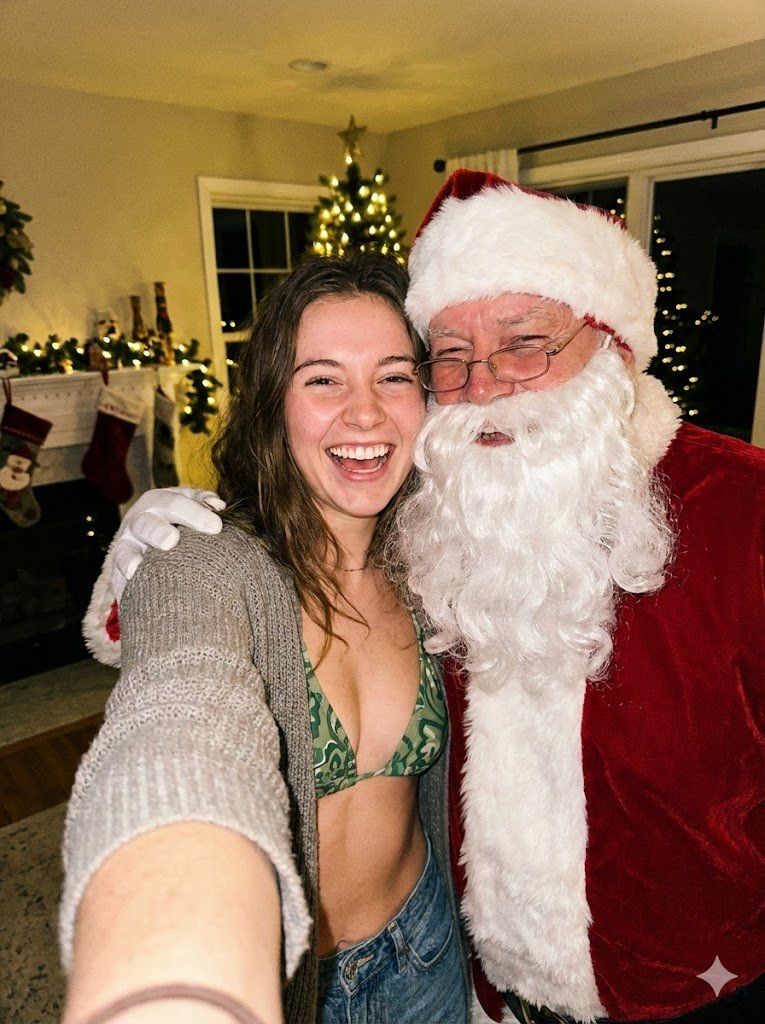
    "primary_subject": "Young woman taking a selfie",
    "secondary_subject": "Older male figure dressed as Santa Claus",
    "interaction": "Cheek-to-cheek contact, bodies pressed together, laughing expressions"
  },
  "pose_geometry": {
    "mechanics": "Two-person cluster, heads leaning inward towards center axis",
    "subject_1_woman": {
      "head_position": "Tilted approx 15 degrees right towards Santa",
      "arm_state": "Left arm extended forward towards camera lens (selfie arm), highly foreshortened, forearm visible as blur at bottom edge",
      "shoulder_state": "Shoulders angled, right shoulder pressed against Santa's chest/shoulder area",
      "spine": "Slight forward lean, compressed posture typical of selfie framing"
    },
    "subject_2_santa": {
      "head_position": "Tilted approx 20 degrees left towards woman",
      "arm_state": "Right arm wrapped around woman's far shoulder, hand visible wearing white glove resting on her upper arm",
      "body_orientation": "Turned slightly towards woman"
    }
  },
  "anatomy_and_details": {
    "facial_features_woman": {
      "expression": "Broad open-mouth smile, teeth visible, eyes slightly squinted from smiling",
      "skin": "Fair tone, natural texture, slight shine on forehead and cheeks, no airbrushing",
      "hair": "Brown, medium length, loose, falling behind shoulders, natural flyaways"
    },
    "facial_features_santa": {
      "expression": "Jovial open-mouth laugh, eyes crinkled behind glasses",
      "skin": "Ruddy/reddish complexion, deep wrinkles/crow's feet around eyes",
      "hair_beard": "Dense white synthetic-looking beard and mustache, frizzy texture",
      "accessories": "Wire-rimmed rectangular spectacles sitting low on nose"
    }
  },
  "clothing_and_fabric": {
    "woman_attire": {
      "top": "Green bikini top with intricate paisley/tribal pattern, triangle cut",
      "outerwear": "Grey/olive knitted cardigan, open front, coarse ribbed texture, slouching off shoulders",
      "bottoms": "Blue denim jeans, waistband visible"
    },
    "santa_attire": {
      "suit": "Red velvet material, slight sheen, heavy folds at elbow",
      "trim": "Thick white faux fur trim on coat opening and hat",
      "belt": "Wide black leather belt, large rectangular brass/gold buckle visible at bottom right",
      "hat": "Standard red Santa hat with white fur band"
    }
  },
  "environment_and_background": {
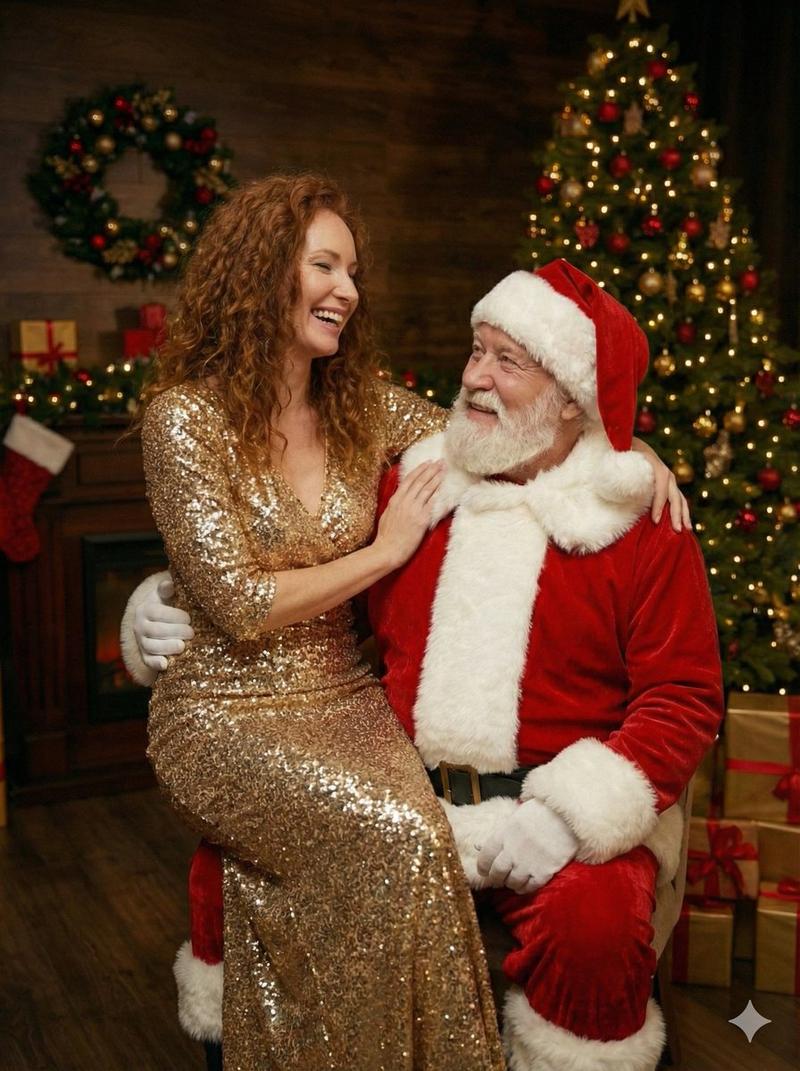
    "setting": "Indoor living room, Christmas decoration context",
    "elements": {
      "left": "Fireplace mantel, white wood, hanging Christmas stockings (red/beige)",
      "center_back": "Window with grid panes, dark outside",
      "right_back": "Christmas tree, out of focus, warm white string lights, ornaments (gold/red balls)",
      "walls": "Beige/cream painted walls, wall sconce light"
    }
}- Category
- 创意图片
- Model
- Nano Banana Pro
- Creator
- brindley
- Source ID
- 351baa39-8dea-489b-82f2-5fb53325efbb
- Published
- Mar 8, 2026
Views0