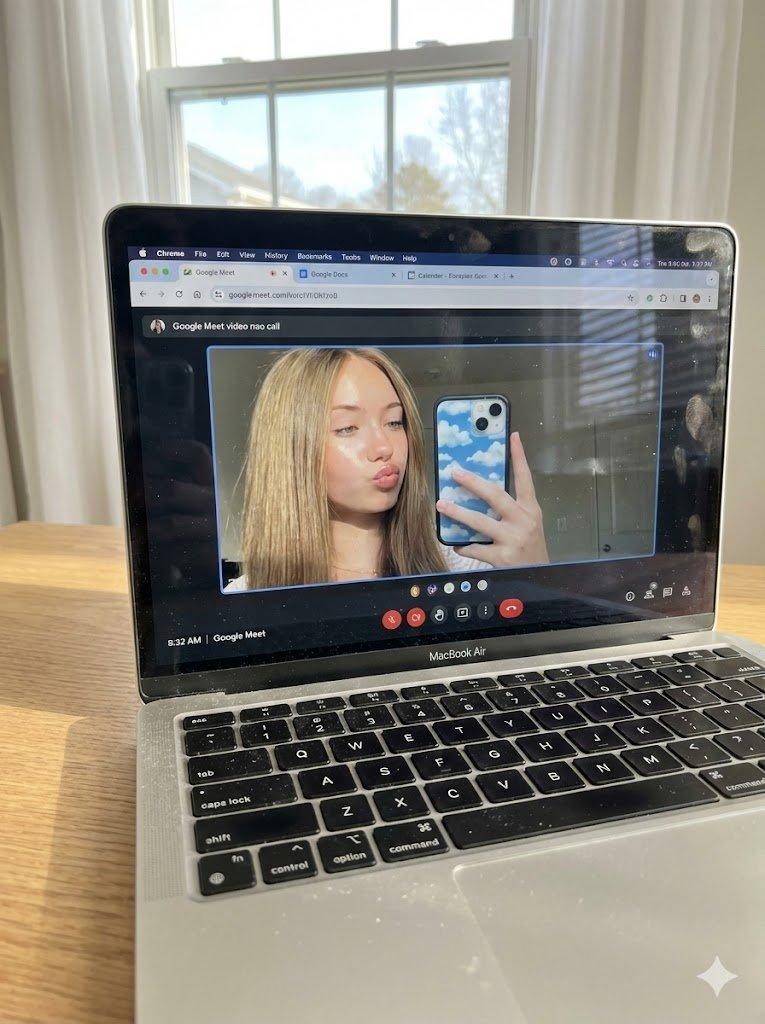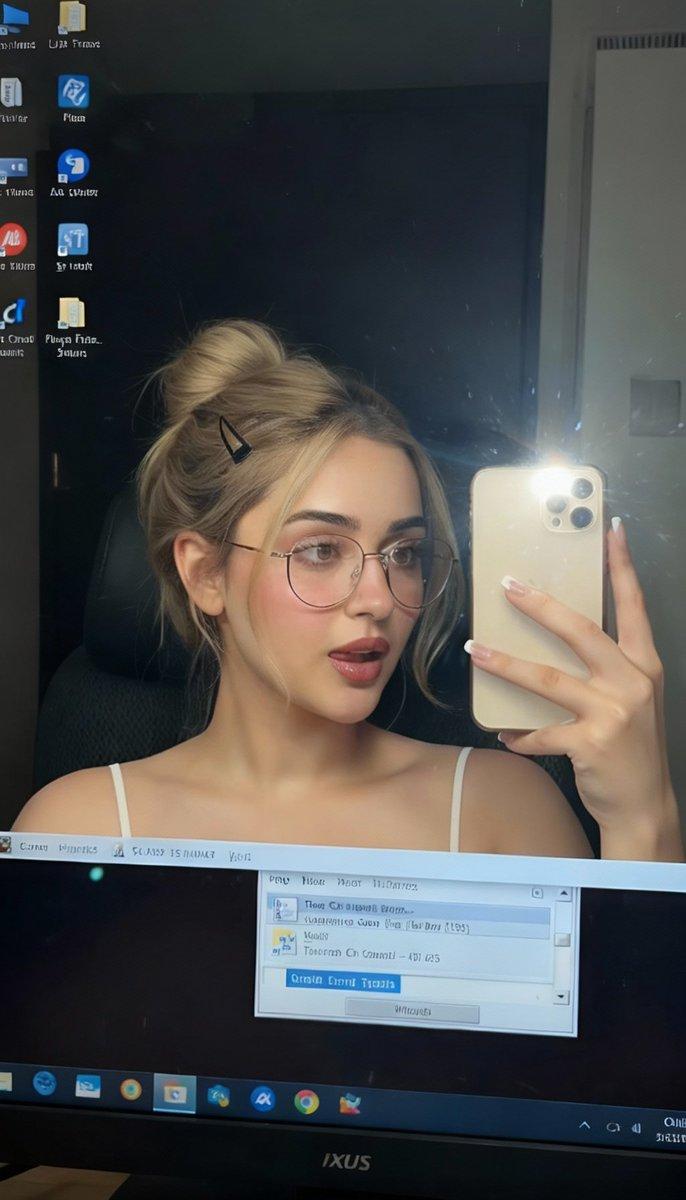
超逼真 MacBook 屏幕 POV 视角拍摄提示词
Prompt
{
  "tech_specs": {
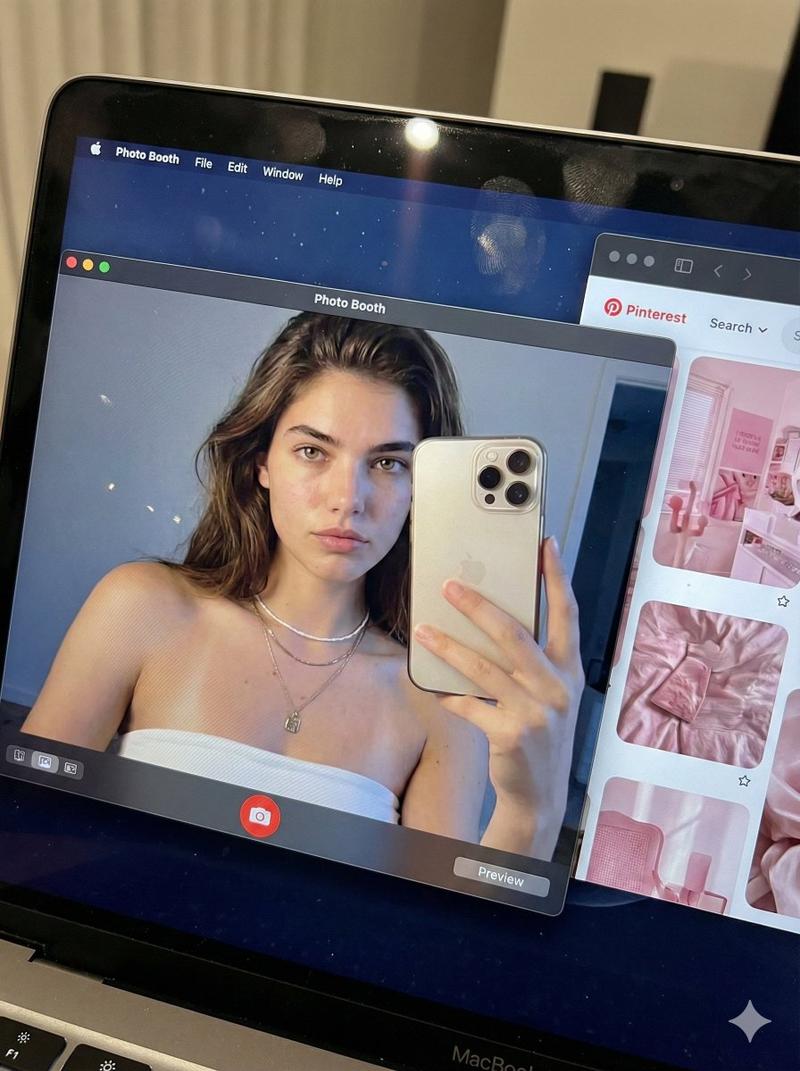
    "style": "Raw Screen Photography (Macro)",
    "ratio": "3:4",
    "focus": "Sharp pixels, slight background blur"
  },
  "scene_composition": {
    "angle": "POV high-angle looking down at MacBook Pro",
    "lighting": "Cold screen glow + faint keyboard backlight",
    "realism": "Visible RGB pixel grid, screen dust, slight moiré, fingerprints on glass"
  },
  "screen_ui": {
    "os": "macOS Dark Mode",
    "window_1_main": {
      "app": "Photo Booth (Active)",
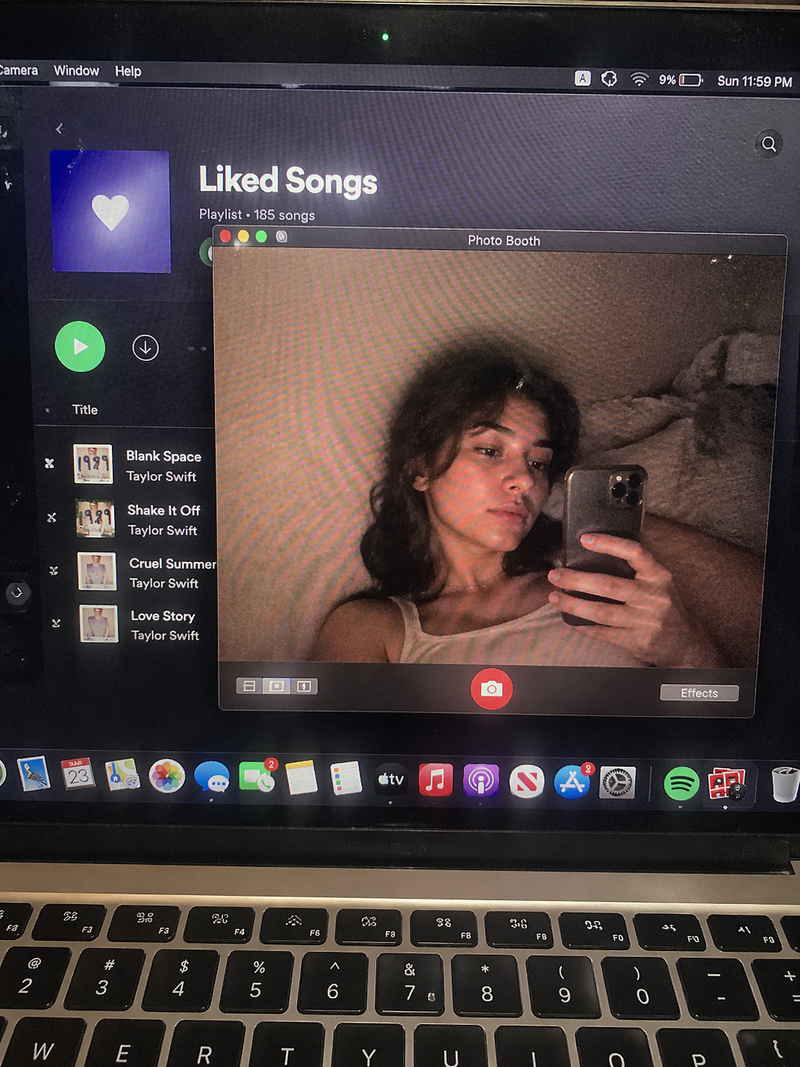
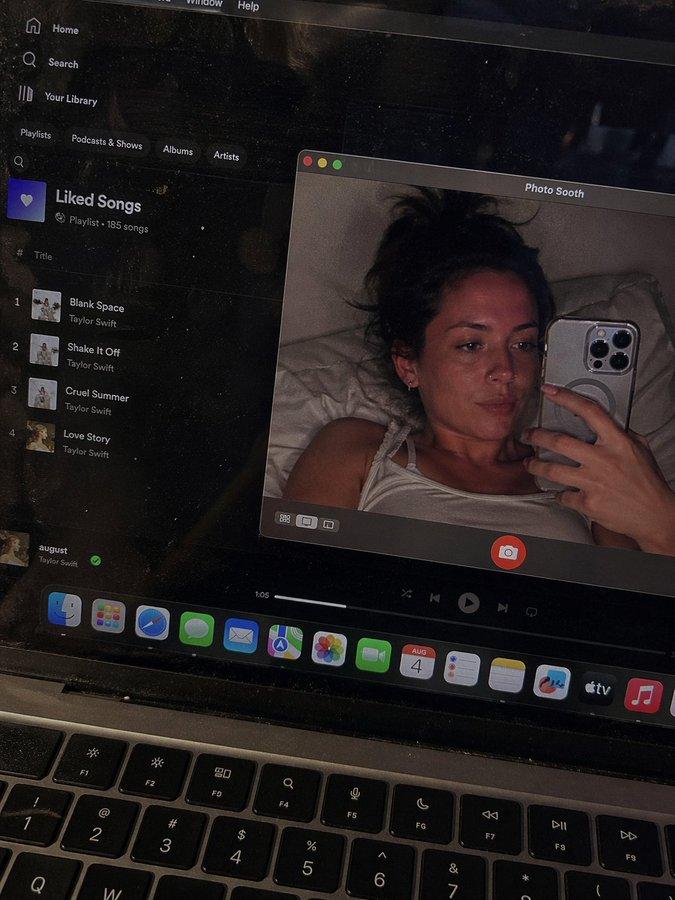
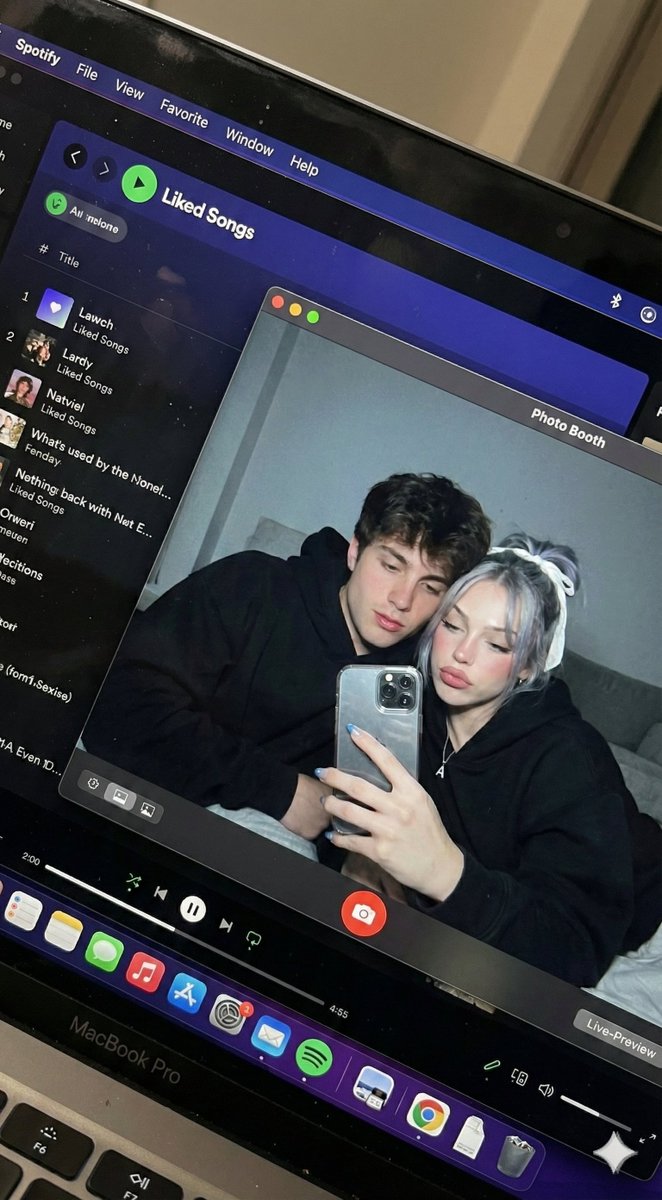
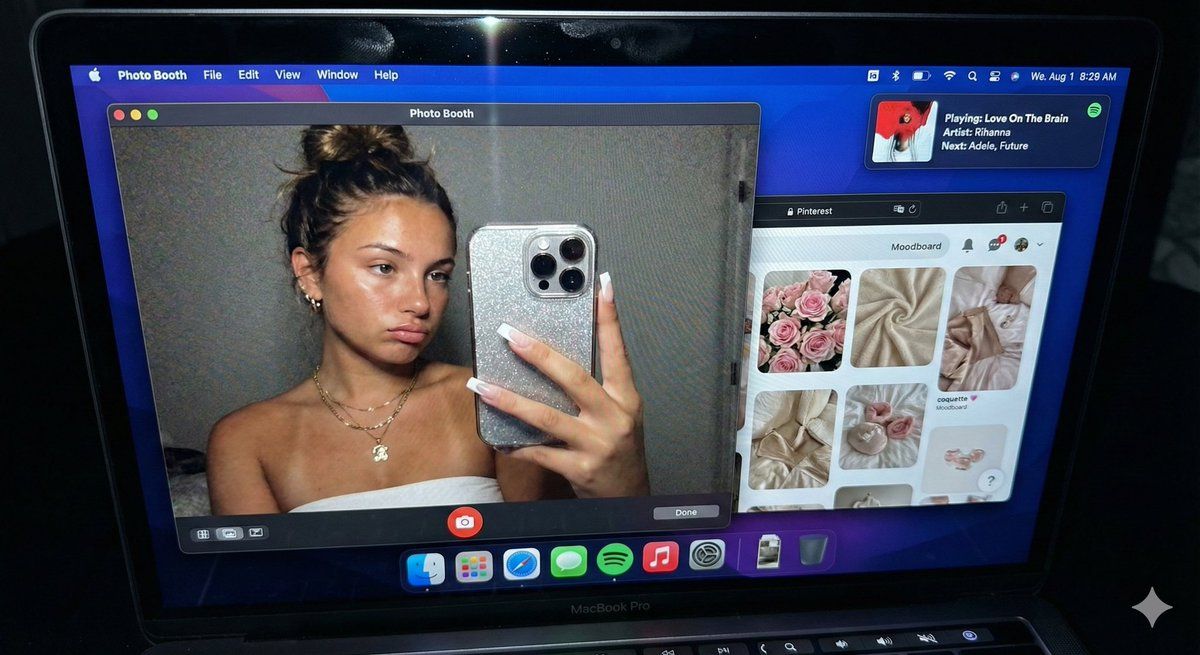
      "content": "Live webcam feed of a young woman, EXTREME CLOSE-UP (filling the frame). Messy bun, white tube top, gold necklaces. Holding iPhone 15 Pro visible in frame. Skin texture: natural, slightly grainy (webcam look).",
      "expression": "Nonchalant, looking at phone screen"
    },
    "window_2_side": {
      "app": "Safari / Pinterest",
      "content": "{argument name=\"Pinterest aesthetic\" default=\"Pink aesthetic moodboard\"}, 'Pinterest' text legible"
    },
    "window_3_overlay": {
      "app": "Spotify Widget",
      "details": "Floating mini-player. Text sharp: '{argument name=\"Spotify song\" default=\"Rihanna - Love On The Brain\"}' (or Adele/Future). Album art visible."
    }
  },
  "prompt": "Hyper-realistic POV shot of a MacBook screen in the dark. Screen shows macOS Photo Booth with a girl taking a mirror selfie. She is zoomed in, filling the window, wearing a {argument name=\"clothing\" default=\"white tube top\"} and messy bun. Beside it, a pink Pinterest page and a sharp Spotify widget playing Rihanna. Visible dust particles and pixel grid on the screen glass. Raw photography, candid vibe."
}- Category
- 创意图片
- Model
- Nano Banana Pro
- Creator
- Bananai
- Source ID
- 5ec0e7d8-fd32-480d-9156-a582c53470c9
- Published
- Mar 8, 2026
Views0