15

动态超逼真印度香饭特写镜头 (JSON)
Enlarge

动态超逼真印度香饭特写镜头 (JSON)

Prompt
{
  "food_photography_series": {
    "subject":  (biryani)",
    "technical_specs": {
      "style": "Hyper-realistic hero shot",
      "aspect_ratio": "3:4",
      "lighting": "Cinematic / Studio"
    },
    "variations": [
      {
        "theme": "Spicy chicken biryani",
        "sauce": "Spicy green chili and curd  ",
        "accents": ["chili threads", "Sichuan pepper flakes"],
        "background": "Dark smoky red",
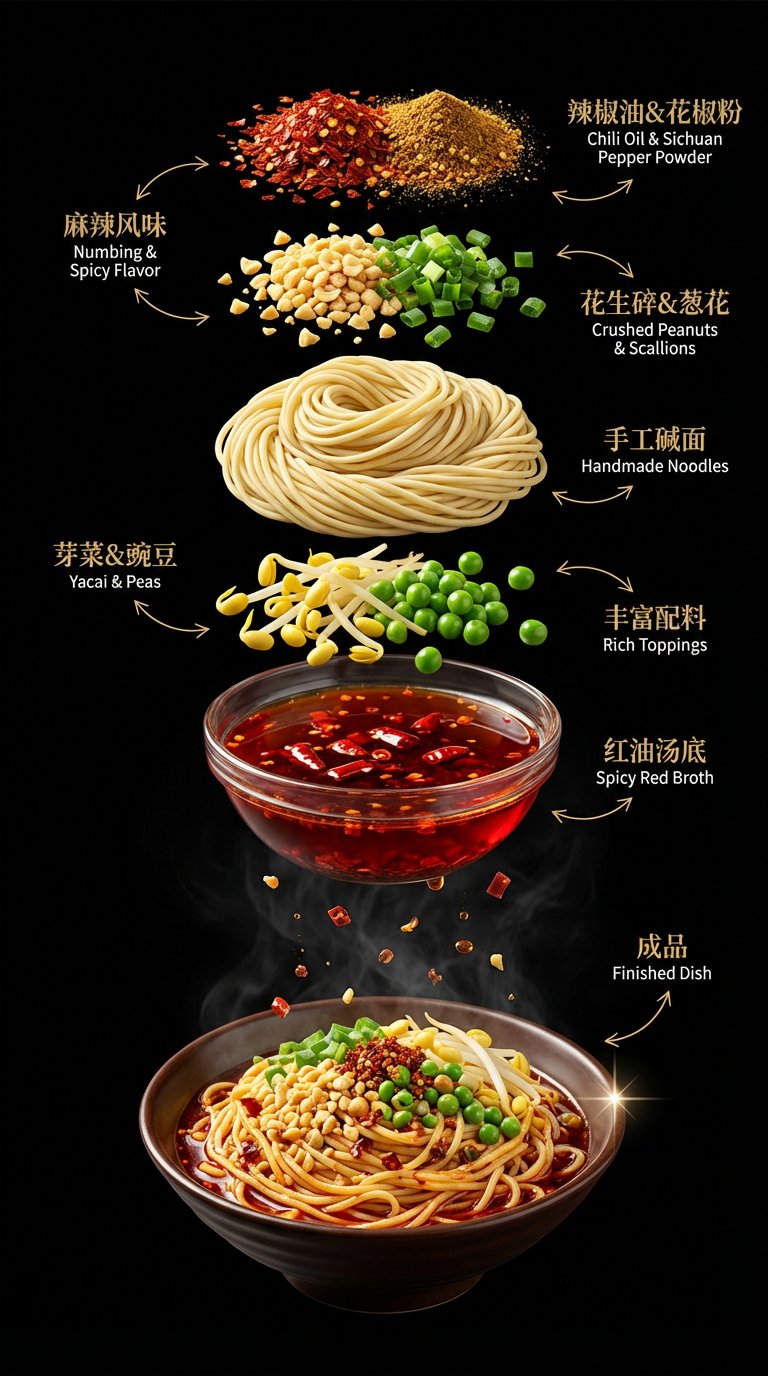
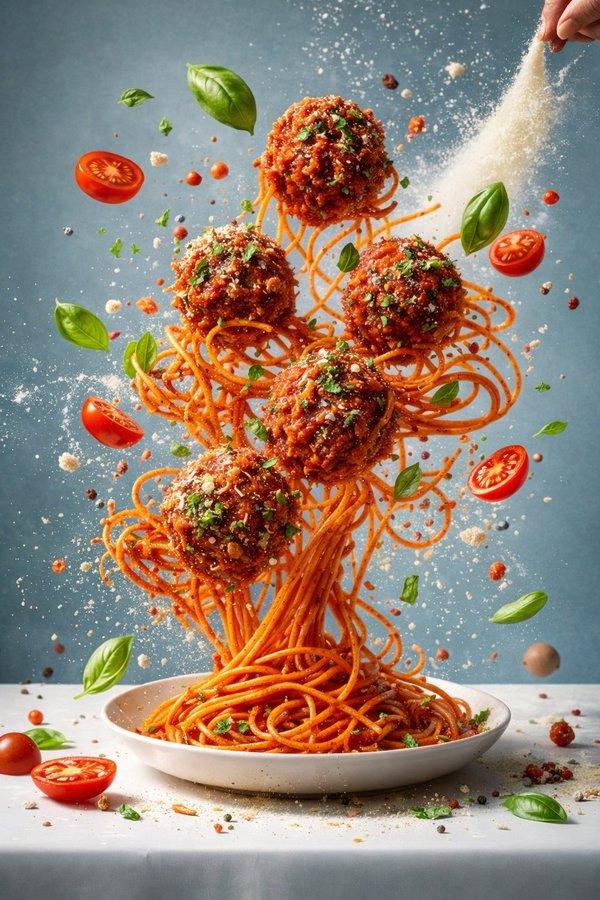
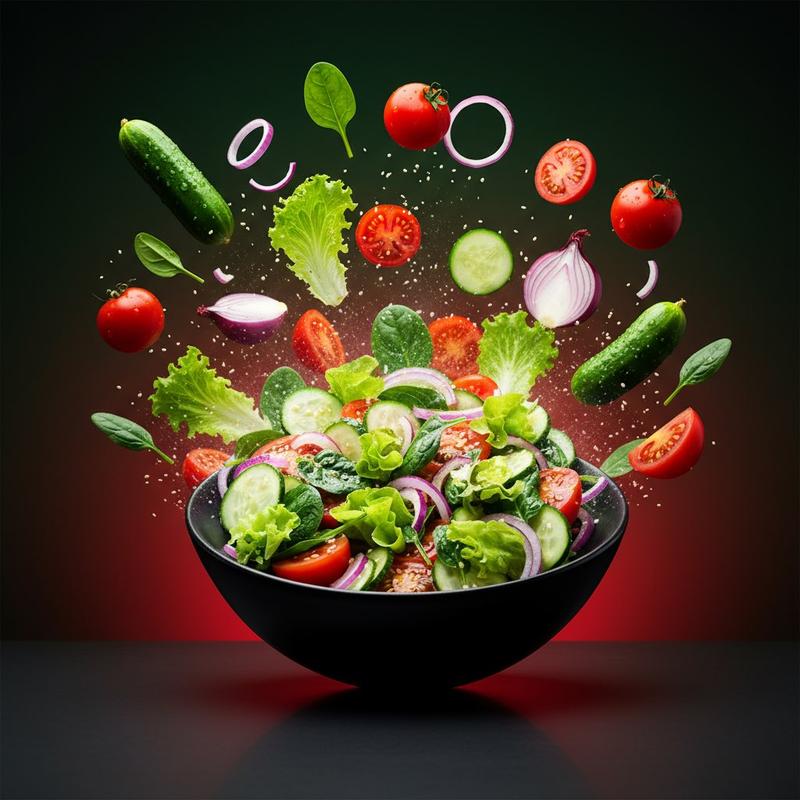
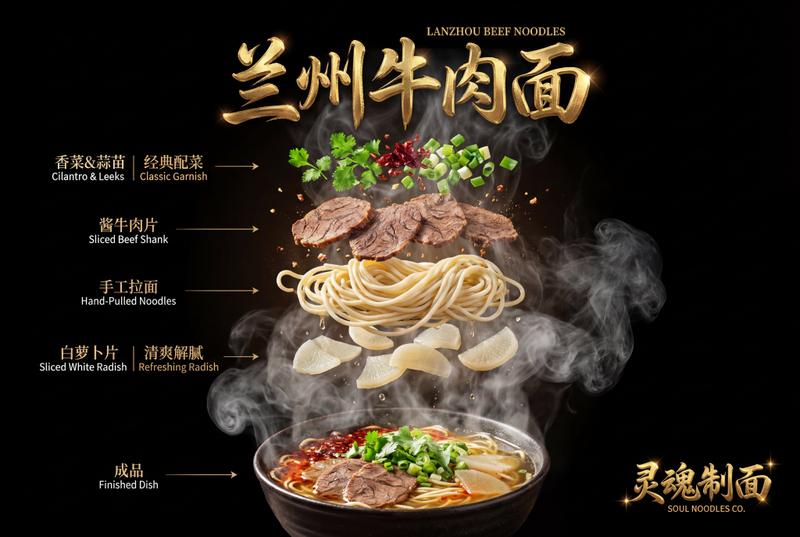
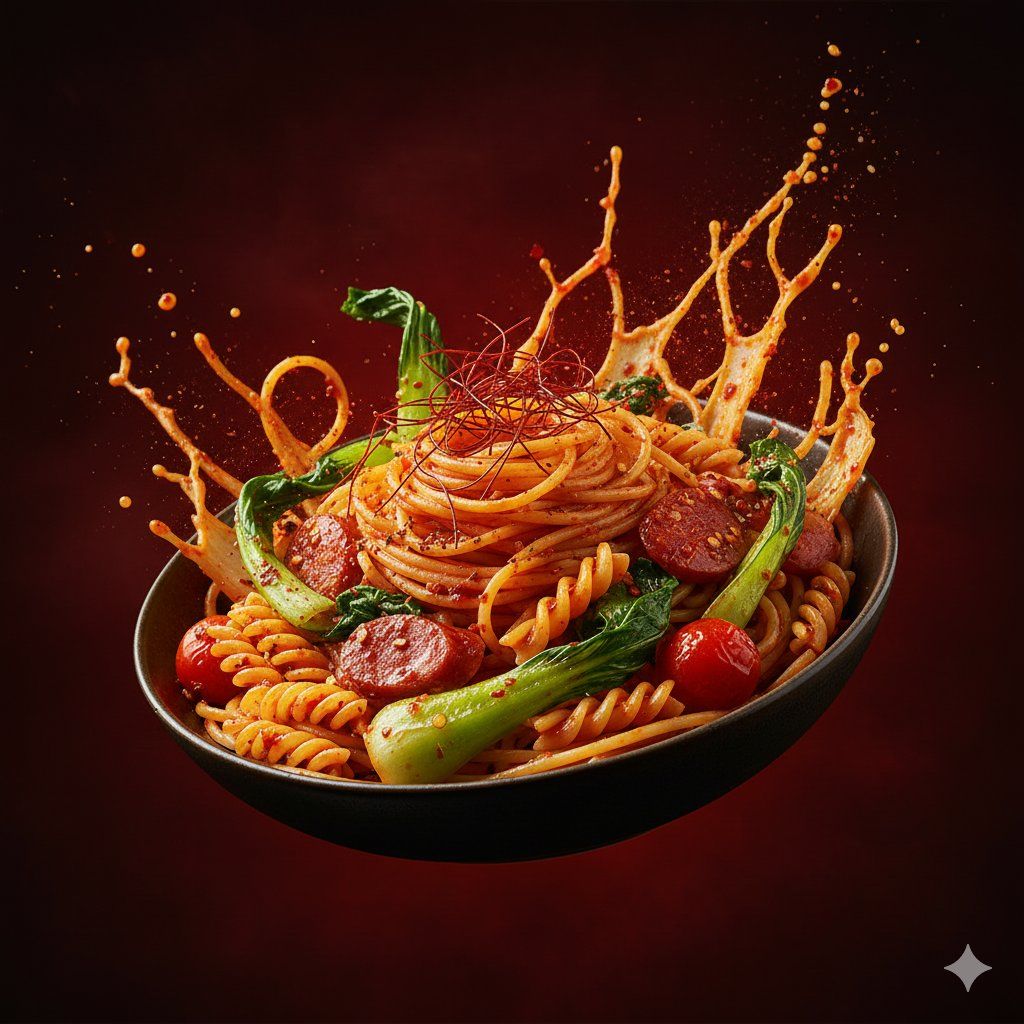
        "prompt": "Hyper-realistic hero shot of spicy fusion chicken leg peice hovering mid-air, with biryani rice erupting in dynamic splashes around firm chicken peice  dry fruits and greens are enveloped in fiery motion, accented by chili threads and Sichuan pepper flakes. Dramatic high-contrast lighting and a dark smoky red background create a bold, modern, high-impact biryani commercial visual"
      }
    ]
  }
}
Category
创意图片
Model
Nano Banana Pro
Views0
Source ID
3aea8813-eac3-4ff7-afa2-fd874c34513a
Published
Mar 8, 2026

Guide

About "动态超逼真印度香饭特写镜头 (JSON)"

What is this prompt for?

"动态超逼真印度香饭特写镜头 (JSON)" AI image prompt for Nano Banana Pro (创意图片). 一个结构化的 JSON 提示词,用于生成一张超现实、极具冲击力的麻辣鸡肉手抓饭商业摄影作品。它着重于动态效果,一只鸡腿悬浮在半空中,米饭飞溅,背景是深色烟熏红,并采用戏剧性的高对比度影…

The full copyable prompt and example visuals above are ready for AI image generation or one-click recreate in Picva.

How to use this prompt

  1. Step 1

    Open the prompt detail

    Review the example visuals, category, and full prompt text for "动态超逼真印度香饭特写镜头 (JSON)".

  2. Step 2

    Copy the prompt

    Copy the prompt body from this page, or load it directly in Studio.

  3. Step 3

    Pick a model (Nano Banana Pro)

    Prefer Nano Banana Pro. If you switch models, keep subject and composition and tweak style terms.

  4. Step 4

    Generate and export

    Recreate the look in Picva, or export into your workflow for editing and publishing.

FAQ

What is the "动态超逼真印度香饭特写镜头 (JSON)" prompt?
It is an AI image-generation prompt for Nano Banana Pro in the 创意图片 category. This page includes the full prompt text, example visuals, and a one-click recreate path in Picva.
How do I use this prompt to generate an image?
Copy the prompt from this page, or use Generate / Studio. Paste it into a compatible image model, or recreate the look in Picva with optional reference images.
Which model is this prompt for?
This page lists Nano Banana Pro. Most descriptive prompts also transfer to nearby image models such as GPT Image, Flux, or Midjourney with light style tweaks.
Can I use the result commercially?
You can usually copy the prompt for creation, but commercial use of the final image depends on the model terms, reference-image rights, and the generated content. Follow the source author and platform rules.