19

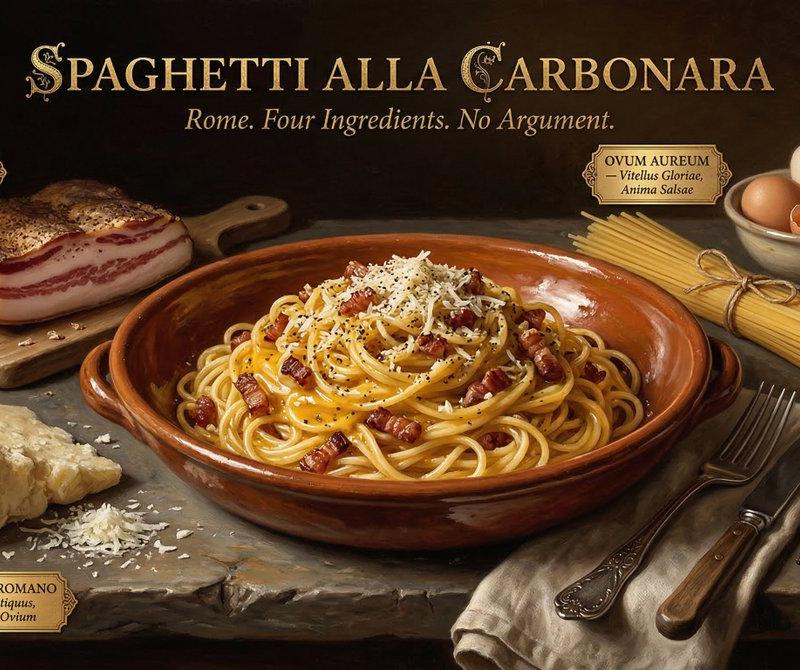
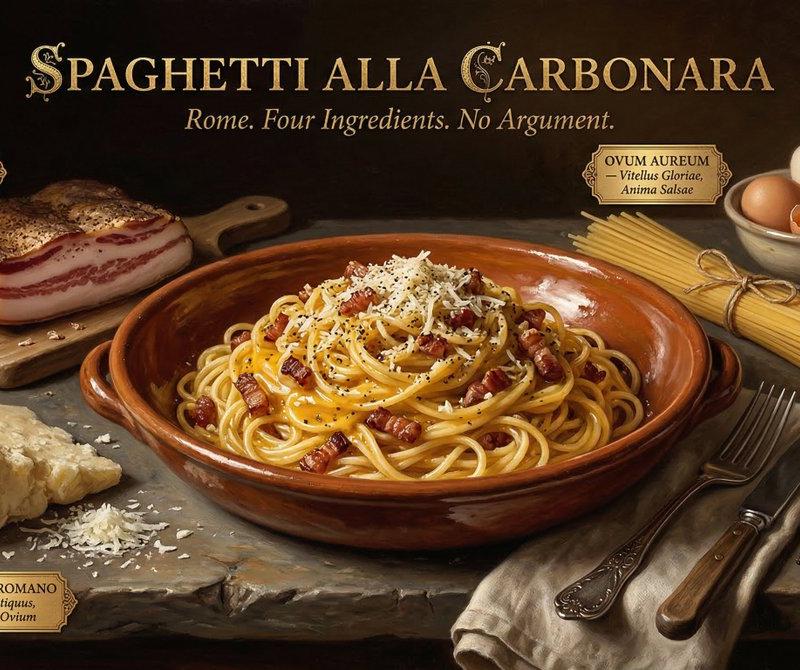
荷兰黄金时代风格美食摄影
Enlarge

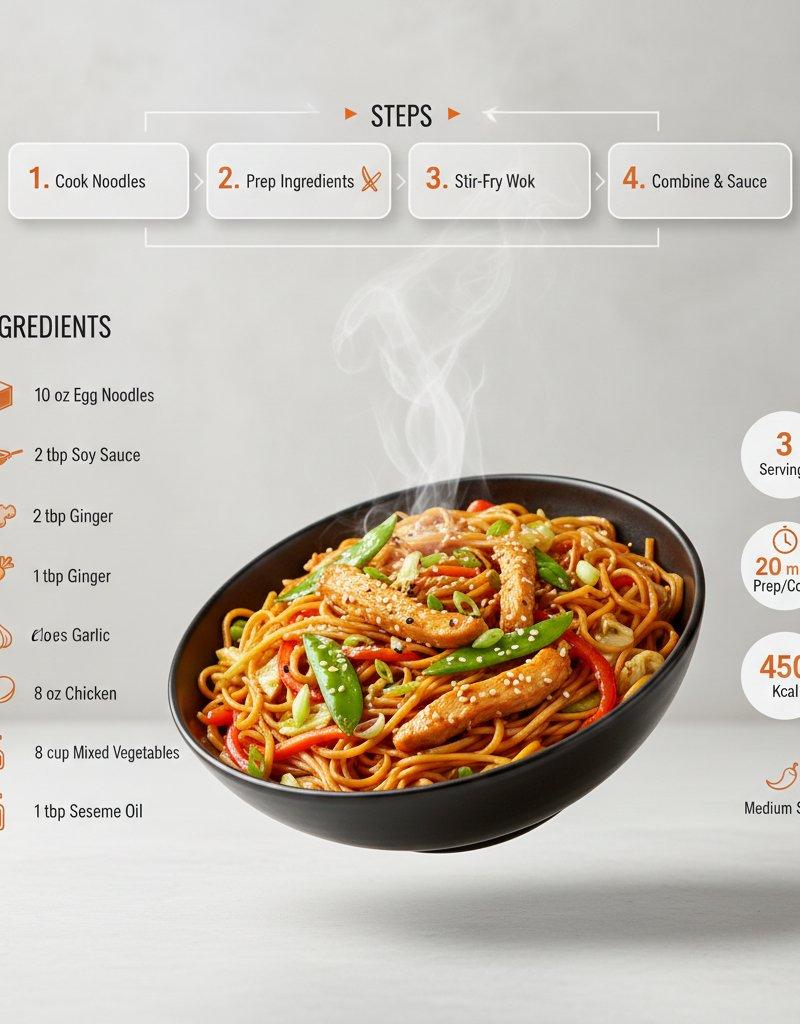
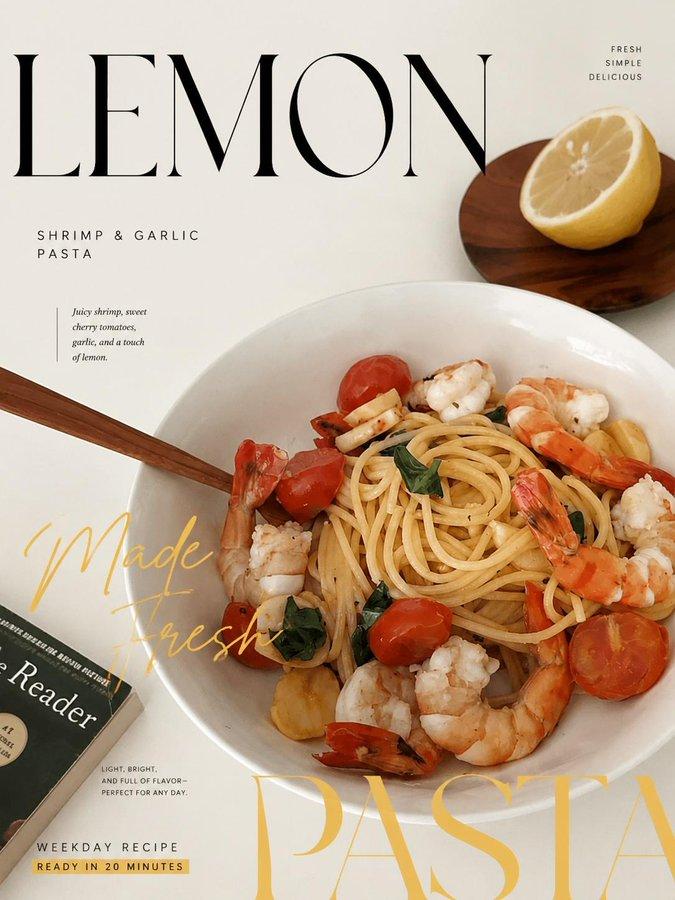
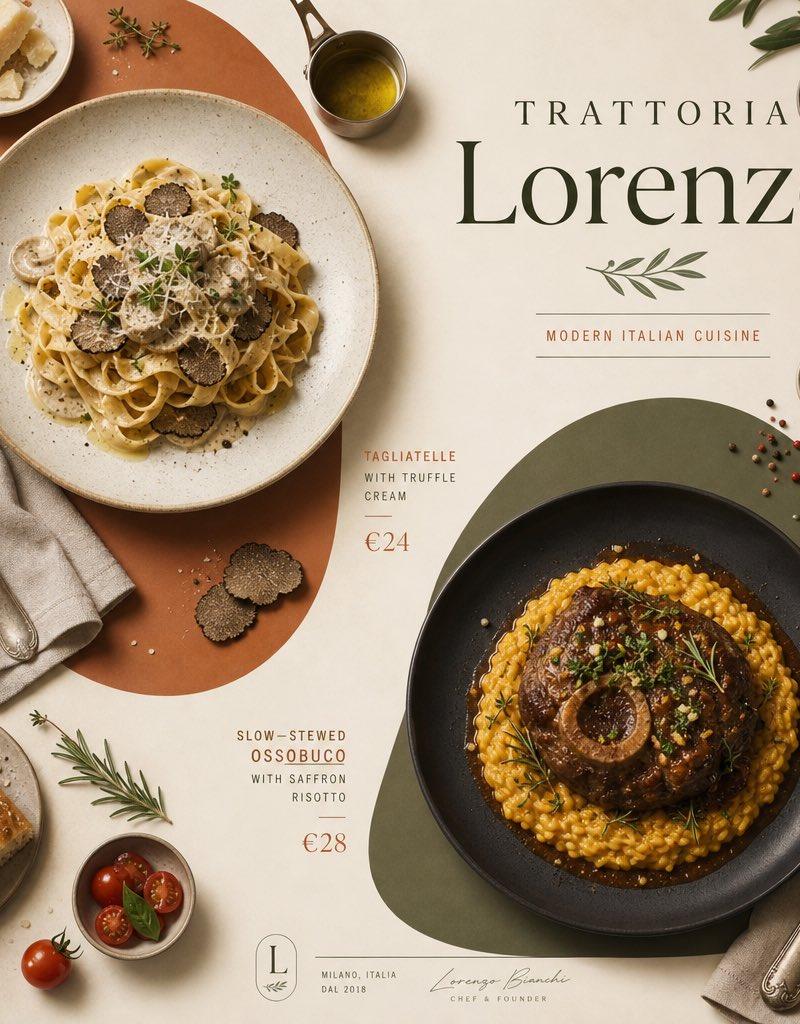
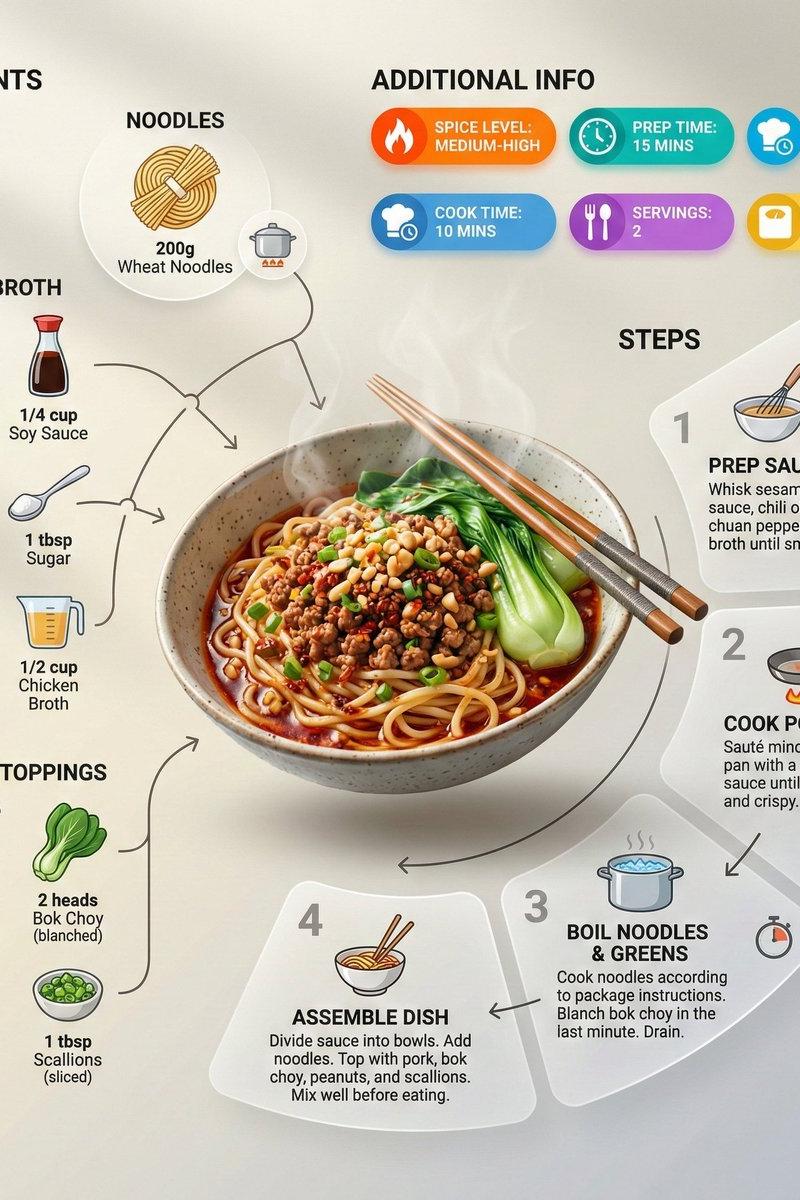
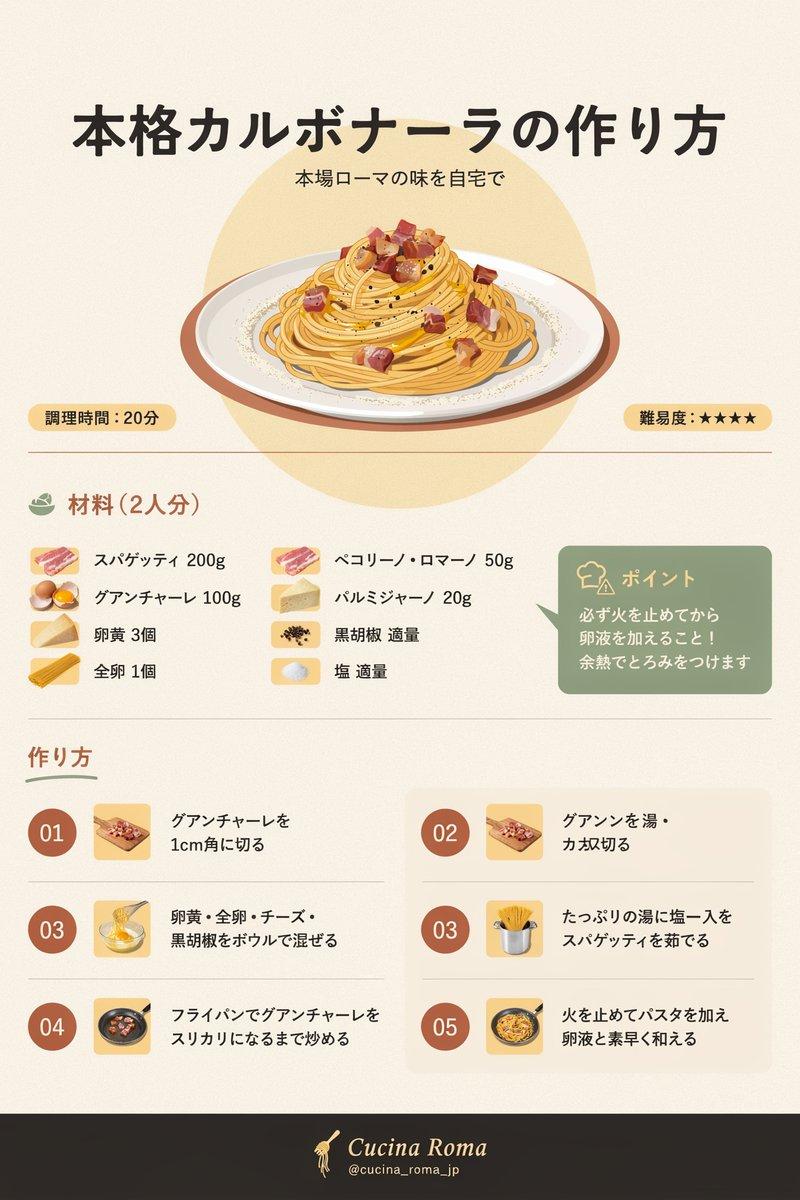
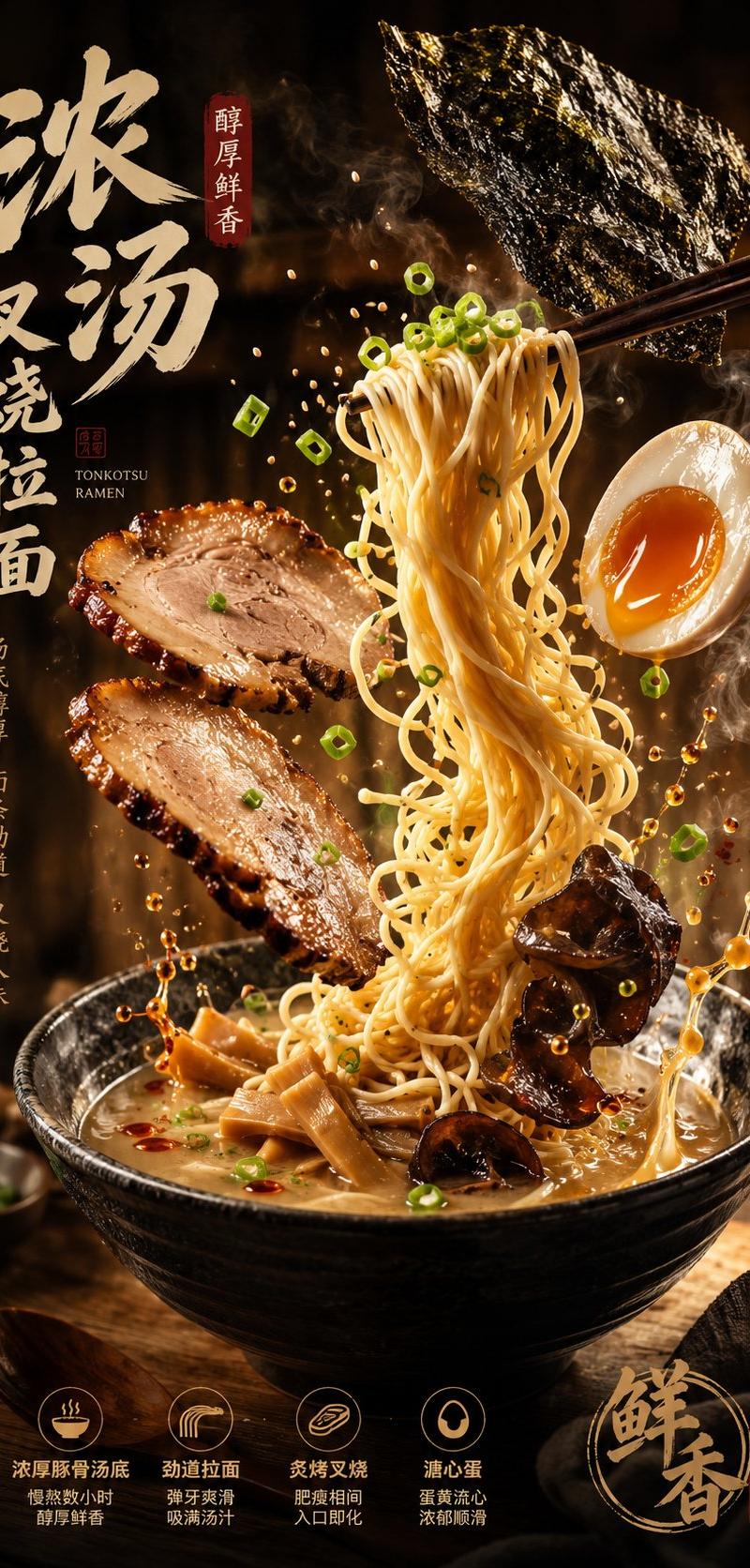
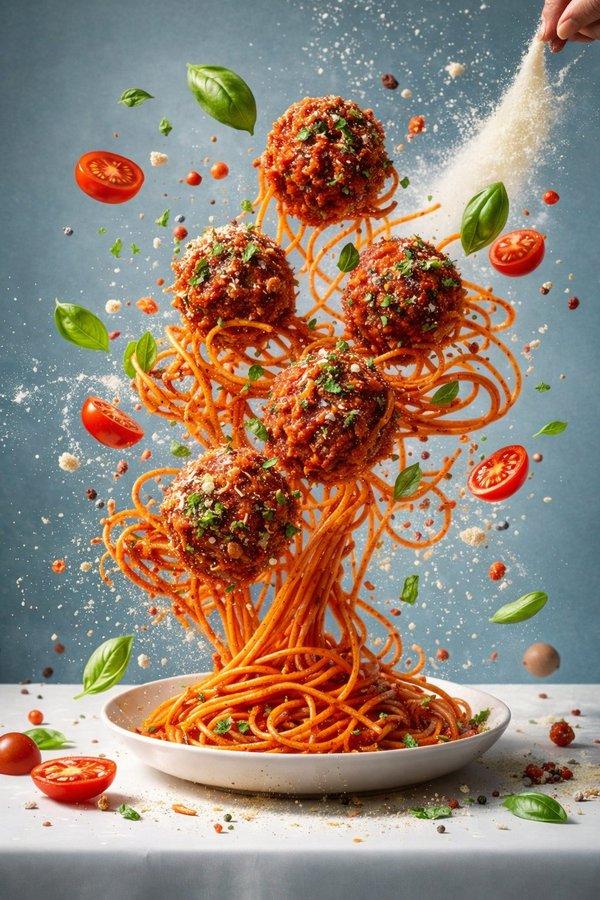
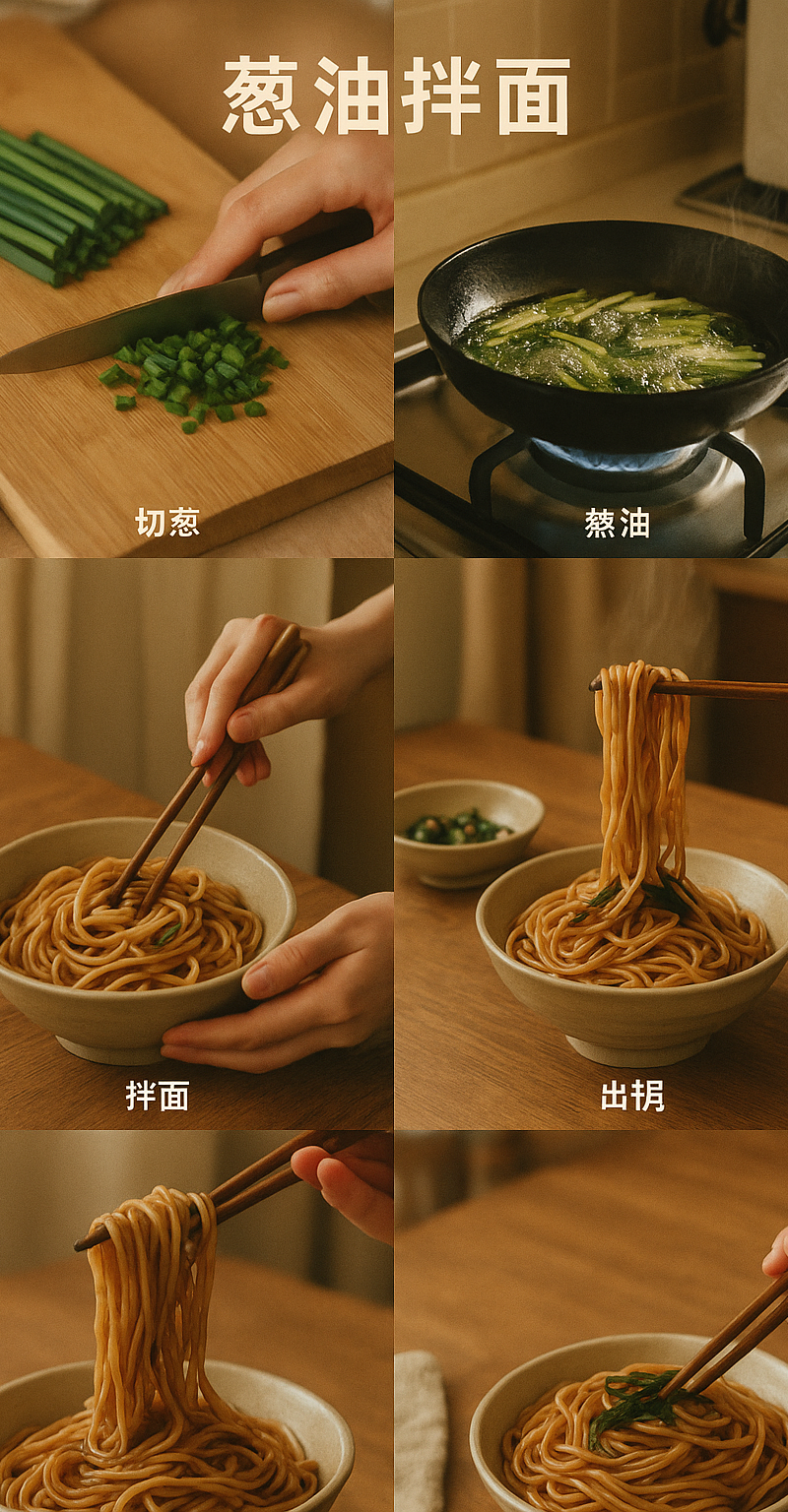
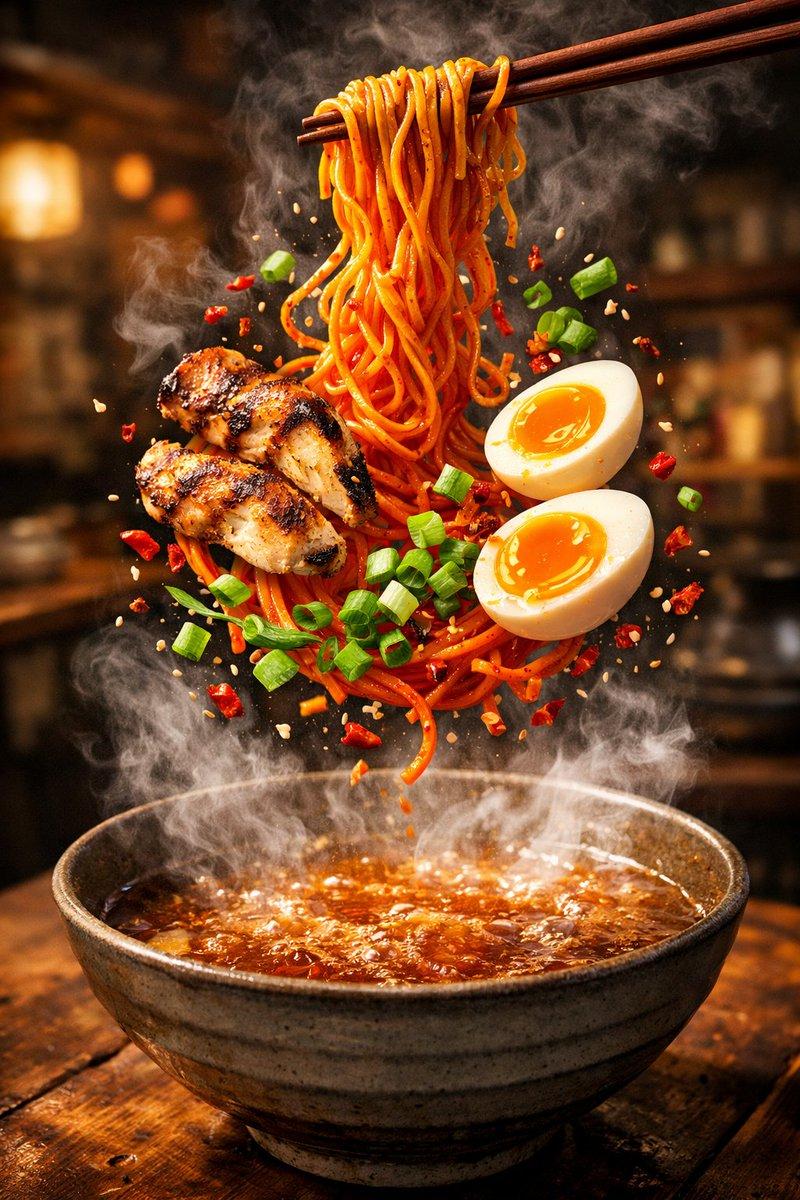
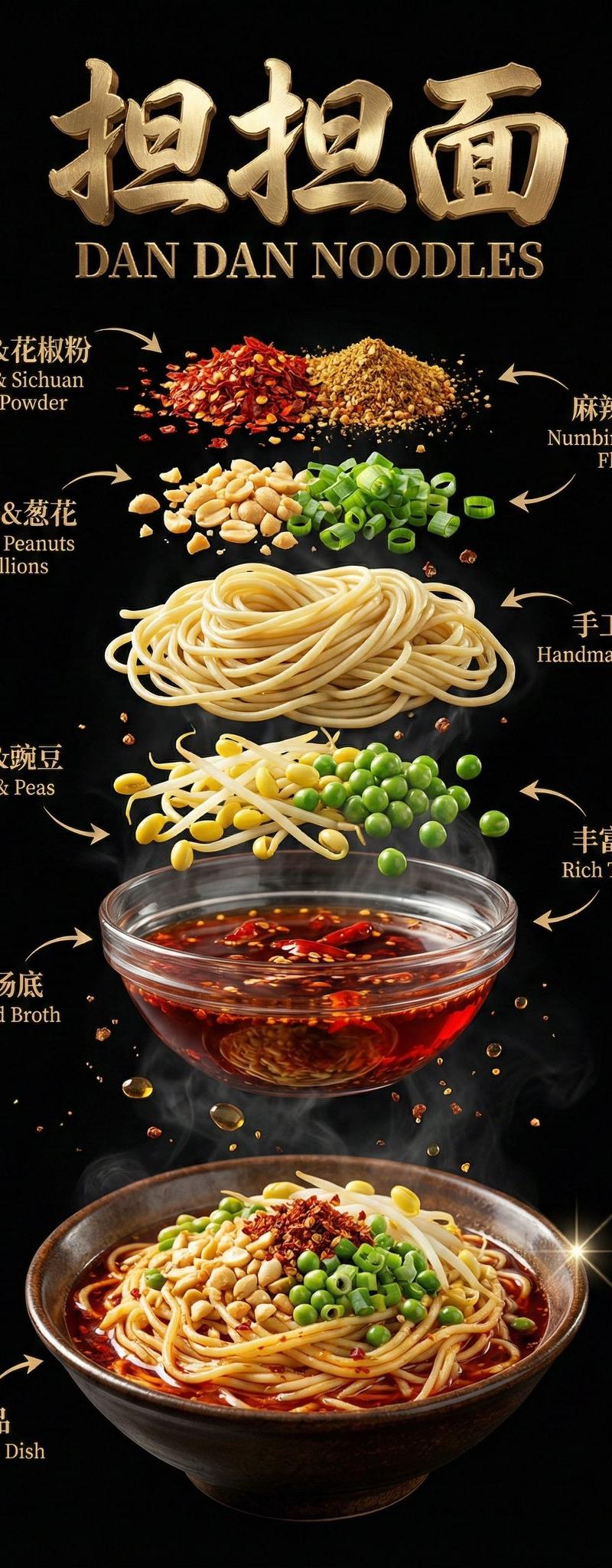
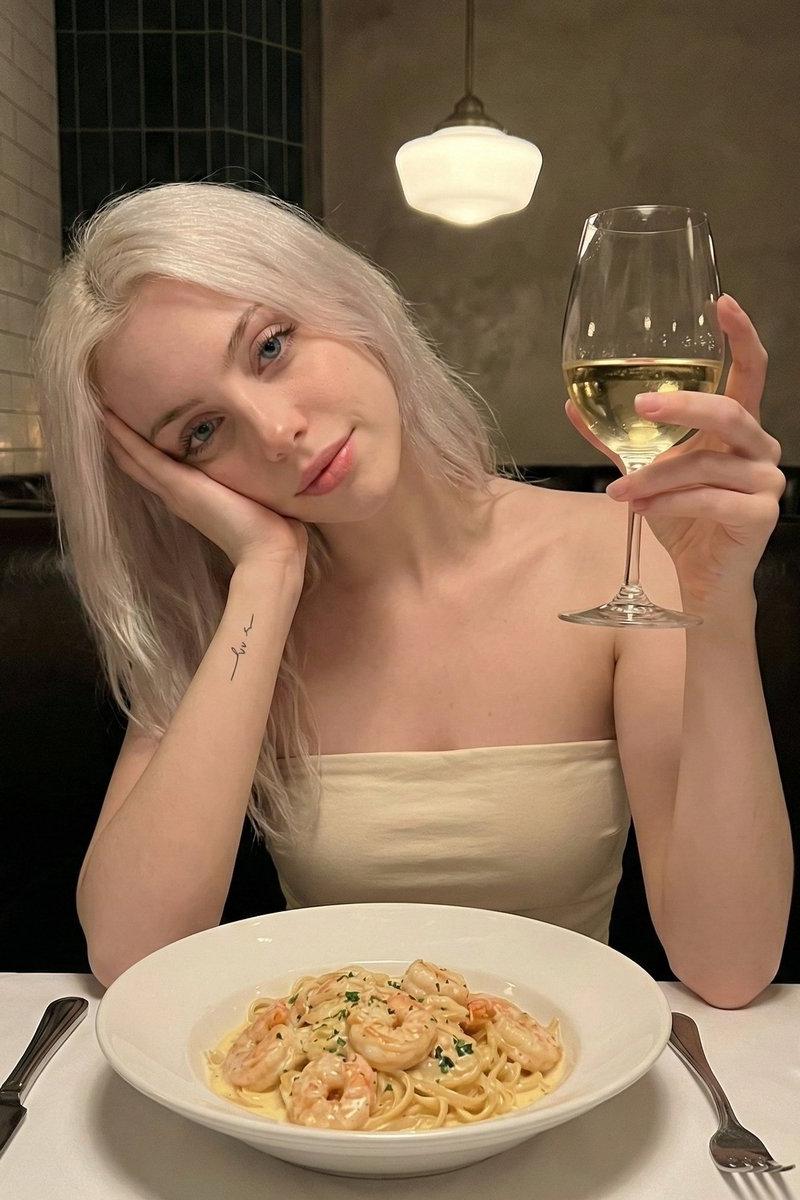
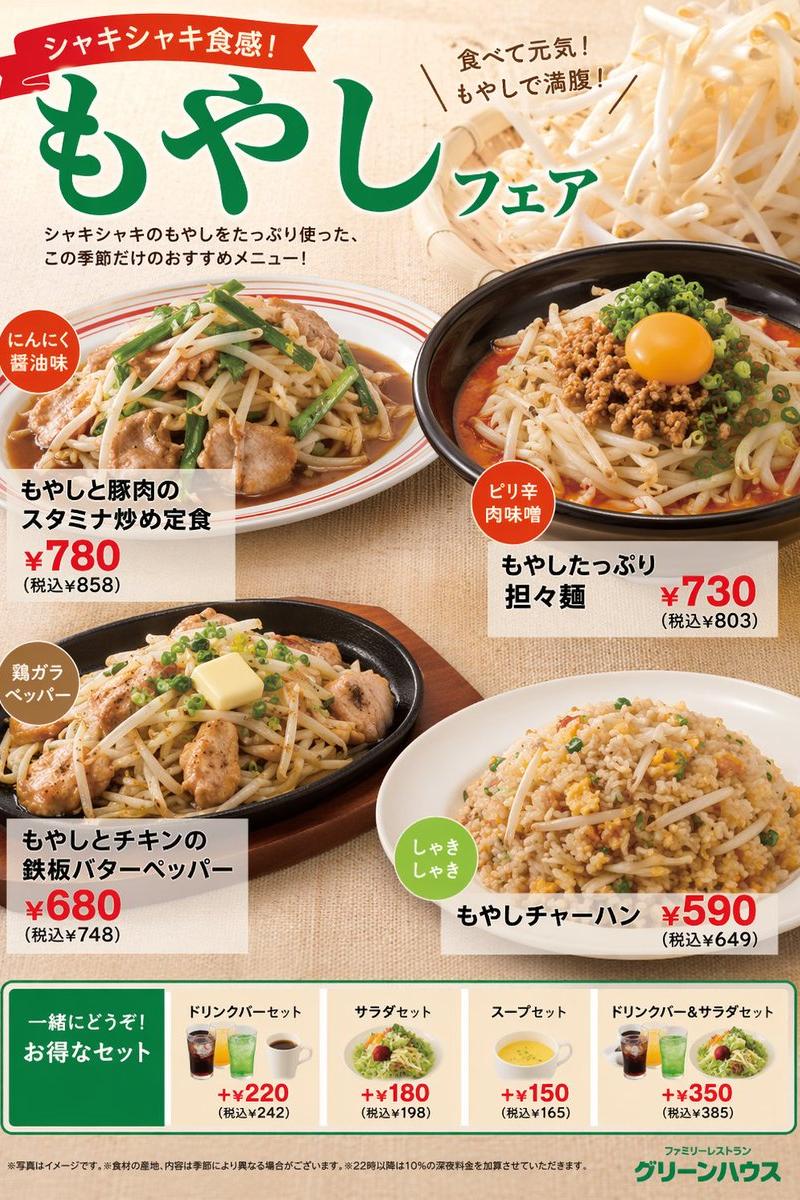
Example images

荷兰黄金时代风格美食摄影

Prompt
Render {argument name="dish" default="DISH"} as a Dutch Golden Age or Italian Renaissance oil painting, hyperrealistic with dramatic chiaroscuro lighting. Place the hero dish front and center on dark velvet or stone, ingredients arranged in a baroque composition all around it. One strong light source from upper-left reveals every texture: glistening proteins, translucent sauces, jewel-bright vegetables, rustic bread, scattered fresh herbs. Label each ingredient with a small ornate gold cartouche in copperplate script: "{argument name="ingredient" default="[INGREDIENT]"} [poetic Latin or French descriptor]". Add the dish name in gilded ornate typography at the top: "{argument name="dish name" default="[DISH NAME]"}". Subtitle: "[TAGLINE]". Mood: Caravaggio meets Rembrandt meets the most craveable food photo ever shot. Deep rich shadows, jewel-tone colors, extraordinary museum-quality, utterly craveable.
Category
Charts & Infographics
Model
GPT Image 2
Creator
PromptLab
Source language
en
Views0
Source ID
25163
Published
Jun 11, 2026
Studio

Guide

About "荷兰黄金时代风格美食摄影"

What is this prompt for?

"荷兰黄金时代风格美食摄影" AI image prompt for GPT Image 2 (Charts & Infographics). 一个精致的提示词,可将美食摄影作品转化为荷兰黄金时代或意大利文艺复兴时期的油画风格,呈现戏剧性的明暗对照法光影效果与华丽的排版设计。 Copy it on Picva and…

The full copyable prompt and example visuals above are ready for AI image generation or one-click recreate in Picva.

How to use this prompt

  1. Step 1

    Open the prompt detail

    Review the example visuals, category, and full prompt text for "荷兰黄金时代风格美食摄影".

  2. Step 2

    Copy the prompt

    Copy the prompt body from this page, or load it directly in Studio.

  3. Step 3

    Pick a model (GPT Image 2)

    Prefer GPT Image 2. If you switch models, keep subject and composition and tweak style terms.

  4. Step 4

    Generate and export

    Recreate the look in Picva, or export into your workflow for editing and publishing.

FAQ

What is the "荷兰黄金时代风格美食摄影" prompt?
It is an AI image-generation prompt for GPT Image 2 in the Charts & Infographics category. This page includes the full prompt text, example visuals, and a one-click recreate path in Picva.
How do I use this prompt to generate an image?
Copy the prompt from this page, or use Generate / Studio. Paste it into a compatible image model, or recreate the look in Picva with optional reference images.
Which model is this prompt for?
This page lists GPT Image 2. Most descriptive prompts also transfer to nearby image models such as GPT Image, Flux, or Midjourney with light style tweaks.
Can I use the result commercially?
You can usually copy the prompt for creation, but commercial use of the final image depends on the model terms, reference-image rights, and the generated content. Follow the source author and platform rules.