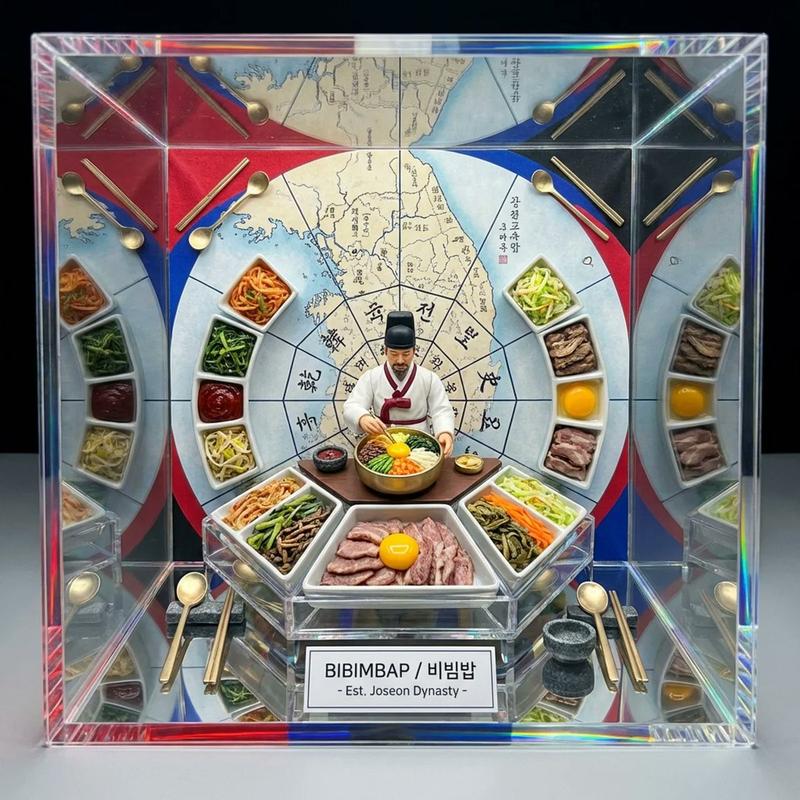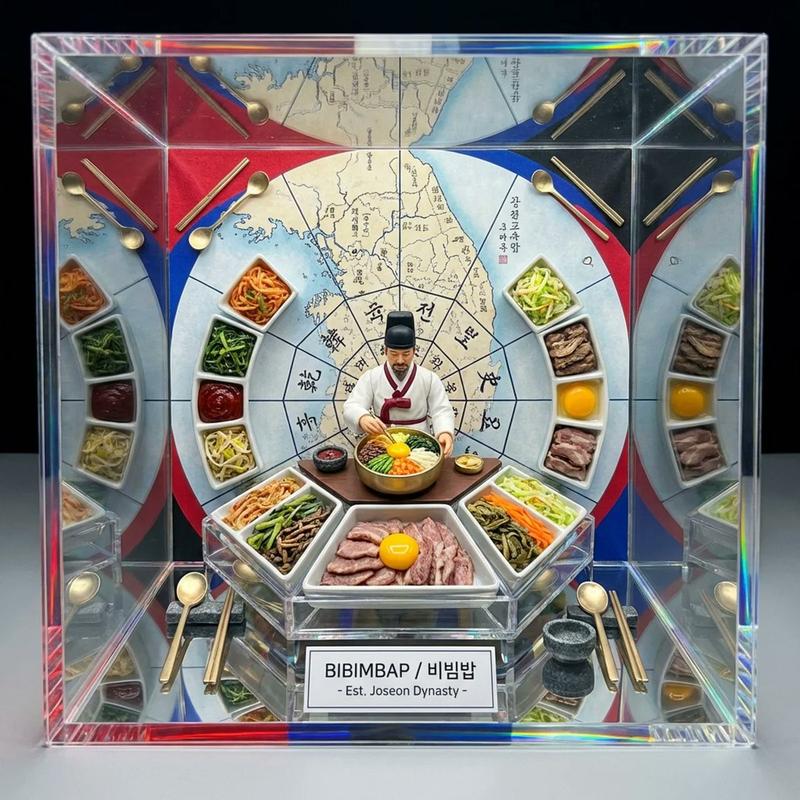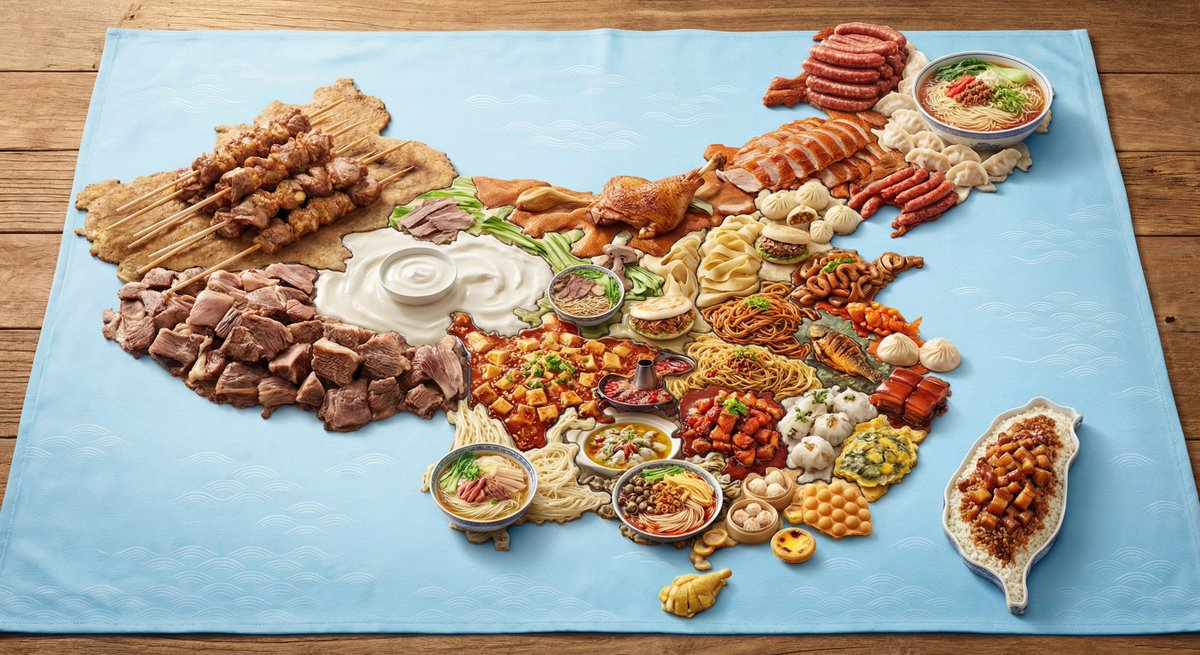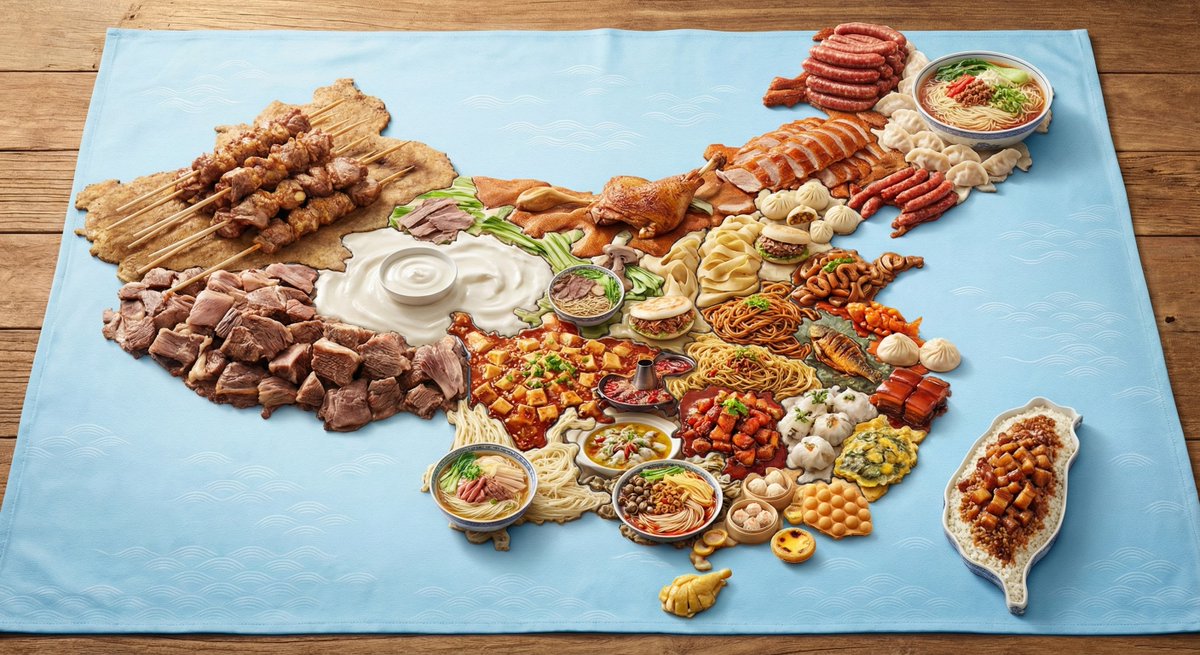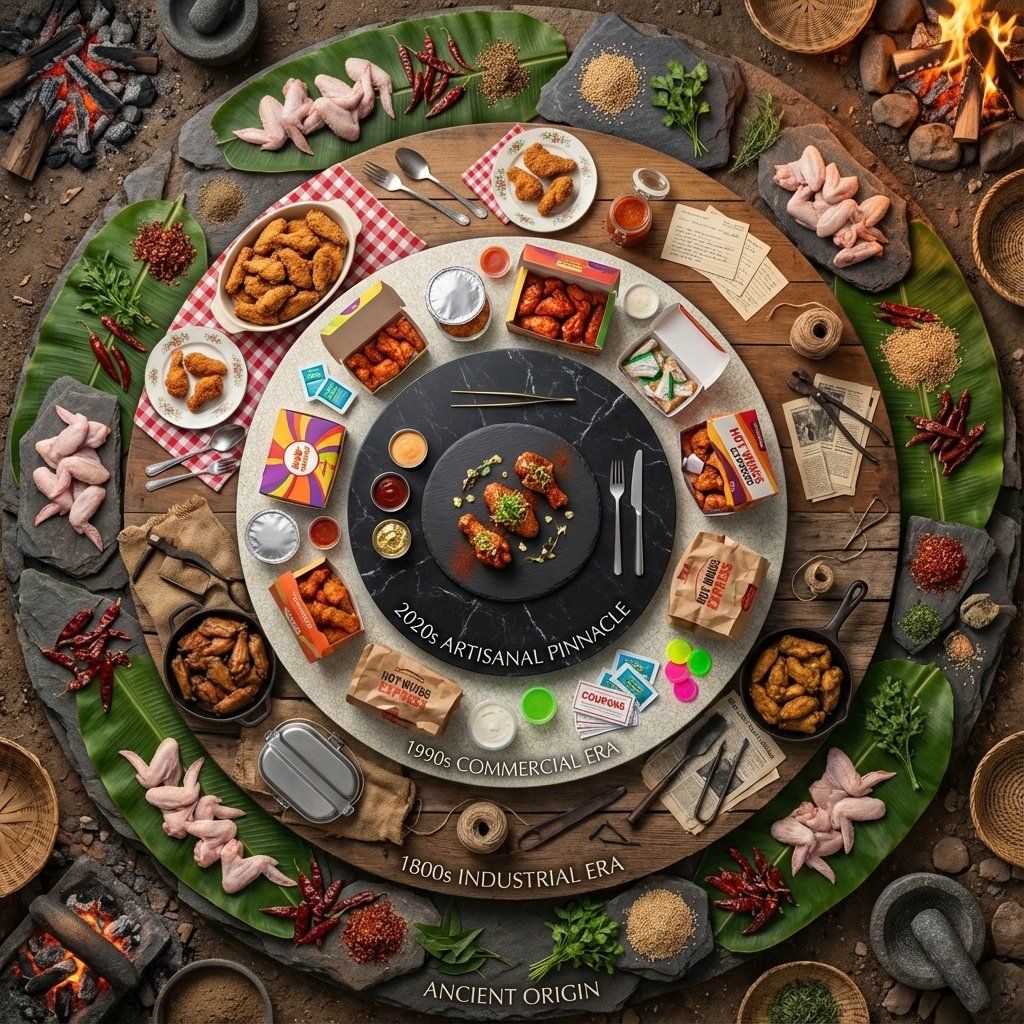
曼荼罗格式的食物历史立体模型(香辣鸡翅)
Prompt
Input Variable: {argument name="food item" default="Spicy Chicken Wings"}
System Instruction:
Generate a hyper-realistic, high-angle "Food History Diorama" arranged in a Mandala format.
CRITICAL: The scene must be populated by Tiny 1:87 Scale Figures (Chefs) that correspond to the specific era of each ring.
1.  Timeline Analysis:
Analyze the history of the Input Food to determine the Attire and Tools of the workers in 5 eras:
Stage 0 (Center): The Modern Chef (White Coat, Toque, Tweezers).
Stage 1 (Commercial): The Fast Food Worker (Visor, Polo Shirt, Headset).
Stage 2 (Domestic): The Home Cook (Floral Apron, Oven Mitts).
Stage 3 (Industrial): The Butcher/Baker (Dirty White Apron, Cleaver, Rolled Sleeves).
Stage 4 (Ancient): The Hunter/Gatherer (Tunic, Loincloth, Stone Tools, Fire).
2. The Composition :
Perspective: High Angle (75 Degrees). Not completely flat. We need to see the bodies of the tiny figures, not just their heads.
The Orbits: 5 Distinct Concentric Rings.
The Boundary (The Catwalk): Between each ring, there is a visible Negative Space (a thin gap). This is where the tiny chefs stand, presenting the food to the viewer.
3. The Rings & The Residents Logic):
The Center (Modern Pinnacle):
Food: Deconstructed, gourmet plating on slate.
The Figure: A Master Chef carefully placing a micro-green garnish with tweezers.
Ring 1 (The Commercial Age):
Food: Bright packaging, uniformity.
The Figure: A Teenage Fast Food Worker holding a tray or a soda cup, standing next to the cardboard boxes.
Ring 2 (The Domestic Age):
Food: Casserole dishes or patterned china.
The Figure: A 1950s Housewife or Home Cook holding a serving spoon or pie cutter.
Ring 3 (The Industrial Age):
Food: Cast iron skillets, tin plates, hearty portions.
The Figure: A burly 19th Century Butcher or Cook holding a heavy knife or iron ladle.
Ring 4 (The Ancient Origin):
Food: Cooking over open fire, stone tools, raw ingredients (but cooked/charred enough to look appetizing).
The Figure: An Ancient Human tending to a mini-campfire or grinding spices with a stone.
4. The Background Morph:
The surface texture underneath the figures changes with them:
Center: Polished Stone.
Middle: Linoleum/Wood Table.
Edge: Dirt/Earth.
5. Lighting & Scale:
Tilt-Shift: Blur the outer edges slightly to emphasize the miniature scale of the people.
Shadows: The figures must cast long shadows across the food to prove they are physically standing there.
Output: ONE image, 1:1 Aspect Ratio, 8k Resolution, Miniature Photography style.- Category
- 创意图片
- Model
- Nano Banana Pro
- Creator
- Gadgetify
- Source ID
- b46e830b-a81e-402a-a407-60773307d2a7
- Published
- Mar 8, 2026
Views0