18

街头风格人像,带身份锁定和特定姿势
Enlarge

街头风格人像,带身份锁定和特定姿势

Prompt
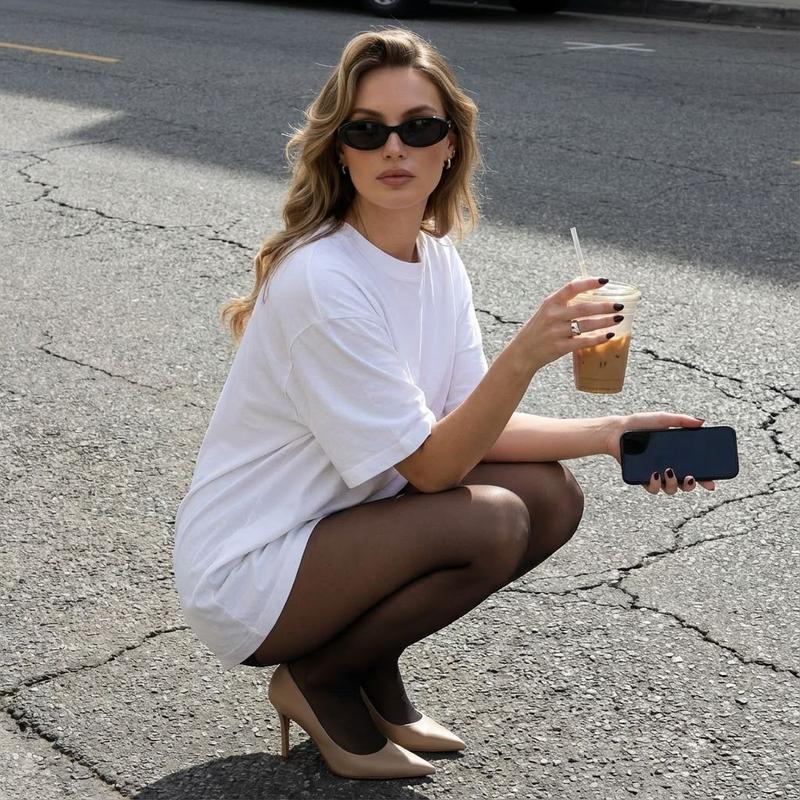
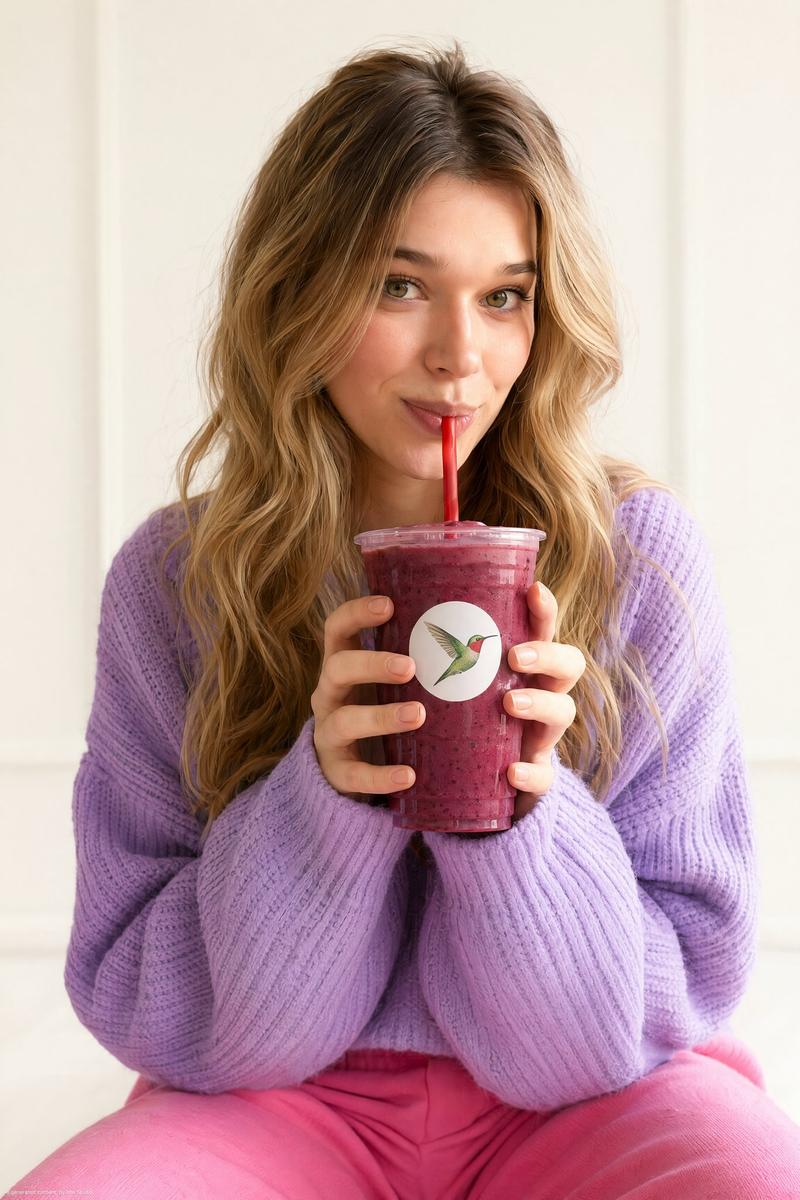
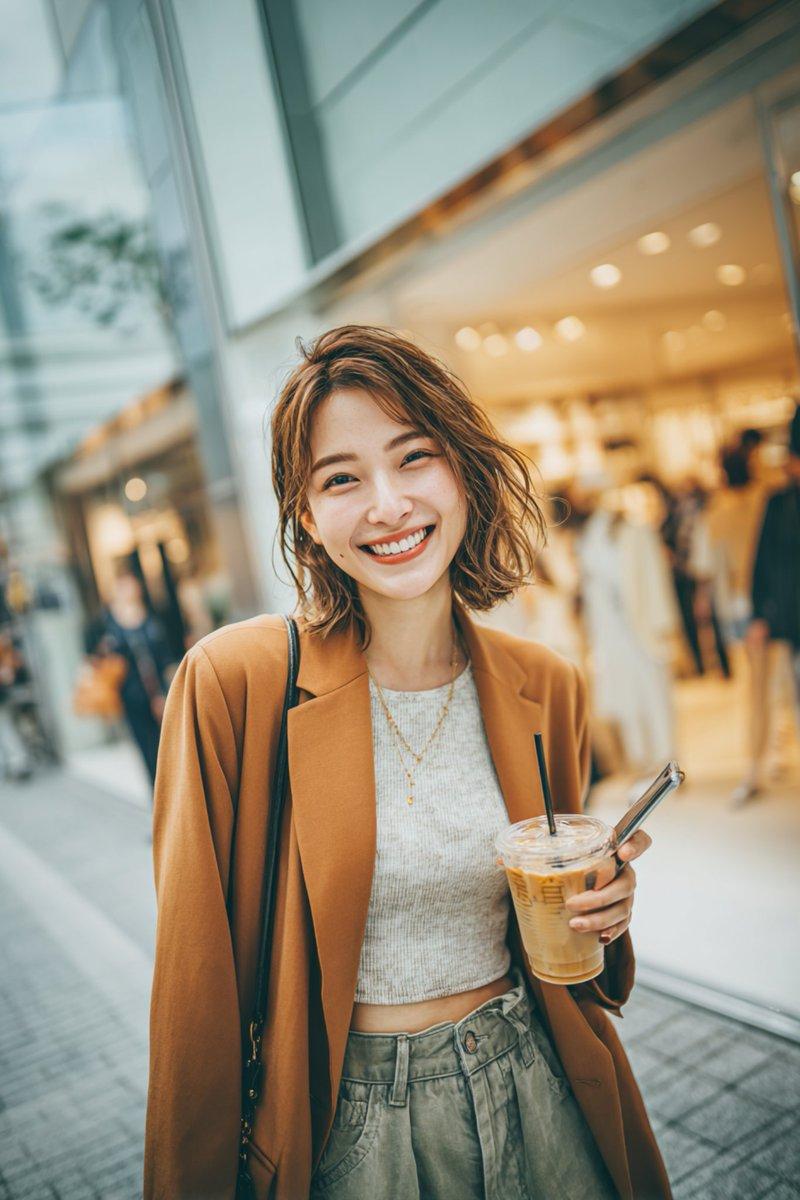
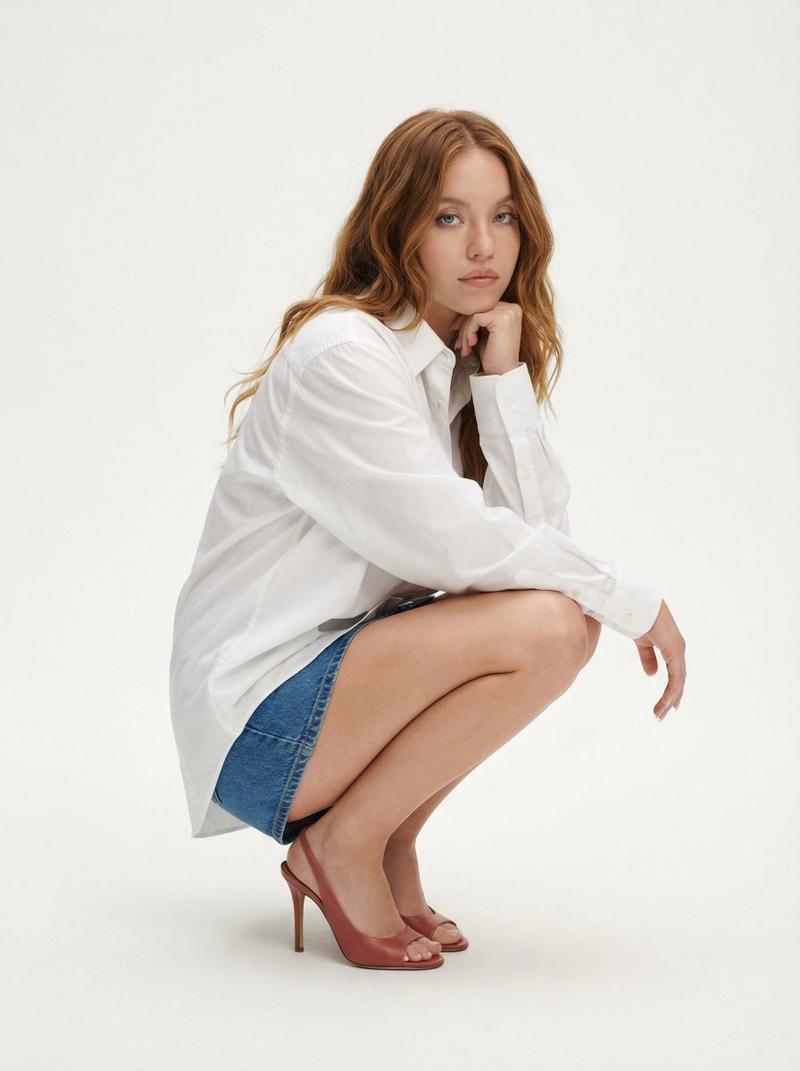
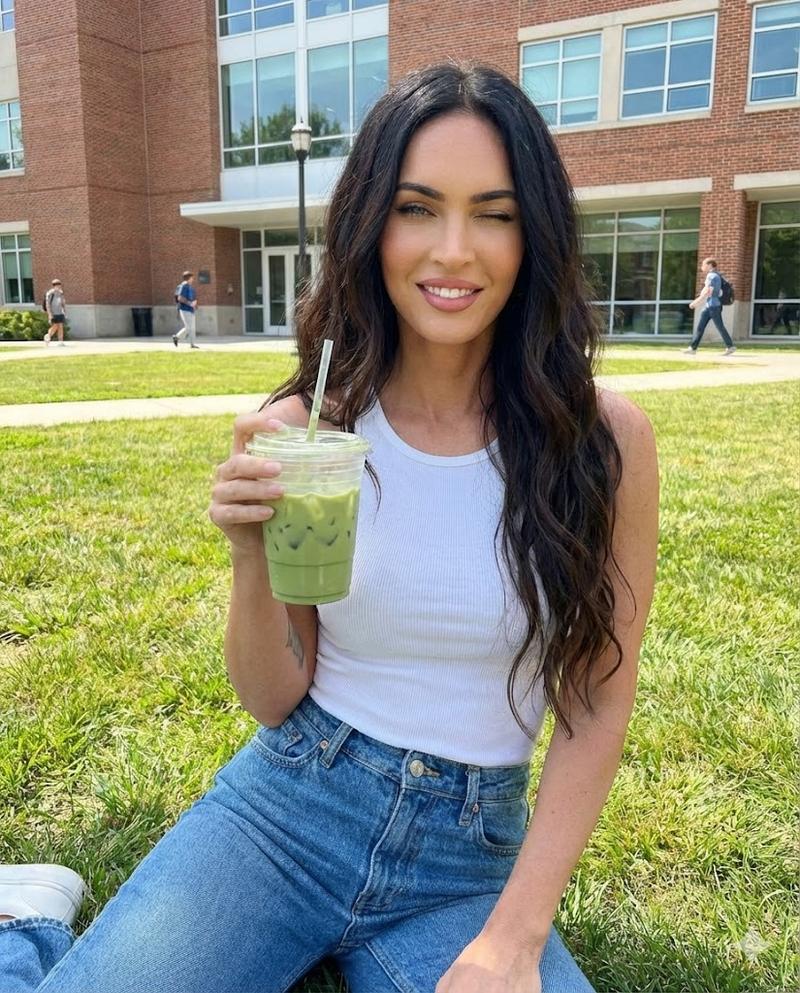
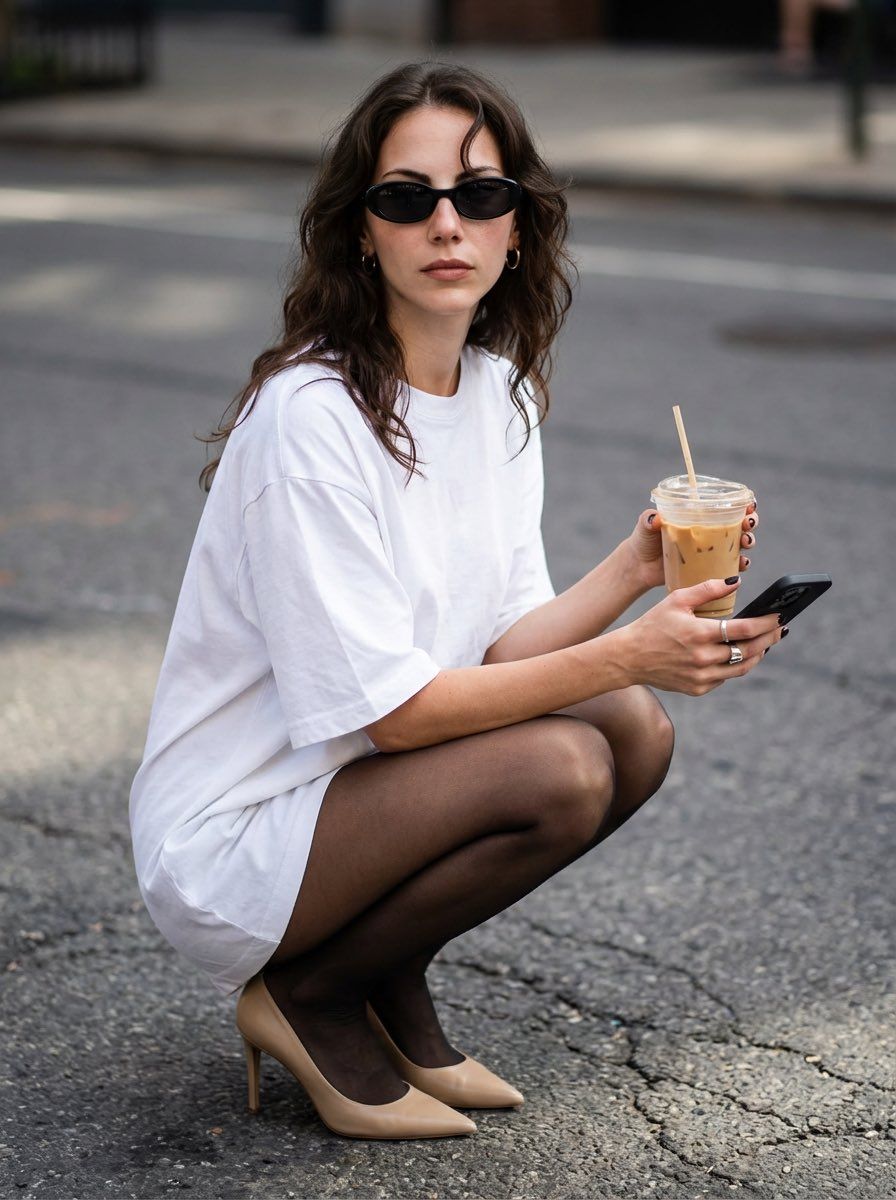
Create an ultra-realistic photo of the uploaded person in a low squatting pose on an outdoor asphalt surface. The person is wearing an oversized white t-shirt, sheer black tights, and pointed beige high heels. One hand is holding a clear plastic cup with iced coffee and a straw, while the other hand holds a black smartphone. Dark nail polish and a silver ring on the fingers are clearly visible. The hairstyle, hair length, and hair color must remain exactly the same, with soft waves and a defined front curl. The face, identity, and all facial features must stay completely unchanged. The person is wearing black oval sunglasses and small earrings. Natural daylight, realistic shadows, street-style aesthetic, sharp focus, high detail, cinematic yet casual mood, no changes to clothing, accessories, pose, or proportions.
Category
创意图片
Model
Nano Banana Pro
Creator
Melis✨
Views0
Source ID
ab3b8361-5d32-4033-ae66-d9ab43e604e3
Published
Mar 8, 2026

Guide

About "街头风格人像,带身份锁定和特定姿势"

What is this prompt for?

"街头风格人像,带身份锁定和特定姿势" AI image prompt for Nano Banana Pro (创意图片). 一个高度具体的提示,用于创建一张上传人物在沥青上低蹲姿势的超逼真照片。该提示严格锁定面部、身份、头发、服装(宽松白色 T 恤、透明黑色紧身裤、米色高跟鞋)和配饰(冰咖啡、智能手机、太阳镜),…

The full copyable prompt and example visuals above are ready for AI image generation or one-click recreate in Picva.

How to use this prompt

  1. Step 1

    Open the prompt detail

    Review the example visuals, category, and full prompt text for "街头风格人像,带身份锁定和特定姿势".

  2. Step 2

    Copy the prompt

    Copy the prompt body from this page, or load it directly in Studio.

  3. Step 3

    Pick a model (Nano Banana Pro)

    Prefer Nano Banana Pro. If you switch models, keep subject and composition and tweak style terms.

  4. Step 4

    Generate and export

    Recreate the look in Picva, or export into your workflow for editing and publishing.

FAQ

What is the "街头风格人像,带身份锁定和特定姿势" prompt?
It is an AI image-generation prompt for Nano Banana Pro in the 创意图片 category. This page includes the full prompt text, example visuals, and a one-click recreate path in Picva.
How do I use this prompt to generate an image?
Copy the prompt from this page, or use Generate / Studio. Paste it into a compatible image model, or recreate the look in Picva with optional reference images.
Which model is this prompt for?
This page lists Nano Banana Pro. Most descriptive prompts also transfer to nearby image models such as GPT Image, Flux, or Midjourney with light style tweaks.
Can I use the result commercially?
You can usually copy the prompt for creation, but commercial use of the final image depends on the model terms, reference-image rights, and the generated content. Follow the source author and platform rules.