17

油画风格参考人物自画像
Enlarge

油画风格参考人物自画像

Prompt
【入力画像】
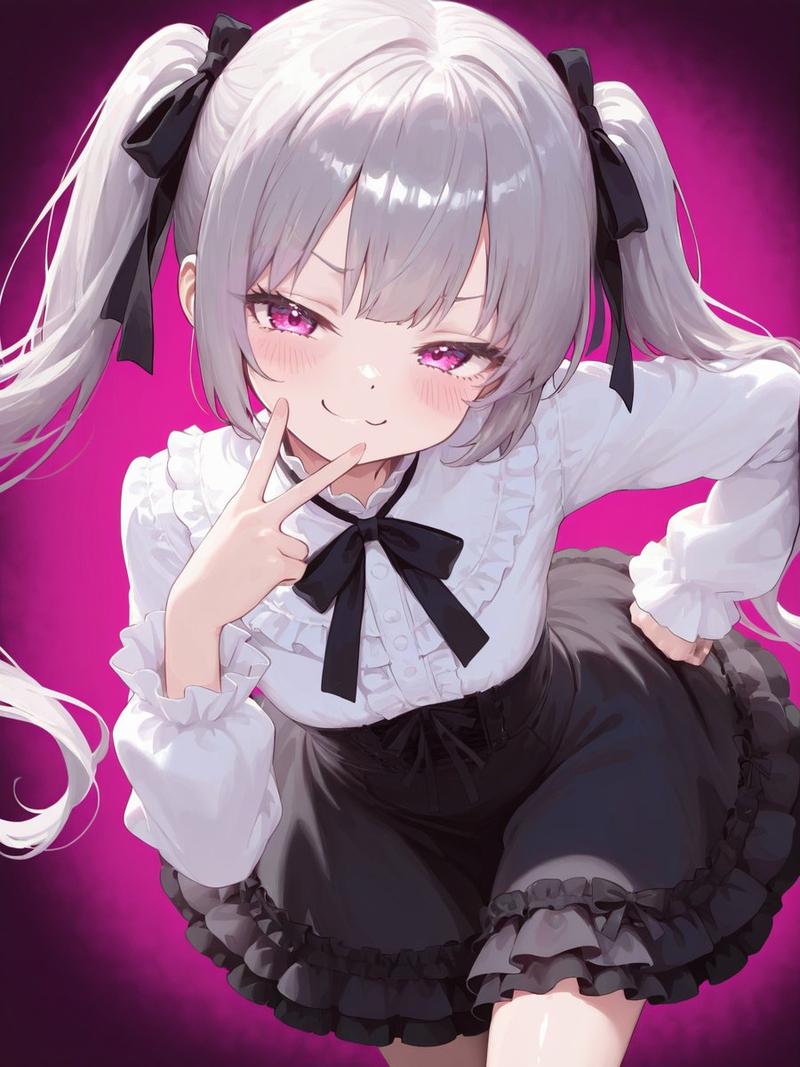
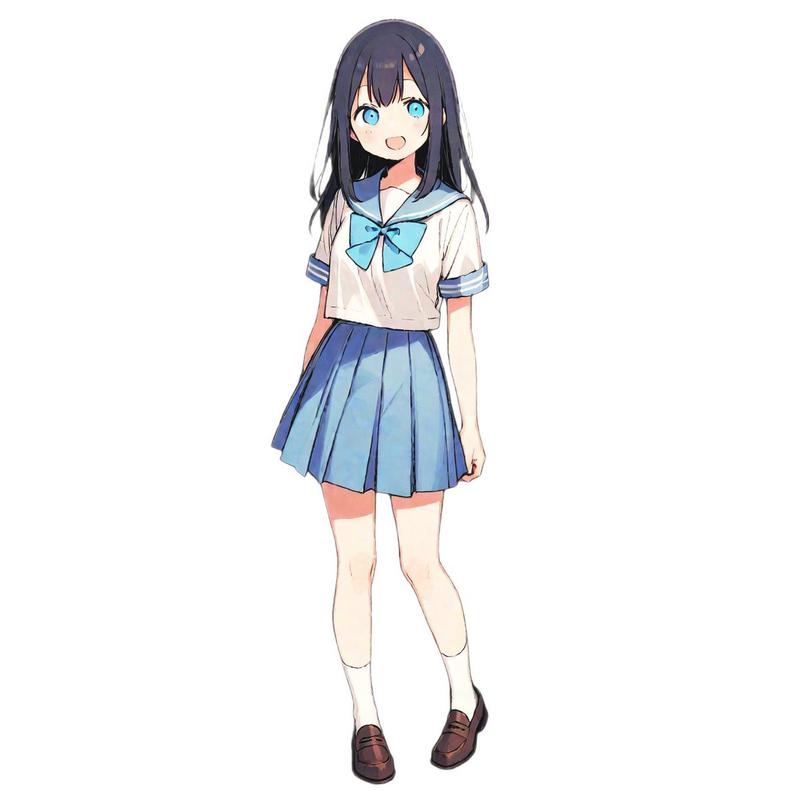
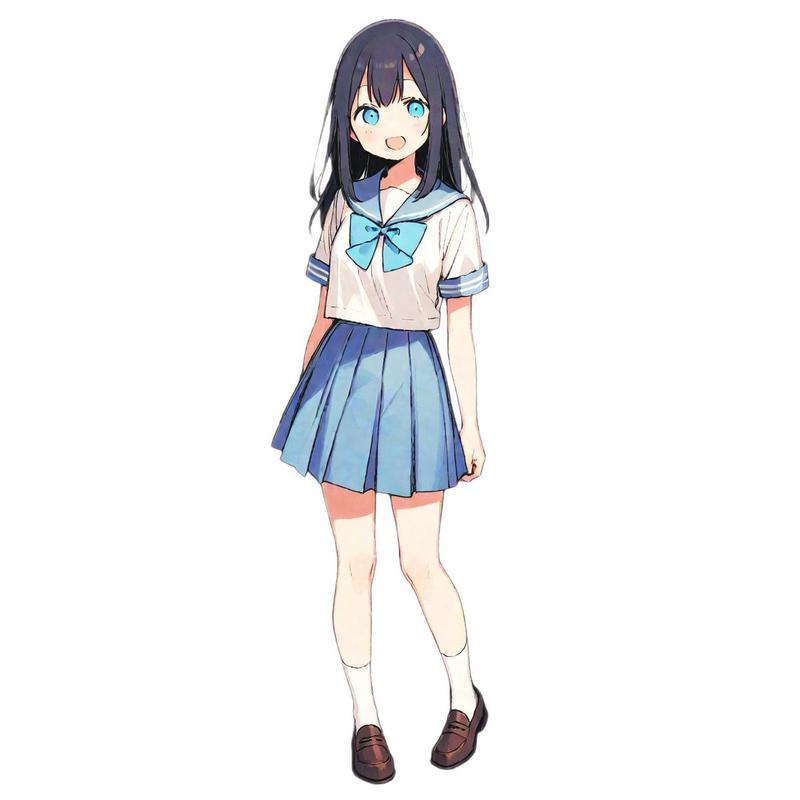
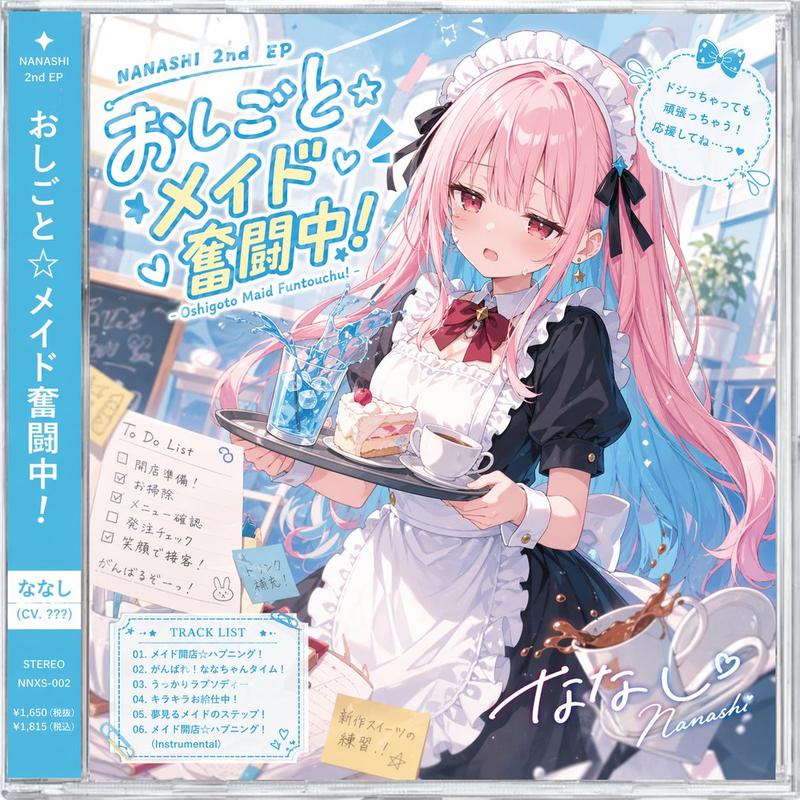
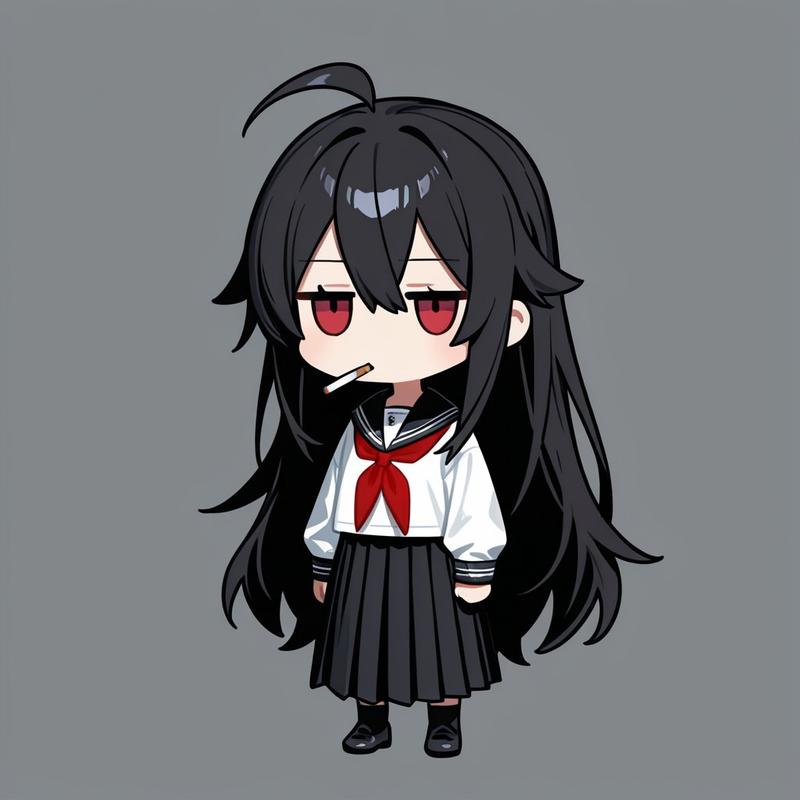
画像1:参照キャラクター(このキャラクターの外見を絶対に変えないこと)

【最優先ルール:Identity Lock(外見固定)】
- 参照画像のキャラクターの「顔」「髪型」「髪色」「目の形/色」「肌色」「体型比率」「服装」「アクセサリー」「模様」「色配置」を100%一致させる。
- 表情も画像1と同じに保つ(※どうしても変える必要がある場合でも“ごく僅か”に)。
- 新しい小物・服・装飾を勝手に追加しない。髪を伸ばす/短くする等の改変禁止。年齢・性別・体格・種族感を変えない。
- 変更してよいのは「ポーズ」「背景(場所)」「ライティング」「画角」「画材(筆/パレット/イーゼル等の小道具)」のみ。

【生成したいシーン】
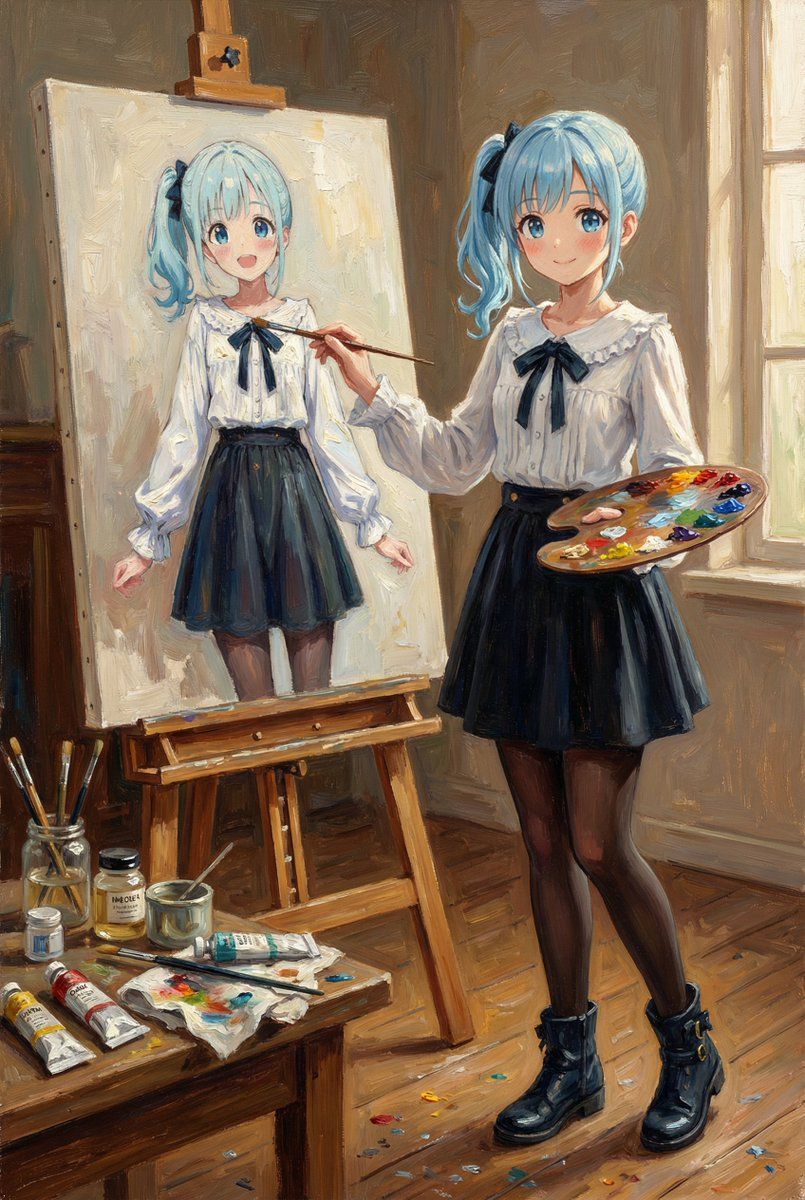
画像1のキャラクターが、絵画アトリエでイーゼルの前に立ち、油絵で“自分自身の肖像画”を描いている。
- 右手に筆、もう片方の手にパレット。
- 机に油絵具のチューブ、溶き油、筆洗い瓶、布、汚れたパレット、床に少し散った絵具跡。
- キャンバスには「描きかけの自画像」があり、画像1と“同じキャラクター”だと一目で分かる(同じ顔・同じ髪・同じ服・同じ配色)。描きかけなので少しラフな筆致でOK。

【画風(全体の表現)】
- 作品全体をクラシックな油絵として描写。キャンバス地の目、厚塗り(インパスト)筆致、絵具の盛り上がり、グレージングの深み。
- ただしキャラクターデザイン(線/形/色/特徴)は画像1から絶対に崩さない。油彩の質感は“上塗り”として付与するイメージ。

【構図・カメラ】
- 3/4アングルのミディアムワイド(上半身〜膝くらいまで)。キャラクター+イーゼル+キャンバスが同時に見える。
- 暖かい午後の斜光が窓から入り、顔とキャンバスに当たる。背景はやや暗めで主役が浮き立つ。

【出力指定】
- 1枚の画像。縦長 2:3
- 画像内に文字は入れない。
Category
创意图片
Model
Nano Banana Pro
Views0
Source ID
a58cd6b9-d27f-4f8f-9246-102733628f49
Published
Mar 8, 2026

Guide

About "油画风格参考人物自画像"

What is this prompt for?

"油画风格参考人物自画像" AI image prompt for Nano Banana Pro (创意图片). 这是一个为 Nano Banana Pro 设计的复杂多段提示,它指示 AI 使用参考图像锁定角色的身份(面部、服装、颜色),然后生成一个场景,其中该角色在艺术工作室中以经典、有纹理的油画风格绘制自己的…

The full copyable prompt and example visuals above are ready for AI image generation or one-click recreate in Picva.

How to use this prompt

  1. Step 1

    Open the prompt detail

    Review the example visuals, category, and full prompt text for "油画风格参考人物自画像".

  2. Step 2

    Copy the prompt

    Copy the prompt body from this page, or load it directly in Studio.

  3. Step 3

    Pick a model (Nano Banana Pro)

    Prefer Nano Banana Pro. If you switch models, keep subject and composition and tweak style terms.

  4. Step 4

    Generate and export

    Recreate the look in Picva, or export into your workflow for editing and publishing.

FAQ

What is the "油画风格参考人物自画像" prompt?
It is an AI image-generation prompt for Nano Banana Pro in the 创意图片 category. This page includes the full prompt text, example visuals, and a one-click recreate path in Picva.
How do I use this prompt to generate an image?
Copy the prompt from this page, or use Generate / Studio. Paste it into a compatible image model, or recreate the look in Picva with optional reference images.
Which model is this prompt for?
This page lists Nano Banana Pro. Most descriptive prompts also transfer to nearby image models such as GPT Image, Flux, or Midjourney with light style tweaks.
Can I use the result commercially?
You can usually copy the prompt for creation, but commercial use of the final image depends on the model terms, reference-image rights, and the generated content. Follow the source author and platform rules.