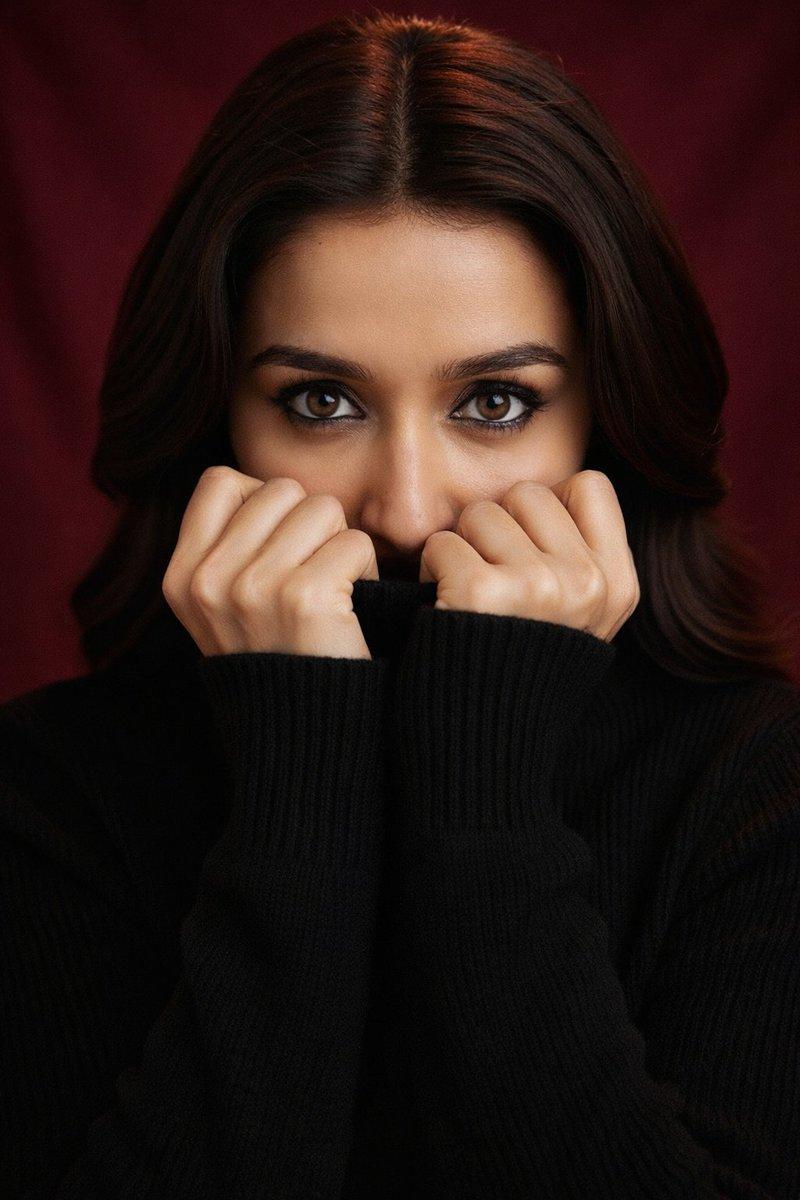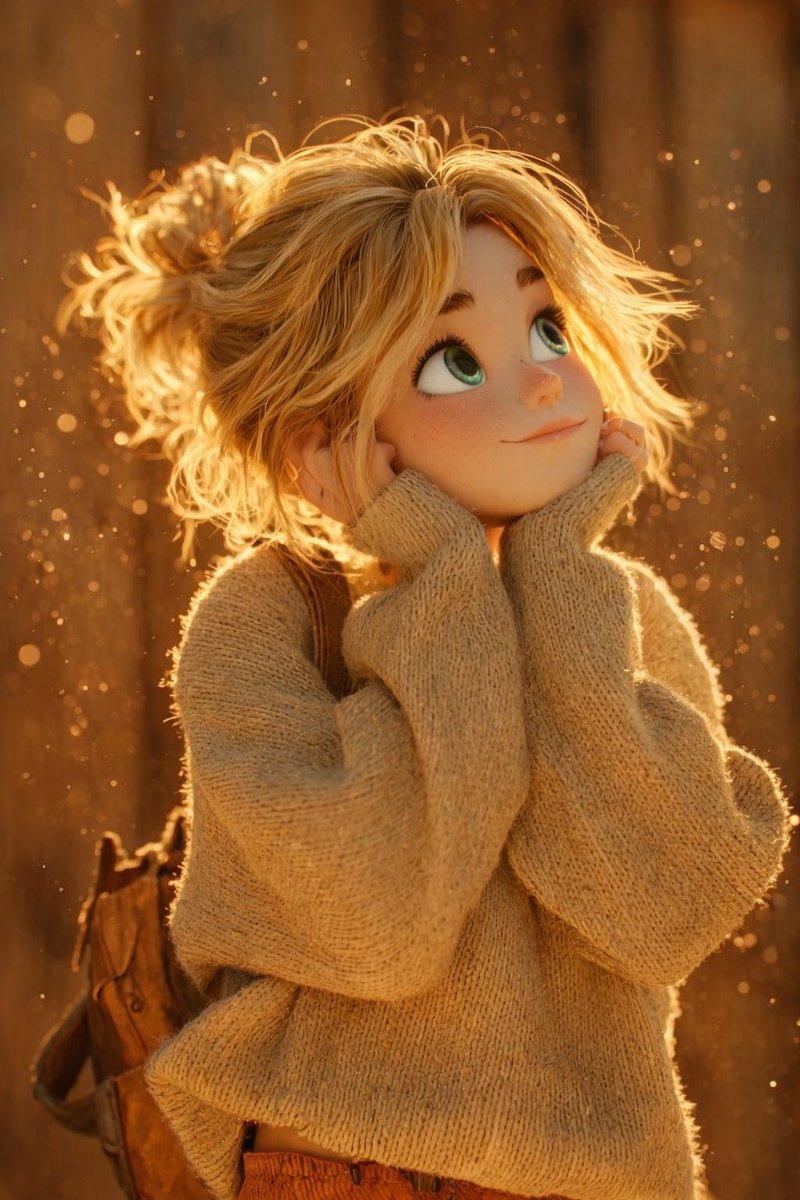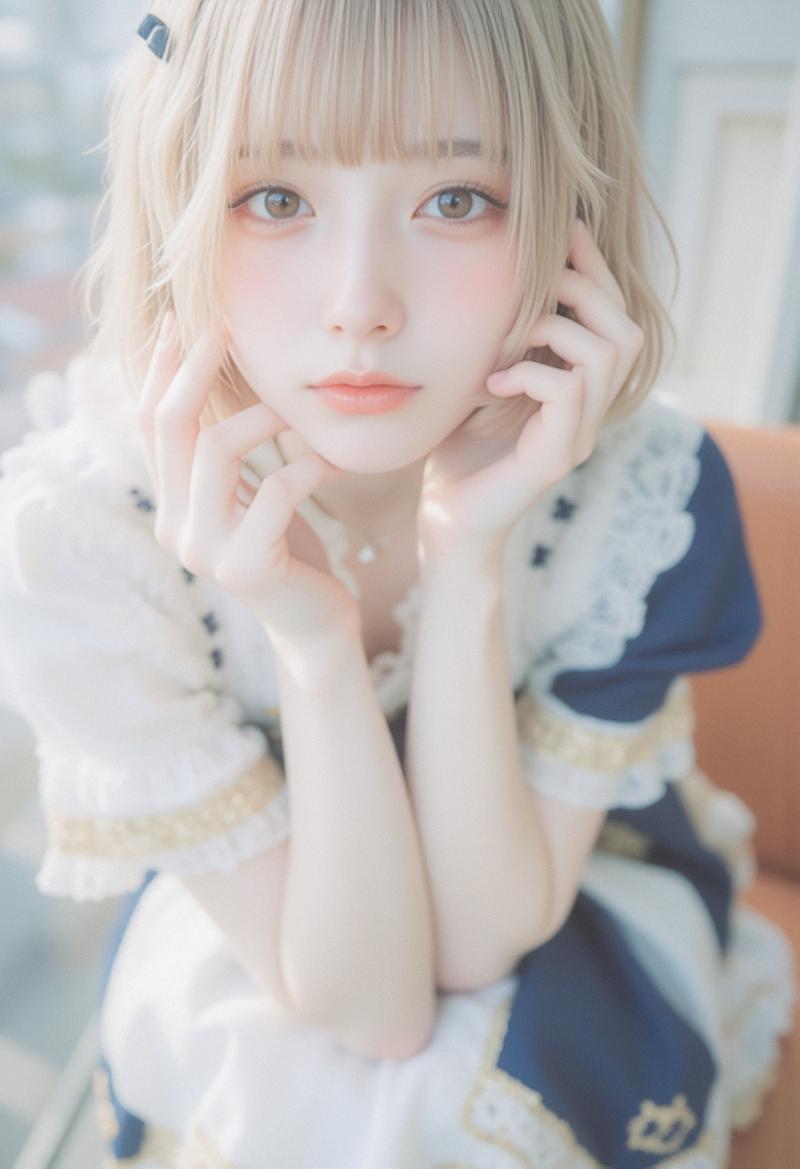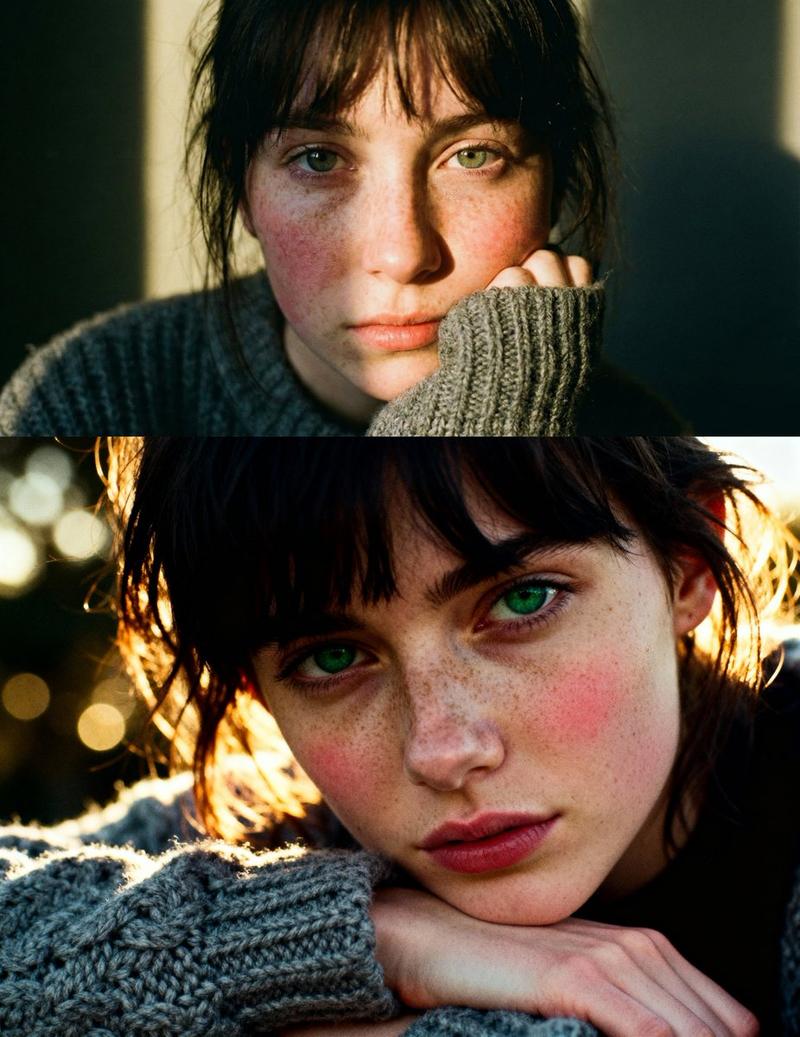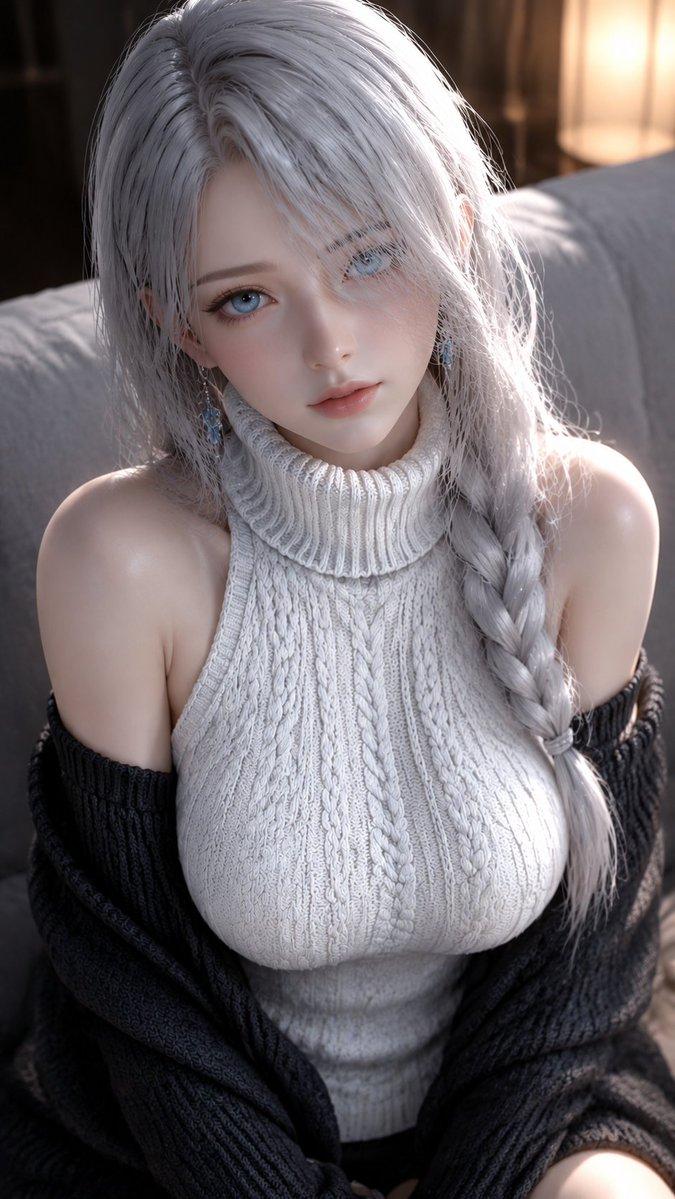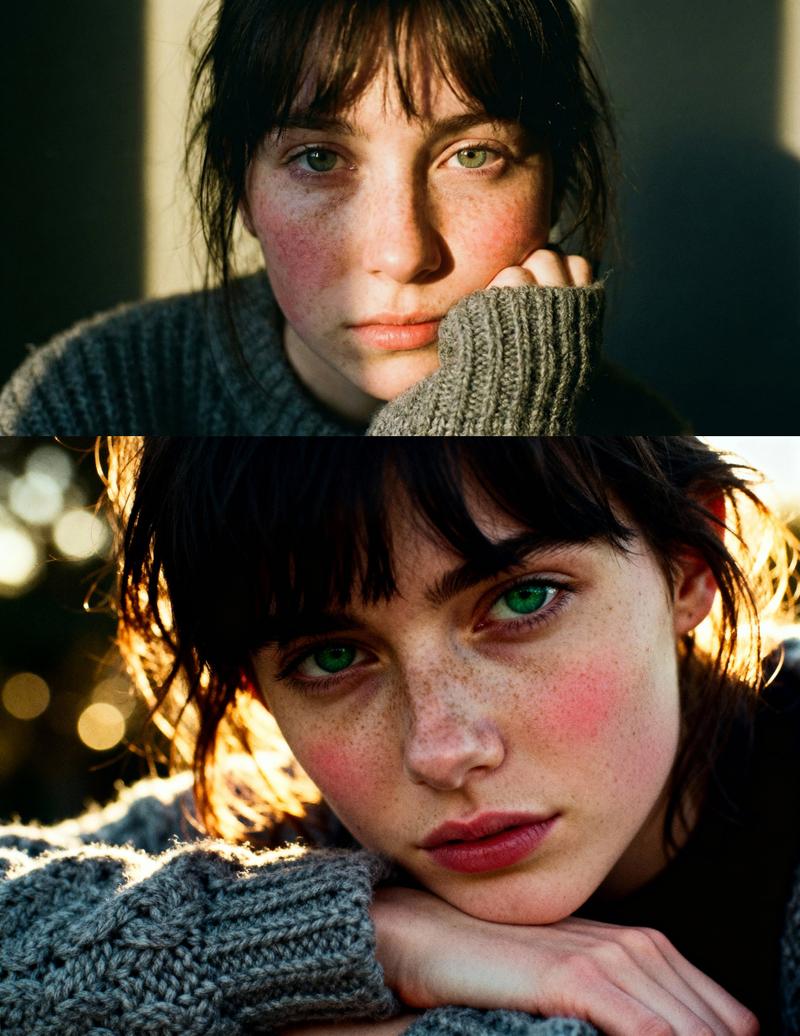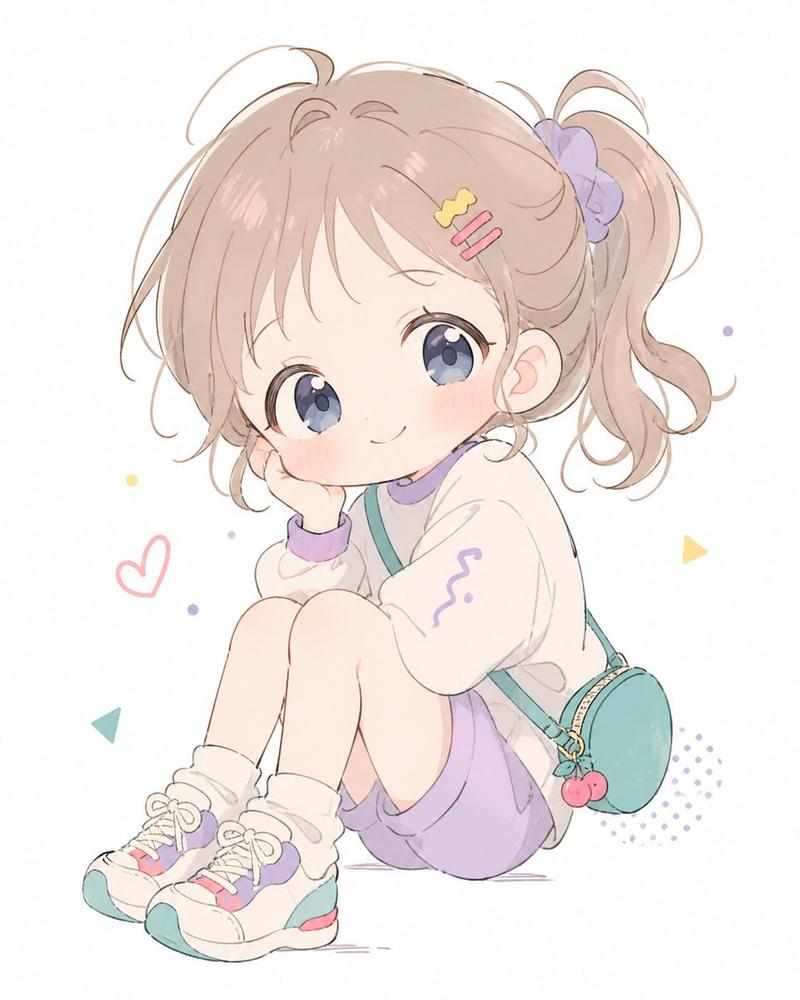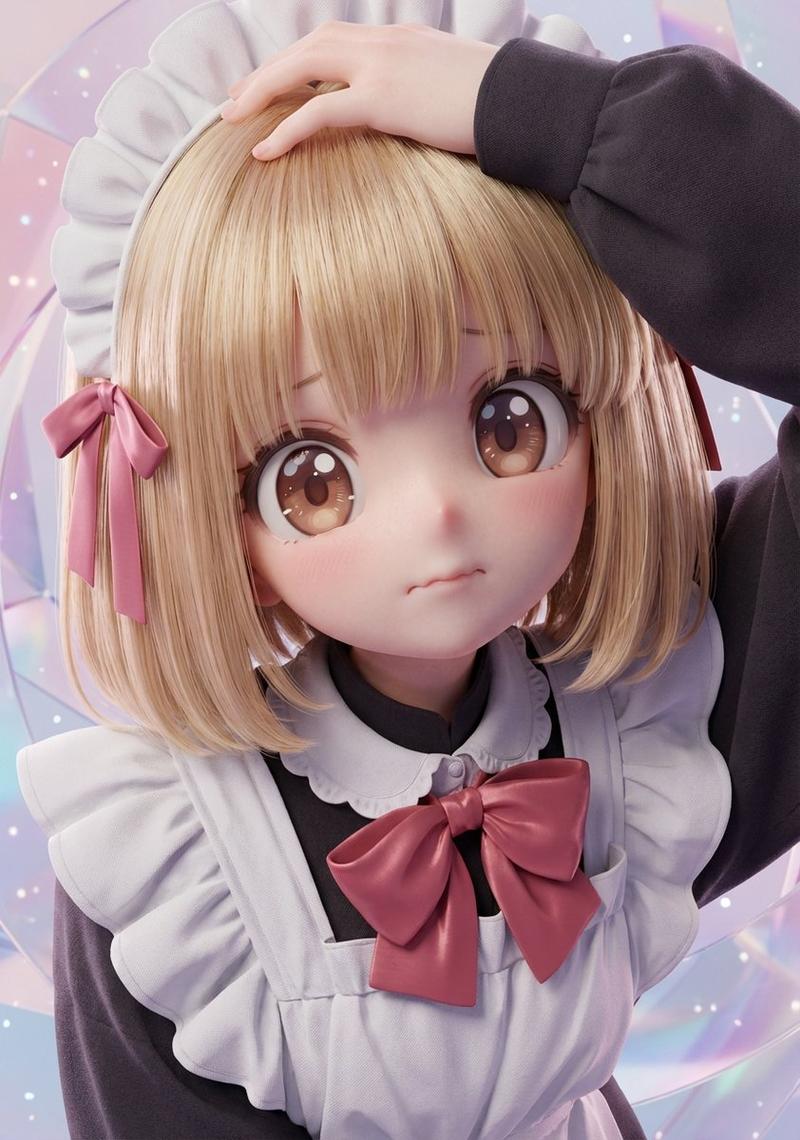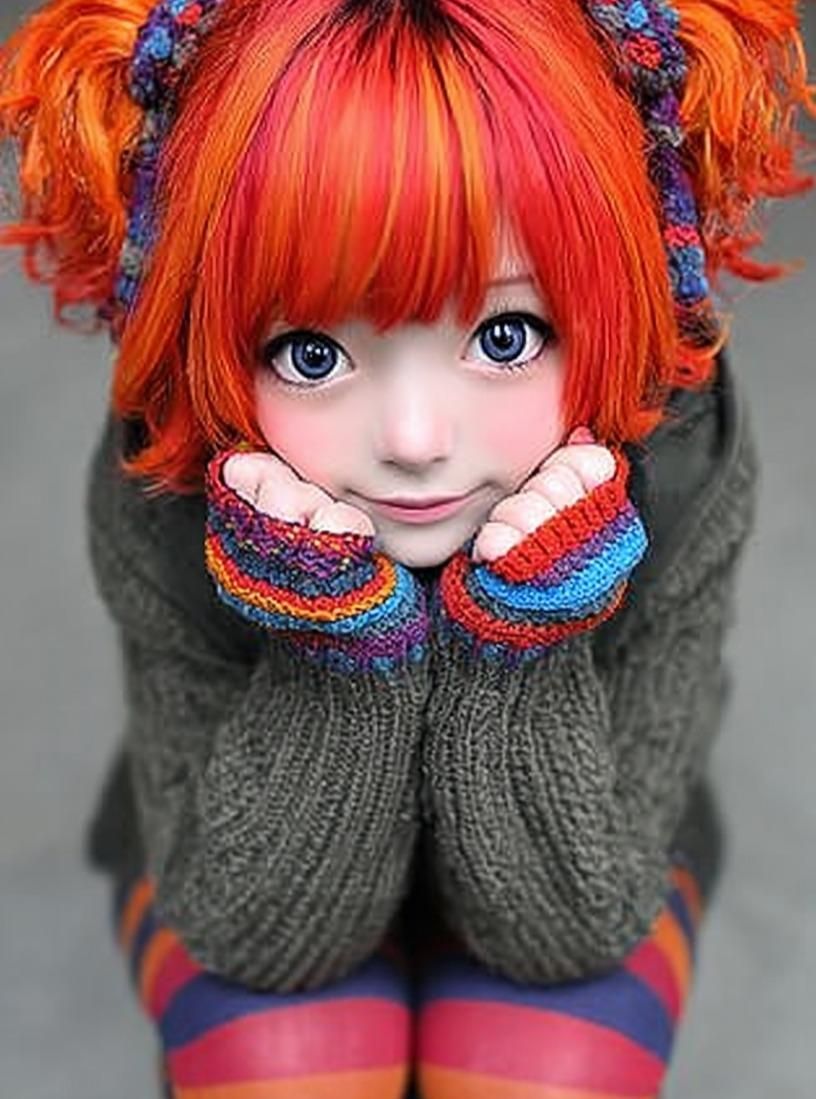
Kawaii 娃娃魔幻现实主义人物肖像提示
Prompt
{
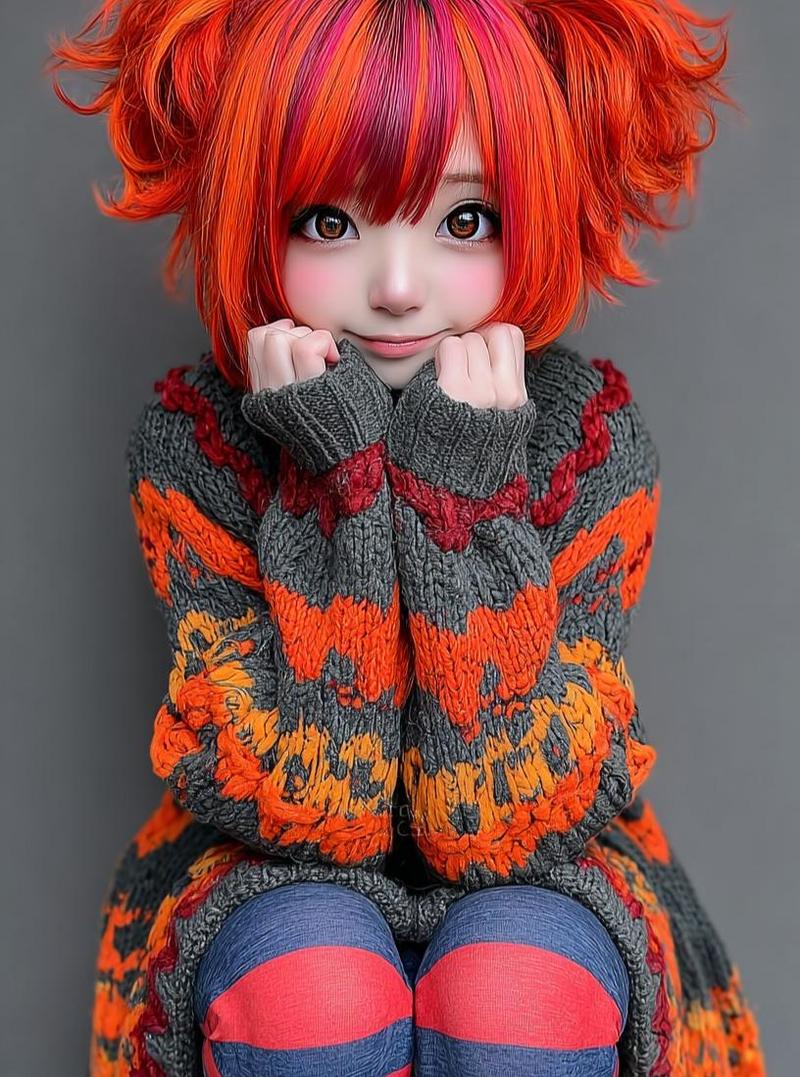
  "Objective": "Create a highly detailed kawaii doll-like character portrait with a cozy, whimsical, magical realism aesthetic",
  "PersonaDetails": {
    "Subject": {
      "Type": "Doll-like young girl character",
      "Hair": {
        "Color": "Vibrant red–orange",
        "Style": "Soft pigtails with fluffy bangs",
        "Texture": "Silky strands with gentle volume"
      },
      "Face": {
        "Eyes": "Oversized glossy anime-style eyes",
        "Skin": "Porcelain-smooth with soft rosy cheeks",
        "Expression": "Gentle, innocent smile"
      },
      "Pose": {
        "Position": "Sitting with knees pulled close",
        "Hands": "Tucked under chin",
        "BodyLanguage": "Shy, cozy, endearing"
      }
    }
  },
  "WardrobeAndAccessories": {
    "Clothing": {
      "Top": "Oversized knitted sweater with colorful patterns",
      "Legwear": "Striped tights"
    },
    "Accessories": {
      "Style": "Handmade-looking, whimsical details",
      "MaterialFeel": "Yarn, fabric, soft craft elements"
    }
  },
  "SceneDescription": {
    "Environment": "Studio-style setup",
    "Background": "Neutral, softly blurred",
    "Atmosphere": "Quiet, warm, intimate"
  },
  "Composition": {
    "Framing": "Close-up to mid-shot character portrait",
    "DepthOfField": "Shallow depth of field",
    "Focus": "Ultra-sharp focus on face and fabric textures"
  },
  "LightingAndColor": {
    "Lighting": "Soft studio lighting with gentle falloff",
    "Highlights": "Subtle highlights enhancing doll-like skin",
    "ColorPalette": {
      "Primary": "Soft pastels",
      "Secondary": "Warm autumn tones"
    }
  },
  "ArtDirection": {
    "Style": "Photorealistic doll aesthetic",
    "Aesthetic": "Kawaii, cozy, magical realism",
    "TextureEmphasis": [
      "Visible yarn fibers",
      "Knitted fabric detail",
      "Smooth porcelain skin finish"
    ],
    "DetailLevel": "Extremely high detail, handcrafted feel"
  },
  "PhotographyStyle": {
    "Genre": "Character portrait / collectible doll photography",
    "RealismLevel": "Stylized photorealism",
    "Resolution": "8K ultra-high detail"
  },
  "Mood": {
    "Tone": "Whimsical, cute, comforting",
    "EmotionalFeel": "Innocence, warmth, gentle charm"
  },
  "NegativePrompt": [
    "realistic human proportions",
    "harsh lighting",
    "dark horror tone",
    "rough textures",
    "plastic toy look",
    "flat shading",
    "low detail"
  ],
  "ResponseFormat": {
    "Type": "Single character portrait",
    "Orientation": "Portrait",
    "AspectRatio": "2:3"
  }
}- Category
- 创意图片
- Model
- Nano Banana Pro
- Creator
- Taaruk
- Source ID
- 231b6d2c-e74f-4cb5-85e6-12e0765fa9df
- Published
- Mar 8, 2026
Views0