18

超逼真披萨爆炸图信息图表和动态提示
Enlarge

超逼真披萨爆炸图信息图表和动态提示

Prompt
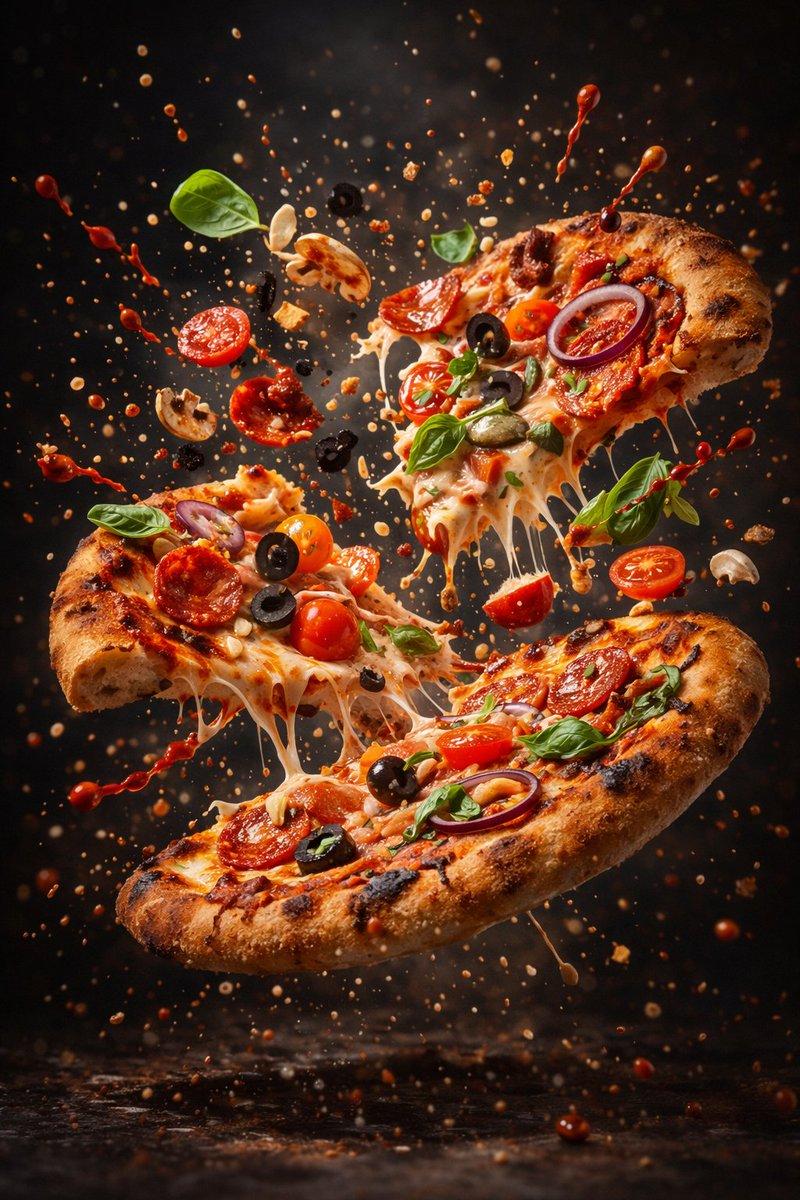
Motion Prompt: The Pizza start to round spin while ingredients separate gently and precisely, maintaining alignment and scale. The motion is smooth, with no extra effects.

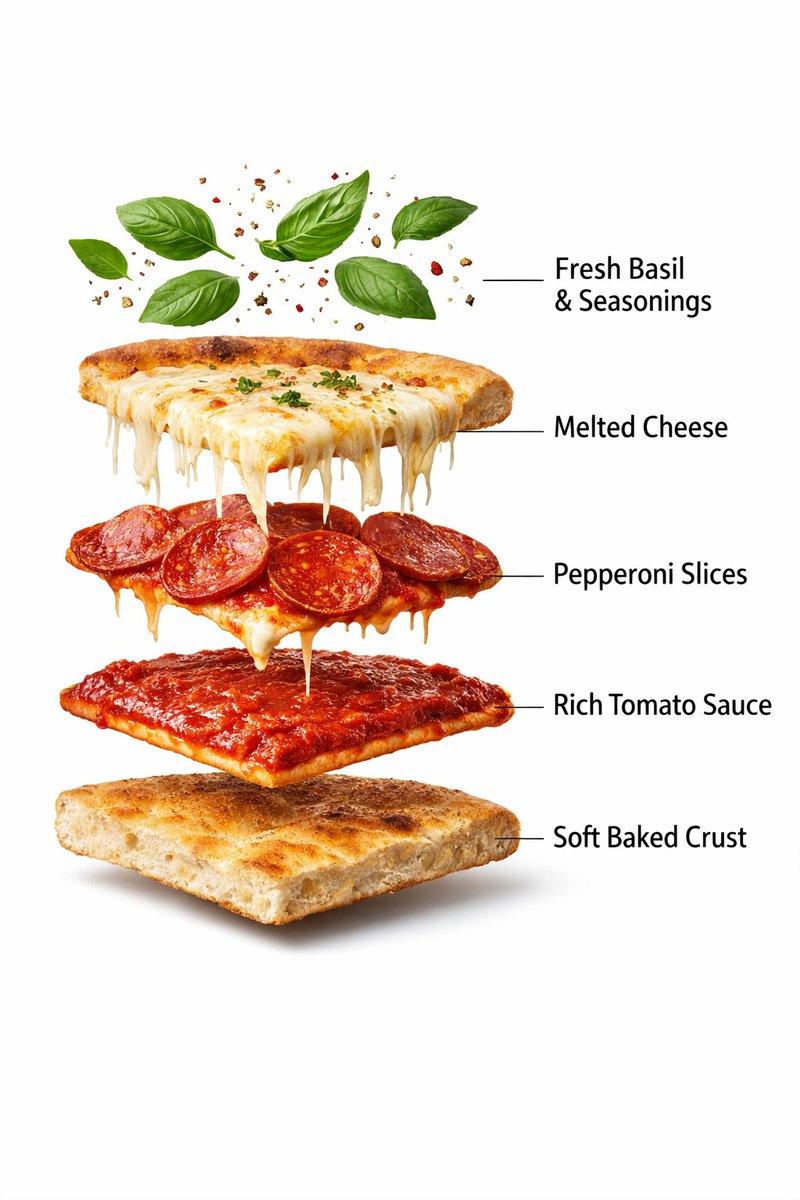
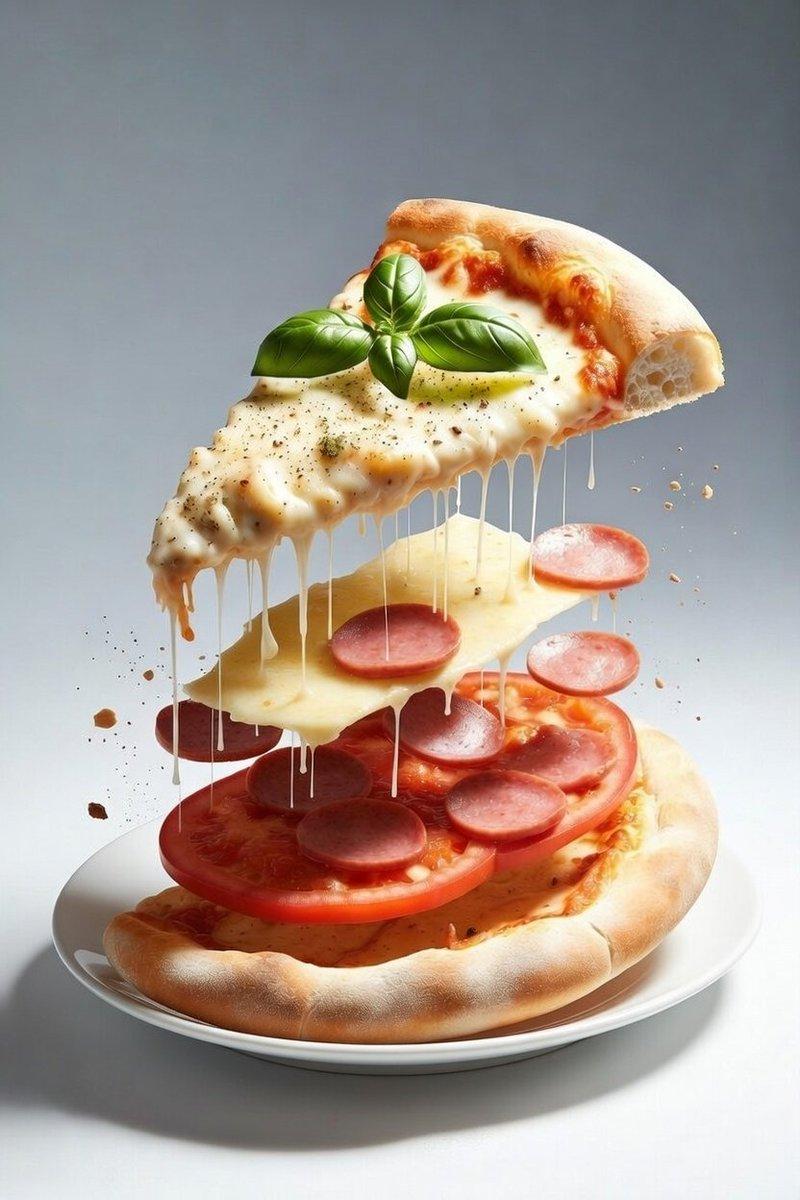
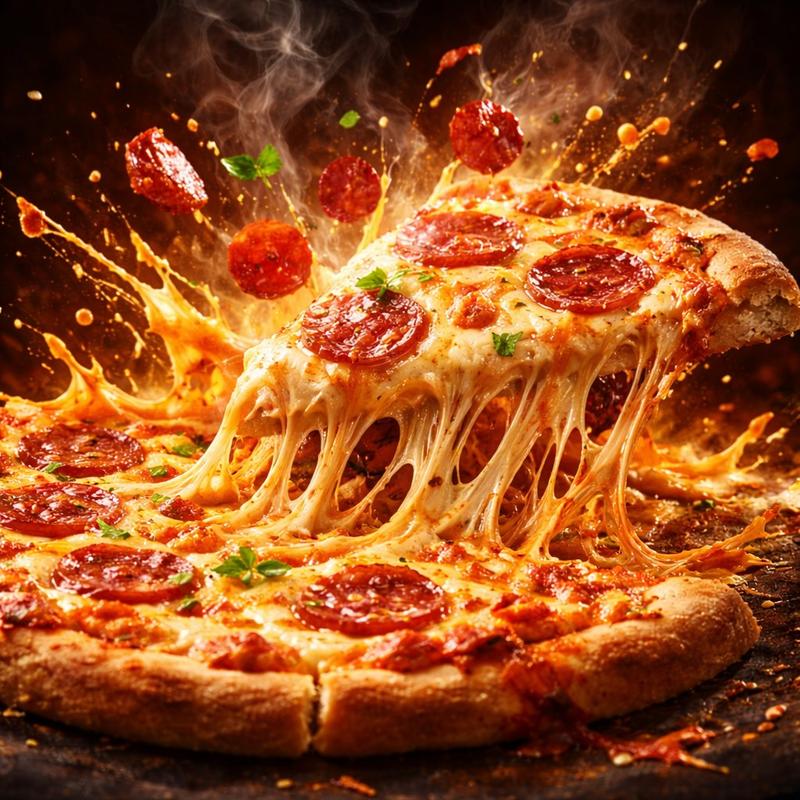
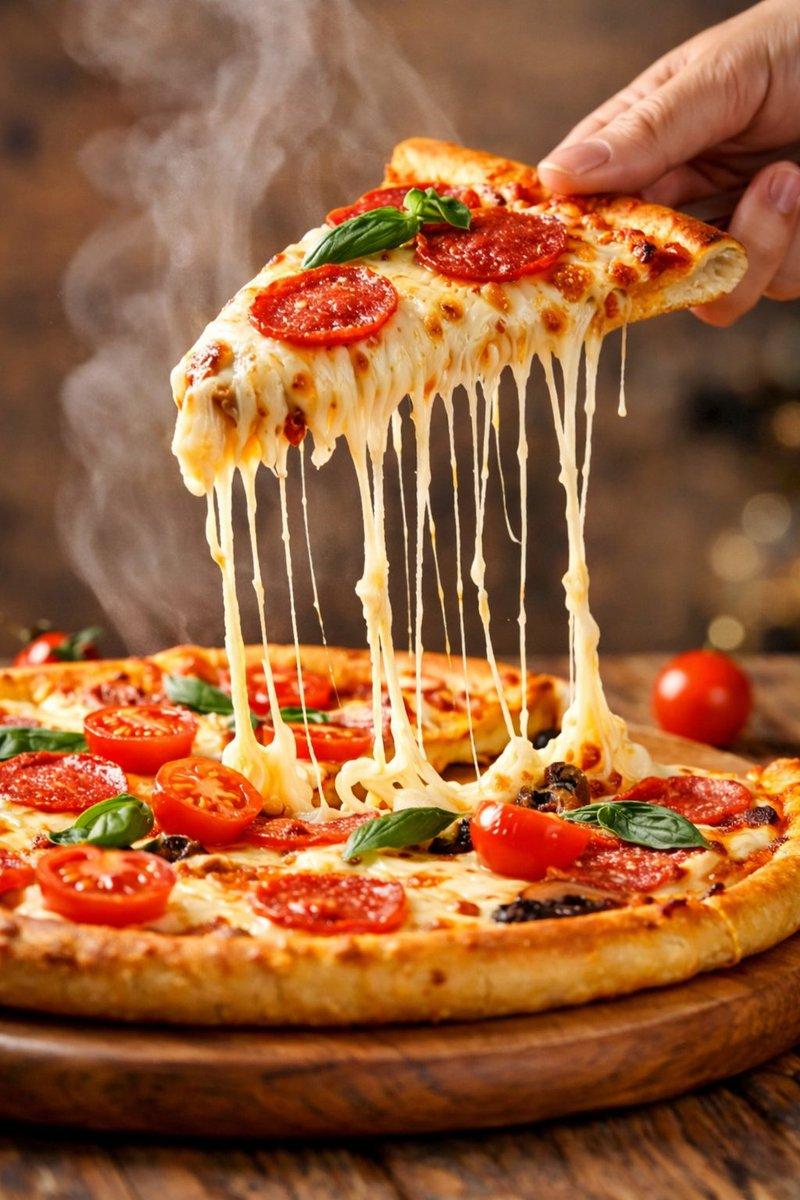
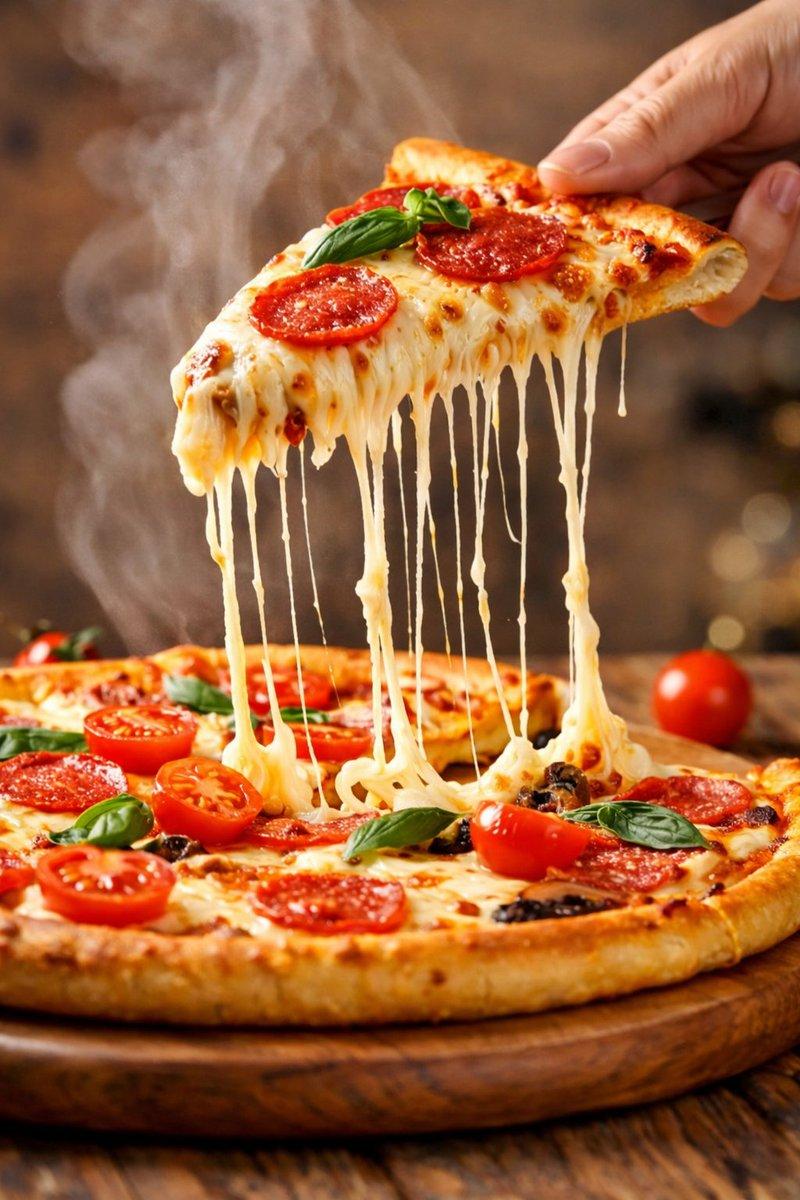
Image 1 :- Ultra-realistic prepared pepperoni pizza slice, fully assembled, gooey melted mozzarella cheese stretching and dripping over the edges, crispy pepperoni slices on top, rich tomato sauce beneath, thick golden baked crust, fresh basil leaves and light seasoning floating subtly above, clean pure white background, professional commercial food photography lighting, soft natural shadows under the slice, sharp focus, extreme texture detail, glossy cheese, crunchy crust surface, studio shot, minimal composition, no text, no labels, no hands, premium food advertisement style, 8K resolution, ultra-detailed, hyper-realistic.

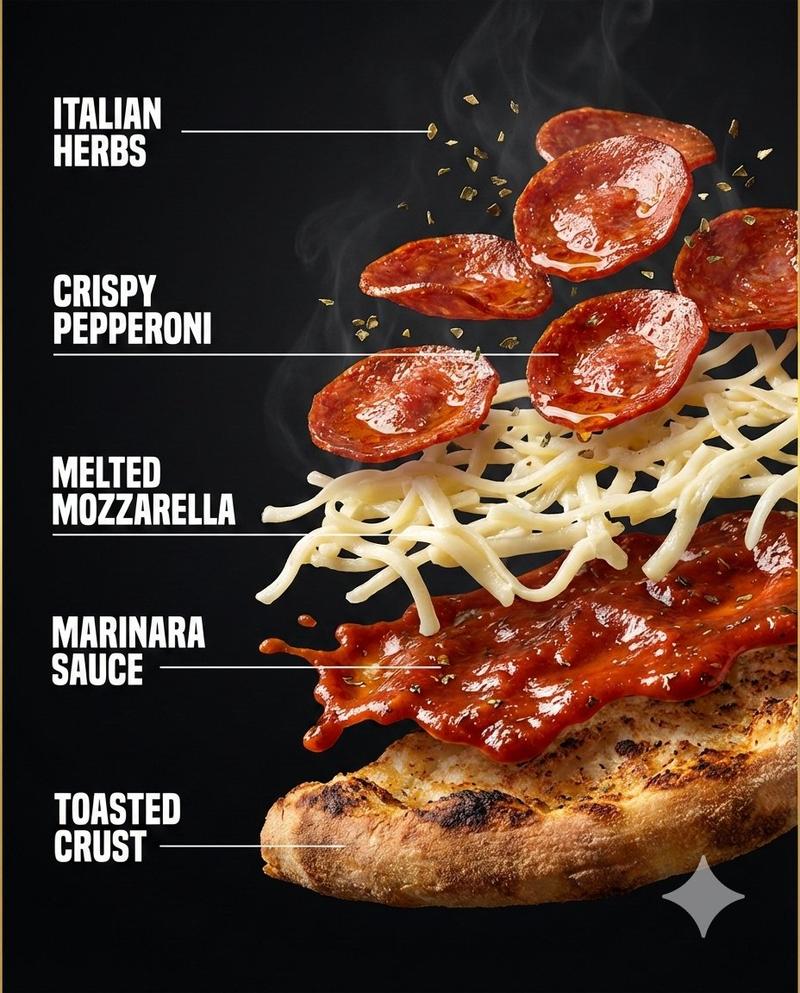
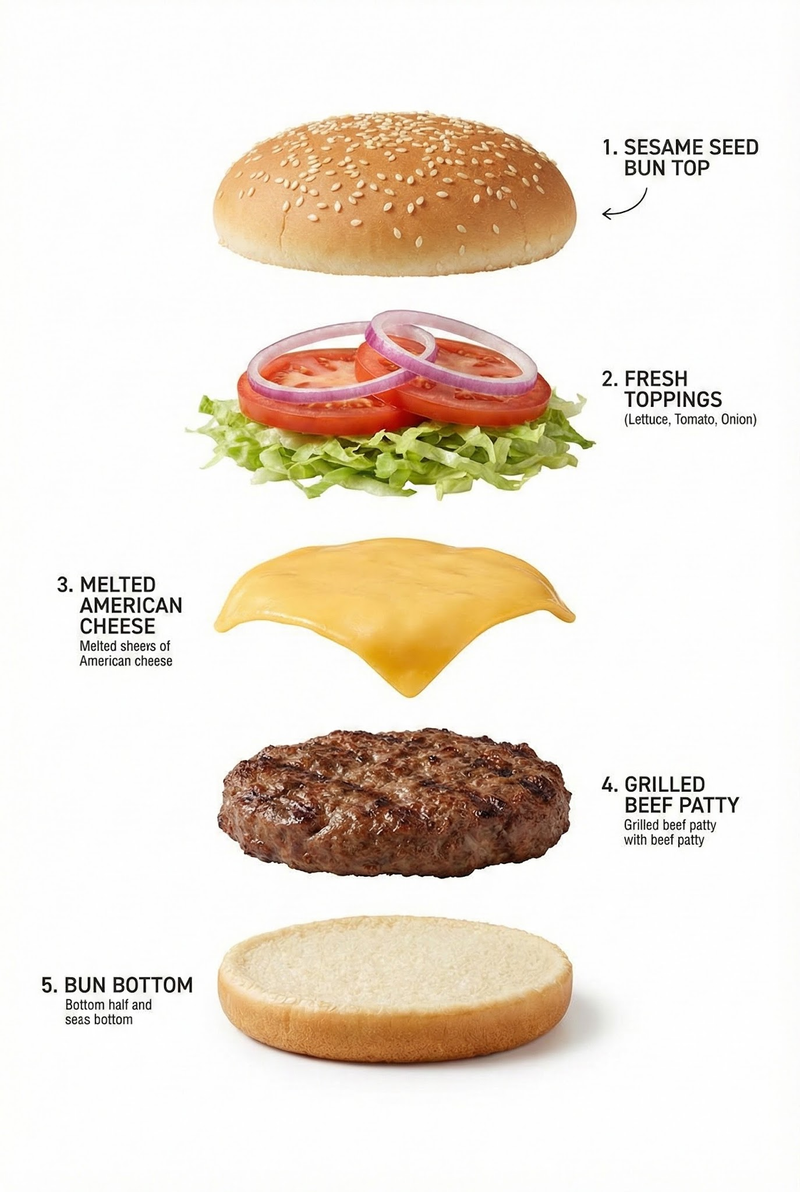
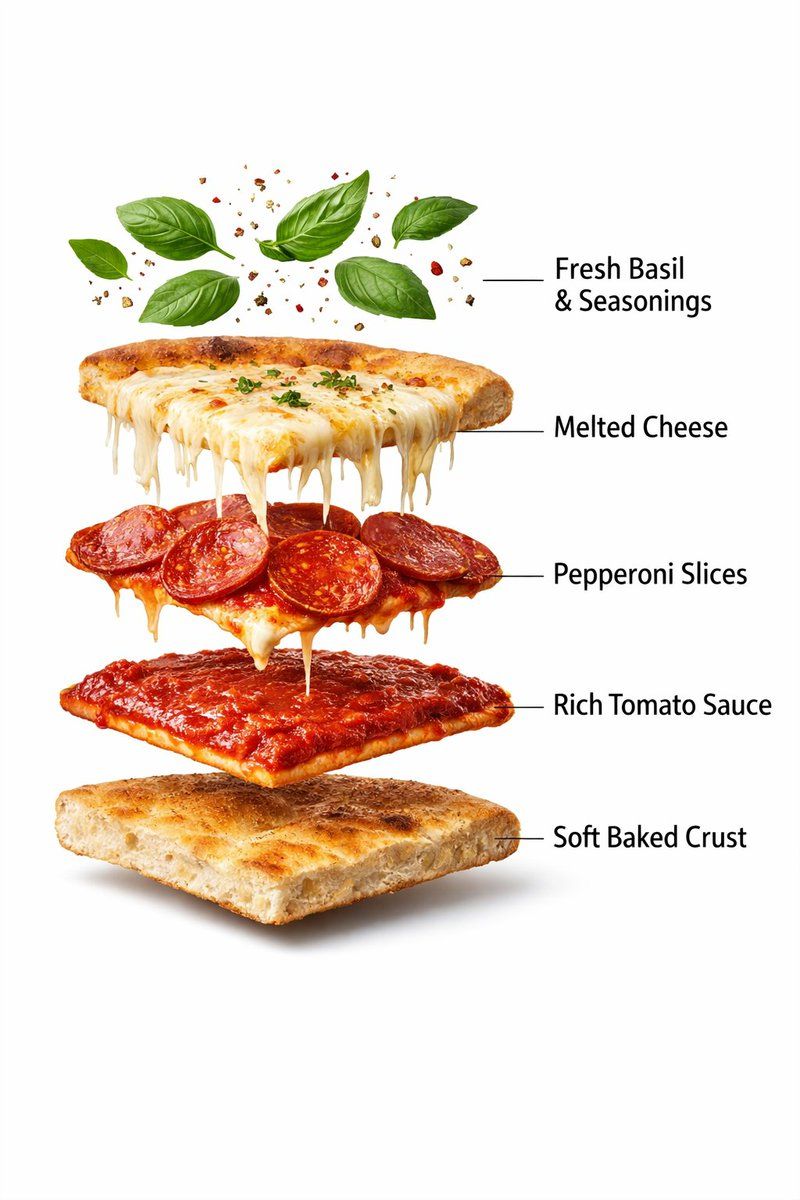
Image 2 :- Produce an ultra-realistic exploded pizza slice infographic. Top layer features basil leaves and seasoning particles floating. Below are melted cheese stretch, pepperoni slices, rich tomato sauce layer, soft baked crust base. Clean white background, professional food photography lighting, realistic textures, gentle shadows, floating layers evenly spaced, labeled infographic style, 8K resolution.
Category
创意图片
Model
Nano Banana Pro
Creator
𝐌
Views0
Source ID
96495b47-74a9-4a4d-9baf-c78846e9a897
Published
Mar 8, 2026

Guide

About "超逼真披萨爆炸图信息图表和动态提示"

What is this prompt for?

"超逼真披萨爆炸图信息图表和动态提示" AI image prompt for Nano Banana Pro (创意图片). 这组提示旨在生成超逼真的美食摄影,包括一个用于视频生成(Kling AI)的动态提示,以及两个图像提示:一个用于标准、高细节的披萨切片,另一个用于披萨分层爆炸图。 --- 运动提示:披萨开始…

The full copyable prompt and example visuals above are ready for AI image generation or one-click recreate in Picva.

How to use this prompt

  1. Step 1

    Open the prompt detail

    Review the example visuals, category, and full prompt text for "超逼真披萨爆炸图信息图表和动态提示".

  2. Step 2

    Copy the prompt

    Copy the prompt body from this page, or load it directly in Studio.

  3. Step 3

    Pick a model (Nano Banana Pro)

    Prefer Nano Banana Pro. If you switch models, keep subject and composition and tweak style terms.

  4. Step 4

    Generate and export

    Recreate the look in Picva, or export into your workflow for editing and publishing.

FAQ

What is the "超逼真披萨爆炸图信息图表和动态提示" prompt?
It is an AI image-generation prompt for Nano Banana Pro in the 创意图片 category. This page includes the full prompt text, example visuals, and a one-click recreate path in Picva.
How do I use this prompt to generate an image?
Copy the prompt from this page, or use Generate / Studio. Paste it into a compatible image model, or recreate the look in Picva with optional reference images.
Which model is this prompt for?
This page lists Nano Banana Pro. Most descriptive prompts also transfer to nearby image models such as GPT Image, Flux, or Midjourney with light style tweaks.
Can I use the result commercially?
You can usually copy the prompt for creation, but commercial use of the final image depends on the model terms, reference-image rights, and the generated content. Follow the source author and platform rules.