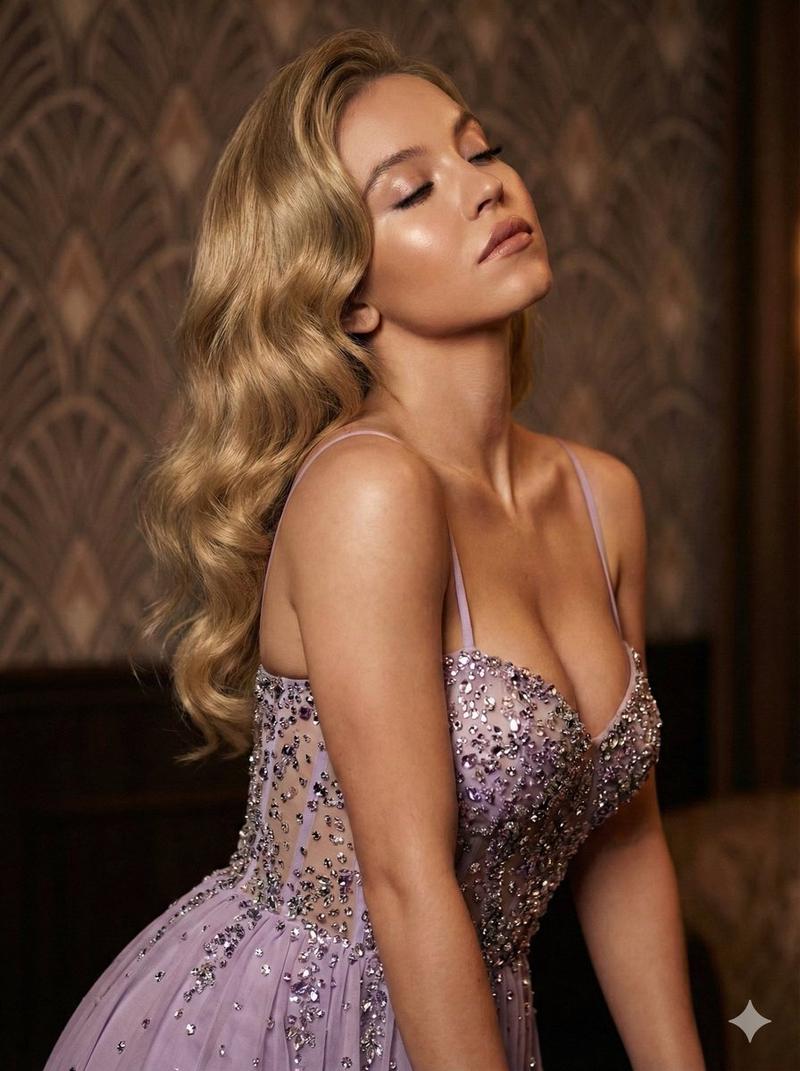
20

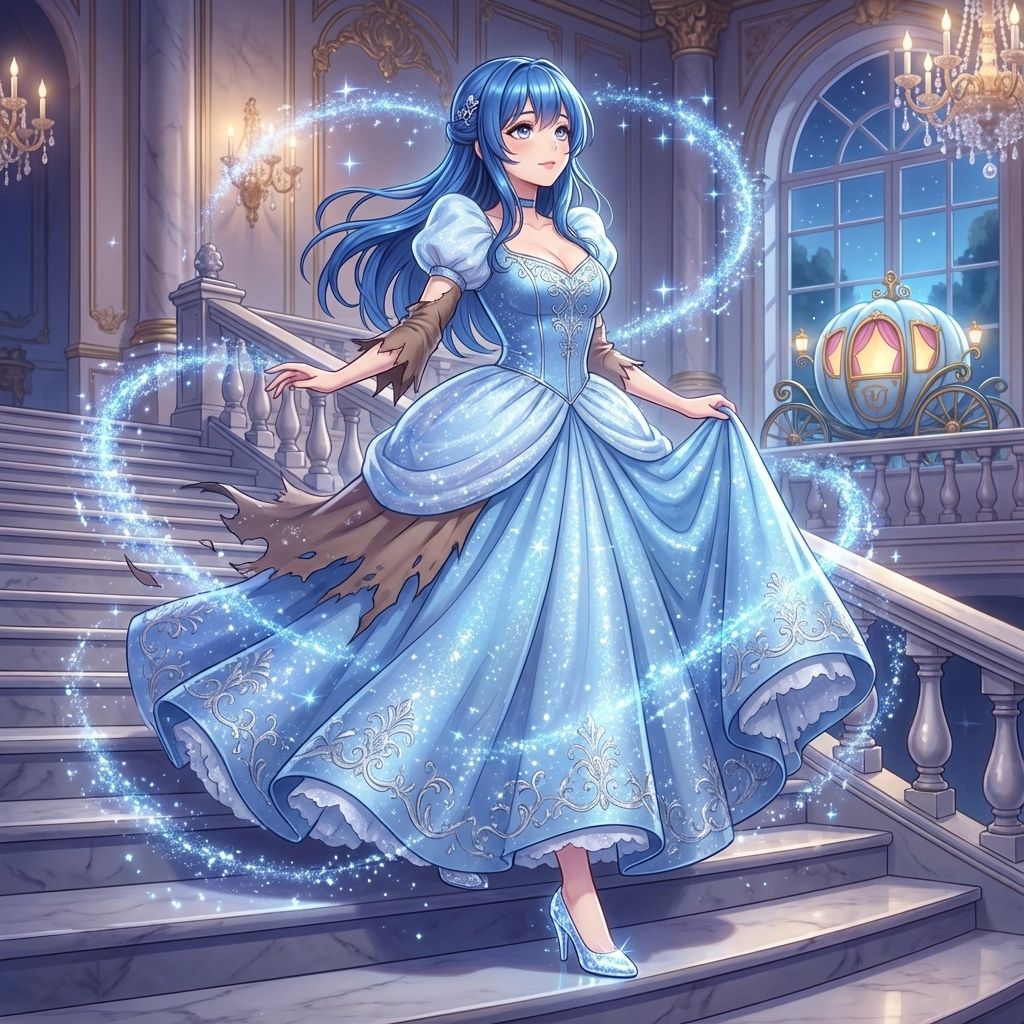
灰姑娘变身 AI 图像提示
Enlarge

灰姑娘变身 AI 图像提示

Prompt
シンデレラ、魔法の輝きをまとう、プリンセス、12時の鐘が鳴る前、ドレス、ガラスの靴、舞踏会、光、キラキラ、ファンタジー、アニメ調、高精細、超絶技巧、{argument name="色調" default="青と白"}
Category
创意图片
Model
Nano Banana Pro
Views0
Source ID
4475a454-8b66-4f55-bd42-e2cf6ac9316d
Published
Mar 8, 2026

Guide

About "灰姑娘变身 AI 图像提示"

What is this prompt for?

"灰姑娘变身 AI 图像提示" AI image prompt for Nano Banana Pro (创意图片). 此提示与 Nano Banana Pro 搭配使用,可生成灰姑娘般的公主形象,捕捉午夜钟声敲响前的神奇光芒和变身。实际的提示文本可在原始推文的 ALT 文本中找到。 --- 灰姑娘,身披魔法光芒,公…

The full copyable prompt and example visuals above are ready for AI image generation or one-click recreate in Picva.

How to use this prompt

  1. Step 1

    Open the prompt detail

    Review the example visuals, category, and full prompt text for "灰姑娘变身 AI 图像提示".

  2. Step 2

    Copy the prompt

    Copy the prompt body from this page, or load it directly in Studio.

  3. Step 3

    Pick a model (Nano Banana Pro)

    Prefer Nano Banana Pro. If you switch models, keep subject and composition and tweak style terms.

  4. Step 4

    Generate and export

    Recreate the look in Picva, or export into your workflow for editing and publishing.

FAQ

What is the "灰姑娘变身 AI 图像提示" prompt?
It is an AI image-generation prompt for Nano Banana Pro in the 创意图片 category. This page includes the full prompt text, example visuals, and a one-click recreate path in Picva.
How do I use this prompt to generate an image?
Copy the prompt from this page, or use Generate / Studio. Paste it into a compatible image model, or recreate the look in Picva with optional reference images.
Which model is this prompt for?
This page lists Nano Banana Pro. Most descriptive prompts also transfer to nearby image models such as GPT Image, Flux, or Midjourney with light style tweaks.
Can I use the result commercially?
You can usually copy the prompt for creation, but commercial use of the final image depends on the model terms, reference-image rights, and the generated content. Follow the source author and platform rules.