16

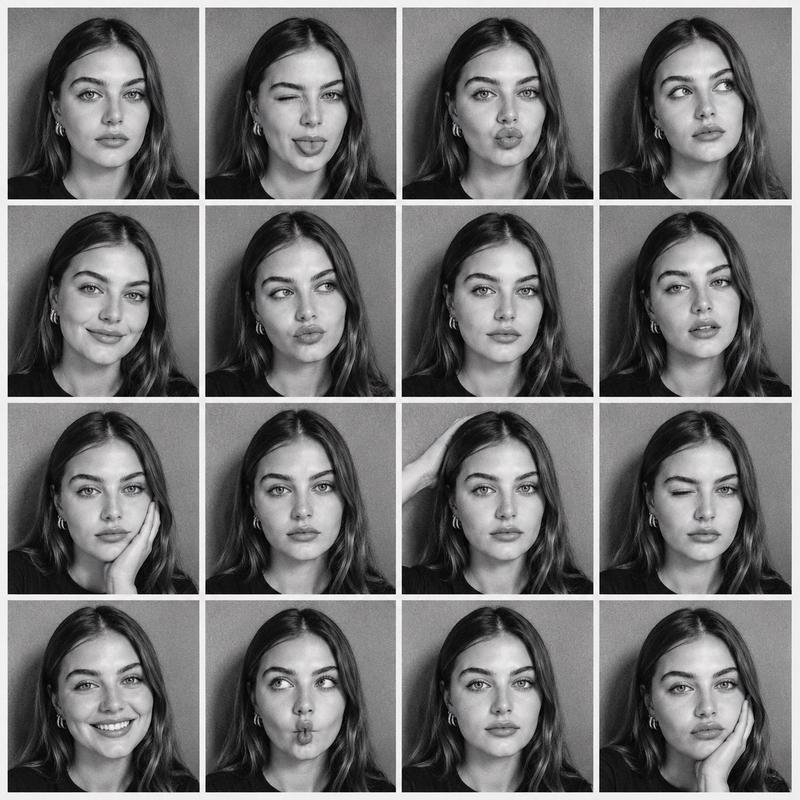
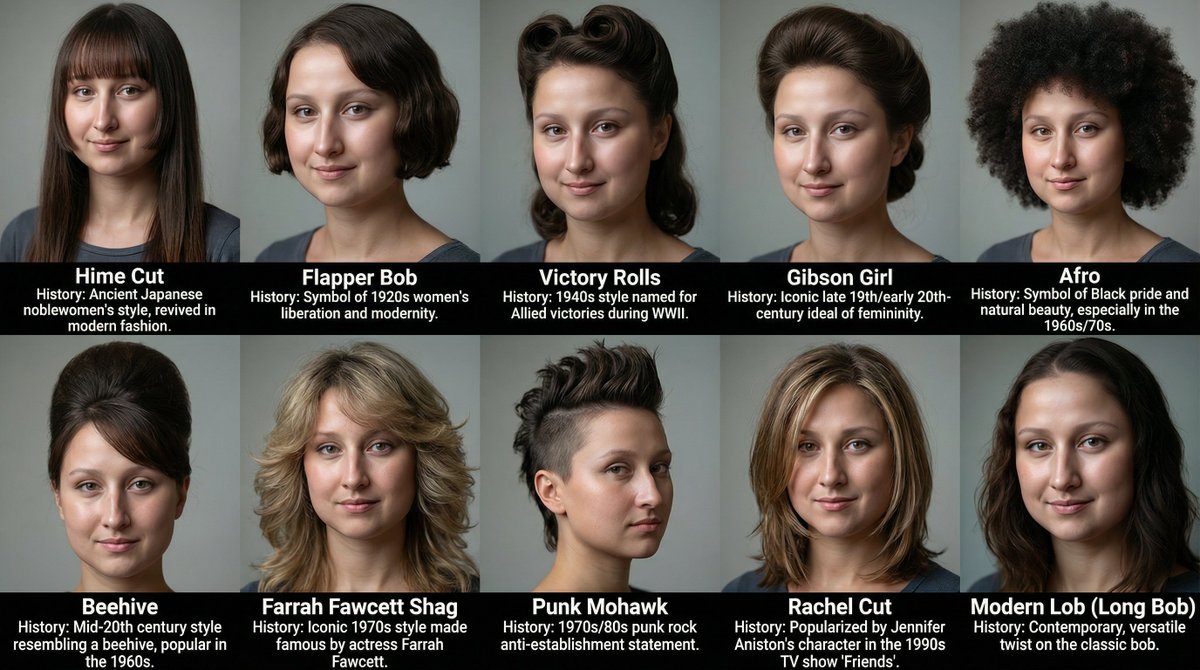
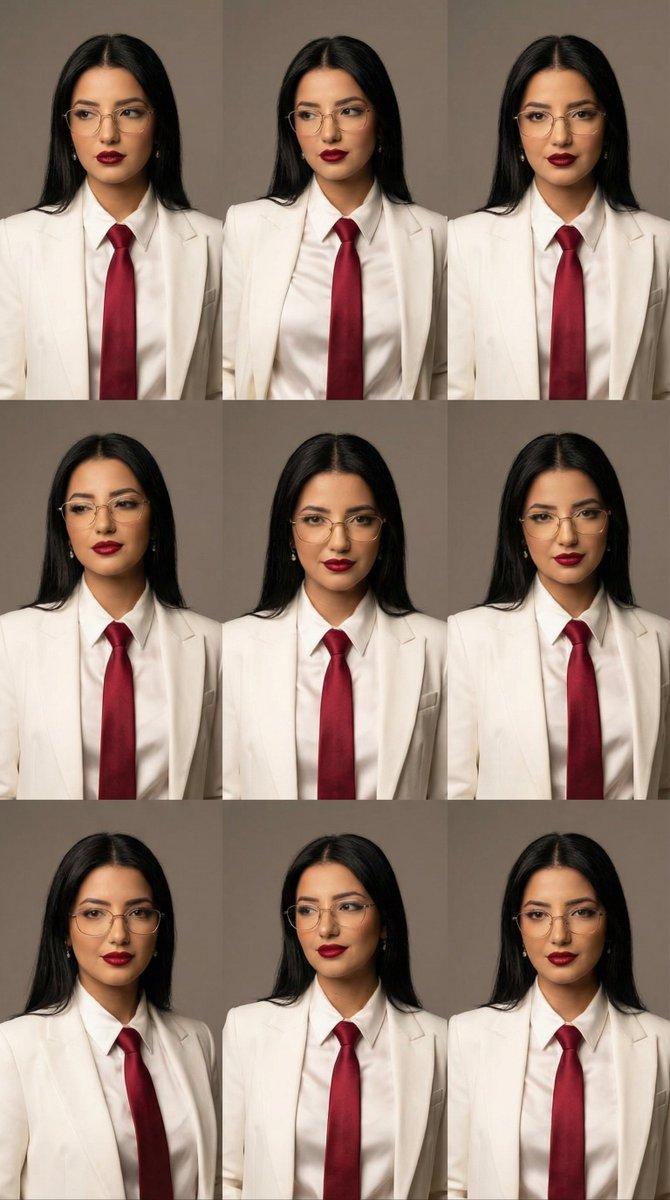
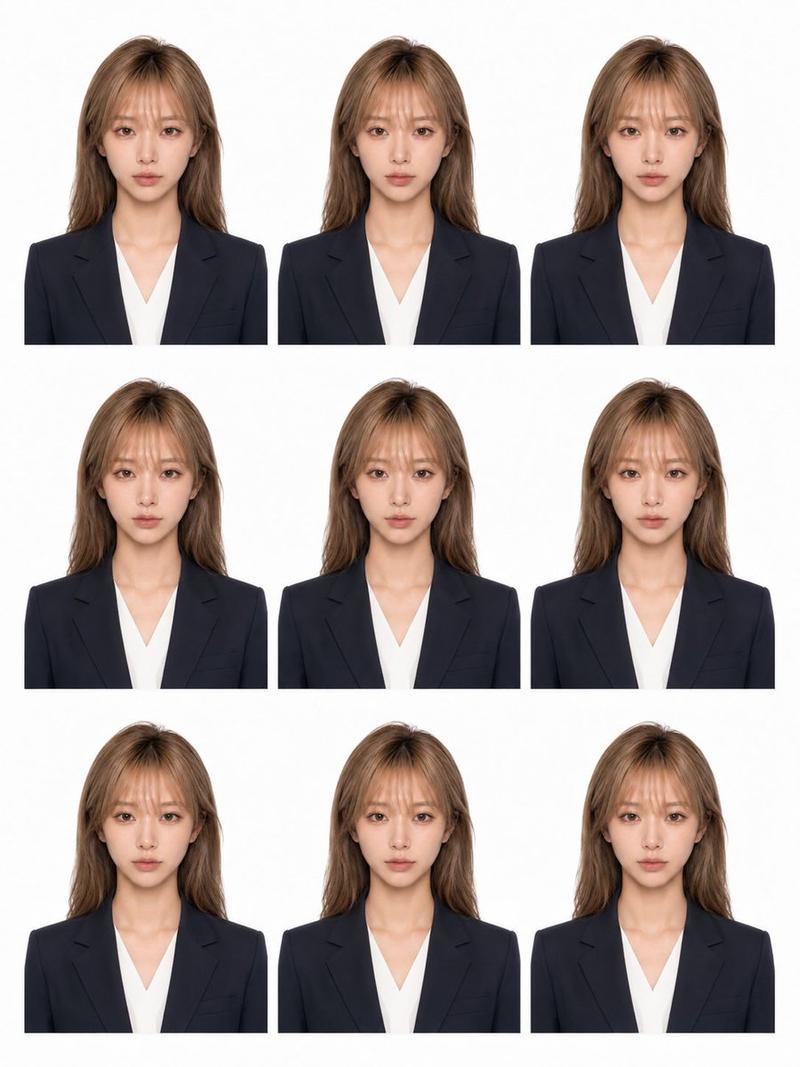
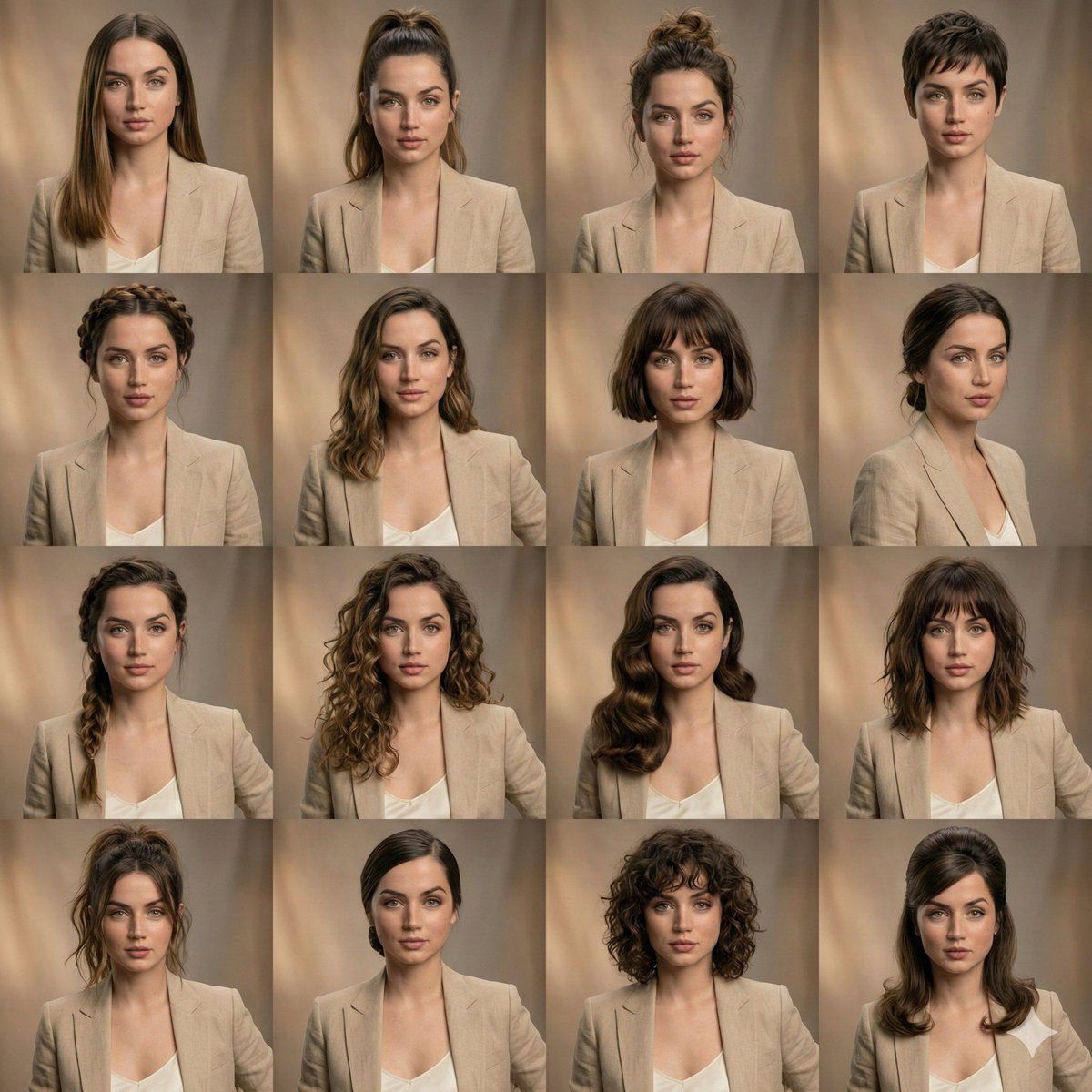
发型变化编辑美容拼贴
Enlarge

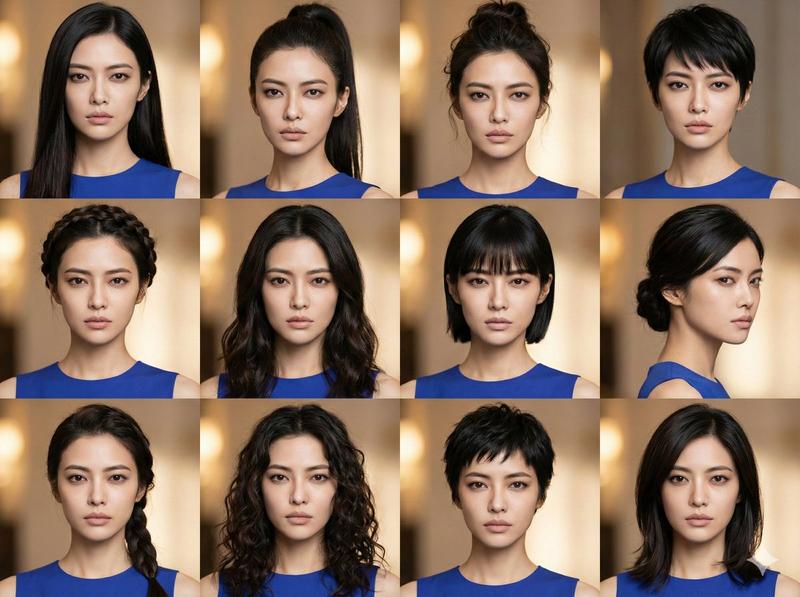
发型变化编辑美容拼贴

Prompt
{
  "scene_type": "editorial beauty collage",
  "subject": {
    "identity_lock": true,
    "face_consistency": "perfectly matched across all frames",
    "expression": "unchanged, neutral and relaxed",
    "skin": "realistic texture, natural pores, high fidelity"
  },
  "layout": {
    "grid": "4x3",
    "framing": "equal-sized portrait panels",
    "consistency": "symmetrical facial alignment in every frame"
  },
  "hairstyle_variations": [
    "sleek long straight hair",
    "high ponytail",
    "textured messy bun",
    "pixie haircut",
    "braided crown",
    "soft flowing waves",
    "short bob with bangs",
    "low tied bun",
    "side braid",
    "loose defined curls"
  ],
  "styling": {
    "outfit": "same neutral wardrobe across all panels",
    "makeup": "identical clean beauty makeup in every shot"
  },
  "lighting": {
    "type": "soft studio lighting",
    "tone": "warm",
    "shadows": "gentle and natural"
  },
  "background": {
    "style": "subtle blurred studio backdrop",
    "color": "warm neutral tones"
  },
  "quality": {
    "detail": "ultra-detailed",
    "photography": "professional portrait",
    "finish": "high-end editorial look"
  }
}
Category
创意图片
Model
Nano Banana Pro
Creator
Johnn
Views0
Source ID
3b54925b-dd57-4f3f-adb9-36f74ff5f6b6
Published
Mar 8, 2026

Guide

About "发型变化编辑美容拼贴"

What is this prompt for?

"发型变化编辑美容拼贴" AI image prompt for Nano Banana Pro (创意图片). 一个旨在生成 4x3 网格编辑美容拼贴的提示,在保持所有面板中完美的面部一致性和表情的同时,展示同一主体多种发型变化。它指定了柔和的影棚灯光、中性背景和高端编辑质量,非常适合在参考图像上测试不同的造型。…

The full copyable prompt and example visuals above are ready for AI image generation or one-click recreate in Picva.

How to use this prompt

  1. Step 1

    Open the prompt detail

    Review the example visuals, category, and full prompt text for "发型变化编辑美容拼贴".

  2. Step 2

    Copy the prompt

    Copy the prompt body from this page, or load it directly in Studio.

  3. Step 3

    Pick a model (Nano Banana Pro)

    Prefer Nano Banana Pro. If you switch models, keep subject and composition and tweak style terms.

  4. Step 4

    Generate and export

    Recreate the look in Picva, or export into your workflow for editing and publishing.

FAQ

What is the "发型变化编辑美容拼贴" prompt?
It is an AI image-generation prompt for Nano Banana Pro in the 创意图片 category. This page includes the full prompt text, example visuals, and a one-click recreate path in Picva.
How do I use this prompt to generate an image?
Copy the prompt from this page, or use Generate / Studio. Paste it into a compatible image model, or recreate the look in Picva with optional reference images.
Which model is this prompt for?
This page lists Nano Banana Pro. Most descriptive prompts also transfer to nearby image models such as GPT Image, Flux, or Midjourney with light style tweaks.
Can I use the result commercially?
You can usually copy the prompt for creation, but commercial use of the final image depends on the model terms, reference-image rights, and the generated content. Follow the source author and platform rules.