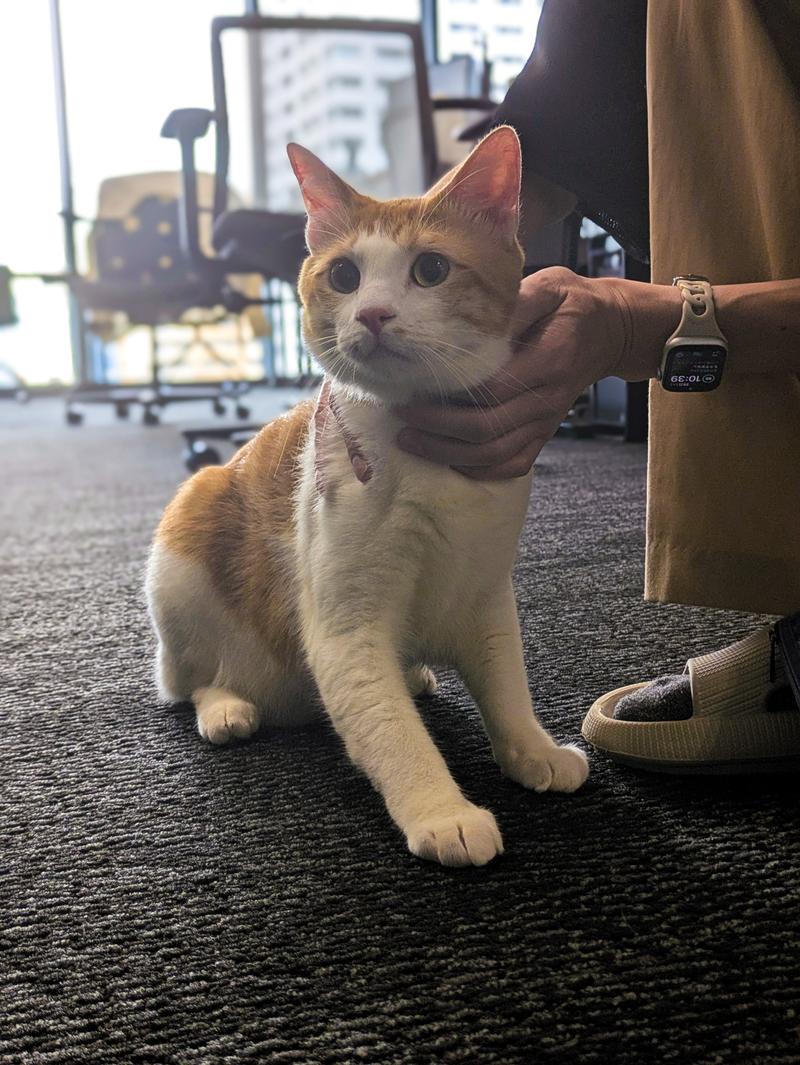
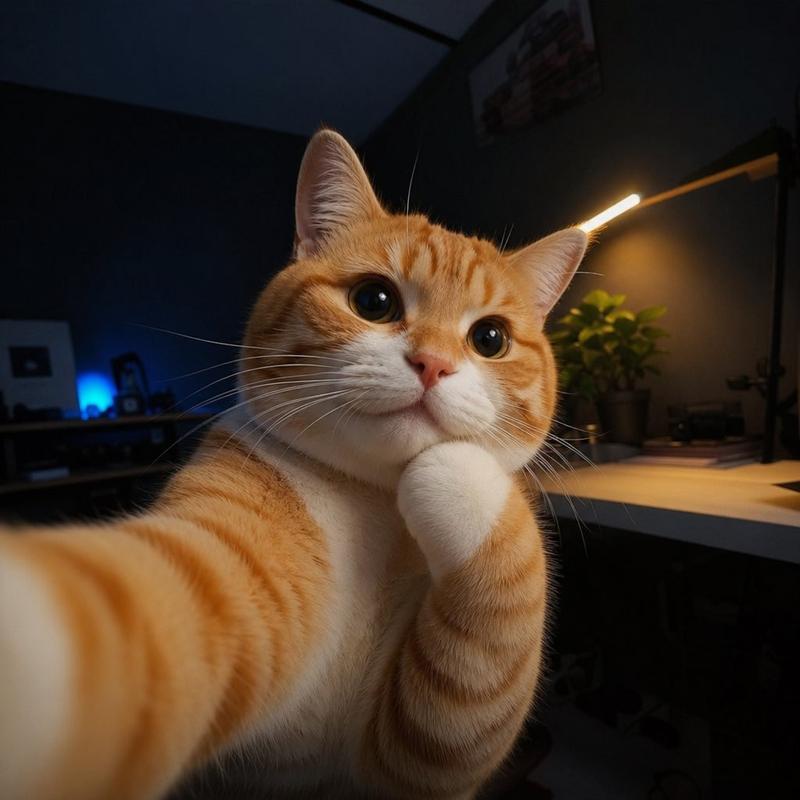
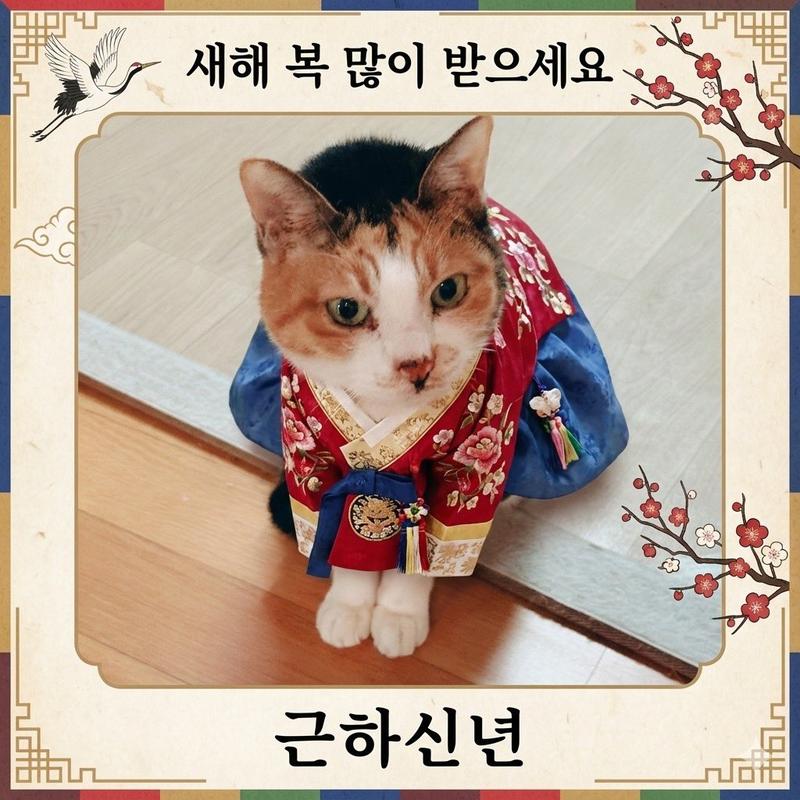
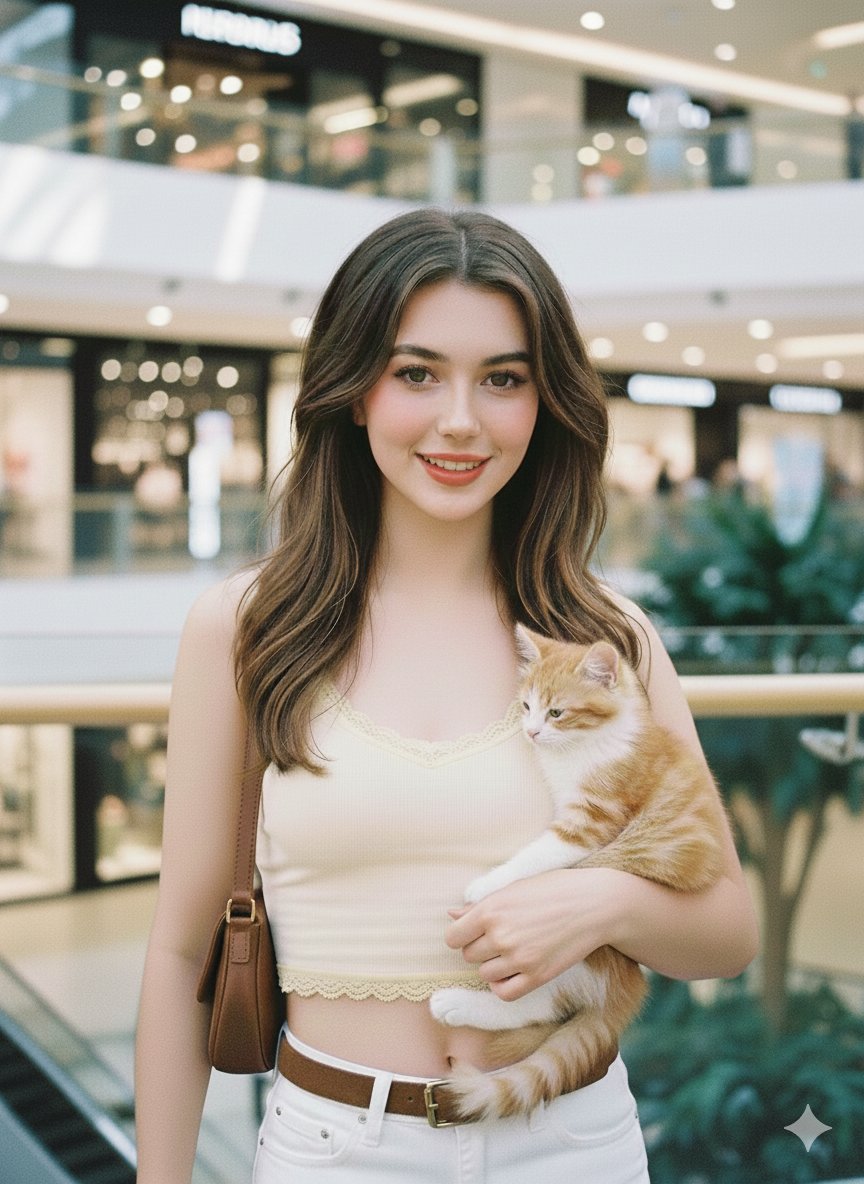
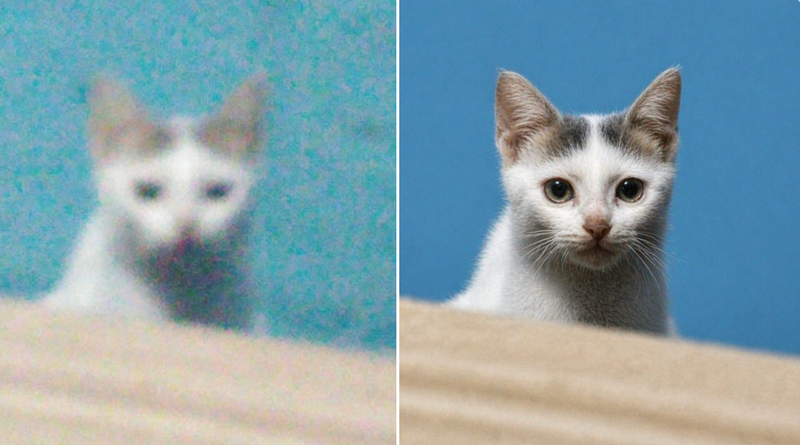
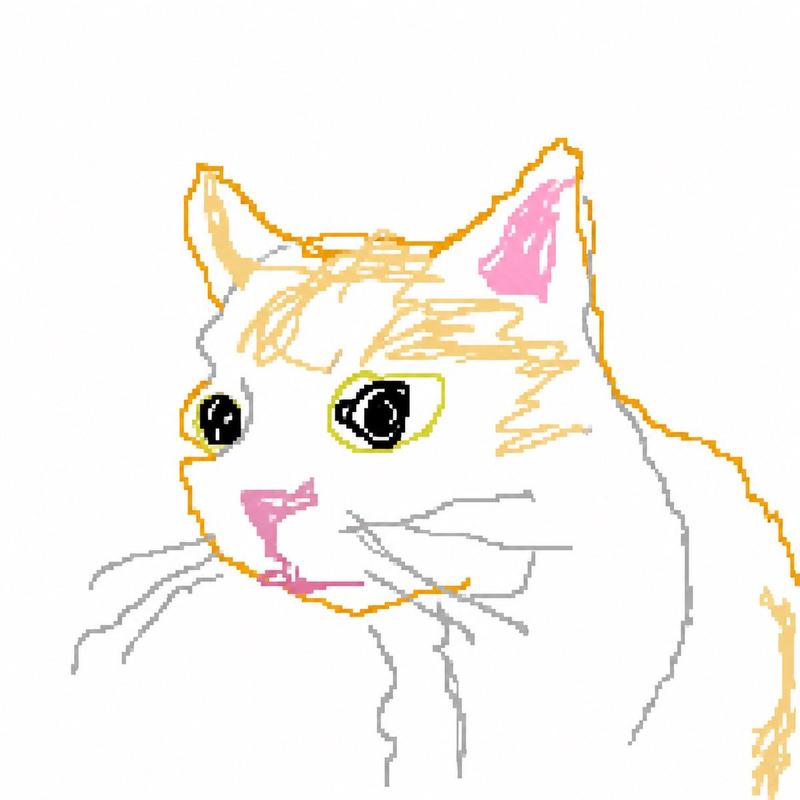
从图片生成黑白故事板
Prompt
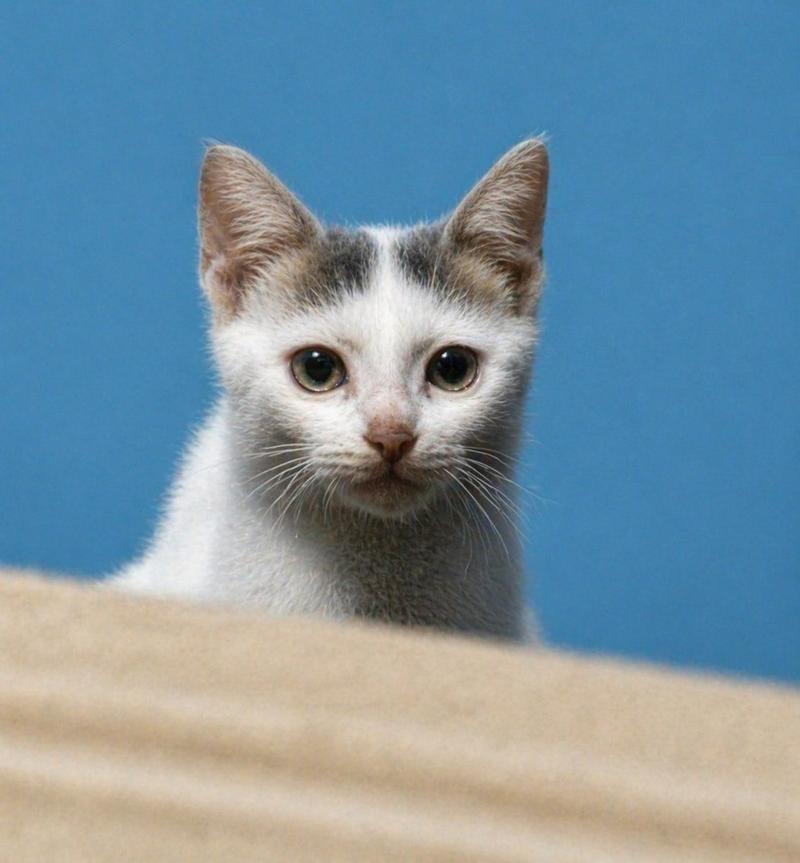
アップロードされた画像を基に、物語の核心となるシーンの連続的な白黒の絵コンテを作成してください。
各フレームでは以下の要素を詳細に描写し、物語の感情的な流れと緊張感を表現してください:
4コマほど
- Category
- 创意图片
- Model
- Nano Banana Pro
- Source ID
- 80331b0c-0447-4385-b222-6e4c2a0ade65
- Published
- Mar 8, 2026
Views0
15
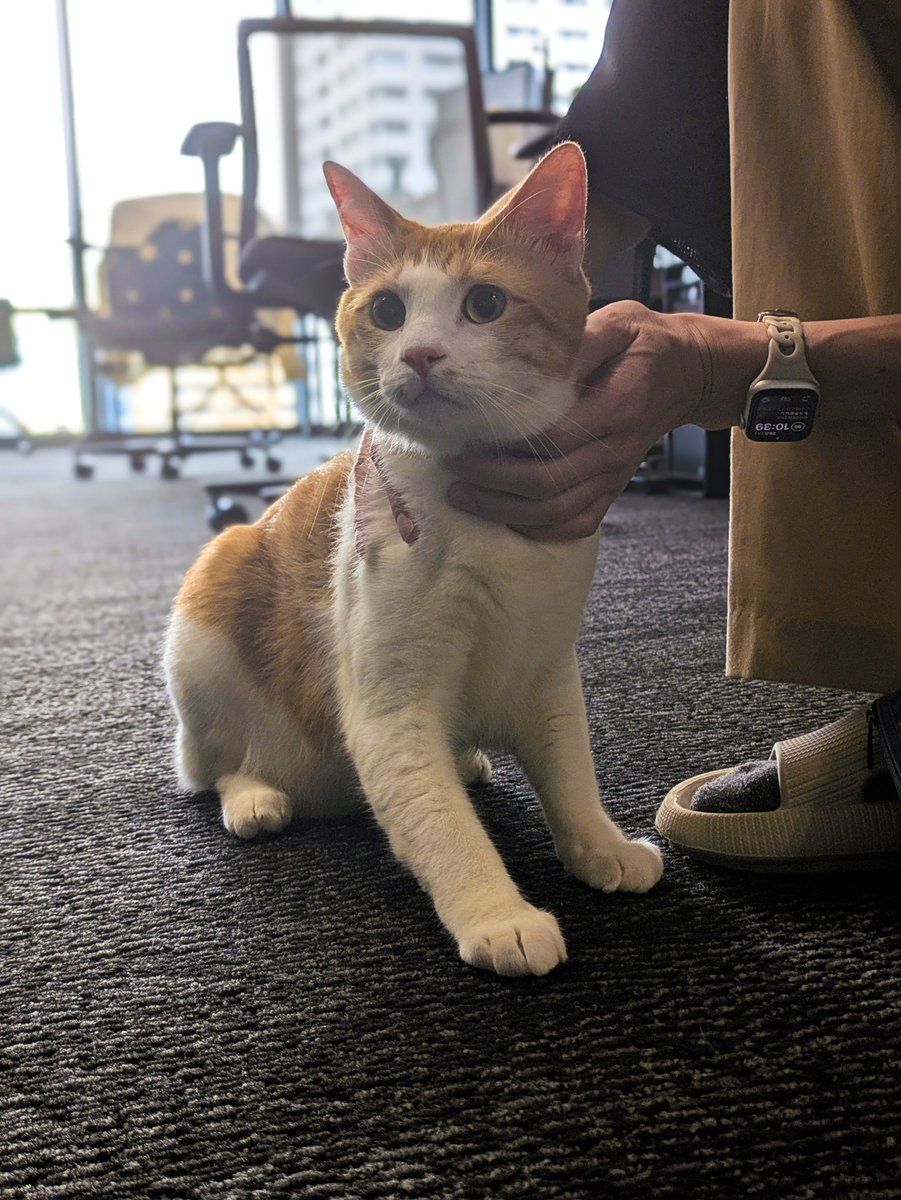
アップロードされた画像を基に、物語の核心となるシーンの連続的な白黒の絵コンテを作成してください。 各フレームでは以下の要素を詳細に描写し、物語の感情的な流れと緊張感を表現してください: 4コマほど
Guide
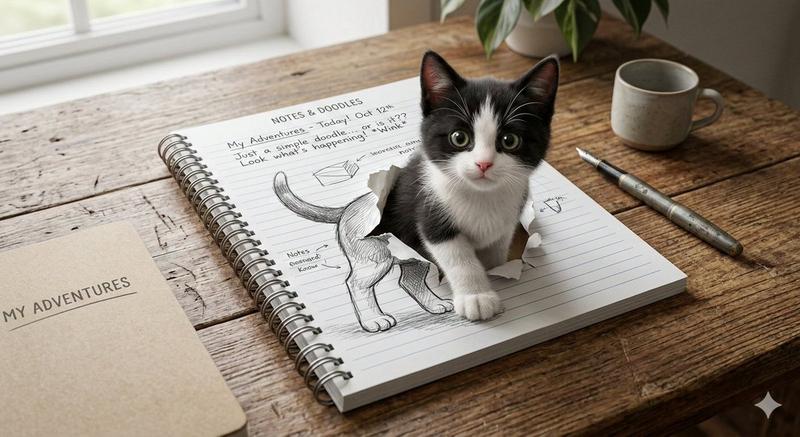
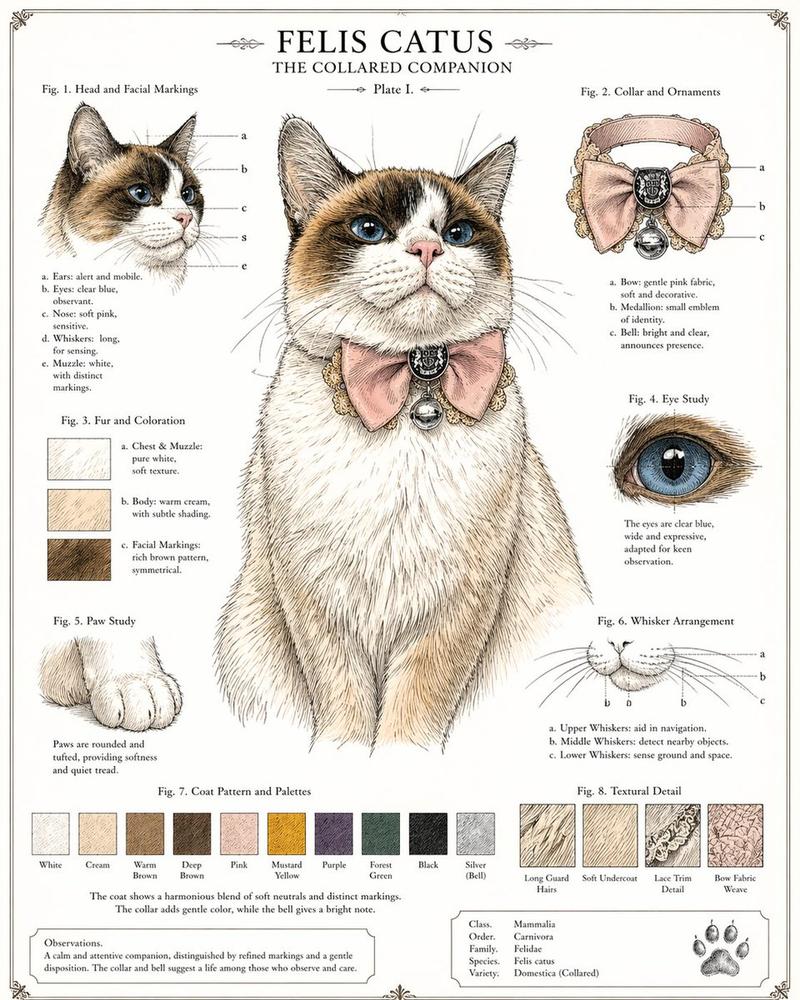
"从图片生成黑白故事板" AI image prompt for Nano Banana Pro (创意图片). 一个 Nano Banana Pro 提示,它会接收上传的图像,并生成一系列黑白故事板帧,用大约四个画格捕捉故事的情感核心和张力。 --- 根据上传的图片,创建一系列黑白故事板分镜,描绘故事的核心场景。…
The full copyable prompt and example visuals above are ready for AI image generation or one-click recreate in Picva.
Step 1
Review the example visuals, category, and full prompt text for "从图片生成黑白故事板".
Step 2
Copy the prompt body from this page, or load it directly in Studio.
Step 3
Prefer Nano Banana Pro. If you switch models, keep subject and composition and tweak style terms.
Step 4
Recreate the look in Picva, or export into your workflow for editing and publishing.