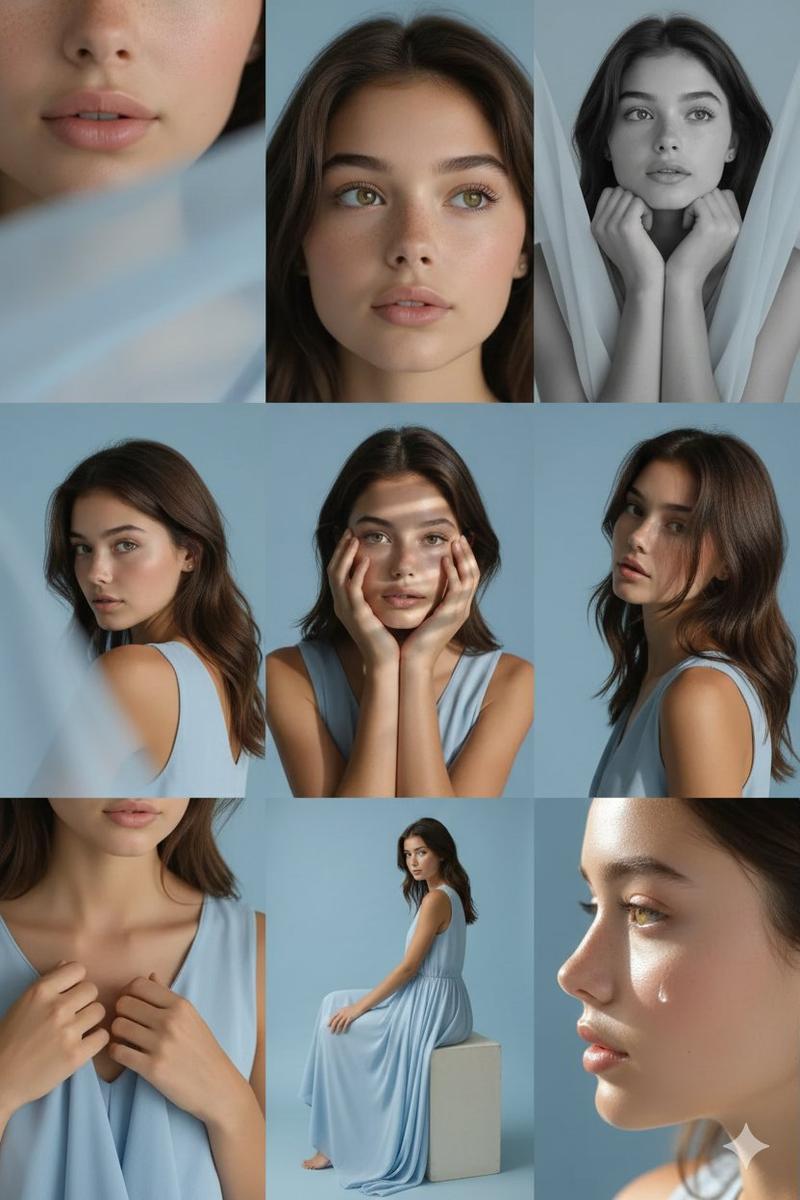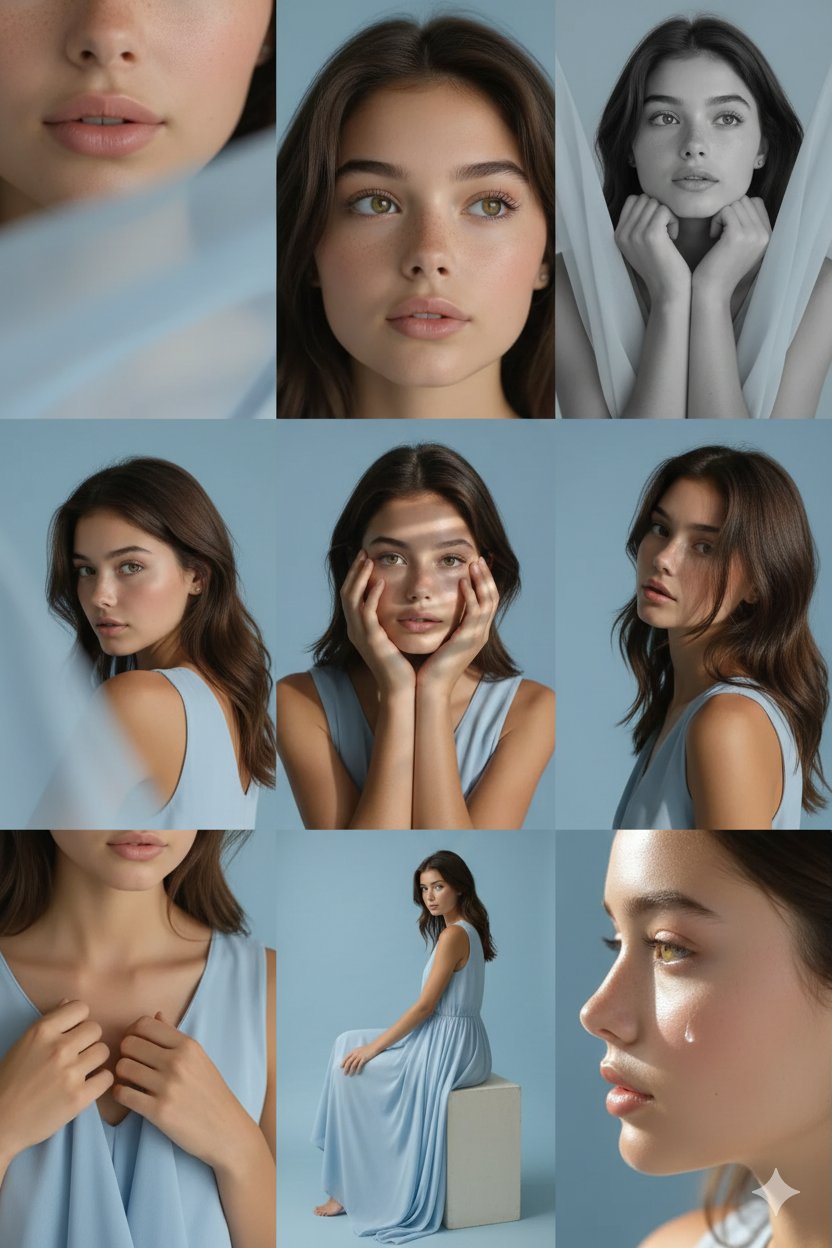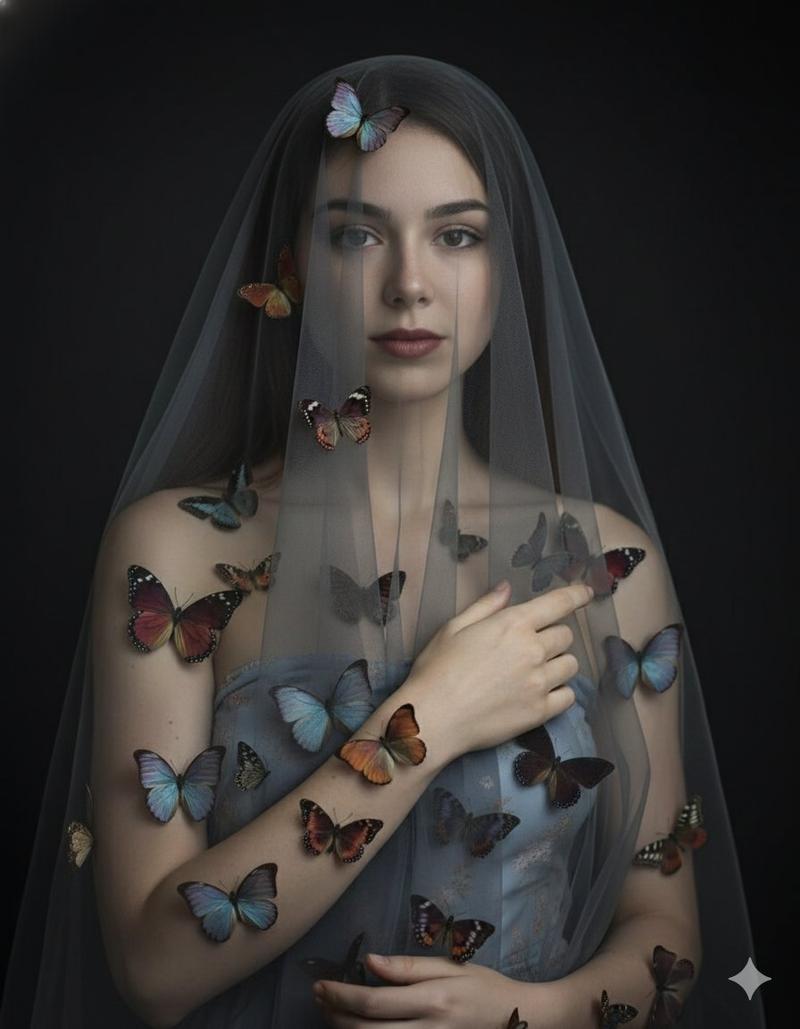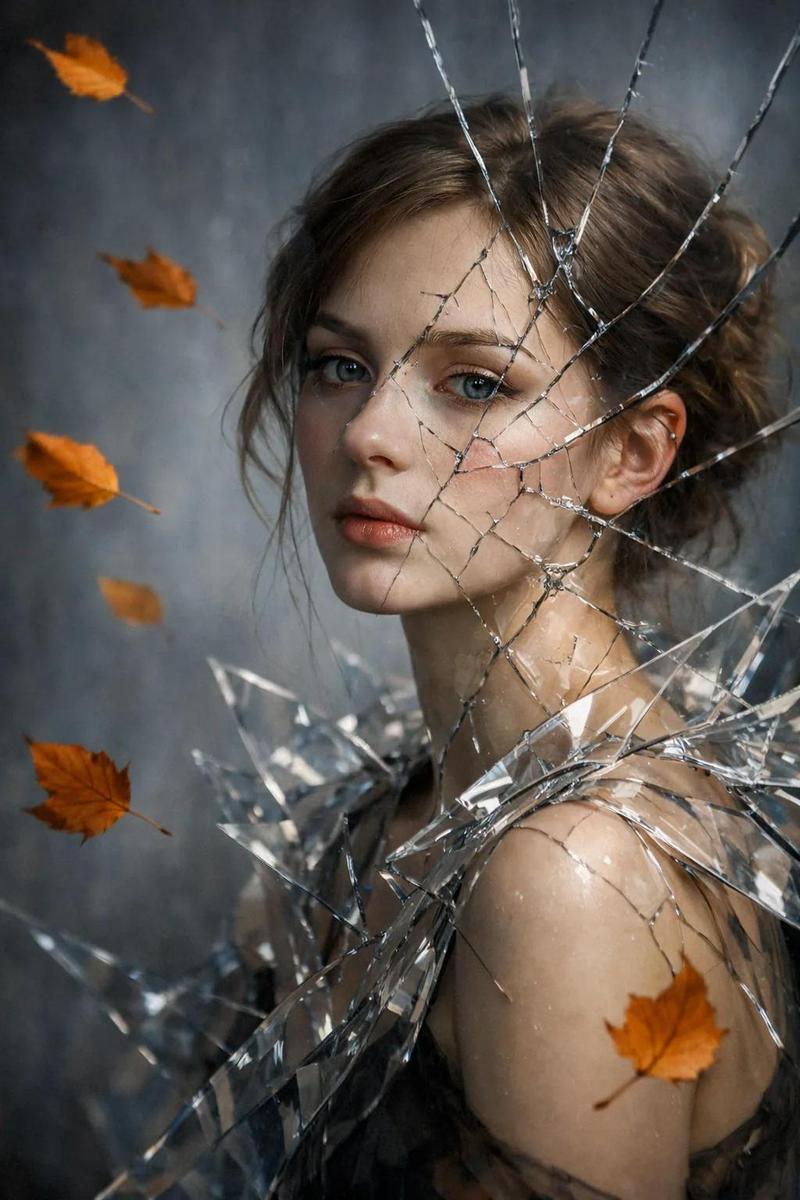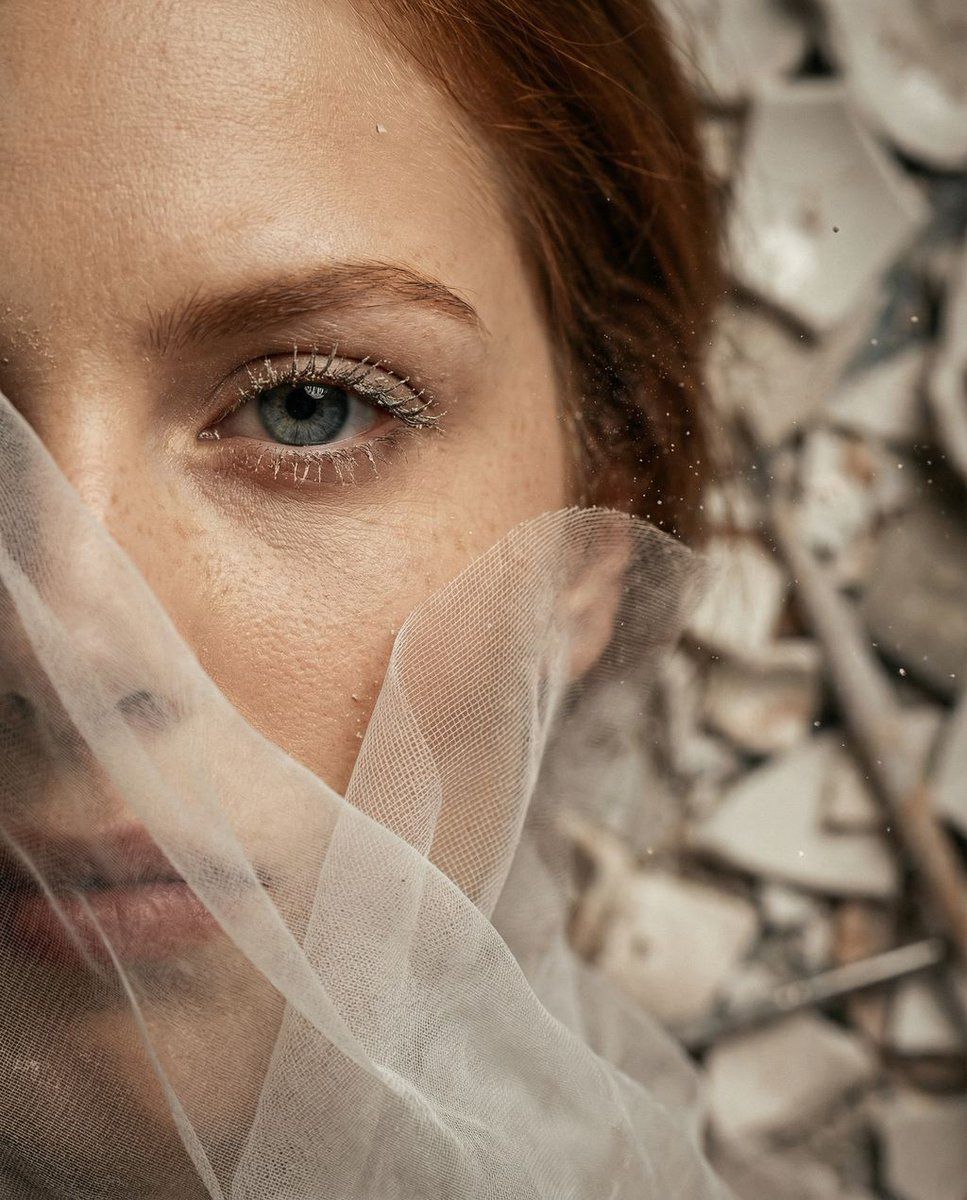
超现实微距肖像:瓷器修复主题
Prompt
{
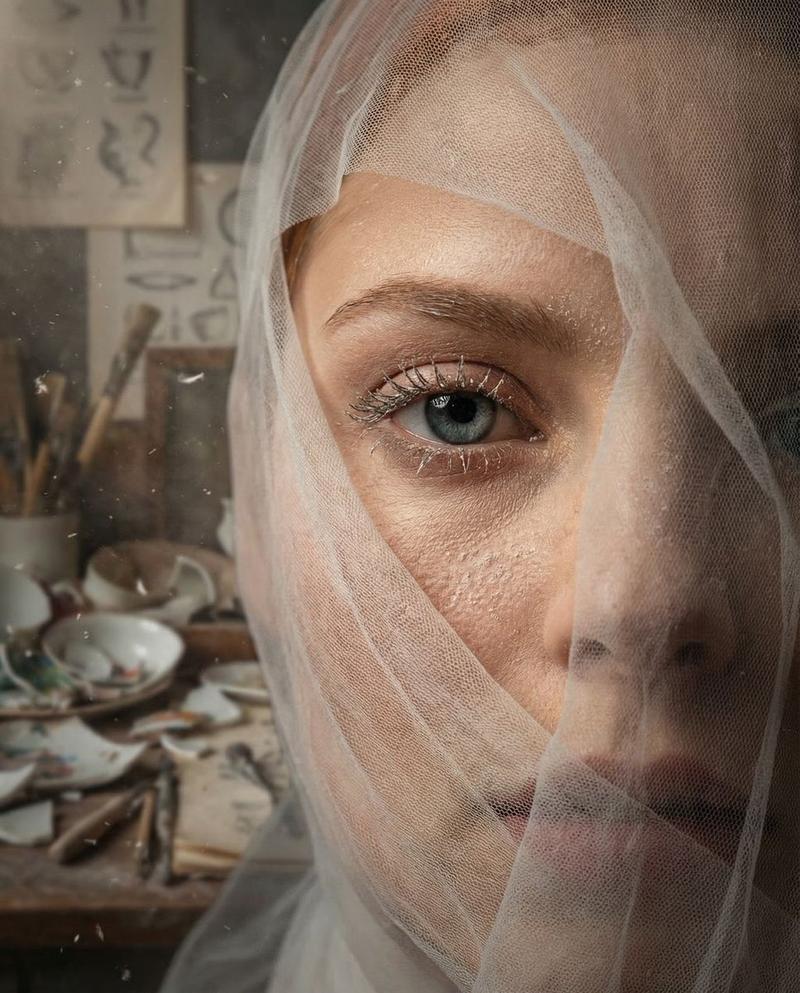
  "vibe_title_en": "Porcelain Breath",
  "master_prompt": "A hyper-realistic, surreal macro portrait of The Protagonist as 'The Melancholic Prodigy,' captured in a dense, cluttered Porcelain Restoration Workshop. The frame is an extreme close-up, focusing intensely on one eye and the cheekbone. The subject's face is partially entrapped in a flowing, semi-transparent barrier of ultra-fine white sculpting mesh and silk tulle (Practical Effect), mimicking the fluid, sculptural structure of smoke but rendered with distinct, tactile fabric weave. The fabric presses gently against the skin, revealing hyper-detailed pores and fine clay dust clinging to the eyelashes. The lighting is moody, warm, and directional (Rembrandt style), slicing through a heavy atmosphere of airborne ceramic dust and floating lint. The background, though heavily blurred due to the macro lens, implies a chaotic, lived-in space filled with stacks of broken white ceramics, antique calipers, and restoration diagrams. Shot on a Hasselblad H6D-100c with a 120mm Macro lens, creating a razor-thin depth of field that isolates the texture of the mesh against the iris.",
  "meta": {
    "intent": "Cinematic Surrealism",
    "priorities": "Texture, Emotion, Lighting",
    "device_profile": "High-End Desktop / Large Format Print"
  },
  "frame": {
    "aspect": "4:5",
    "composition": "Extreme Close-Up (Macro)",
    "layout": "Off-center eye focus, negative space filled by mesh texture",
    "camera_angle": "Eye Level, slightly intimate/intrusive",
    "tilt_roll_degrees": "0"
  },
  "subject": {
    "gender": "Female",
    "identity": "The Melancholic Prodigy",
    "demographics": "Ageless, ethnically ambiguous",
    "face": "Neutral expression with visible sorrow, hyper-realistic skin texture, fine dust on skin",
    "hair": "Obscured by mesh/veil, hints of texture visible underneath",
    "body": "Only facial features visible",
    "expression": "Sorrowful focus, a deep exhale frozen in time, intense gaze through the fabric",
    "pose": "Head slightly tilted back, resisting the flow of the fabric"
  },
  "wardrobe_accessories": {
    "garments": [
      {
        "item": "Sculpting Mesh / Veil",
        "material": "Ultra-fine silk tulle and gauze",
        "color": "Translucent White",
        "fit": "Flowing, wrapping tightly around facial contours"
      }
    ],
    "accessories": []
  },
  "environment": {
    "setting": "Porcelain Restoration Workshop",
    "surfaces": "Airborne dust, ceramic shards (bokeh), fabric weave",
    "depth": "Extremely shallow macro depth of field",
    "atmosphere": "Dusty, claustrophobic, warm, artistic",
    "lens_interaction": "Sharp focus on the eye mesh, heavy blur elsewhere"
  },
  "lighting": {
    "key": "Warm Rembrandt light beam",
    "fill": "Soft bounce from white ceramics",
    "rim": "Subtle highlight on the fabric edges",
    "shadows": "Deep, rich shadows in facial crevices",
"color_temperature": "- Category
- 创意图片
- Model
- Nano Banana Pro
- Creator
- timedoctor.eth
- Source ID
- d8cdad58-eaf3-4990-b537-8adf899f8cf0
- Published
- Mar 8, 2026
Views0