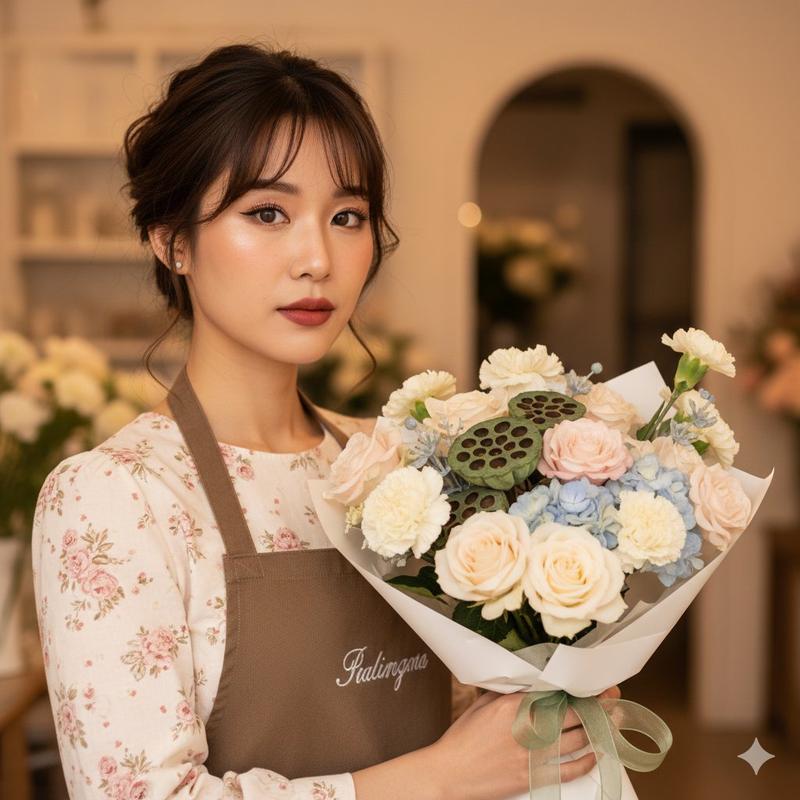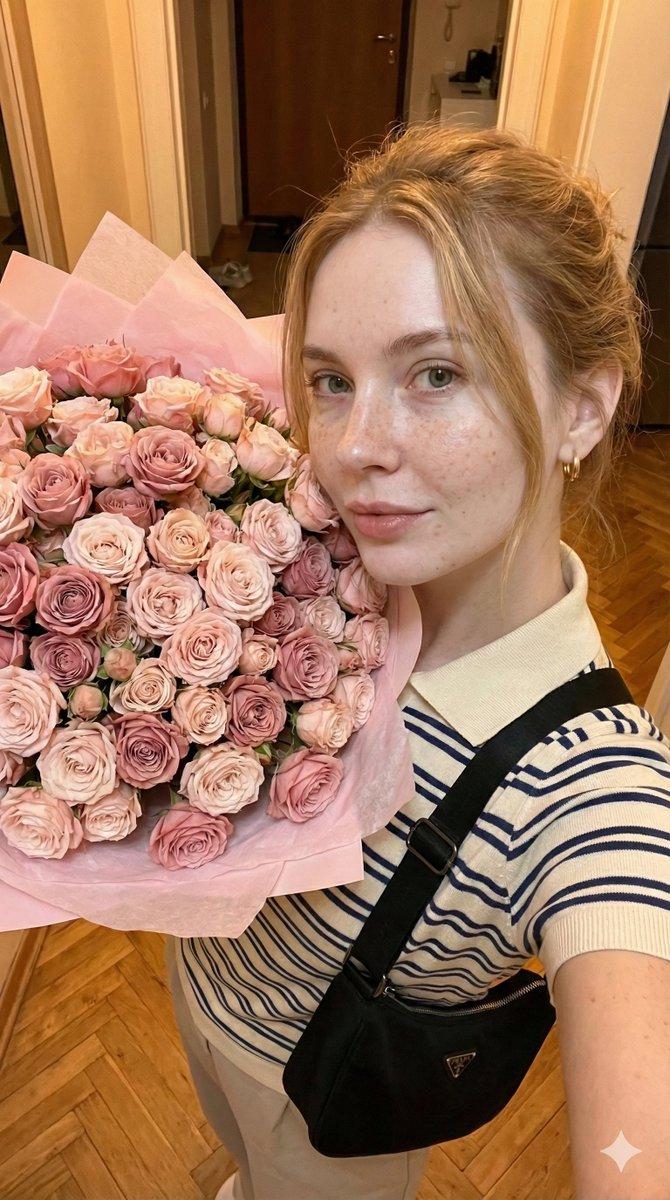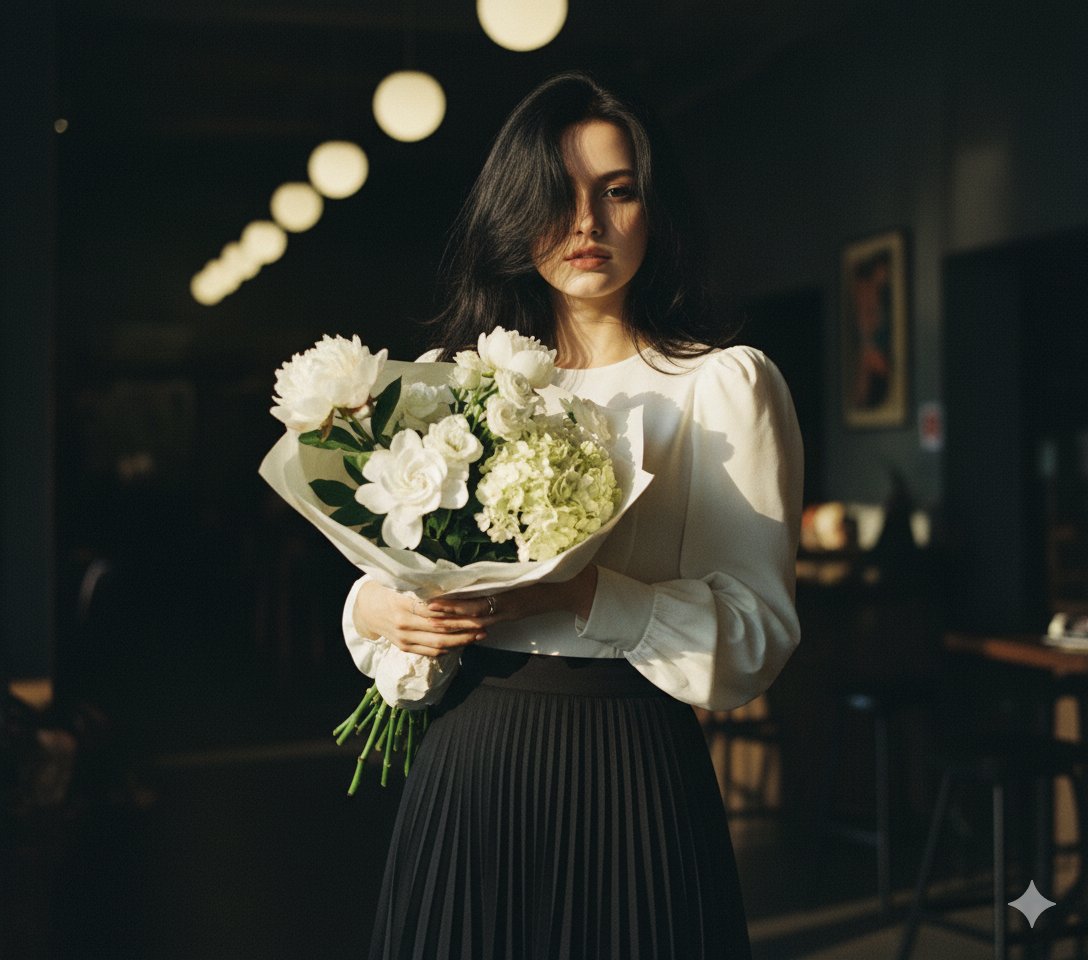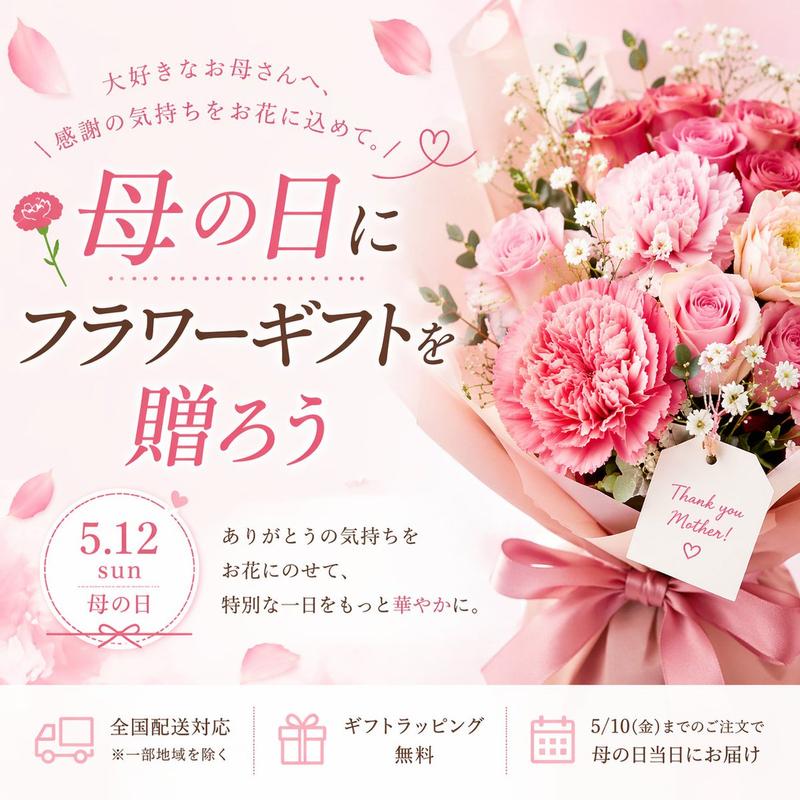
浪漫田园花艺师编辑肖像提示
Prompt
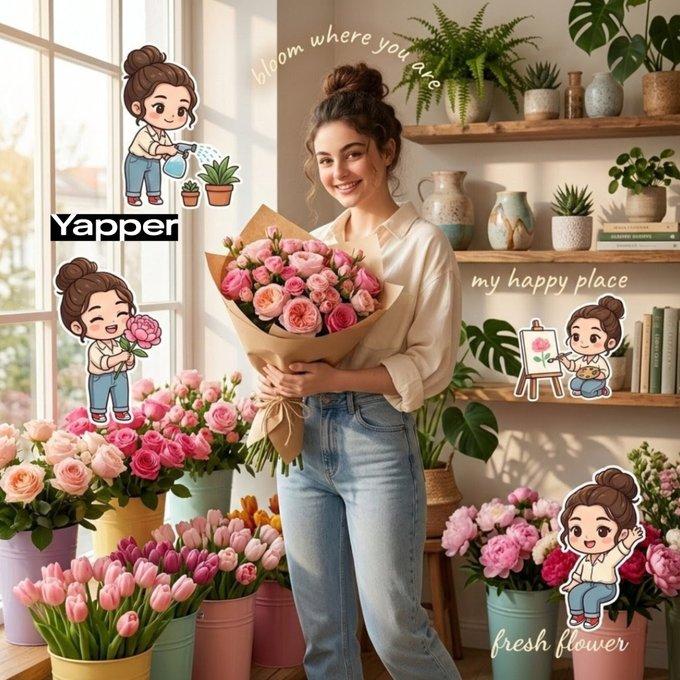
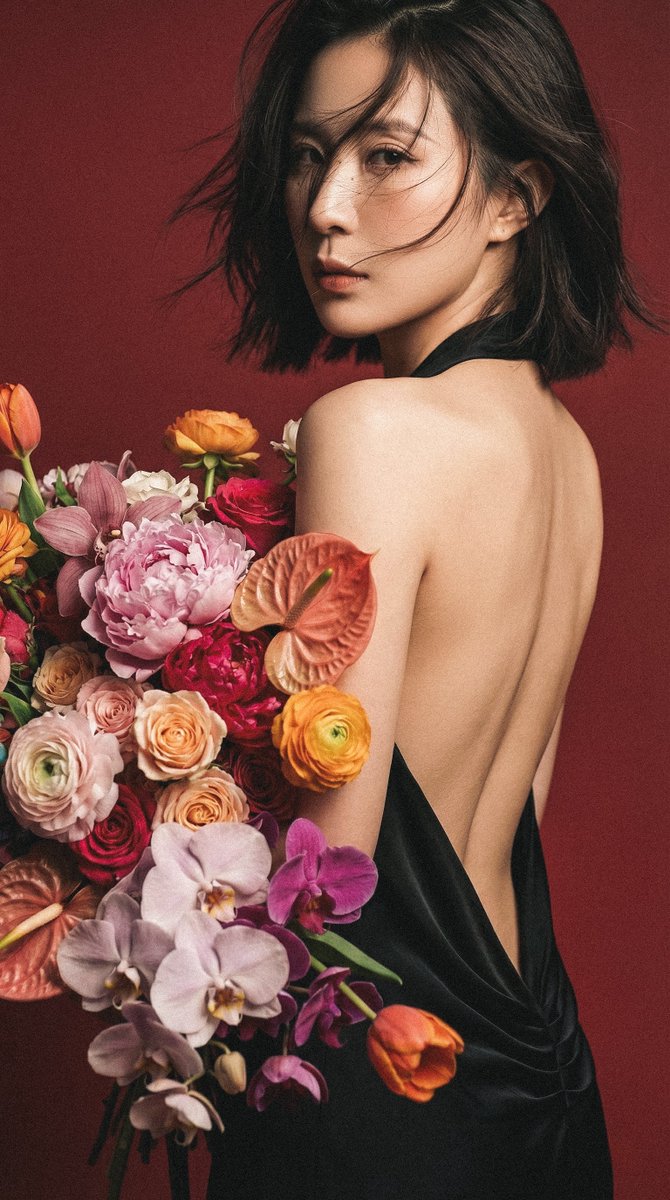
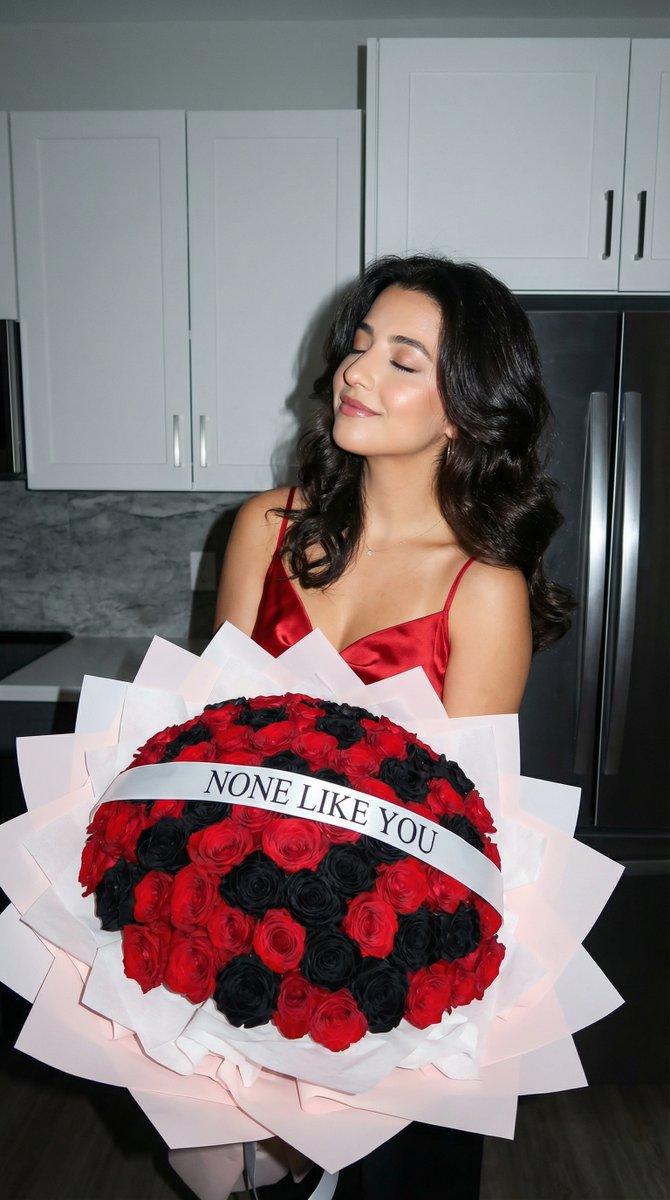
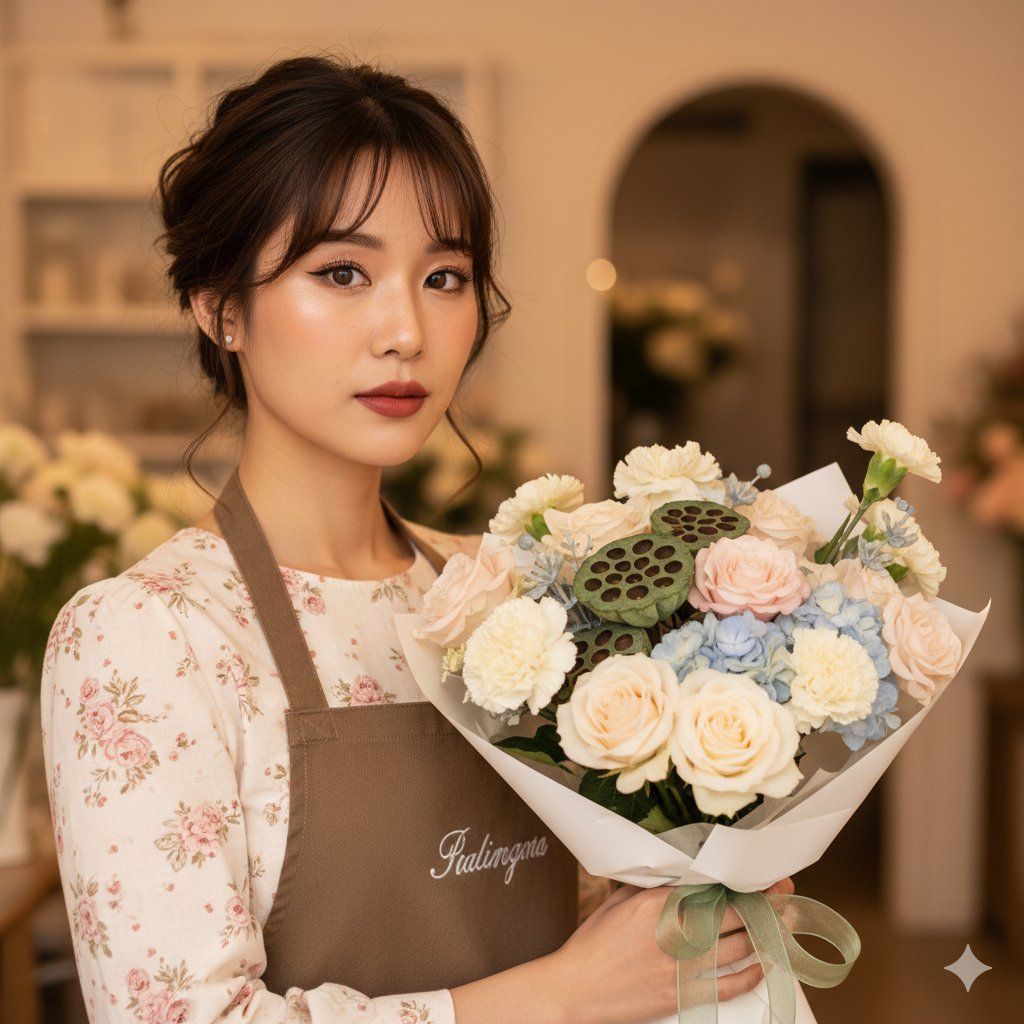
{ "overall_style": { "aesthetic": "romantic cottagecore, soft florist editorial", "mood": "gentle, dreamy, intimate, elegant", "era_influence": "modern photography with vintage-inspired romanticism", "intended_use": "florist branding, lifestyle UGC, editorial portrait" }, "composition": { "framing": "medium close-up portrait", "camera_angle": "slightly above eye level", "subject_position": "left of frame, facing right", "pose": "head straight looking into camera, arms gently holding bouquet", "depth_of_field": "shallow depth of field with creamy background blur", "visual_flow": "face leads the eye towards Camera" }, "subject": { "type": "human female", "age_range": "early 20s", "skin_tone": "fair with warm peach undertones", "expression": "soft, contemplative, serene", "gaze": "towards Camera", "emotion_conveyed": "tenderness, care, calm focus" }, "hair": { "color": "medium to dark brown", "style": "loose updo with wispy bangs and curled tendrils", "texture": "soft, slightly wavy", "styling_notes": "intentionally undone for romantic softness" }, "makeup": { "base": "smooth, luminous complexion with subtle blush", "eyes": "defined eyeliner, long curled lashes, neutral eyeshadow", "lips": "muted rose-red lipstick with matte finish", "overall_effect": "polished yet natural editorial makeup" }, "wardrobe": { "top": "cream floral long-sleeve dress with pink rose print", "outer_layer": "brown canvas apron with embroidered logo", "fabric_texture": "lightweight cotton dress, textured canvas apron", "color_palette": "cream, blush pink, brown", "style_notes": "florist uniform blended with romantic cottage-style fashion" }, "accessories": { "jewelry": "delicate thin necklace", "branding": "embroidered apron logo", "functional_elements": "apron straps and metal fasteners" }, "bouquet": { "flower_types": [ "{argument name="flower type 1" default="roses"}", "hydrangea", "carnations", "lotus pods" ], "colors": "cream, pale pink, soft blue, sage green", "arrangement_style": "full, organic, hand-arranged", "wrapping": "white paper with translucent green ribbon", "scale": "large bouquet dominating the foreground" }, "background": { "environment": "indoor florist shop or boutique", "architectural_elements": "arched doorway", "decor_elements": "subtle floral displays and greenery", "background_blur": "soft bokeh with warm tones" }, "lighting": { "type": "warm indoor ambient lighting", "direction": "soft frontal and side illumination", "shadows": "diffused and minimal", "highlight_behavior": "gentle highlights on skin and petals", "color_temperature": "warm golden hue" }, "color_grading": { "overall_tone": "warm pastel", "contrast": "low to medium", "saturation": "soft and refined", "dominant_colors": [ "warm beige", "cream", "blush pink", "sage green" ] }, "technical_characteristics": { "camera_type": "DSLR or mirrorless camera", "lens_estimate": "portrait lens (50mm–85mm)", "aperture_estimate": "wide aperture (approximately f/1.8–f/2.8)", "sharpness": "sharp focus on subje- Category
- 创意图片
- Model
- Nano Banana Pro
- Creator
- Nano banana pro🍌
- Source ID
- 989c1c7b-27fb-4b13-b158-9747ccc73583
- Published
- Mar 8, 2026
Views0