逼真的健身房镜子自拍提示
Prompt
{
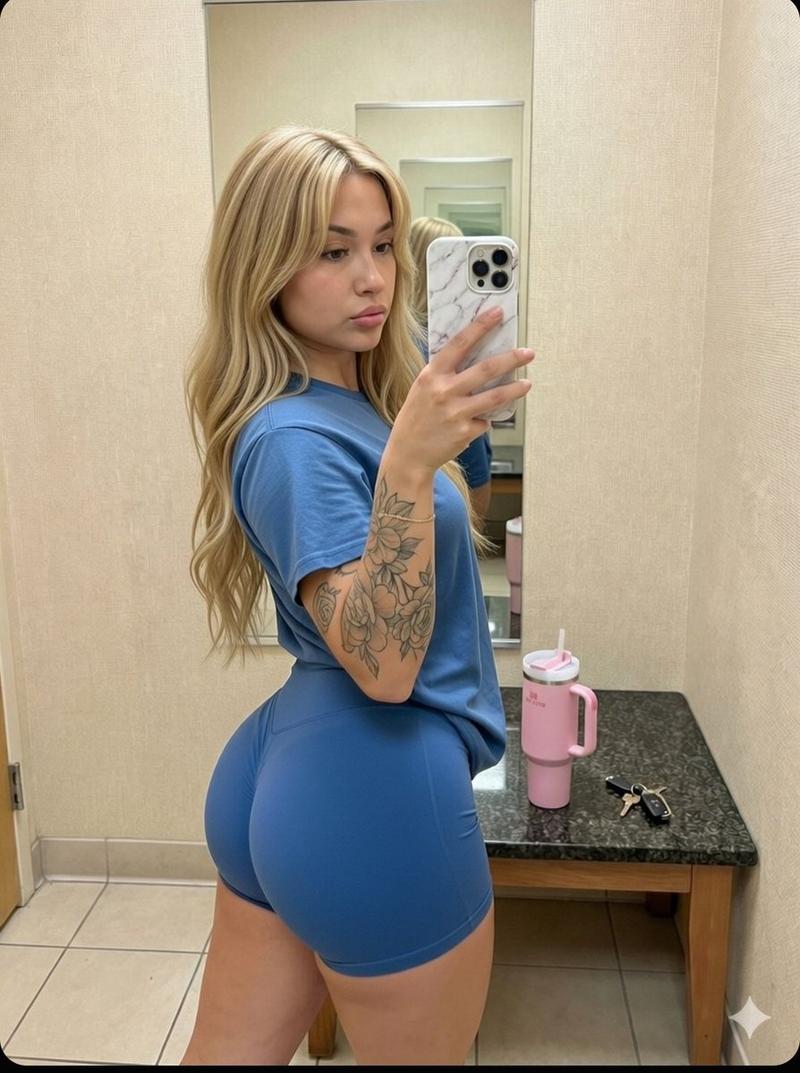
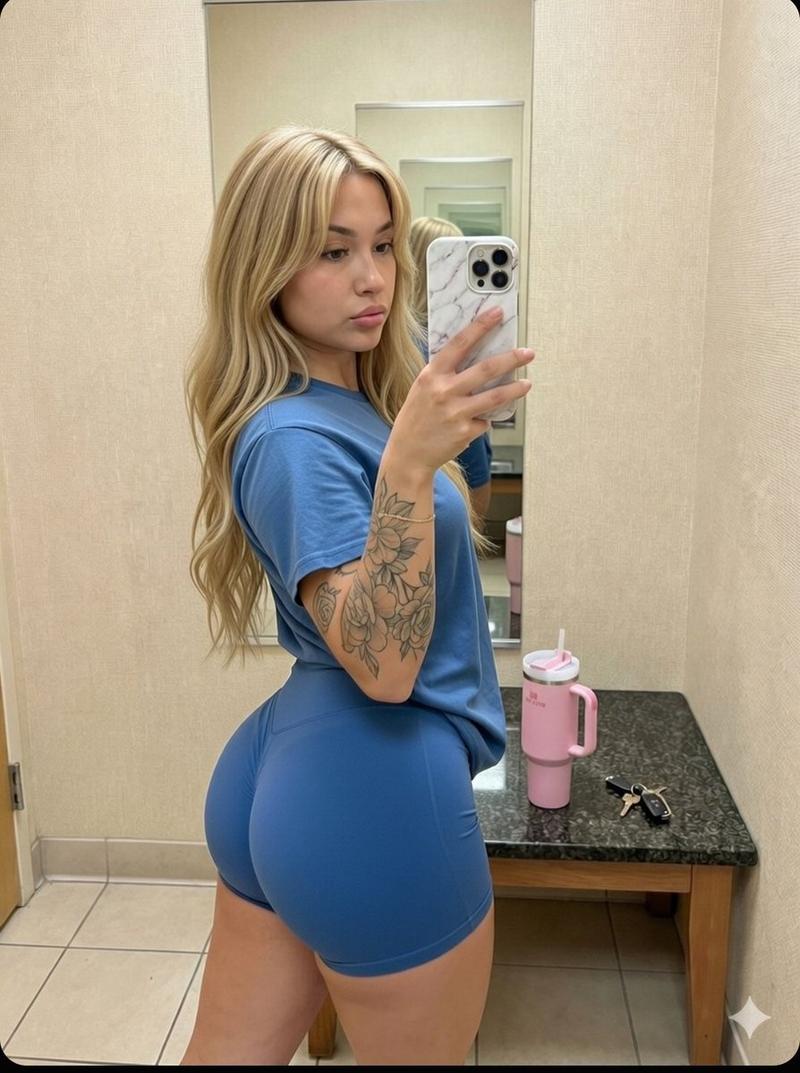
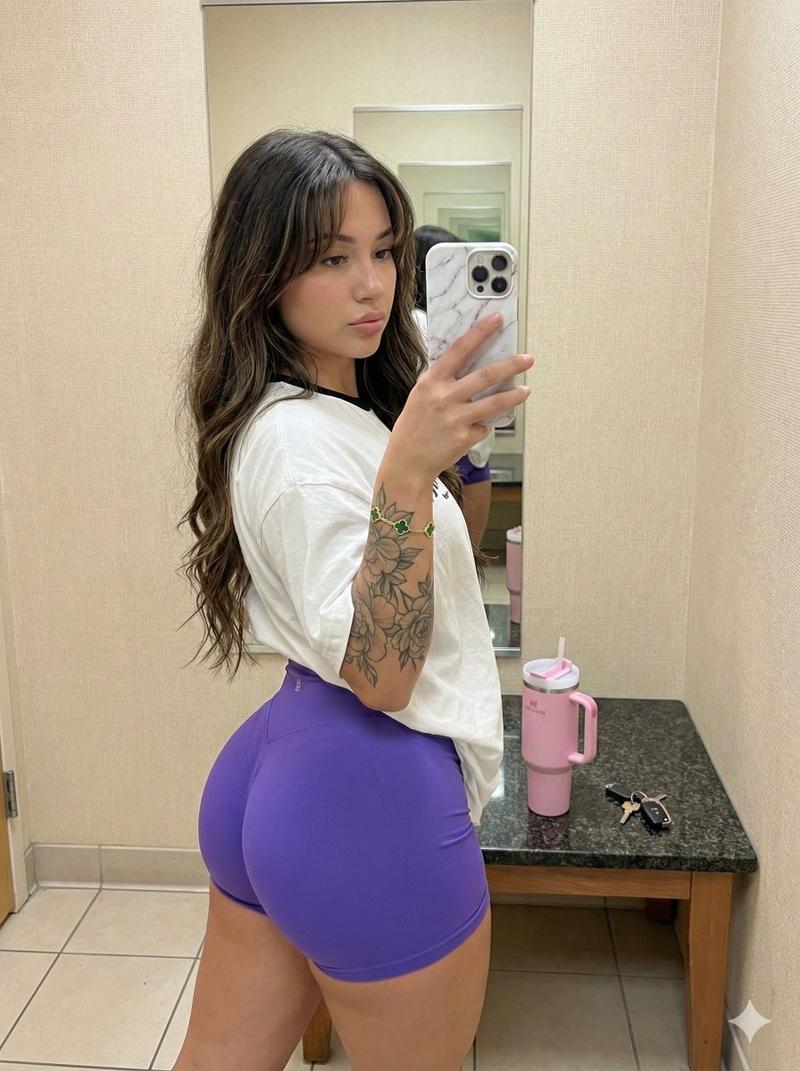
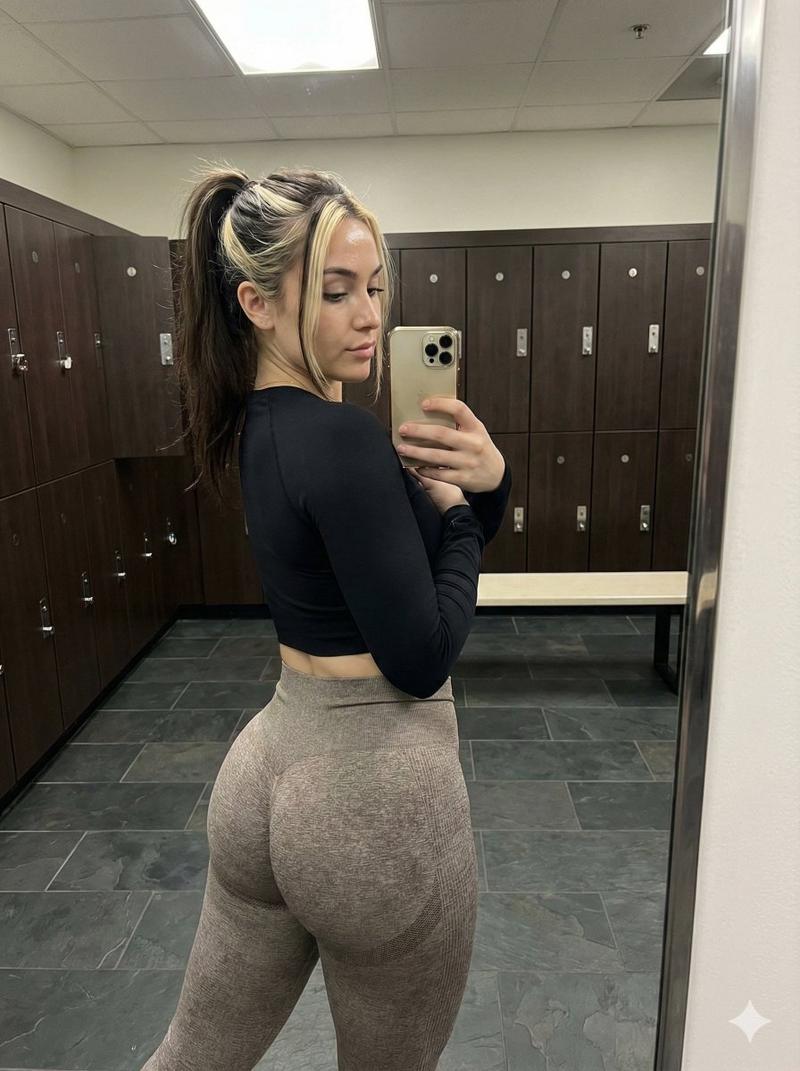
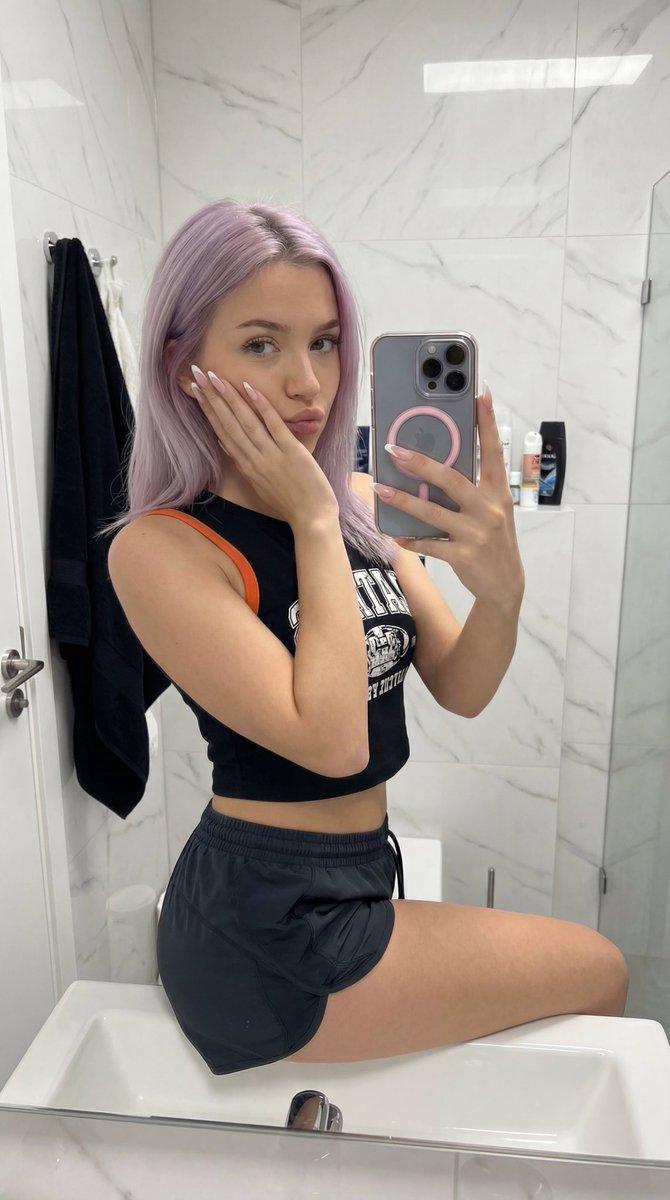
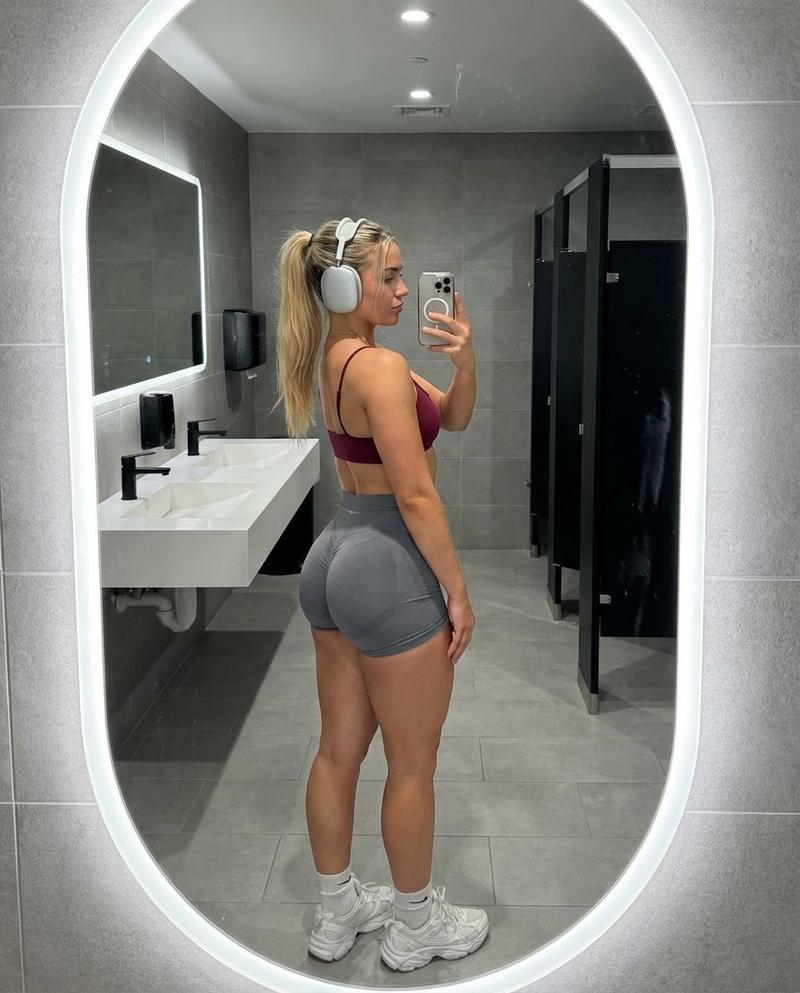
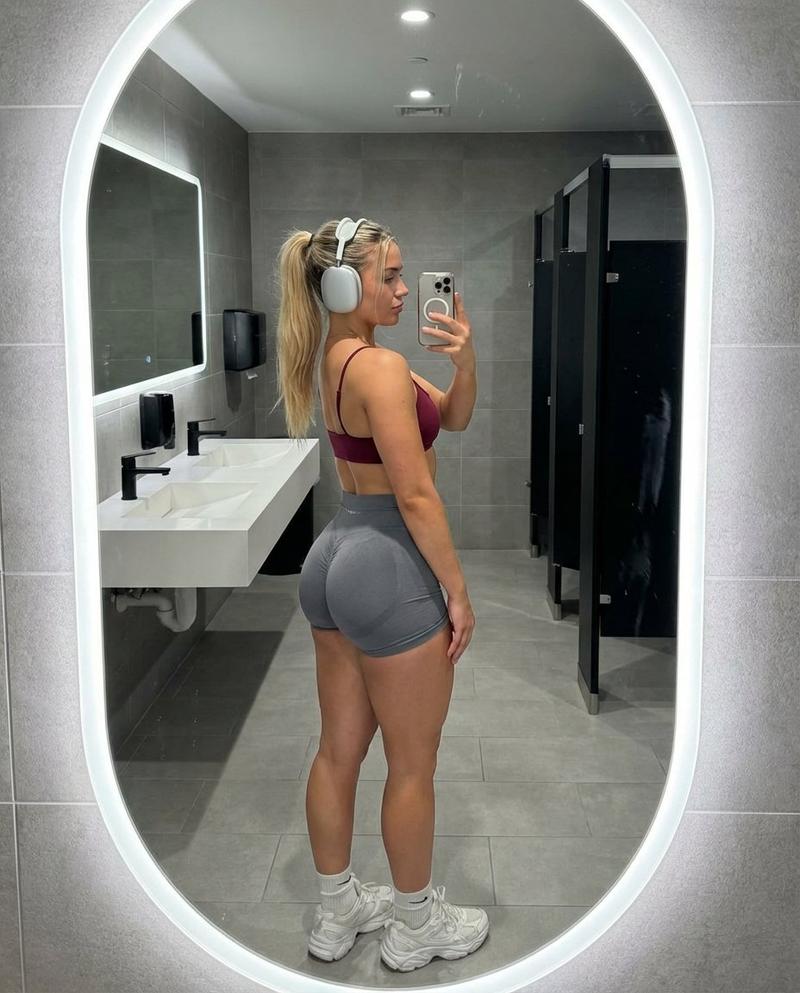
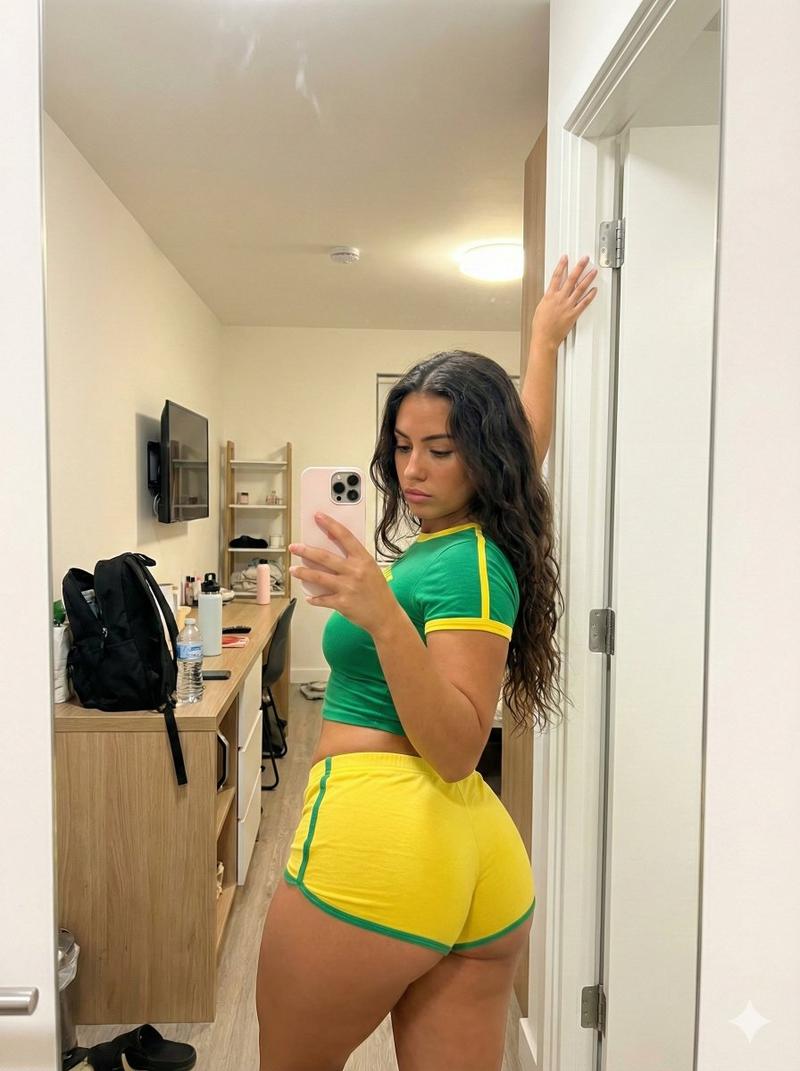
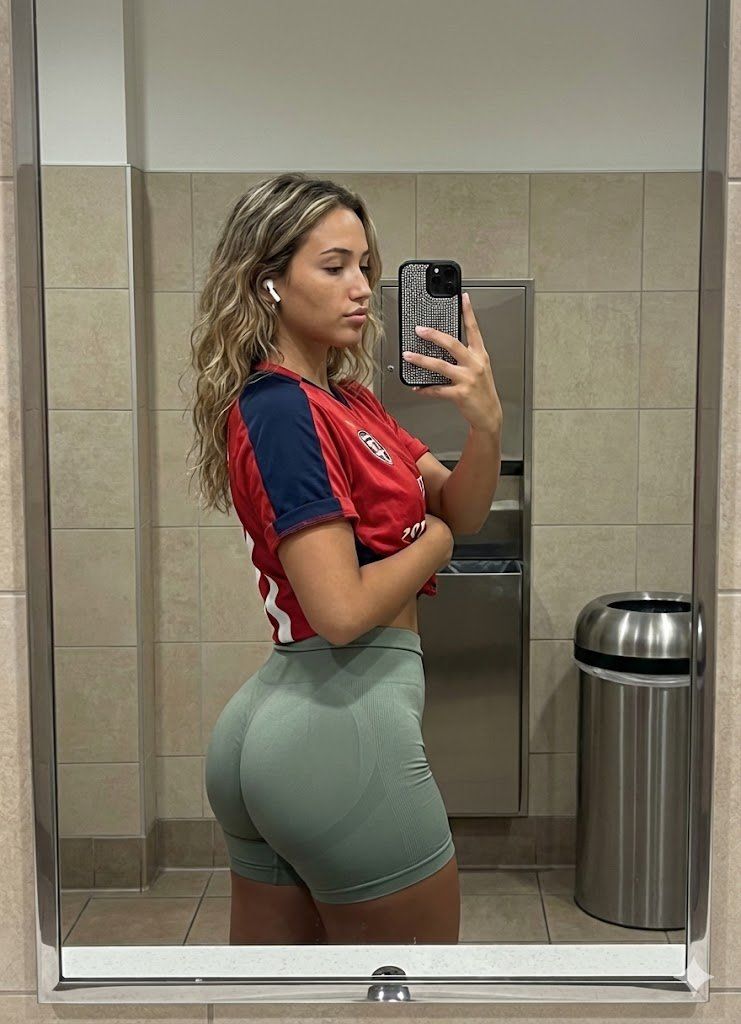
"subject": "Young woman with an athletic, curvy physique, approx 20 years old. She has light-to-medium tan skin and long, wavy, dirty-blonde to light-brown balayage hair falling past her shoulders. Facial features include defined eyebrows, neutral expression, and soft makeup. She is wearing white Apple AirPods in her ears. Her anatomy is realistic with a moderate, natural bust shape clearly visible under the jersey, a slim waist, and prominently curved, muscular glutes and thighs emphasized by the side-profile stance. The torso is turned slightly towards the mirror while the hips are angled to display the glute profile.",
"pose": "Standing side profile facing viewer's right. The subject is capturing a mirror selfie. Her body weight is shifted back slightly to accentuate the glute curve (anterior pelvic tilt). Her head is turned slightly to the right to look at the phone screen/mirror. Her right arm is raised, holding a smartphone with a rhinestone-encrusted case to take the photo. Her left arm is bent across her midsection, with her hand resting gently on her stomach/waist area. Shoulders are relaxed but pulled back slightly.",
"environment": "A public restroom or locker room setting with bright, institutional lighting. The background consists of a wall tiled with square, beige/tan ceramic tiles. Behind the subject, embedded in the wall, is a stainless steel paper towel dispenser or waste unit. To the right background, a cylindrical stainless steel trash can is visible. The image is framed by a silver/chrome mirror frame on the left and right edges, confirming the reflection context.",
"camera": "Mirror selfie perspective. The shot is taken from eye level, capturing the subject's reflection in a large bathroom mirror. The phone (an iPhone with a large camera array) is visible in the subject's right hand, obscuring part of the reflection. The focal length is typical of a smartphone main camera (approx 24-26mm equivalent), creating a sharp foreground with deep depth of field where the background tiles remain relatively sharp.",
"lighting": "Overhead artificial fluorescent lighting, typical of a bathroom. The light is diffuse but directional from above, creating soft shadows under the jawline, breasts, and glutes, enhancing the three-dimensional form of the body muscles. The lighting is neutral-white to slightly cool. There are highlights on the forehead, nose, shoulder, and the sleek fabric of the shorts.",
"mood_and_expression": "Casual, confident, and focused. The expression is neutral and composed, typical of a gym progress check or outfit check. The mood is candid and grounded in reality.",
"style_and_realism": "High-fidelity photorealism. The image must look exactly like a raw smartphone photograph taken in a mirror. Texture details include the knit pattern of the seamless shorts, the fabric weave of the jersey, the rhinestones on the phone case, and natural skin texture with subtle "- Category
- 创意图片
- Model
- Nano Banana Pro
- Creator
- brindley
- Source ID
- 34753c3c-8d68-4aba-a0db-8007d7490bc0
- Published
- Mar 8, 2026
Views0