17

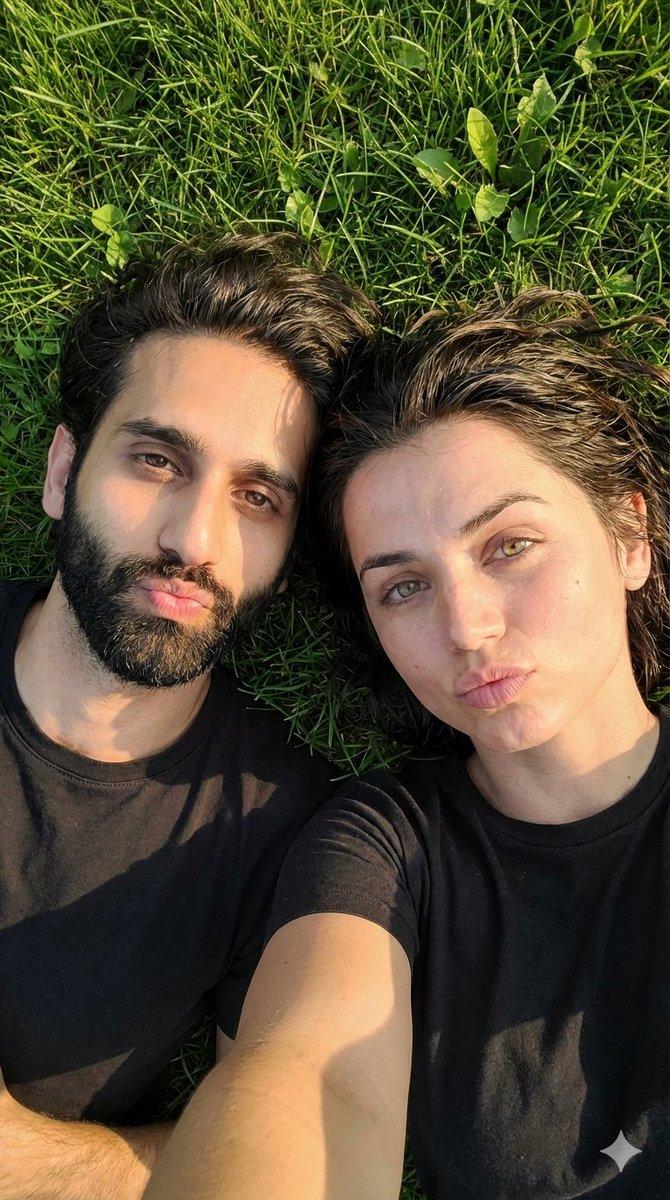
草地上的超逼真情侣自拍提示
Enlarge

草地上的超逼真情侣自拍提示

Prompt
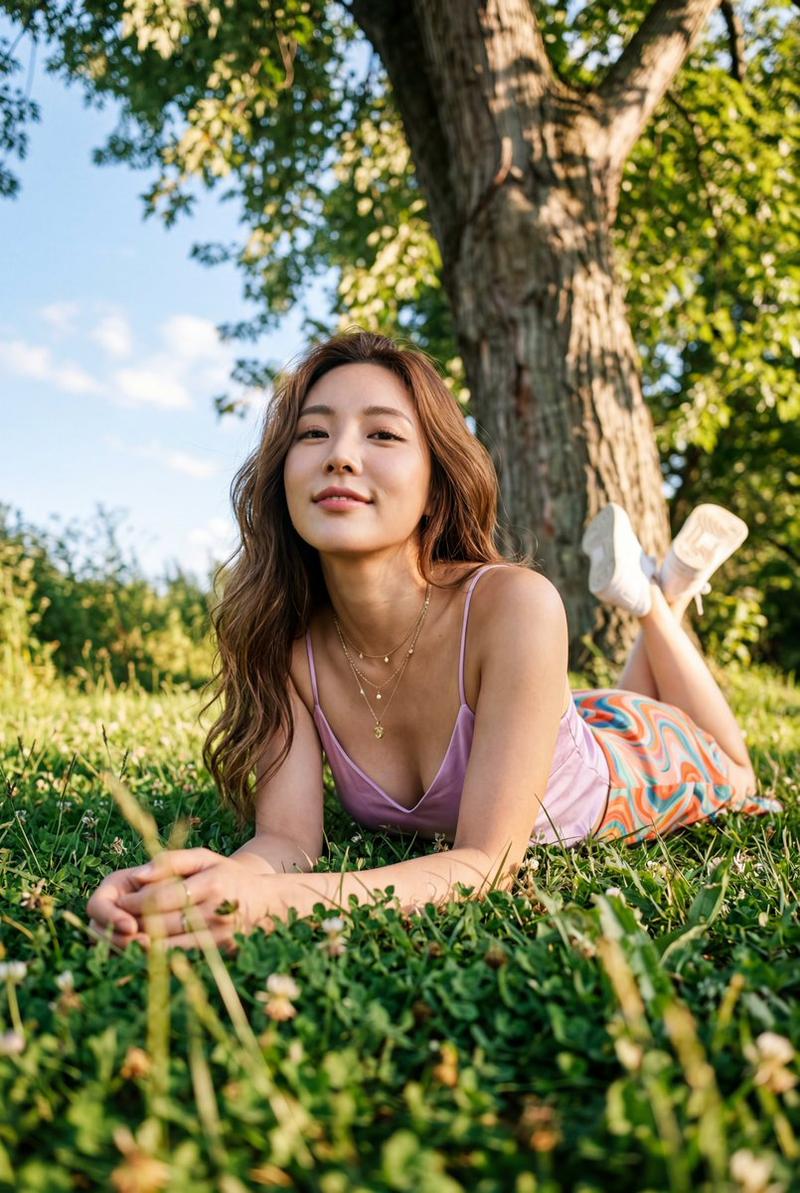
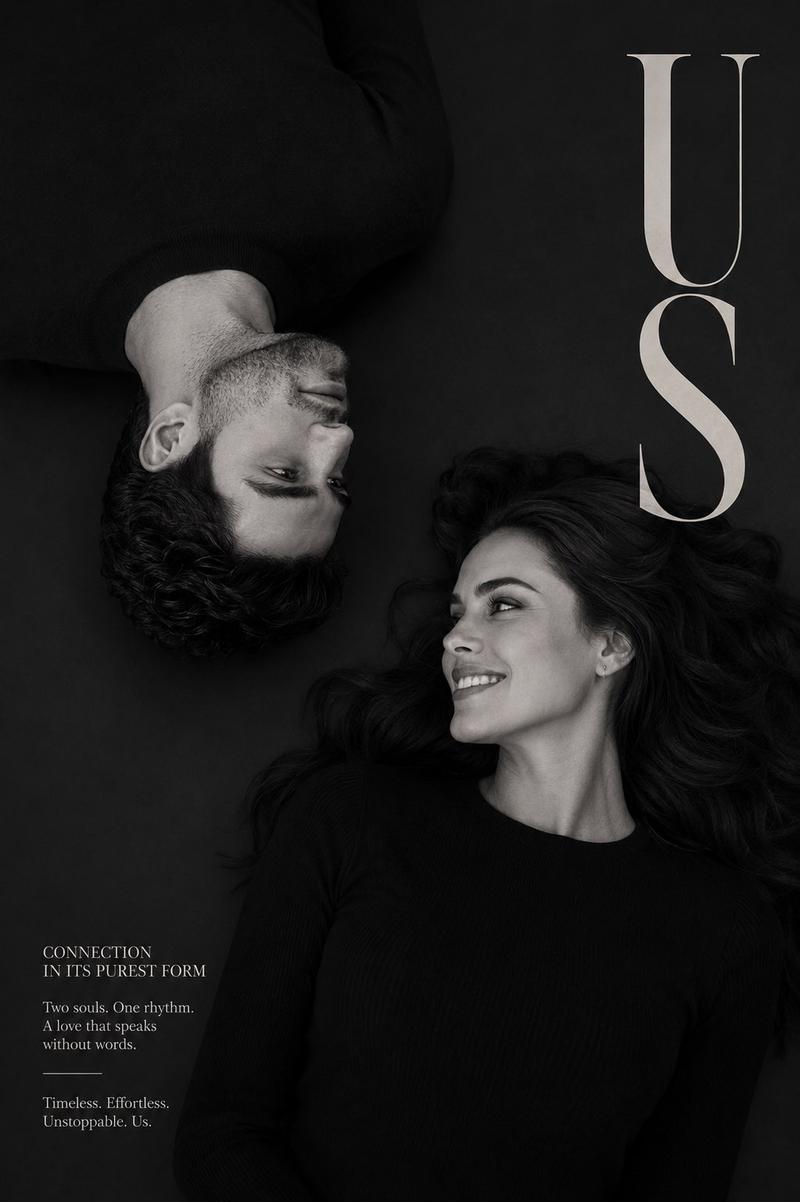
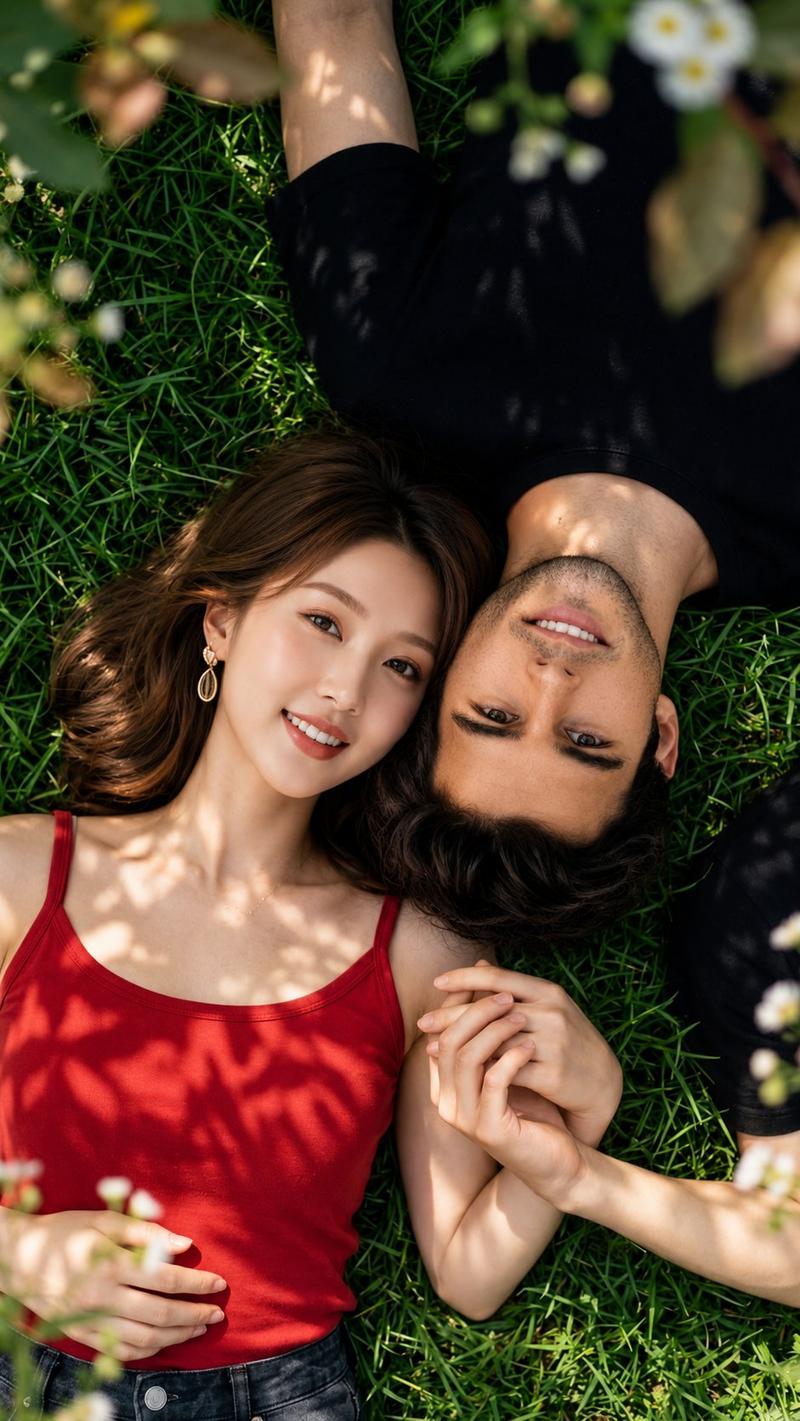
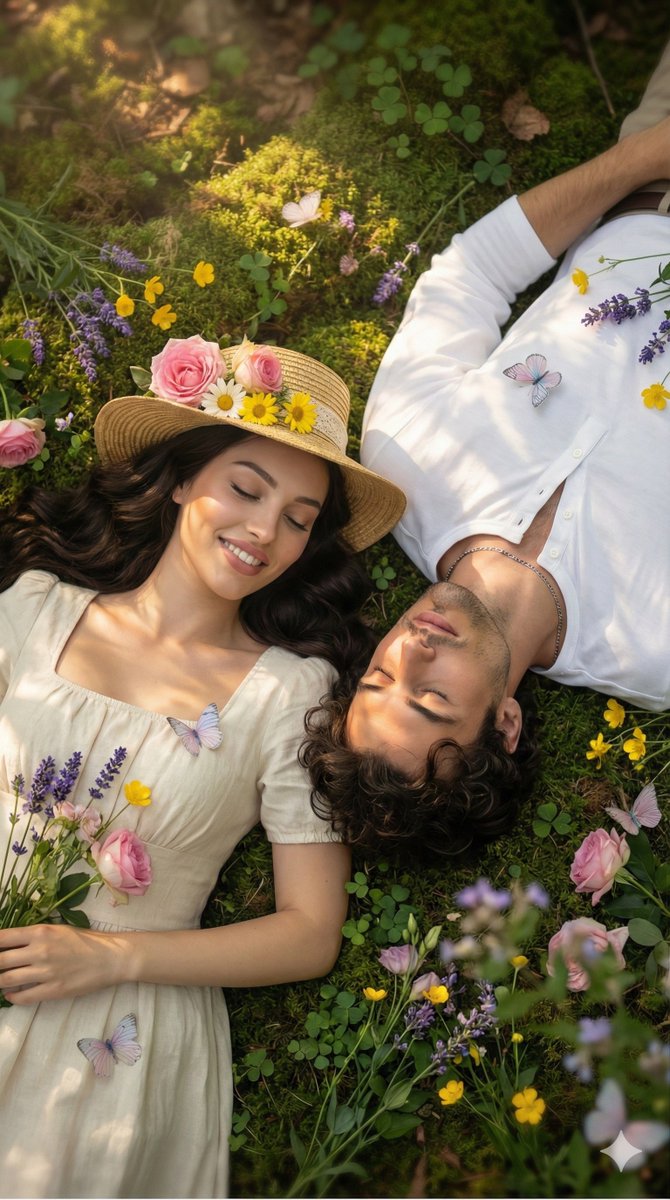
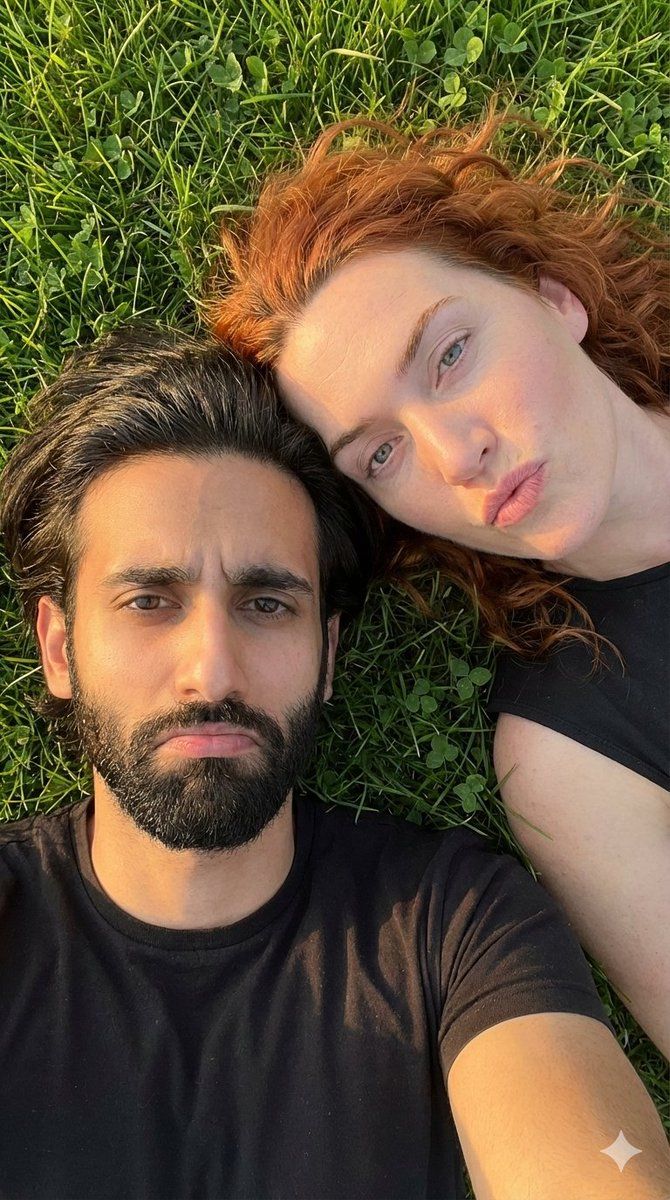
Use 100% uploaded image face details, Create a hyper-realistic selfie photo of a couple (man and woman) with faces 100% identical to the uploaded reference, lying side by side on fresh green grass, captured from a top-down angle. Their expressions are natural Pouting or making a playful frown.
Ensure their face shapes, eyes, noses, and smiles mirror the reference exactly.
Lighting:
Golden hour, warm sunlight gently illuminating their faces with soft shadows, creating a romantic and relaxed vibe. Hair gently blown by light wind.
Style & Details:
Realistic candid couple shot, with natural skin texture, sharp focus, high detail, photorealistic, 4K quality.
Background:
Natural green grass, calm, romantic atmosphere. The photo feels authentic like a real camera shot.
Aspect ratio: 9:16
Category
创意图片
Model
Nano Banana Pro
Views0
Source ID
58e24703-6bf3-4aaf-9f50-3e9624650818
Published
Mar 8, 2026

Guide

About "草地上的超逼真情侣自拍提示"

What is this prompt for?

"草地上的超逼真情侣自拍提示" AI image prompt for Nano Banana Pro (创意图片). 生成一张超现实、抓拍式、俯视情侣自拍的提示词(面部锁定为上传的参考图),情侣躺在绿草地上,画面呈现黄金时段光线,表情俏皮嘟嘴。 --- 使用 100% 上传图片的面部细节,创作一张超写实情侣(一男一…

The full copyable prompt and example visuals above are ready for AI image generation or one-click recreate in Picva.

How to use this prompt

  1. Step 1

    Open the prompt detail

    Review the example visuals, category, and full prompt text for "草地上的超逼真情侣自拍提示".

  2. Step 2

    Copy the prompt

    Copy the prompt body from this page, or load it directly in Studio.

  3. Step 3

    Pick a model (Nano Banana Pro)

    Prefer Nano Banana Pro. If you switch models, keep subject and composition and tweak style terms.

  4. Step 4

    Generate and export

    Recreate the look in Picva, or export into your workflow for editing and publishing.

FAQ

What is the "草地上的超逼真情侣自拍提示" prompt?
It is an AI image-generation prompt for Nano Banana Pro in the 创意图片 category. This page includes the full prompt text, example visuals, and a one-click recreate path in Picva.
How do I use this prompt to generate an image?
Copy the prompt from this page, or use Generate / Studio. Paste it into a compatible image model, or recreate the look in Picva with optional reference images.
Which model is this prompt for?
This page lists Nano Banana Pro. Most descriptive prompts also transfer to nearby image models such as GPT Image, Flux, or Midjourney with light style tweaks.
Can I use the result commercially?
You can usually copy the prompt for creation, but commercial use of the final image depends on the model terms, reference-image rights, and the generated content. Follow the source author and platform rules.