20

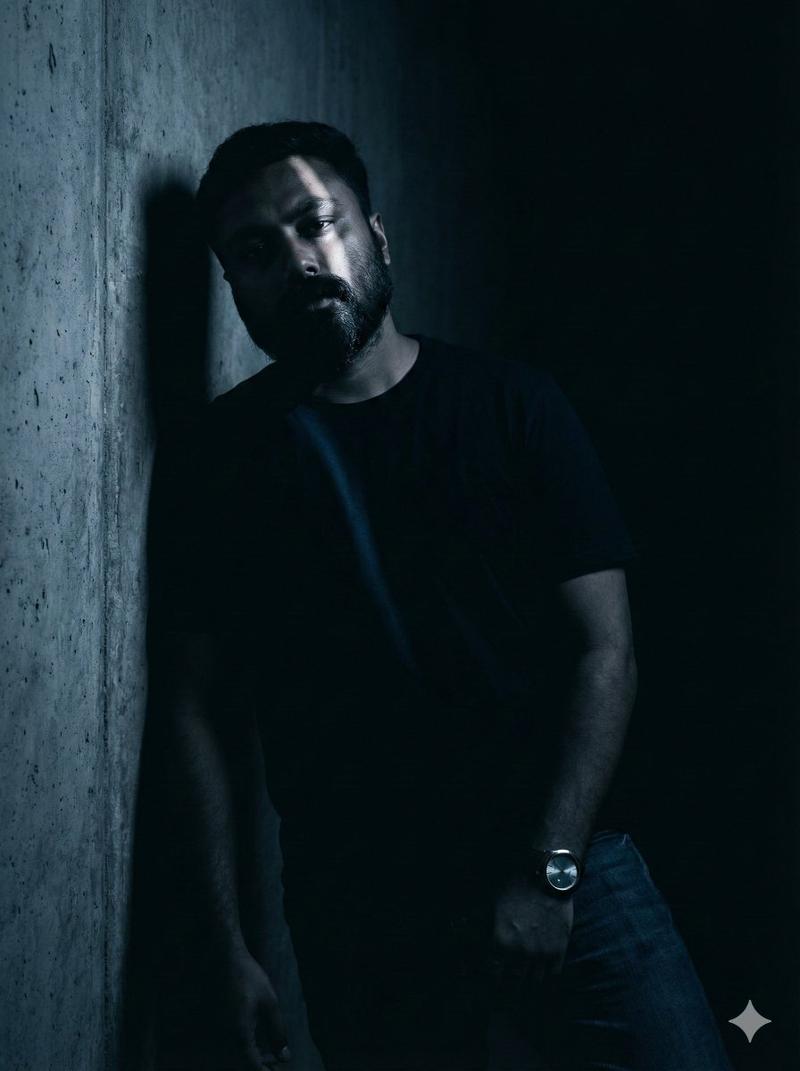
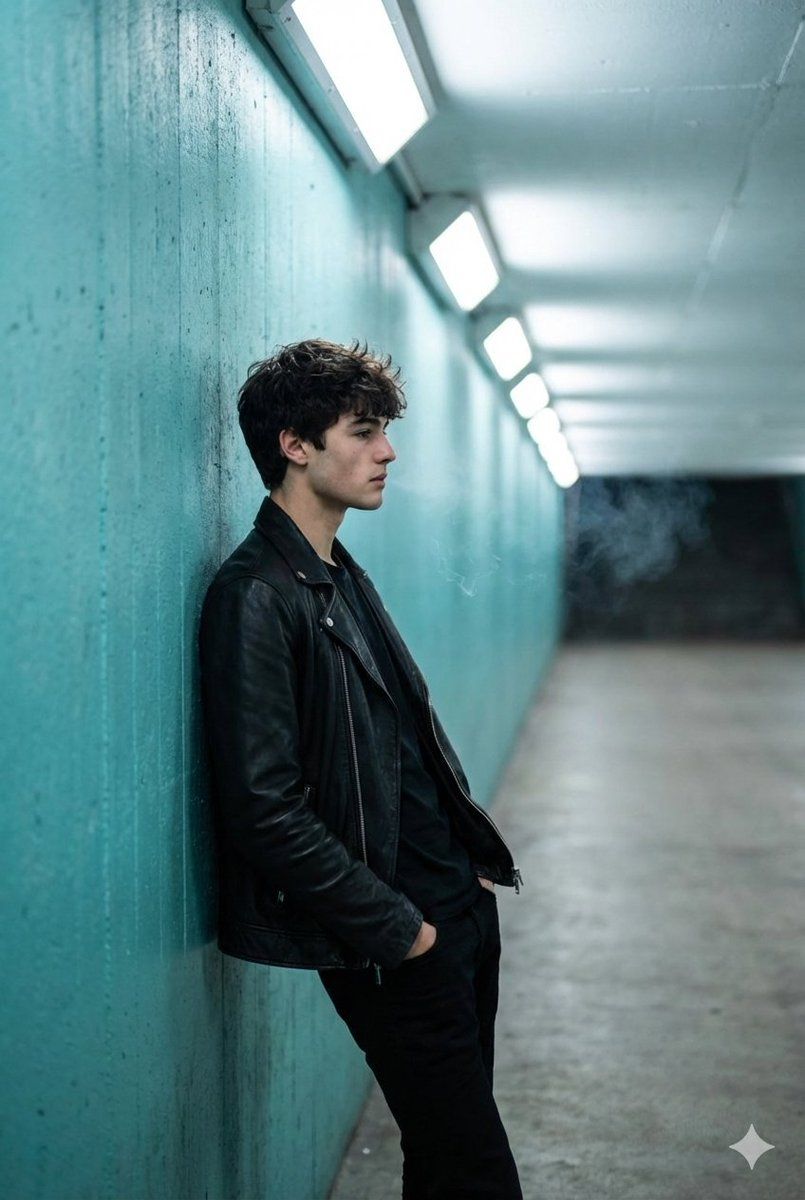
电影式全景镜头:一名男子身处绿松石色隧道中
Enlarge

电影式全景镜头:一名男子身处绿松石色隧道中

Prompt
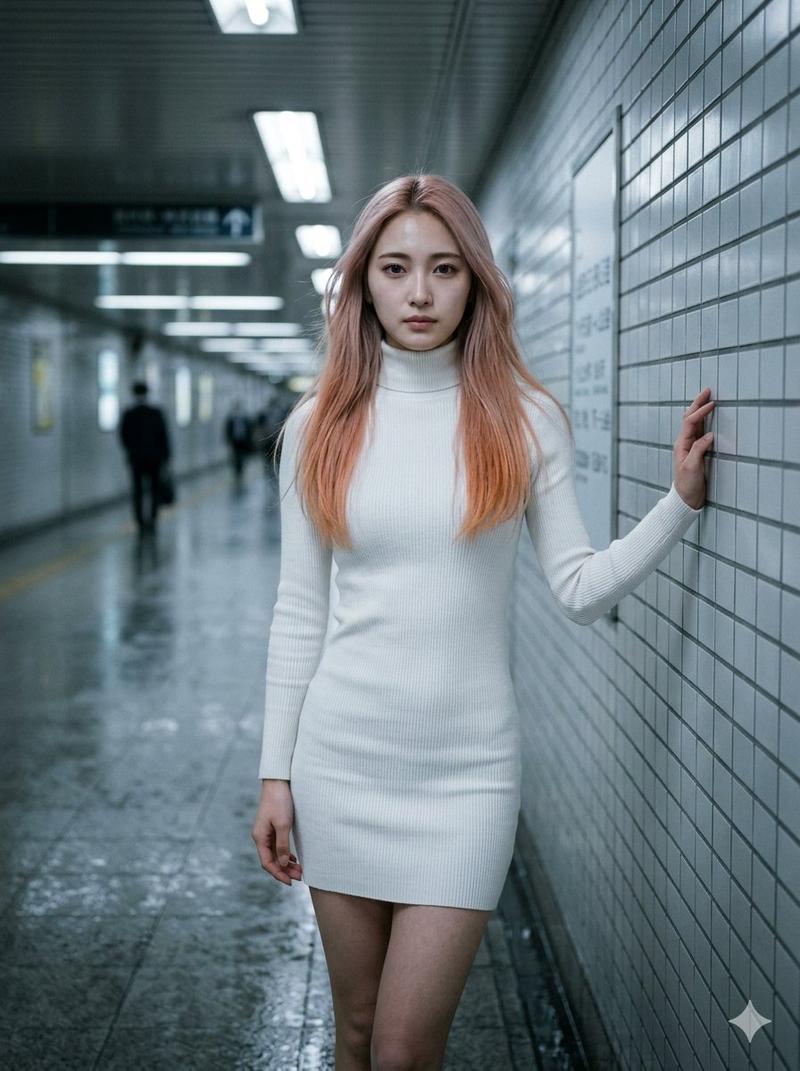
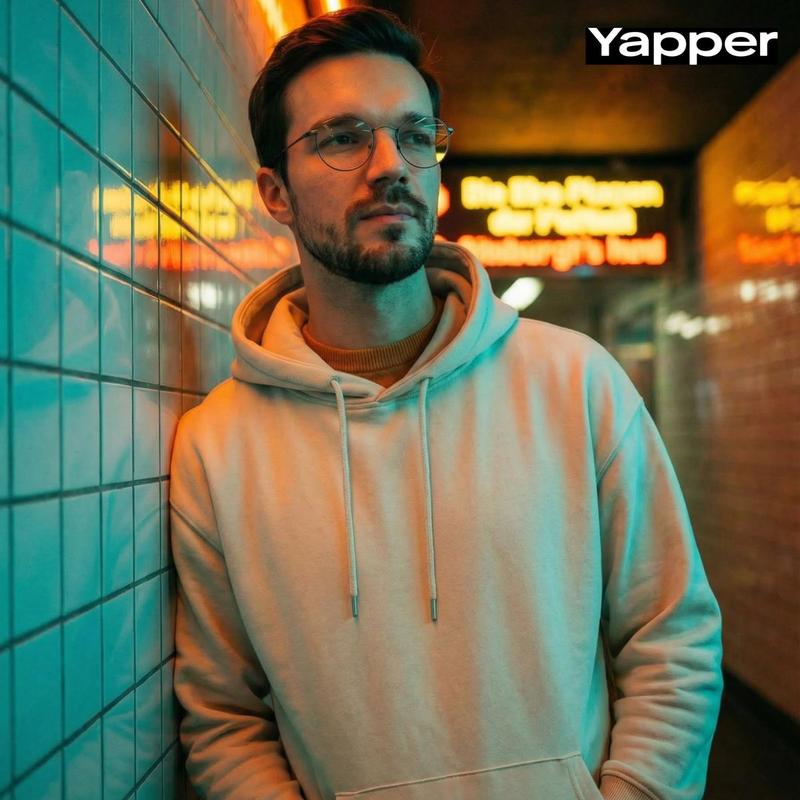
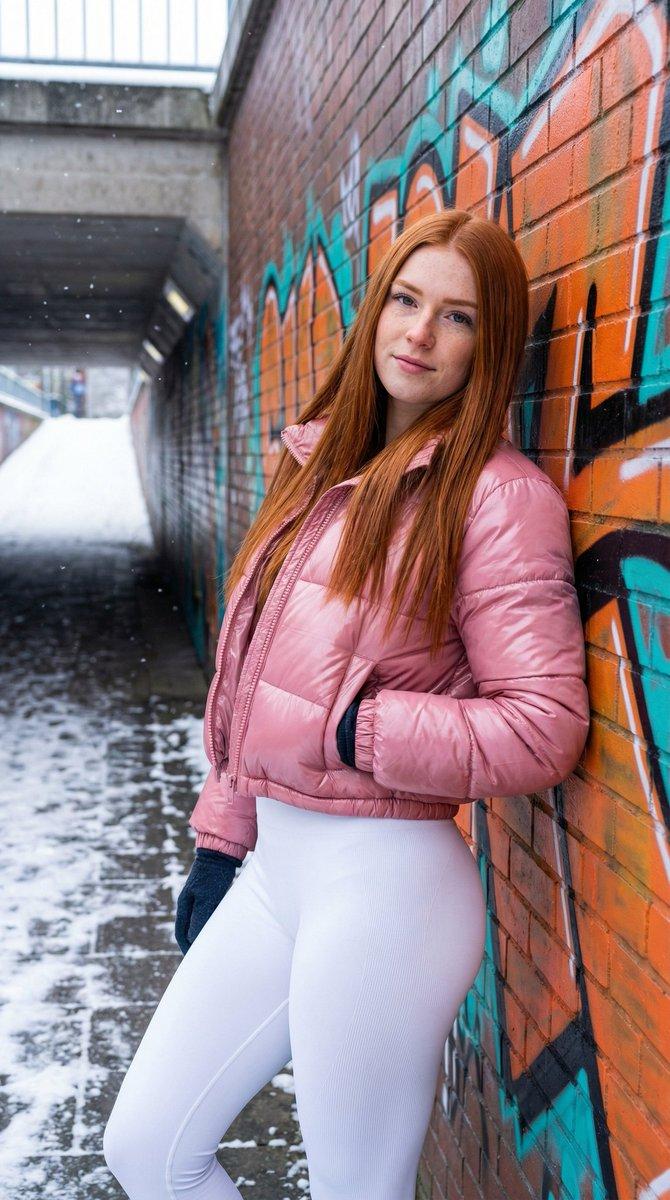
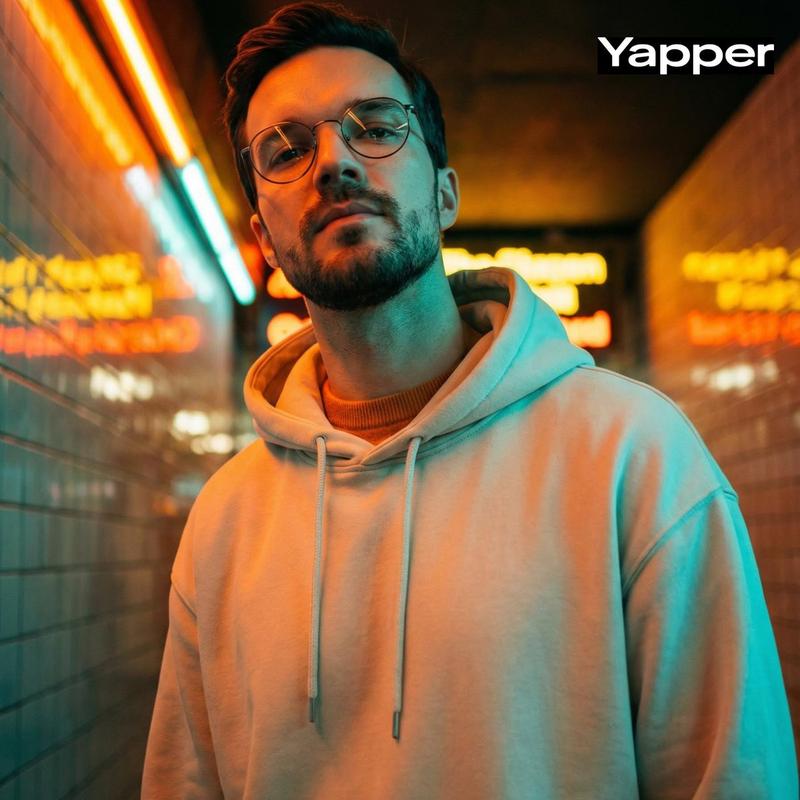
A full shot captures a young man in profile, leaning against a textured turquoise wall inside a brightly lit tunnel. He is dressed in a sleek black leather jacket and black pants. His short, dark hair is casually styled, framing a contemplative expression as he gazes forward. Wisps of smoke curl subtly above his head. The background features a series of evenly spaced rectangular lights along the tunnel's ceiling, creating a strong sense of depth and leading the eye. The overall lighting casts a cool, ethereal glow on the scene, with the vibrant {argument name="wall color" default="turquoise"} of the walls contrasting with the stark brightness of the lights. The image conveys a mood of quiet introspection and urban coolness.
Category
创意图片
Model
Nano Banana Pro
Creator
Harboriis
Views0
Source ID
9d1eb648-0d2b-4d22-9855-c4c8da10fbe2
Published
Mar 8, 2026

Guide

About "电影式全景镜头:一名男子身处绿松石色隧道中"

What is this prompt for?

"电影式全景镜头:一名男子身处绿松石色隧道中" AI image prompt for Nano Banana Pro (创意图片). 一个用于生成电影级全景图像的提示:一名年轻男子斜倚在光线充足的隧道内一面有纹理的青绿色墙壁上。描述强调了拍摄对象的着装(黑色皮夹克)、沉思的表情、淡淡的烟雾,以及矩形顶灯形成的强烈对…

The full copyable prompt and example visuals above are ready for AI image generation or one-click recreate in Picva.

How to use this prompt

  1. Step 1

    Open the prompt detail

    Review the example visuals, category, and full prompt text for "电影式全景镜头:一名男子身处绿松石色隧道中".

  2. Step 2

    Copy the prompt

    Copy the prompt body from this page, or load it directly in Studio.

  3. Step 3

    Pick a model (Nano Banana Pro)

    Prefer Nano Banana Pro. If you switch models, keep subject and composition and tweak style terms.

  4. Step 4

    Generate and export

    Recreate the look in Picva, or export into your workflow for editing and publishing.

FAQ

What is the "电影式全景镜头:一名男子身处绿松石色隧道中" prompt?
It is an AI image-generation prompt for Nano Banana Pro in the 创意图片 category. This page includes the full prompt text, example visuals, and a one-click recreate path in Picva.
How do I use this prompt to generate an image?
Copy the prompt from this page, or use Generate / Studio. Paste it into a compatible image model, or recreate the look in Picva with optional reference images.
Which model is this prompt for?
This page lists Nano Banana Pro. Most descriptive prompts also transfer to nearby image models such as GPT Image, Flux, or Midjourney with light style tweaks.
Can I use the result commercially?
You can usually copy the prompt for creation, but commercial use of the final image depends on the model terms, reference-image rights, and the generated content. Follow the source author and platform rules.