20

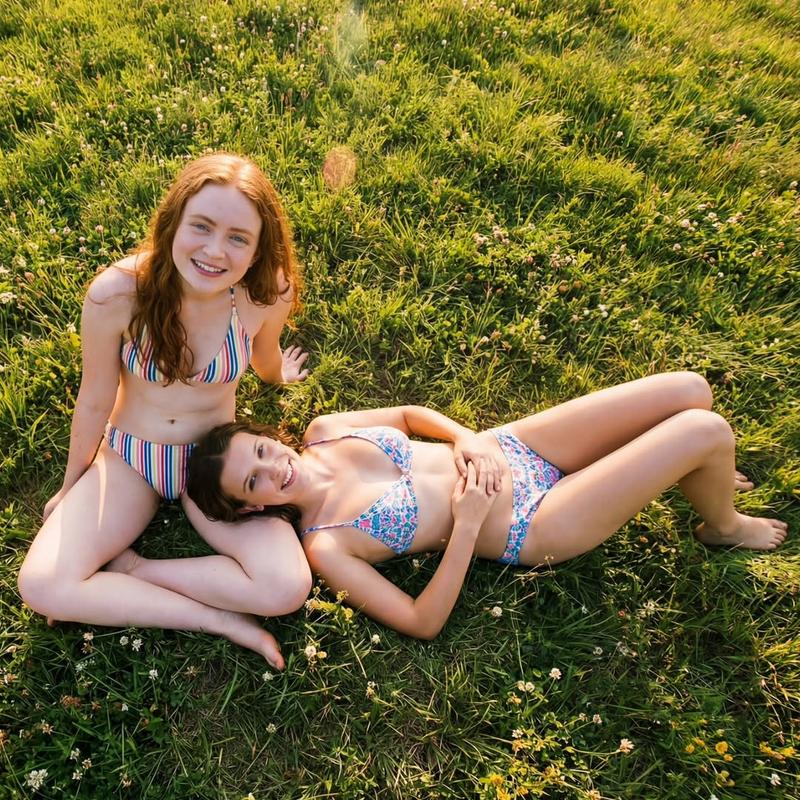
20 世纪 80 年代夏季美学:两位年轻女性的肖像
Enlarge

20 世纪 80 年代夏季美学:两位年轻女性的肖像

Prompt
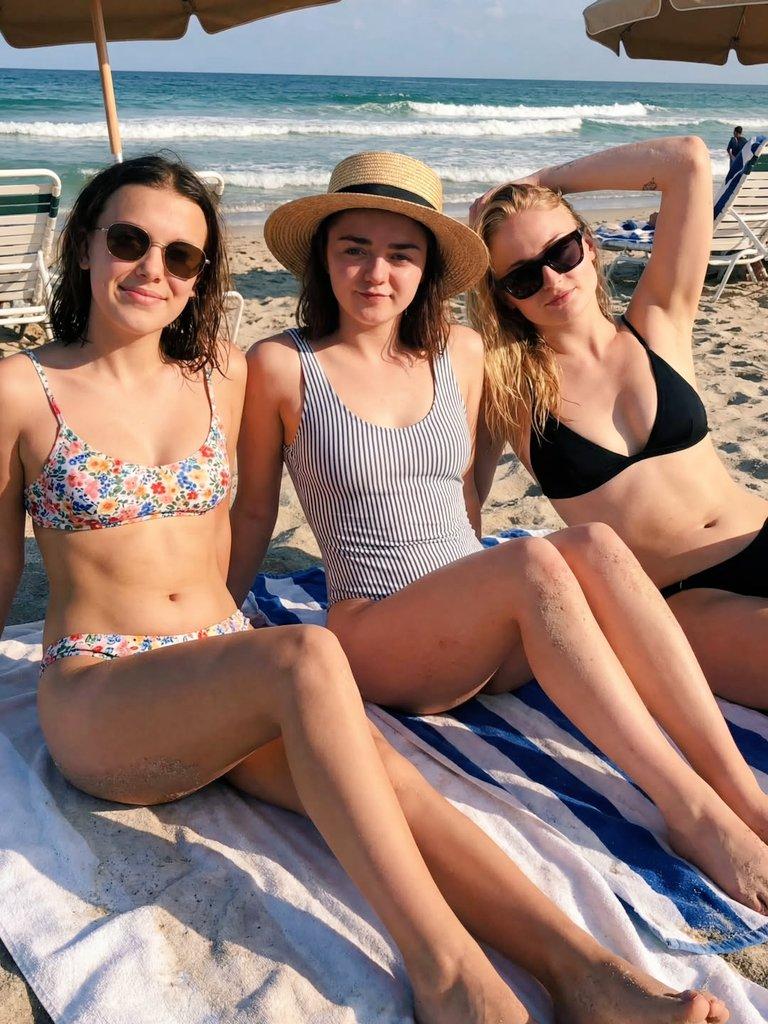
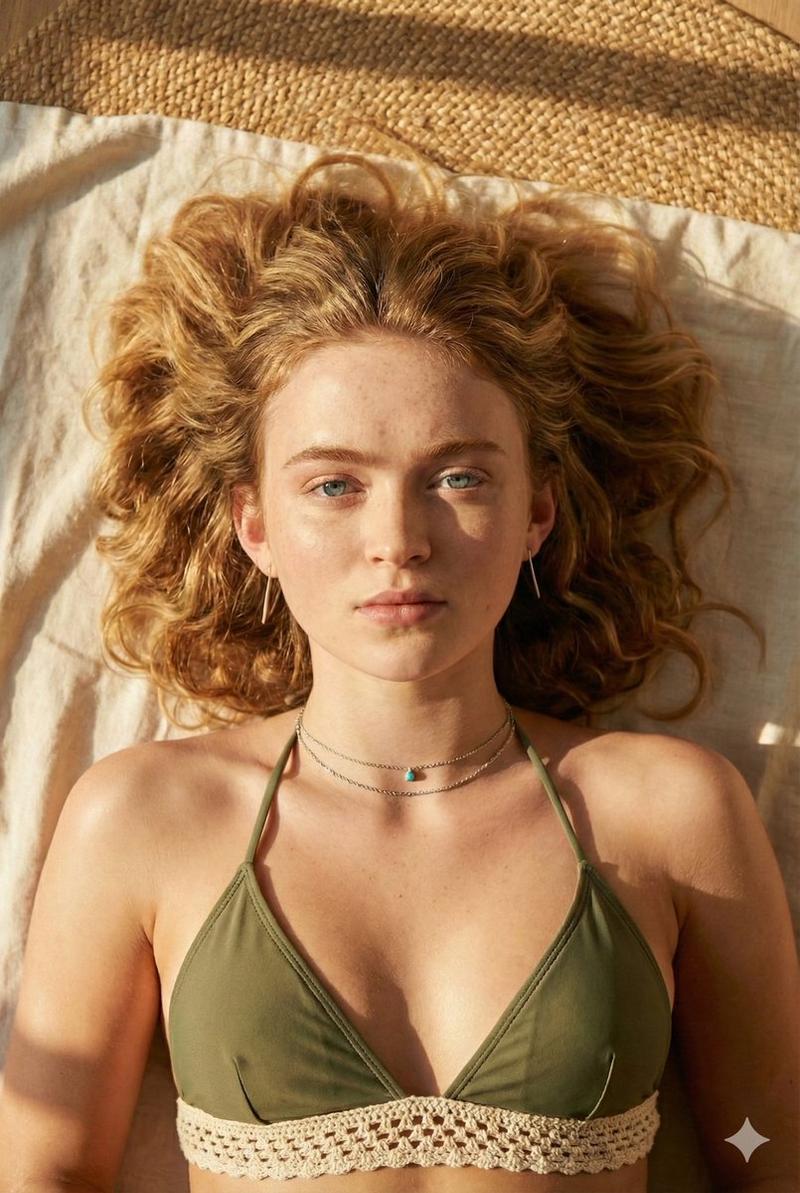
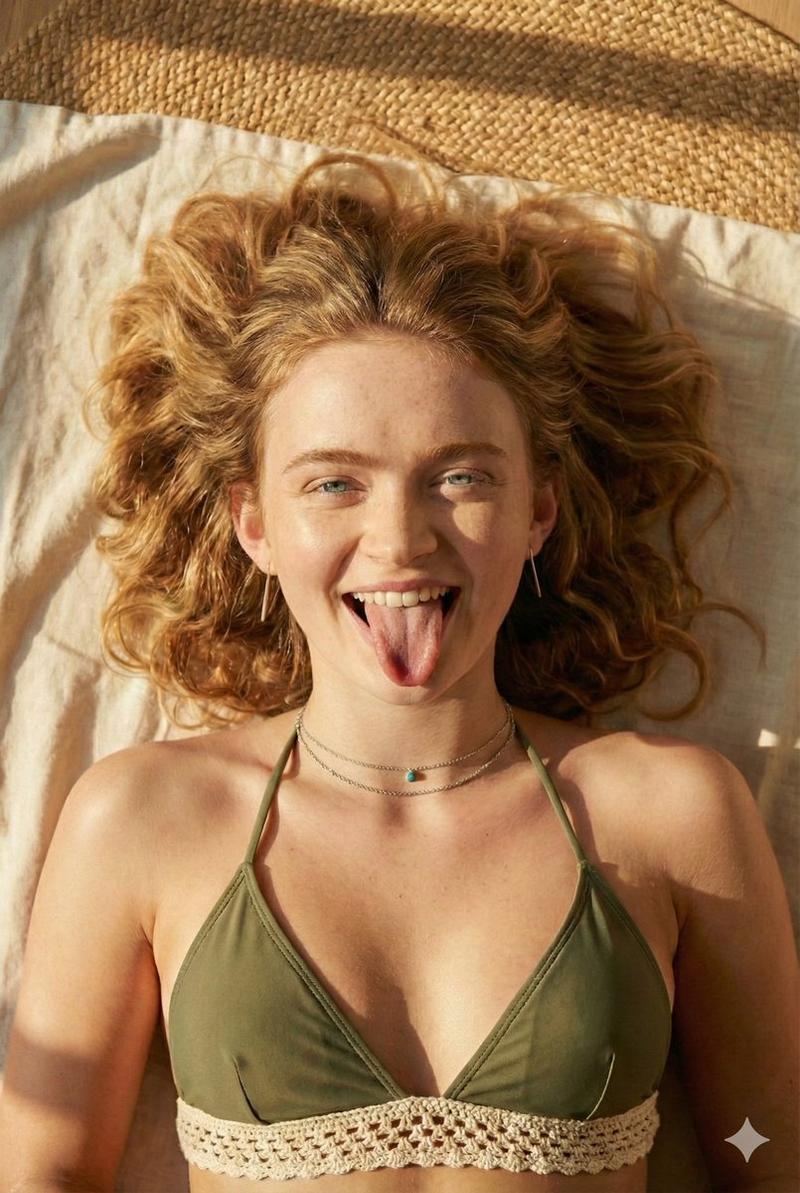
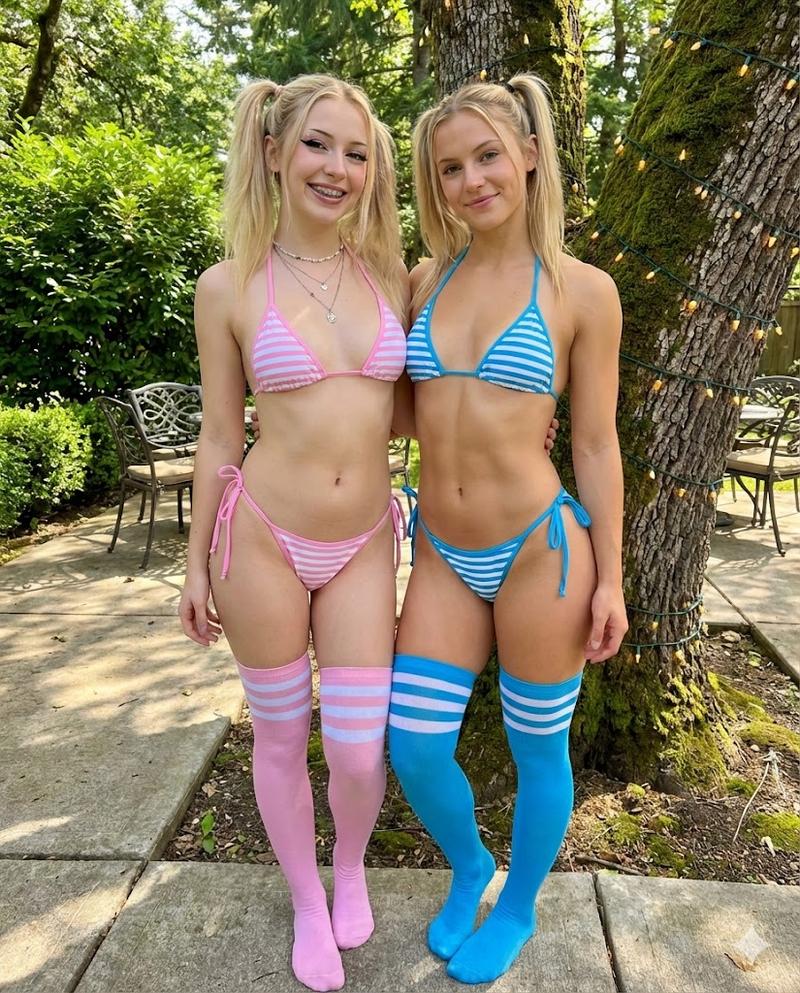
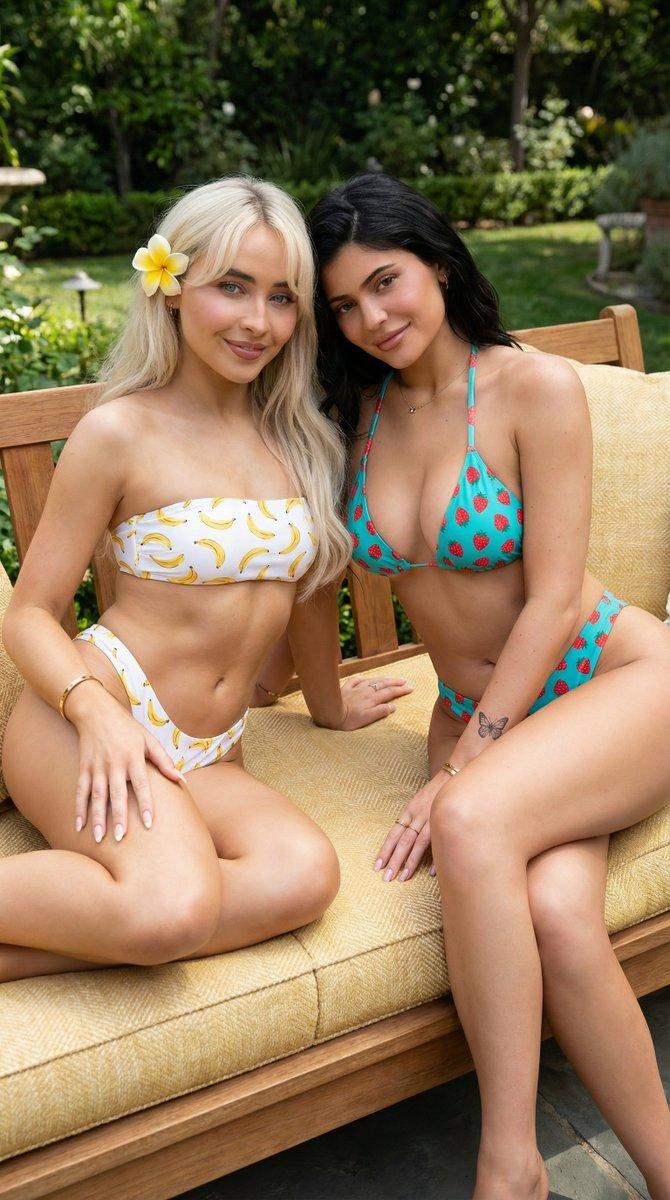
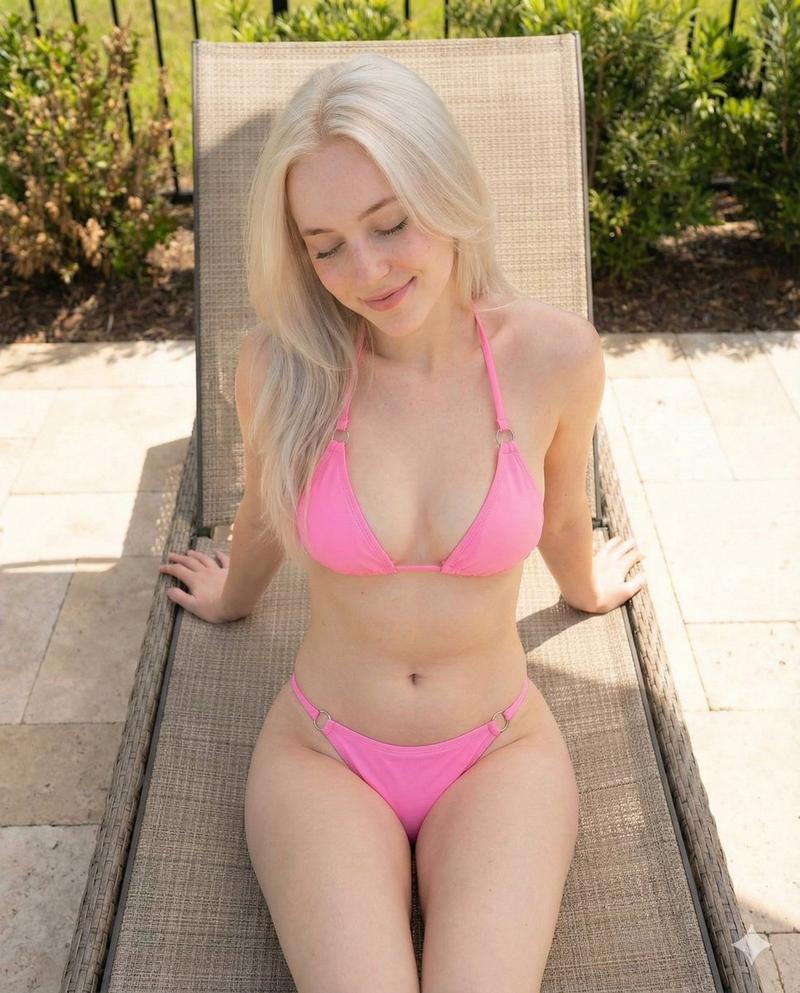
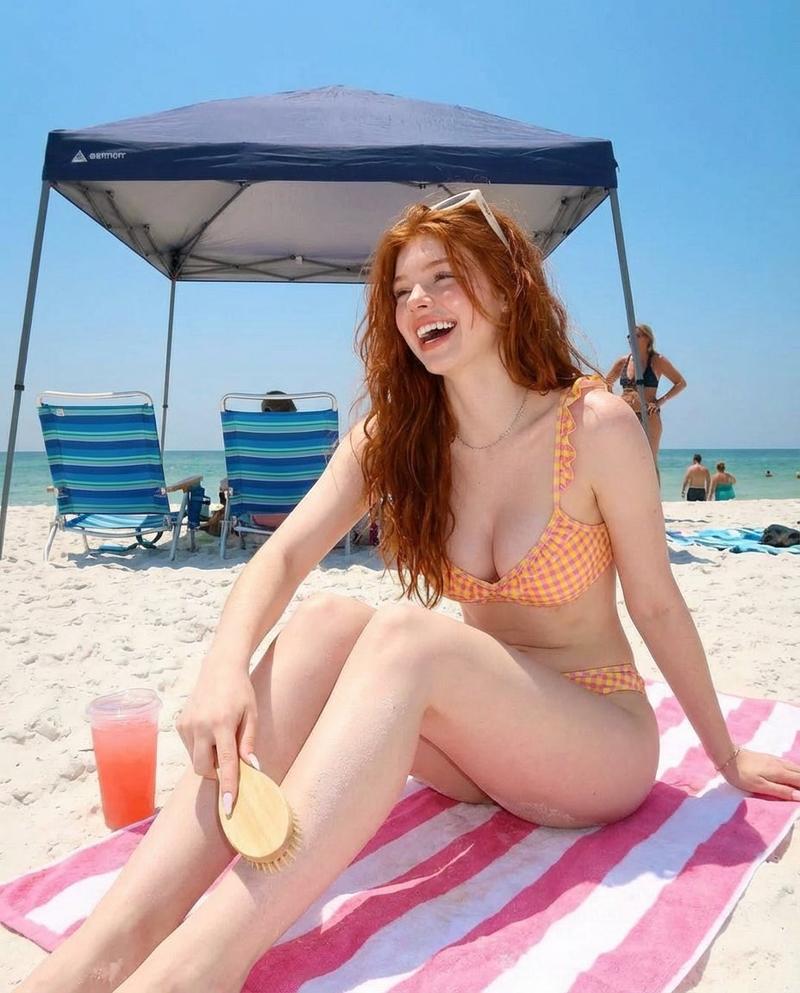
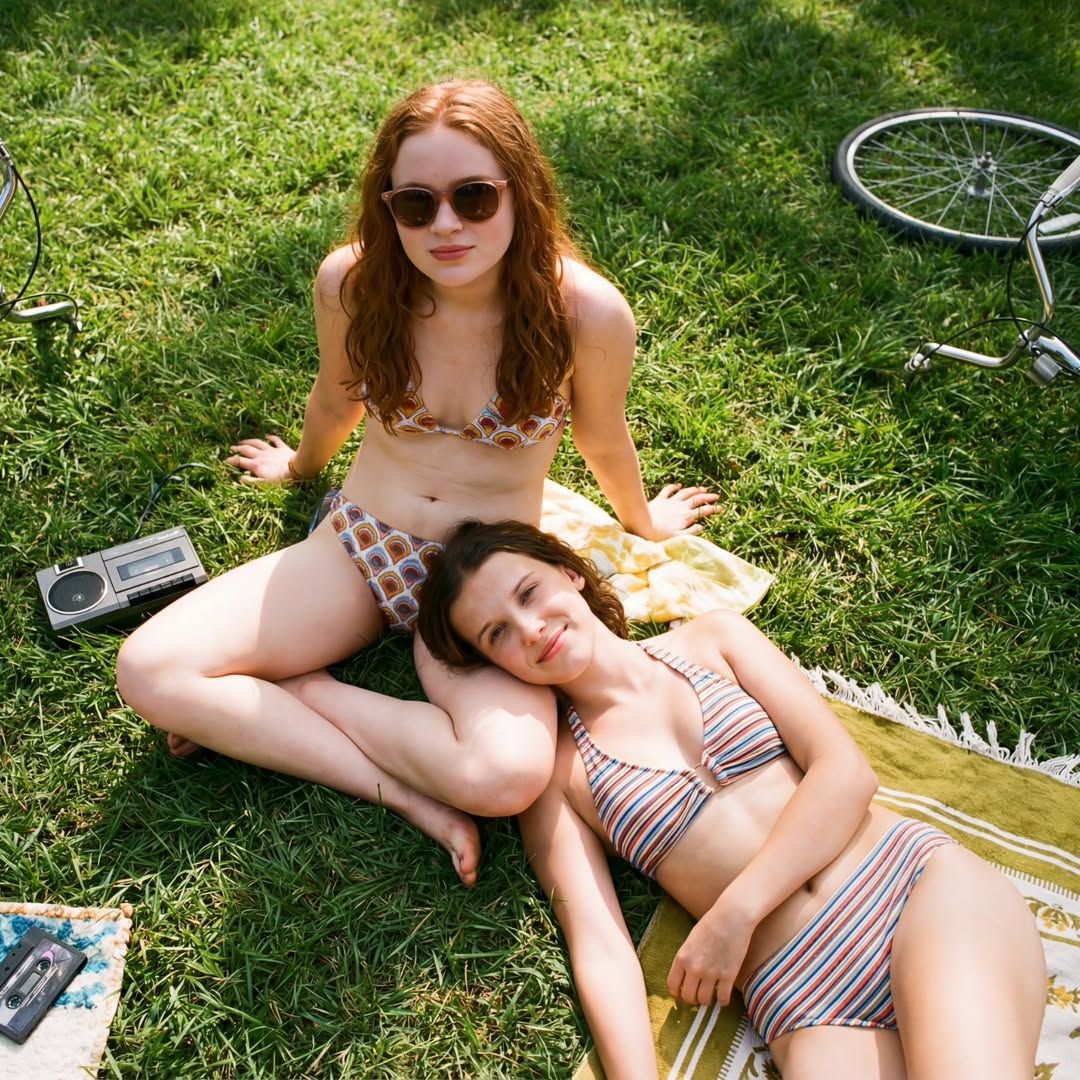
"A nostalgic, high-angle outdoor shot features two young women—resmbling Sadie Sink and Millie Bobby Brown—relaxing in a lush green meadow, capturing a 1980s summer aesthetic. One girl with long, wavy red hair and retro sunglasses sits cross-legged on the grass, while the other with short brunette hair rests her head affectionately on her friend's lap, lying back on a vintage striped towel. They are dressed in patterned, high-waisted bikinis with vibrant retro prints. The scene is scattered with era-specific props, including a black portable cassette player and a bicycle wheel visible in the periphery. The lighting is warm and golden, casting soft shadows across the grass, emphasizing a candid, sun-drenched atmosphere of friendship and leisure."
Category
创意图片
Model
Nano Banana Pro
Creator
FL⭕RA
Views0
Source ID
11f4eb44-4b49-42e2-ad62-c9651facaa25
Published
Mar 8, 2026

Guide

About "20 世纪 80 年代夏季美学:两位年轻女性的肖像"

What is this prompt for?

"20 世纪 80 年代夏季美学:两位年轻女性的肖像" AI image prompt for Nano Banana Pro (创意图片). 一个详细的提示,用于创建一张怀旧、阳光普照的图像,描绘 Sadie Sink 和 Millie Bobby Brown 在草地上放松的场景,捕捉 20 世纪 80 年代夏季的…

The full copyable prompt and example visuals above are ready for AI image generation or one-click recreate in Picva.

How to use this prompt

  1. Step 1

    Open the prompt detail

    Review the example visuals, category, and full prompt text for "20 世纪 80 年代夏季美学:两位年轻女性的肖像".

  2. Step 2

    Copy the prompt

    Copy the prompt body from this page, or load it directly in Studio.

  3. Step 3

    Pick a model (Nano Banana Pro)

    Prefer Nano Banana Pro. If you switch models, keep subject and composition and tweak style terms.

  4. Step 4

    Generate and export

    Recreate the look in Picva, or export into your workflow for editing and publishing.

FAQ

What is the "20 世纪 80 年代夏季美学:两位年轻女性的肖像" prompt?
It is an AI image-generation prompt for Nano Banana Pro in the 创意图片 category. This page includes the full prompt text, example visuals, and a one-click recreate path in Picva.
How do I use this prompt to generate an image?
Copy the prompt from this page, or use Generate / Studio. Paste it into a compatible image model, or recreate the look in Picva with optional reference images.
Which model is this prompt for?
This page lists Nano Banana Pro. Most descriptive prompts also transfer to nearby image models such as GPT Image, Flux, or Midjourney with light style tweaks.
Can I use the result commercially?
You can usually copy the prompt for creation, but commercial use of the final image depends on the model terms, reference-image rights, and the generated content. Follow the source author and platform rules.