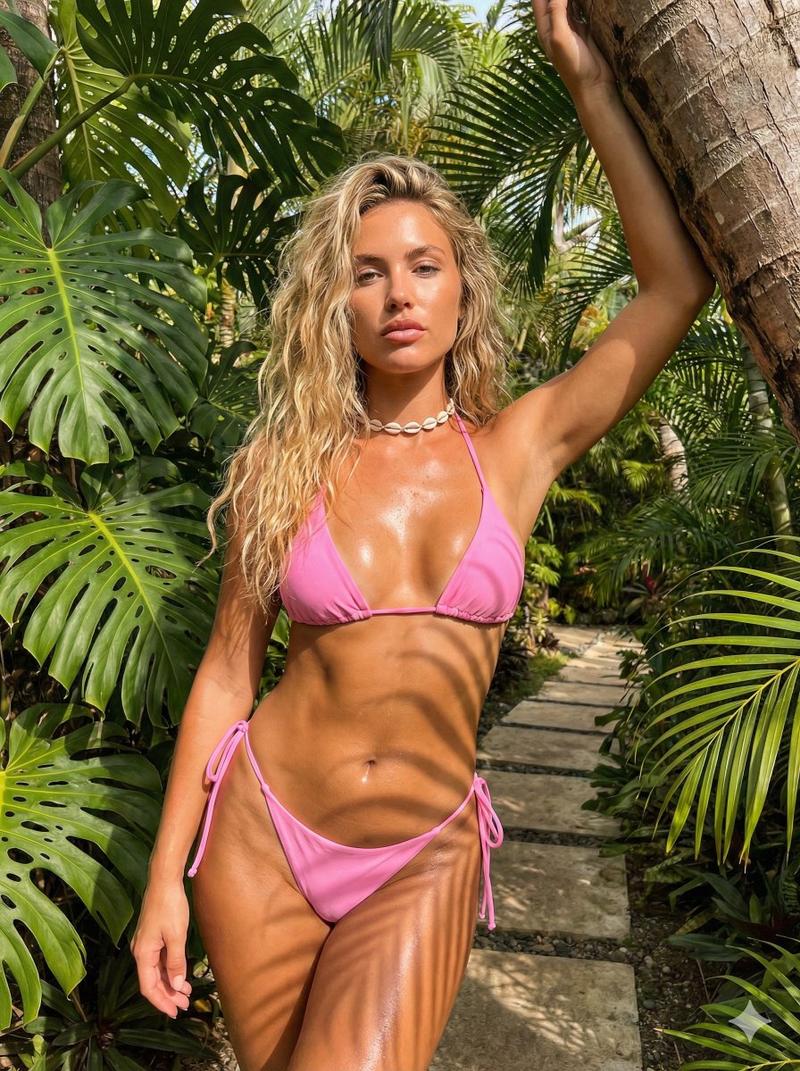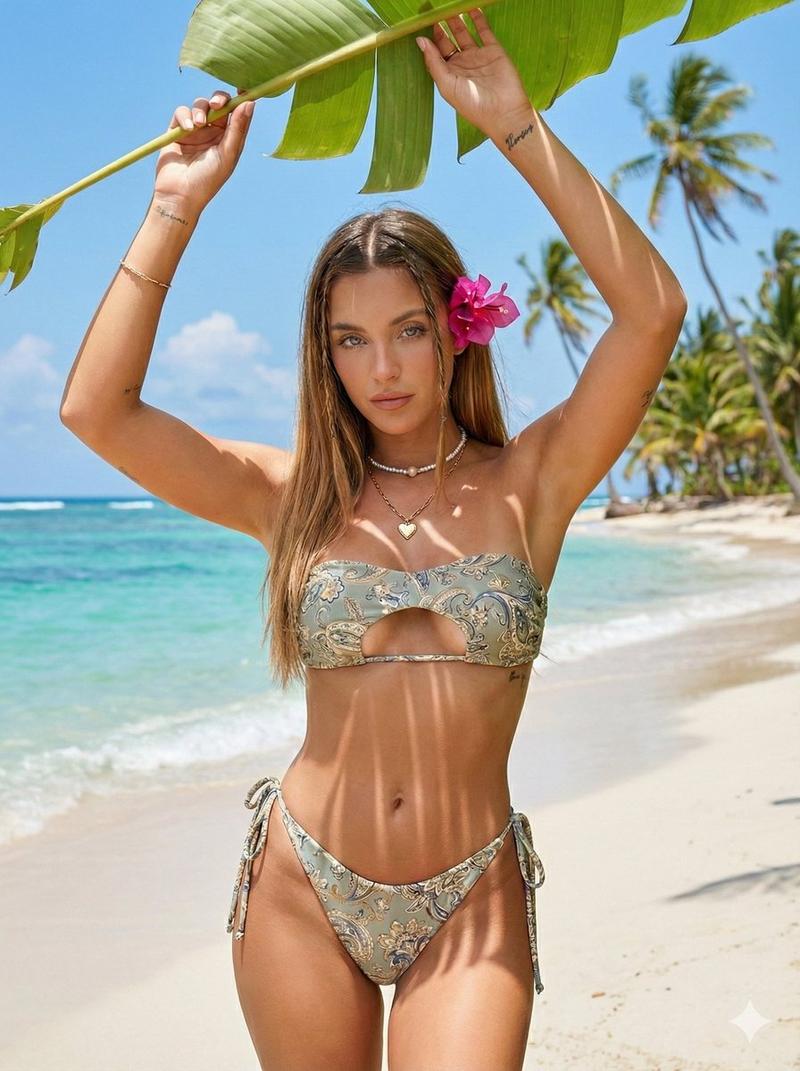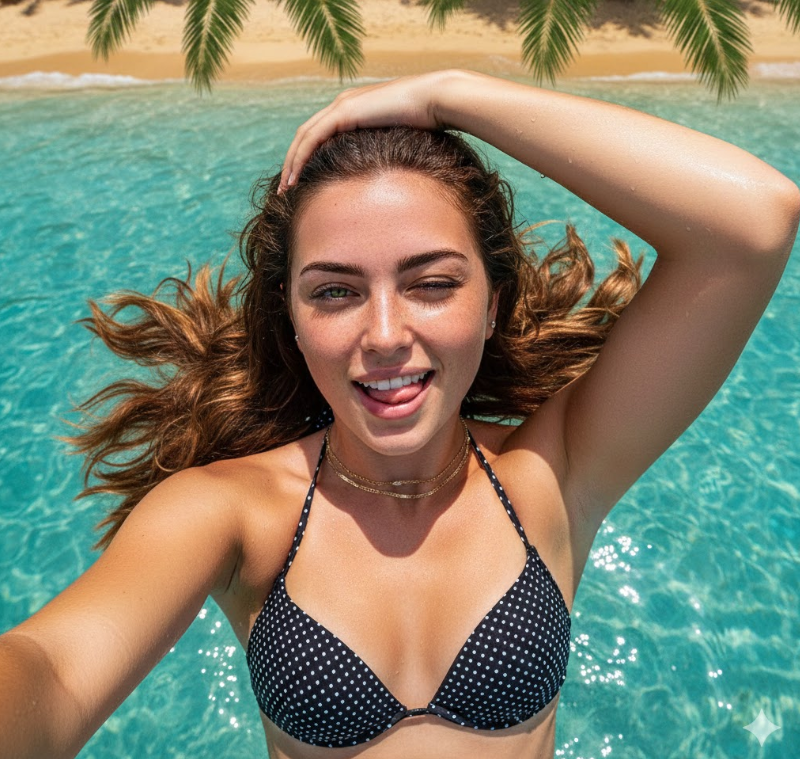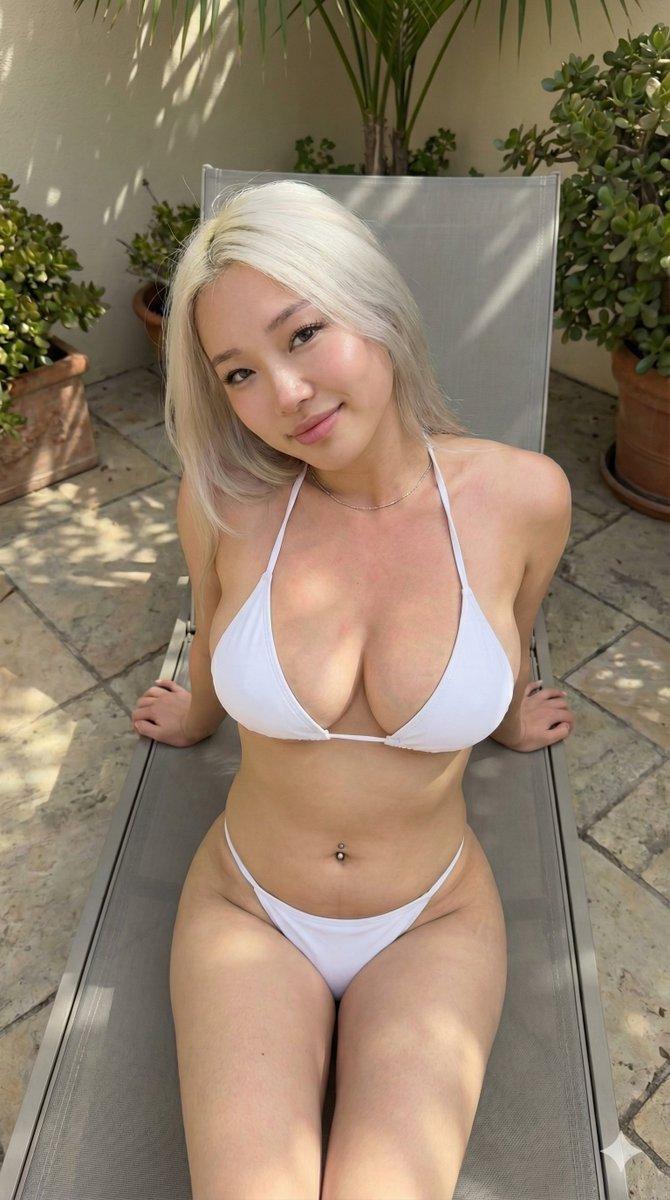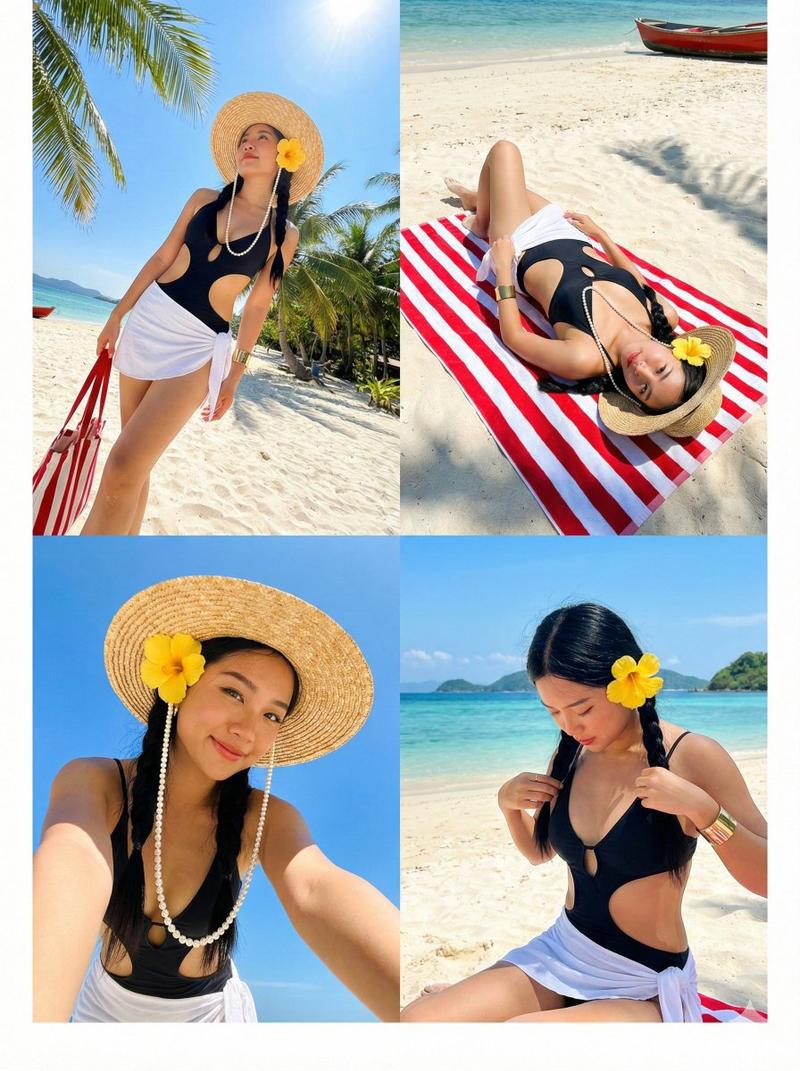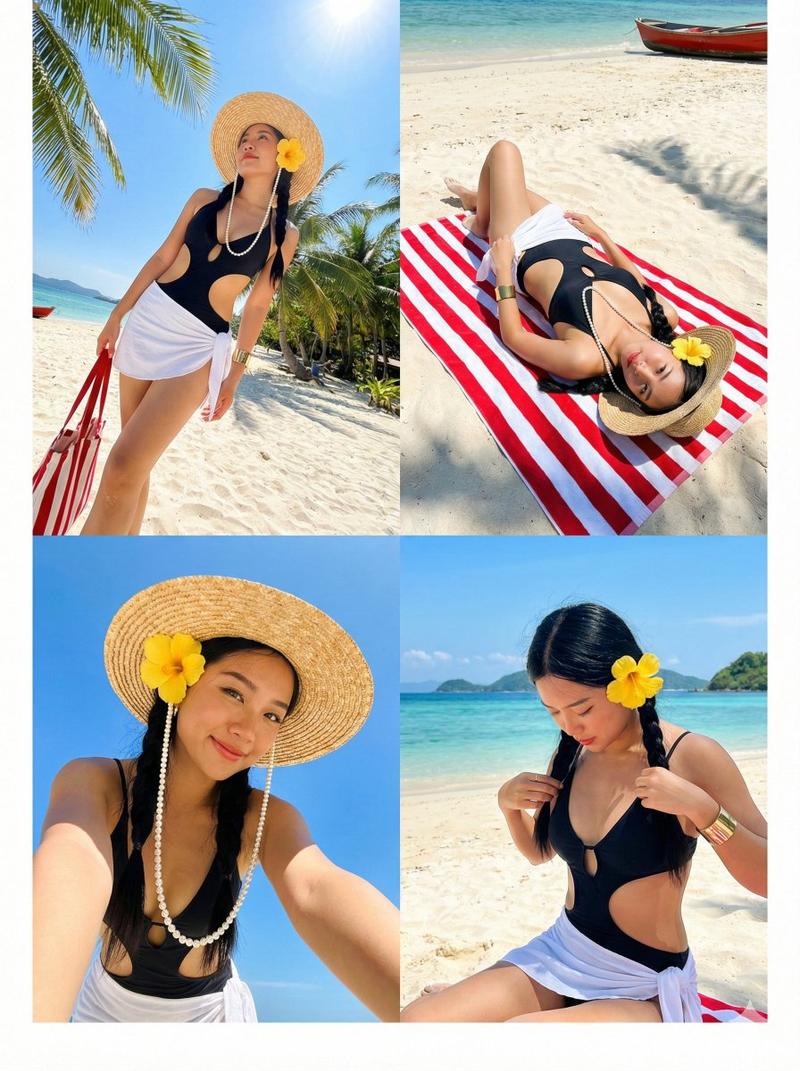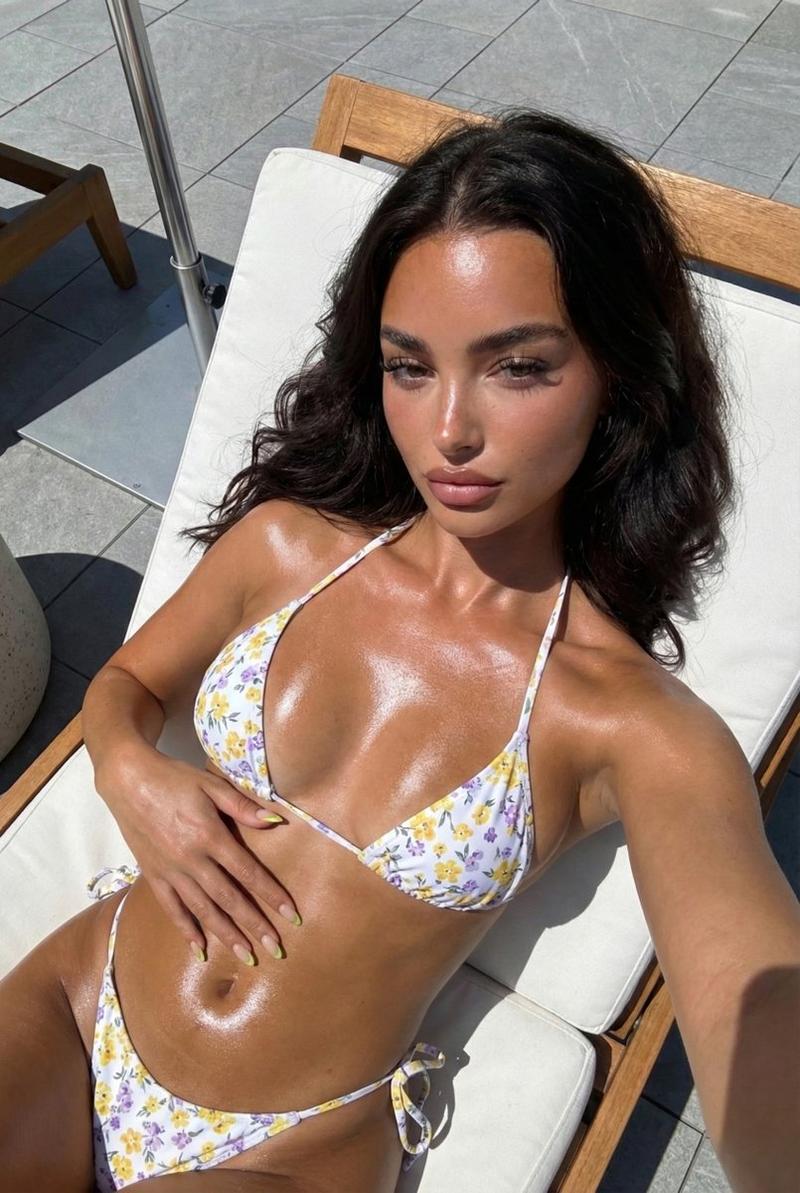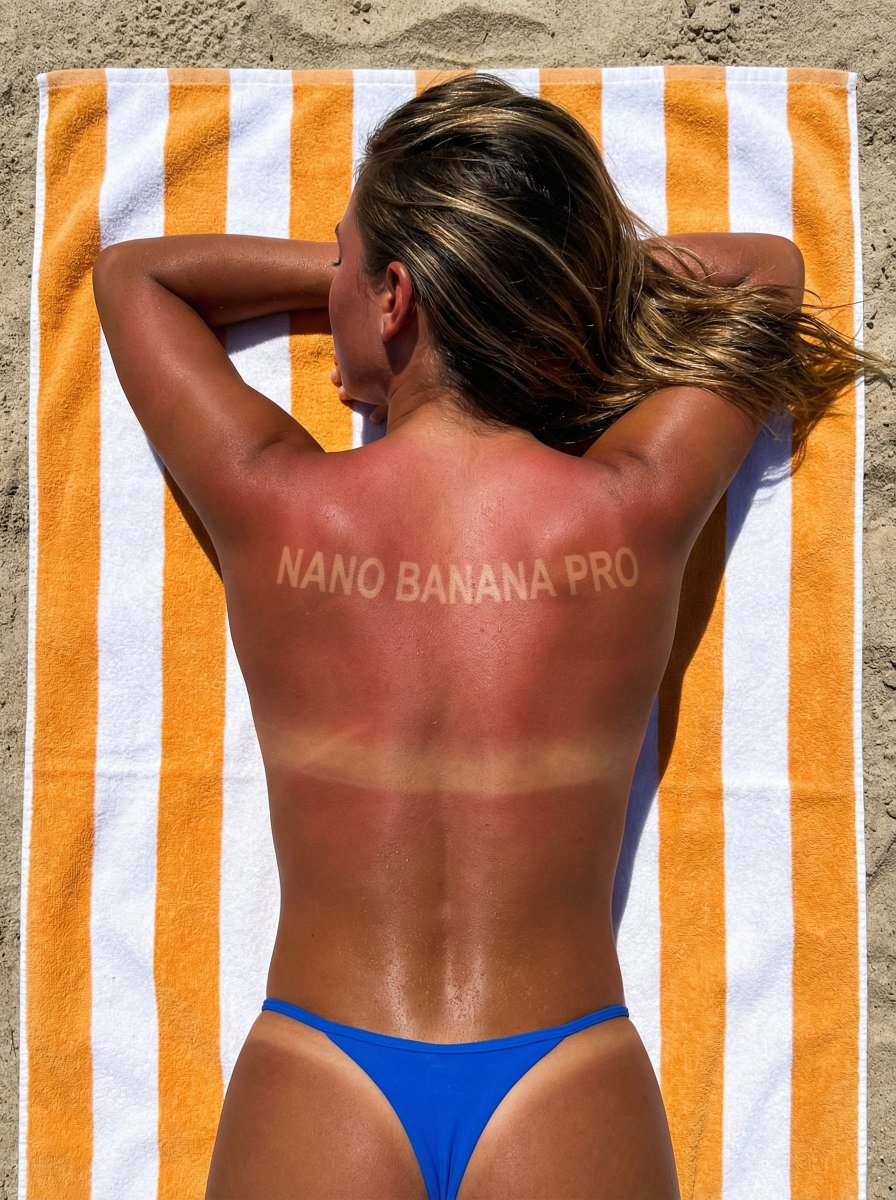
Gemini Nano Banana 3.0 Prompt: { "image_request": { "identity_constraints"
Prompt
Gemini Nano Banana 3.0

Prompt:

{
  "image_request": {
    "identity_constraints": {
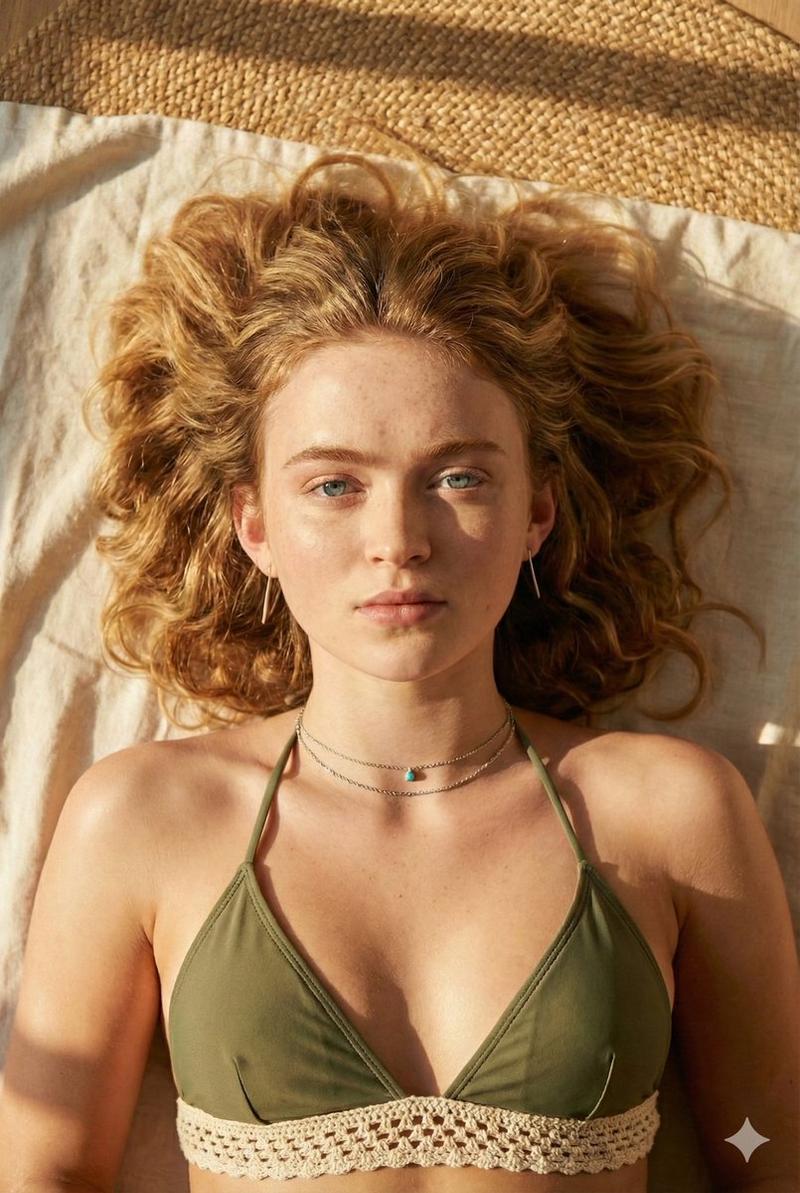
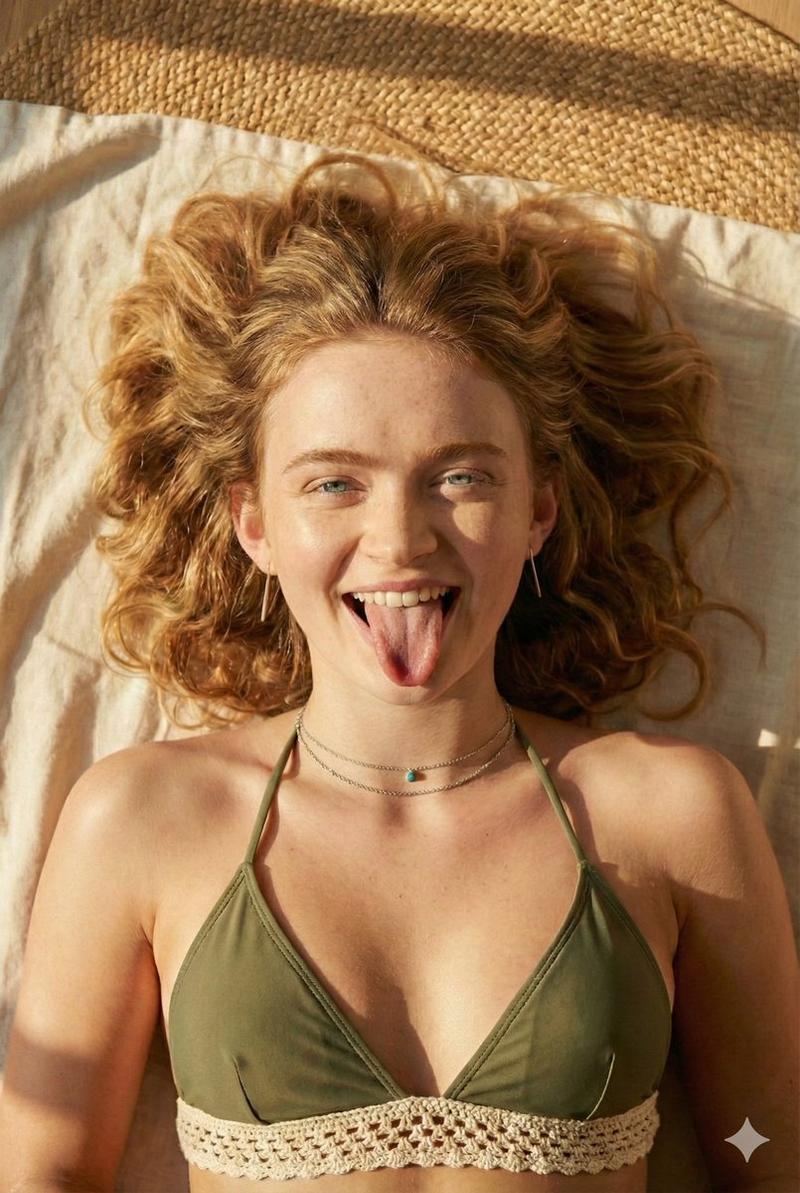
      "reference_image": "Use attached reference photo",
      "face_lock": true,
      "priority": "CRITICAL",
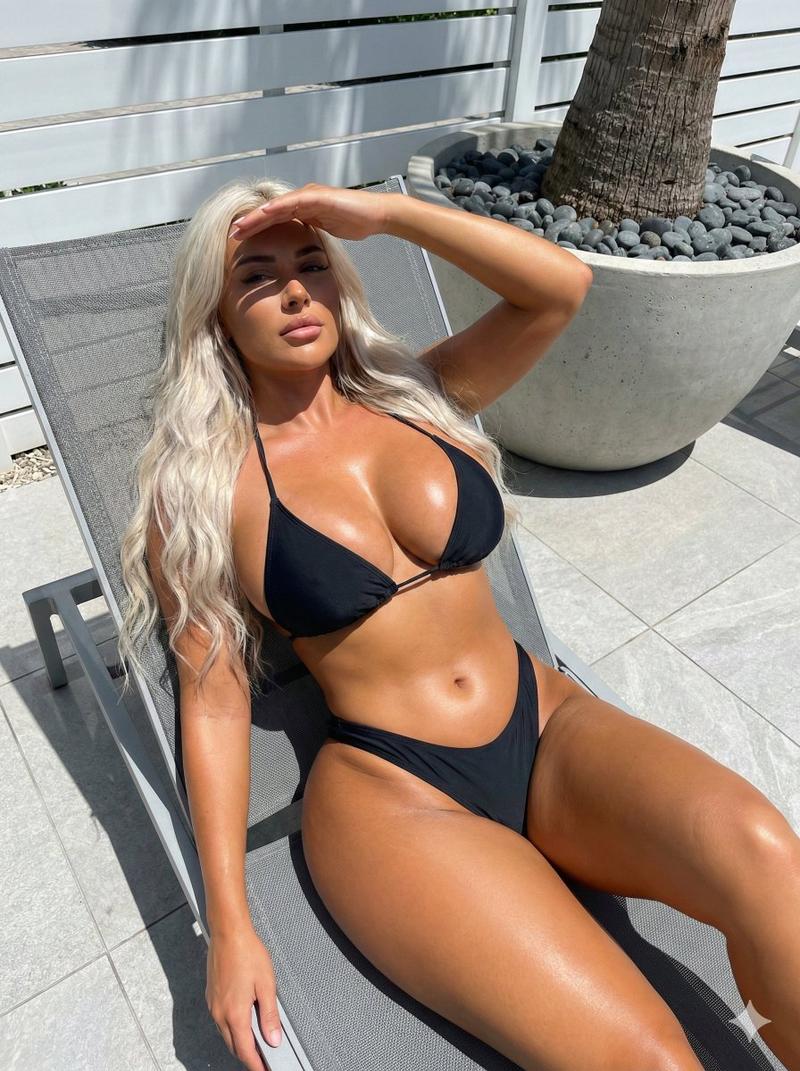
      "instructions": "Keep the exact same face as the reference image. Do not alter facial structure, proportions, features, or expression under any circumstances. Output must match the reference face 100%."
    },
    "subject": {
      "type": "Self-portrait of the user",
      "pose": {
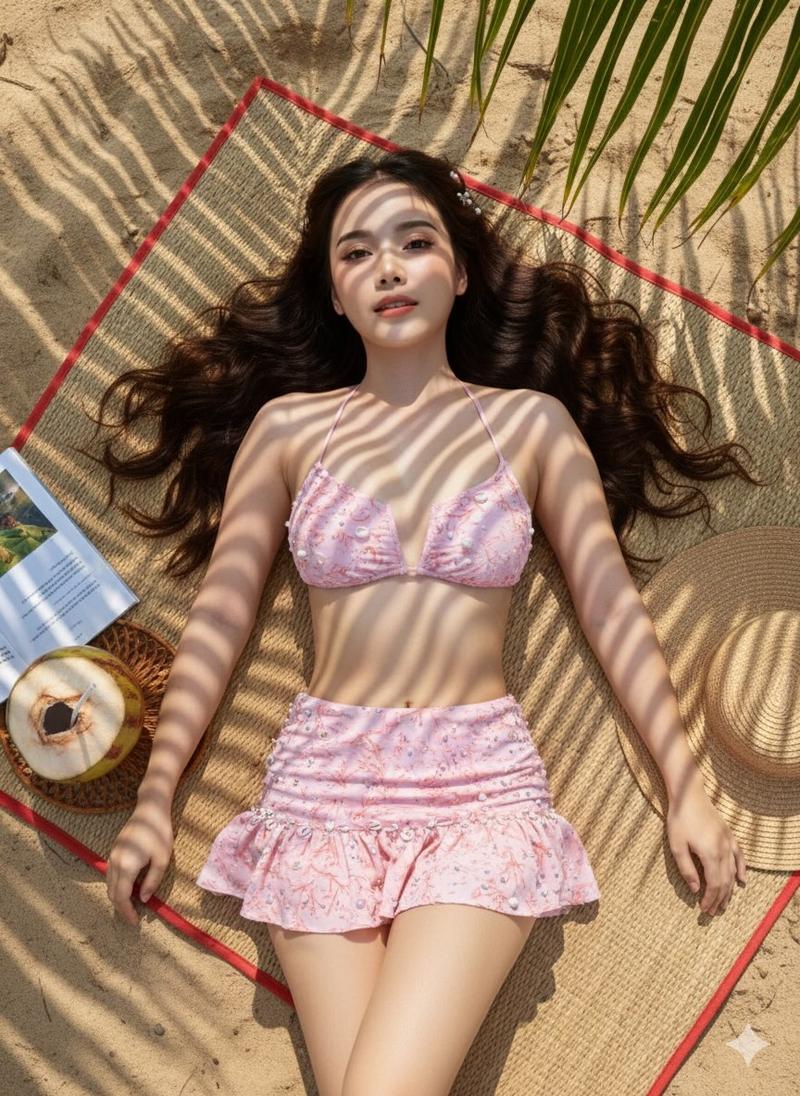
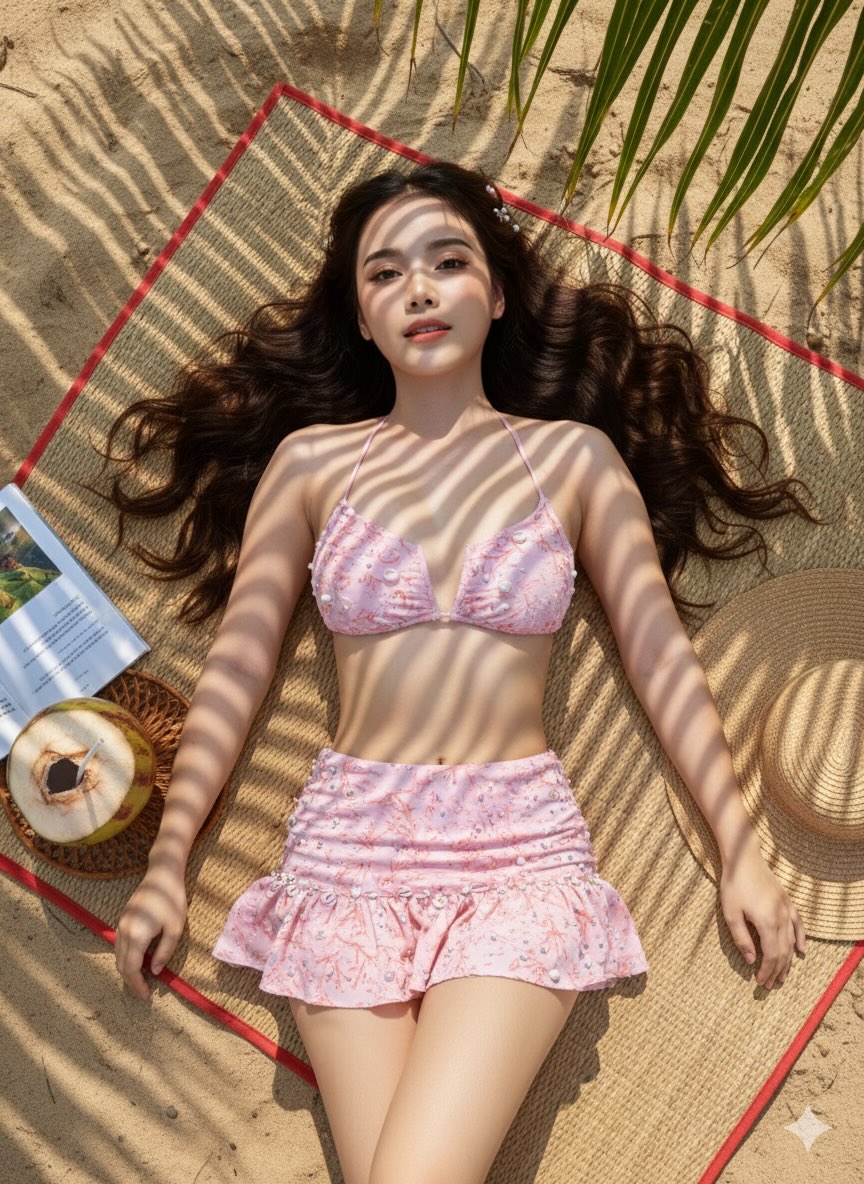
        "body_position": "Lying down on a woven beach mat",
        "orientation": "Relaxed, natural posture beneath a palm tree"
      },
      "expression": {
        "mood": "Calm, relaxed, sophisticated",
        "vibe": "Luxury travel influencer aesthetic"
      }
    },
    "wardrobe": {
      "outfit": {
        "type": "Blush pink bikini with micro-pleated skirt",
        "design_details": [
          "Coral-inspired patterns",
          "Small pearls sewn into the fabric",
          "Shell embellishments adding tactile texture"
        ],
        "style": "Elegant, beach-luxury, refined"
      }
    },
    "environment": {
      "location": "Tropical beach setting",
      "ground": "Natural sand with a woven beach mat",
      "overhead_elements": [
        "Large palm tree canopy",
        "Palm fronds casting strong shadows"
      ],
      "surroundings": "Visible tropical elements included within the frame"
    },
    "lighting": {
      "type": "Natural sunlight only",
      "quality": "Dappled sunlight filtering through palm leaves",
      "effects": [
        "High-contrast light and shadow",
        "Distinct, sharp palm-frond shadows across body and sand",
        "Zebra-stripe shadow pattern created by fronds"
      ],
      "restrictions": [
        "No artificial lighting",
        "No flash"
      ]
    },
    "camera_and_composition": {
      "camera_angle": "Top-down flat lay perspective",
      "lens": "24mm lens",
      "framing": "Wide enough to include surrounding tropical elements",
      "perspective": "Overhead, editorial flat-lay composition"
    },
    "visual_style": {
      "aesthetic": [
        "Artistic shadow-play portrait",
        "Editorial beach photography",
        "Luxury travel influencer style"
      ],
      "contrast": "High contrast between light and shadow",
      "textures": "Visible sand grains, woven mat texture, fabric embellishments"
    },
    "quality_and_realism": {
      "realism": "Photorealistic",
      "skin_and_face": "Natural skin texture, no distortion or beautification",
      "retouching": "Minimal, realistic only",
      "resolution": "Ultra-high resolution",
      "restrictions": [
        "No face reshaping",
        "No stylization that alters facial identity"
      ]
    }
  }
}- Category
- 创意图片
- Model
- Nano Banana Pro
- Creator
- @sadiaamir000786
- Source ID
- d86a1633-4924-43ff-bee7-4b6a50a8021b
- Published
- Jan 17, 2026
Views29