16

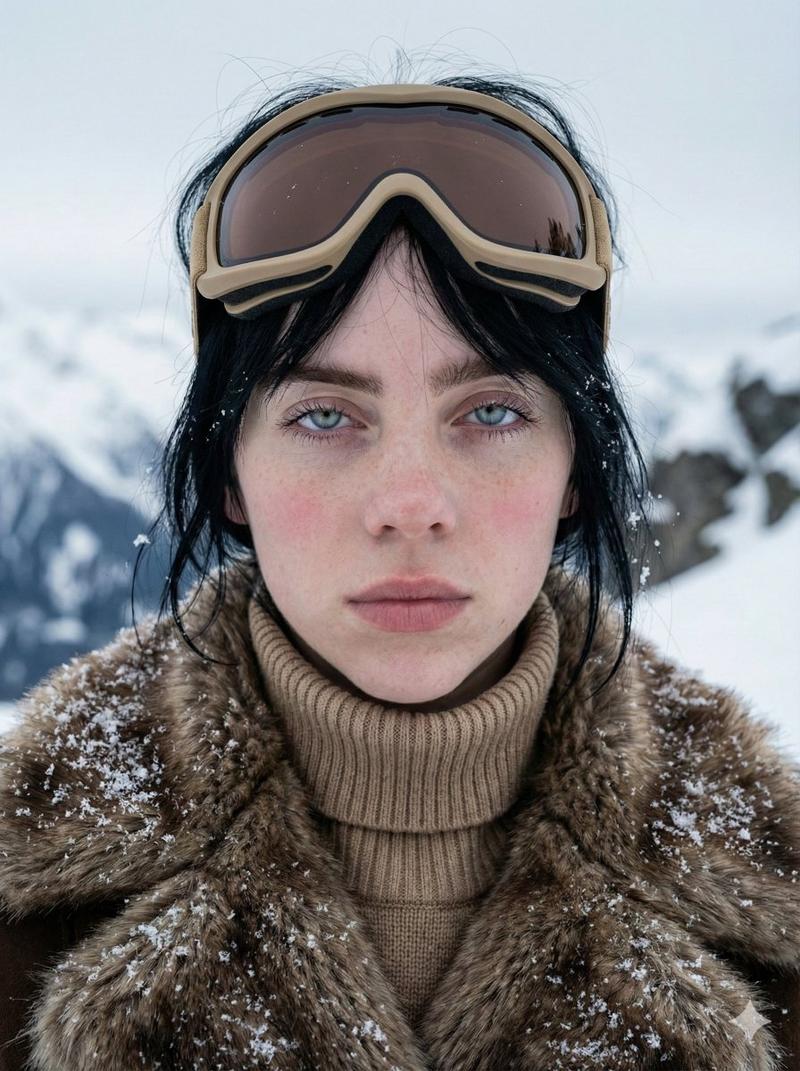
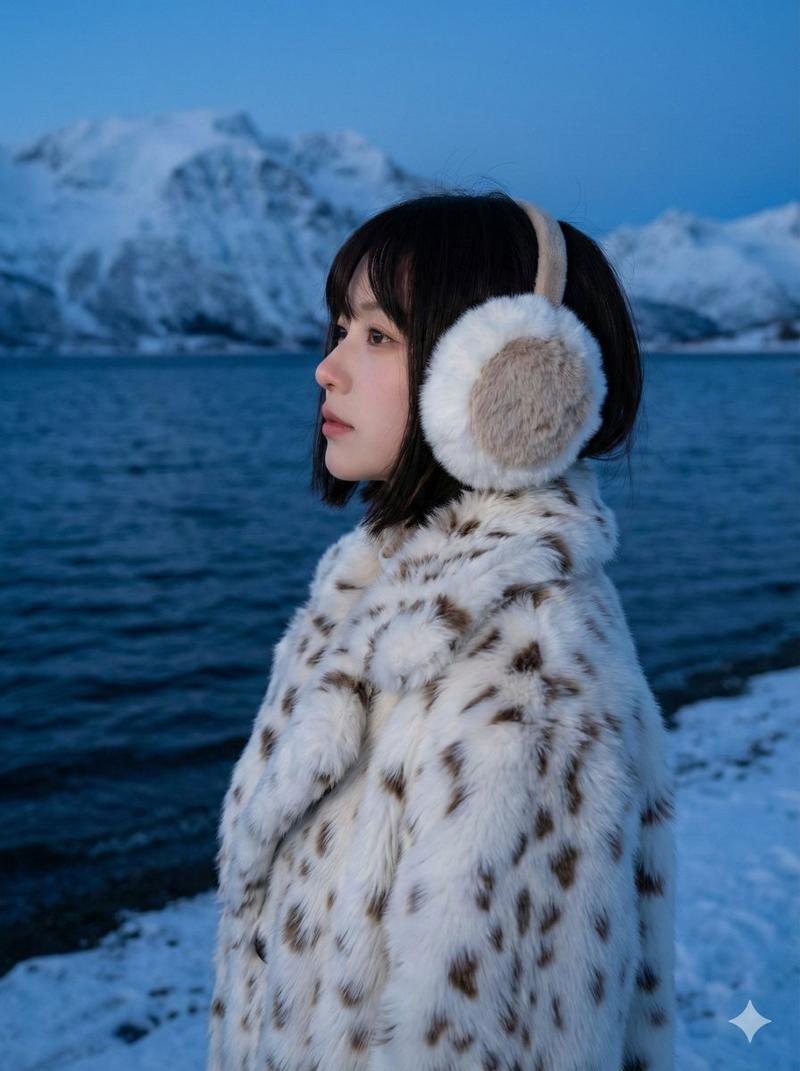
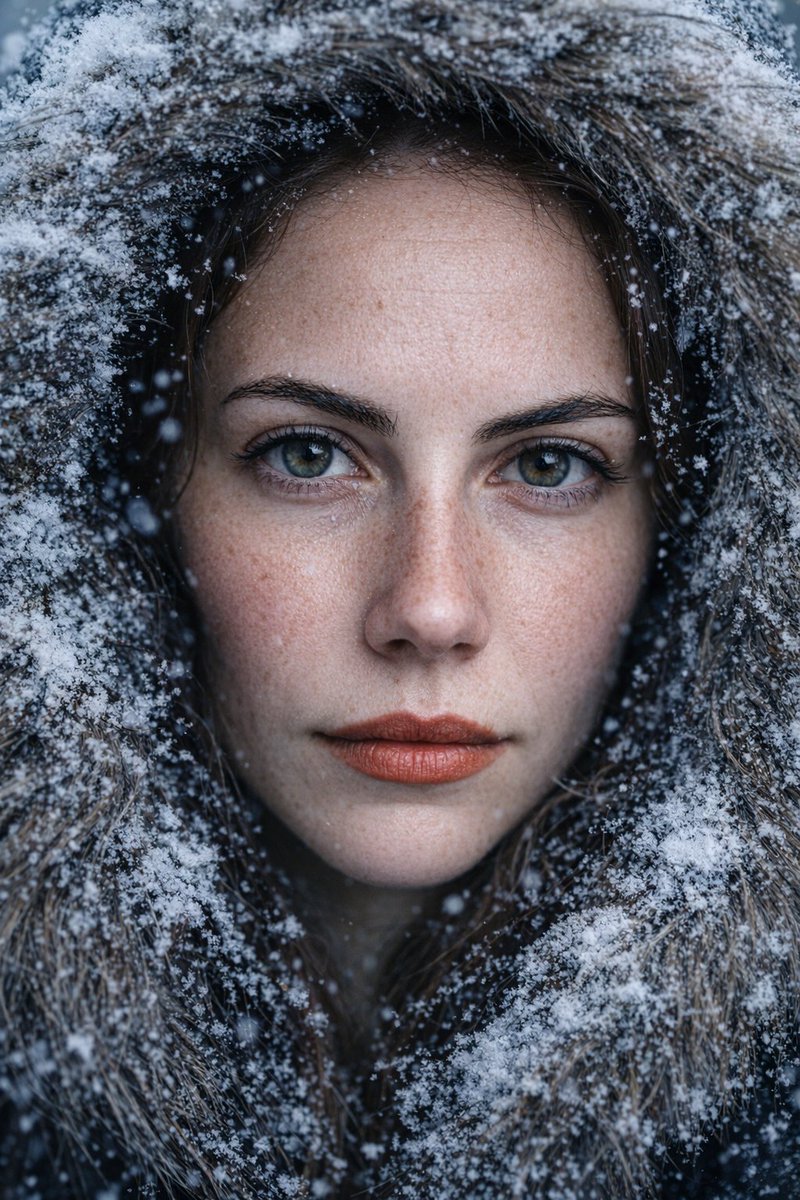
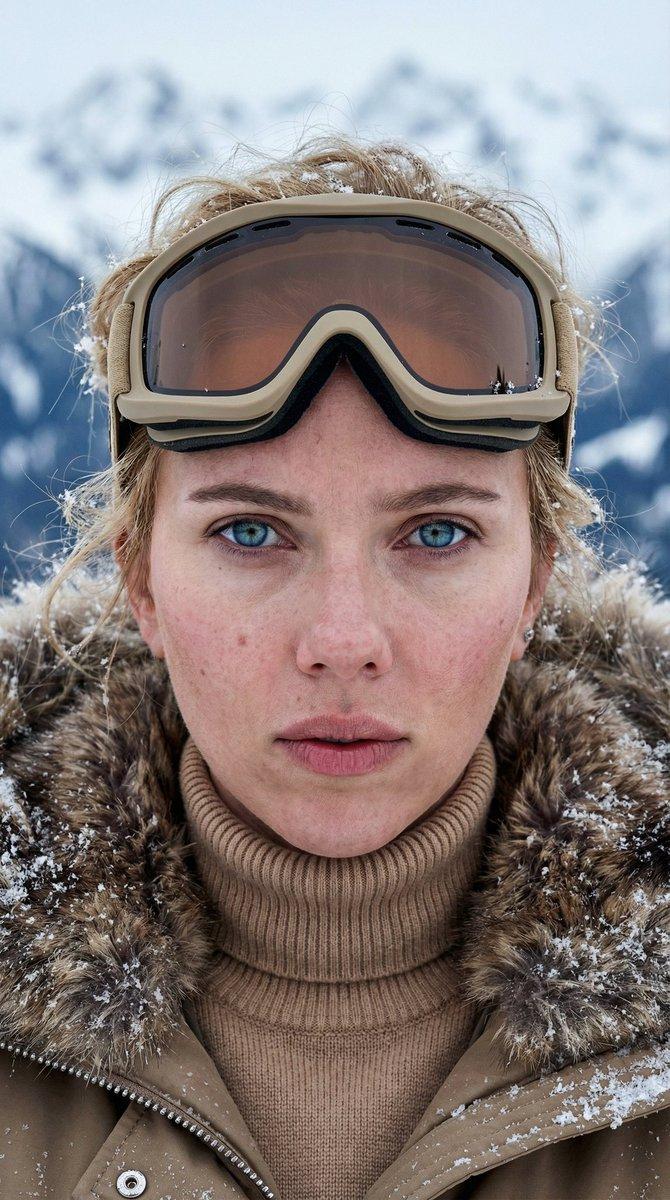
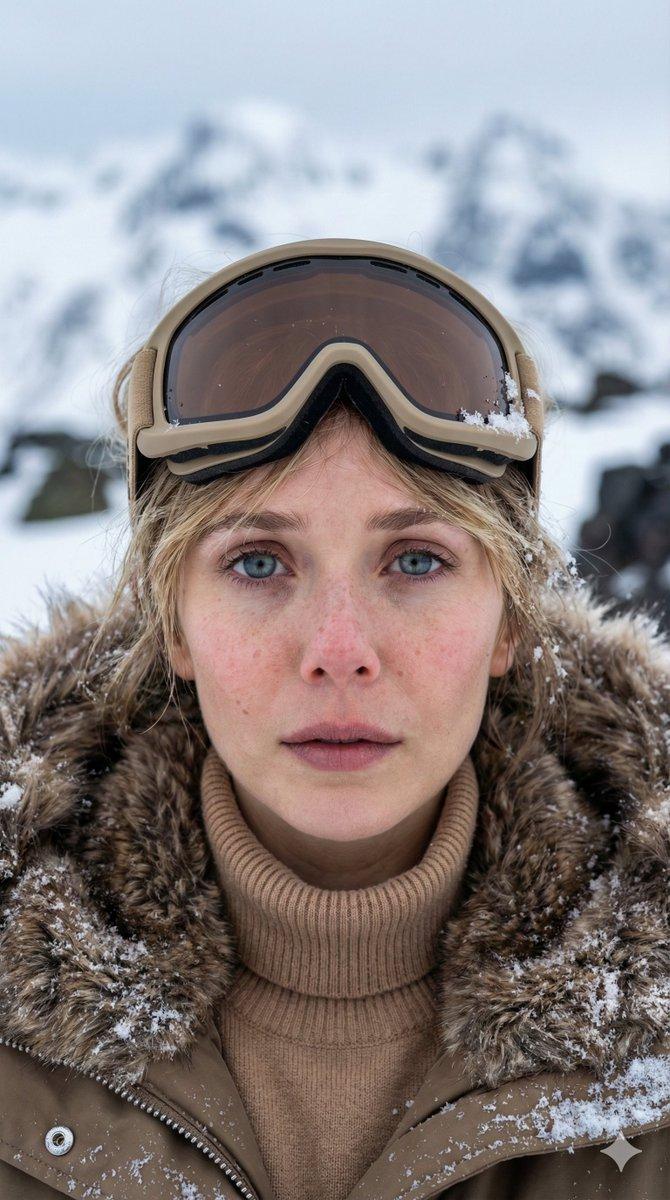
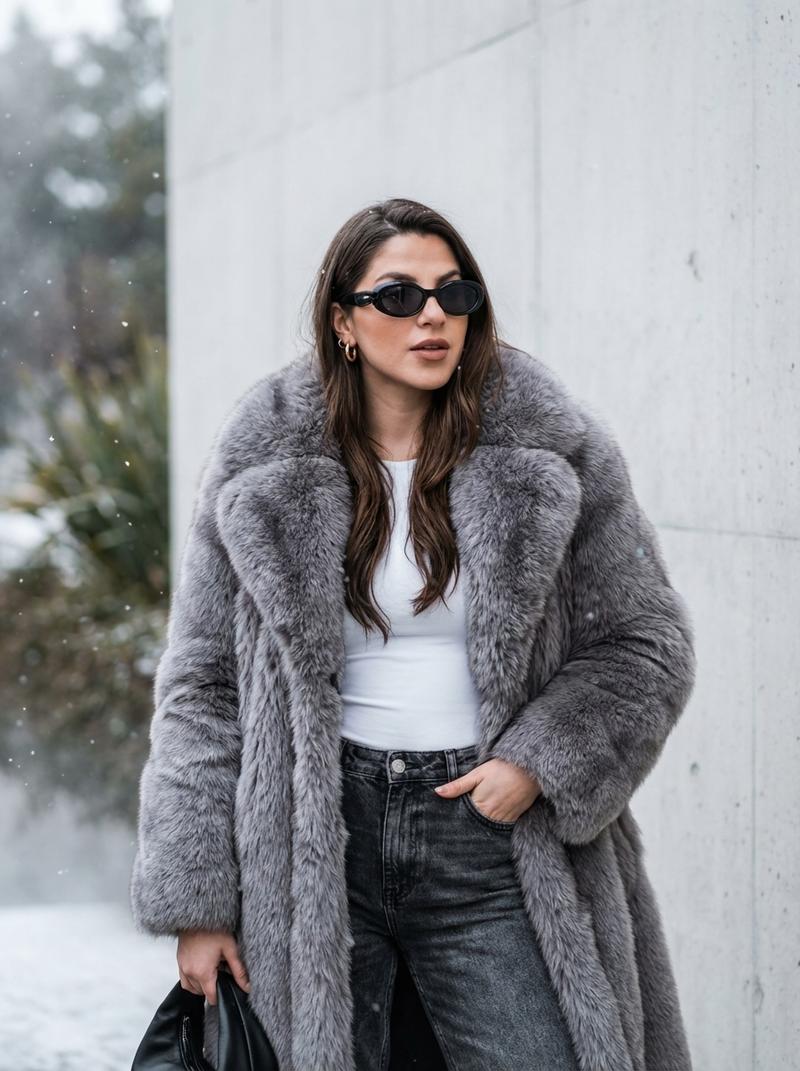
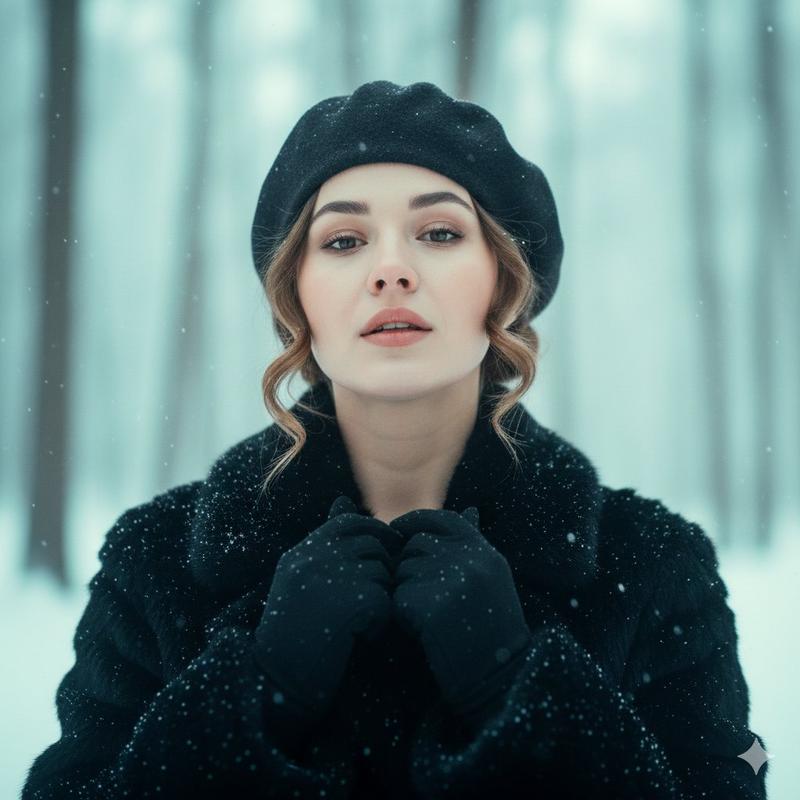
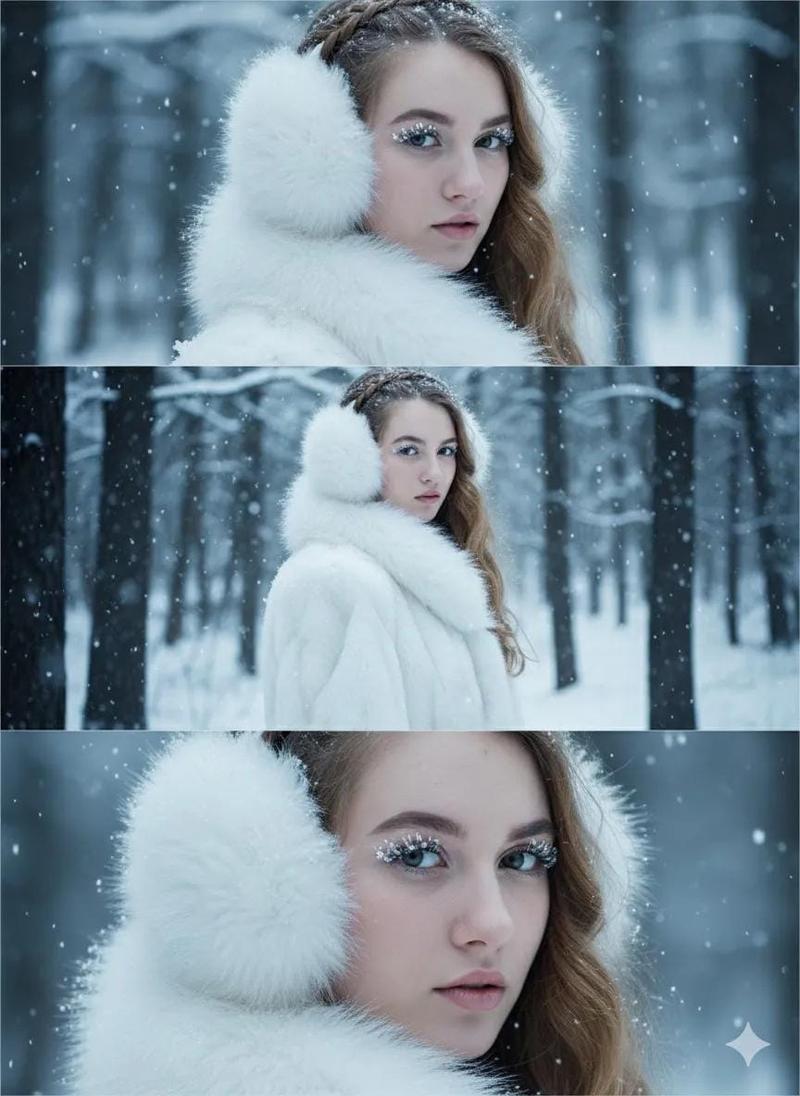
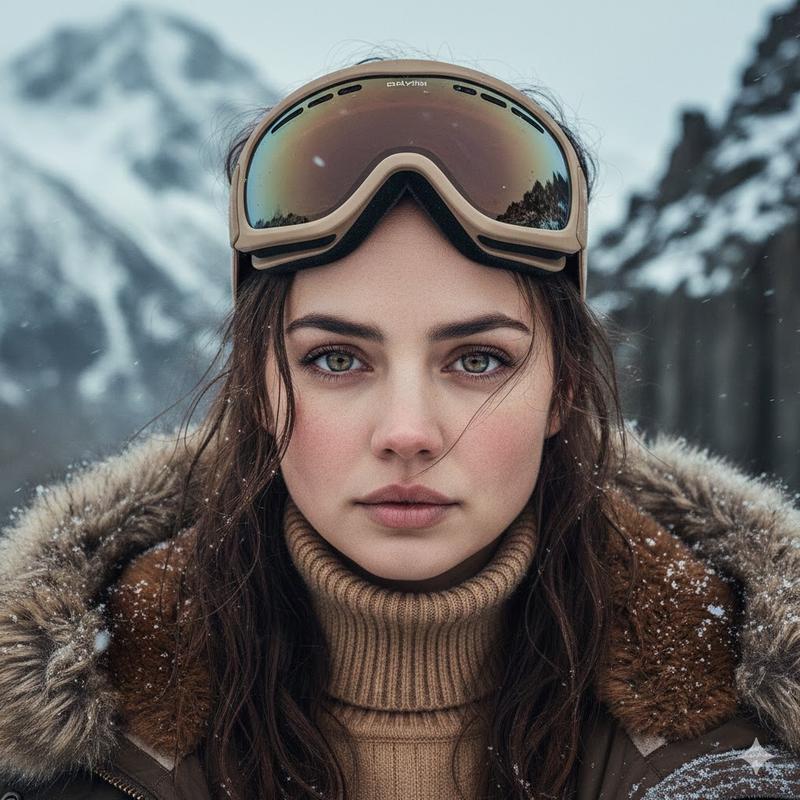
雪山景观中的特写肖像
Enlarge

雪山景观中的特写肖像

Prompt
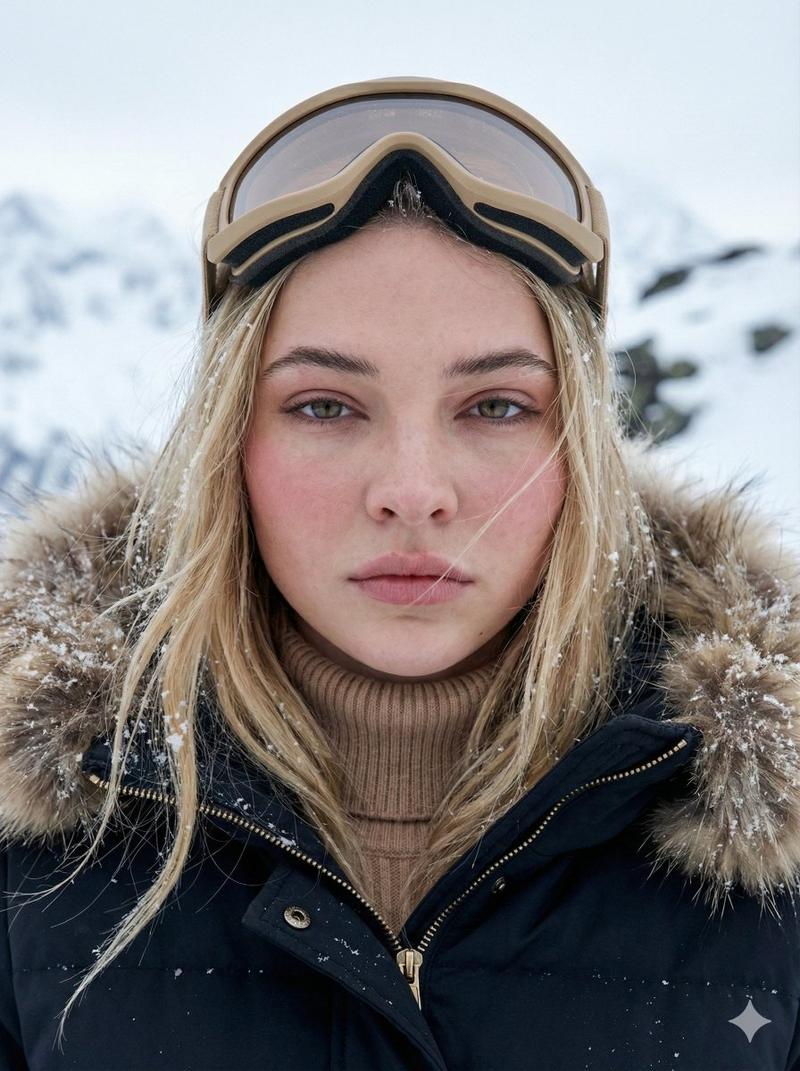
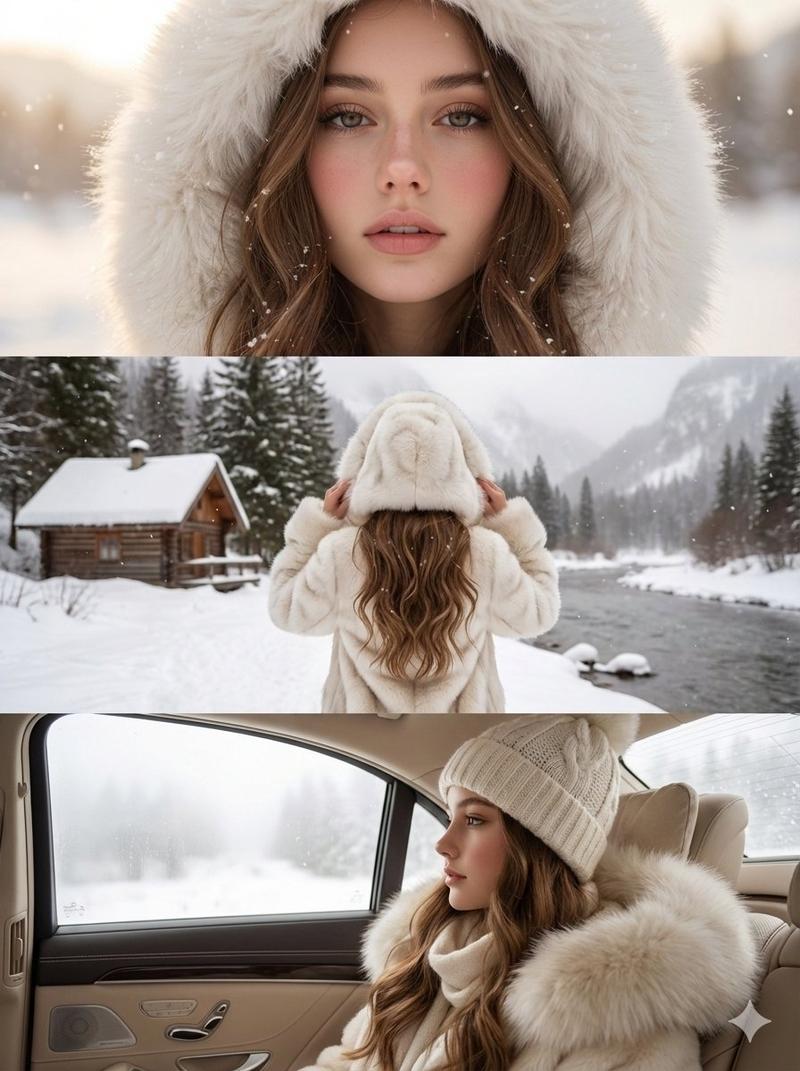
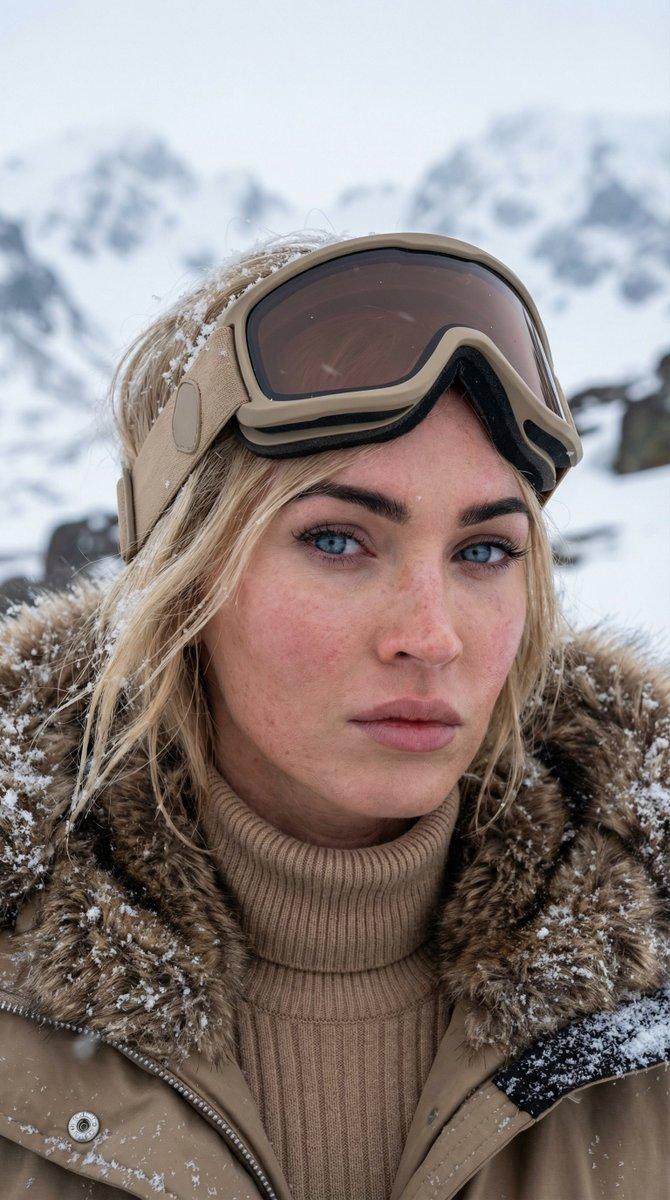
Pose: woman facing the camera directly, shoulders slightly raised, hands gently touching her chest under the fur collar; lips slightly parted, gaze steady and captivating. Outfit: luxurious winter outfit

- oversized leopard-pattern fur coat with thick texture, complemented by a matching large fur hat. Accessories: gold wristwatch and elegant rings, subtle details adding sophistication. Lighting: natural cold daylight, diffused by the snow and sky, highlighting the softness of the fur and warmth of the skin tone.

Camera: close-up portrait, 85mm lens, shallow depth of field (f/2.0); sharp focus on eyes and fur texture.

Background: snowy alpine landscape with mountains, frozen lake, and clear blue sky, softly blurred for depth.
Category
创意图片
Model
Nano Banana Pro
Creator
Snow
Views0
Source ID
f4ec99d5-42b7-4507-8bcb-3732527a5882
Published
Mar 8, 2026

Guide

About "雪山景观中的特写肖像"

What is this prompt for?

"雪山景观中的特写肖像" AI image prompt for Nano Banana Pro (创意图片). 生成一张女性特写肖像的提示词,她身着奢华的冬季服装,包括一件超大号豹纹皮草大衣和帽子,背景是柔和模糊的白雪皑皑的高山,沐浴在寒冷的自然日光中。 --- 姿势:女士正对镜头,双肩略微上抬,双手轻柔地触碰毛领…

The full copyable prompt and example visuals above are ready for AI image generation or one-click recreate in Picva.

How to use this prompt

  1. Step 1

    Open the prompt detail

    Review the example visuals, category, and full prompt text for "雪山景观中的特写肖像".

  2. Step 2

    Copy the prompt

    Copy the prompt body from this page, or load it directly in Studio.

  3. Step 3

    Pick a model (Nano Banana Pro)

    Prefer Nano Banana Pro. If you switch models, keep subject and composition and tweak style terms.

  4. Step 4

    Generate and export

    Recreate the look in Picva, or export into your workflow for editing and publishing.

FAQ

What is the "雪山景观中的特写肖像" prompt?
It is an AI image-generation prompt for Nano Banana Pro in the 创意图片 category. This page includes the full prompt text, example visuals, and a one-click recreate path in Picva.
How do I use this prompt to generate an image?
Copy the prompt from this page, or use Generate / Studio. Paste it into a compatible image model, or recreate the look in Picva with optional reference images.
Which model is this prompt for?
This page lists Nano Banana Pro. Most descriptive prompts also transfer to nearby image models such as GPT Image, Flux, or Midjourney with light style tweaks.
Can I use the result commercially?
You can usually copy the prompt for creation, but commercial use of the final image depends on the model terms, reference-image rights, and the generated content. Follow the source author and platform rules.