20

Gemini Nano Banana Pro - 冬日静女
Enlarge

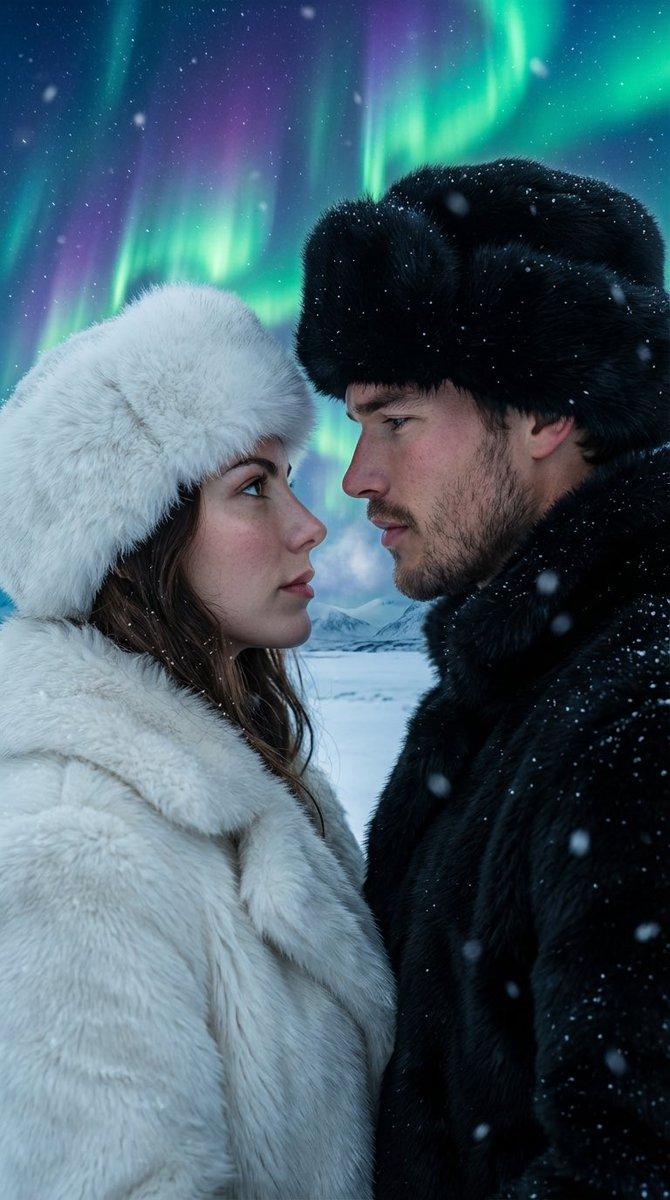
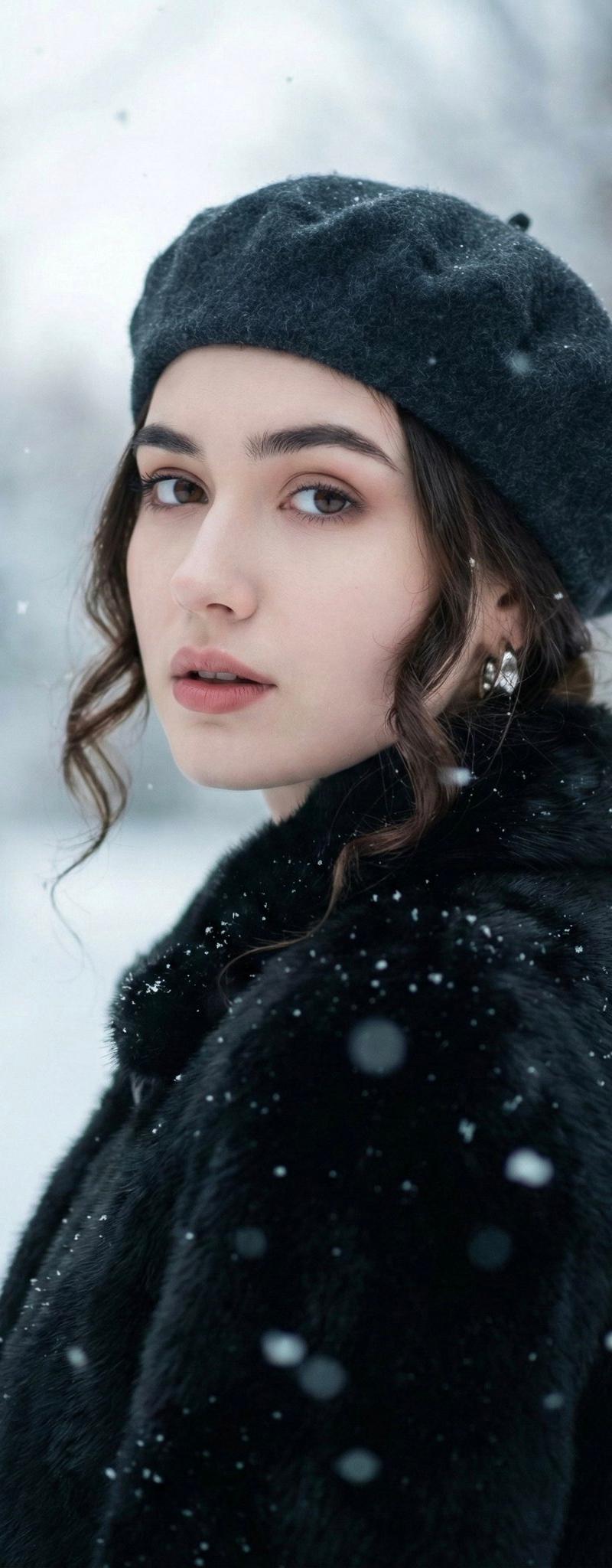
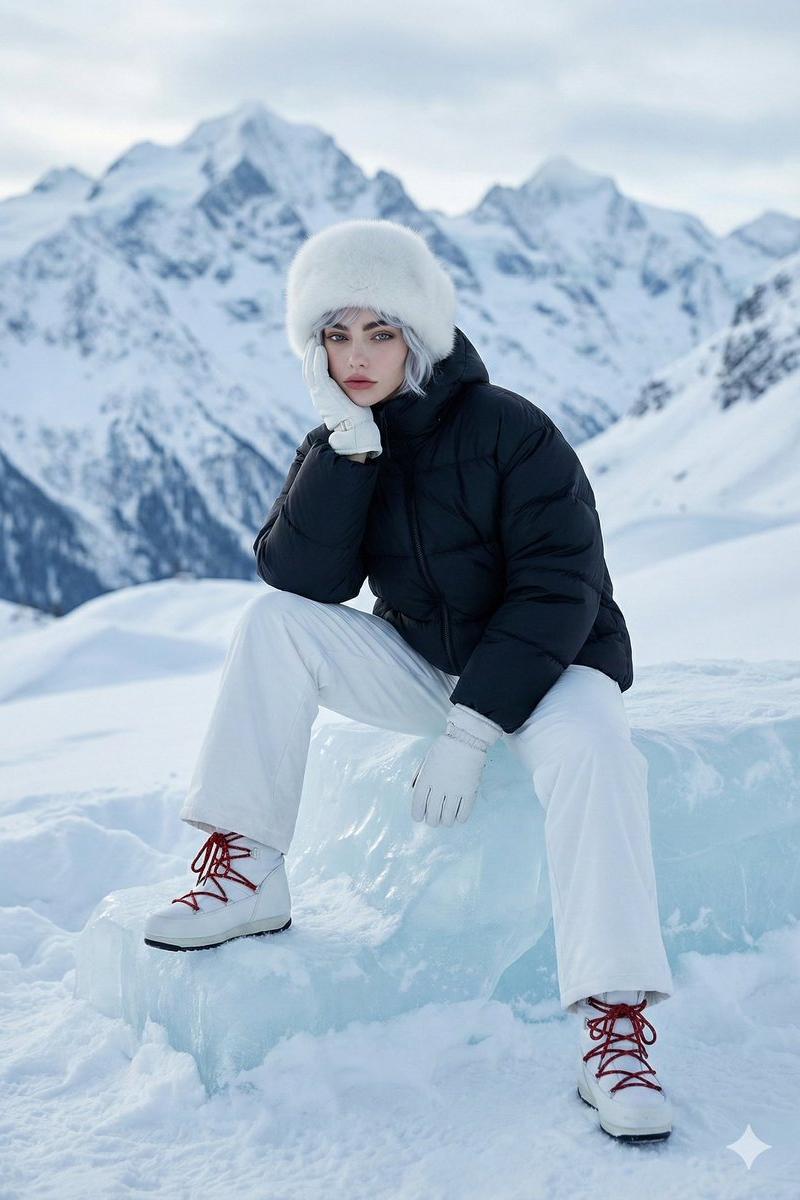
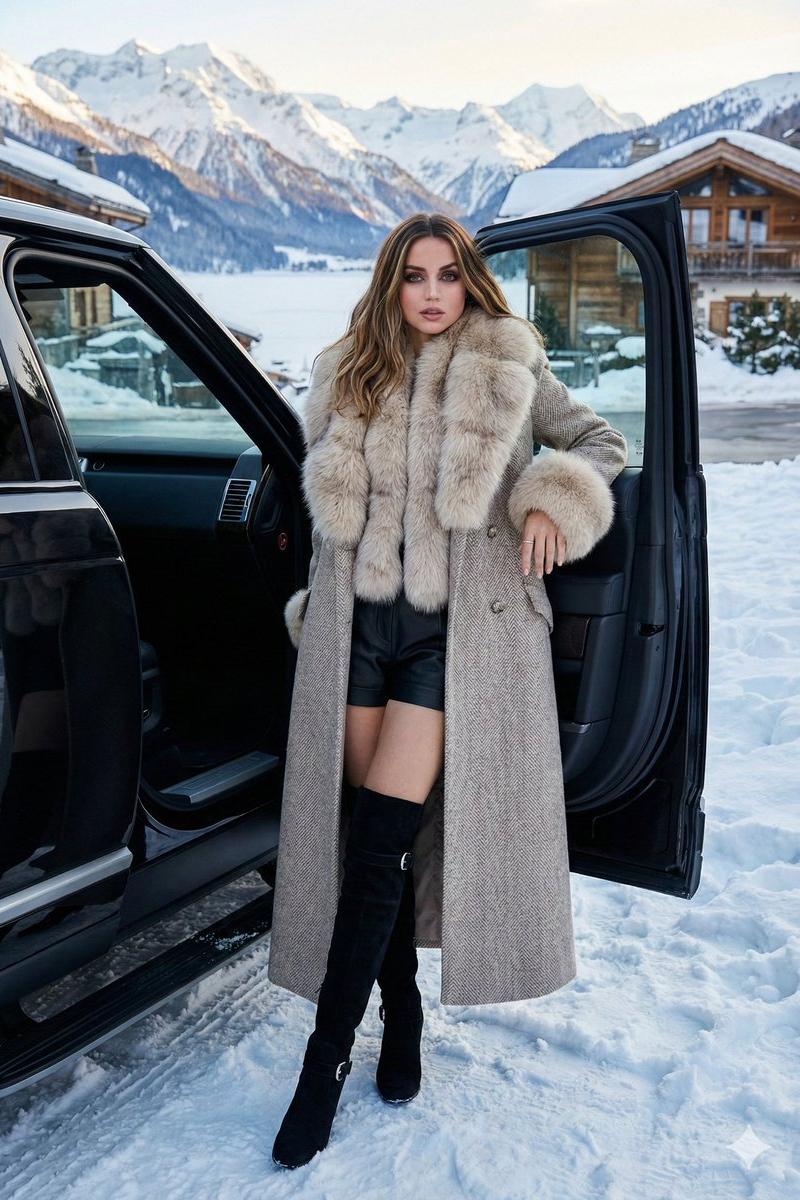
Example images

Gemini Nano Banana Pro - 冬日静女

Prompt
Gemini Nano Banana Pro.
Prompt:
{
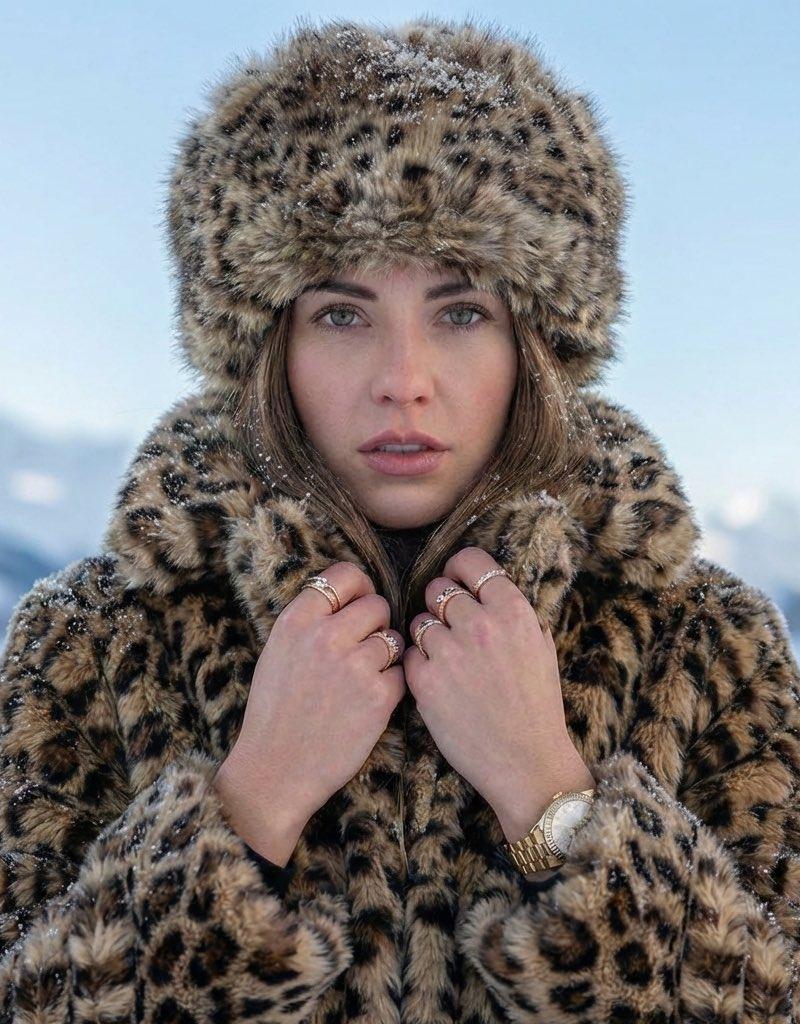
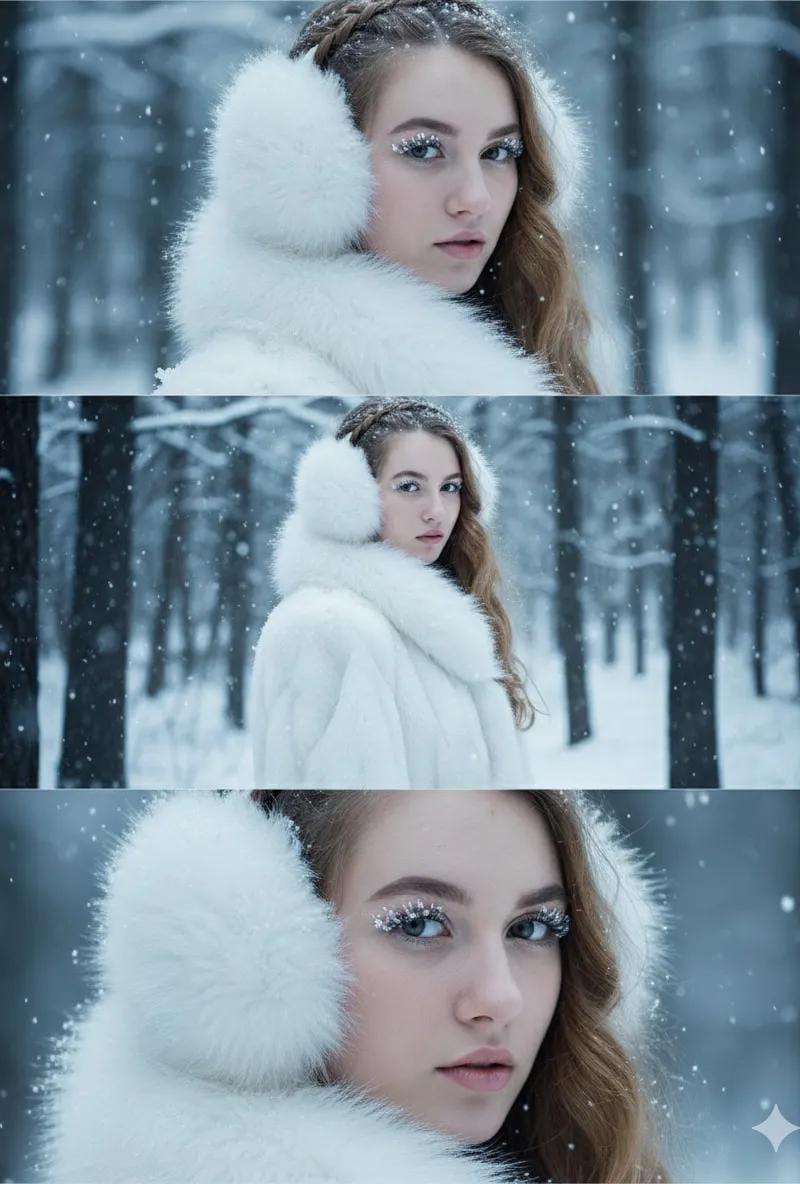
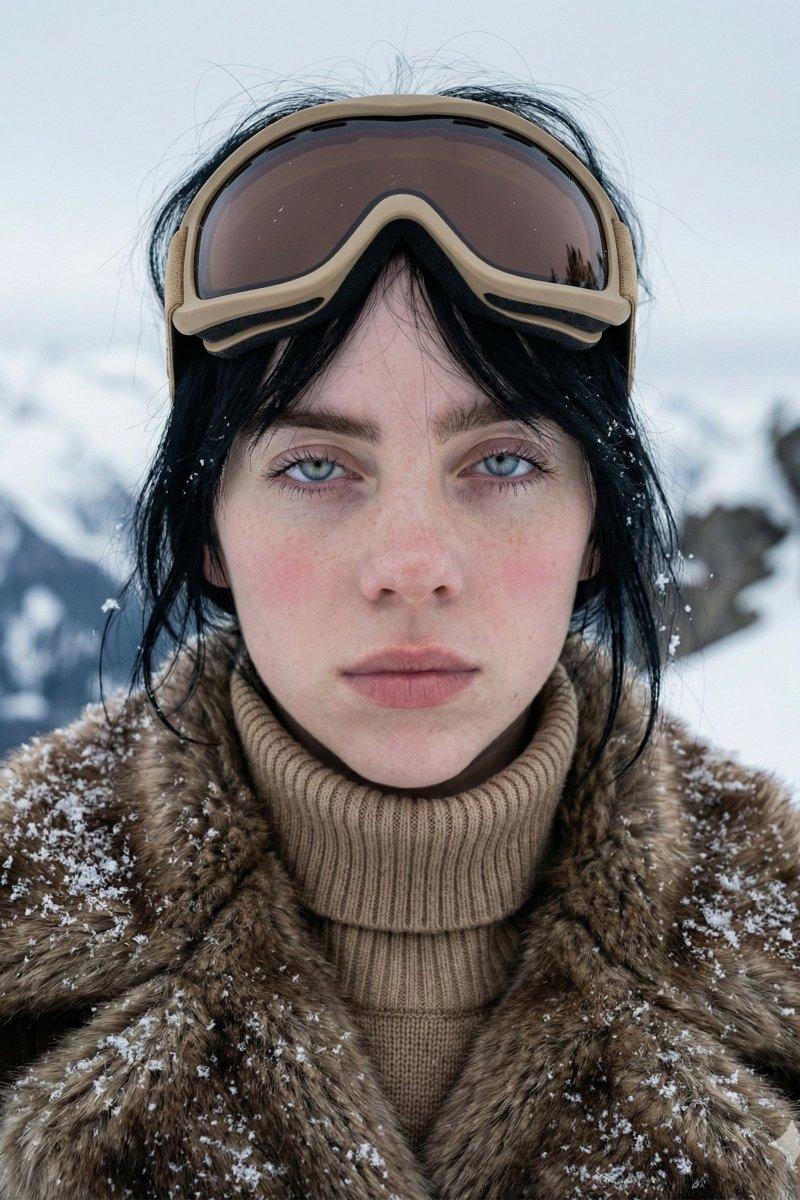
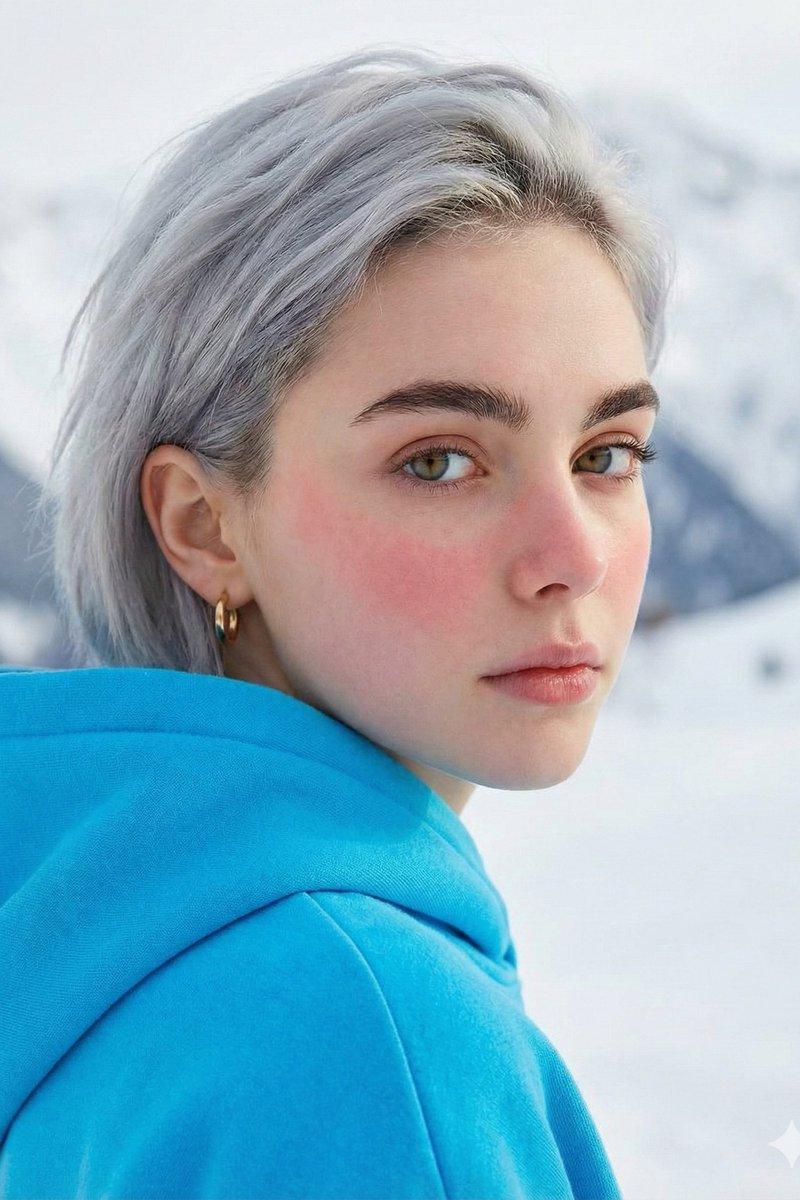
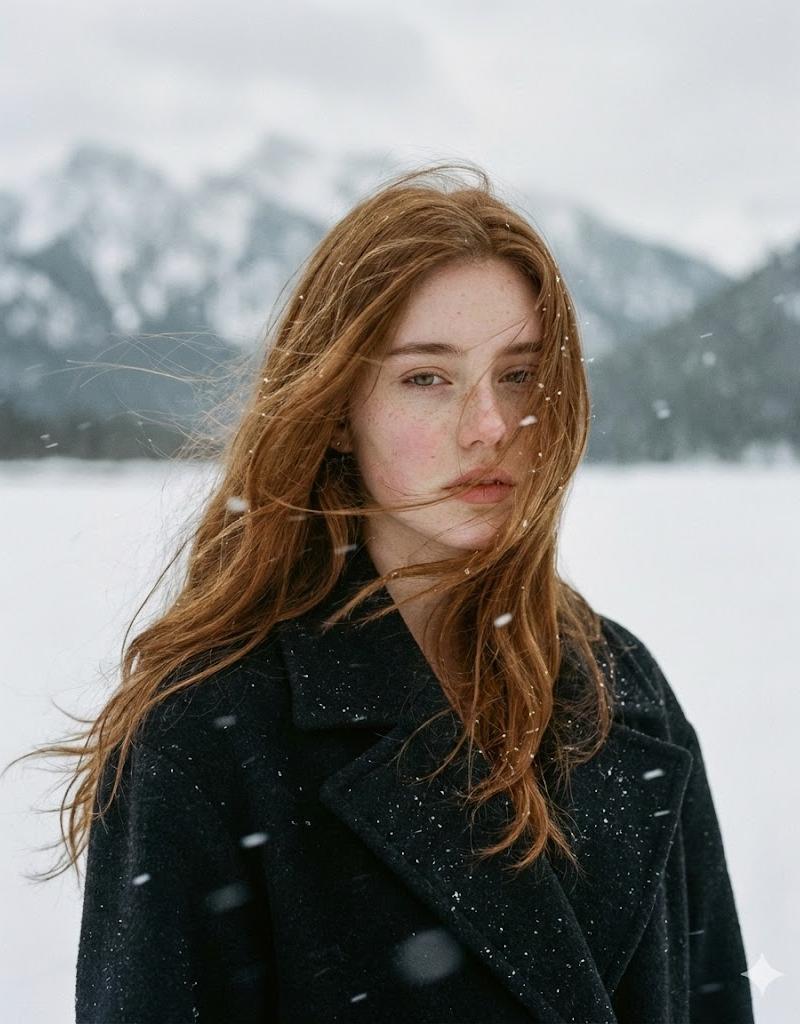
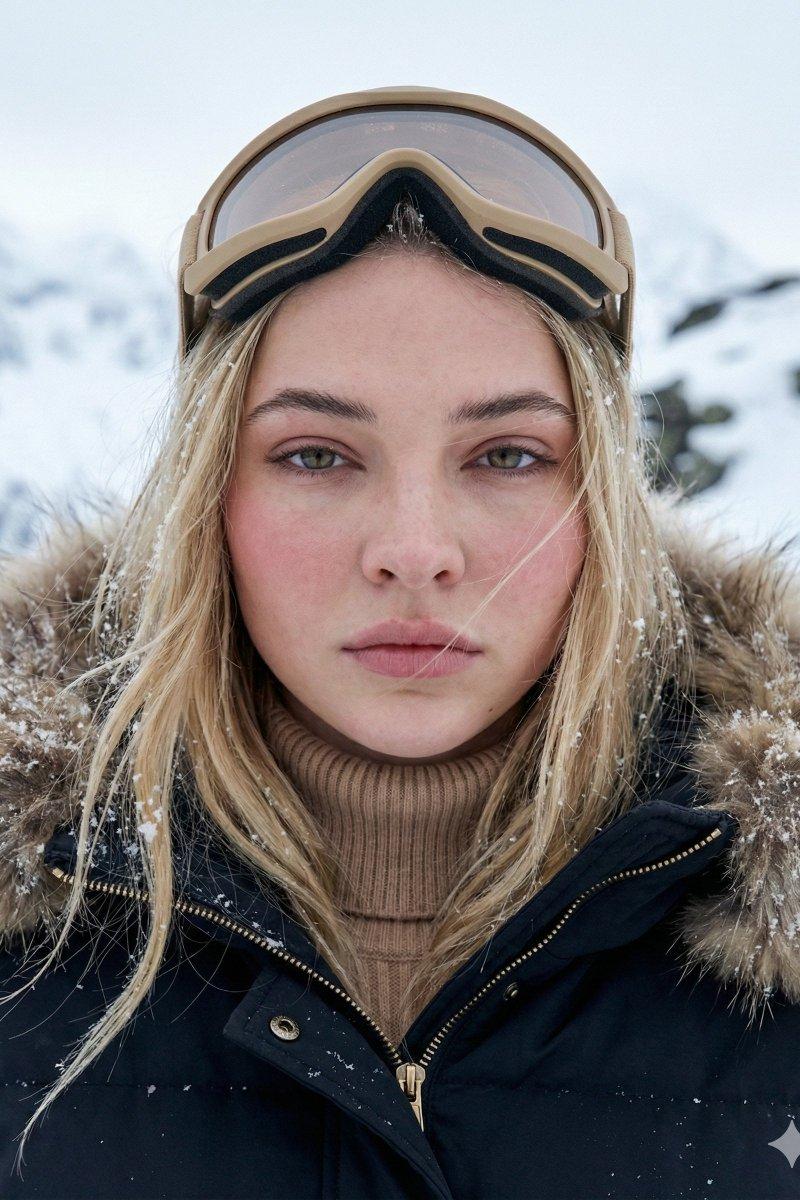
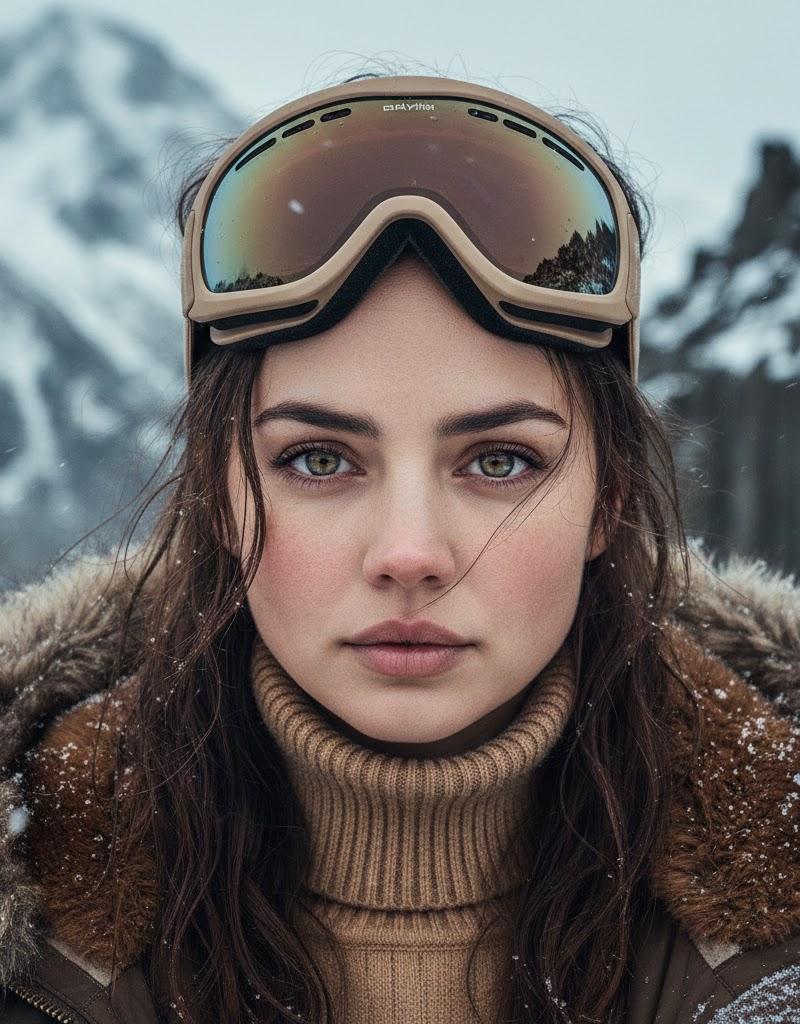
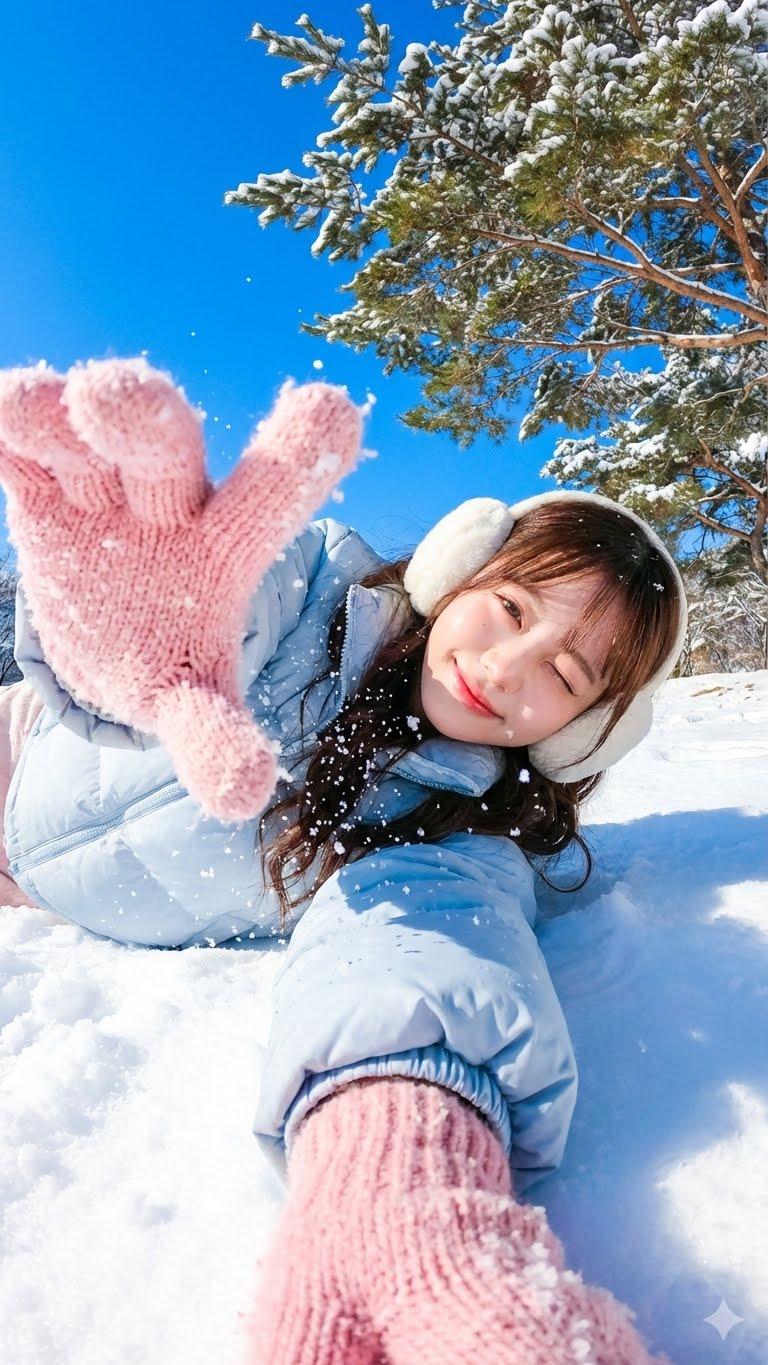
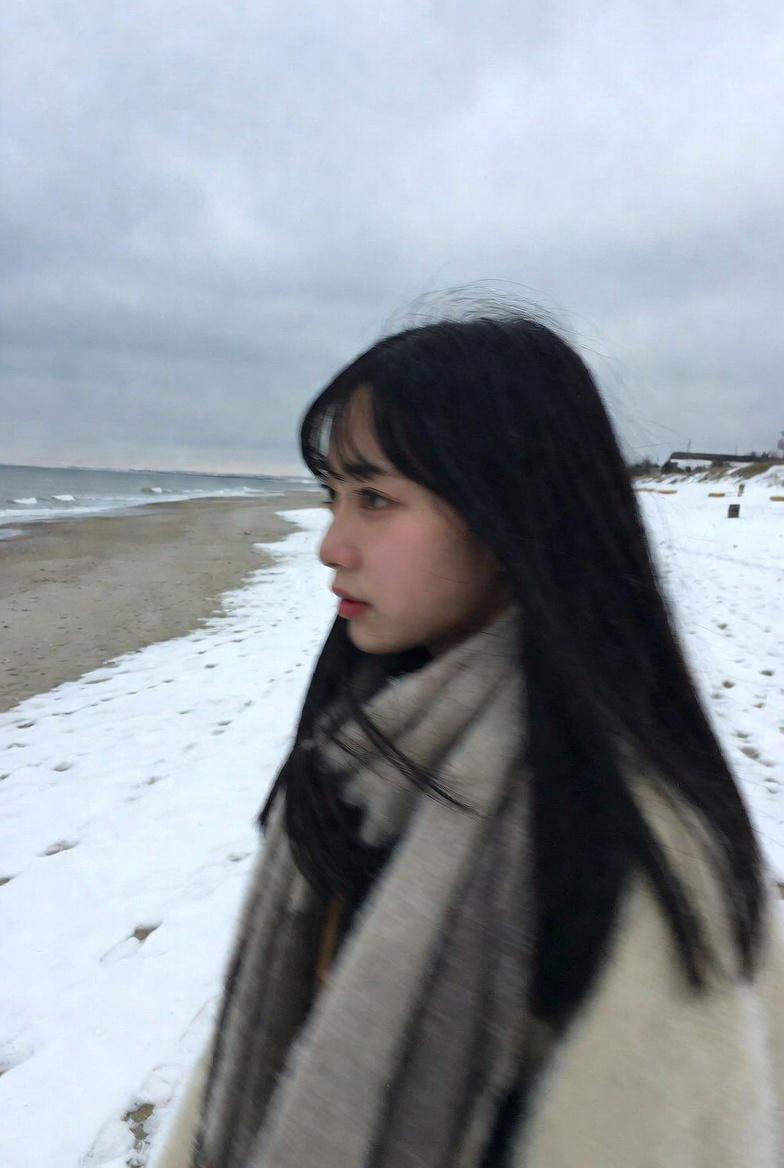
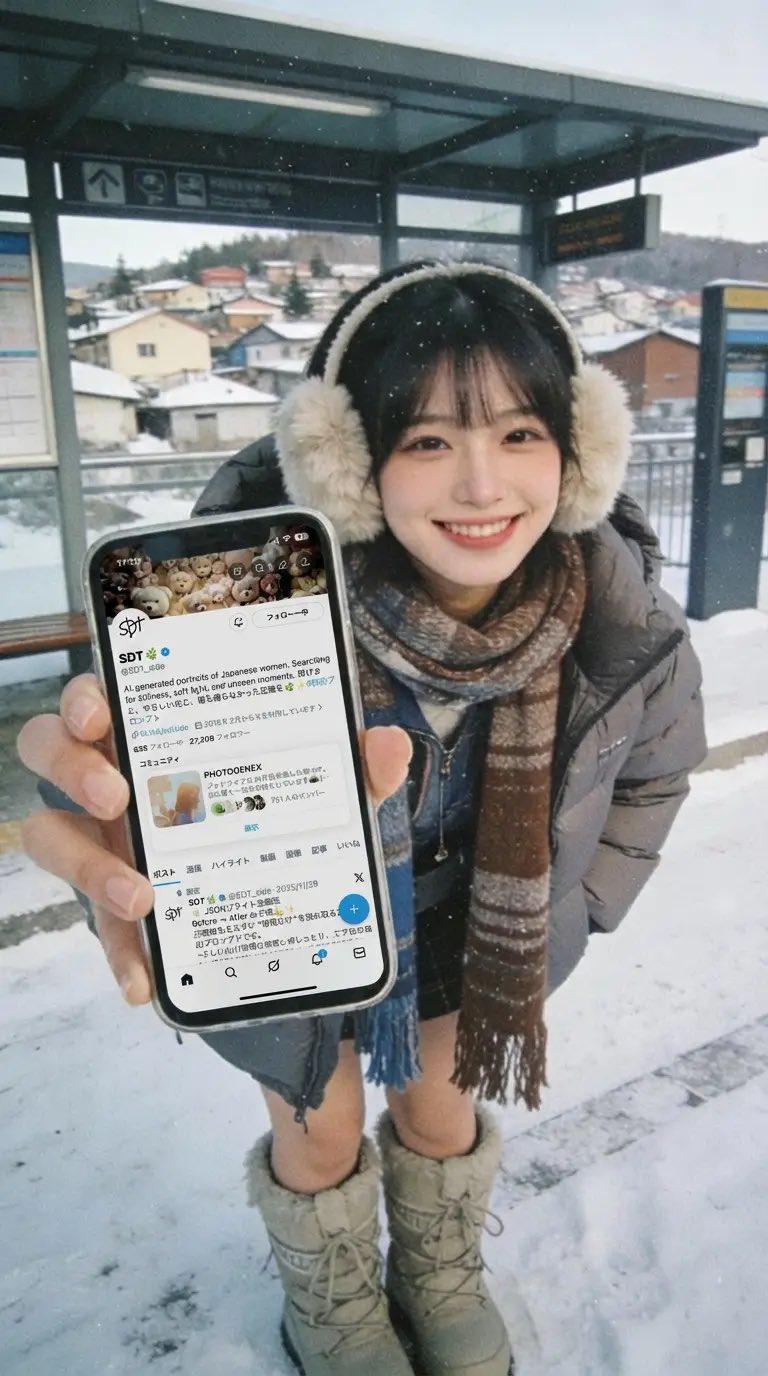
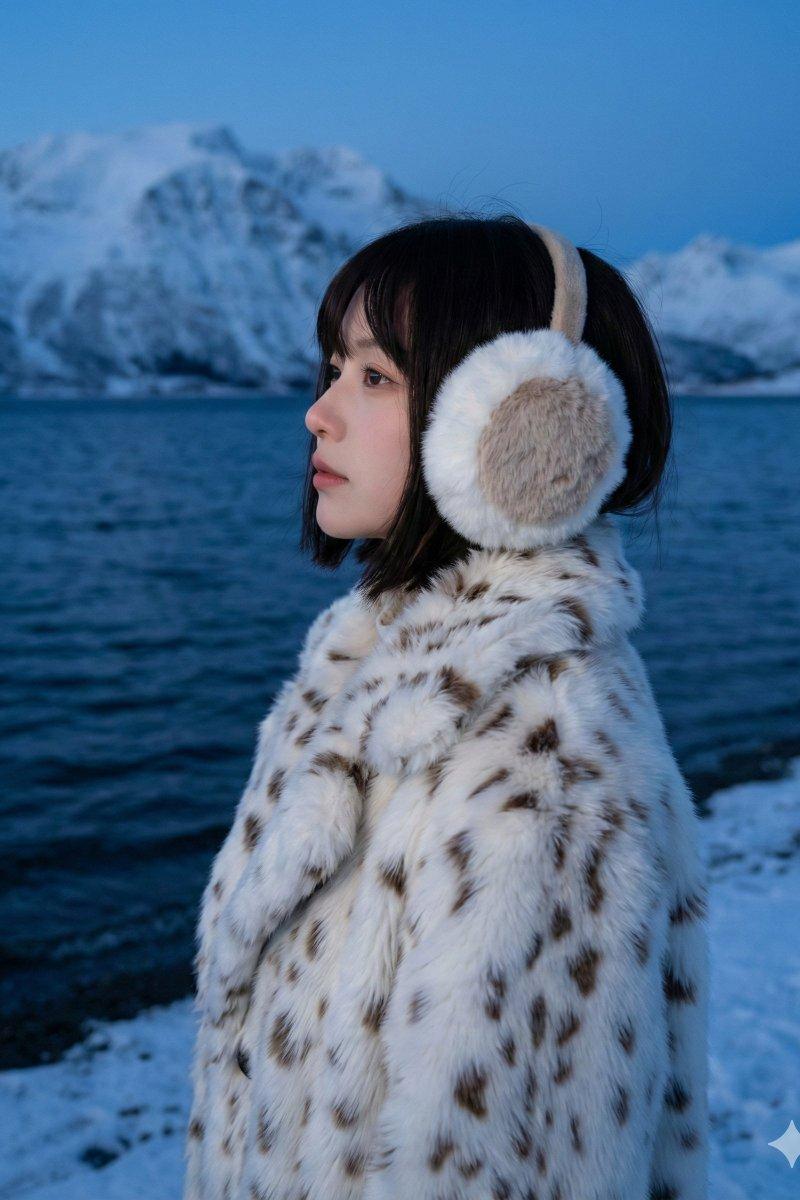
 "subject": "Young woman, medium-close-up profile, looking left, calm expression",
 "clothing": "White and brown spotted faux-fur coat",
 "hair": "Dark chin-length bob, partially under earmuffs",
 "face": "Profile view, fair skin, natural makeup",
 "accessories": "Large white and beige fluffy earmuffs",
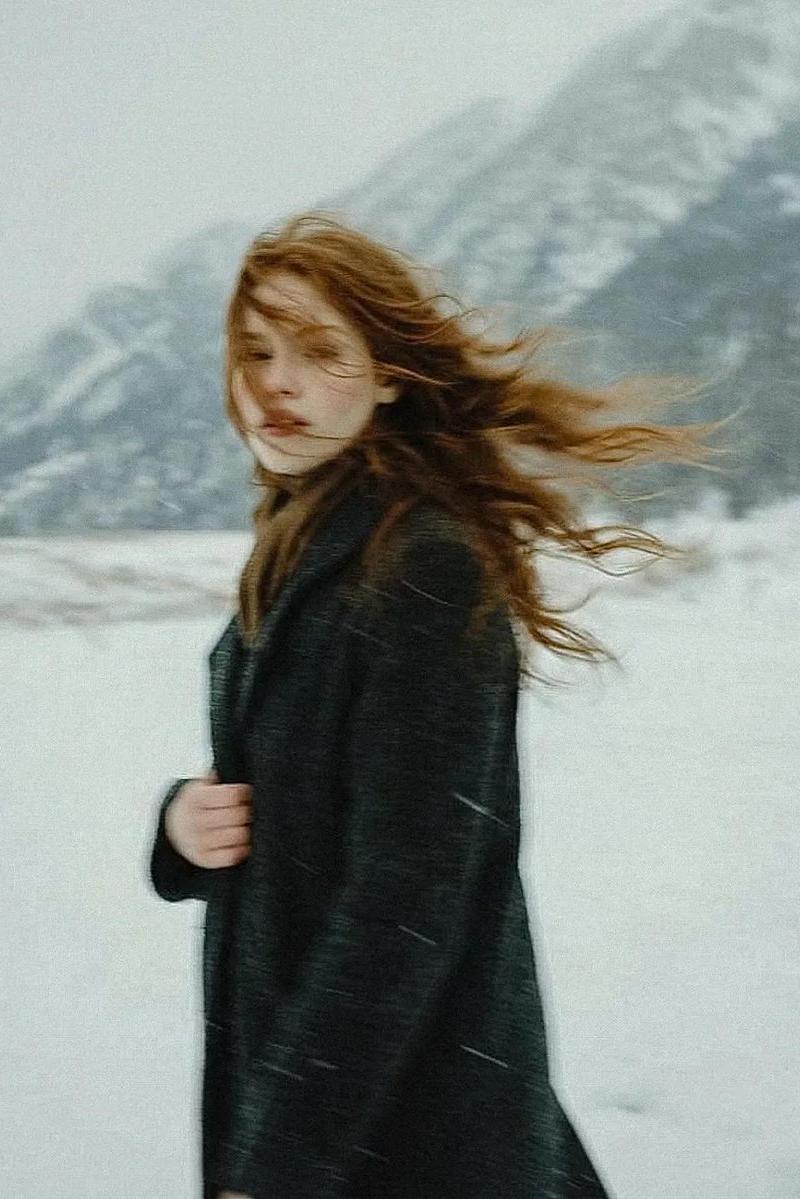
 "environment": "Snowy shore, dark blue rippling water, large snow-covered mountains, twilight sky",
 "lighting": "Soft, cool blue hour twilight",
 "camera": "Medium-close-up, eye-level, shallow depth of field, sharp focus on subject",
 "style": "Cinematic winter portrait, moody, cold color palette, atmospheric, photorealistic, 8k resolution"
}
Category
Photography & Realism
Model
Nano Banana Pro
Creator
Oogie
Source language
zh-CN
Views0
Source ID
gemini-nano-banana-pro-winter-calm-lady
Studio

Guide

About "Gemini Nano Banana Pro - 冬日静女"

What is this prompt for?

"Gemini Nano Banana Pro - 冬日静女" AI image prompt for Nano Banana Pro (Photography & Realism). Gemini Nano Banana Pro. Prompt: { "subject": "Young woman, medium-…

The full copyable prompt and example visuals above are ready for AI image generation or one-click recreate in Picva.

How to use this prompt

  1. Step 1

    Open the prompt detail

    Review the example visuals, category, and full prompt text for "Gemini Nano Banana Pro - 冬日静女".

  2. Step 2

    Copy the prompt

    Copy the prompt body from this page, or load it directly in Studio.

  3. Step 3

    Pick a model (Nano Banana Pro)

    Prefer Nano Banana Pro. If you switch models, keep subject and composition and tweak style terms.

  4. Step 4

    Generate and export

    Recreate the look in Picva, or export into your workflow for editing and publishing.

FAQ

What is the "Gemini Nano Banana Pro - 冬日静女" prompt?
It is an AI image-generation prompt for Nano Banana Pro in the Photography & Realism category. This page includes the full prompt text, example visuals, and a one-click recreate path in Picva.
How do I use this prompt to generate an image?
Copy the prompt from this page, or use Generate / Studio. Paste it into a compatible image model, or recreate the look in Picva with optional reference images.
Which model is this prompt for?
This page lists Nano Banana Pro. Most descriptive prompts also transfer to nearby image models such as GPT Image, Flux, or Midjourney with light style tweaks.
Can I use the result commercially?
You can usually copy the prompt for creation, but commercial use of the final image depends on the model terms, reference-image rights, and the generated content. Follow the source author and platform rules.