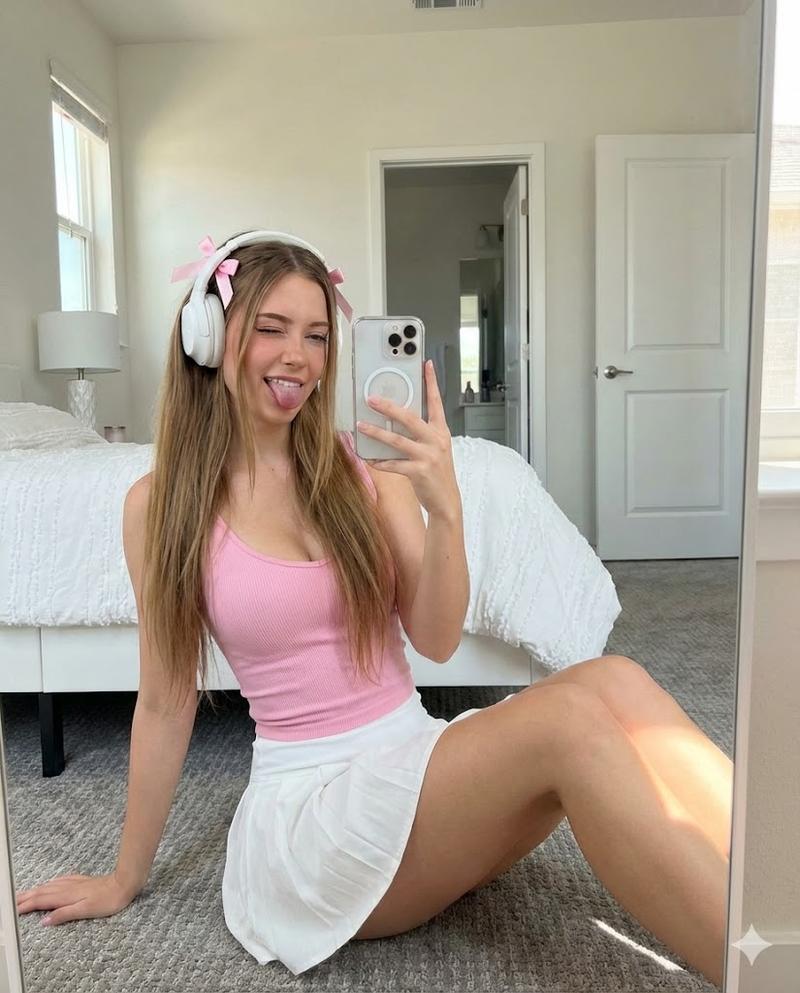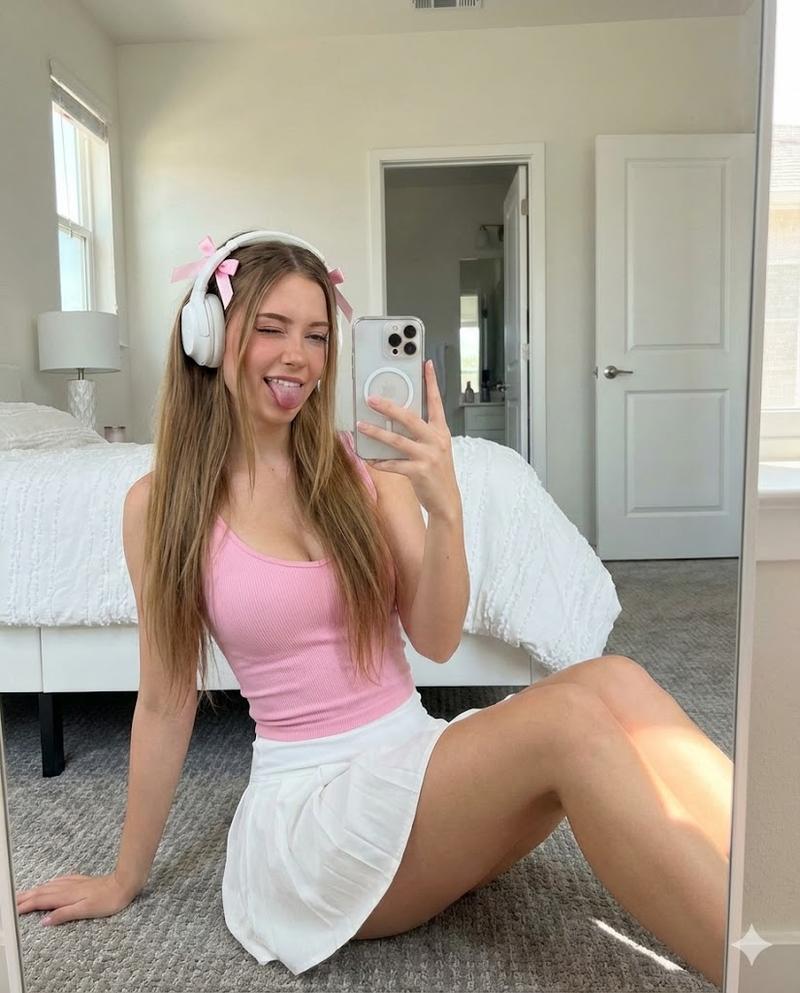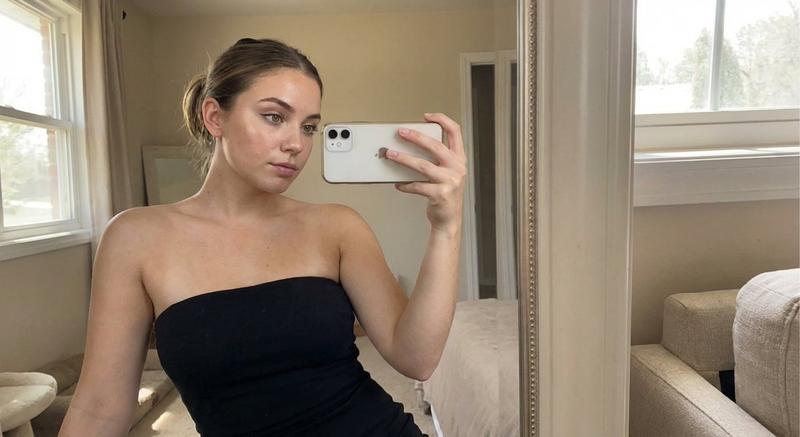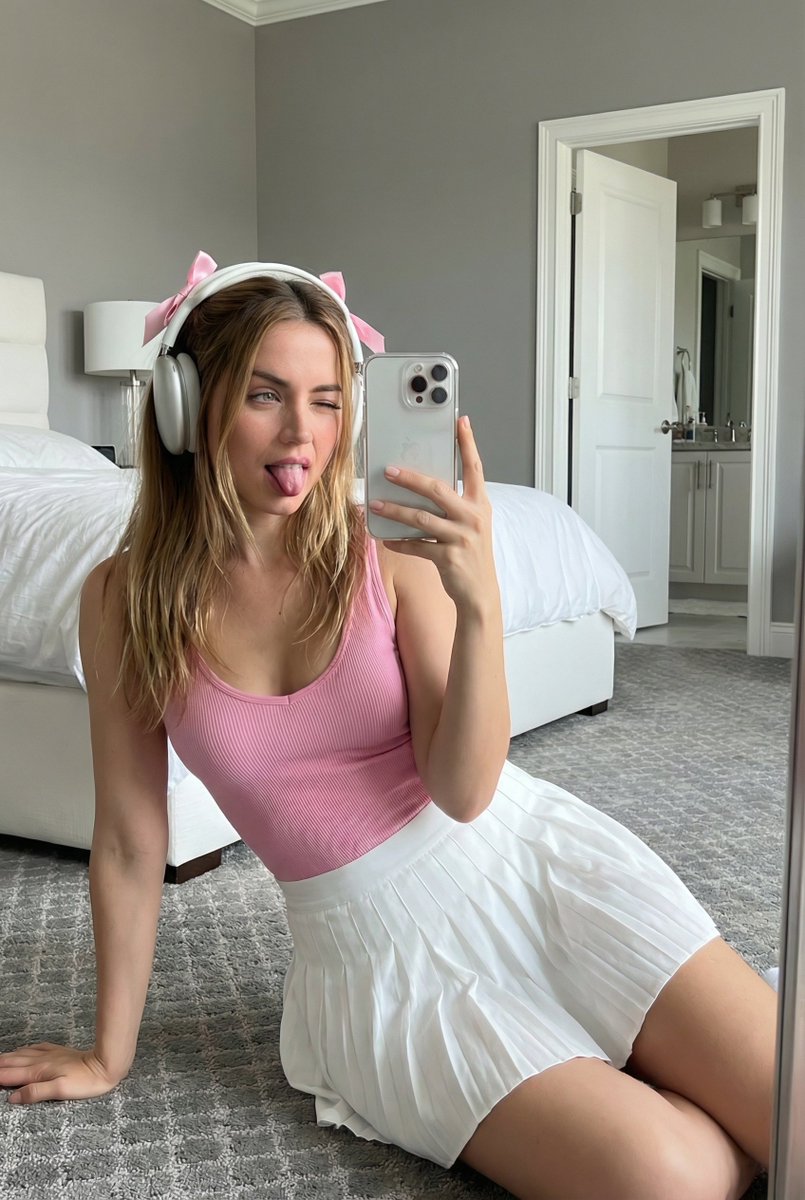
带面部保留的镜面自拍提示
Prompt
{
  "image_generation": {
    "subject": {
"face": "same as uploaded image",
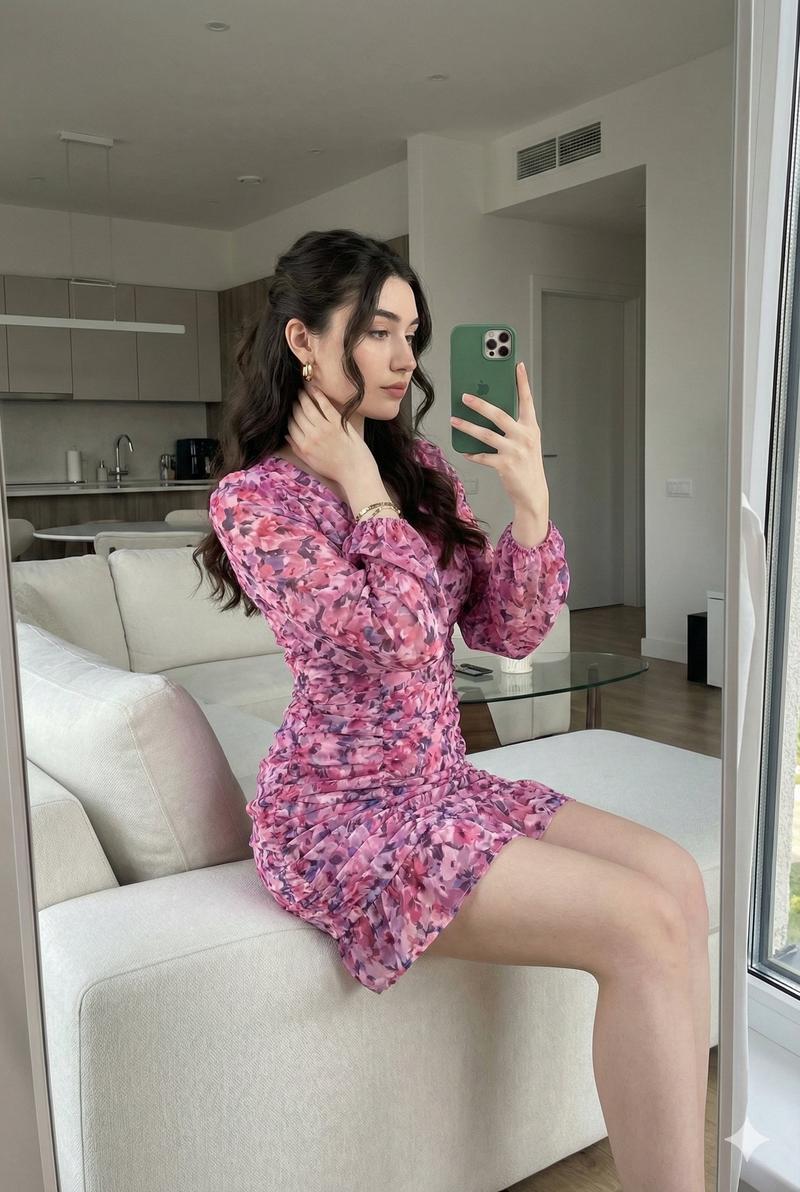
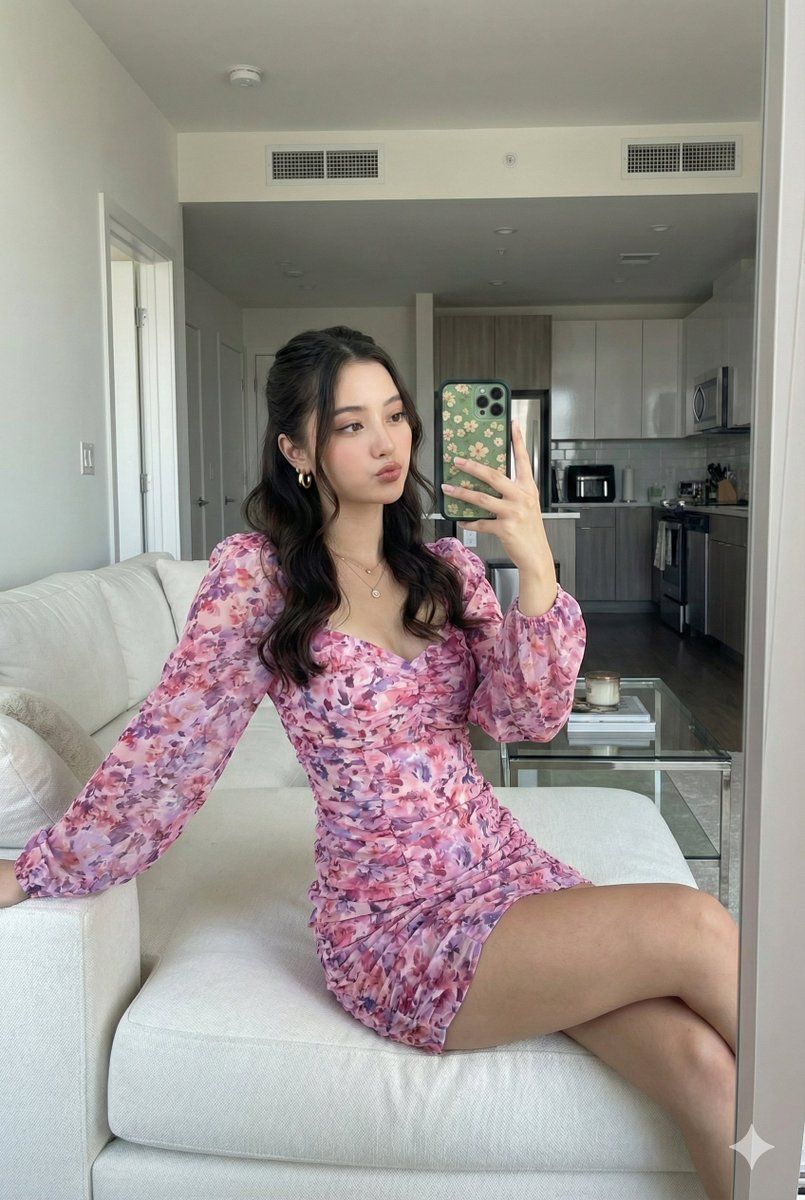
      "description": "Young woman taking a mirror selfie inside a modern living room.",
      "face_preservation": {
        "preserve_original": true,
        "accuracy_level": "100% identical to the reference image",
        "details": [
          "real facial proportions",
          "natural skin texture",
          "true eye shape and brows",
          "soft rosy lips",
          "light natural makeup"
        ]
      },

      "expression": "soft, slightly pouty expression with relaxed eyes",

      "hair": {
        "style": "long wavy hair styled in a half-up half-down look with soft volume",
        "color": "dark brown"
      },

      "pose": {
        "type": "mirror selfie",
        "description": "sitting sideways on a couch, upper body turned slightly toward mirror, one hand holding the phone while the other rests on her leg",
        "camera_angle": "eye-level, reflected in mirror"
      },

      "clothing": {
        "main_outfit": "pink and purple floral mini dress with long sheer sleeves",
        "fit": "form-fitting with ruched details",
        "accessories": [
          "gold hoop earrings",
          "delicate gold bracelet",
          "simple rings"
        ]
      },

      "hands": {
        "details": "holding green phone with floral-patterned case, nails neatly manicured"
      }
    },

    "environment": {
      "setting": "bright modern apartment interior",
      "elements": [
        "decorative frosted floral mirror pattern",
        "large living room area",
        "white sectional couch",
        "kitchen visible in background",
        "soft carpet, coffee table with decor items"
      ],
      "lighting": {
        "type": "soft natural daylight",
        "source": "large windows from the left side",
        "effect": "gentle, even illumination with natural skin glow"
      }
    },

    "composition": {
      "frame": "mid-shot, capturing upper body and part of seated pose",
      "style": "natural lifestyle photography",
      "focus": "sharp on subject's face and outfit, slightly softer background"
    },

    "camera": {
      "type": "iPhone mirror selfie",
      "aspect_ratio": "9:16 vertical",
      "quality": "realistic high-resolution smartphone capture"
    },

    "aesthetic": {
      "mood": "soft, feminine, calm",
      "color_palette": "pinks, purples, neutral beige and white",
      "details": [
        "subtle bokeh",
        "clean and modern interior atmosphere"
      ]
    }
  }
}- Category
- 创意图片
- Model
- Nano Banana Pro
- Creator
- 毎日の活力⚡
- Source ID
- 5d941580-0c26-44e6-b80b-32a1abbafb91
- Published
- Mar 8, 2026
Views0