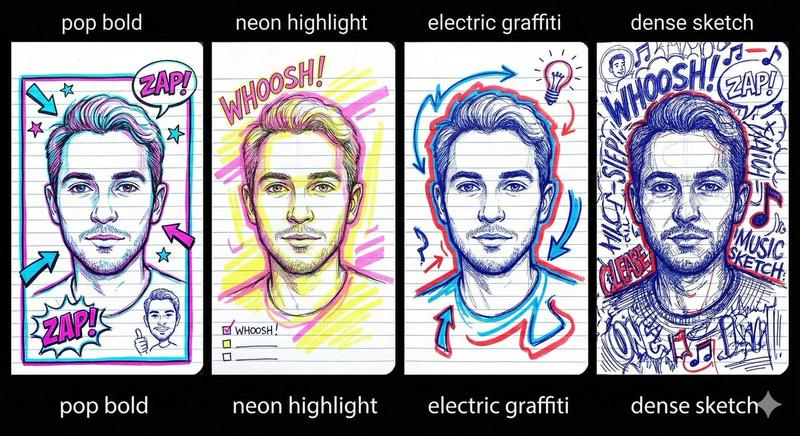
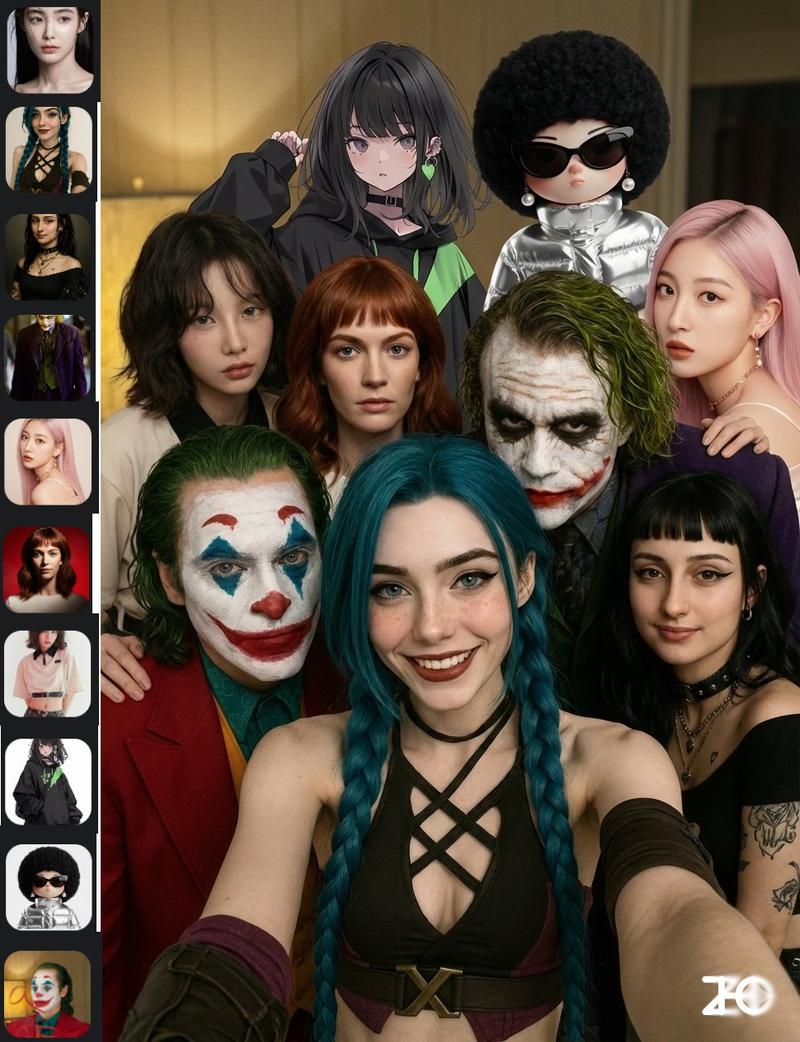
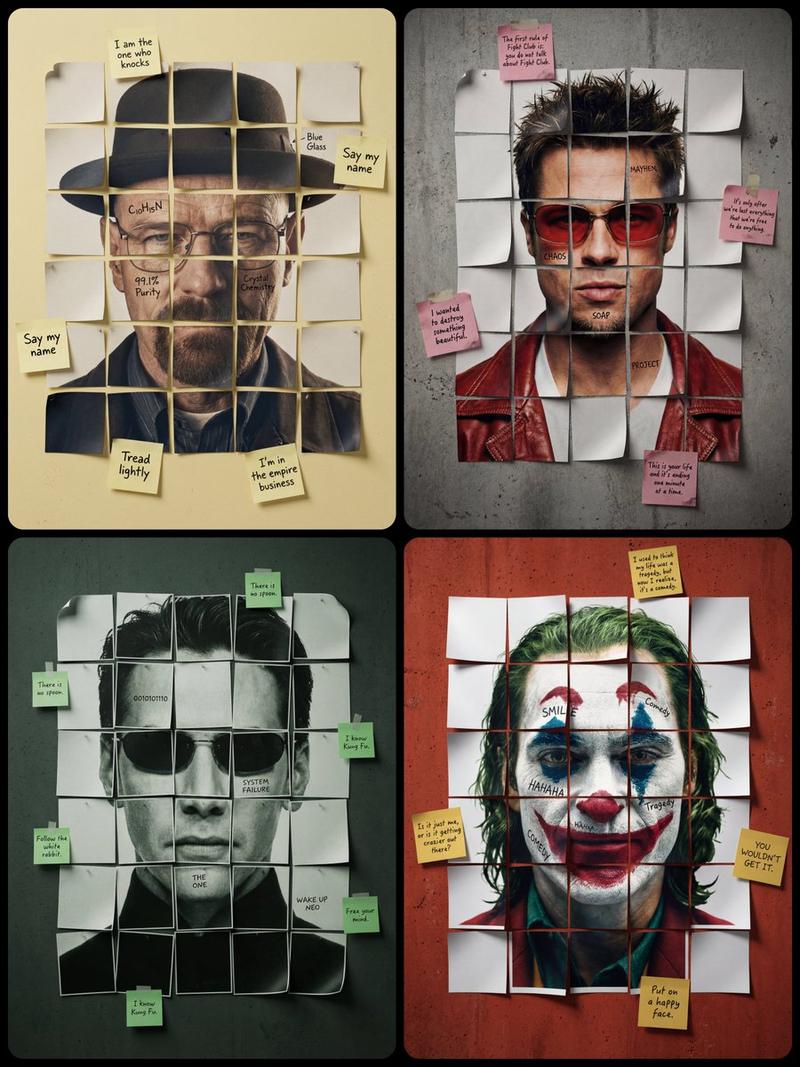
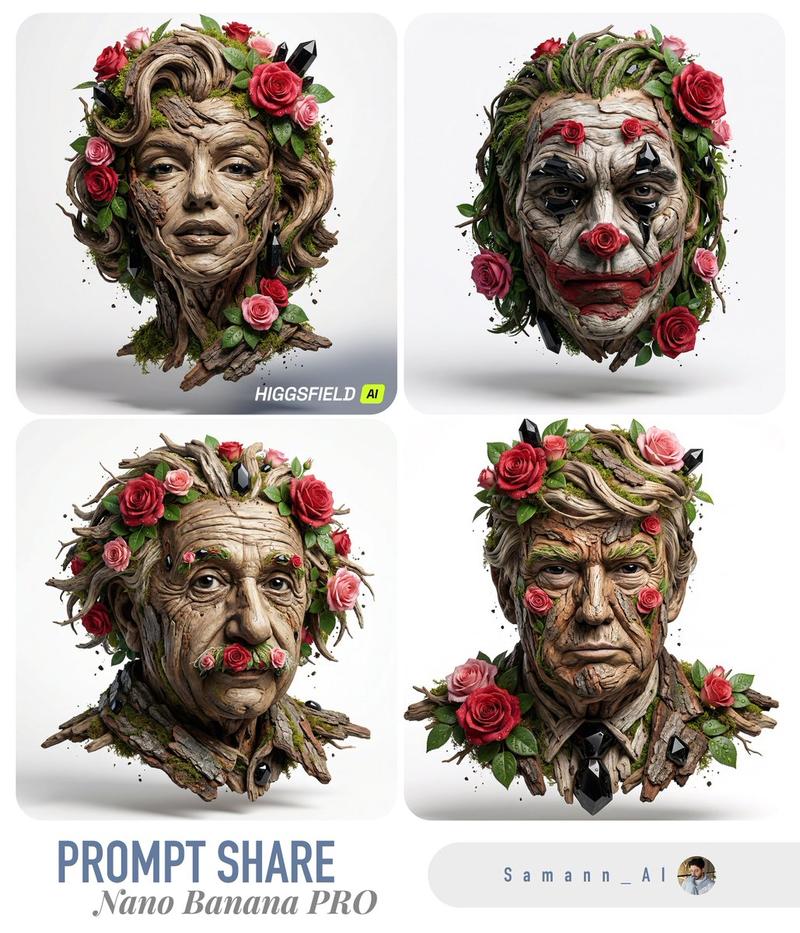
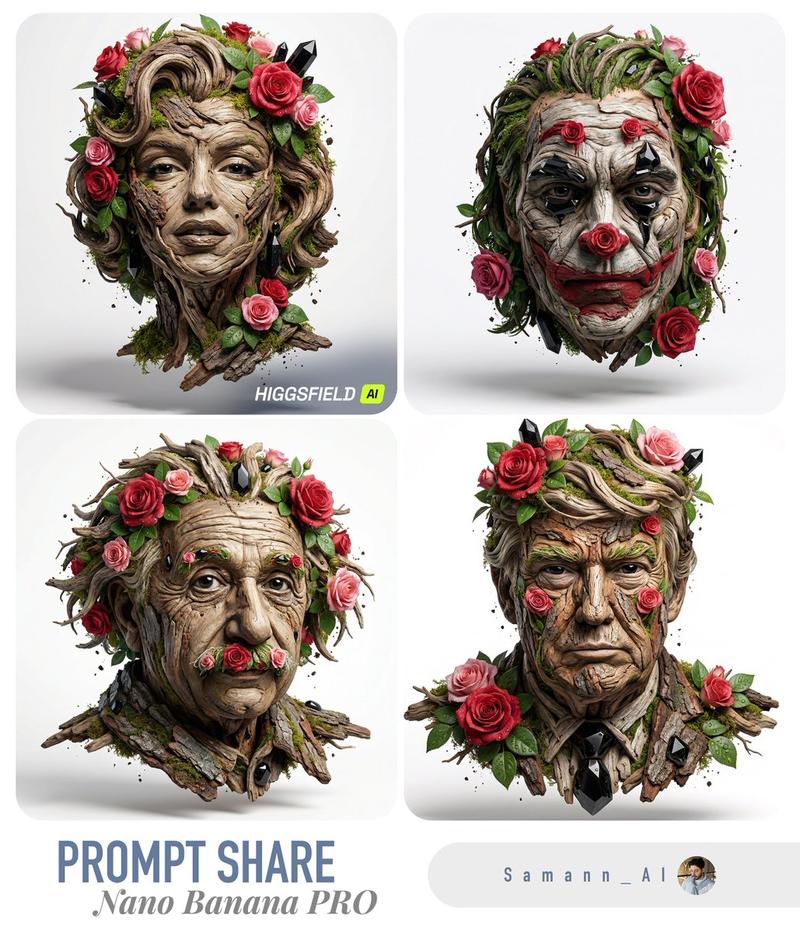
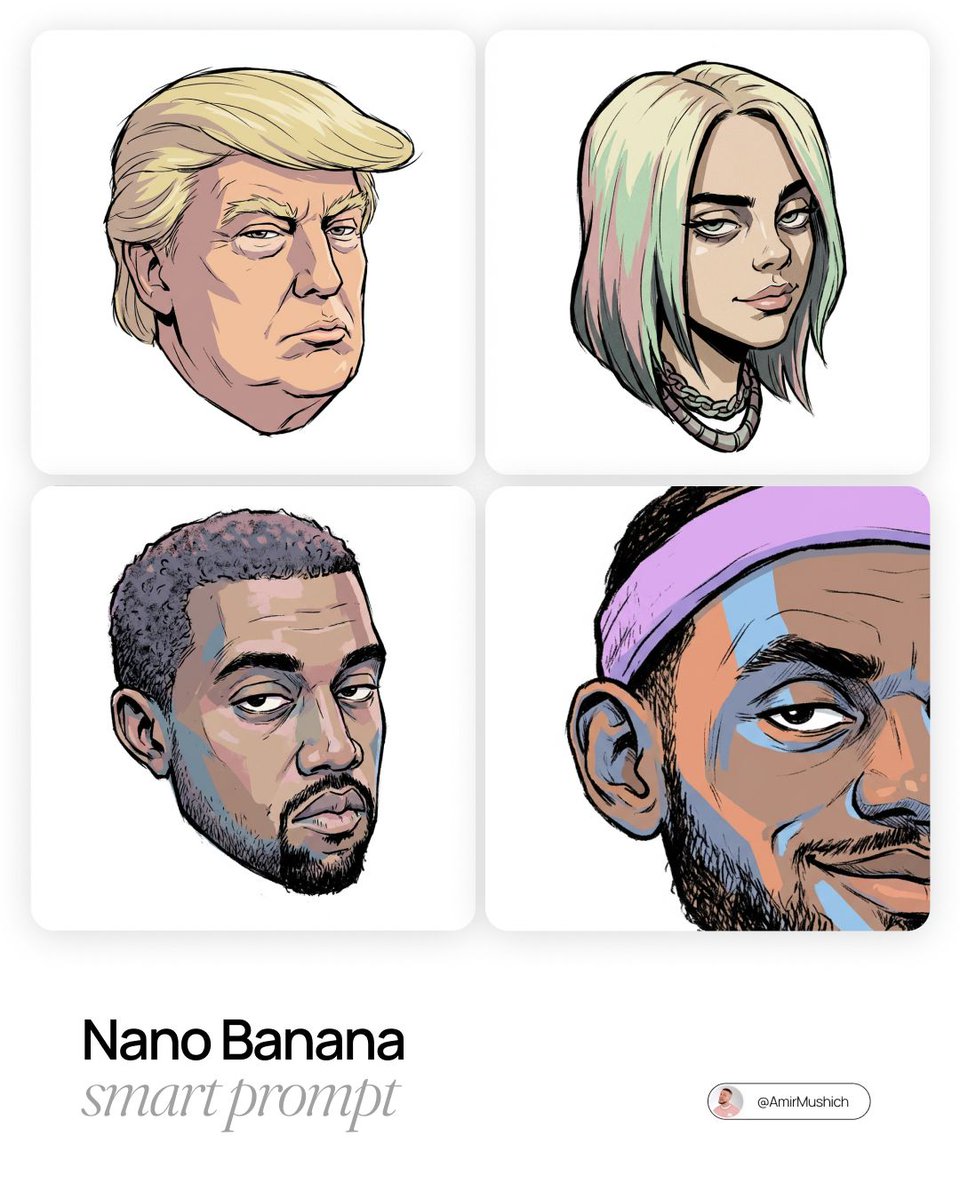
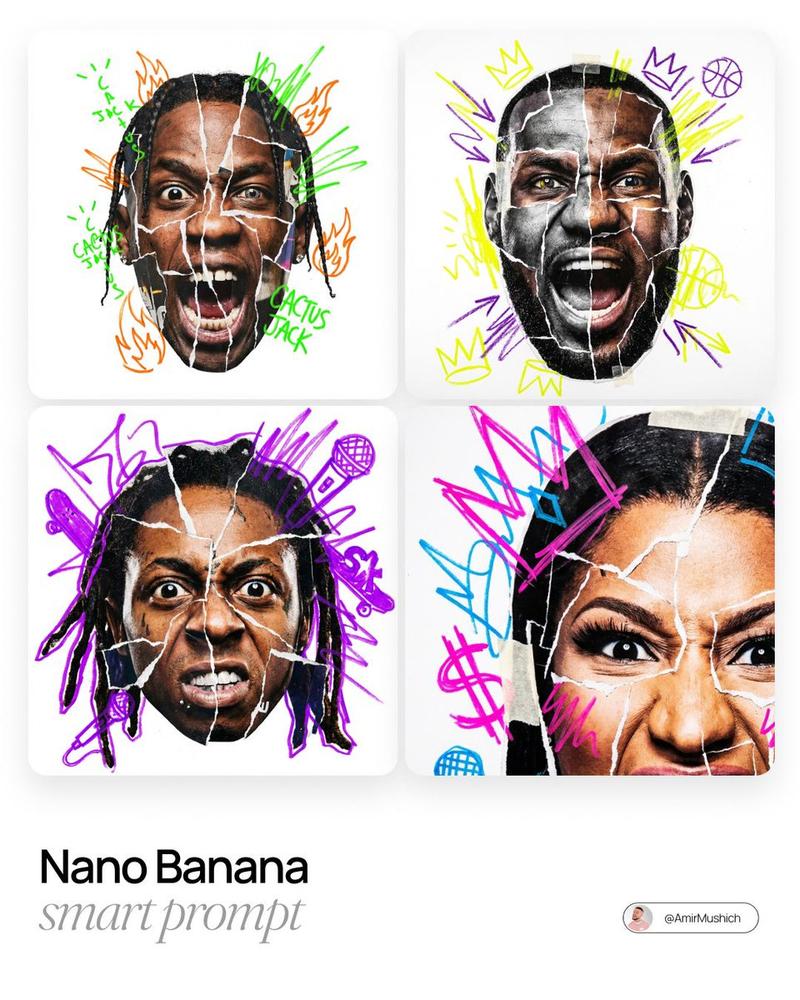
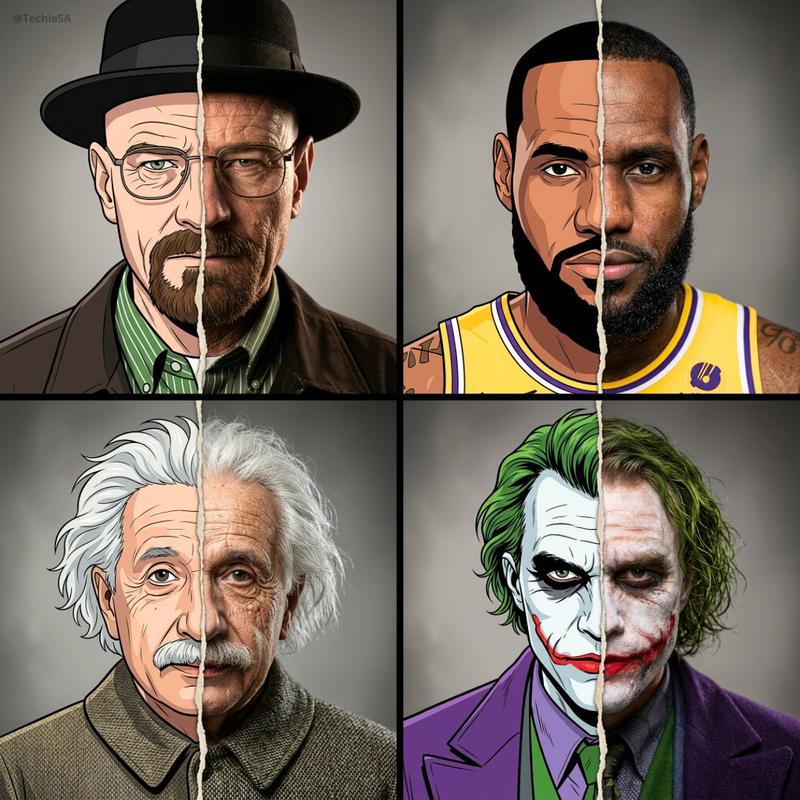
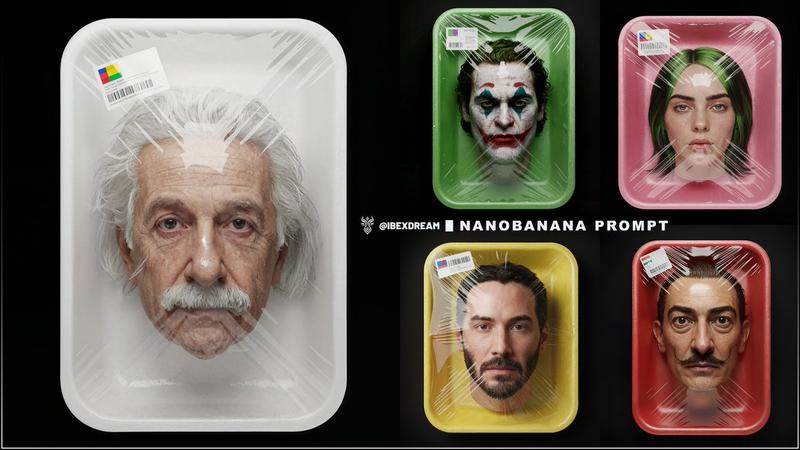
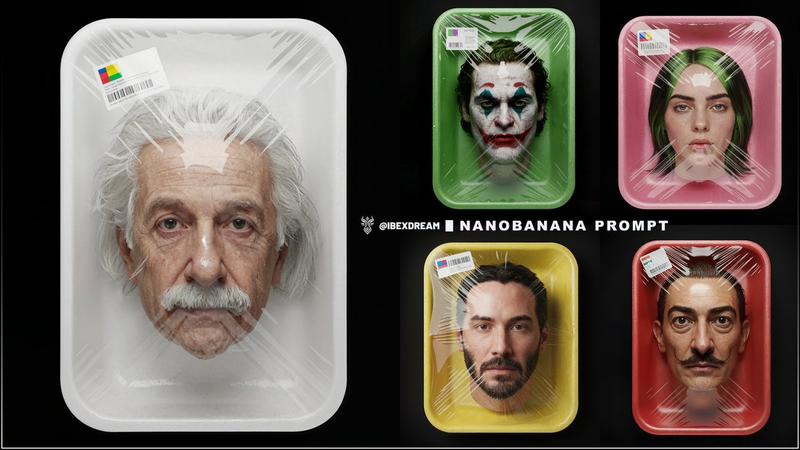
19

超精细线艺肖像画提示词
Enlarge

超精细线艺肖像画提示词

Prompt
Ultra-detailed thread art portrait of {argument name="subject" default="[SUBJECT]"} front view, created entirely with thousands of perfectly straight black threads stretched between nails on a white wooden panel, string art technique, only black threads, no other colors, extremely dense thread placement around {argument name="key facial features" default="[KEY FACIAL FEATURES e.g. eyes, lips, distinctive contours, scars, glasses, helmet edges, etc.]"}, sparse threads in highlight areas on {argument name="highlight areas" default="[HIGHLIGHT AREAS e.g. forehead, cheekbones, nose bridge, chin]"}, dramatic contrast between dense shadow regions and open light areas, highly detailed realistic eyes with sharp [EXPRESSION-RELATED e.g. catchlights, reflections, menacing / curious / determined] catchlights, realistic proportions, [EXPRESSION / GAZE DESCRIPTION e.g. intense gaze looking straight forward, brooding intense gaze, bewildered yet amused intense gaze] looking straight forward, [ADDITIONAL DISTINCTIVE DETAILS e.g. subtle parted lips, furrowed brow wrinkles, scarred smile, helmet framing the face] made of overlapping threads, modern minimalist yet hyper-detailed string portrait, pure black thread on clean white background, macro close-up composition showing thread density and tension, photorealistic thread art, 4k
Category
创意图片
Model
Nano Banana Pro
Creator
Shams
Views0
Source ID
e2365c19-481d-4148-b60f-a87ecac4ffbe
Published
Mar 8, 2026

Guide

About "超精细线艺肖像画提示词"

What is this prompt for?

"超精细线艺肖像画提示词" AI image prompt for Nano Banana Pro (创意图片). 一个用于生成超精细、照片级写实线描肖像的提示,指定在白色面板上使用数千根黑色直线,着重通过线密度来营造戏剧性的对比和逼真的面部特征。 --- {argument name="subject" defau…

The full copyable prompt and example visuals above are ready for AI image generation or one-click recreate in Picva.

How to use this prompt

  1. Step 1

    Open the prompt detail

    Review the example visuals, category, and full prompt text for "超精细线艺肖像画提示词".

  2. Step 2

    Copy the prompt

    Copy the prompt body from this page, or load it directly in Studio.

  3. Step 3

    Pick a model (Nano Banana Pro)

    Prefer Nano Banana Pro. If you switch models, keep subject and composition and tweak style terms.

  4. Step 4

    Generate and export

    Recreate the look in Picva, or export into your workflow for editing and publishing.

FAQ

What is the "超精细线艺肖像画提示词" prompt?
It is an AI image-generation prompt for Nano Banana Pro in the 创意图片 category. This page includes the full prompt text, example visuals, and a one-click recreate path in Picva.
How do I use this prompt to generate an image?
Copy the prompt from this page, or use Generate / Studio. Paste it into a compatible image model, or recreate the look in Picva with optional reference images.
Which model is this prompt for?
This page lists Nano Banana Pro. Most descriptive prompts also transfer to nearby image models such as GPT Image, Flux, or Midjourney with light style tweaks.
Can I use the result commercially?
You can usually copy the prompt for creation, but commercial use of the final image depends on the model terms, reference-image rights, and the generated content. Follow the source author and platform rules.